
Figr

Ship better UX faster. Figr builds a living understanding of your product, maps flows, finds edge cases, and generates high-fidelity prototypes from your actual design system.
Editor's Verdict
Key Takeaways
- Product Context Understanding
- Edge Case Detection
- UX Decision Review
- Flow and State Mapping
In-Depth Review: What is Figr?
Figr is an AI-powered design tool that goes beyond prompts and landing pages. It creates a visual and contextual map of your product, including flows, edge cases, components, and analytics. By understanding your product deeply, Figr asks clarifying questions, reviews UX decisions, checks accessibility, and references proven patterns. Teams like Zoom, Spotify, and Wise use Figr to cut weeks of product thinking down to days, producing artifacts that are ready for handoff. Trusted by 500+ product teams, Figr integrates seamlessly with Figma and is SOC 2 Type II certified.
Core Features
Product Context Understanding
Figr builds a living understanding of your product by ingesting PRDs, screens, design systems, docs, analytics, and walkthroughs, enabling AI to design features that feel native.
Edge Case Detection
Automatically identifies and maps edge cases, states, and flows before generating screens, reducing rework and improving UX completeness.
UX Decision Review
Figr reviews UX decisions against best practices, accessibility standards, and product context, explaining tradeoffs and suggesting improvements.
Flow and State Mapping
Creates user flows, state diagrams, and acceptance criteria to align teams on the feature logic before design begins.
Design System Integration
Grounds outputs in your design system (colors, typography, components) so generated screens match existing product patterns.
Figma-Ready Export
Exports high-fidelity prototypes to Figma with two-way sync, allowing designers to directly refine AI-generated designs.
Context Pod
A centralized repository for product knowledge (docs, recordings, analytics) that persists across sessions and powers context-aware AI.
Analytics-Driven Insights
Connects to product analytics to identify drop-off points and user behavior patterns, informing design decisions with real data.
Pricing
Free
- 10 credits (refreshes monthly)
- 3 canvases
- 1 Context Pod (read-only)
- Limited design system (1 brand)
- Up to 200MB context per Pod
- Export designs to Figma
Starter
- Everything in Free
- 100 credits/month
- Unlimited canvases
- 1 full-access seat
- 3 Context Pods
- Up to 1GB context per Pod
- Unlimited view-only guests
- 3 full design systems
- Custom MCPs
Max
- Everything in Starter
- 1,000 shared credits/month
- Up to 3 full-access seats (Admin + 2 assignable)
- Unlimited team Context Pods
- Up to 3GB context per Pod
- Unlimited shared design system
- Real-time collaboration, comments, export
- Remove Figr branding
Enterprise
- Everything in Max
- Unlimited full-access seats
- Per-seat credit allocation
- SSO (Google, Okta, Custom SAML)
- Audit logs + activity export
- RBAC
- Unlimited Context Pod storage
- Custom MCPs and integrations
- Custom design system setup (Storybook, GitHub)
Pros and Cons
Pros
- Deep Product ContextFigr understands your existing product (screens, flows, docs, analytics) so generated designs feel native and reduce rework.
- Rapid UX AlignmentCuts UX alignment from weeks to days by automating flows, edge cases, and design rationales.
- Design-System AwareOutputs match your brand and components, avoiding generic AI designs.
- Comprehensive Decision SupportReviews UX decisions, finds edge cases, checks accessibility, and provides tradeoff explanations early.
- Seamless Figma IntegrationExports directly to Figma with two-way sync, enabling easy handoff to designers.
Cons
- Requires Initial Context SetupTo get best results, users must upload product context (screens, docs, design system), which takes time initially.
- Credit Limits on Free/StarterFree plan only 10 credits/month; even Starter is limited to 100 credits, which may restrict heavy use.
- Not a Full Replacement for DesignersFigr aids design but still needs human review for nuanced creative decisions and final polish.
- Learning Curve for New UsersUnderstanding Context Pods, design system grounding, and credit system may require onboarding.
- Limited Customization in Lower PlansFree plan has only 1 design system and 200MB context; advanced features like custom MCPs are paid.
Use Cases & Recommended Professions
Product Manager→ View Toolkit
PMs can move from idea to UX direction faster, explore variants with rationale, and draft PRDs using product context.
Product Designer→ View Toolkit
Designers get edge cases and UX flows reviewed before prototyping, and export Figma-ready screens that respect the design system.
UX Designer→ View Toolkit
UX designers benefit from automated flow mapping, accessibility checks, and pattern-based recommendations to ensure high-quality experiences.
Chief Product Officer (CPO)→ View Toolkit
CPOs can align teams with a shared understanding of product context, reduce design rework, and accelerate feature delivery.
Founder / Startup CTO→ View Toolkit
Founders can quickly mock up new features in their product's style without a full designer handoff loop, speeding up iteration.
Head of Product→ View Toolkit
Heads of product can leverage Figr's analytics-driven insights and context memory to make informed product decisions and scale UX quality.
Frequently Asked Questions
Alternative AI Tools
View Detailed Comparison →
Figma
Figma is the intelligent, AI-native canvas for designing, prototyping, and building products together. Trusted by 95% of Fortune 500. Explore design and dev tools.


Figma Console MCP
Connect AI to Figma for design extraction, token sync, and component creation. Turn your design system into a programmable API.


Superdesign
Create stunning designs with AI. Iterate quickly using natural language. Export production-ready code. Browse design prompts and styles.


Anima
Convert Figma designs, images, and code into live HTML/React apps. AI with design context for developers and agents.


UX Pilot
Ideate, design, and hand-off web apps in seconds with UX Pilot's AI. Generate wireframes, hi-fi designs, and clean code. Trusted by 1M+ users.


Komposo
Turn product ideas into real, editable designs with AI. Generate, edit, and export UIs using plain language. Trusted by 100k+ users. Start for free.


Motiff AI
Generate production-ready UI from text, wireframes, or screenshots with Motiff AI. Choose preset styles, export to React/HTML. Fast, consistent design.

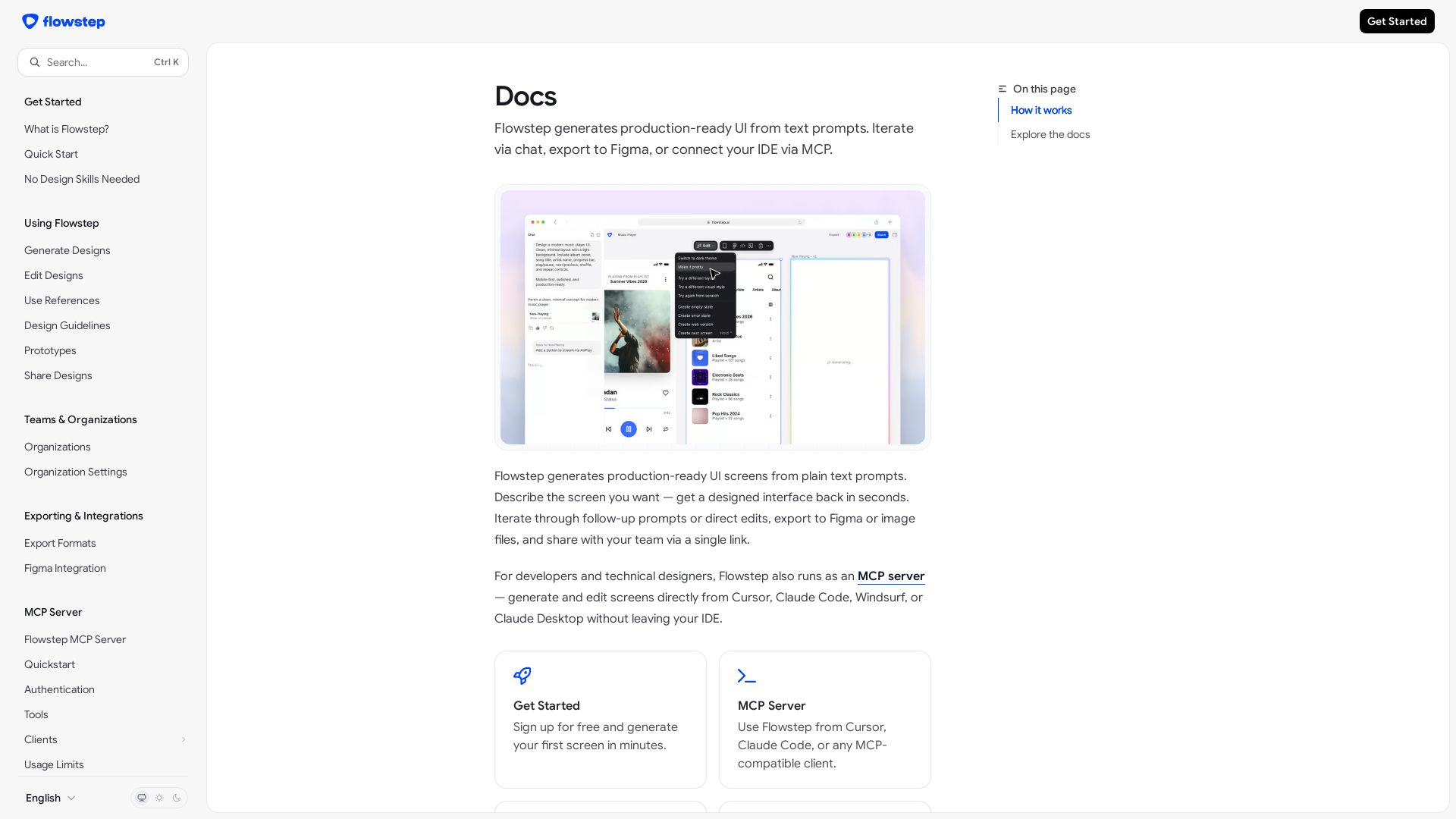
Flowstep
Create production-ready UI screens from plain text. Iterate via chat, export to Figma, or use MCP in your IDE. Try Flowstep free.

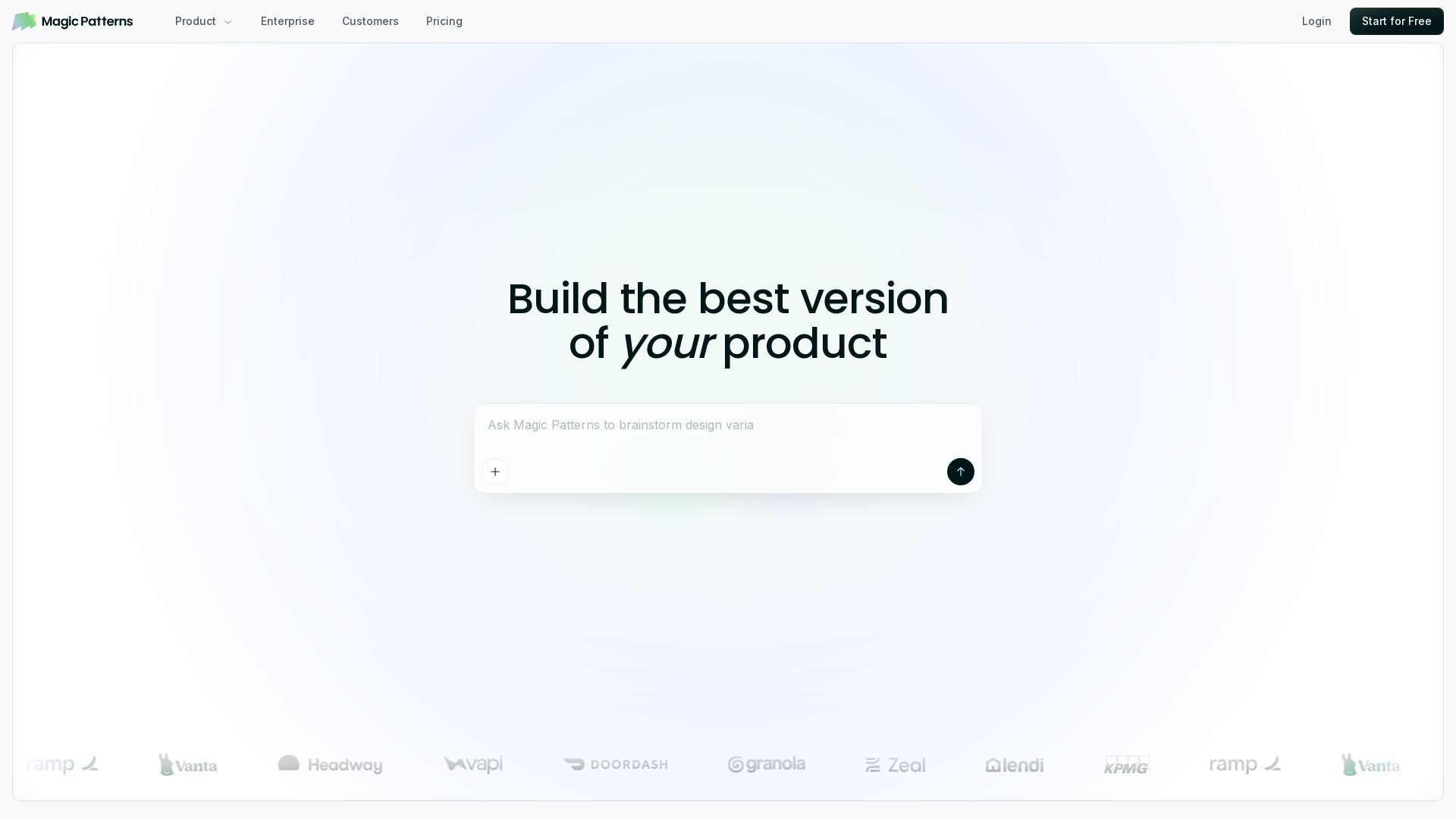
Magic Patterns
Turn prompts into high-fidelity UI in minutes. Match your design system, collaborate, and iterate faster with AI. Join 500K+ builders.

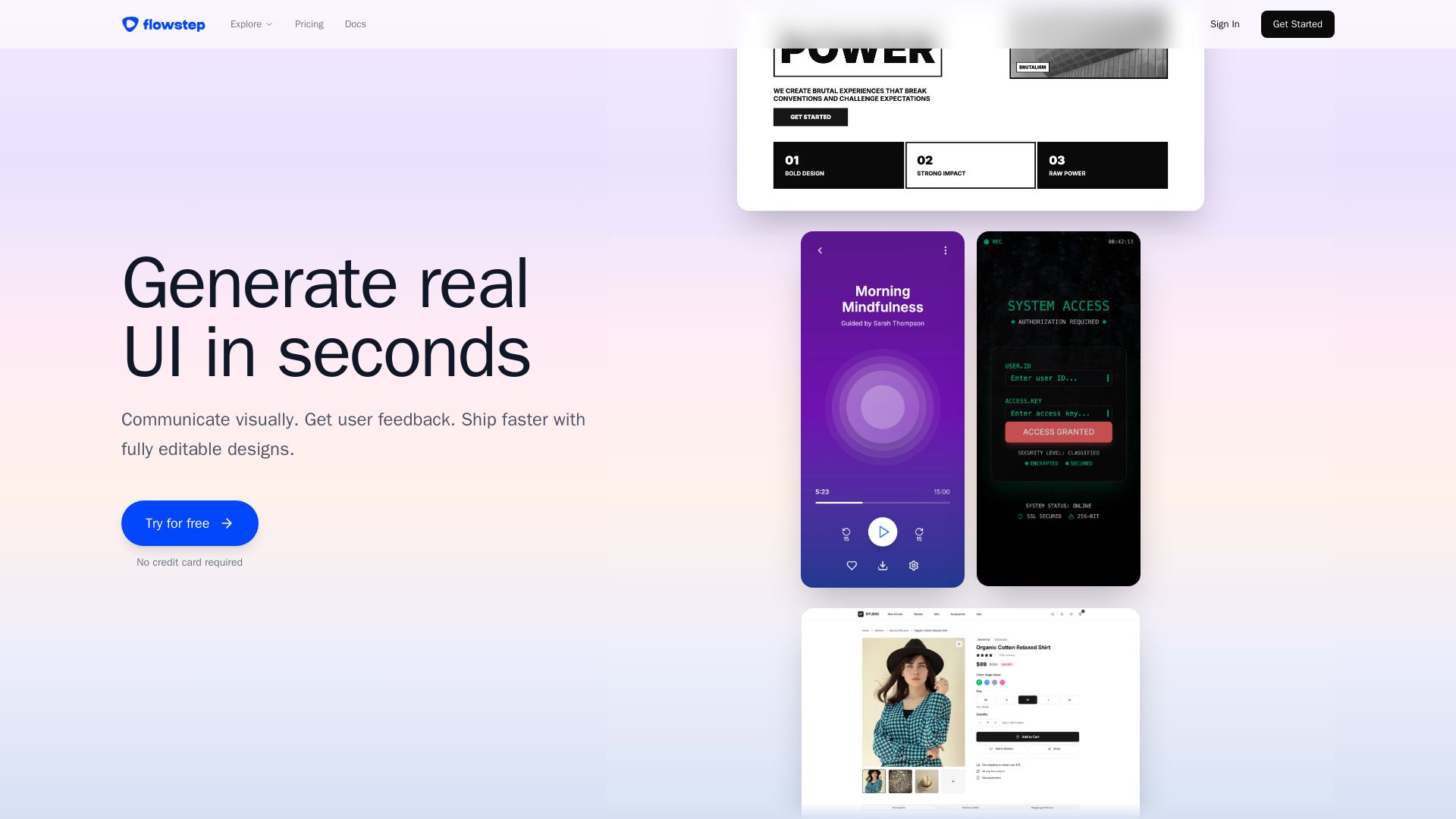
Flowstep
Describe your idea and watch it become editable UI. Collaborate, export code, and copy to Figma instantly. Ship faster.

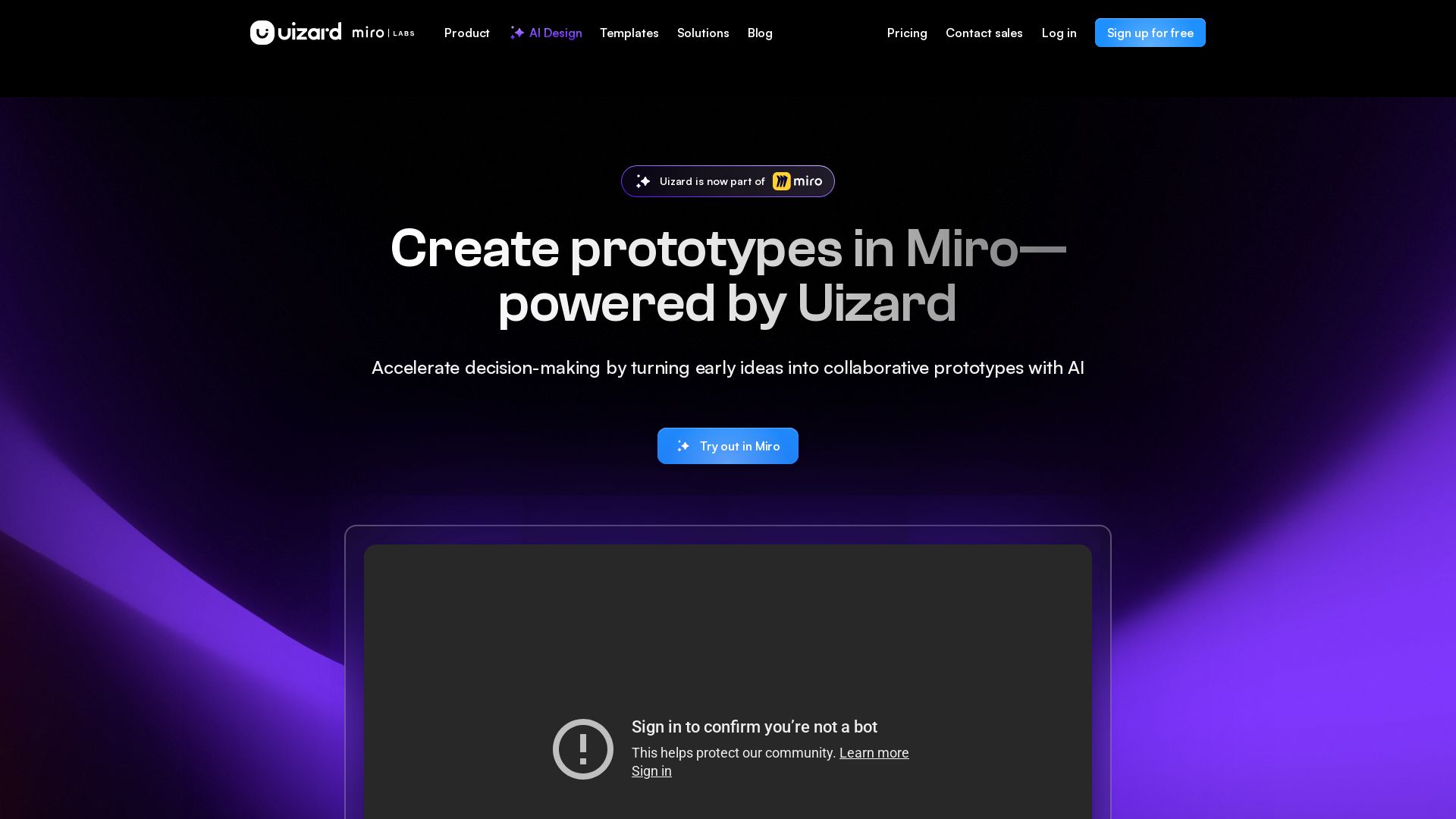
Uizard
Create multi-screen prototypes, mockups, and wireframes in seconds with AI. Generate designs from text prompts or screenshots. Collaborate in real-time.



ℹ️ Curation Disclosure: The overview and features of Figr were synthesized using AI and fact-checked by our curation team to ensure accuracy.
