
Superdesign

Create stunning designs with AI. Iterate quickly using natural language. Export production-ready code. Browse design prompts and styles.
Editor's Verdict
Key Takeaways
- AI-Powered Design
- Iterate Quickly
- Export Code
- Use Design System
In-Depth Review: What is Superdesign?
Superdesign is an AI-powered design platform that lets you create, iterate, and export designs effortlessly. Describe what you want, and AI generates beautiful designs instantly. Refine with natural language feedback, and get production-ready code. Explore a library of design prompts like High Contrast Landing Page, Red Noir Style, and more. Perfect for designers and teams looking to accelerate their workflow.
Core Features
AI-Powered Design
Describe what you want and let AI create beautiful designs instantly.
Iterate Quickly
Refine your designs with natural language feedback for rapid iteration.
Export Code
Get production-ready code for your designs, enabling seamless development handoff.
Use Design System
Apply consistent design systems to maintain brand identity across projects.
Recreate Screenshot
Convert screenshots into editable designs using AI analysis.
Import from Site
Import existing websites into the design tool for modification and enhancement.
Explore Effects
Discover and apply various visual effects like animations, styles, and UI components.
Design Prompts Library
Browse a curated library of design prompts for inspiration, such as High Contrast Landing Page, Brutalist E-commerce, and more.
Pros and Cons
Pros
- AI-Driven EfficiencyGenerates designs from natural language descriptions, saving time and effort.
- Rapid IterationAllows quick refinements through conversational feedback, enabling fast prototyping.
- Code ExportProduces production-ready code, bridging design and development seamlessly.
- Rich Design LibraryOffers a wide variety of prompts and styles for inspiration and quick starting points.
- Flexible Input MethodsSupports importing from screenshots, sites, or using design systems, accommodating different workflows.
Cons
- Limited CustomizationAI-generated designs may require manual tweaks for precise control over every element.
- Dependence on AI QualityOutput quality depends on the underlying AI model, which might not always meet exact expectations.
- Learning Curve for PromptsEffective use requires crafting clear prompts, which may take practice for best results.
- No Offline ModeAs a web-based tool, it requires an internet connection to function.
- Potential Subscription CostPricing details are not provided, but advanced features may require a paid plan.
Use Cases & Recommended Professions
UI/UX Designer→ View Toolkit
Rapidly prototype and iterate on design concepts using AI assistance, saving time on repetitive tasks.
Product Designer→ View Toolkit
Create and refine product interfaces with natural language feedback, accelerating the design workflow.
Front-End Developer→ View Toolkit
Obtain production-ready code from designs, reducing handoff friction and speeding up implementation.
Startup Founder→ View Toolkit
Quickly generate mockups and prototypes without a dedicated design team, enabling faster product validation.
Marketing Manager→ View Toolkit
Design landing pages and promotional materials with AI, allowing non-designers to produce professional visuals.
Freelance Designer→ View Toolkit
Expand service offerings with rapid design generation and iteration, handling more clients efficiently.
Frequently Asked Questions
Alternative AI Tools
View Detailed Comparison →
UX Pilot
Ideate, design, and hand-off web apps in seconds with UX Pilot's AI. Generate wireframes, hi-fi designs, and clean code. Trusted by 1M+ users.


Figma Console MCP
Connect AI to Figma for design extraction, token sync, and component creation. Turn your design system into a programmable API.


Anima
Convert Figma designs, images, and code into live HTML/React apps. AI with design context for developers and agents.


Figma
Figma is the intelligent, AI-native canvas for designing, prototyping, and building products together. Trusted by 95% of Fortune 500. Explore design and dev tools.


Komposo
Turn product ideas into real, editable designs with AI. Generate, edit, and export UIs using plain language. Trusted by 100k+ users. Start for free.


AIDesigner
Create premium UI, logos, brand kits, and more with AIDesigner. No design experience needed. Free to try, no credit card required. Join 15,000+ users.

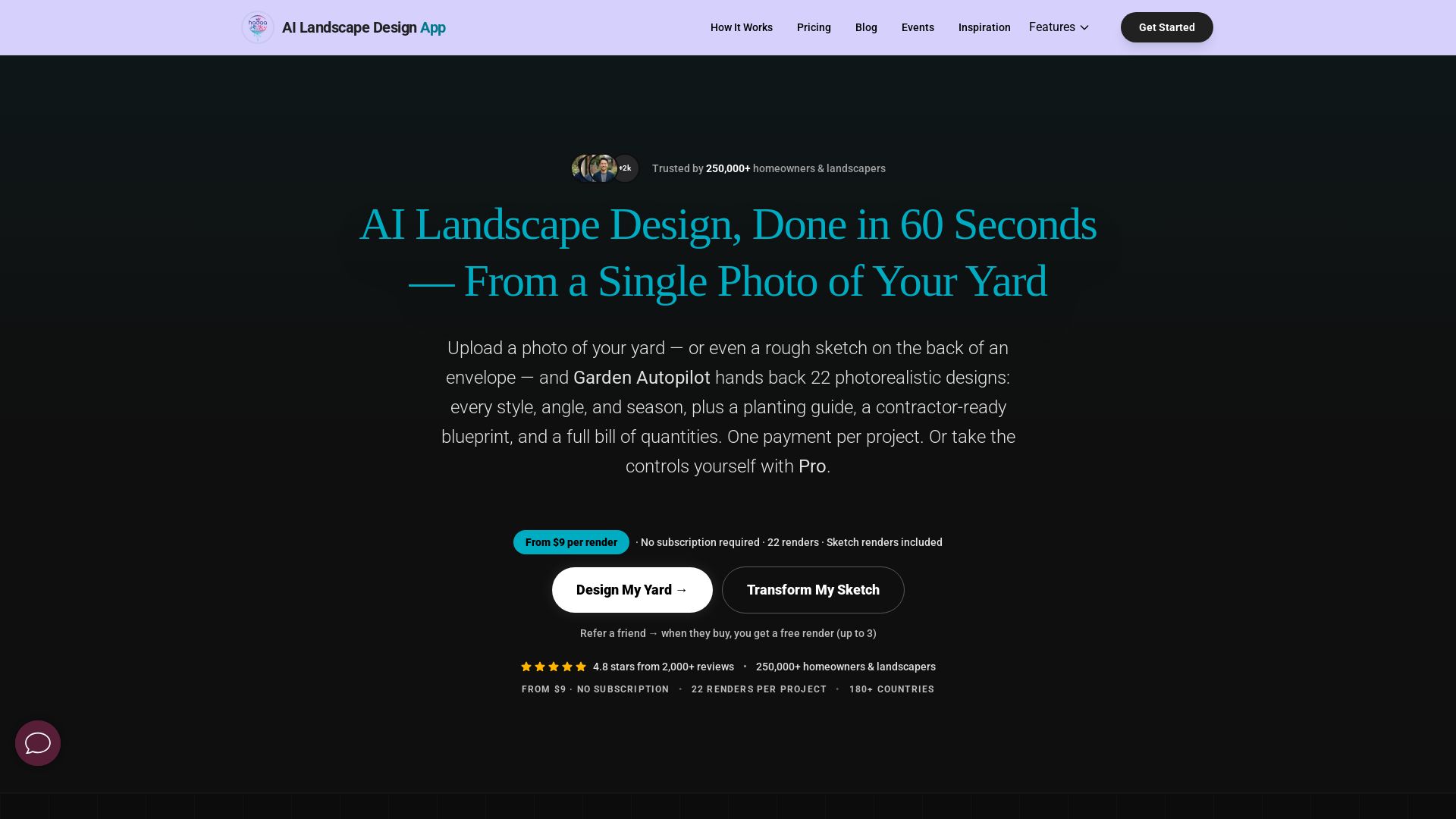
AI Garden Design vs Hadaa: Features & Pricing (2026)
Upload a photo or sketch, get 22 photorealistic designs, planting guide, blueprint & BOQ. Pay per project, no subscription.


Motiff AI
Generate production-ready UI from text, wireframes, or screenshots with Motiff AI. Choose preset styles, export to React/HTML. Fast, consistent design.


Figr
Ship better UX faster. Figr builds a living understanding of your product, maps flows, finds edge cases, and generates high-fidelity prototypes from your actual design system.

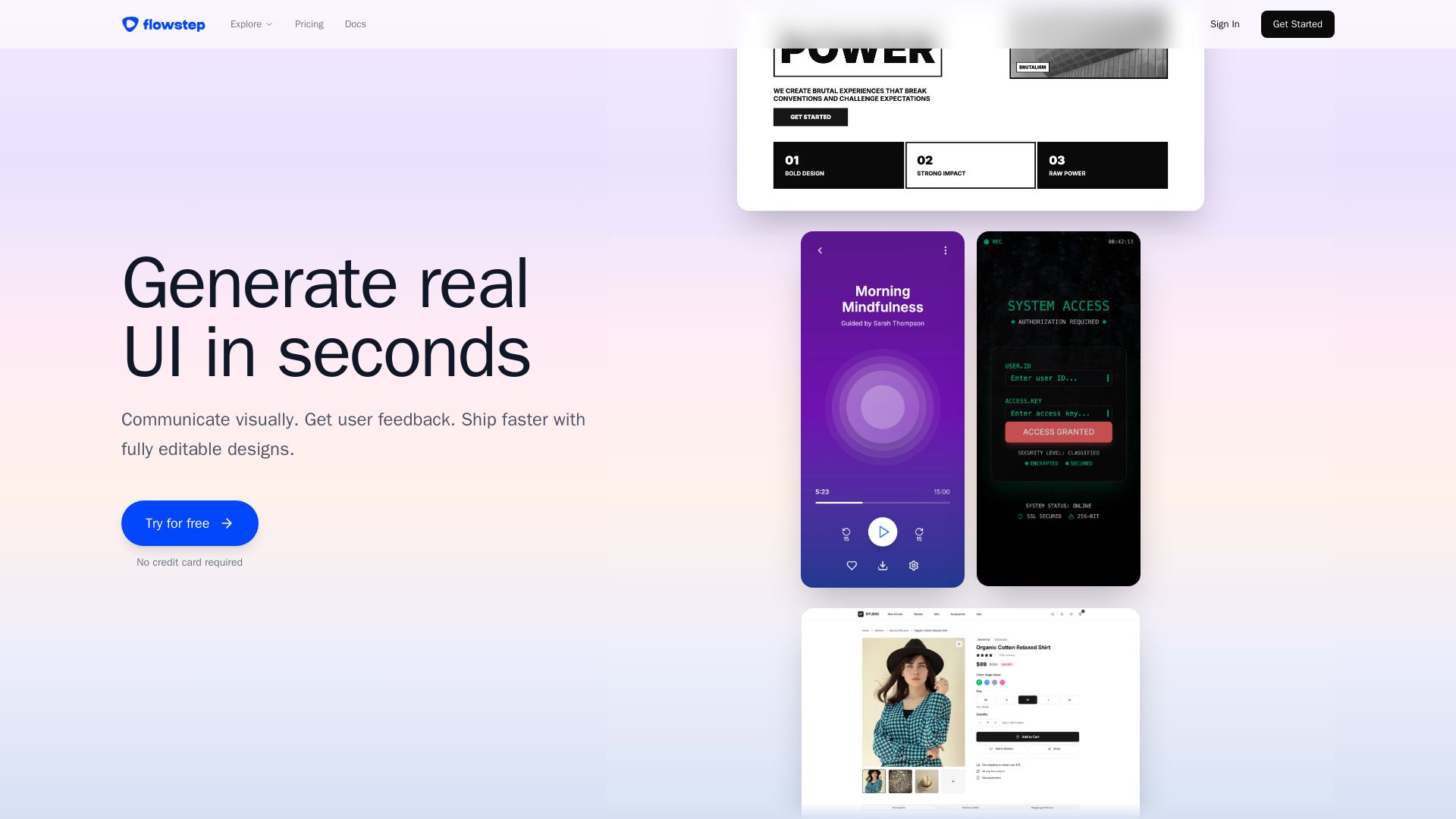
Flowstep
Describe your idea and watch it become editable UI. Collaborate, export code, and copy to Figma instantly. Ship faster.

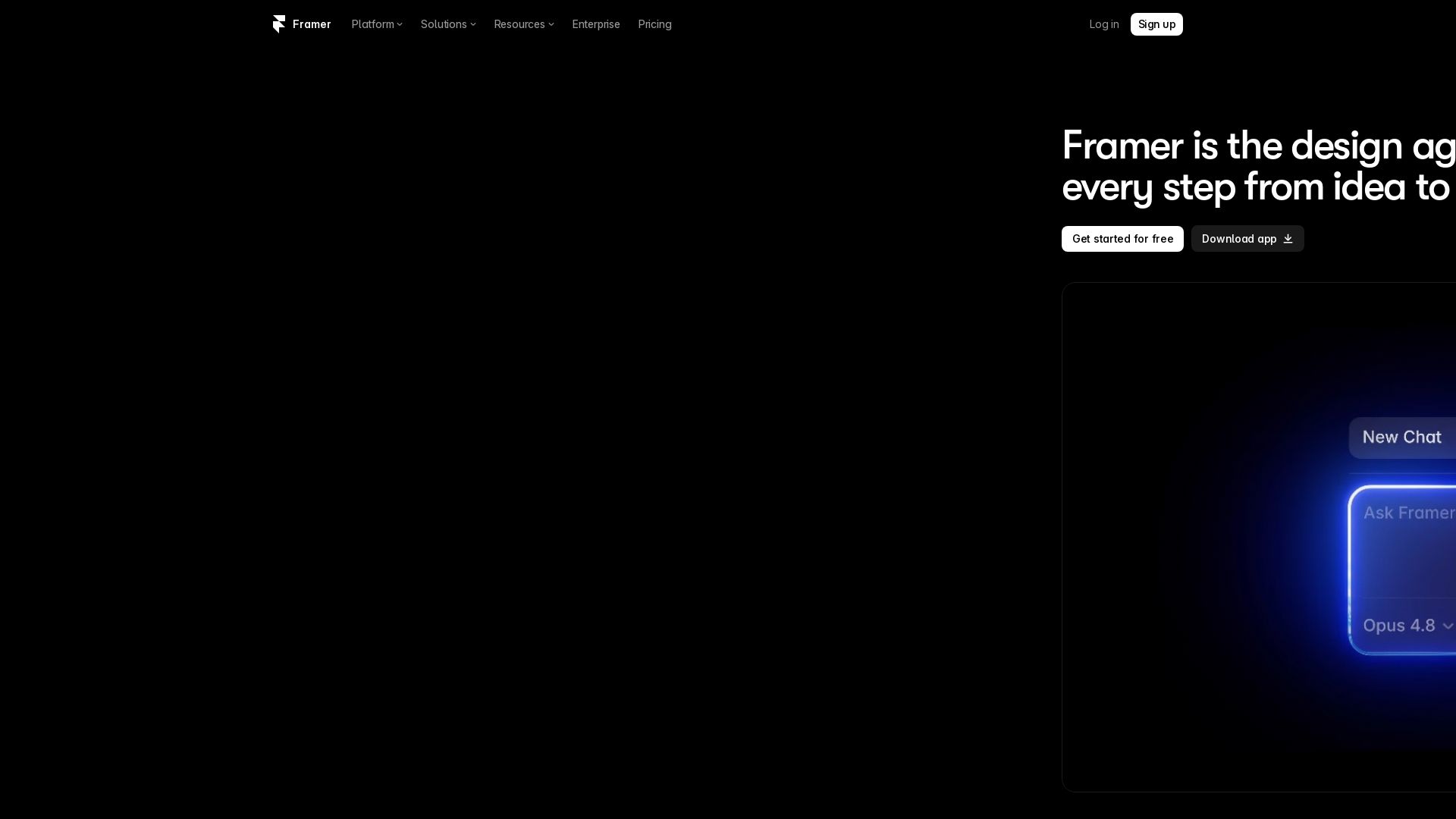
Framer
Design and launch stunning sites with Framer's AI agents. Manage CMS, code, and publish faster. Trusted by modern teams. Get started free.

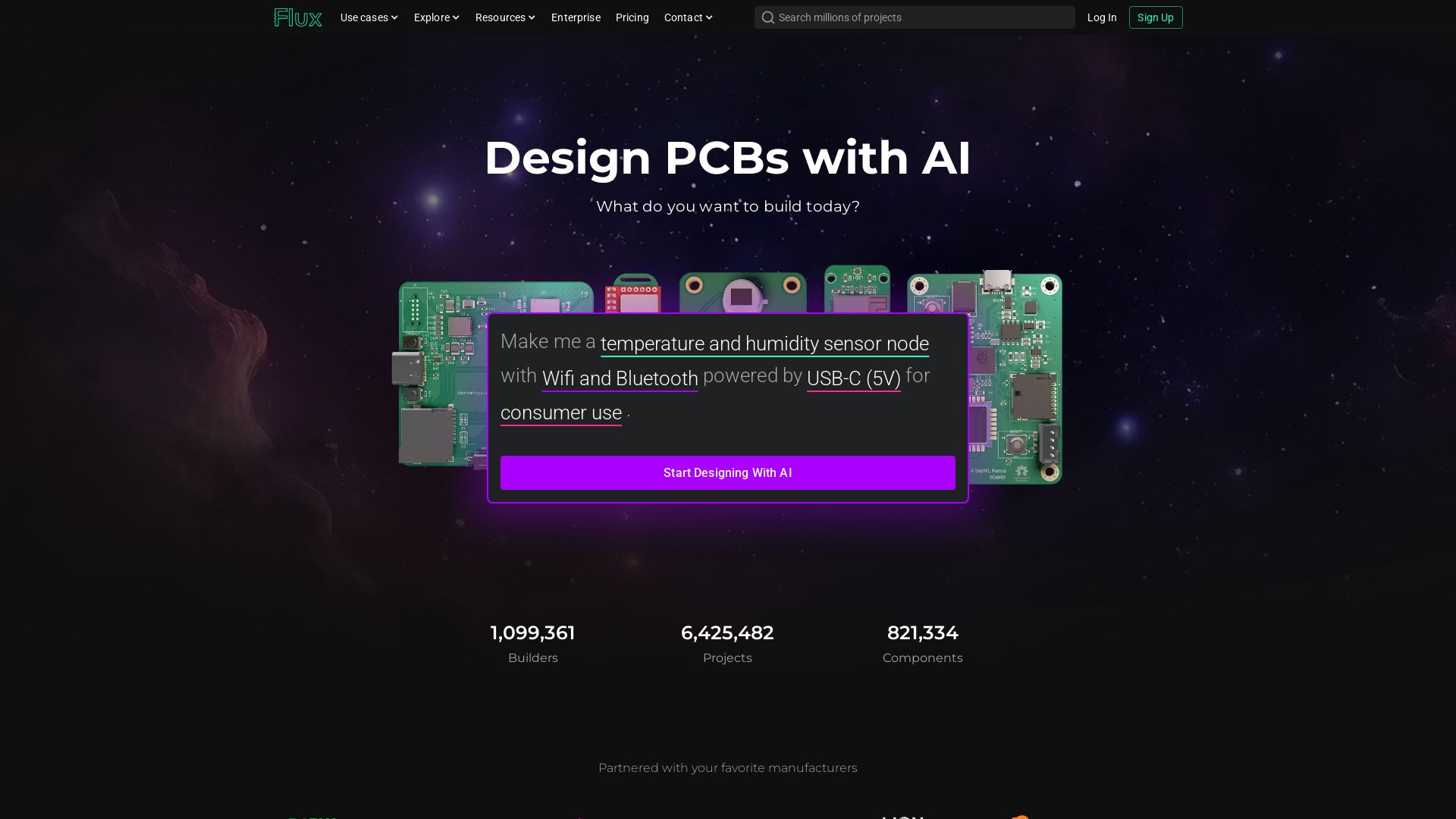
Flux
Design PCBs with AI. Flux is a browser-based eCAD with real-time collaboration, live component data, and AI assistance from idea to manufacturing.

ℹ️ Curation Disclosure: The overview and features of Superdesign were synthesized using AI and fact-checked by our curation team to ensure accuracy.
