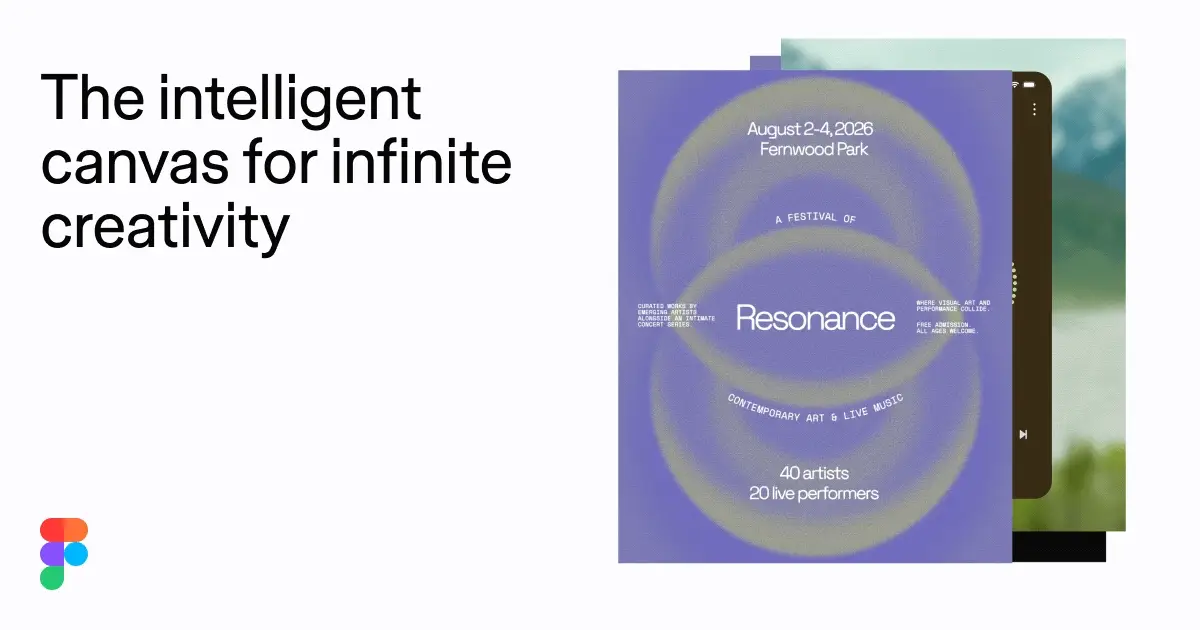
Figma

Figma is the intelligent, AI-native canvas for designing, prototyping, and building products together. Trusted by 95% of Fortune 500. Explore design and dev tools.


Editor's Verdict
Key Takeaways
- Intelligent Canvas
- Design Tools
- Dev Tools
- AI Agents
In-Depth Review: What is Figma?
Figma provides one workspace for your entire product development process, enabling teams to go from WIP to ship together. With an AI-native canvas, you can design anything, build with intention, and collaborate in real-time. Teammates and AI agents work in the same space, generating new directions and refining ideas. Trusted by 95% of Fortune 500, Figma offers powerful design and development tools, templates, and resources to bring your visions to life.
Core Features
Intelligent Canvas
An AI-native canvas for infinite creativity, enabling teams to go from WIP to ship together.
Design Tools
Turn ideas into apps, websites, and products with powerful design tools.
Dev Tools
Build with intention using dev tools that take you all the way to production.
AI Agents
Teammates and AI agents work in the same space with shared context, generating new design directions and refining together.
Figma Design
Powerfully expressive and precise design tool for dialing in details.
Figma Make
Start with design context and build with consistency, keeping context, codebase, and agents connected.
Seats and Roles
Full, Dev, and Collab seats tailored to different user workflows with respective access levels.
AI Credits
Monthly allotment of AI credits for using AI features across products, with options to purchase more.
Pricing
Starter
- Unlimited drafts
- UI kits and templates
- 150 AI credits/day, up to 500 AI credits/mo
Professional
- Unlimited files and projects
- Team-wide design libraries
- Advanced Dev Mode inspection and MCP Server
- 3000 AI credits/mo (full seat), 500 AI credits/mo (dev/collab)
Organization
- Unlimited teams
- Shared libraries and fonts
- Centralized admin tools
- 3500 AI credits/mo (full seat), 500 AI credits/mo (dev/collab)
Enterprise
- Custom team workspaces
- Design system theming and APIs
- SCIM seat management
- 4250 AI credits/mo (full seat), 500 AI credits/mo (dev/collab)
Pros and Cons
Pros
- Comprehensive Design & Dev PlatformOne workspace for the entire product development process, from design to production.
- AI IntegrationAI-native canvas with agents that collaborate in the same space, generating design directions and refining ideas.
- Multiple Seat TypesFull, Dev, and Collab seats allow tailored access and cost optimization for different team roles.
- Extensive Templates and ResourcesCommunity templates and resources for UI kits, websites, social media, and more.
- Secure and CompliantMeets international security and privacy standards, with advanced admin controls on higher plans.
Cons
- Limited Free AI CreditsStarter plan only provides 150 AI credits/day (max 500/mo), which may be insufficient for heavy AI usage.
- No Individual Product PurchaseCannot purchase individual products; must choose a plan based on seat types.
- Enterprise Features CostlyAdvanced features like Governance+ are only available on the expensive Enterprise plan.
- Annual Billing for Higher PlansOrganization and Enterprise plans are billed annually, which may not suit all budgets.
- AI Credits Not Pooled Across All UsersEach seat type has its own AI credit allotment, which can lead to underutilization or shortage.
Use Cases & Recommended Professions
UI/UX Designer→ View Toolkit
Design interfaces, prototypes, and user experiences collaboratively using Figma's design and prototyping tools.
Product Manager→ View Toolkit
Use Figma to oversee product development, brainstorm with AI agents, and align teams on design direction.
Software Developer→ View Toolkit
Utilize Dev Mode and design specs to hand off designs and build consistent products.
Graphic Designer→ View Toolkit
Create visual assets, presentations, and marketing materials with Figma's design tools and templates.
Marketing Specialist→ View Toolkit
Design social media graphics, ads, and presentations to support marketing campaigns.
Startup Founder→ View Toolkit
Use Figma to prototype products quickly, collaborate with teams, and iterate with AI assistance.
Frequently Asked Questions
Alternative AI Tools
View Detailed Comparison →
Superdesign
Create stunning designs with AI. Iterate quickly using natural language. Export production-ready code. Browse design prompts and styles.

Uizard
Create multi-screen prototypes, mockups, and wireframes in seconds with AI. Generate designs from text prompts or screenshots. Collaborate in real-time.


Anima
Convert Figma designs, images, and code into live HTML/React apps. AI with design context for developers and agents.

Visily
Visily helps non-designers quickly create polished product concepts with AI. Start from screenshots, text, or templates. Easy edit, collaborate, and share. Free to try.

Magic Patterns
Turn prompts into high-fidelity UI in minutes. Match your design system, collaborate, and iterate faster with AI. Join 500K+ builders.


Komposo
Turn product ideas into real, editable designs with AI. Generate, edit, and export UIs using plain language. Trusted by 100k+ users. Start for free.


Figr
Ship better UX faster. Figr builds a living understanding of your product, maps flows, finds edge cases, and generates high-fidelity prototypes from your actual design system.


Figma Console MCP
Connect AI to Figma for design extraction, token sync, and component creation. Turn your design system into a programmable API.


Motiff AI
Generate production-ready UI from text, wireframes, or screenshots with Motiff AI. Choose preset styles, export to React/HTML. Fast, consistent design.


UX Pilot
Ideate, design, and hand-off web apps in seconds with UX Pilot's AI. Generate wireframes, hi-fi designs, and clean code. Trusted by 1M+ users.

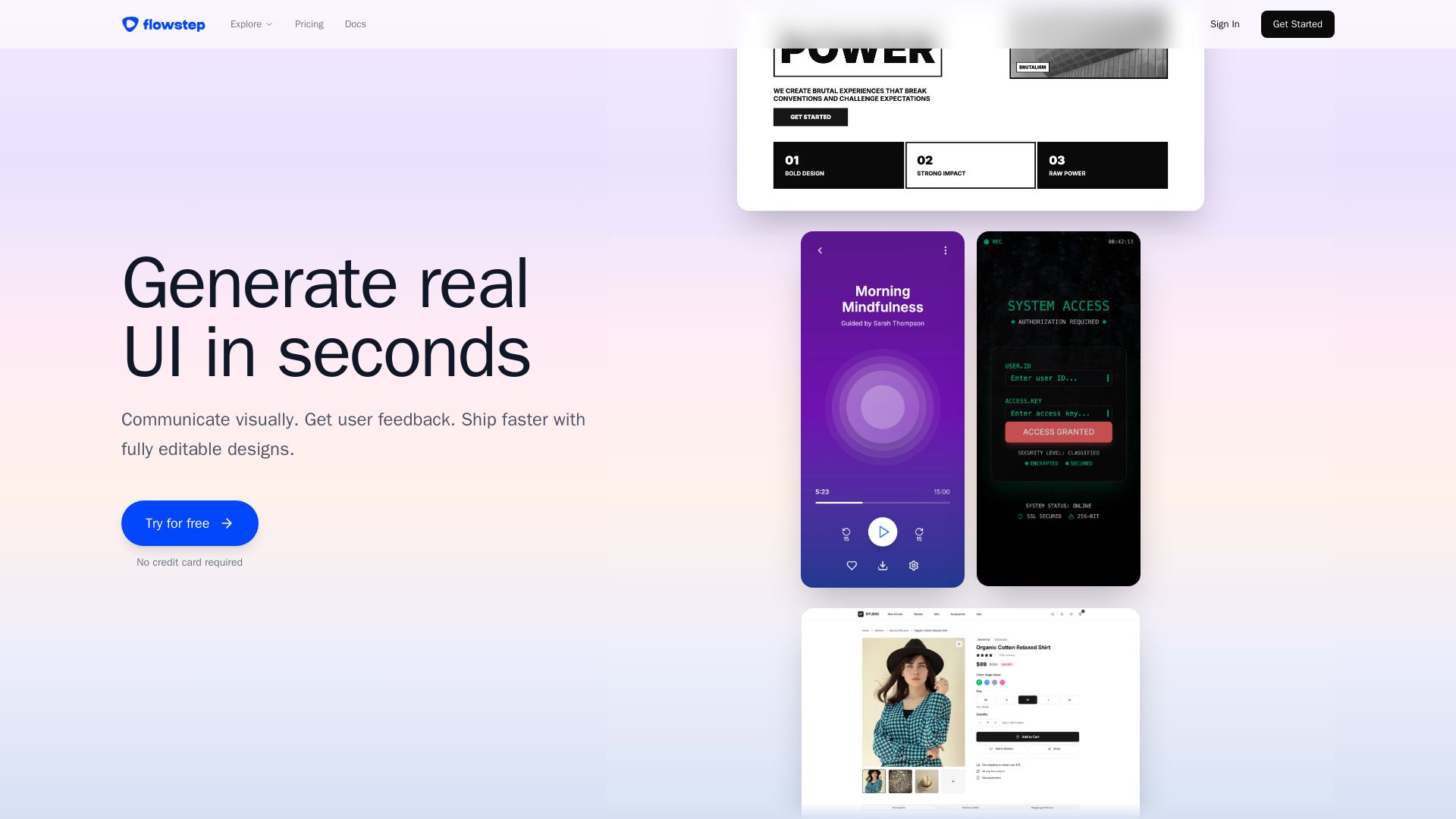
Flowstep
Describe your idea and watch it become editable UI. Collaborate, export code, and copy to Figma instantly. Ship faster.


Flux
Design PCBs with AI. Flux is a browser-based eCAD with real-time collaboration, live component data, and AI assistance from idea to manufacturing.

ℹ️ Curation Disclosure: The overview and features of Figma were synthesized using AI and fact-checked by our curation team to ensure accuracy.
