
Anima

Convert Figma designs, images, and code into live HTML/React apps. AI with design context for developers and agents.

Editor's Verdict
Key Takeaways
- Figma to Code
- Clone Website
- Agentic Design & Code
- Build on-brand
In-Depth Review: What is Anima?
Anima is a platform that turns design context—Figma files, brand guidelines, screenshots, or live websites—into fully functional HTML or React applications. With AI that understands design intent, you can clone entire websites, import artifacts from tools like Claude, and build on-brand products from a single prompt. Trusted by 1.8 million users, Anima bridges the gap between design and code, enabling rapid prototyping, handoff, and production-ready output.
Core Features
Figma to Code
Import Figma designs and generate responsive HTML or React code that preserves structure, assets, and visual details.
Clone Website
Import multiple pages from any live website into an editable app with routes and navigation already connected.
Agentic Design & Code
Give AI design, brand, and code context to generate live software that humans and agents can collaboratively build on.
Build on-brand
Import design system components, match a brand from any URL, or use a Design.md file to maintain visual consistency across builds.
Image to App
Turn any screenshot, mockup, or user flow into an editable HTML or React application.
Code Output Options
Choose between HTML (for websites, landing pages, email templates) or React (for products, dashboards, prototypes) with TypeScript/JavaScript and preferred UI library.
Anima MCP
Connect AI coding agents to Anima’s app creation environment for Figma-to-code, design systems, and project context.
Anima API
Accelerate development by integrating Anima's engine into your product or agent stack via API.
Version Restore
Restore any previous version of your project instantly.
Publish & Export
Publish your app, export code, or hand off to developers seamlessly.
Pricing
Free
- 5 chat messages per day in AI Playground
- 5 Figma design imports or website clones in AI Playground
- 5 code generations in Figma plugin
Enterprise
- SSO
- MFA
- Enterprise grade SLAs
- Better security for compliance
Pros and Cons
Pros
- Design-Centric AIAnima understands design context, not just prompts, resulting in more accurate and on-brand outputs.
- Multiple Input MethodsImport from Figma, websites, images, or code artifacts, giving flexibility in starting points.
- Choice of Output StackGenerate clean HTML or React with TypeScript/JavaScript and your preferred UI library.
- Collaboration & VersioningRestore any version instantly and collaborate with team members via shared project context.
- Integration CapabilitiesMCP server and API allow connection with AI agents and existing development tools like Bolt.new and Replit.
Cons
- Limited Free TierFree plan only allows 5 daily uses, limiting extensive experimentation without upgrading.
- Lack of Mid-Tier PlanNo explicit Pro plan visible; jump from Free to $500/month Enterprise may be steep for individuals or small teams.
- Dependence on AI QualityOutput quality relies on AI models and input clarity; complex designs may need manual tweaking.
- Learning CurveNew users may need time to understand all features like MCP, API, and design system imports.
- Limited Export OptionsCurrently only HTML and React are supported; other frameworks like Vue or Angular are not mentioned.
Use Cases & Recommended Professions
UX/UI Designer→ View Toolkit
Designers can turn Figma mockups into live code quickly, bridging the gap between design and development.
Frontend Developer→ View Toolkit
Developers can clone websites, import designs, and generate clean React or HTML code to accelerate development.
Product Manager→ View Toolkit
PMs can prototype ideas from prompts or images and share interactive apps for user testing without deep coding.
Startup Founder→ View Toolkit
Founders can build landing pages, dashboards, and MVPs rapidly using design context or website cloning.
Digital Marketer→ View Toolkit
Marketers can create on-brand landing pages and email templates from images or design files without developer dependency.
AI/ML Engineer→ View Toolkit
Engineers can integrate Anima MCP or API to automate code generation from design artifacts in agent workflows.
Frequently Asked Questions
Alternative AI Tools
View Detailed Comparison →
UX Pilot
Ideate, design, and hand-off web apps in seconds with UX Pilot's AI. Generate wireframes, hi-fi designs, and clean code. Trusted by 1M+ users.


Superdesign
Create stunning designs with AI. Iterate quickly using natural language. Export production-ready code. Browse design prompts and styles.


Figma Console MCP
Connect AI to Figma for design extraction, token sync, and component creation. Turn your design system into a programmable API.


Figma
Figma is the intelligent, AI-native canvas for designing, prototyping, and building products together. Trusted by 95% of Fortune 500. Explore design and dev tools.


Komposo
Turn product ideas into real, editable designs with AI. Generate, edit, and export UIs using plain language. Trusted by 100k+ users. Start for free.

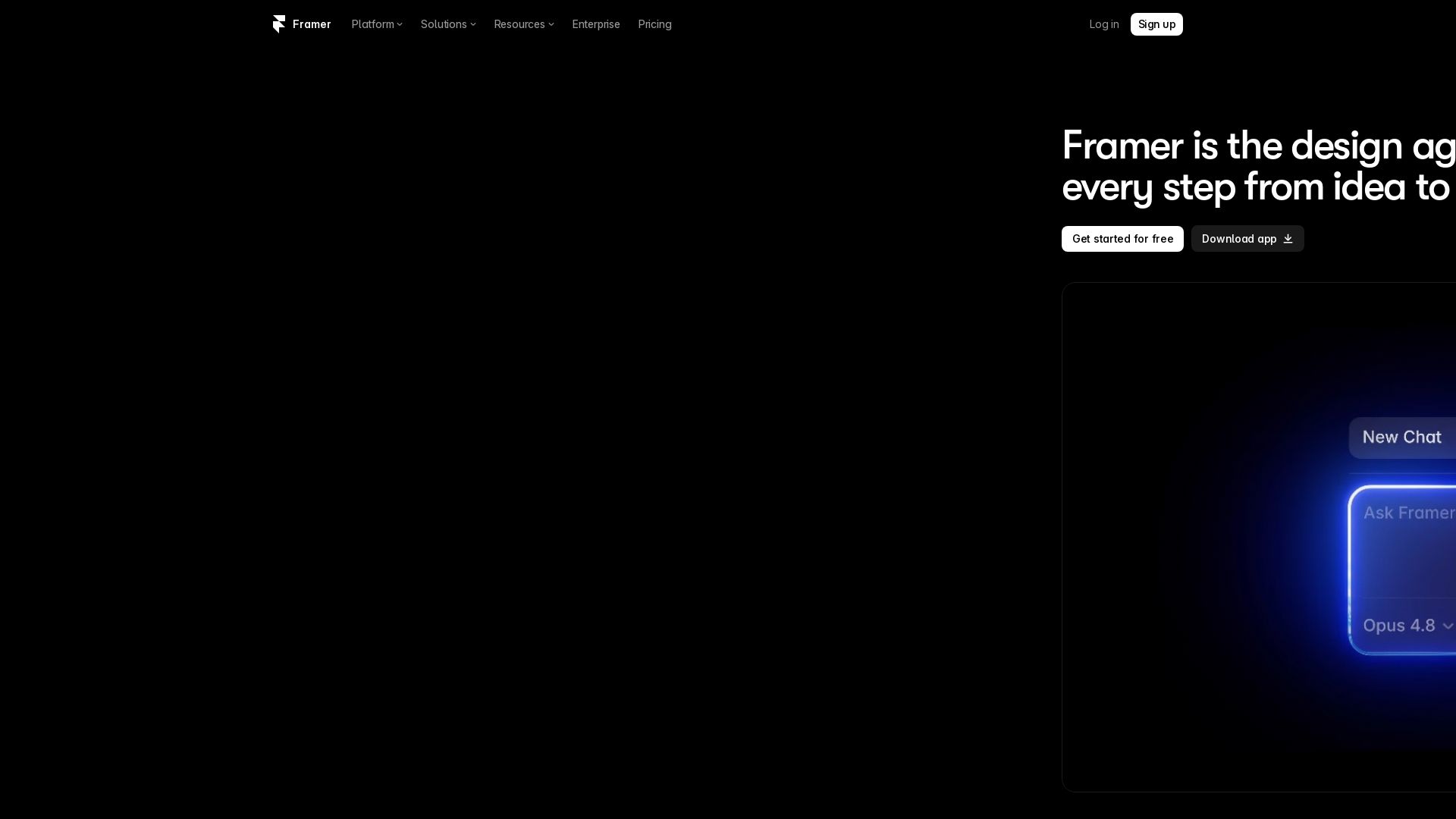
Framer
Design and launch stunning sites with Framer's AI agents. Manage CMS, code, and publish faster. Trusted by modern teams. Get started free.


AIDesigner
Create premium UI, logos, brand kits, and more with AIDesigner. No design experience needed. Free to try, no credit card required. Join 15,000+ users.

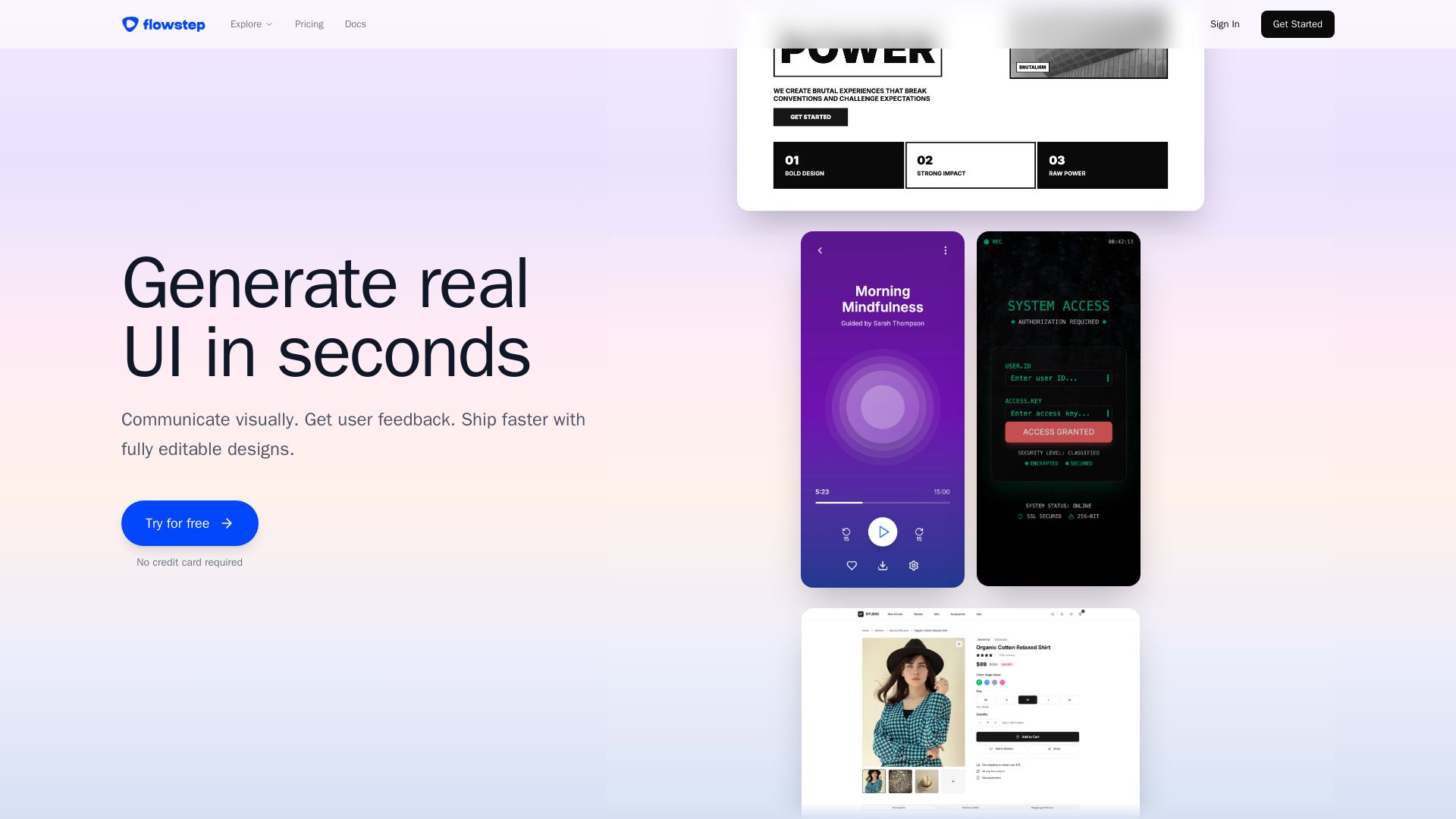
Flowstep
Describe your idea and watch it become editable UI. Collaborate, export code, and copy to Figma instantly. Ship faster.


Motiff AI
Generate production-ready UI from text, wireframes, or screenshots with Motiff AI. Choose preset styles, export to React/HTML. Fast, consistent design.


Figr
Ship better UX faster. Figr builds a living understanding of your product, maps flows, finds edge cases, and generates high-fidelity prototypes from your actual design system.



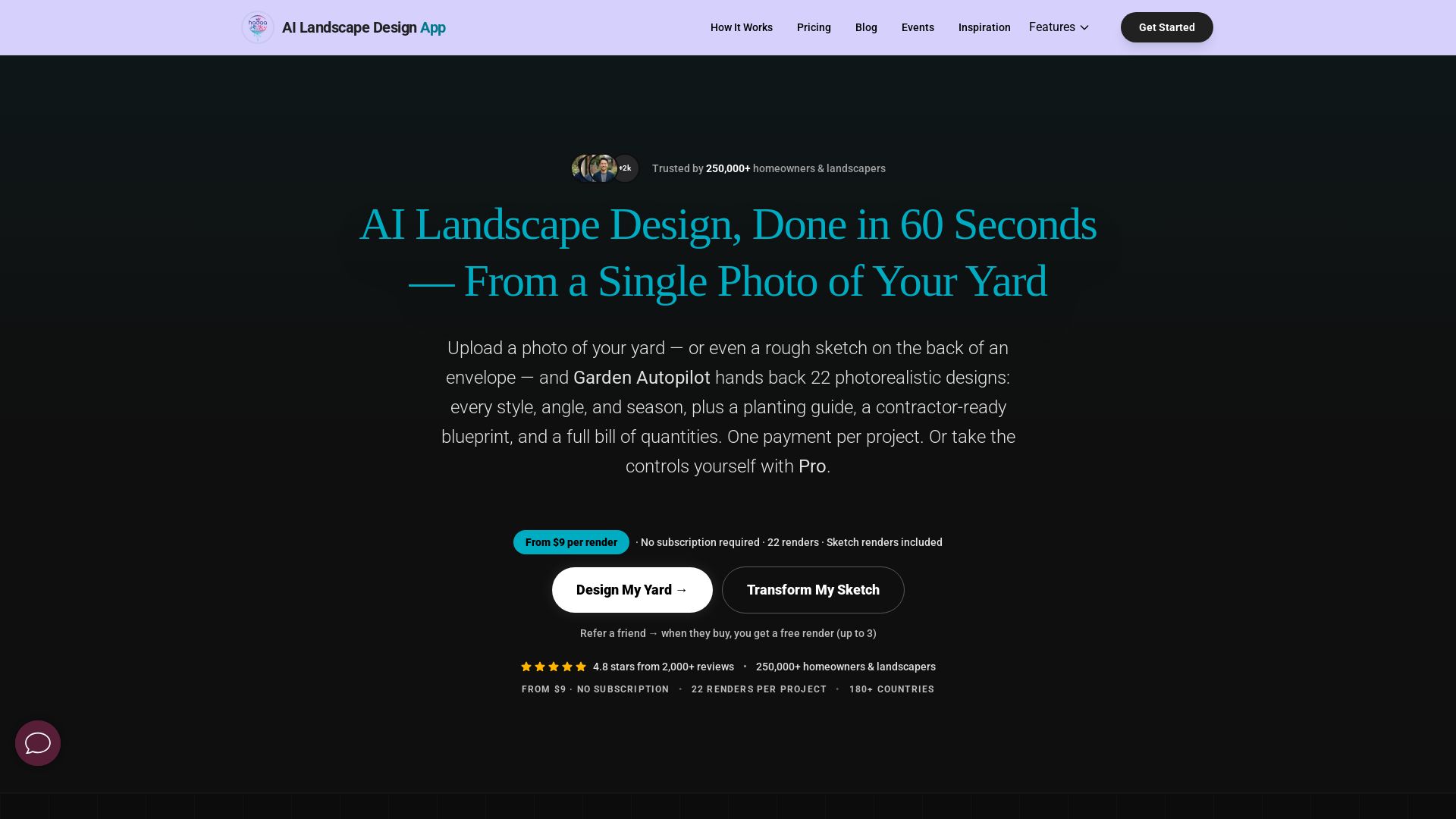
AI Garden Design vs Hadaa: Features & Pricing (2026)
Upload a photo or sketch, get 22 photorealistic designs, planting guide, blueprint & BOQ. Pay per project, no subscription.

ℹ️ Curation Disclosure: The overview and features of Anima were synthesized using AI and fact-checked by our curation team to ensure accuracy.
