
Uxcel

Interactive courses, skill assessments, and certifications for busy professionals. Build real-world skills, track growth, and advance your career. Trusted by 500k+ learners.


Editor's Verdict
Key Takeaways
- Interactive Learning
- Skill Assessments
- Professional Certifications
- Real-World Projects
In-Depth Review: What is Uxcel?
Uxcel offers interactive, bite-sized learning for UX design, product management, and AI. With over 60 courses, career paths, and professional certifications, you can learn at your own pace—just 5 minutes a day. Assess your skills, earn credentials, and apply knowledge with real projects. Used by top companies and loved by 500,000+ professionals, Uxcel helps you accelerate your product career.
Core Features
Interactive Learning
Learn in-demand UX design, PM & AI skills with interactive courses designed for busy professionals, taking just 5 minutes a day.
Skill Assessments
Pinpoint your strengths and blind spots with quick assessments that provide customized learning recommendations.
Professional Certifications
Earn industry-recognized course certificates and professional certifications to validate your skills and boost your credibility.
Real-World Projects
Apply your skills to real-world challenges, receive expert feedback, and build a portfolio that stands out.
Mobile App
Build a learning habit on the go with a mobile app that delivers digestible, interactive content anytime, anywhere.
Team Analytics & Management
Track team progress with skill graphs, learning analytics, and assignments, enabling managers to prove training ROI.
Pricing
Teams
- Full access to 60+ courses
- Industry-recognized course certificates
- Guided career paths
- Skill assessments & unlimited re-takes
- Community tutorials
- Projects & mentor reviews
- 30% off professional certifications
- Full mobile app access
- Slack integration
- Admin dashboard
- Team skill graph
- Content assignments
- Learning squads (Enterprise only not included)
- Analytics & performance reports
- Downloadable member reports
- Performance leaderboard
- Learning activity feed
- Unlimited screening assessments
- Seats: 2-20
- Unlimited seat switching
- License management & permission control
- Account & privacy management
- Centralized billing
- Custom invoices
- G Suite
- Priority customer support
- Uxcel Teams Help Center
Enterprise
- Everything in Teams, plus:
- Team squads
- Single Sign On (SSO)
- Custom integrations
- Seats: 20+
- Onboarding planning and support
- API access for custom integrations
- SOC 2 Type II report
- SAML SSO
Pros and Cons
Pros
- Career AdvancementHelps users switch careers, get promoted, and achieve salary increases, as evidenced by multiple testimonials.
- Bite-Sized Learning5-minute daily lessons fit into busy schedules, making it easy to maintain a consistent learning habit.
- Industry-Recognized CertificationsCertificates and professional certifications are trusted by employers and enhance resume credibility.
- Team-Focused AnalyticsAdmins can track progress, measure skill growth, and prove training ROI with detailed reports.
- Comprehensive ContentOver 60 courses covering UX design, product management, and AI, suitable for all levels from beginner to advanced.
Cons
- No Individual Free TierWhile a free trial exists, there is no permanently free individual plan; the pricing page only offers paid team plans.
- Annual Billing OnlyTeam plans require annual billing, which may not suit organizations preferring monthly payments.
- Limited Offline AccessMobile app requires internet connection; no offline mode mentioned for learning on the go without connectivity.
- Enterprise Features GatedAdvanced features like SSO and custom integrations are only available in the Enterprise plan, not Teams.
- Focus on Team TrainingThe platform is heavily oriented towards team subscriptions, with less emphasis on individual learner options beyond the initial free trial.
Use Cases & Recommended Professions
UX Designer→ View Toolkit
Enhance user experience skills with interactive courses, practice real-world projects, and earn certifications to advance your career.
Product Manager→ View Toolkit
Learn product management skills including discovery, analytics, and AI fundamentals to drive product success.
UI Designer→ View Toolkit
Improve interface design skills with courses on tools like Figma and build a portfolio with practical projects.
AI Product Professional→ View Toolkit
Acquire AI fundamentals tailored for designers and product teams to stay competitive in the AI-powered product world.
Career Switcher (to UX)→ View Toolkit
Take advantage of structured career paths and skill assessments to transition into UX design or product management.
Team Lead / Manager→ View Toolkit
Use team analytics and assignments to upskill your team, track progress, and justify training investments.
Frequently Asked Questions
Alternative AI Tools
View Detailed Comparison →
Superdesign
Create stunning designs with AI. Iterate quickly using natural language. Export production-ready code. Browse design prompts and styles.


UX Pilot
Ideate, design, and hand-off web apps in seconds with UX Pilot's AI. Generate wireframes, hi-fi designs, and clean code. Trusted by 1M+ users.


Figma Console MCP
Connect AI to Figma for design extraction, token sync, and component creation. Turn your design system into a programmable API.


Figma
Figma is the intelligent, AI-native canvas for designing, prototyping, and building products together. Trusted by 95% of Fortune 500. Explore design and dev tools.


Motiff AI
Generate production-ready UI from text, wireframes, or screenshots with Motiff AI. Choose preset styles, export to React/HTML. Fast, consistent design.


AIDesigner
Create premium UI, logos, brand kits, and more with AIDesigner. No design experience needed. Free to try, no credit card required. Join 15,000+ users.

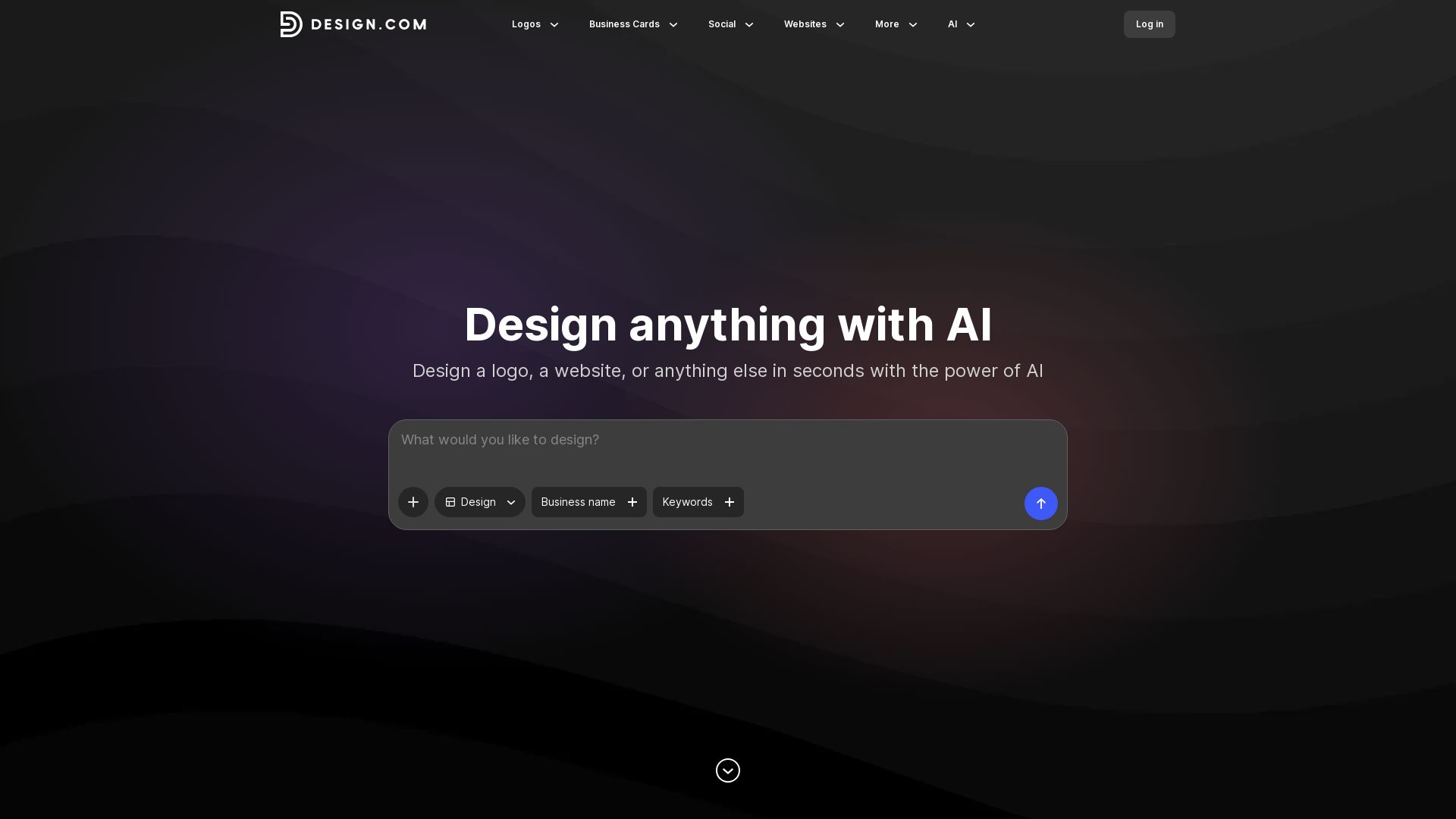
Design.com
Create logos, business cards, social media graphics, and more in seconds with Design.com's AI-powered design tools. Customize fonts, colors, and layouts easily.


Anima
Convert Figma designs, images, and code into live HTML/React apps. AI with design context for developers and agents.


PrometAI
Generate investor-ready business plans in minutes with PrometAI's AI. Trusted by 100,000+ founders. Start for free, no guesswork.


Komposo
Turn product ideas into real, editable designs with AI. Generate, edit, and export UIs using plain language. Trusted by 100k+ users. Start for free.

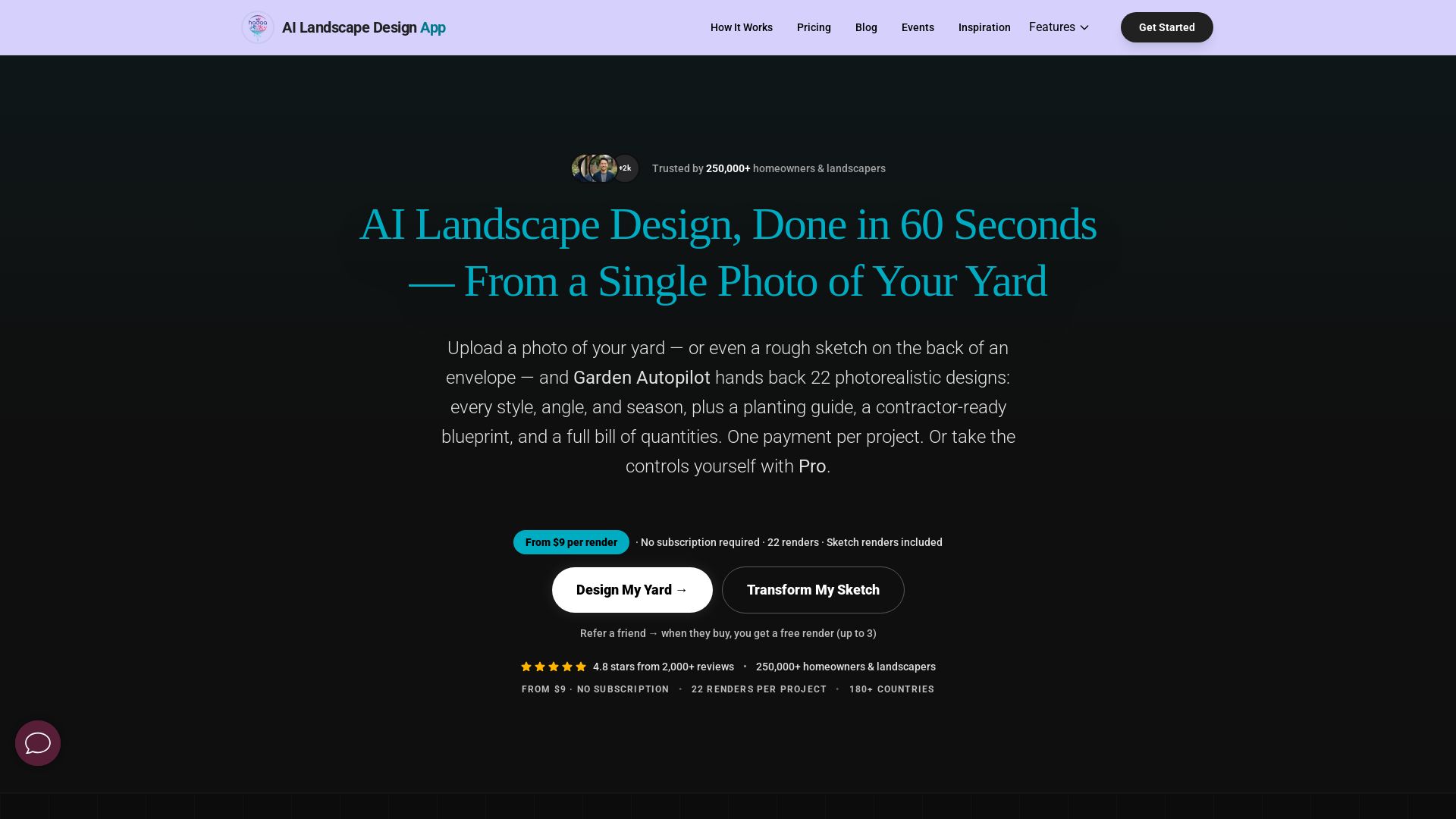
AI Garden Design vs Hadaa: Features & Pricing (2026)
Upload a photo or sketch, get 22 photorealistic designs, planting guide, blueprint & BOQ. Pay per project, no subscription.


Figr
Ship better UX faster. Figr builds a living understanding of your product, maps flows, finds edge cases, and generates high-fidelity prototypes from your actual design system.

ℹ️ Curation Disclosure: The overview and features of Uxcel were synthesized using AI and fact-checked by our curation team to ensure accuracy.