Design.com
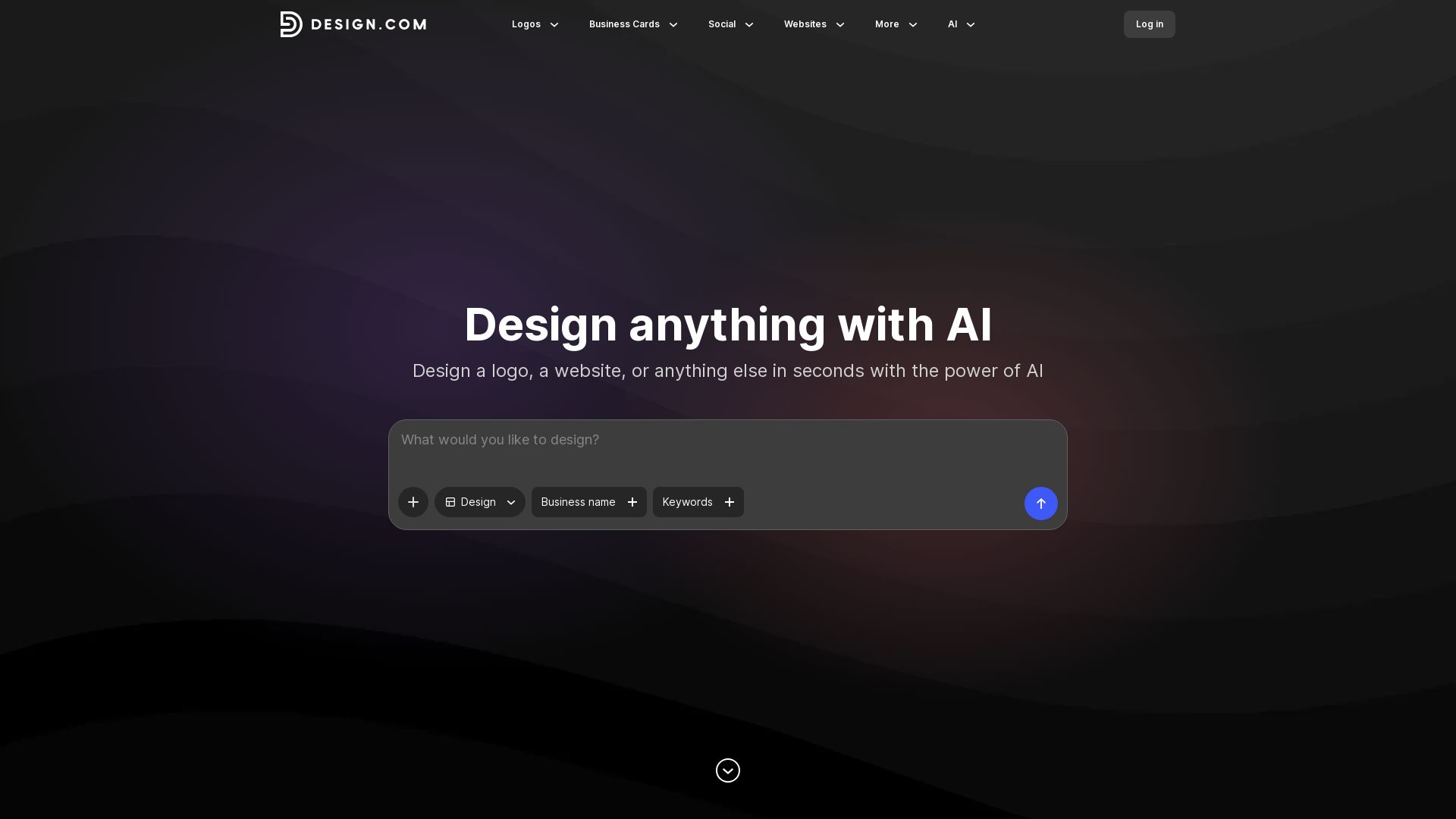
Create logos, business cards, social media graphics, and more in seconds with Design.com's AI-powered design tools. Customize fonts, colors, and layouts easily.



Editor's Verdict
Key Takeaways
- AI Logo Maker
- Business Card Maker
- Social Media Templates
- Print Design Tools
In-Depth Review: What is Design.com?
Design.com is an all-in-one AI-powered design platform that lets you create professional logos, business cards, social media posts, flyers, posters, and more in seconds. With thousands of customizable templates and intuitive AI prompts, you can effortlessly adjust colors, fonts, and layouts to match your brand. Whether you're launching a startup or refreshing your online presence, Design.com combines smart automation with human creativity to help you stand out.
Core Features
AI Logo Maker
Design.com’s AI logo maker blends smart technology with human creativity to deliver stunning, customizable logos in seconds. Intuitive prompt-based editing and easy-to-use tools to tweak fonts, colors, and layouts.
Business Card Maker
Craft impressive business cards effortlessly with tens of thousands of professionally designed templates. AI-powered customization allows modifying colors, fonts, and layouts with simple prompts.
Social Media Templates
Create scroll-stopping Facebook covers, posts, stories, Instagram posts, stories, LinkedIn banners, YouTube banners, and more with thousands of templates and AI-driven customization.
Print Design Tools
Design eye-catching posters, flyers, t-shirts, letterheads, and other print materials with smart AI suggestions and customizable templates for business or personal use.
AI Background Remover
Easily remove backgrounds from images using AI, enhancing design flexibility for logos, social media graphics, and more.
AI Business Name Generator
Generate unique business names with the help of AI, tailored to your industry and keywords.
AI Domain Name Generator
Find available domain names for your business using AI-powered suggestions based on your brand name and keywords.
AI Website Builder
Build a website quickly with AI assistance, using templates and customization options for a professional online presence.
Pricing
Free
- Access to AI design tools
- Thousands of templates
- Basic customization
- Low-resolution downloads
Pro
- Unlimited high-resolution downloads
- Remove background
- AI prompts for advanced editing
- Priority support
- Access to premium templates
Pros and Cons
Pros
- Powerful AI IntegrationDesign.com leverages AI for logo generation, background removal, and design editing, making it fast and easy to create professional designs.
- Vast Template LibraryOffers tens of thousands of templates for logos, social media, print, and more, covering a wide range of industries and use cases.
- User-Friendly InterfaceThe intuitive AI prompt system and drag-and-drop tools allow even non-designers to create stunning visuals.
- Versatile Output FormatsSupports both digital and print formats, including high-quality downloads for business cards, posters, and social media graphics.
- All-in-One Design PlatformCombines logo maker, business card maker, social media designer, website builder, and more in one place.
Cons
- Limited Free VersionThe free plan offers only low-resolution downloads and basic features, requiring a paid subscription for full functionality.
- Pricing Not TransparentThe homepage does not provide clear pricing details, making it difficult for users to evaluate costs without signing up.
- AI DependencyHeavy reliance on AI may result in less unique designs compared to fully manual customization, especially for experienced designers.
- Template OverlapWith a large template library, some designs may feel generic or similar to others, reducing brand distinctiveness.
- No Offline CapabilityThe platform is web-based, requiring an internet connection for all design activities.
Use Cases & Recommended Professions
Entrepreneur / Small Business Owner→ View Toolkit
Need to quickly create a professional logo, business cards, and social media presence without hiring a designer.
Marketing Specialist→ View Toolkit
Require on-brand social media posts, flyers, and banners for campaigns, with fast turnaround and easy customization.
Freelance Graphic Designer→ View Toolkit
Can use AI tools to speed up initial design drafts and offer clients quick iterations, while still customizing final outputs.
Startup Founder→ View Toolkit
Needs a cohesive brand identity (logo, website, business cards) on a tight budget and timeline.
Social Media Influencer→ View Toolkit
Requires eye-catching Instagram stories, posts, and YouTube banners to engage followers and grow their personal brand.
Event Organizer→ View Toolkit
Needs to produce posters, flyers, and invitations for events quickly and in multiple formats.
Frequently Asked Questions
Alternative AI Tools
View Detailed Comparison →
Superdesign
Create stunning designs with AI. Iterate quickly using natural language. Export production-ready code. Browse design prompts and styles.


UX Pilot
Ideate, design, and hand-off web apps in seconds with UX Pilot's AI. Generate wireframes, hi-fi designs, and clean code. Trusted by 1M+ users.

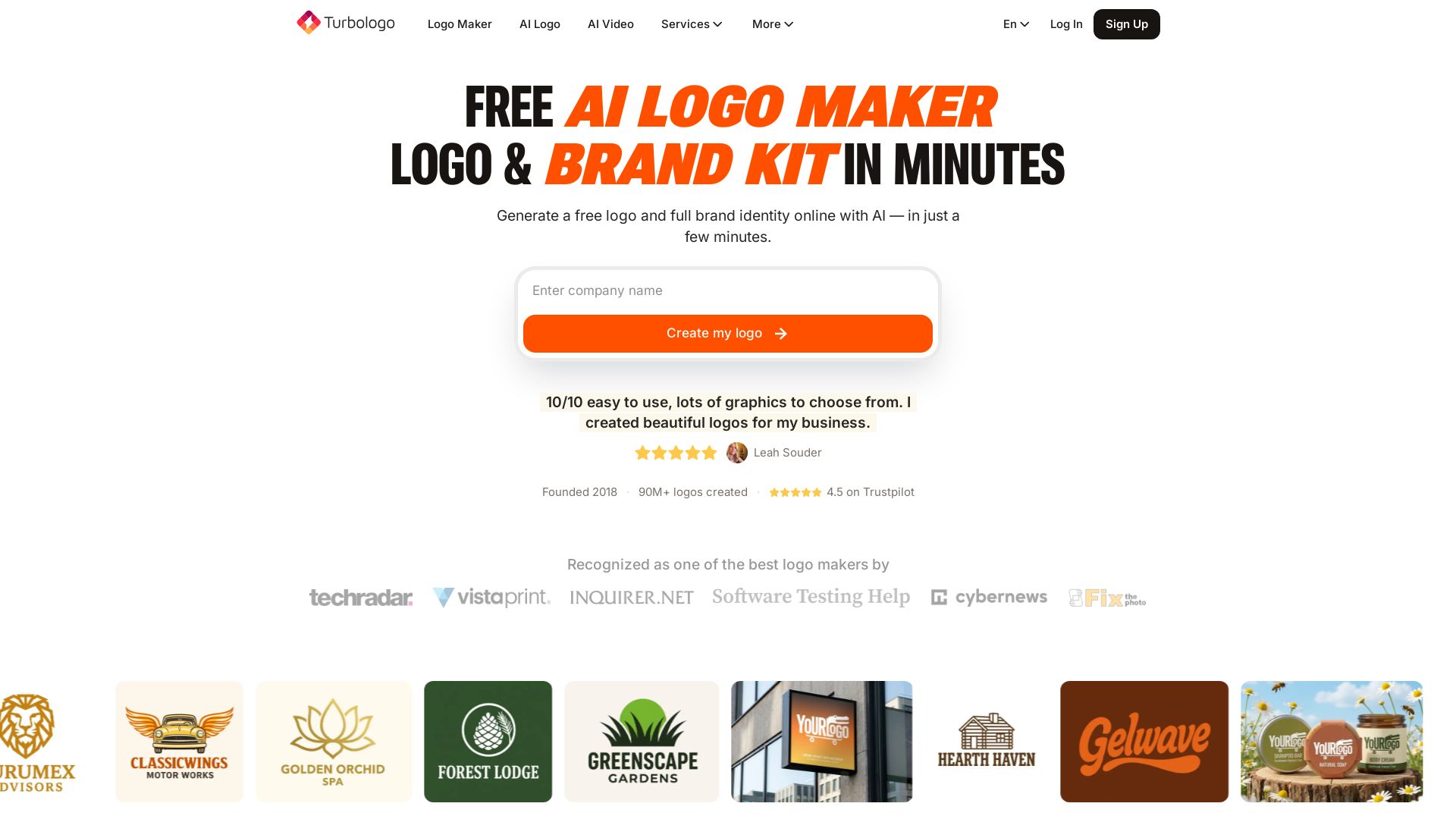
Turbologo
Create a professional logo and full brand identity online with AI. No design skills needed. Free to start, pay only when you download. 90M+ logos created.


Anima
Convert Figma designs, images, and code into live HTML/React apps. AI with design context for developers and agents.


Figma
Figma is the intelligent, AI-native canvas for designing, prototyping, and building products together. Trusted by 95% of Fortune 500. Explore design and dev tools.


Figma Console MCP
Connect AI to Figma for design extraction, token sync, and component creation. Turn your design system into a programmable API.


AIDesigner
Create premium UI, logos, brand kits, and more with AIDesigner. No design experience needed. Free to try, no credit card required. Join 15,000+ users.

Framer
Design and launch stunning sites with Framer's AI agents. Manage CMS, code, and publish faster. Trusted by modern teams. Get started free.

LogoMakr
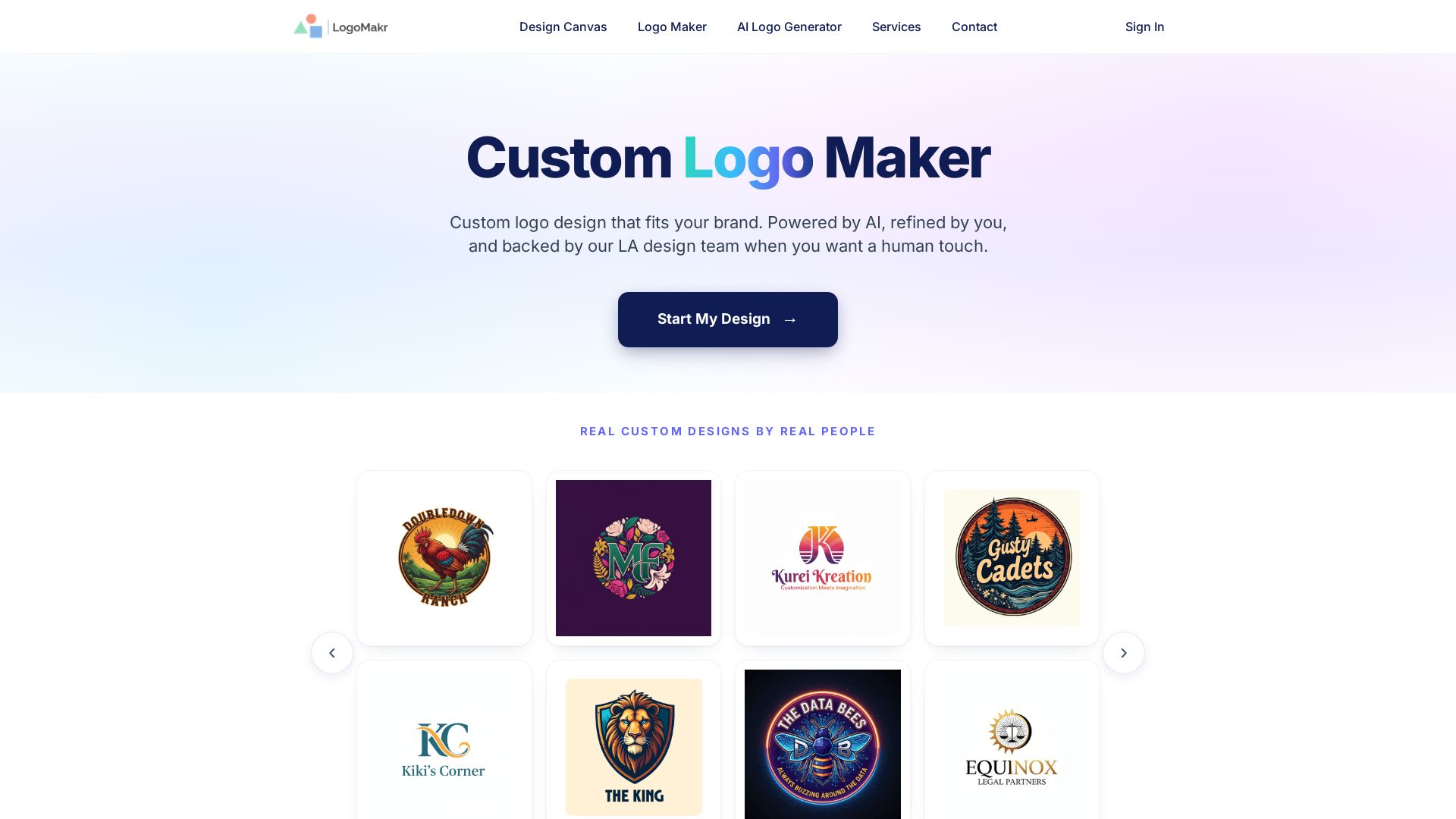
Create a custom logo with AI. Get original concepts, edit on canvas, download PNG/SVG/PDF. Trusted by 300k+ businesses.


Komposo
Turn product ideas into real, editable designs with AI. Generate, edit, and export UIs using plain language. Trusted by 100k+ users. Start for free.

Brandmark Logo Maker
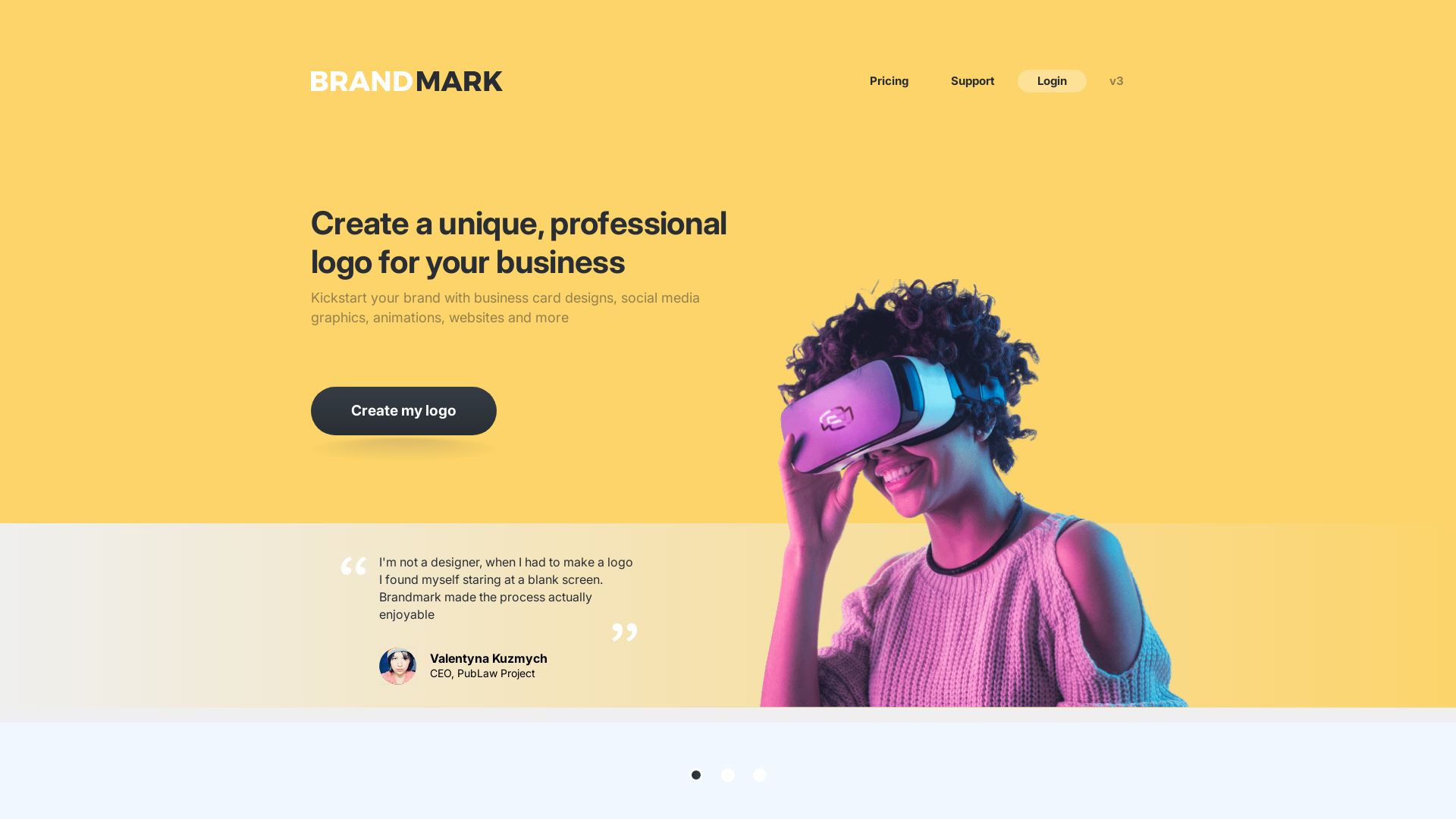
Kickstart your brand with AI-powered logo design, business cards, social media graphics, and more. No designer needed. Pay once, use forever.

ℹ️ Curation Disclosure: The overview and features of Design.com were synthesized using AI and fact-checked by our curation team to ensure accuracy.