
UX Pilot

Ideate, design, and hand-off web apps in seconds with UX Pilot's AI. Generate wireframes, hi-fi designs, and clean code. Trusted by 1M+ users.

Editor's Verdict
Key Takeaways
- AI-Powered Design Generation
- Rapid Wireframing
- One-Click Hi-Fi Generation
- Code Export & Figma Sync
In-Depth Review: What is UX Pilot?
UX Pilot is an AI-powered UX design tool that transforms product ideation into polished designs in seconds. Start from a sketch, a thought, or a PRD import, and quickly generate wireframes and high-fidelity screens. With features like Blitz Model for rapid UI creation, Deep AI Design for quality, and one-click exports to Figma and GitHub, UX Pilot streamlines the entire design workflow. Trusted by over 1 million users, it's the smarter way to design web applications. Perfect for product managers, designers, and developers looking to accelerate their creative process.
Core Features
AI-Powered Design Generation
Generate designs and wireframes from text prompts in seconds, boosting productivity.
Rapid Wireframing
Auto-generate structured low to high fidelity wireframes using current UX trends.
One-Click Hi-Fi Generation
Transform wireframes into polished, on-brand high-fidelity screens instantly.
Code Export & Figma Sync
Export ready-to-build code and pull designs into Figma for collaboration.
Design System Integration
Import Figma components to create custom AI models ensuring design consistency.
Multi-Output Exploration
Generate four distinct looks at once for fast comparison and direction selection.
Blitz Mode for Rapid Iteration
Create layouts in seconds perfect for live calls and quick proofs.
Autoflow End-to-End
Generate every screen in the UX journey from start to finish and refine the full flow.
Pricing
Free
- 80 daily credits
- Generate designs in seconds
- Export to Figma
Pros and Cons
Pros
- AI SpeedDesign generation in seconds, 10x faster workflows from idea to prototype.
- Integrated WorkflowFrom ideation to code export in one place, reducing tool-switching.
- Design ConsistencyImport existing design systems via Figma to maintain brand alignment.
- No Credit Card RequiredFree to start with daily credits, no upfront commitment.
- Figma IntegrationTwo-way sync with Figma enables seamless collaboration and refinement.
Cons
- Limited Free CreditsOnly 80 daily credits on the free plan, may require upgrade for heavy use.
- AI DependencyQuality depends on prompt clarity; sometimes requires manual refinement.
- Learning CurveNew users may need time to understand AI capabilities and best prompts.
- No Offline ModeRequires internet connection to use the AI features.
- Limited TemplatesFewer pre-built templates compared to some competitors, more focus on generation.
Use Cases & Recommended Professions
UX/UI Designer→ View Toolkit
Needs rapid prototyping and design iteration to explore multiple concepts quickly.
Product Manager→ View Toolkit
Wants to visualize ideas from PRDs or sketches without deep design skills.
Frontend Developer→ View Toolkit
Can get ready-to-build code for faster implementation and handoff.
Entrepreneur→ View Toolkit
Validates product concepts with minimal design effort and cost.
Design Agency→ View Toolkit
Needs efficient workflow for multiple client projects with consistent branding.
Freelance Designer→ View Toolkit
Saves time on wireframing and design handoffs, allowing focus on creativity.
Frequently Asked Questions
Alternative AI Tools
View Detailed Comparison →
Figma Console MCP
Connect AI to Figma for design extraction, token sync, and component creation. Turn your design system into a programmable API.


Figma
Figma is the intelligent, AI-native canvas for designing, prototyping, and building products together. Trusted by 95% of Fortune 500. Explore design and dev tools.


Anima
Convert Figma designs, images, and code into live HTML/React apps. AI with design context for developers and agents.


Superdesign
Create stunning designs with AI. Iterate quickly using natural language. Export production-ready code. Browse design prompts and styles.


Motiff AI
Generate production-ready UI from text, wireframes, or screenshots with Motiff AI. Choose preset styles, export to React/HTML. Fast, consistent design.


AIDesigner
Create premium UI, logos, brand kits, and more with AIDesigner. No design experience needed. Free to try, no credit card required. Join 15,000+ users.

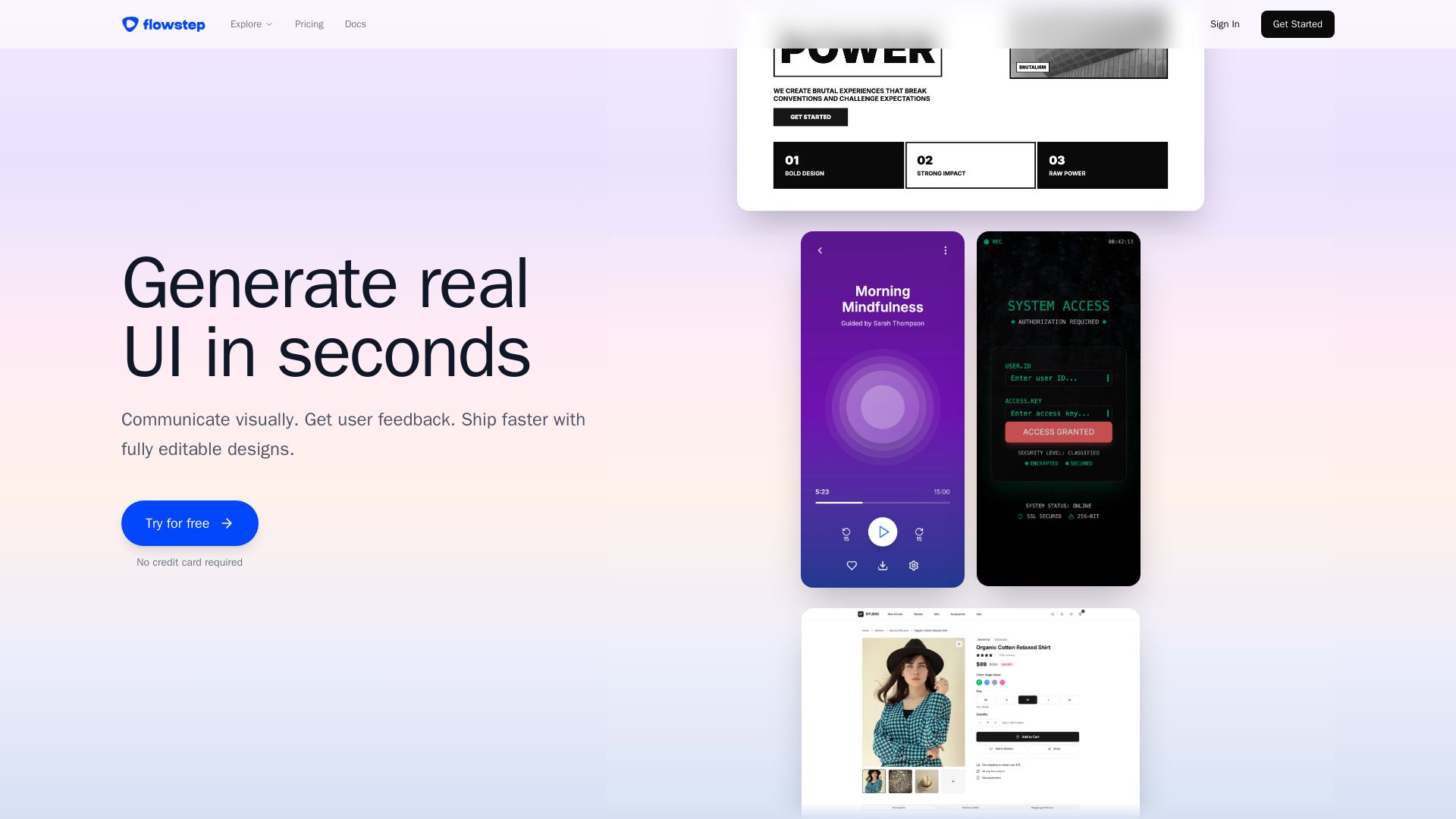
Flowstep
Describe your idea and watch it become editable UI. Collaborate, export code, and copy to Figma instantly. Ship faster.

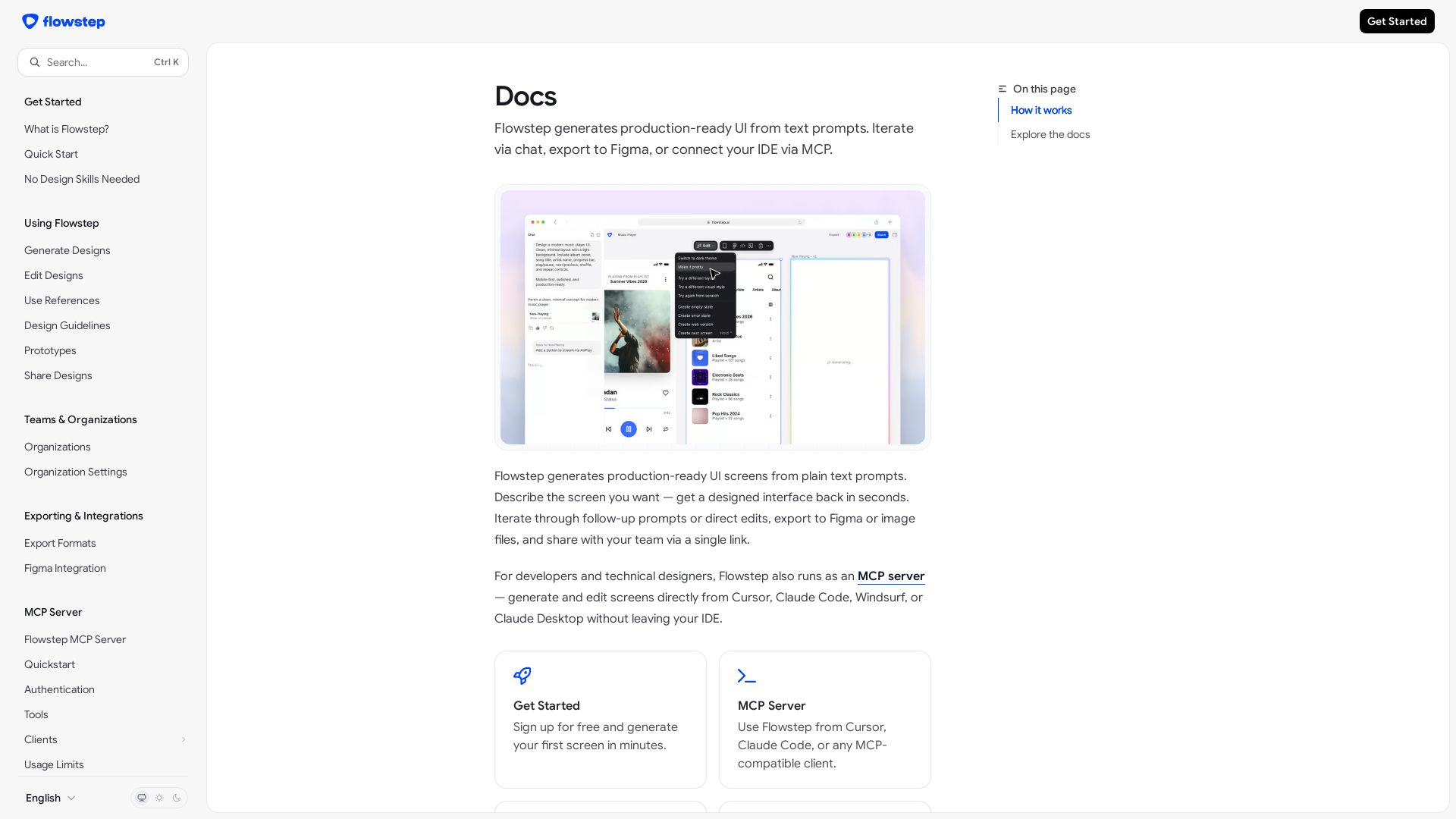
Flowstep
Create production-ready UI screens from plain text. Iterate via chat, export to Figma, or use MCP in your IDE. Try Flowstep free.


Komposo
Turn product ideas into real, editable designs with AI. Generate, edit, and export UIs using plain language. Trusted by 100k+ users. Start for free.


Figr
Ship better UX faster. Figr builds a living understanding of your product, maps flows, finds edge cases, and generates high-fidelity prototypes from your actual design system.

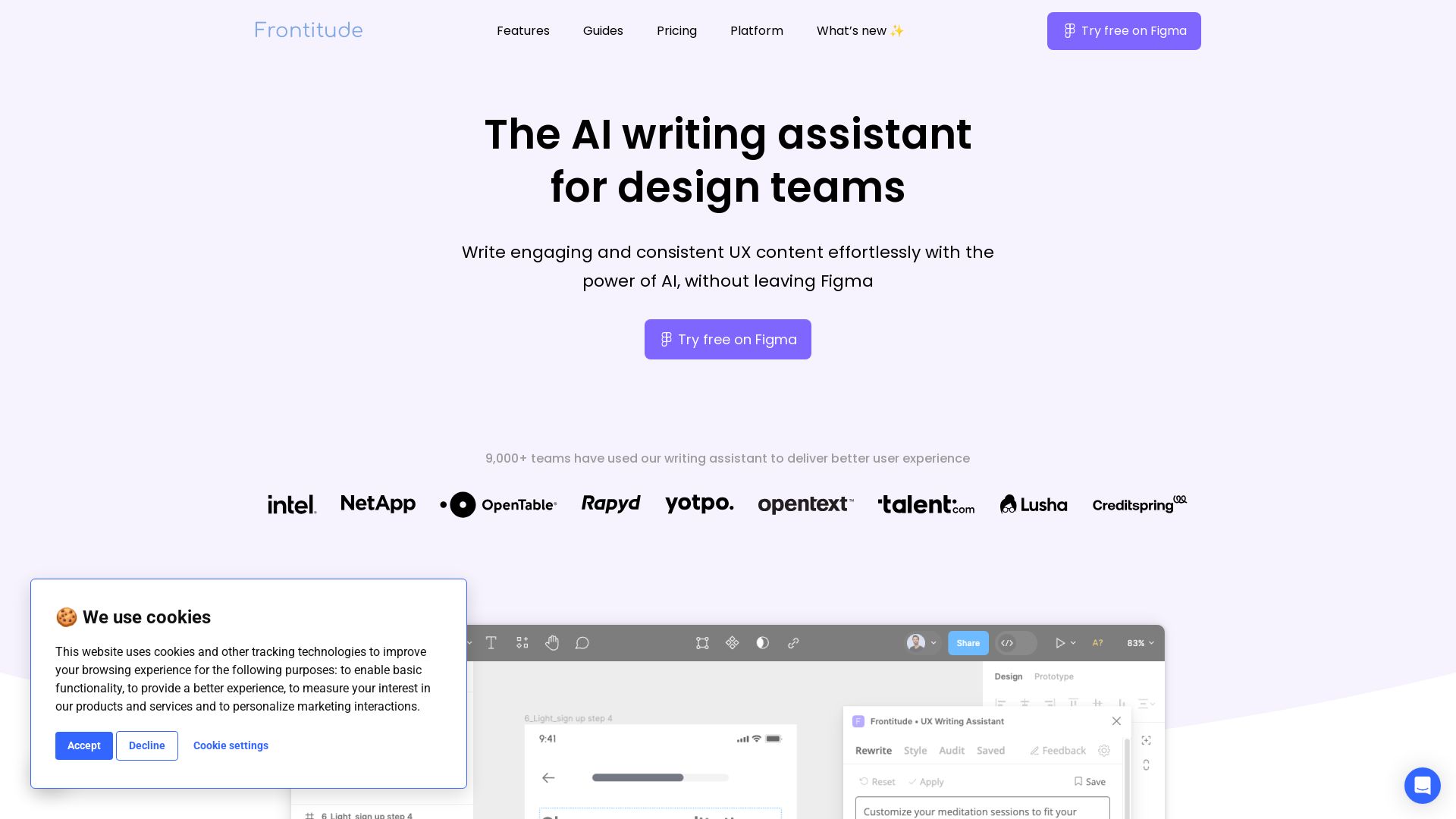
Frontitude
Write engaging UX content with AI in Figma. Save hours, enforce guidelines, and get copy suggestions instantly. Try free.



ℹ️ Curation Disclosure: The overview and features of UX Pilot were synthesized using AI and fact-checked by our curation team to ensure accuracy.
