
Frontitude
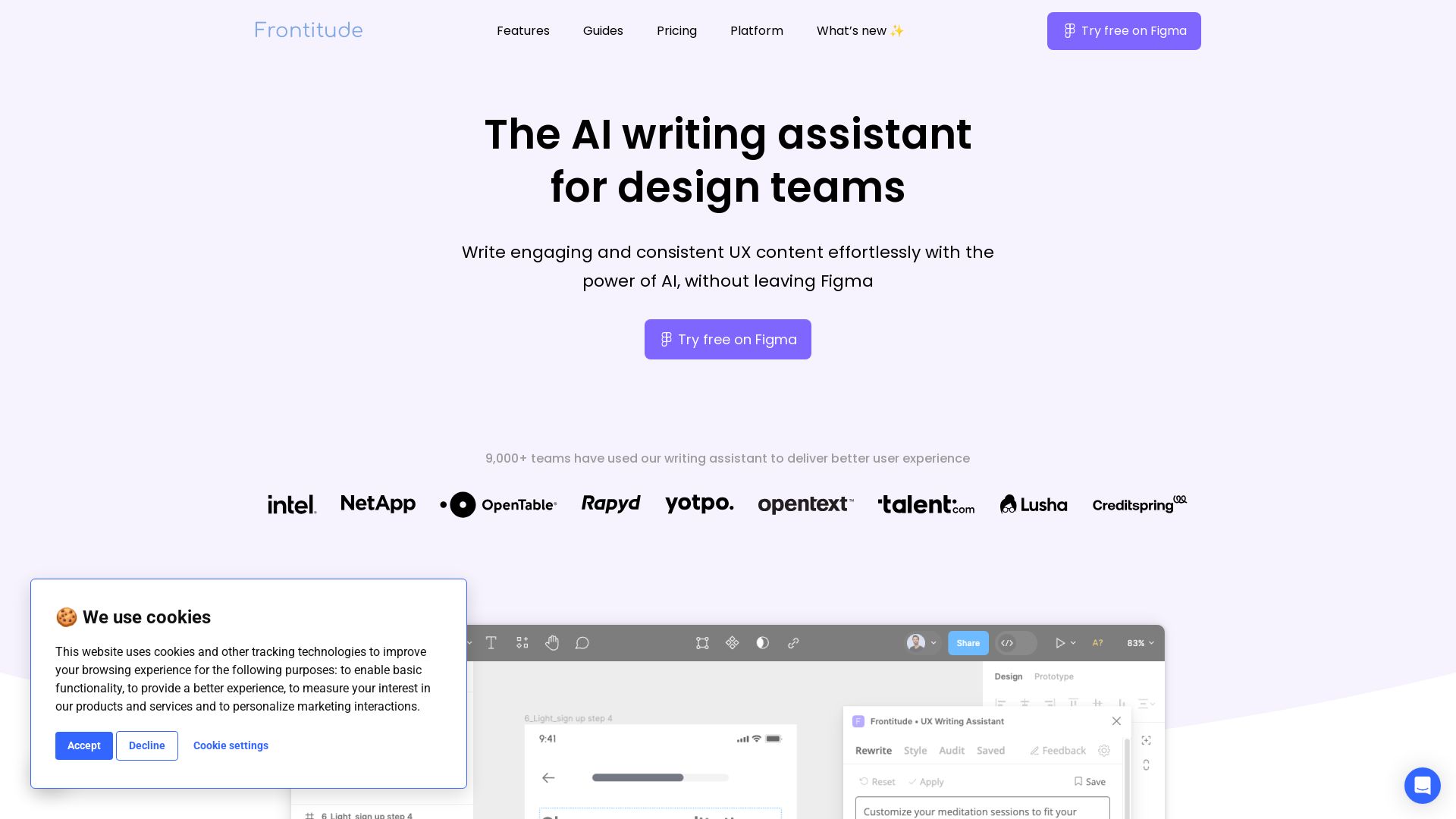
Write engaging UX content with AI in Figma. Save hours, enforce guidelines, and get copy suggestions instantly. Try free.


Editor's Verdict
Key Takeaways
- AI-powered UX writing assistant
- Rewrite suggestions
- Design system integration
- AI-powered content audits
In-Depth Review: What is Frontitude?
Frontitude is an AI-powered UX writing assistant that lives inside Figma. It helps design teams brainstorm, write, and refine product copy while enforcing consistent content guidelines. With instant suggestions, design review shortcuts, and seamless integration, it saves writing time and keeps your UX content on-brand. Trusted by 9,000+ teams, it's the copilot for designers who want to write exceptional copy without leaving their design tool.
Core Features
AI-powered UX writing assistant
An AI assistant integrated into Figma that helps design teams write engaging and consistent UX content effortlessly.
Rewrite suggestions
Generate and apply copy suggestions in Figma with a single click, saving hours of writing time.
Design system integration
Centralize UX content guidelines and integrate them into the design system to ensure consistent writing.
AI-powered content audits
Quickly scan designs for content violations using AI, streamlining design reviews and critiques.
Business and design context
The AI collects information about your business and target audience, as well as design elements, to generate copy that resonates with your users.
Pricing
Starter
- 10 Monthly Rewrites
- 2 Guidelines
- 1 Seat
Team
- Unlimited Rewrites
- 10 Guidelines
- Design System Integration
- Up to 5 Seats
Organization
- Priority support
- Extended security compliance
- Personal onboarding
- Custom billing
Pros and Cons
Pros
- Figma integrationWorks directly within Figma, eliminating the need to switch between apps or copy-paste.
- AI-powered assistanceGenerates copy suggestions based on world-class UX writing best practices and product context.
- Consistent guidelinesEmbeds content guidelines into design system components, ensuring consistency across teams and projects.
- Time-savingAutomates the writing and review process, saving hours of writing and review time every week.
- User-friendlyDesigned for designers and writers, with an intuitive interface and instant suggestions in Figma.
Cons
- Limited language supportCurrently supports English only, though additional languages are planned for the future.
- Requires sign-inUsers must have a Frontitude account to use the plugin.
- Figma-onlyCurrently works only within Figma, not other design tools.
- Limited free tierThe Starter plan includes only 10 rewrites per month, which may be insufficient for heavy use.
- Platform separationThe UX Writing Assistant currently operates independently from the Frontitude platform, with integration still in development.
Use Cases & Recommended Professions
UX Writer→ View Toolkit
Needs to generate and refine UX copy quickly while maintaining consistency across products and features.
Product Designer→ View Toolkit
Often responsible for writing microcopy and needs an AI assistant to craft engaging content without leaving Figma.
UI/UX Designer→ View Toolkit
Creates interfaces and benefits from instant AI suggestions to improve content quality and speed.
Content Designer→ View Toolkit
Focuses on content strategy and can leverage embedded guidelines to ensure design system alignment.
Design Manager→ View Toolkit
Oversees design team consistency and can streamline review cycles with AI-powered audits.
Product Manager→ View Toolkit
Wants to ensure cohesive user experience and may need to write or edit UX copy for new features.
Frequently Asked Questions
Alternative AI Tools
View Detailed Comparison →
Figma
Figma is the intelligent, AI-native canvas for designing, prototyping, and building products together. Trusted by 95% of Fortune 500. Explore design and dev tools.


Figma Console MCP
Connect AI to Figma for design extraction, token sync, and component creation. Turn your design system into a programmable API.


Anima
Convert Figma designs, images, and code into live HTML/React apps. AI with design context for developers and agents.


UX Pilot
Ideate, design, and hand-off web apps in seconds with UX Pilot's AI. Generate wireframes, hi-fi designs, and clean code. Trusted by 1M+ users.


Superdesign
Create stunning designs with AI. Iterate quickly using natural language. Export production-ready code. Browse design prompts and styles.


Figr
Ship better UX faster. Figr builds a living understanding of your product, maps flows, finds edge cases, and generates high-fidelity prototypes from your actual design system.



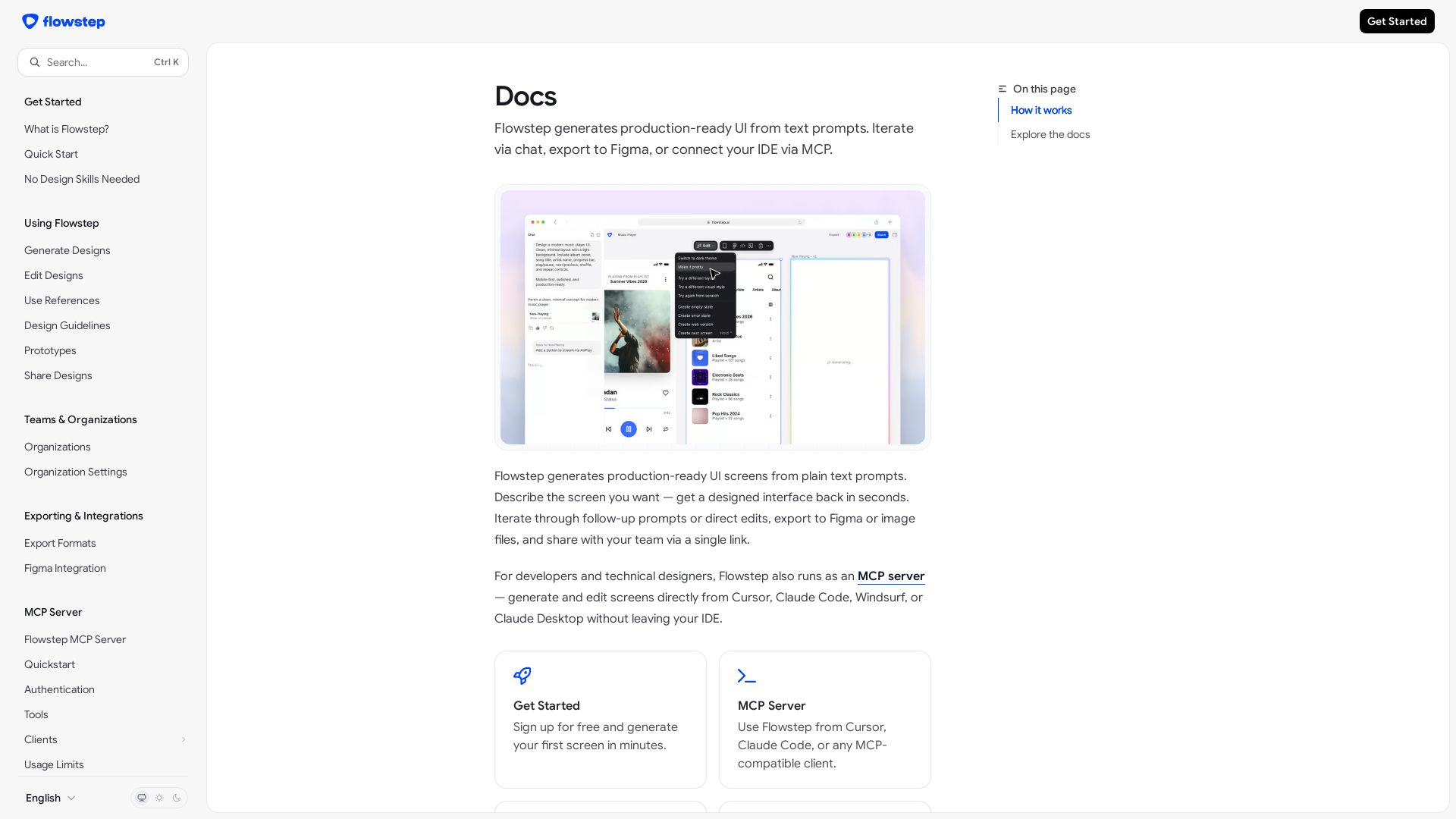
Flowstep
Create production-ready UI screens from plain text. Iterate via chat, export to Figma, or use MCP in your IDE. Try Flowstep free.


Komposo
Turn product ideas into real, editable designs with AI. Generate, edit, and export UIs using plain language. Trusted by 100k+ users. Start for free.


AIDesigner
Create premium UI, logos, brand kits, and more with AIDesigner. No design experience needed. Free to try, no credit card required. Join 15,000+ users.


Motiff AI
Generate production-ready UI from text, wireframes, or screenshots with Motiff AI. Choose preset styles, export to React/HTML. Fast, consistent design.

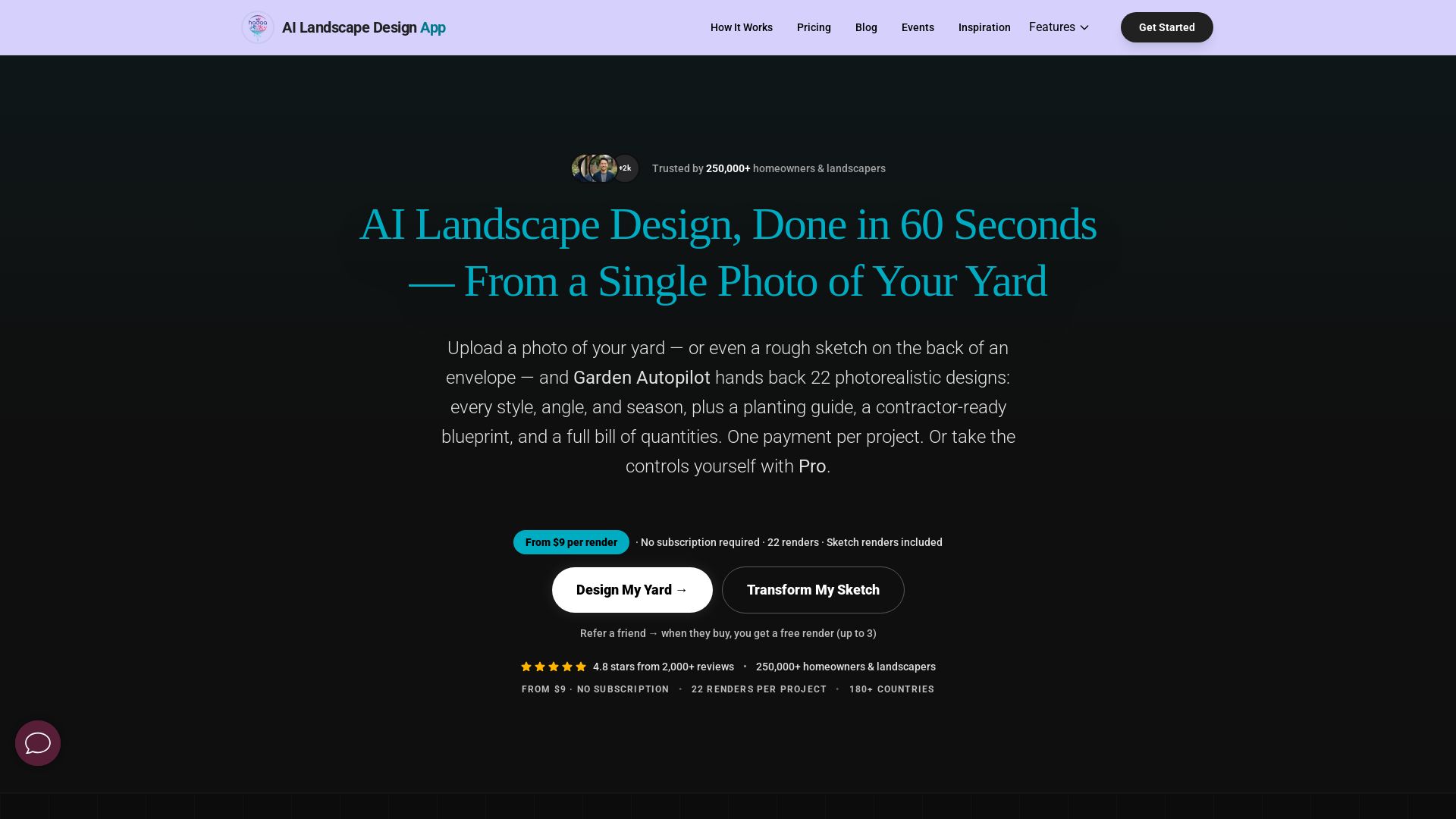
AI Garden Design vs Hadaa: Features & Pricing (2026)
Upload a photo or sketch, get 22 photorealistic designs, planting guide, blueprint & BOQ. Pay per project, no subscription.

ℹ️ Curation Disclosure: The overview and features of Frontitude were synthesized using AI and fact-checked by our curation team to ensure accuracy.