
Motiff AI

Generate production-ready UI from text, wireframes, or screenshots with Motiff AI. Choose preset styles, export to React/HTML. Fast, consistent design.
Editor's Verdict
Key Takeaways
- Text to UI
- Multiple Input Modes
- Preset Stylings
- Precision Refinement
In-Depth Review: What is Motiff AI?
Motiff AI is a powerful UI generation tool that transforms your ideas into polished, production-ready user interfaces. It supports multiple input modalities including text, wireframes, screenshots, and PDFs. With preset design systems like Material Design, Ant Design, and shadcn/ui, you can maintain brand consistency effortlessly. Motiff AI also offers precision editing, export to popular design tools, and clean React/HTML code generation. Trusted by designers and developers, it accelerates your workflow from concept to code.
Core Features
Text to UI
Generate production-ready UI from simple text prompts, understanding full context from PDFs, images, and markdown.
Multiple Input Modes
Convert wireframes, screenshots, or PRD documents into polished UI designs effortlessly.
Preset Stylings
Choose from preset design systems like Material Design, Ant Design, shadcn/ui, or customize for consistent UI across layouts.
Precision Refinement
Select any element, describe changes, and instantly update the design with AI-powered iterative editing.
Workflow Integration
Export designs to Figma, generate clean React/HTML code, or download IDE-ready project ZIPs with one click.
Comprehensive Evaluation
Rigorous scoring based on a broad dataset, expert reviews, and criteria for consistency, aesthetics, and creativity.
Pricing
Starter
- 100 credits per month
- Up to 10 UIs
- Export as images (PNG, JPEG, WebP)
Pro
- Everything in Free
- 1000 credits per month
- Copy generated UI to Figma
- Export production-ready code (HTML, React)
- Download IDE-ready project ZIPs
Pros and Cons
Pros
- Fast UI GenerationGenerates stunning, production-ready UI layouts in seconds from text, wireframes, or screenshots.
- Design ConsistencyBuilt-in preset design systems ensure consistent styling across all generated components and layouts.
- Easy RefinementIterate quickly by selecting elements and describing changes; AI updates the entire design accordingly.
- Seamless ExportExport to Figma, React/HTML code, or IDE projects, integrating smoothly into existing workflows.
- User-FriendlyNo design skills required; accessible to developers, product managers, and non-designers.
Cons
- Discontinued ServiceMotiff has been discontinued; data export only available until October 31, 2026. No future development.
- Limited Free TierStarter plan restricts to 100 credits and 10 UIs per month, insufficient for heavy usage.
- No API AvailableCurrently, there is no public API for programmatic UI generation, limiting automation possibilities.
- Learning Curve for PrecisionWhile easy to start, achieving exact desired outputs may require iterative refinement and prompt tweaking.
- Dependency on AI QualityResults depend on AI model; occasional inconsistencies or lack of creative nuance may occur.
Use Cases & Recommended Professions
Software Developer→ View Toolkit
Quickly generate UI prototypes and production-ready code without needing deep design skills, saving time on frontend work.
Product Manager→ View Toolkit
Visualize and test ideas rapidly during product discovery, validate concepts, and communicate designs to stakeholders.
UX/UI Designer→ View Toolkit
Speed up the design process by generating initial layouts and iterating with AI, allowing focus on creativity and refinement.
Design Coach / Educator→ View Toolkit
Demonstrate design principles and workflows using AI-generated examples, making lessons more engaging.
Business Analyst / Consultant→ View Toolkit
Turn abstract ideas into visual mockups without hiring a designer, improving client communication and proposal quality.
Indie App Developer→ View Toolkit
Rapidly prototype and iterate on app screens independently, reducing reliance on external design resources.
Frequently Asked Questions
Alternative AI Tools
View Detailed Comparison →
Figma
Figma is the intelligent, AI-native canvas for designing, prototyping, and building products together. Trusted by 95% of Fortune 500. Explore design and dev tools.


Figma Console MCP
Connect AI to Figma for design extraction, token sync, and component creation. Turn your design system into a programmable API.


Komposo
Turn product ideas into real, editable designs with AI. Generate, edit, and export UIs using plain language. Trusted by 100k+ users. Start for free.


Superdesign
Create stunning designs with AI. Iterate quickly using natural language. Export production-ready code. Browse design prompts and styles.


Anima
Convert Figma designs, images, and code into live HTML/React apps. AI with design context for developers and agents.


UX Pilot
Ideate, design, and hand-off web apps in seconds with UX Pilot's AI. Generate wireframes, hi-fi designs, and clean code. Trusted by 1M+ users.


Figr
Ship better UX faster. Figr builds a living understanding of your product, maps flows, finds edge cases, and generates high-fidelity prototypes from your actual design system.


AIDesigner
Create premium UI, logos, brand kits, and more with AIDesigner. No design experience needed. Free to try, no credit card required. Join 15,000+ users.



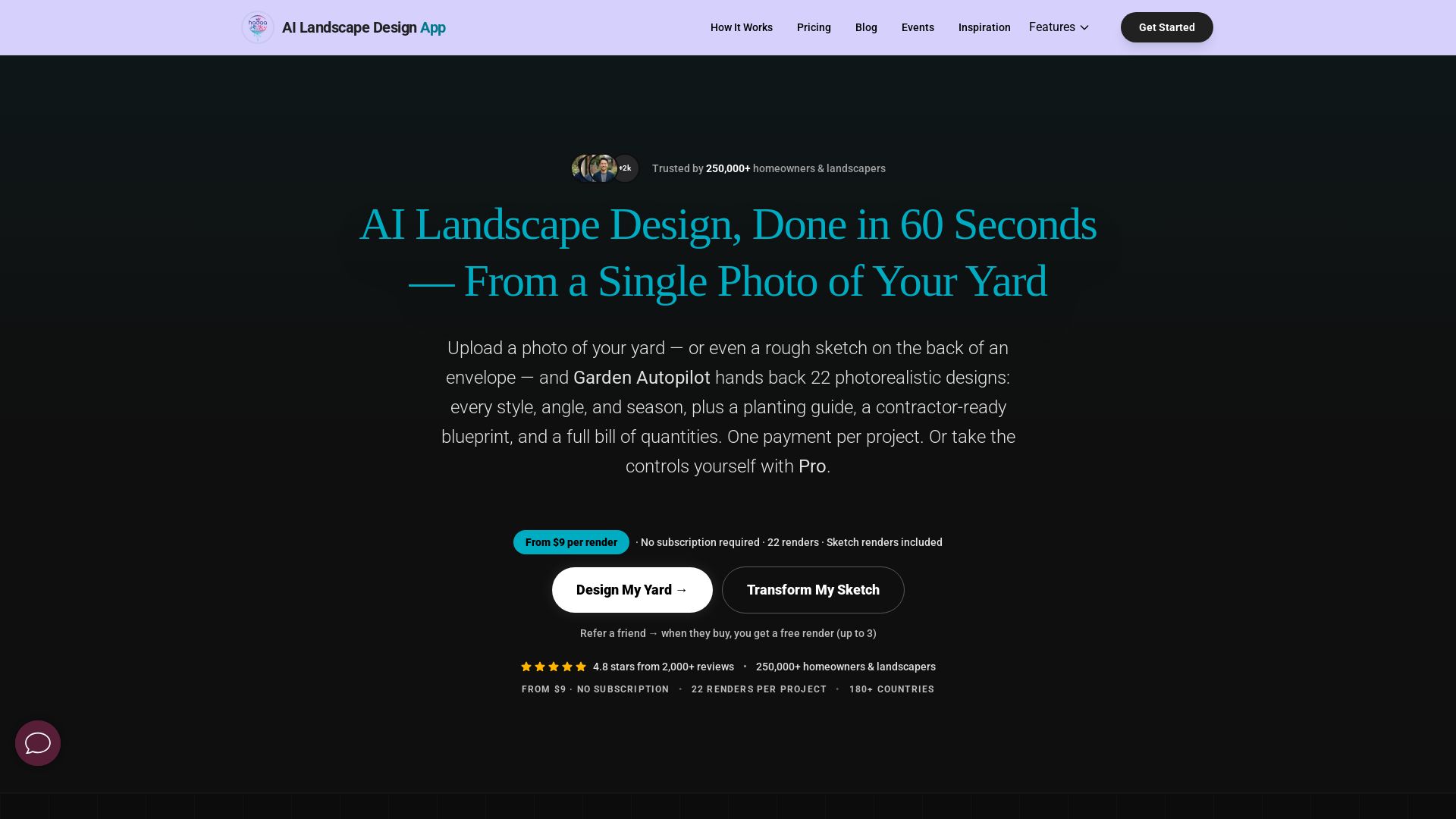
AI Garden Design vs Hadaa: Features & Pricing (2026)
Upload a photo or sketch, get 22 photorealistic designs, planting guide, blueprint & BOQ. Pay per project, no subscription.

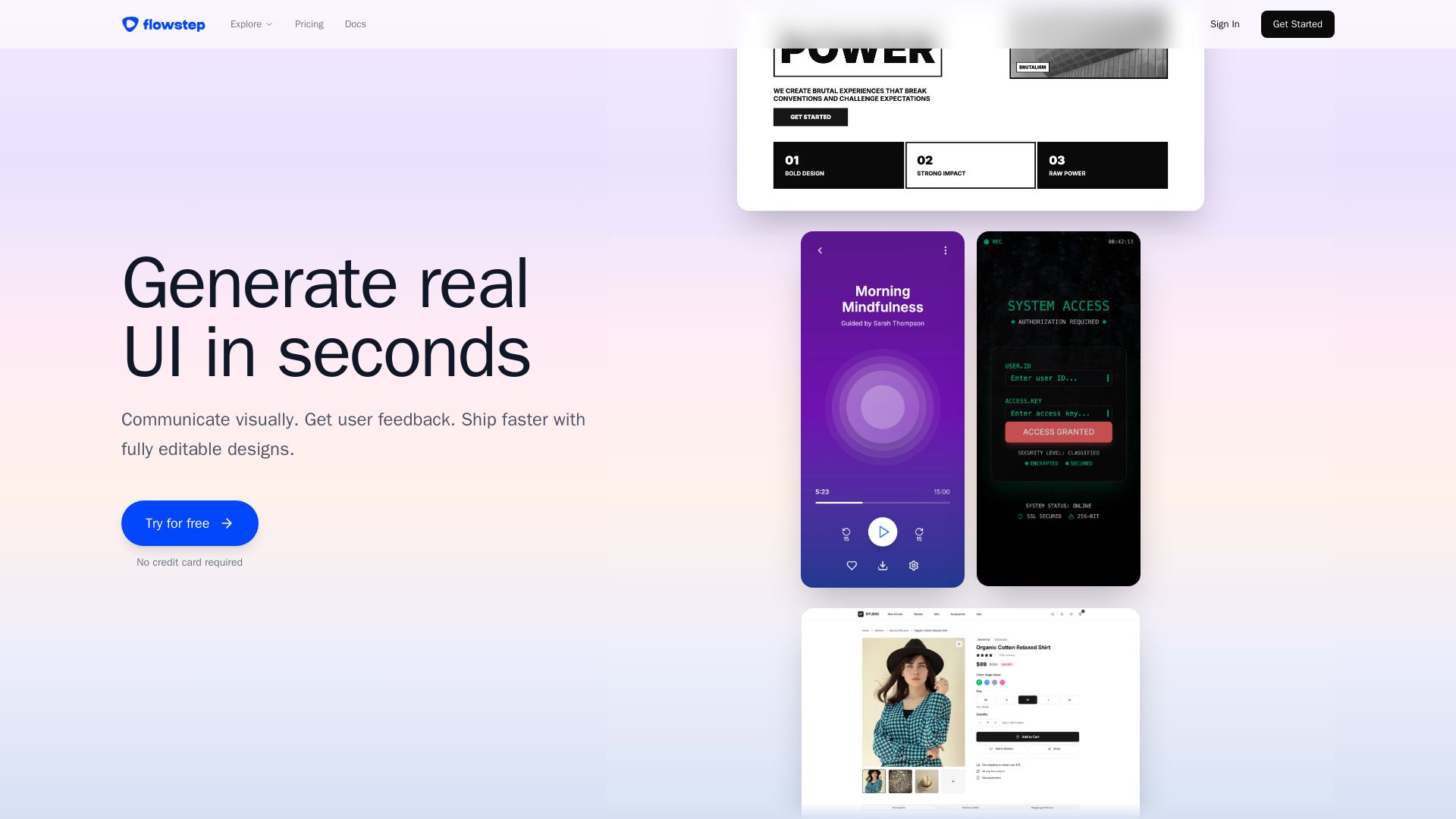
Flowstep
Describe your idea and watch it become editable UI. Collaborate, export code, and copy to Figma instantly. Ship faster.

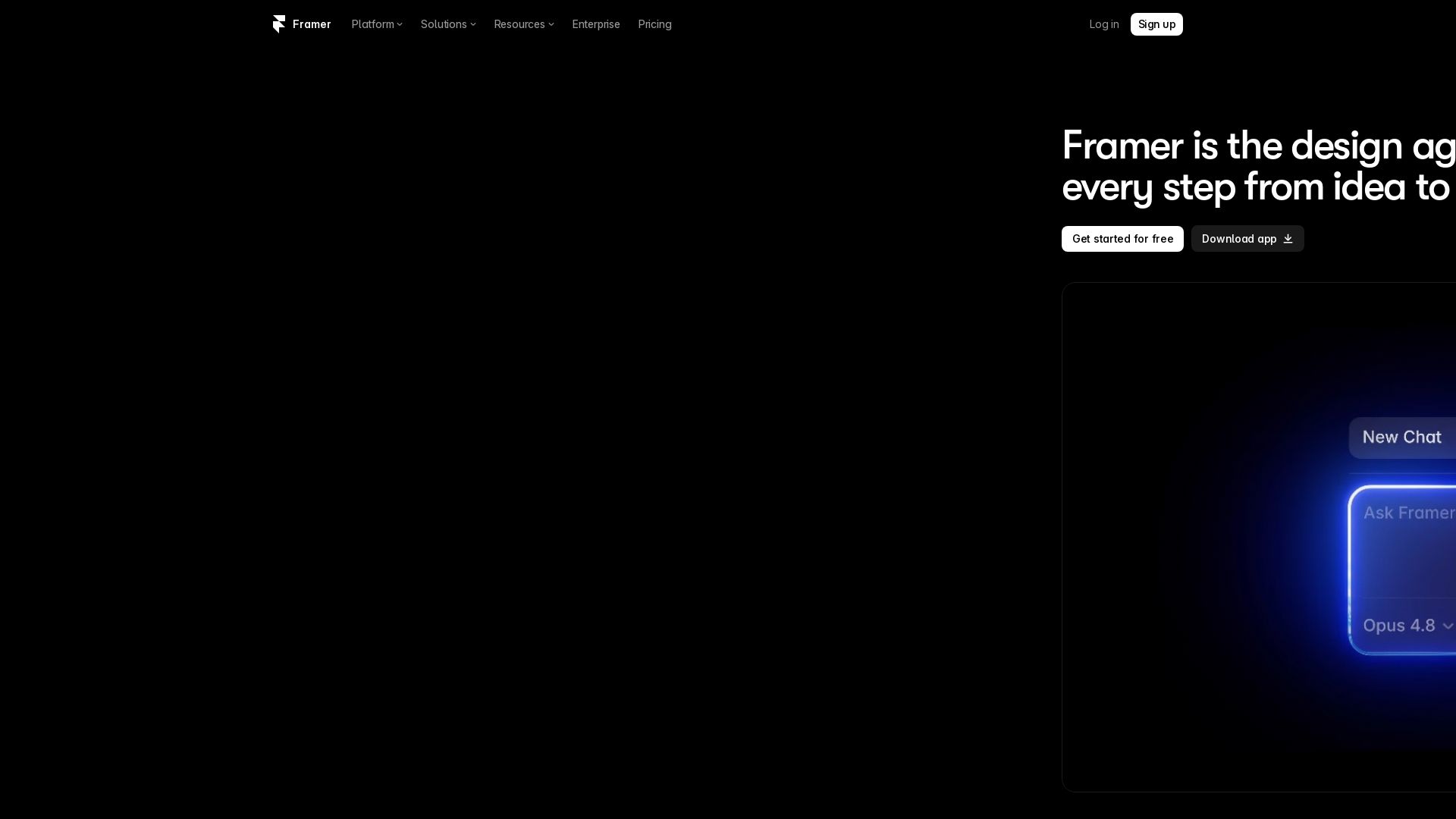
Framer
Design and launch stunning sites with Framer's AI agents. Manage CMS, code, and publish faster. Trusted by modern teams. Get started free.

ℹ️ Curation Disclosure: The overview and features of Motiff AI were synthesized using AI and fact-checked by our curation team to ensure accuracy.
