
Flowstep
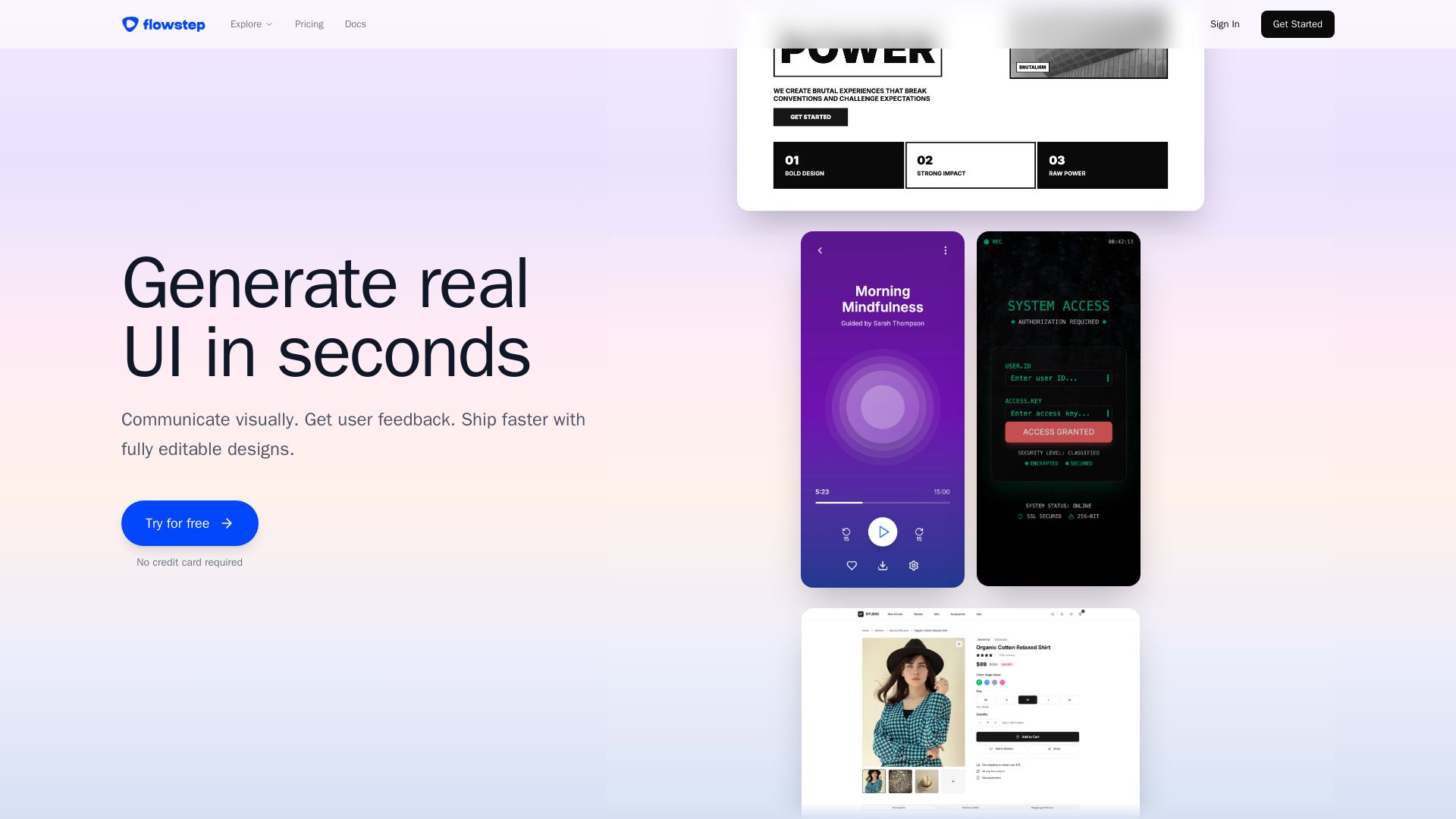
Describe your idea and watch it become editable UI. Collaborate, export code, and copy to Figma instantly. Ship faster.
Editor's Verdict
Key Takeaways
- Generate UI from descriptions
- Edit with AI or manually
- Copy to Figma instantly
- Multiple screens at once
In-Depth Review: What is Flowstep?
Flowstep is an AI-powered design tool that turns your text descriptions into fully editable UI designs in seconds. It offers an infinite canvas, real-time collaboration, instant Figma copy, and clean code export (React, TypeScript, Tailwind). No design skills needed—just describe, edit, and ship.
Core Features
Generate UI from descriptions
Chat with Flowstep like you would with a designer. Describe what you want and watch it appear on the infinite canvas.
Edit with AI or manually
Full control to customize your design without needing to learn complex tooling.
Copy to Figma instantly
Select any design and copy it straight into your Figma file using ⌘C and ⌘V, no plugin needed.
Multiple screens at once
Generate full experiences in one go, such as login screens, dashboards, and profile pages.
Design using references
Attach a PRD, upload an image for inspiration, or paste a link for reference to give more context.
Real-time collaboration
Design with your team via real-time collaboration, see cursors move, keep edits in sync, and share feedback instantly.
Export to code
Export clean, production-ready code with React, TypeScript, and Tailwind CSS that engineers can actually use.
Pricing
Free
- Messages: Limited
- Multi-screen: Limited
- Projects: Limited
Starter
- Messages: 80/mo
- Multi-screen: Unlimited
- Projects: Unlimited
- Exports: Unlimited
- Copy to Figma: Unlimited
Enterprise
- Custom solutions
- Advanced security
- Compliance
- Dedicated support
- Volume pricing
Pros and Cons
Pros
- Fast UI GenerationGenerate screens in seconds from simple descriptions, skipping the blank canvas.
- Easy CollaborationReal-time collaboration with team members, seeing cursors and syncing edits instantly.
- Clean Code ExportExport production-ready React, TypeScript, and Tailwind CSS code that engineers can use directly.
- No Design Skills NeededJust describe what you want and let Flowstep handle the design work.
- Figma IntegrationCopy designs directly into Figma without plugins or extensions.
Cons
- Limited Free PlanFree plan has limited messages, multi-screen, and projects, which may not be sufficient for heavy usage.
- Not a Full Figma ReplacementAs stated in FAQs, Flowstep does not replace Figma yet, so users may still need Figma for advanced editing.
- Message Limits on StarterStarter plan caps at 80 messages per month, which may be restrictive for frequent users.
- Dependence on AI QualityThe output depends on the AI's understanding; complex or niche requests may not always yield desired results.
- Only USD PricingPrices are shown only in USD, which may be inconvenient for international users.
Use Cases & Recommended Professions
Product Manager→ View Toolkit
Quickly visualize product ideas and gather user feedback without waiting for designers.
Product Designer→ View Toolkit
Kickstart the design process and save hours every week by generating UI from descriptions.
Software Engineer→ View Toolkit
Export clean, production-ready code to reduce handoff time and improve workflow.
UI/UX Designer→ View Toolkit
Focus on high-level design while Flowstep handles repetitive UI generation and Figma integration.
Startup Founder→ View Toolkit
Rapidly prototype and iterate on product ideas without needing a full design team.
Freelancer→ View Toolkit
Generate designs quickly for multiple clients and collaborate with them in real time.
Frequently Asked Questions
Alternative AI Tools
View Detailed Comparison →
Figma
Figma is the intelligent, AI-native canvas for designing, prototyping, and building products together. Trusted by 95% of Fortune 500. Explore design and dev tools.


Figma Console MCP
Connect AI to Figma for design extraction, token sync, and component creation. Turn your design system into a programmable API.


Anima
Convert Figma designs, images, and code into live HTML/React apps. AI with design context for developers and agents.


UX Pilot
Ideate, design, and hand-off web apps in seconds with UX Pilot's AI. Generate wireframes, hi-fi designs, and clean code. Trusted by 1M+ users.


Komposo
Turn product ideas into real, editable designs with AI. Generate, edit, and export UIs using plain language. Trusted by 100k+ users. Start for free.


Superdesign
Create stunning designs with AI. Iterate quickly using natural language. Export production-ready code. Browse design prompts and styles.

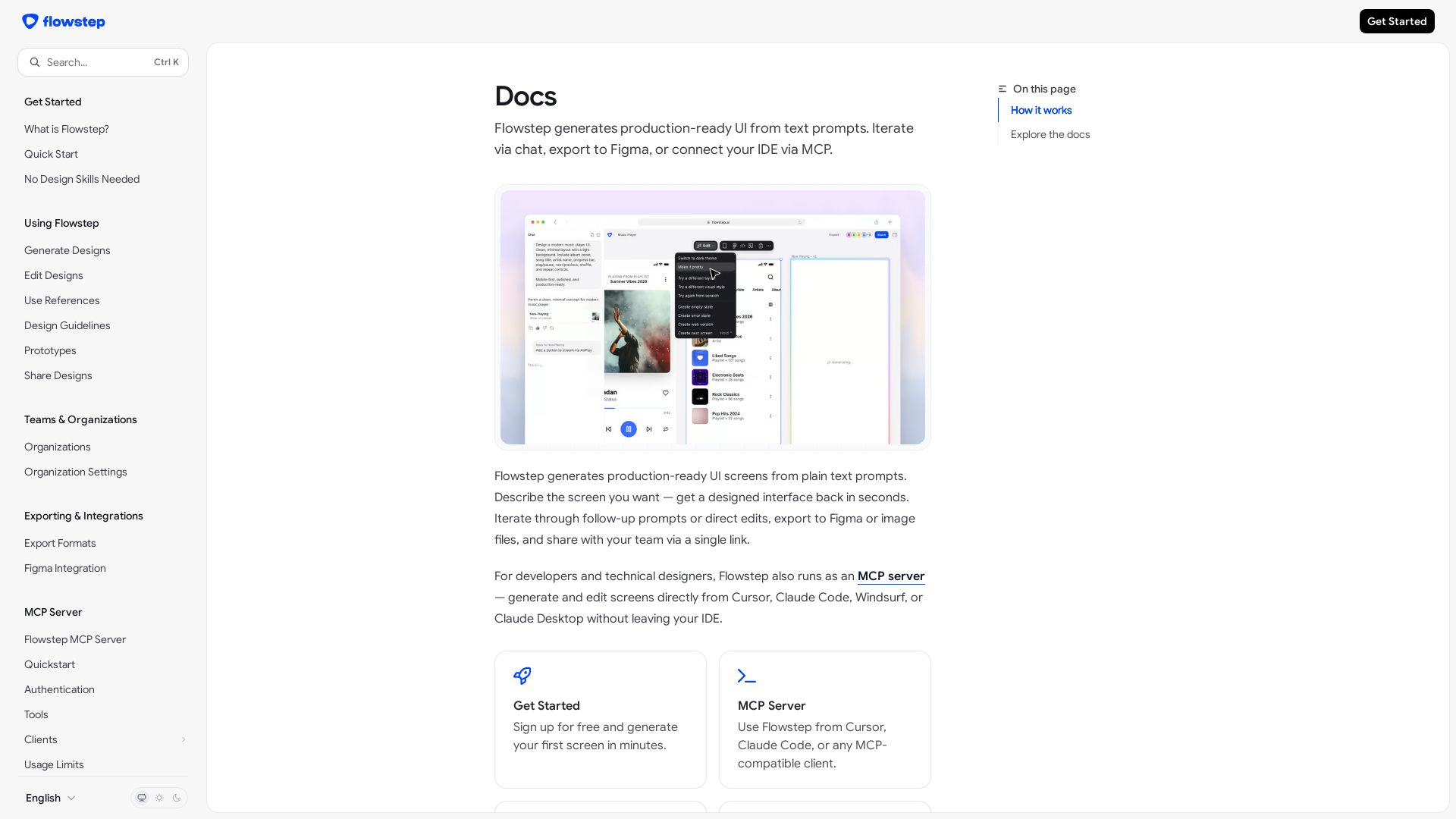
Flowstep
Create production-ready UI screens from plain text. Iterate via chat, export to Figma, or use MCP in your IDE. Try Flowstep free.


Figr
Ship better UX faster. Figr builds a living understanding of your product, maps flows, finds edge cases, and generates high-fidelity prototypes from your actual design system.

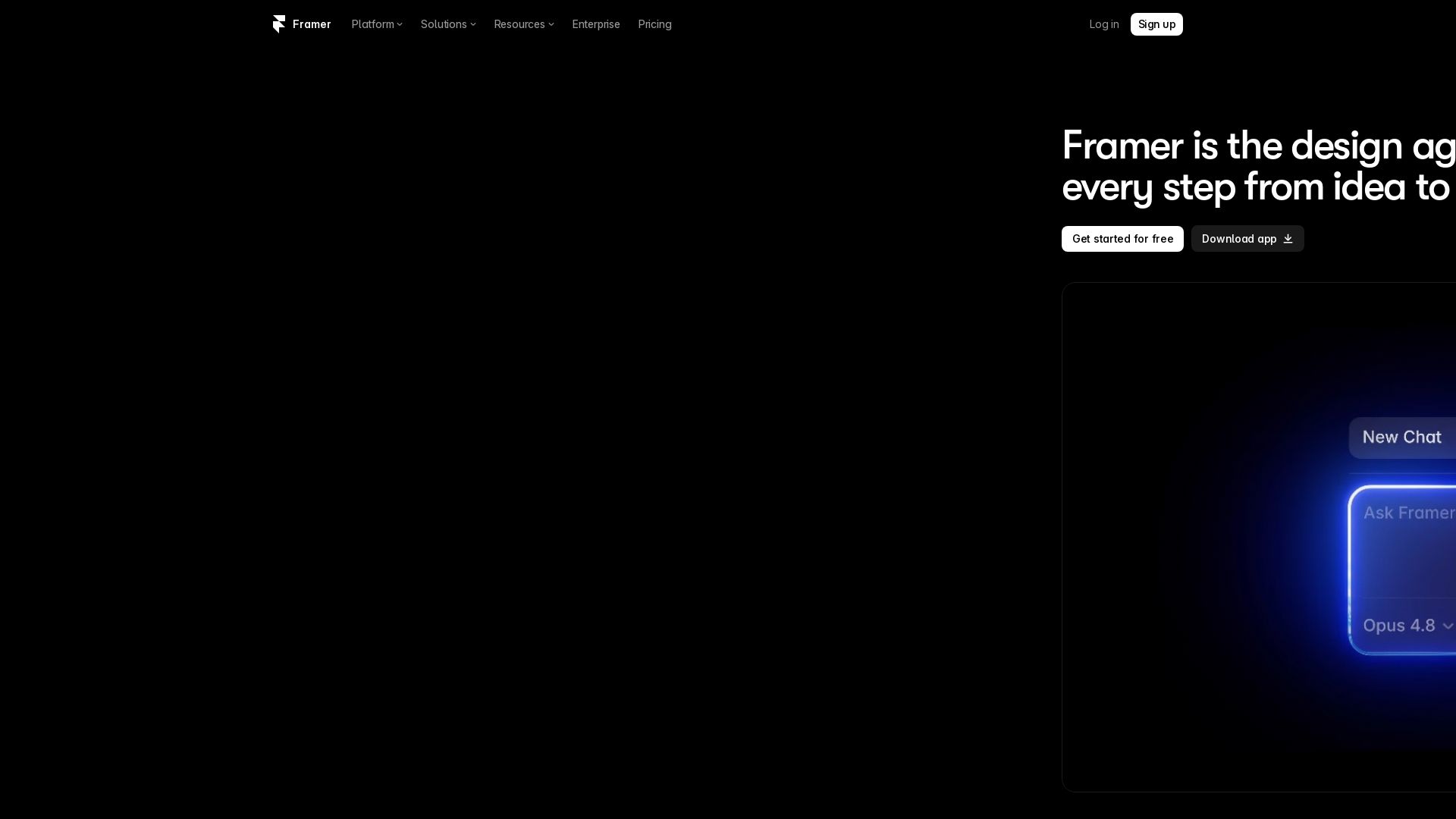
Framer
Design and launch stunning sites with Framer's AI agents. Manage CMS, code, and publish faster. Trusted by modern teams. Get started free.


AIDesigner
Create premium UI, logos, brand kits, and more with AIDesigner. No design experience needed. Free to try, no credit card required. Join 15,000+ users.


Motiff AI
Generate production-ready UI from text, wireframes, or screenshots with Motiff AI. Choose preset styles, export to React/HTML. Fast, consistent design.

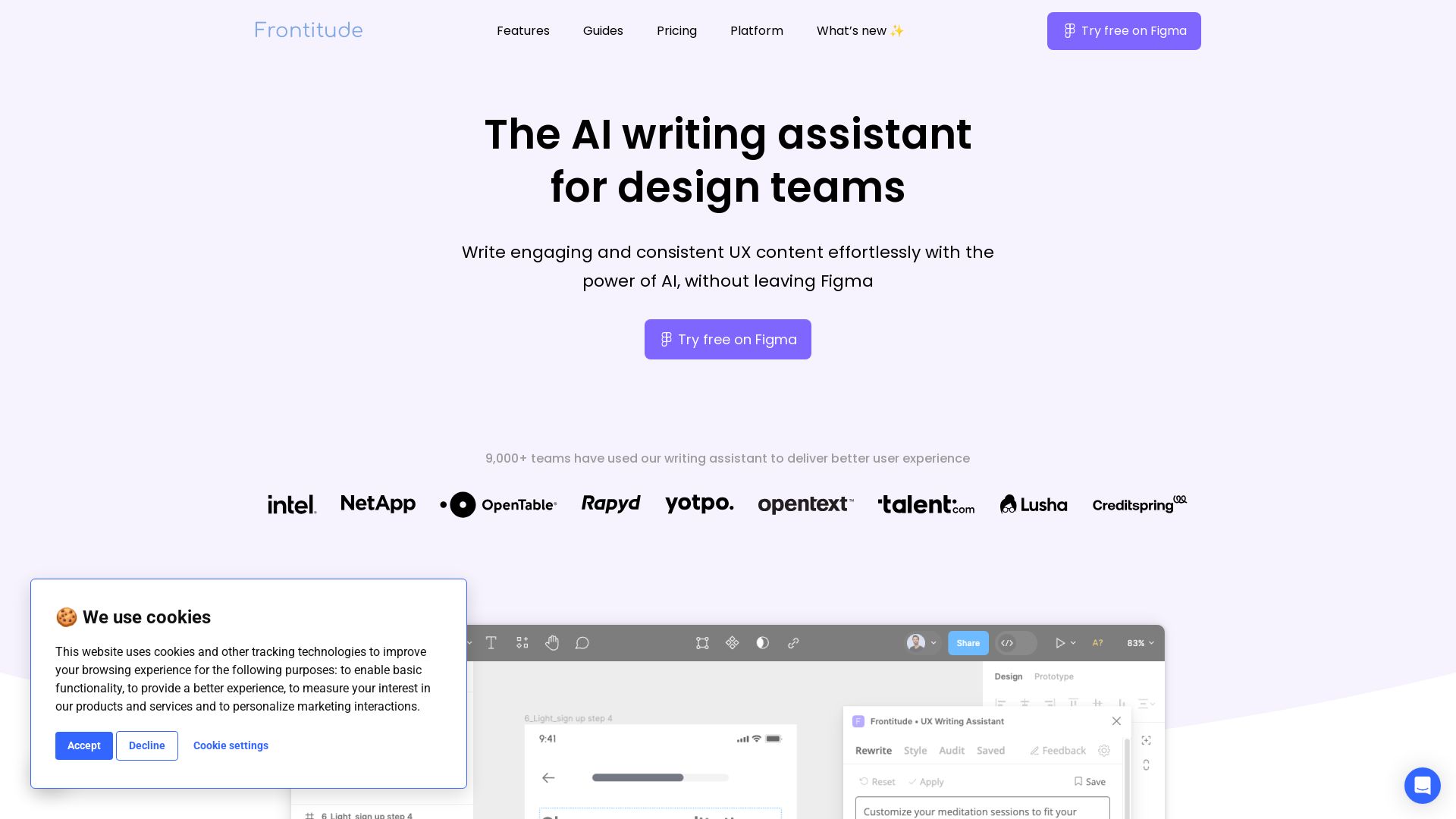
Frontitude
Write engaging UX content with AI in Figma. Save hours, enforce guidelines, and get copy suggestions instantly. Try free.

ℹ️ Curation Disclosure: The overview and features of Flowstep were synthesized using AI and fact-checked by our curation team to ensure accuracy.
