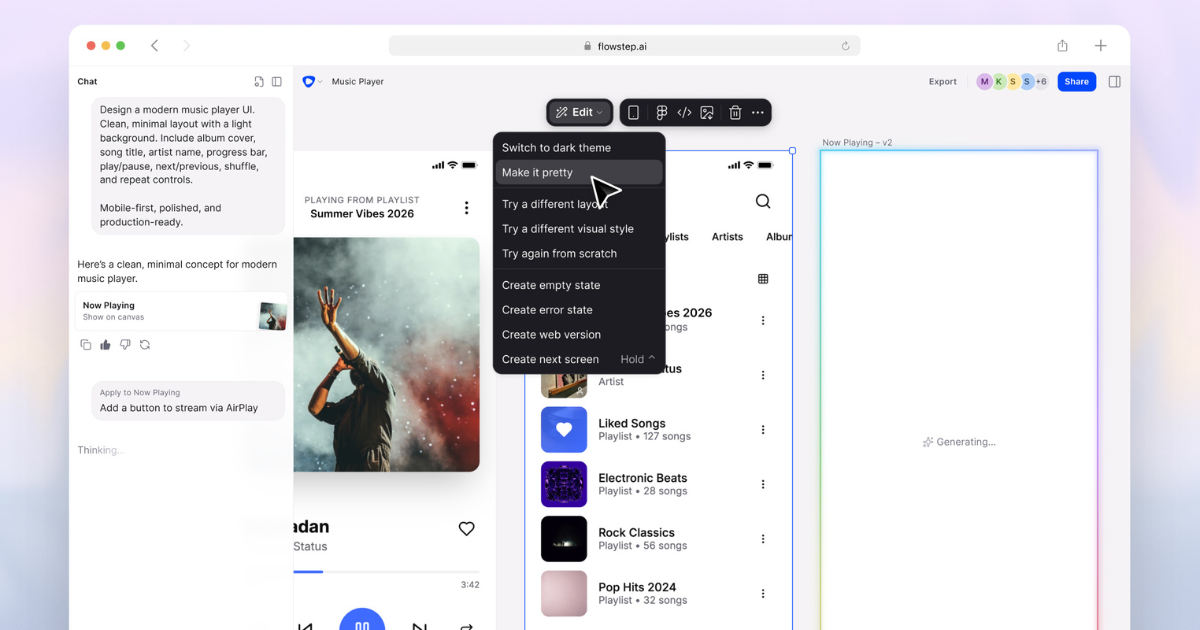
Flowstep
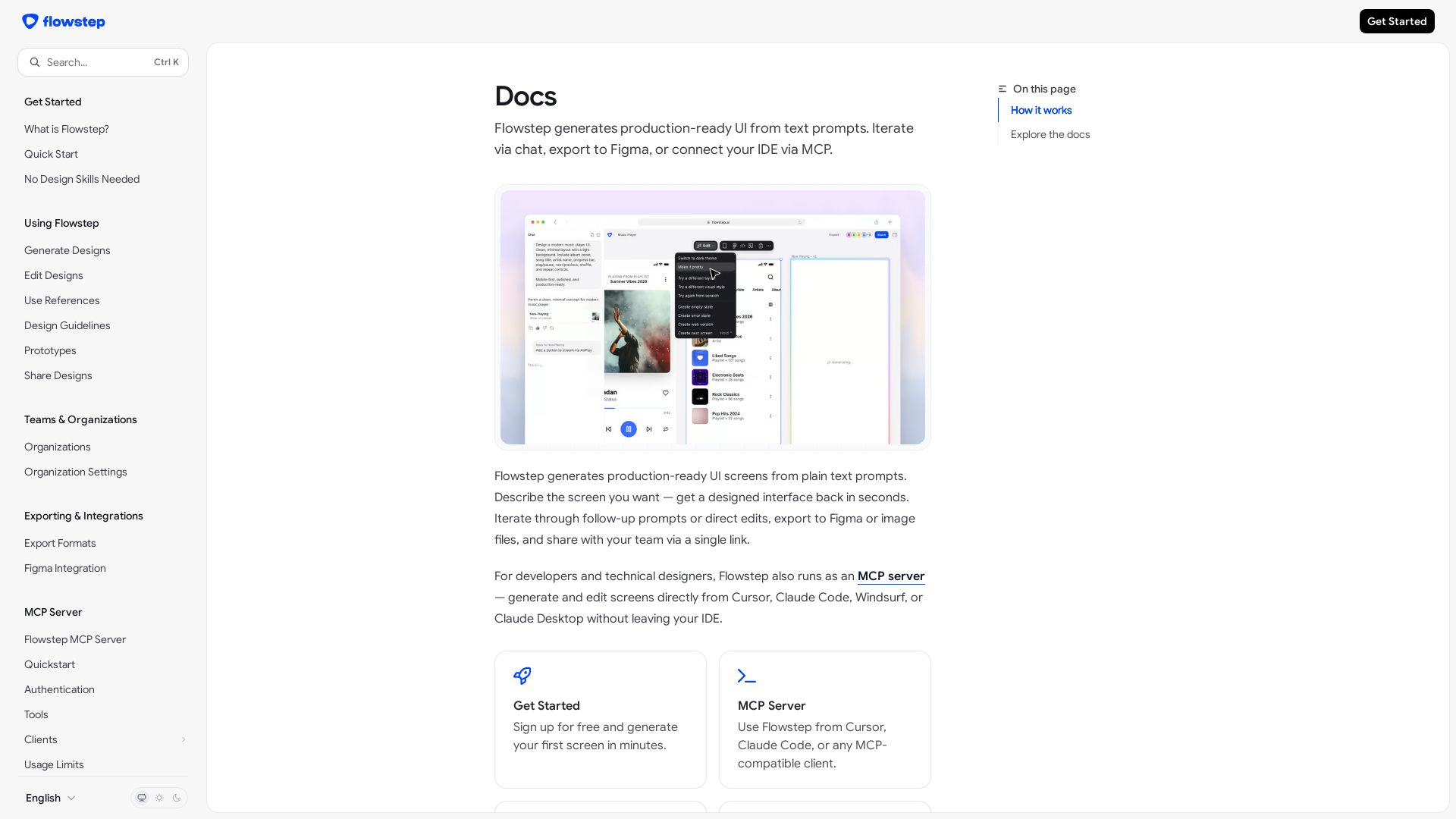
Create production-ready UI screens from plain text. Iterate via chat, export to Figma, or use MCP in your IDE. Try Flowstep free.
Editor's Verdict
Key Takeaways
- Text-to-UI Generation
- Conversational Iteration
- Direct Canvas Editing
- Figma Integration
In-Depth Review: What is Flowstep?
Flowstep is an AI-powered design tool that turns plain text prompts into production-ready UI screens in seconds. Describe the interface you need, and Flowstep delivers a polished design instantly. Refine it through follow-up prompts or direct canvas edits, export to PNG/JPG or Figma, and share view-only links with your team. For developers, Flowstep also runs as an MCP server, enabling seamless integration with Cursor, Claude Code, Windsurf, or Claude Desktop. Whether you're a developer, designer, or product team, Flowstep accelerates your design workflow without requiring design skills.
Core Features
Text-to-UI Generation
Generate production-ready UI screens from plain text prompts in seconds.
Conversational Iteration
Refine designs through follow-up chat prompts without starting over.
Direct Canvas Editing
Edit designs directly on the canvas to fine-tune every element.
Figma Integration
Paste Flowstep designs into an existing Figma file with one shortcut.
IDE / MCP Integration
Use Flowstep as an MCP server from Cursor, Claude Code, Windsurf, or Claude Desktop to generate and edit screens without leaving your IDE.
View-Only Sharing
Share designs via view-only links; recipients don't need a Flowstep account.
Design References
Attach images, PRDs, or URLs to guide your designs without writing long prompts.
No Design Skills Needed
Anyone can create professional-looking UI screens from text prompts, regardless of design experience.
Pricing
Free Trial
- No credit card required
- Access to paid features such as exports
- Set number of messages
- Automatically moves to Free plan after trial
Free
- Daily and monthly message limits
- Keep creating after trial
- Exporting to Figma, code, or image files not included
Starter
- More messages than Free
- Full export options (Figma, code, images)
- Per-seat billing
- Monthly or annual billing
Pro
- Higher usage limits
- Full export options (Figma, code, images)
- Per-seat billing
- Monthly or annual billing
Max
- Highest usage limits
- Full export options (Figma, code, images)
- Per-seat billing
- Monthly or annual billing
Enterprise
- Custom arrangement
- For teams that need more than Max
Pros and Cons
Pros
- Design without design skillsFlowstep turns plain text prompts into production-ready UI, making design accessible to everyone.
- Fast iterationIterate through chat prompts or direct canvas edits to refine designs quickly.
- Figma and export integrationPaste designs into Figma with one shortcut, or export as PNG, JPG, and code.
- IDE / MCP supportGenerate and edit screens directly from Cursor, Claude Code, Windsurf, or Claude Desktop via MCP.
- Easy sharingShare view-only links with stakeholders and clients; they don't need an account.
Cons
- Exact pricing not listed in docsThe documentation directs you to the pricing page for exact costs, making it hard to know prices upfront.
- Free plan lacks exportsExporting to Figma, code, or image files requires a paid plan or the trial period.
- Trial is shortThe free trial lasts only 3 days or a set number of messages, whichever comes first.
- Usage limits on FreeThe Free plan comes with daily and monthly message limits that may be restrictive for active users.
- Per-seat billing can scale upPaid plans are billed per seat, so costs grow as you add more Owners, Admins, and Members.
Use Cases & Recommended Professions
UI/UX Designer→ View Toolkit
Quickly prototype UI screens from text and export them to Figma for further design work.
Frontend Developer→ View Toolkit
Generate UI screens and components via MCP server directly inside their IDE, speeding up development.
Product Manager→ View Toolkit
Create mockups to communicate ideas and share them with stakeholders using view-only links.
Startup Founder→ View Toolkit
Build a product UI without hiring a designer, thanks to text-based generation and easy editing.
Software Engineer→ View Toolkit
Use Flowstep's MCP integration to scaffold UI screens from Cursor, Claude Code, Windsurf, or Claude Desktop.
Design Agency Professional→ View Toolkit
Rapidly iterate on design concepts and export final screens to Figma for client delivery.
Frequently Asked Questions
Alternative AI Tools
View Detailed Comparison →
Figma Console MCP
Connect AI to Figma for design extraction, token sync, and component creation. Turn your design system into a programmable API.


Figma
Figma is the intelligent, AI-native canvas for designing, prototyping, and building products together. Trusted by 95% of Fortune 500. Explore design and dev tools.


Anima
Convert Figma designs, images, and code into live HTML/React apps. AI with design context for developers and agents.


Komposo
Turn product ideas into real, editable designs with AI. Generate, edit, and export UIs using plain language. Trusted by 100k+ users. Start for free.


UX Pilot
Ideate, design, and hand-off web apps in seconds with UX Pilot's AI. Generate wireframes, hi-fi designs, and clean code. Trusted by 1M+ users.


Figr
Ship better UX faster. Figr builds a living understanding of your product, maps flows, finds edge cases, and generates high-fidelity prototypes from your actual design system.


Superdesign
Create stunning designs with AI. Iterate quickly using natural language. Export production-ready code. Browse design prompts and styles.

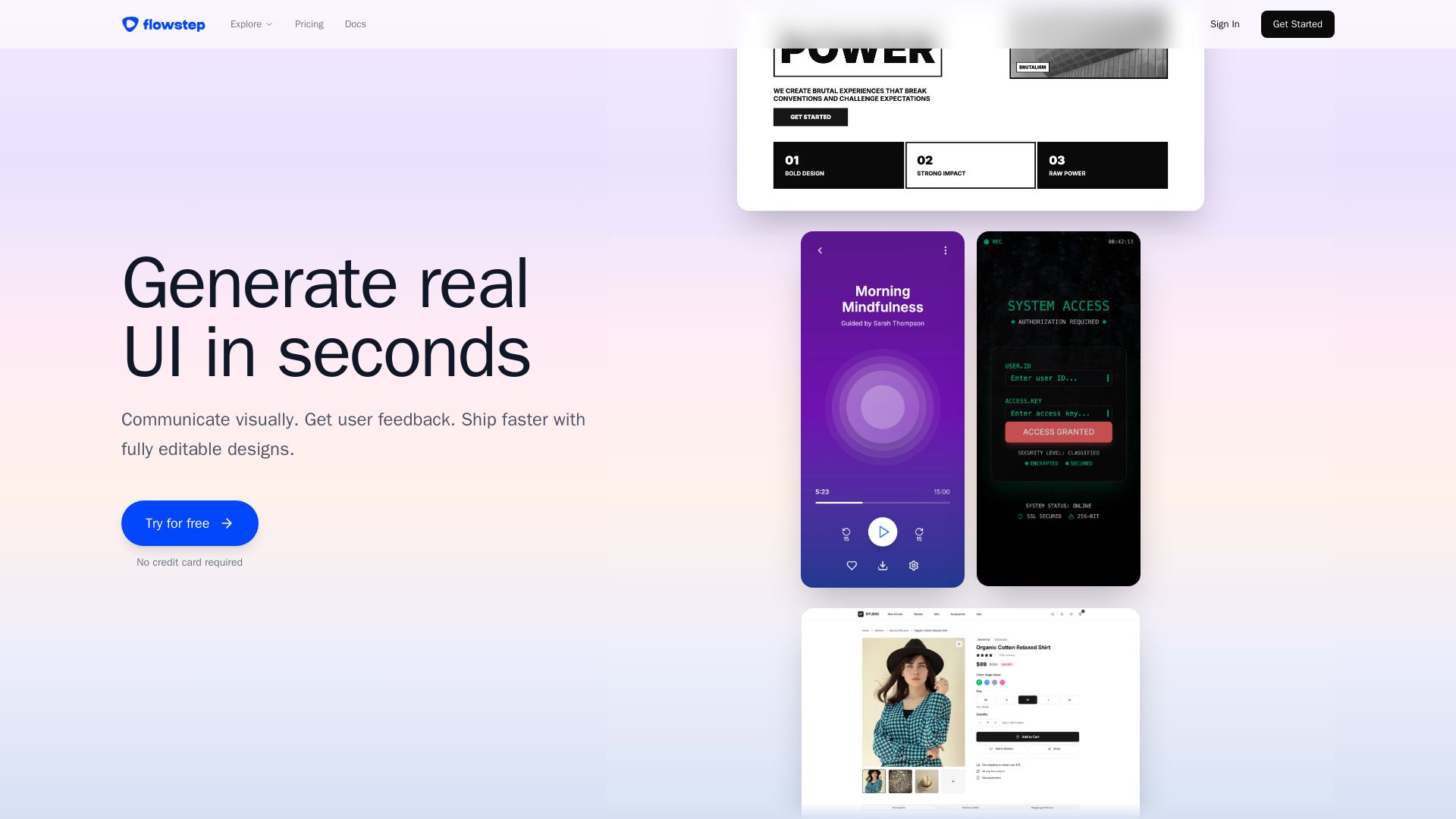
Flowstep
Describe your idea and watch it become editable UI. Collaborate, export code, and copy to Figma instantly. Ship faster.

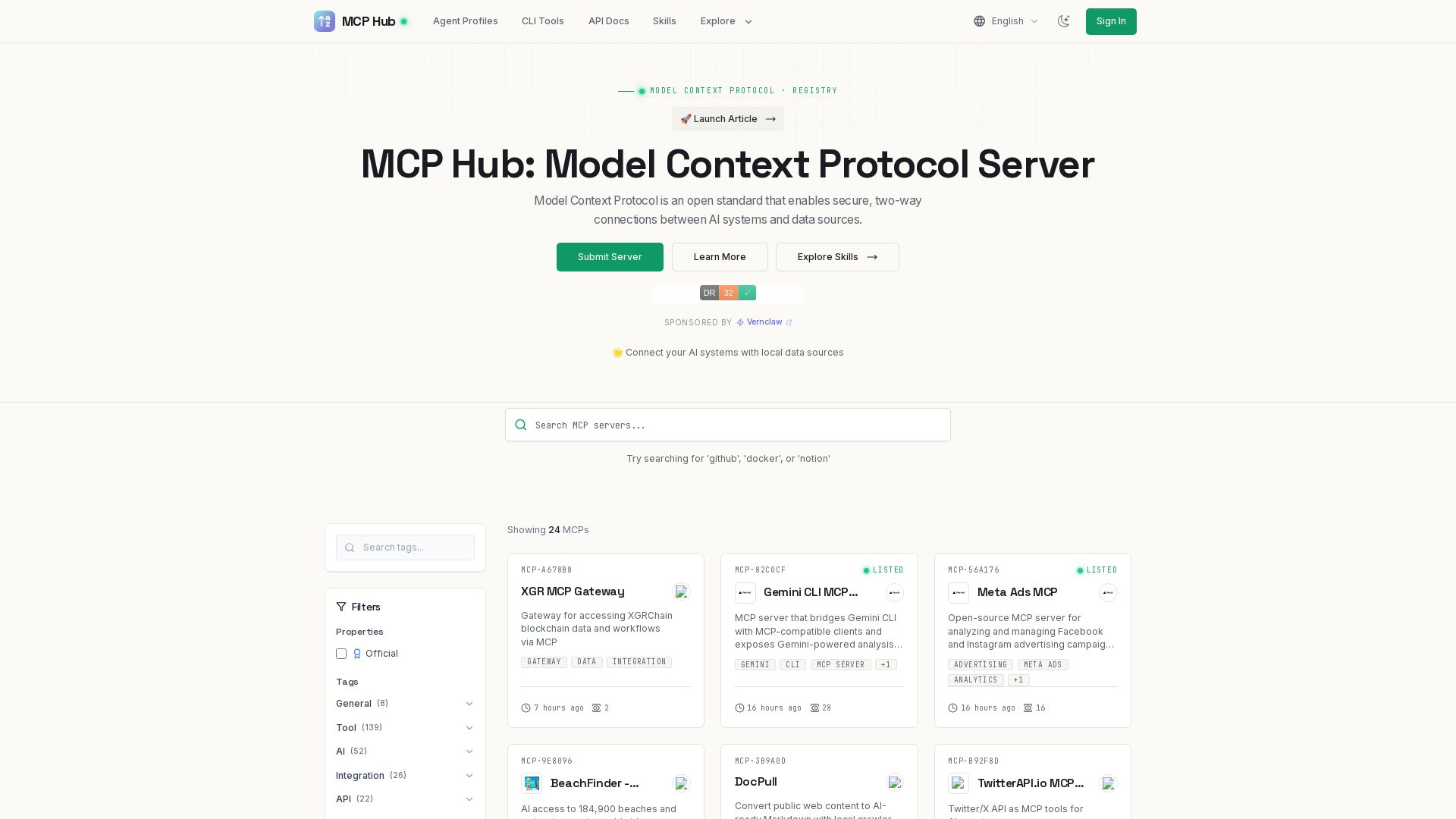
MCP Hub
Explore hundreds of MCP servers for secure AI-data connections. Find tools for GitHub, Docker, Notion, and more. Submit your own MCP implementation.

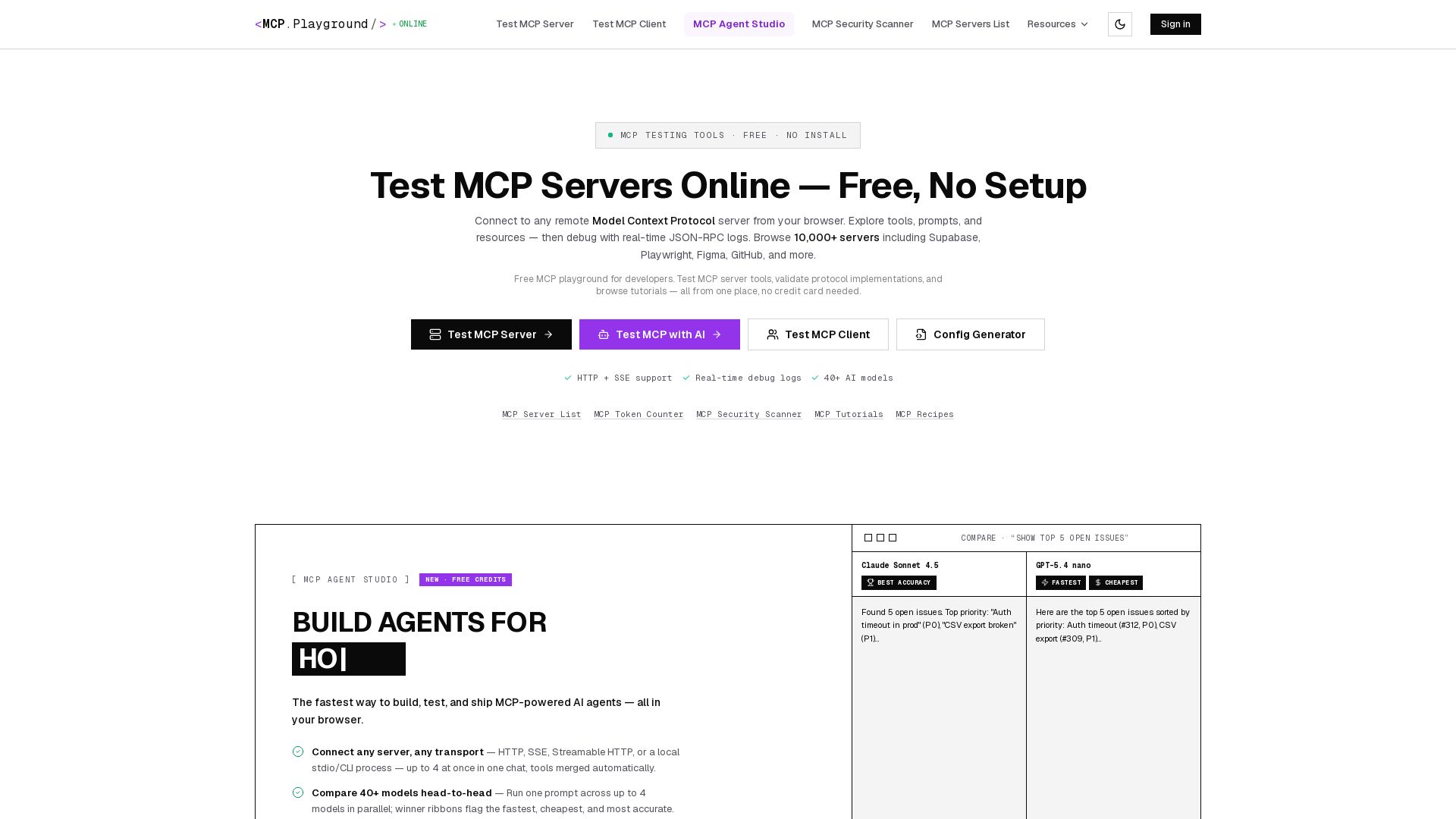
MCP Playground Online
Free browser-based MCP testing tool. Connect to any server, browse tools, execute commands, and view live JSON-RPC logs. No install required.


Motiff AI
Generate production-ready UI from text, wireframes, or screenshots with Motiff AI. Choose preset styles, export to React/HTML. Fast, consistent design.

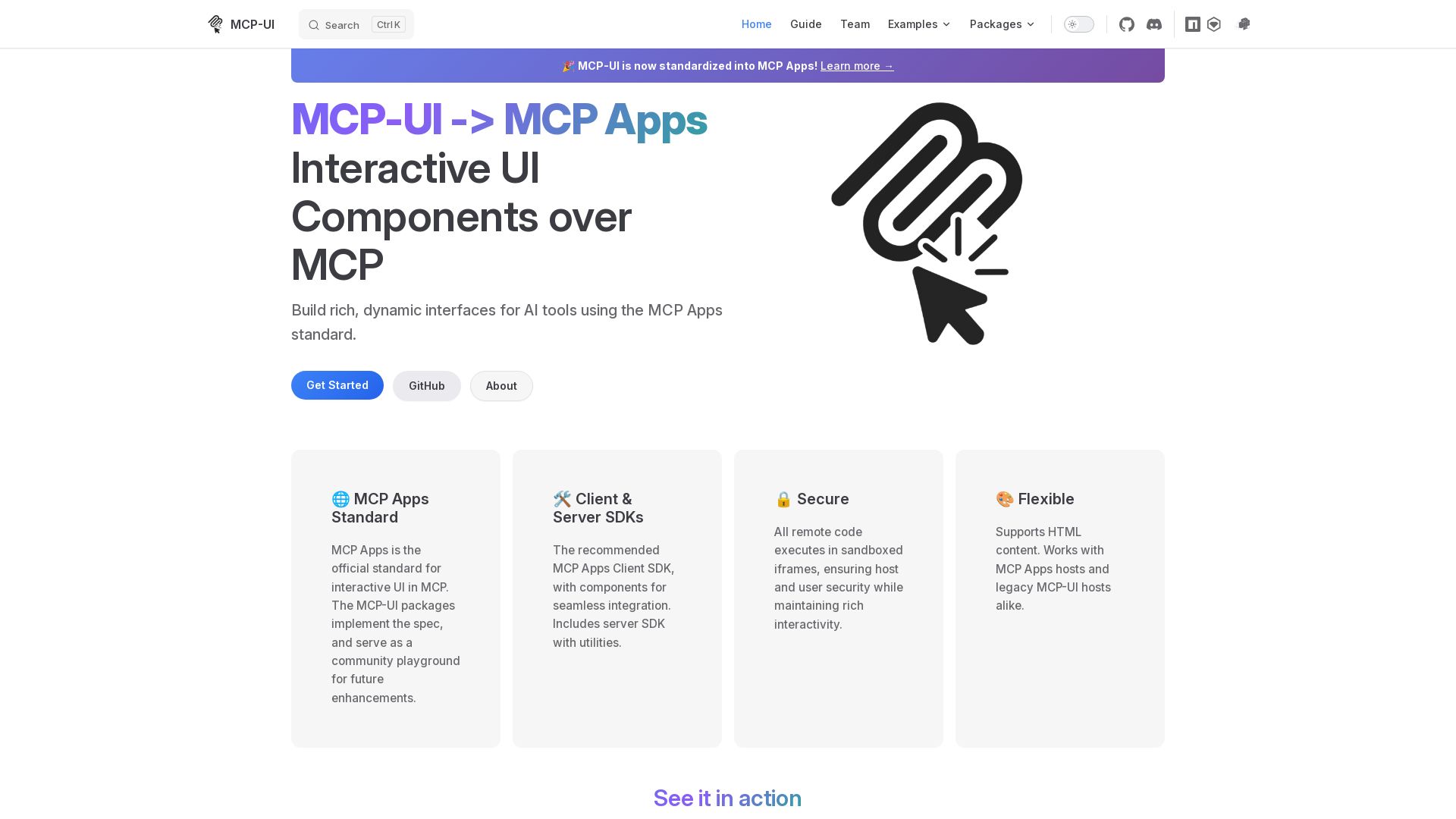
MCP-UI
Build rich, dynamic interfaces for AI tools with MCP Apps. Secure sandboxed execution, HTML support, client & server SDKs.

ℹ️ Curation Disclosure: The overview and features of Flowstep were synthesized using AI and fact-checked by our curation team to ensure accuracy.
