
MCP-UI
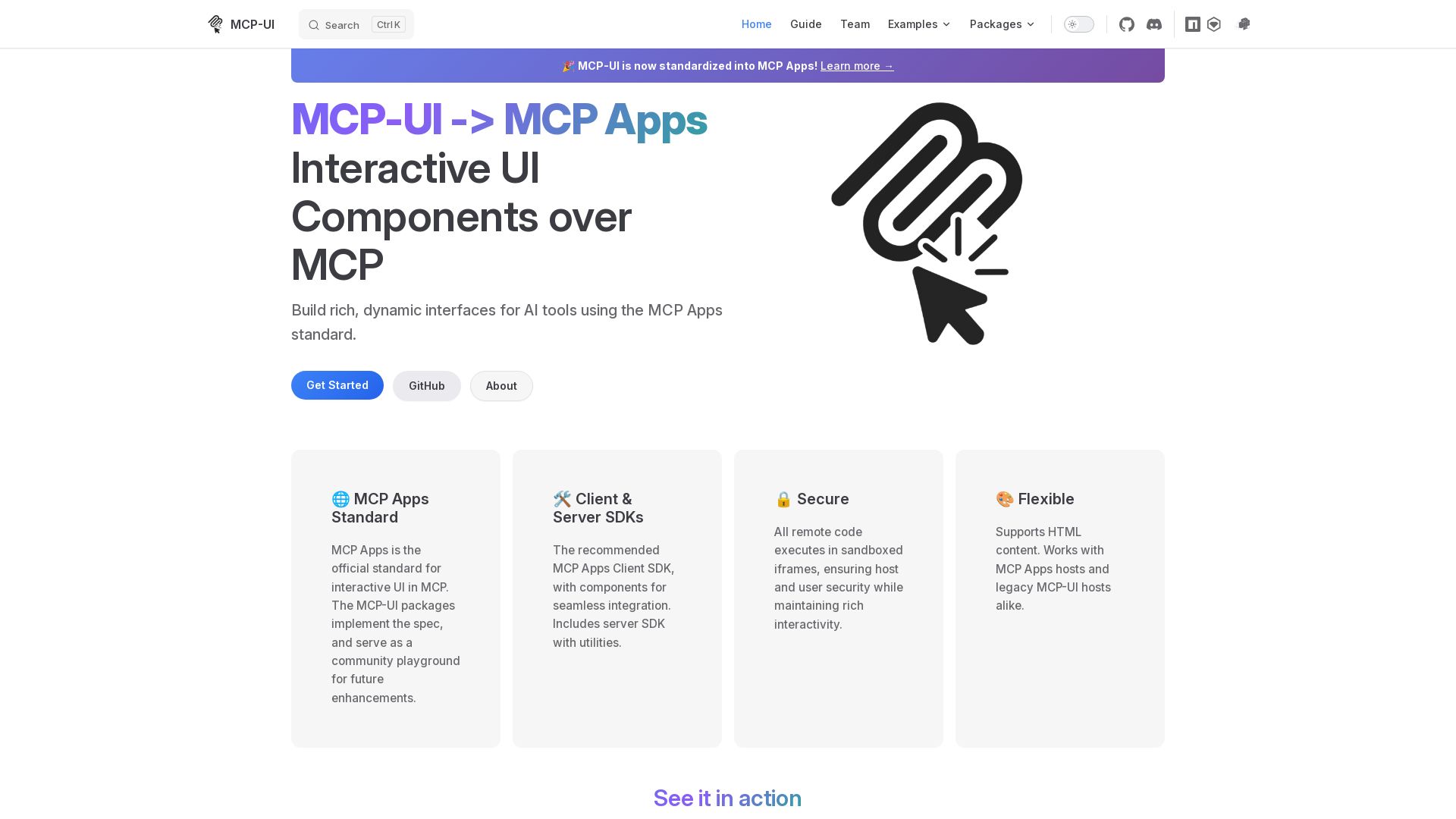
Build rich, dynamic interfaces for AI tools with MCP Apps. Secure sandboxed execution, HTML support, client & server SDKs.
Editor's Verdict
Key Takeaways
- Interactive UI Components over MCP
- MCP Apps Standard
- Client & Server SDKs
- Secure Execution
In-Depth Review: What is MCP-UI?
MCP-UI, now standardized as MCP Apps, provides the official framework for building interactive UI components over the Model Context Protocol (MCP). It includes client and server SDKs for seamless integration, secure sandboxed iframe execution, and flexible HTML content support. Ideal for developers creating AI tools with dynamic user interfaces.
Core Features
Interactive UI Components over MCP
Build rich, dynamic interfaces for AI tools using the MCP Apps standard, enabling seamless integration and interactivity.
MCP Apps Standard
Official standard for interactive UI in MCP, ensuring consistency and future enhancements through community playground.
Client & Server SDKs
Recommended MCP Apps Client SDK with components for seamless integration, plus server SDK with utilities for creating interactive tools.
Secure Execution
All remote code executes in sandboxed iframes, ensuring host and user security while maintaining rich interactivity.
Flexible Content Support
Supports HTML content and works with both MCP Apps hosts and legacy MCP-UI hosts, providing maximum compatibility.
Legacy MCP-UI Adapter
Provides support for existing MCP-UI apps or hosts that don't yet support MCP Apps, easing transition.
Pros and Cons
Pros
- Standardized ApproachMCP-UI is now standardized into MCP Apps, providing a unified standard for interactive UI in the MCP ecosystem.
- Rich InteractivityEnables building dynamic interfaces for AI tools, enhancing user experience beyond simple text responses.
- Secure by DesignRemote code runs in sandboxed iframes, protecting host and user security while allowing rich UI.
- Flexible IntegrationSupports HTML content and works with both modern MCP Apps hosts and legacy MCP-UI hosts.
- Comprehensive SDKsProvides client and server SDKs with utilities for easy implementation and seamless integration.
Cons
- Ecosystem DependencyRequires adoption of MCP Apps standard; limited to environments that support MCP.
- Learning CurveDevelopers need to learn MCP Apps standard and SDK usage, which may take time.
- Limited AdoptionAs a newer standard, it may not have widespread support compared to traditional UI frameworks.
- No Pricing TransparencyThe pricing page is blank, making it difficult to assess cost for potential users.
- Requires Host SupportBoth client and server components must implement MCP Apps; not all MCP hosts may support it initially.
Use Cases & Recommended Professions
AI Tool Developer→ View Toolkit
Needs to create interactive user interfaces for AI-powered tools to enhance user engagement.
MCP Server Developer→ View Toolkit
Builds MCP servers that serve dynamic UI components alongside traditional tools.
Frontend Engineer→ View Toolkit
Integrates AI tool UIs into existing frontends using MCP Apps client SDK.
Prompt Engineer→ View Toolkit
Designs AI interactions that benefit from rich UI responses like charts or forms.
DevOps Engineer→ View Toolkit
Deploys and maintains MCP servers with interactive capabilities, ensuring security and performance.
Product Manager→ View Toolkit
Evaluates MCP-UI for product features that require dynamic AI-driven interfaces.
Frequently Asked Questions
Alternative AI Tools
View Detailed Comparison →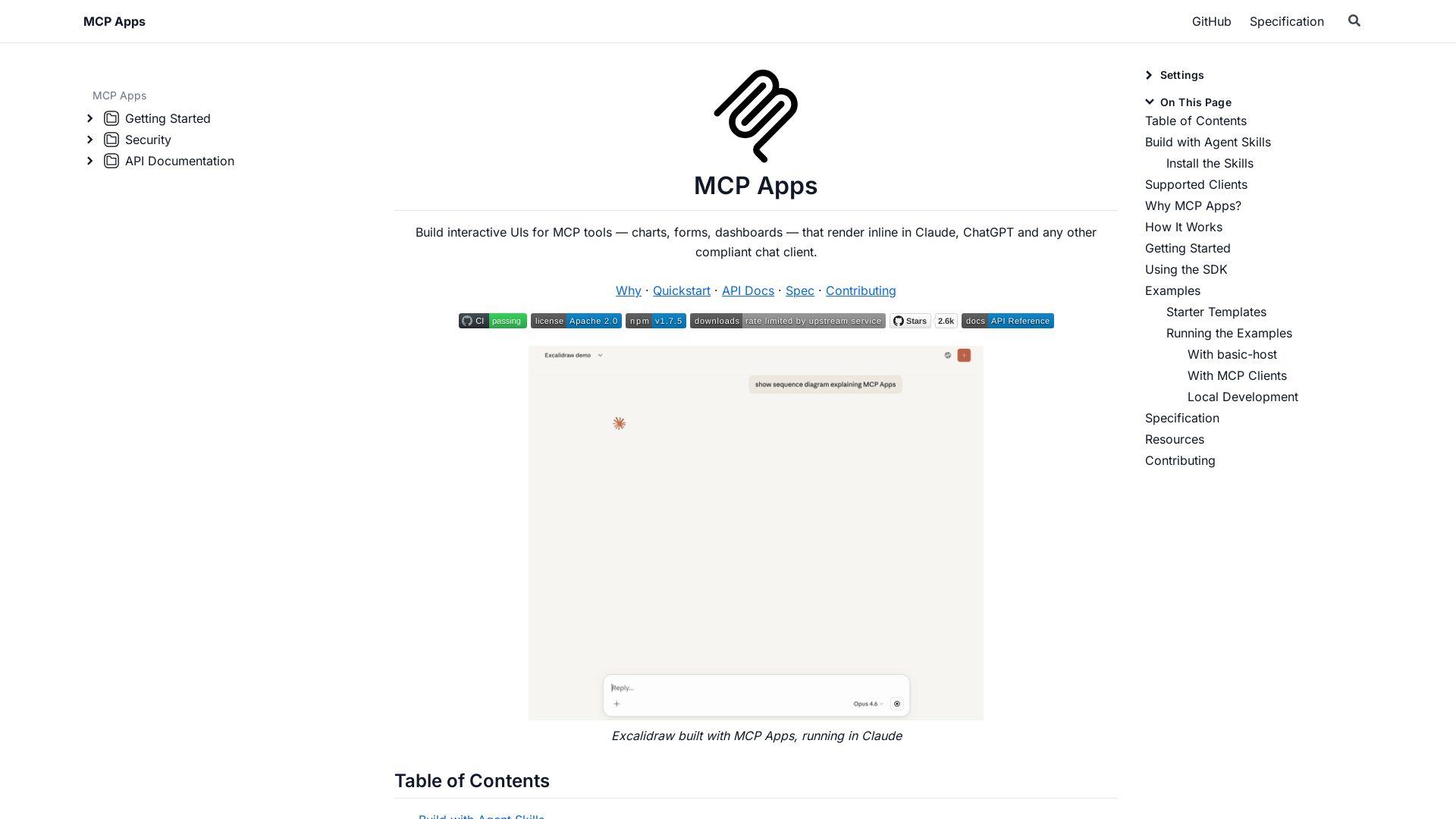
MCP Apps
Build dynamic charts, forms, and dashboards that render inline in ChatGPT, Claude, and more. Extends MCP for seamless UI-tool communication.

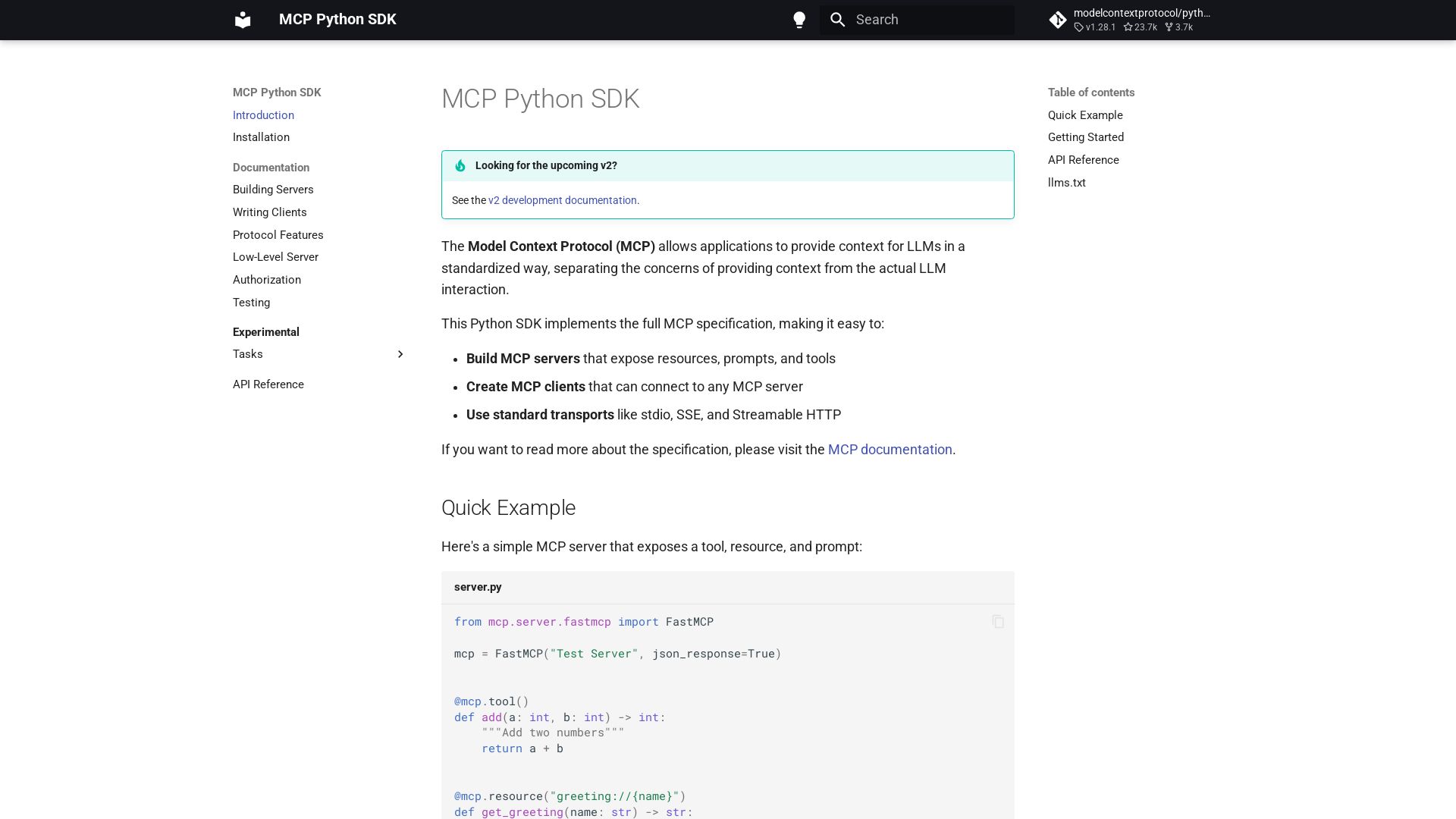
MCP Python SDK
Python SDK for Model Context Protocol. Easily build servers and clients exposing tools, resources, and prompts.

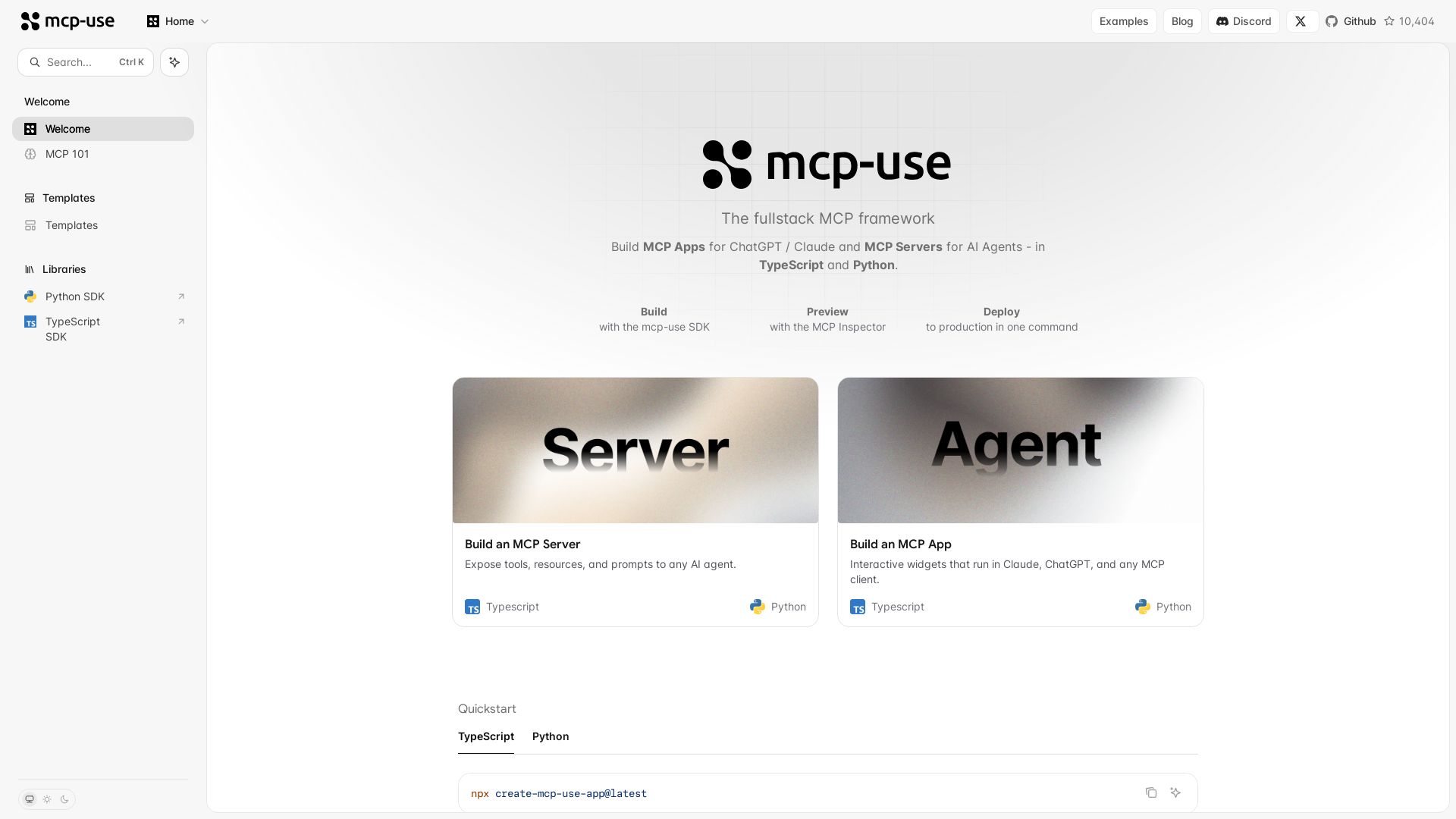
mcp-use
Build MCP apps for ChatGPT/Claude and MCP servers for AI agents. TypeScript & Python. Deploy in one command.

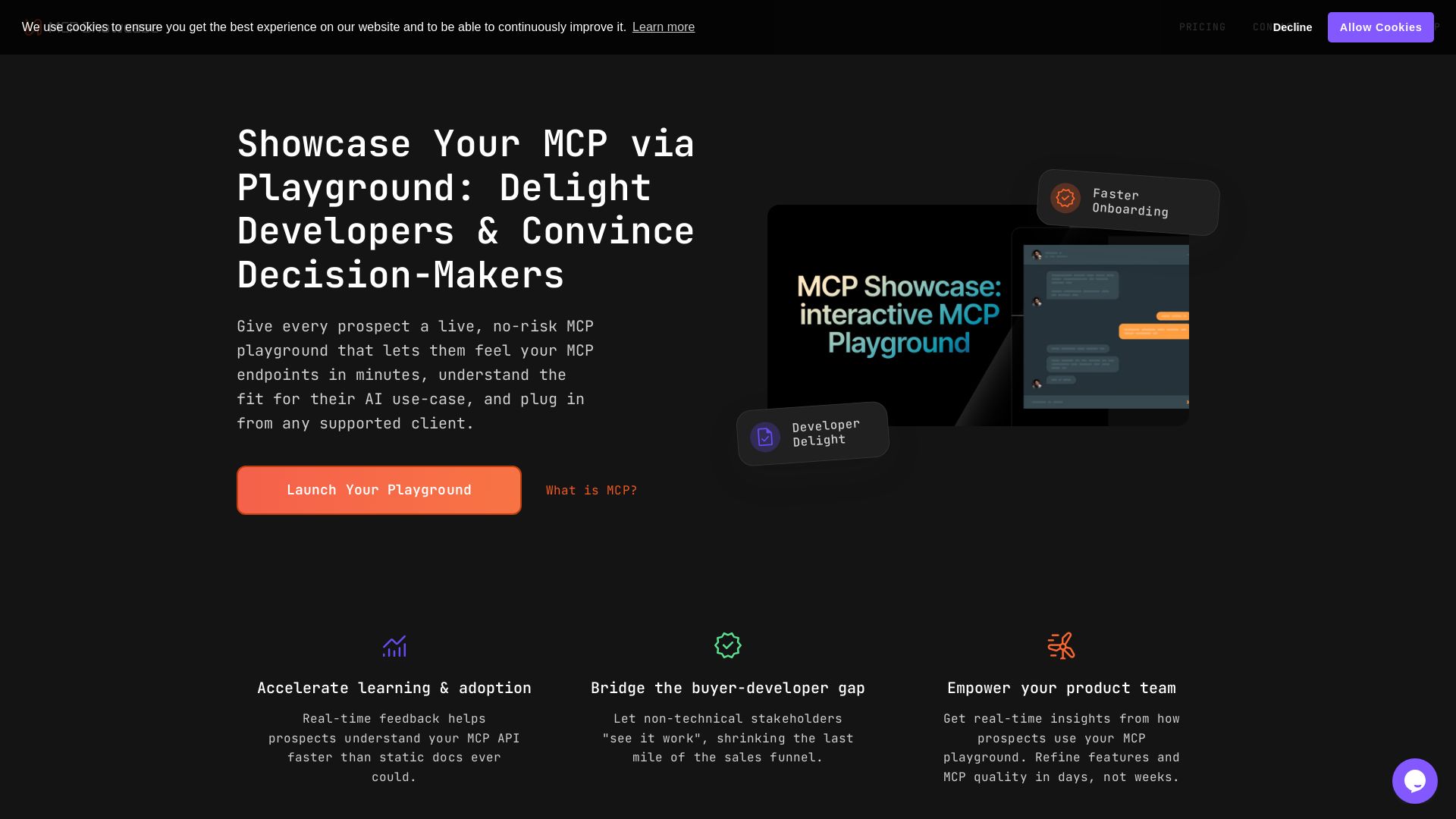
MCP Playground
Create a no-risk MCP playground to let prospects test your endpoints live. Accelerate onboarding, bridge the buyer-developer gap, and gain real-time insights.

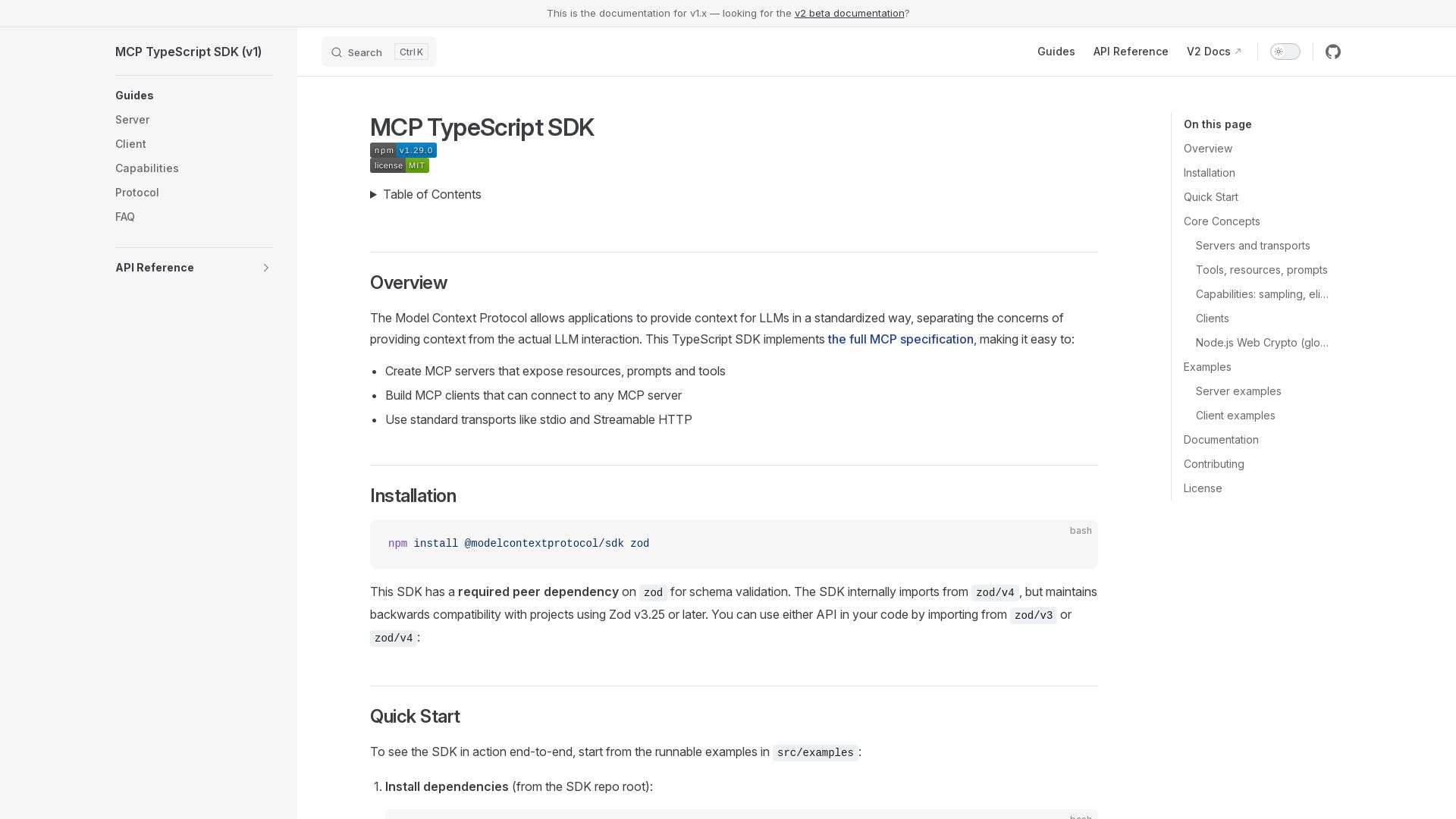
MCP TypeScript SDK
Create MCP servers and clients with TypeScript. Expose resources, prompts, and tools using stdio or Streamable HTTP.

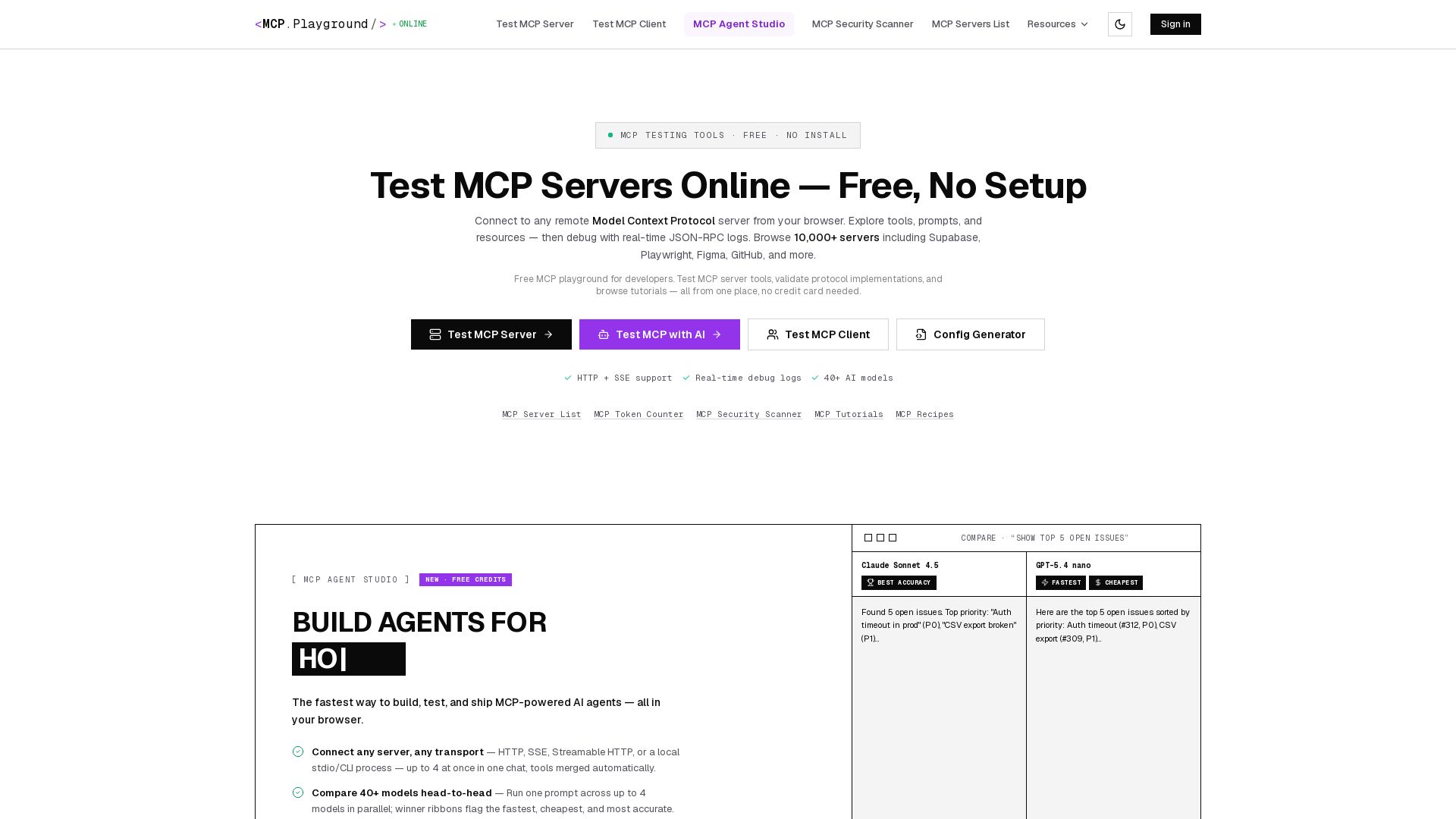
MCP Playground Online
Free browser-based MCP testing tool. Connect to any server, browse tools, execute commands, and view live JSON-RPC logs. No install required.

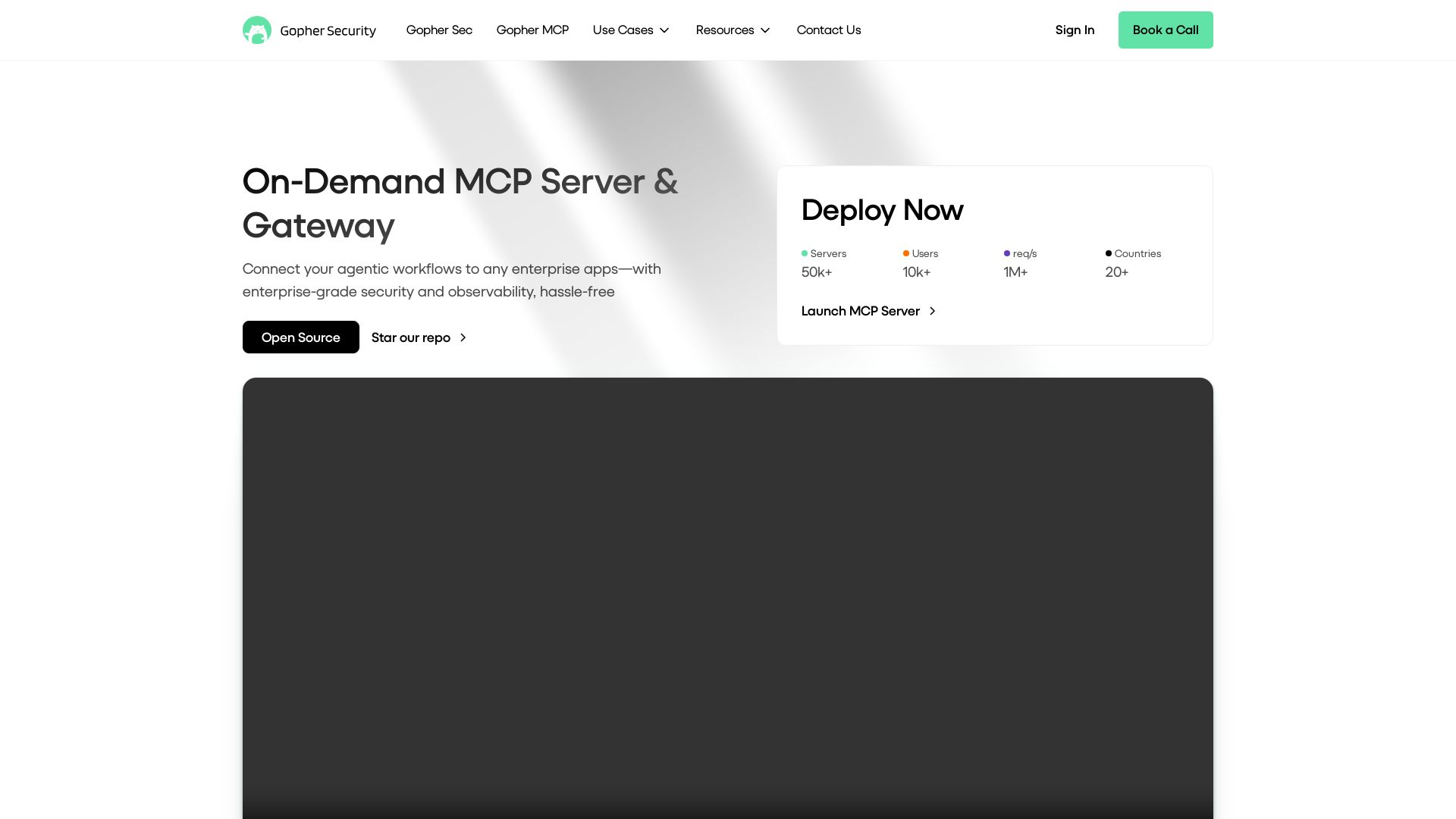
Gopher-MCP
Deploy secure MCP servers in minutes with 4D security: deep inspection, zero-trust access, granular policies, and post-quantum encryption.

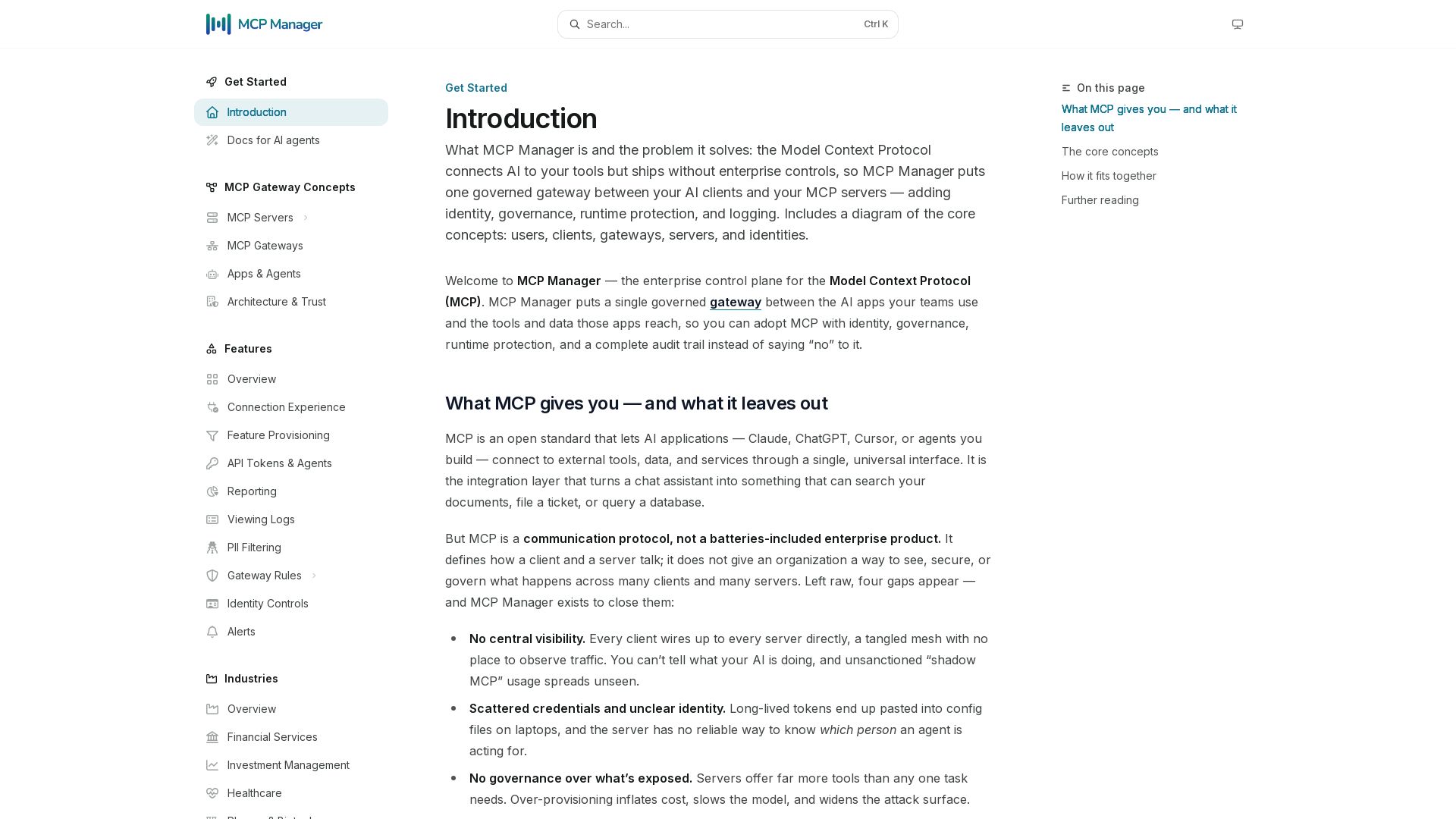
MCP Manager
Secure, govern, and observe AI tool connections. Single gateway for identity, rules, audit, and runtime protection.

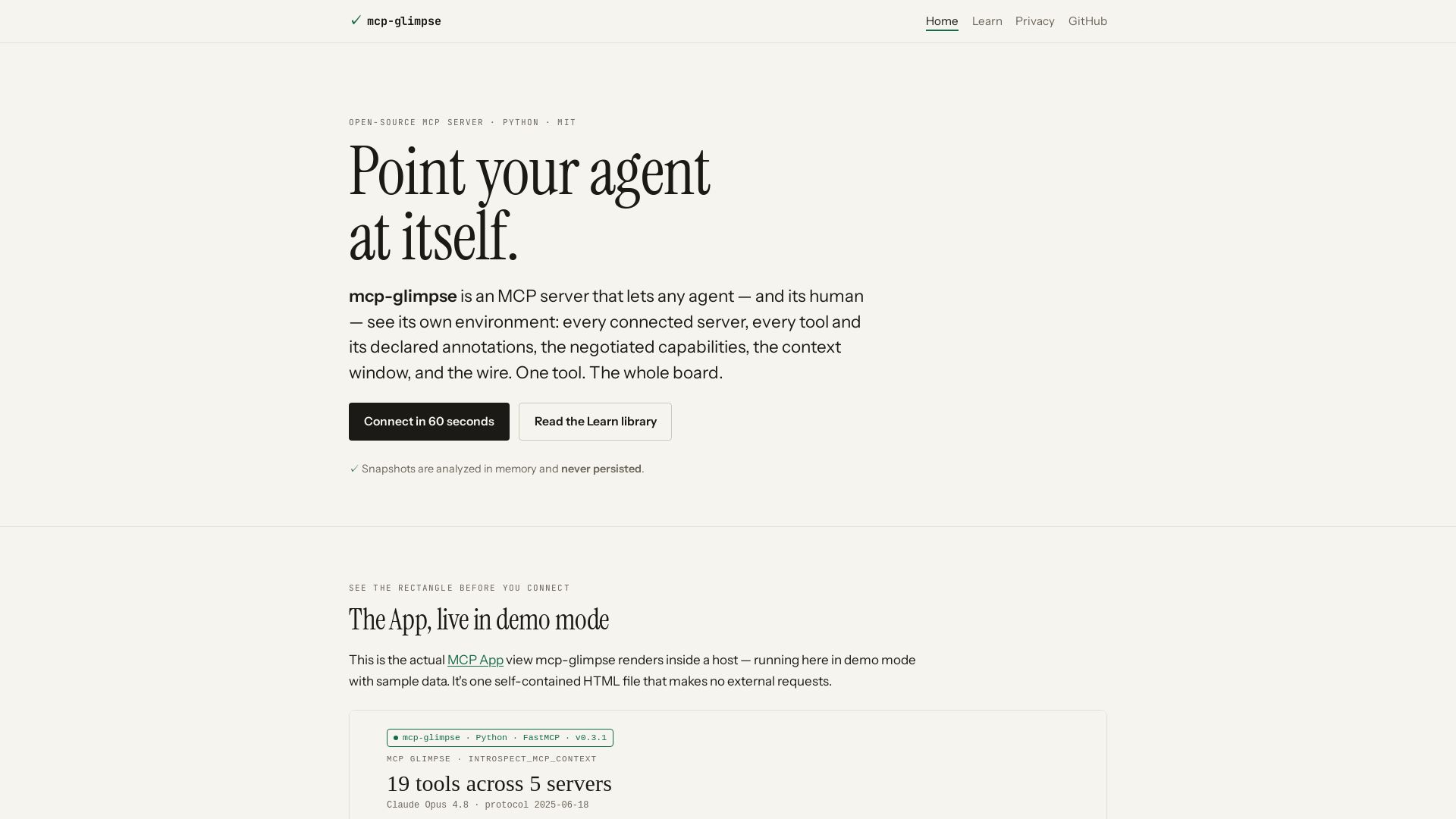
mcp-glimpse
Open-source MCP server that lets agents and humans introspect every tool, capability, and context. Privacy-first, no persistence.

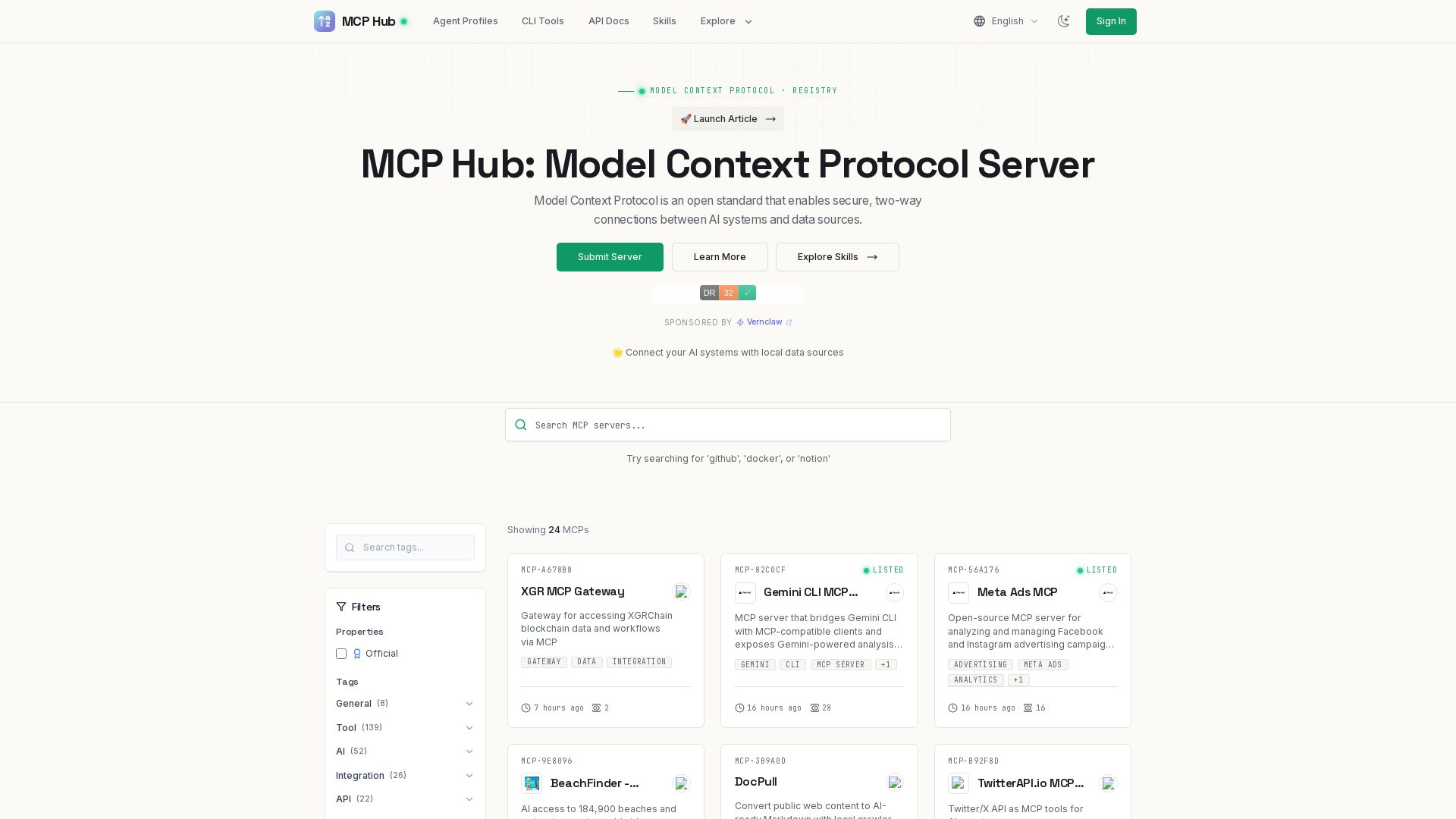
MCP Hub
Explore hundreds of MCP servers for secure AI-data connections. Find tools for GitHub, Docker, Notion, and more. Submit your own MCP implementation.

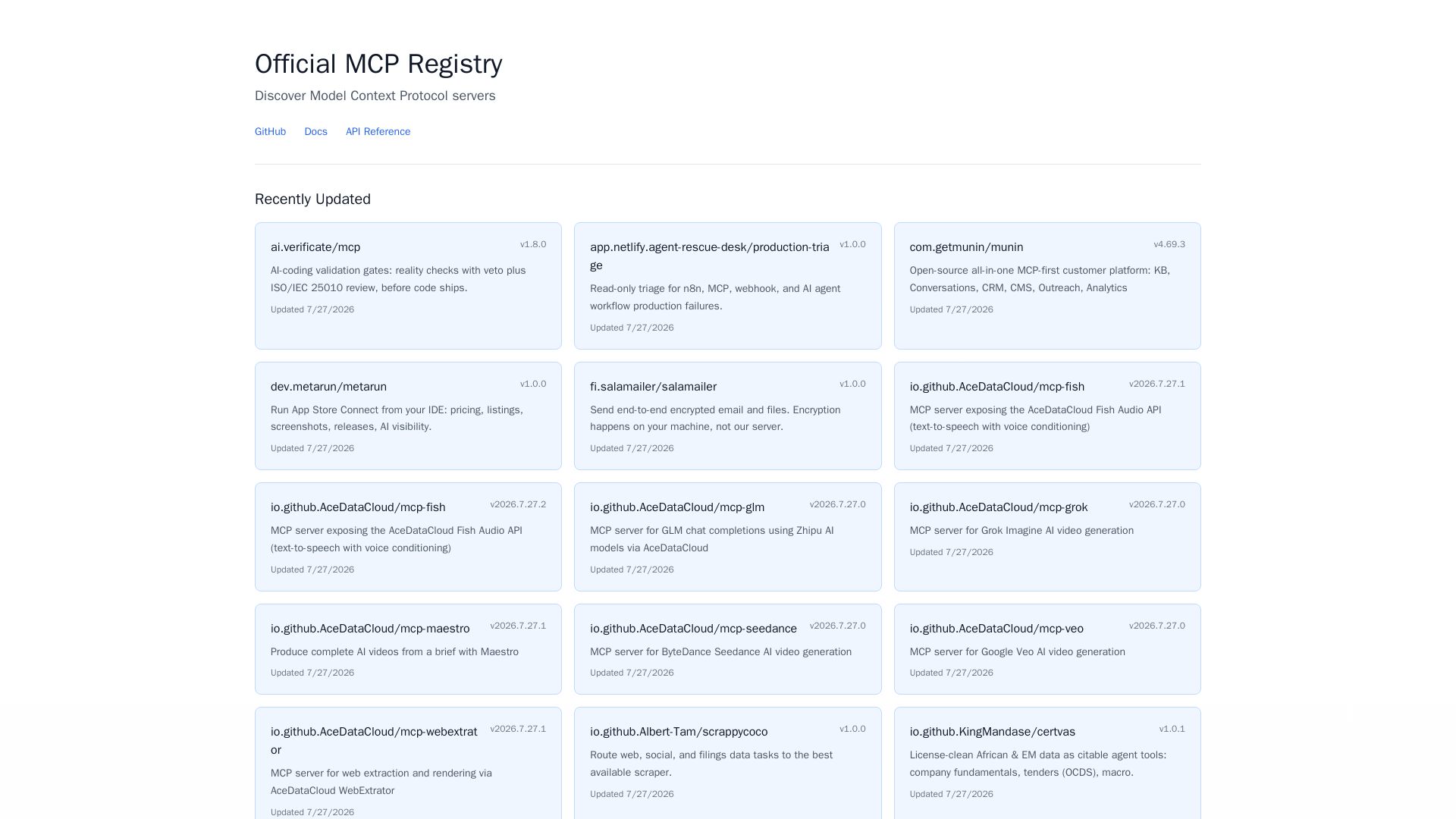
MCP Registry
Explore the official directory of MCP servers for AI integration, data processing, automation, and more. Find vetted servers with descriptions and updates.

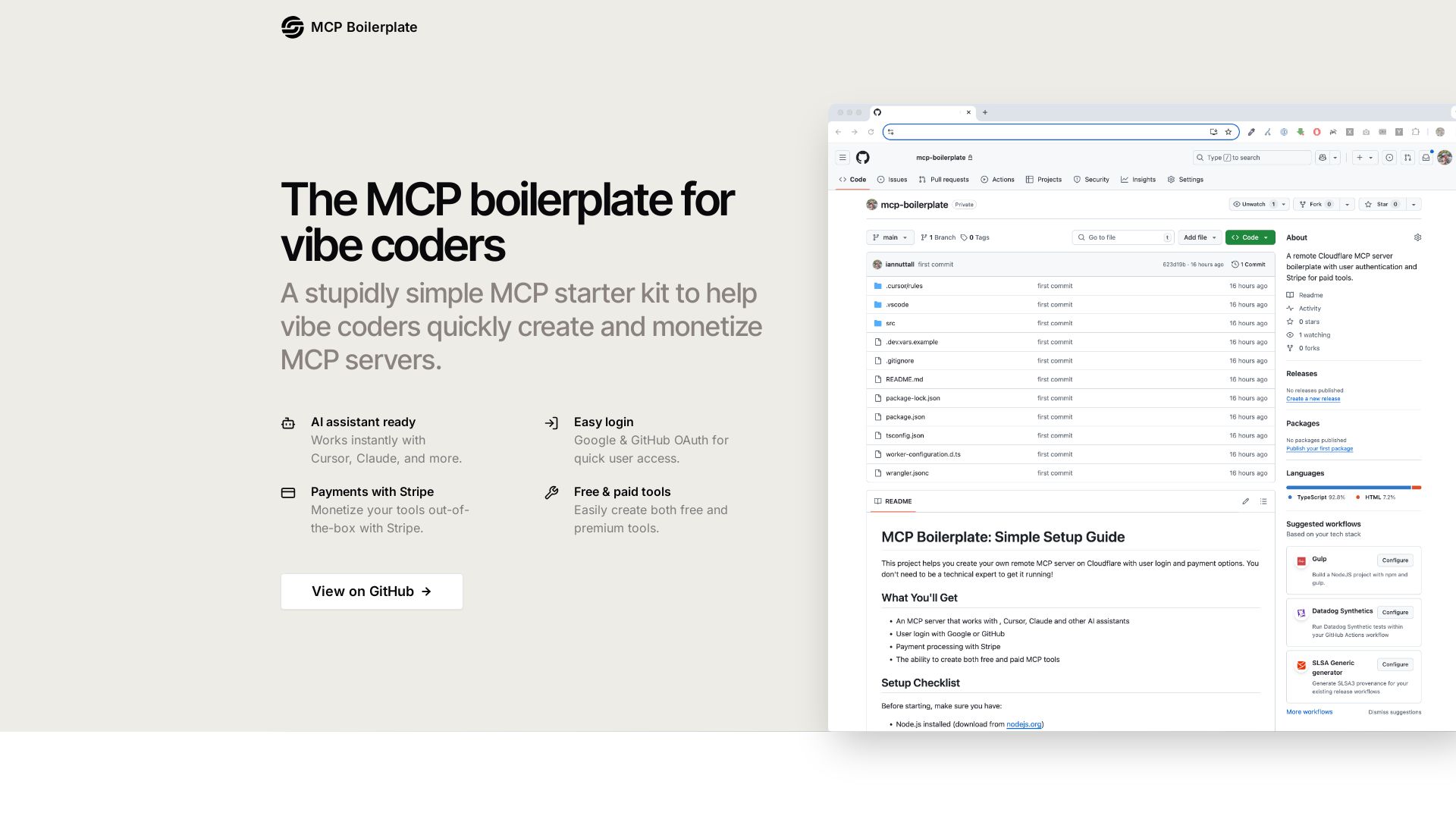
MCP Boilerplate
A simple MCP starter kit with OAuth, Stripe payments, and Cloudflare deployment. Build free & paid tools for Cursor, Claude, and more.

ℹ️ Curation Disclosure: The overview and features of MCP-UI were synthesized using AI and fact-checked by our curation team to ensure accuracy.
