
MCP Apps
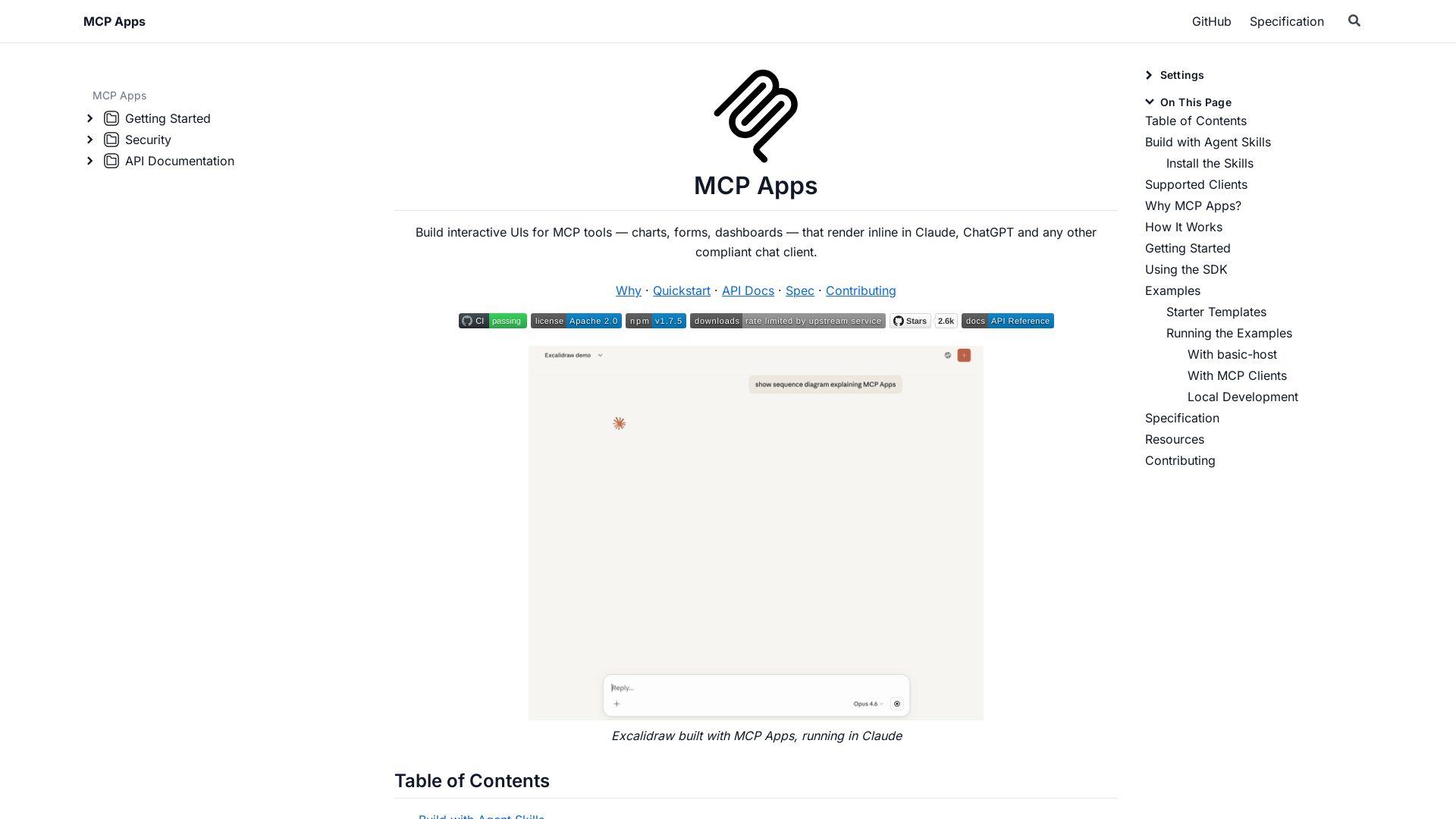
Build dynamic charts, forms, and dashboards that render inline in ChatGPT, Claude, and more. Extends MCP for seamless UI-tool communication.
Editor's Verdict
Key Takeaways
- Interactive UI for MCP tools
- Agent Skills for scaffolding
- Bidirectional communication
- Sandboxed iframe rendering
In-Depth Review: What is MCP Apps?
MCP Apps is an extension to the Model Context Protocol that enables MCP servers to deliver interactive HTML UIs—like charts, forms, and canvases—that render inline in compatible chat clients such as Claude and ChatGPT. It supports bidirectional communication between the UI and MCP tools, allowing users to interact directly within conversations. The SDK includes packages for building Views with React, Vue, Svelte, or vanilla JS, along with agent skills to scaffold, migrate, or add UI to existing servers. Perfect for creating rich, contextual experiences alongside AI.
Core Features
Interactive UI for MCP tools
Build interactive UIs like charts, forms, and dashboards that render inline in chat clients such as Claude and ChatGPT.
Agent Skills for scaffolding
Four agent skills (create-mcp-app, migrate-oai-app, add-app-to-server, convert-web-app) to quickly create or migrate MCP Apps via AI coding agents.
Bidirectional communication
Host passes tool data to UI via notifications, and UI can call other tools through the host, enabling dynamic interactions.
Sandboxed iframe rendering
UIs are rendered in a sandboxed iframe within the chat client, ensuring security and isolation.
Multi-client support
Compatible with Claude, ChatGPT, and any compliant chat client that supports the MCP Apps extension.
Starter templates
Pre-built templates in React, Vue, Svelte, Preact, Solid, and Vanilla JS to quickly get started.
Pros and Cons
Pros
- Open SourceMCP Apps is open source and free to use, hosted on GitHub under the MIT license.
- Easy IntegrationProvides SDK packages and agent skills to quickly add interactive UIs to existing MCP servers.
- Wide Client SupportWorks with popular chat clients like Claude and ChatGPT, as well as any MCP Apps-compliant host.
- Rich Example LibraryIncludes numerous example apps such as maps, 3D visualizations, and music sheets to inspire development.
- Strong CommunityBacked by the Model Context Protocol community and actively maintained on GitHub.
Cons
- Host Support VariesNot all MCP clients support the UI extension; compatibility depends on the host implementation.
- Requires MCP ServerTo use MCP Apps, you must already have or build an MCP server, adding initial setup overhead.
- Limited DocumentationWhile API docs exist, some advanced features and integrations may lack detailed guides.
- Sandbox LimitationsUIs run in sandboxed iframes, which may restrict access to certain web APIs or require workarounds.
- Bidirectional ComplexitySetting up bidirectional communication between host and UI can be complex for non-trivial apps.
Use Cases & Recommended Professions
MCP Server Developer→ View Toolkit
Developers building MCP servers who need to deliver interactive UIs (charts, forms) to end-users within chat interfaces.
AI Agent Developer→ View Toolkit
Developers creating AI agents that leverage MCP tools and need a way to provide rich visual feedback.
Full-Stack Developer→ View Toolkit
Engineers looking to embed interactive components into chat applications using the MCP protocol.
Product Manager (AI/ML)→ View Toolkit
Managers seeking to enhance AI-powered chat experiences with dynamic, inline UIs.
UX Designer (Conversational AI)→ View Toolkit
Designers aiming to create engaging user interfaces that render inside chat conversations.
DevOps Engineer→ View Toolkit
Engineers who want to expose system monitoring dashboards or controls via MCP tools.
Frequently Asked Questions
Alternative AI Tools
View Detailed Comparison →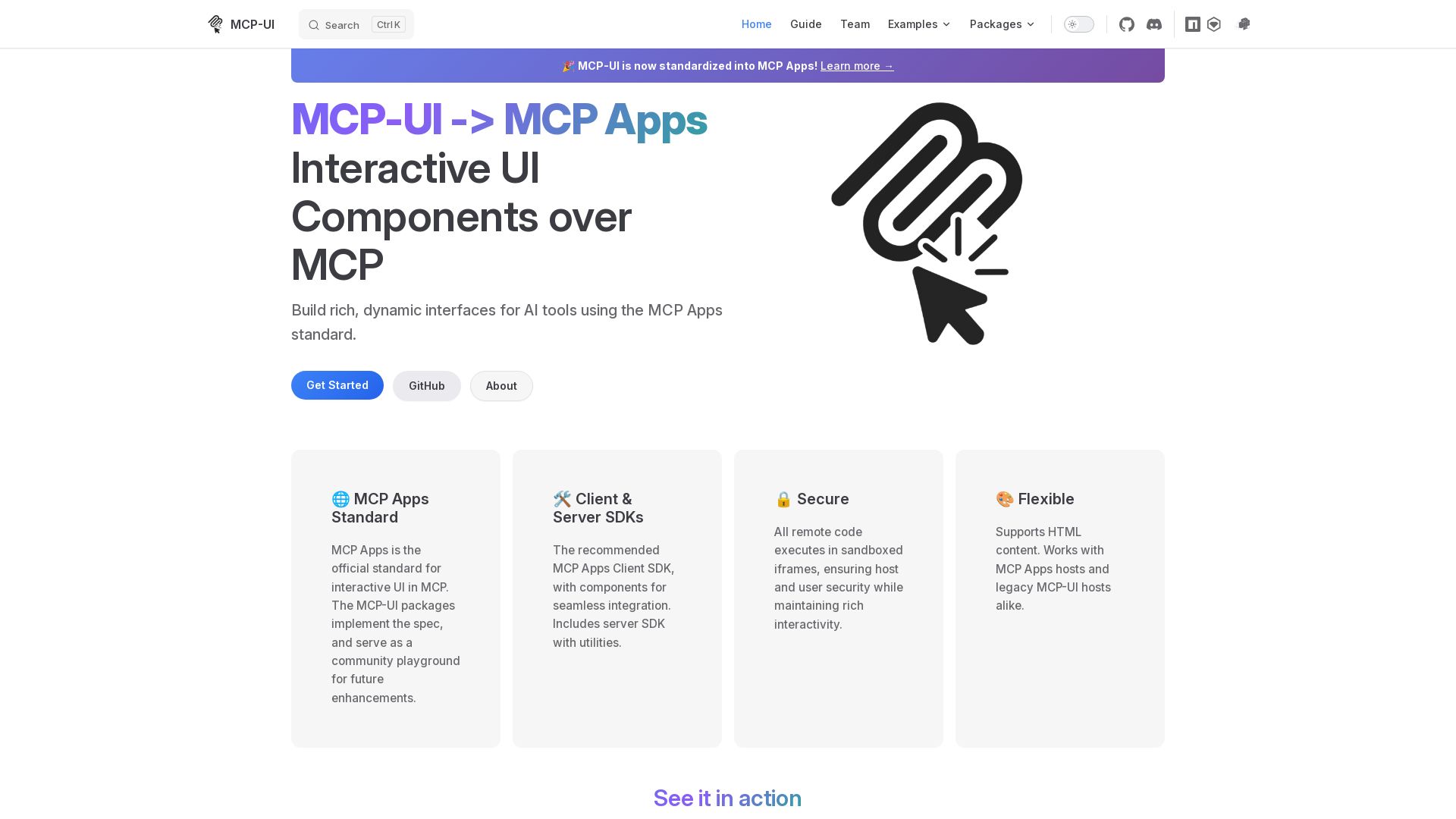
MCP-UI
Build rich, dynamic interfaces for AI tools with MCP Apps. Secure sandboxed execution, HTML support, client & server SDKs.


AI SDK AGENTS
The toolkit for AI engineers. Install, copy, or export 125 AI SDK patterns for agents, tool calling, human-in-the-loop, and generative UI. Full source code, own your stack.

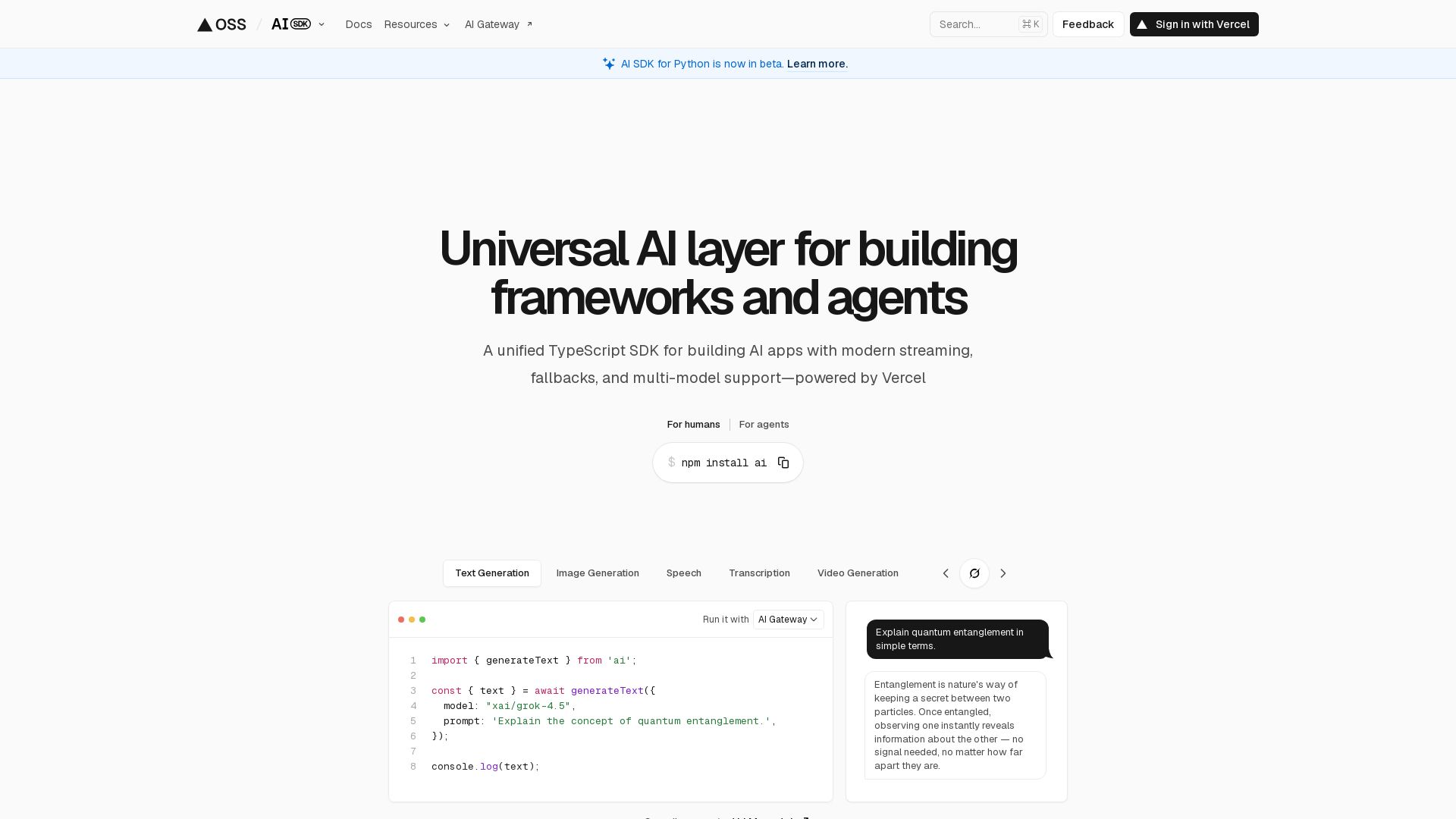
AI SDK
Unified TypeScript SDK for AI apps with streaming, fallbacks, multi-model support. Open-source, 100+ models, 18.5M weekly downloads.

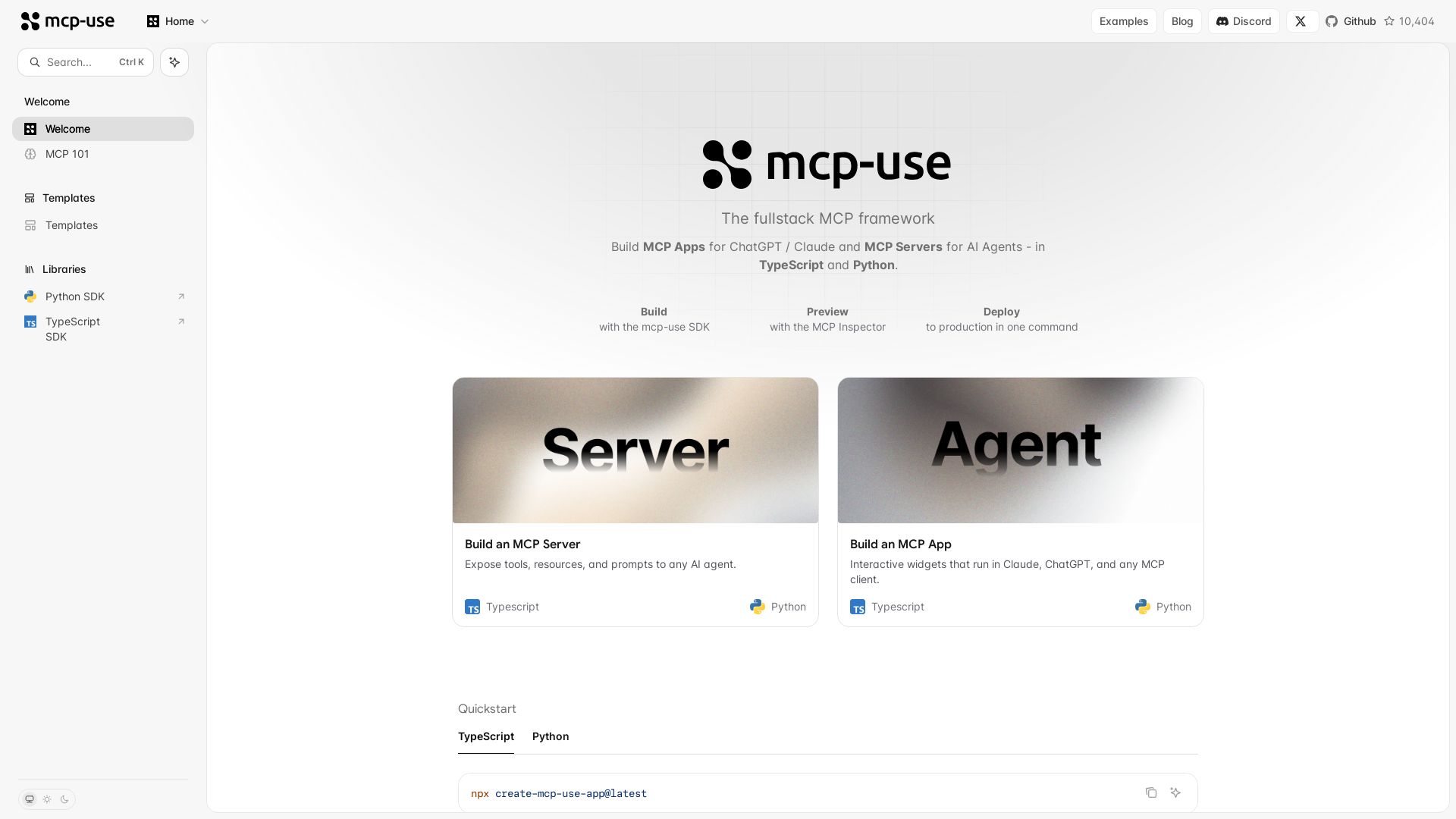
mcp-use
Build MCP apps for ChatGPT/Claude and MCP servers for AI agents. TypeScript & Python. Deploy in one command.

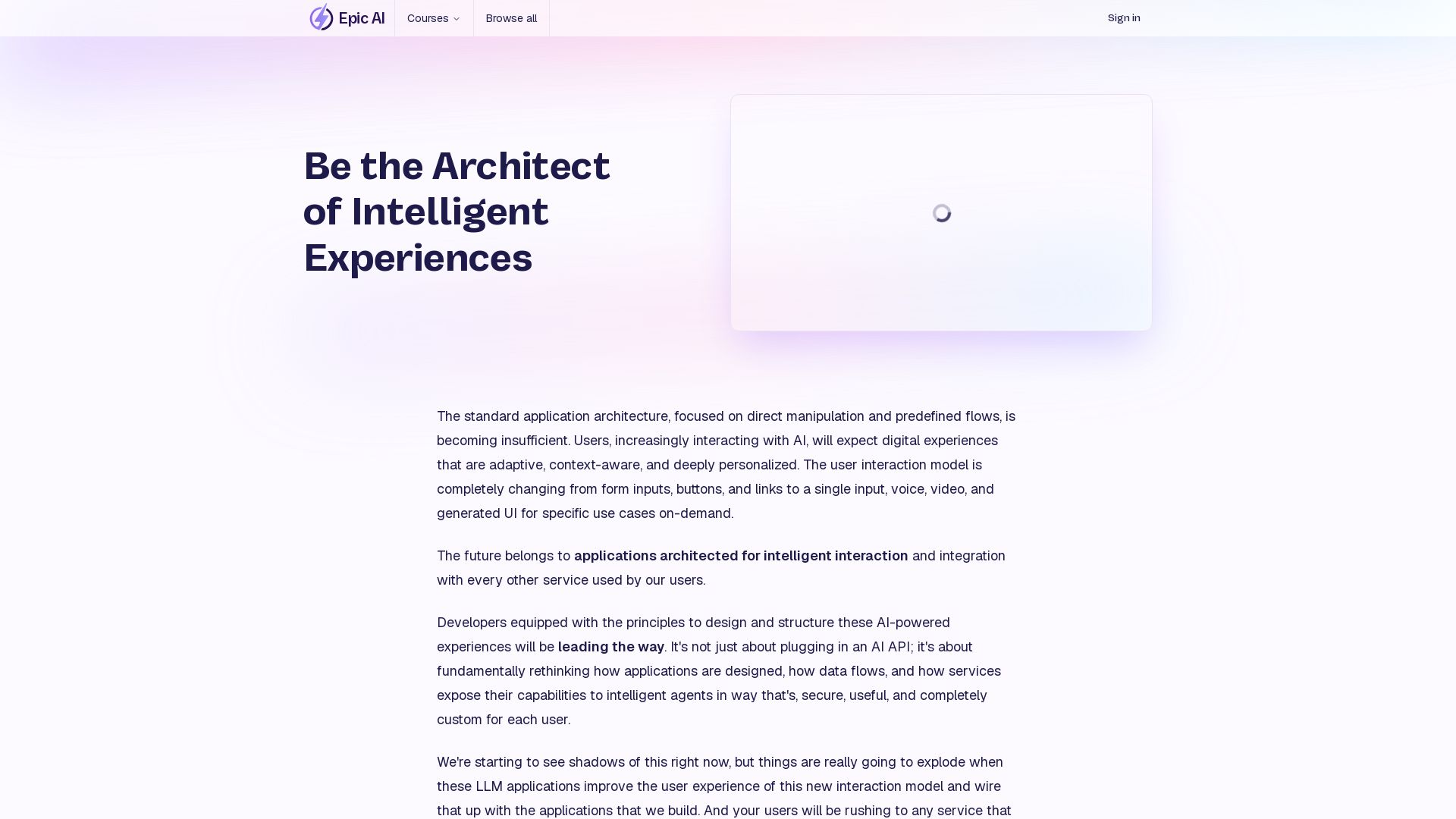
Epic AI Pro
Master AI app architecture with MCP. Build production-ready servers. Future-proof your skills with Kent C. Dodds.

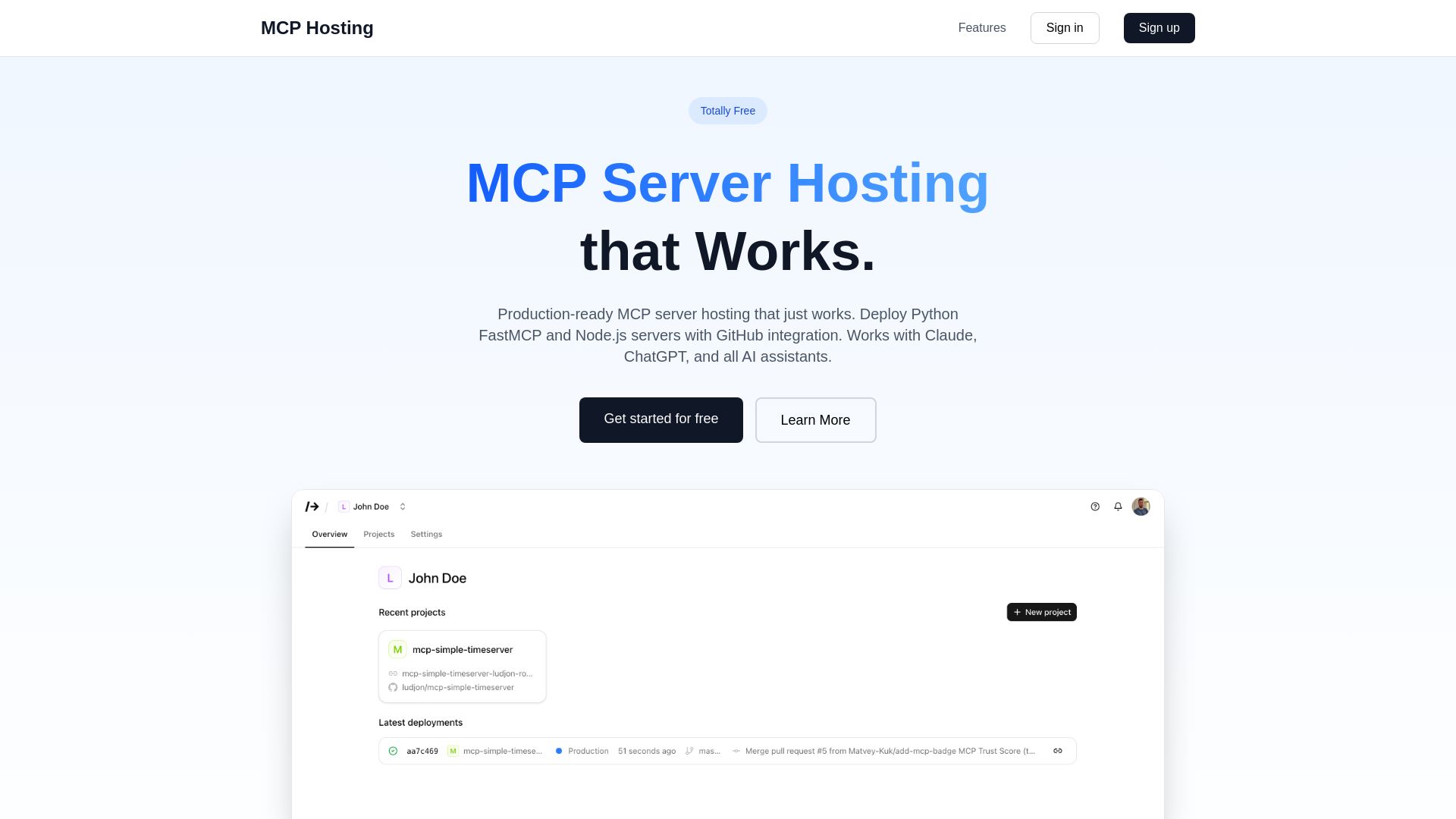
MCP Hosting
Production-ready MCP server hosting with GitHub integration. Deploy Python FastMCP & Node.js servers instantly. Free tier available. Works with Claude, ChatGPT, and all AI assistants.


Cequence AI Gateway
Safely connect AI agents to business apps with enterprise-grade security, OAuth 2.1, and MCP. Unlock agentic AI productivity.


Making AI think and act: my approach to the Hugging Face AI ...
Experienced AI engineer specializing in medical imaging and LLM-powered agents. Built globally deployed radiology AI at AZmed. Now building AI agents at Matrix One.

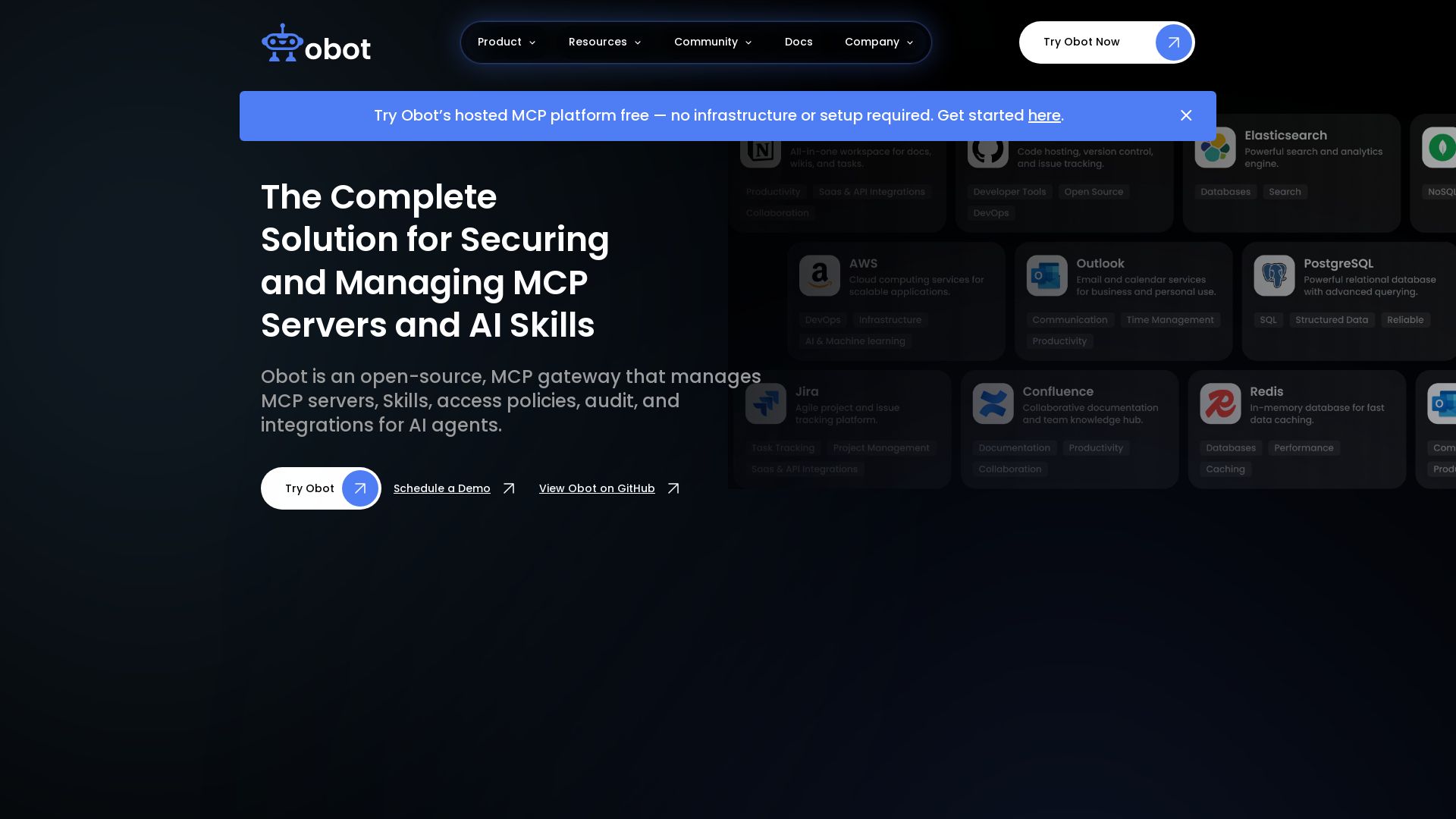
Obot
Secure, manage, and govern MCP servers and AI skills with an open-source gateway. OAuth, access control, audit logs, and discovery.

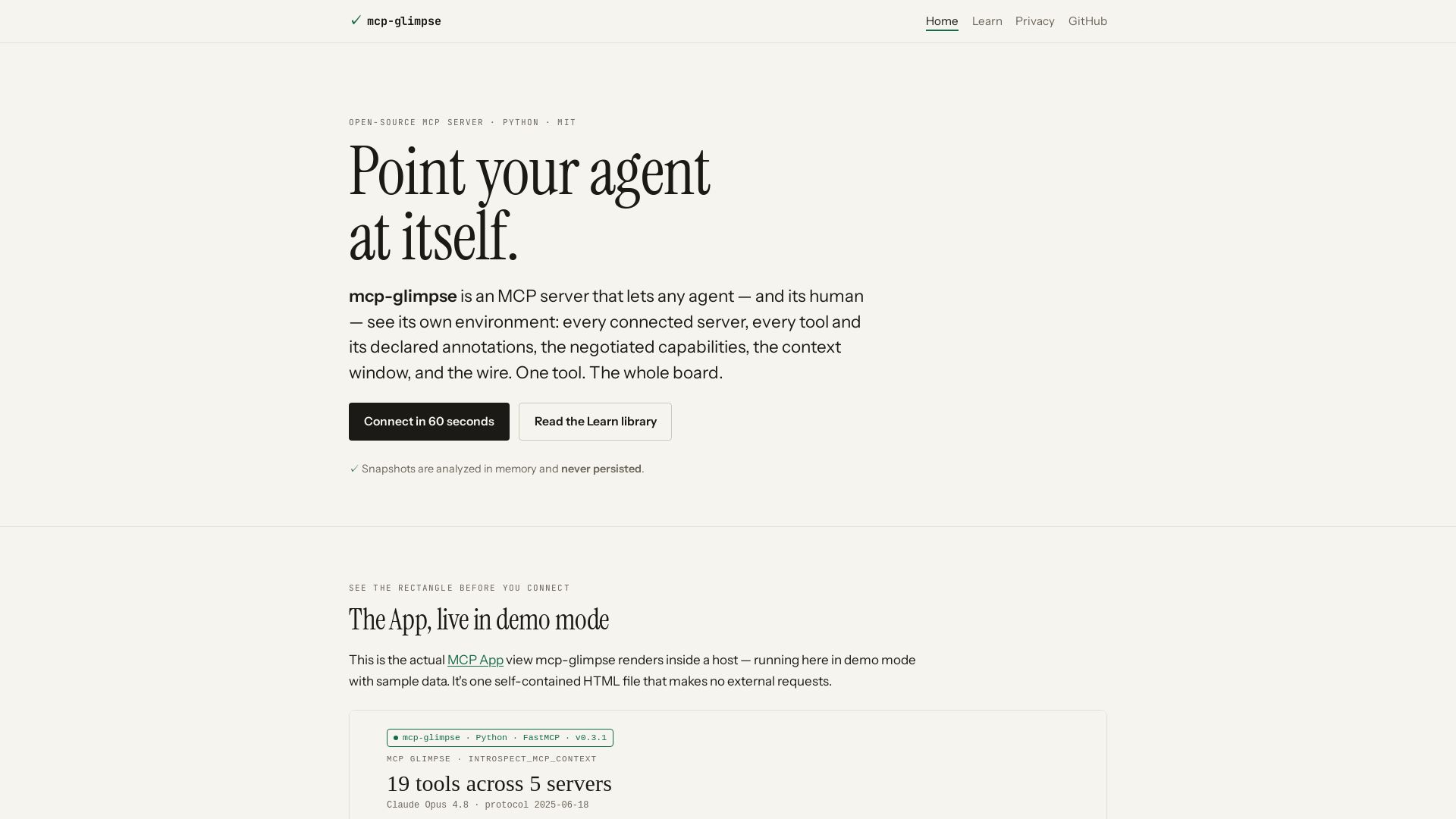
mcp-glimpse
Open-source MCP server that lets agents and humans introspect every tool, capability, and context. Privacy-first, no persistence.

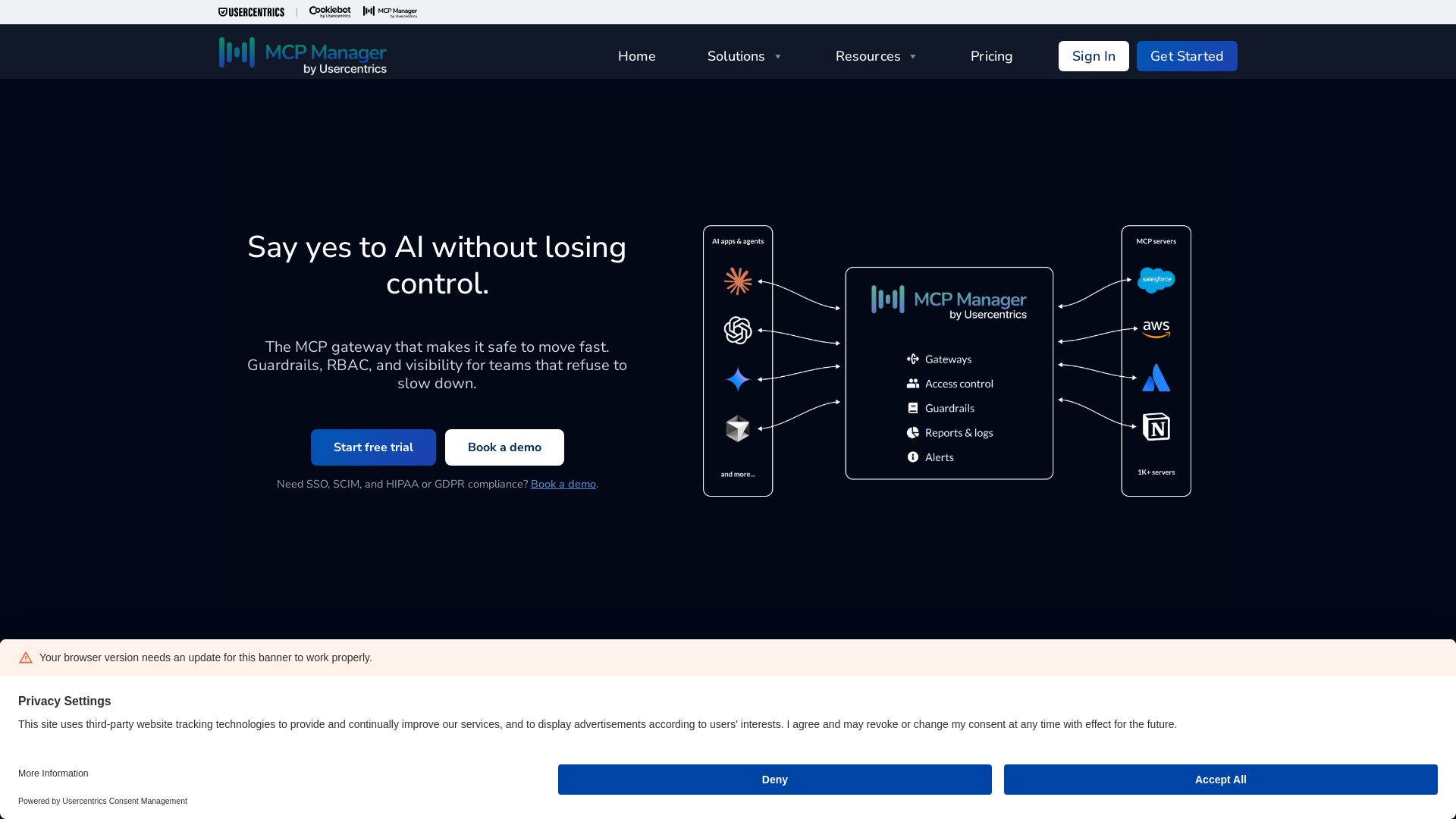
MCP Manager
Centralized MCP gateway with guardrails, RBAC, PII filtering, and visibility. Control AI connections across teams and tools. Start free trial.

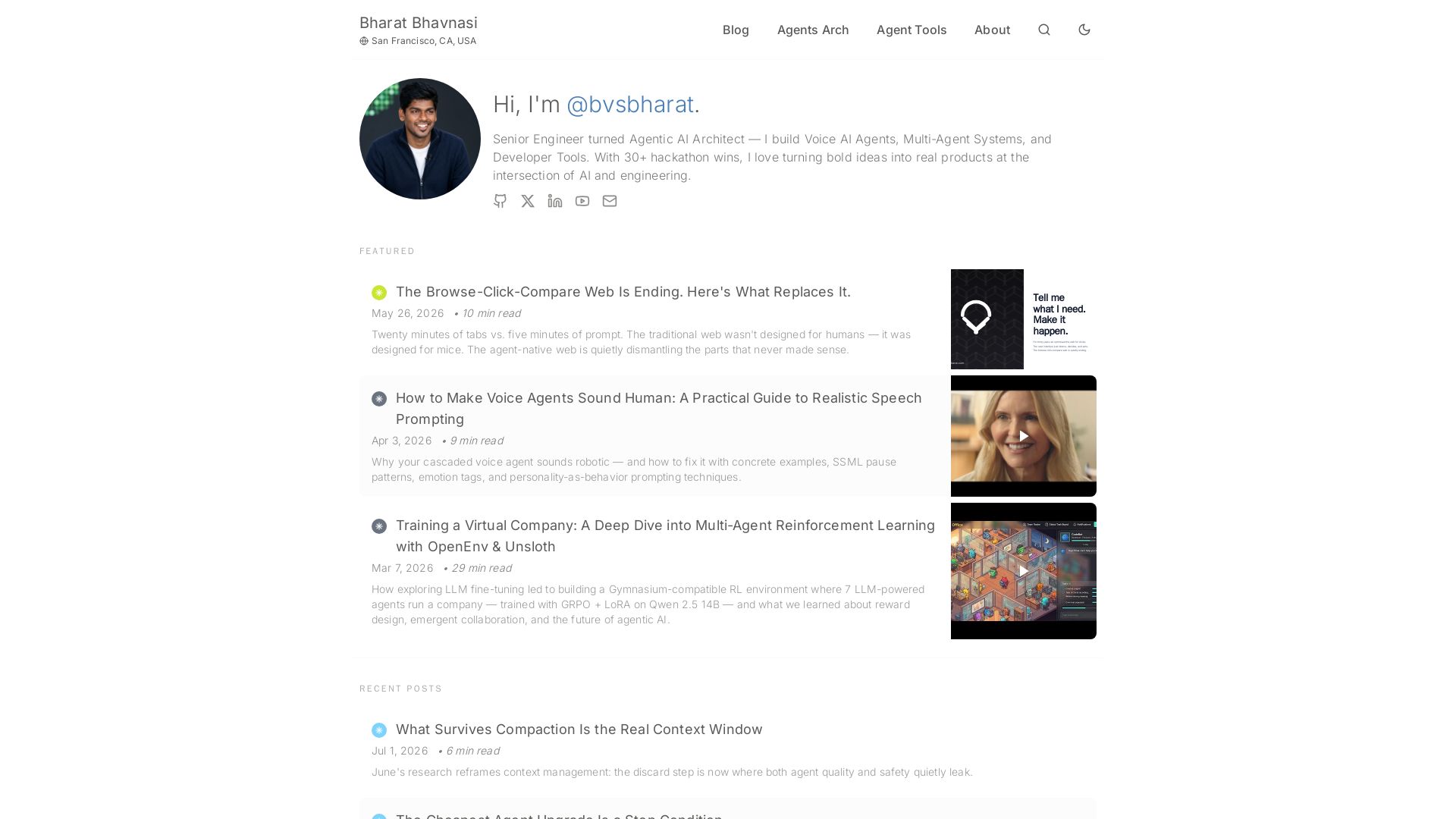
I Tested Every Major Open-Source AI Agent SDK So You Don't ...
Explore insights on Voice AI Agents, Multi-Agent Systems, and Developer Tools from a 30+ hackathon winner. Practical guides and cutting-edge research.

ℹ️ Curation Disclosure: The overview and features of MCP Apps were synthesized using AI and fact-checked by our curation team to ensure accuracy.
