MCP Manager
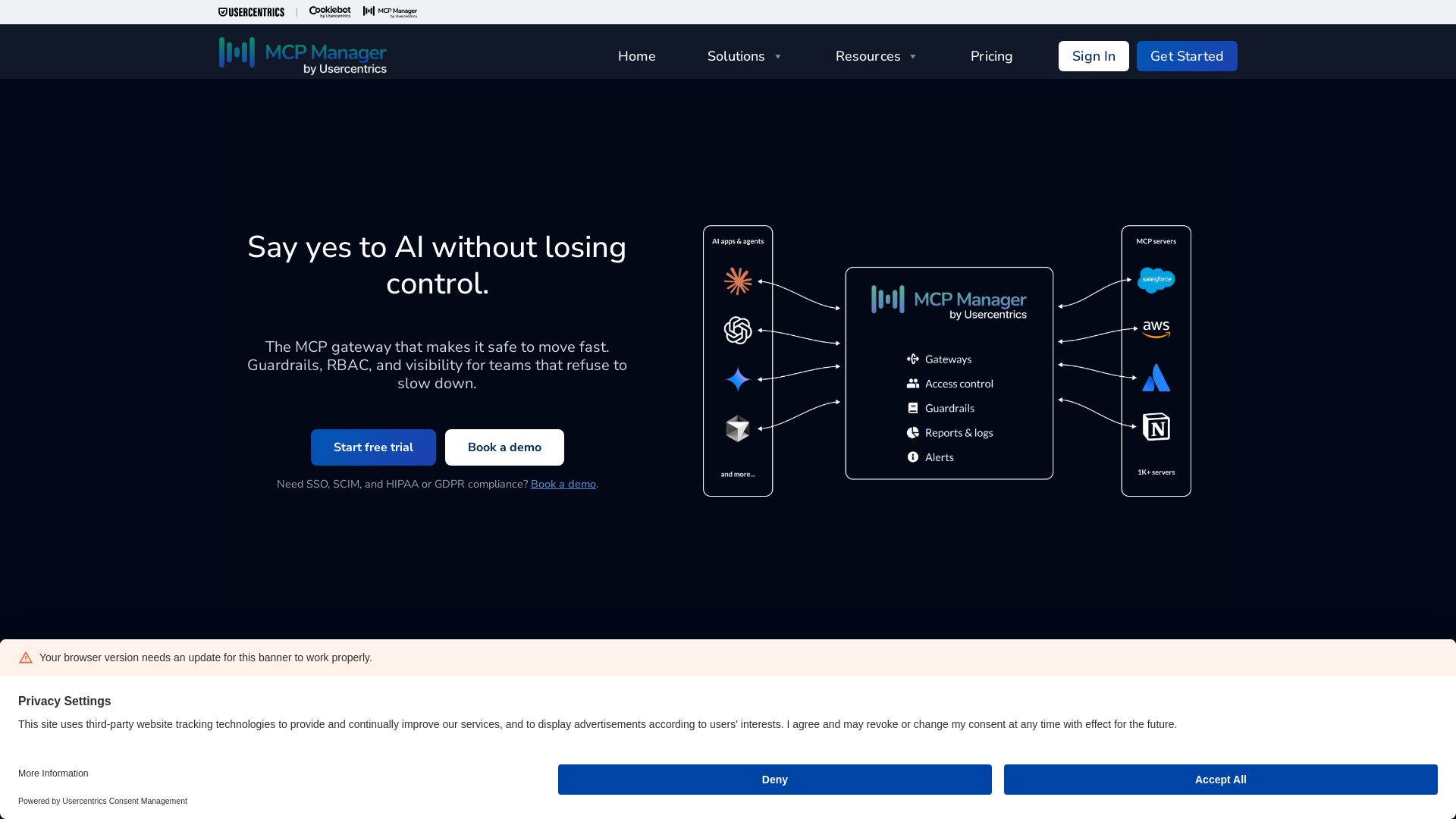
Centralized MCP gateway with guardrails, RBAC, PII filtering, and visibility. Control AI connections across teams and tools. Start free trial.
Editor's Verdict
Key Takeaways
- MCP Gateway
- Private MCP Registry
- Logs & Visibility
- PII & Sensitive Data Filtering
In-Depth Review: What is MCP Manager?
MCP Manager is a secure gateway that provides centralized visibility and control over AI connections to business systems. It offers guardrails, RBAC, PII filtering, audit logs, alerts, and OAuth enforcement, enabling teams to adopt AI safely without compromising security or compliance. With a private MCP registry and fast setup, IT and security teams can easily provision, monitor, and govern all MCP servers across the organization.
Core Features
MCP Gateway
Compatibility with all AI hosts, CLIs, or headless agents; works with Anthropic, OpenAI, and all MCP-compatible environments.
Private MCP Registry
Single source of truth for trusted MCP servers with approval workflows for easy provisioning.
Logs & Visibility
Gain insight into metadata flows between servers and clients; export audit logs to Splunk, Datadog, and more.
PII & Sensitive Data Filtering
Sensitive data never reaches models; connect CRM servers and other business systems without compromising user data.
Security Prevention
Prevent rug pull attacks, data exfiltration, and overly privileged agents; move fast without losing control.
Alerts & Monitoring
Get alerts when tool descriptions change and abnormal behavior is detected; proactive monitoring for peace of mind.
RBAC & Tool Provisioning
Ensure users and agents only connect to authorized data; limit what tools are available to specific teams.
Token & Usage Charts
Monitor server, token, and feature usage; reduce costs by identifying optimization opportunities.
OAuth Enforcement
Ensure all connections enforce OAuth and Dynamic Client Registration for secure authentication.
Fast Gateway Setup
Non-technical users can get MCP gateways running in minutes with minimal training.
Pricing
Core
- 10 MCP servers
- 10 MCP gateways
- Remote MCP server support
- Internal MCP registry
- 14 days log retention
- Usage charts & alerts
- OAuth enforcement
- MCP threat prevention
- RBAC enforcement
- Tool provisioning
- Standard DPA
Plus
- 30 MCP servers
- 30 MCP gateways
- Remote MCP server support
- Internal MCP registry
- 30 days log retention
- Usage charts & alerts
- OAuth enforcement
- Regex rules engine
- MCP threat prevention
- RBAC enforcement
- Tool provisioning
- Standard DPA
Professional
- 50 MCP servers
- Unlimited MCP gateways
- Remote MCP server support
- Multi-instance self-hosted MCP server support
- Internal MCP registry
- 90 days log retention
- Usage charts & alerts
- OAuth enforcement
- Regex rules engine
- Microsoft Presidio rules engine
- MCP threat prevention
- RBAC enforcement
- 5 custom roles
- Tool provisioning
- Standard DPA
Enterprise
- Unlimited MCP servers
- Unlimited MCP gateways
- Remote MCP server support
- Local MCP server support
- Multi-instance self-hosted MCP server support
- Google Workspace MCP (hosted)
- Internal MCP registry
- Up to 2 years log retention
- Customizable log retention window
- OTel logging
- Usage charts & alerts
- OAuth enforcement
- Regex rules engine
- Microsoft Presidio rules engine
- Custom integration rules engine
- Google Drive folder blocker engine
- AWS Bedrock guardrails integration for PII blocking
- Google Cloud Armor guardrails integration
- MCP threat prevention
- RBAC enforcement
- 100 custom roles
- Tool provisioning
- SSO
- SCIM
- Multiple workspaces (Available)
- Standard DPA
- Customized terms & conditions
- Customized DPA
- BAA
- HIPAA-compliant logging
Pros and Cons
Pros
- Centralized VisibilityProvides a single dashboard to monitor all MCP connections, logs, and user activity across the organization.
- Strong Security ControlsIncludes OAuth enforcement, PII filtering, threat prevention (rug pull, injection, etc.), and RBAC to protect sensitive data.
- Easy Setup and IntegrationNon-technical users can configure gateways in minutes; works with existing AI hosts and MCP-compatible environments.
- Scalable Pricing PlansOffers tiered plans from small teams to enterprise, with unlimited servers and gateways available on higher tiers.
- Comprehensive Logging and AlertsAudit logs can be exported to Splunk/Datadog; alerts for abnormal behavior, tool changes, and outages ensure proactive management.
Cons
- Limited Free TierNo free plan available; only a 7-day free trial for self-serve plans, which may not be sufficient for thorough evaluation.
- Advanced Features Require Higher PlansSSO, SCIM, custom DLP, and HIPAA compliance are only available on the Enterprise plan, which may be costly for smaller organizations.
- No Monthly Billing OptionSelf-serve plans are billed annually only, which may not suit businesses preferring monthly payments.
- Learning Curve for Non-Technical UsersDespite easy setup, understanding MCP concepts and configuring rules may still require some technical knowledge.
- Dependency on Third-Party IntegrationsSome features like Microsoft Presidio, AWS Bedrock, and OTel require additional setup and external services, increasing complexity.
Use Cases & Recommended Professions
Security Engineer→ View Toolkit
Needs to monitor and secure AI tool access to corporate systems, prevent data leaks, and enforce authentication policies across MCP servers.
DevOps Engineer→ View Toolkit
Manages deployment of MCP gateways, integrates with existing observability stacks, and ensures scalable and reliable AI infrastructure.
IT Administrator→ View Toolkit
Provisions user access, enforces RBAC, and handles SSO/SCIM integration for corporate identity providers.
Compliance Officer→ View Toolkit
Ensures that AI systems comply with regulations like HIPAA and GDPR by using PII filtering, audit logs, and customizable DPA.
AI/ML Engineer→ View Toolkit
Needs to connect AI agents to internal tools securely without exposing sensitive data, while maintaining visibility into model interactions.
Product Manager (AI Features)→ View Toolkit
Oversees the rollout of AI tools across teams, requires governance features to control access and monitor usage for cost optimization.
Frequently Asked Questions
Alternative AI Tools
View Detailed Comparison →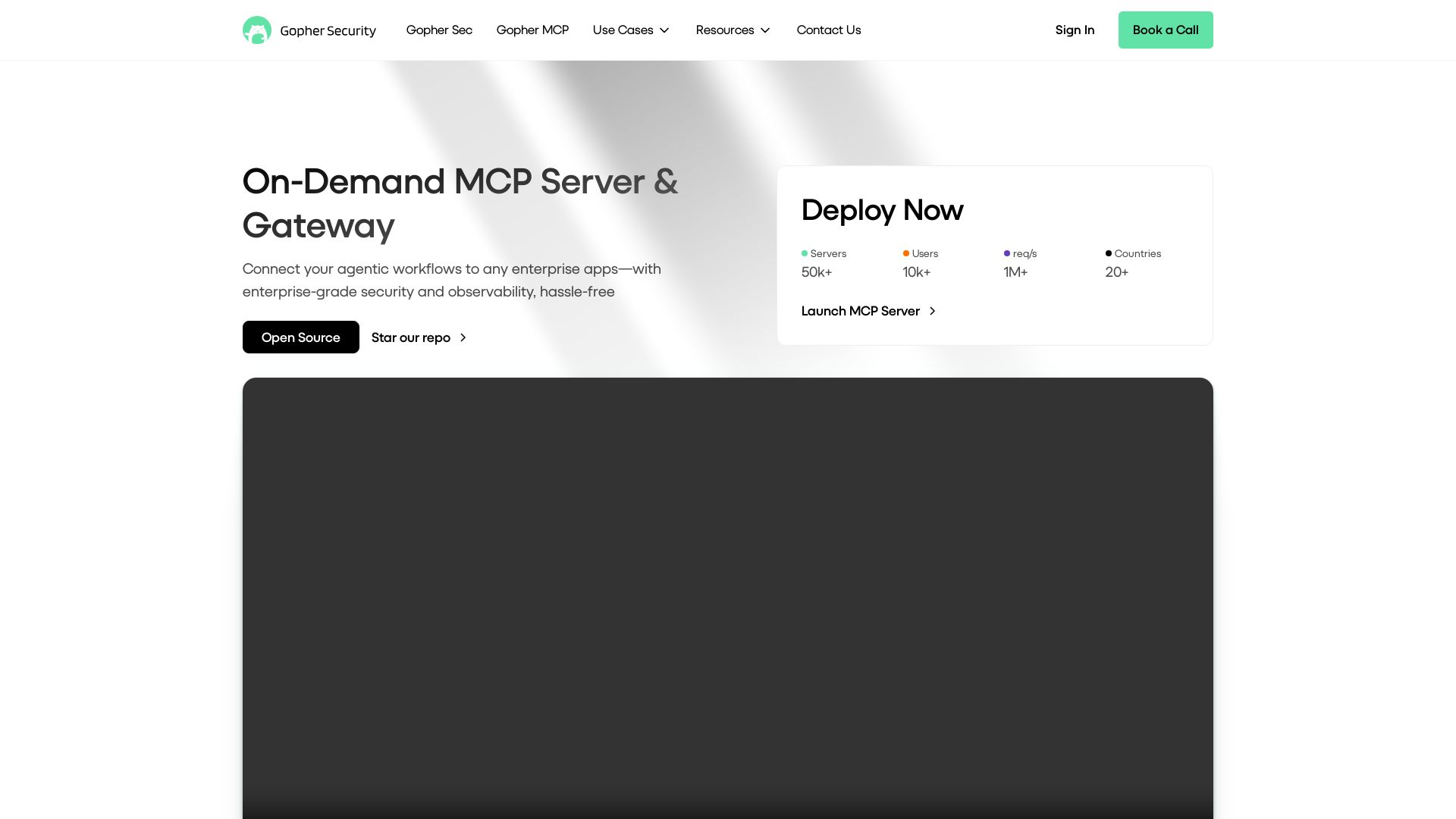
Gopher-MCP
Deploy secure MCP servers in minutes with 4D security: deep inspection, zero-trust access, granular policies, and post-quantum encryption.

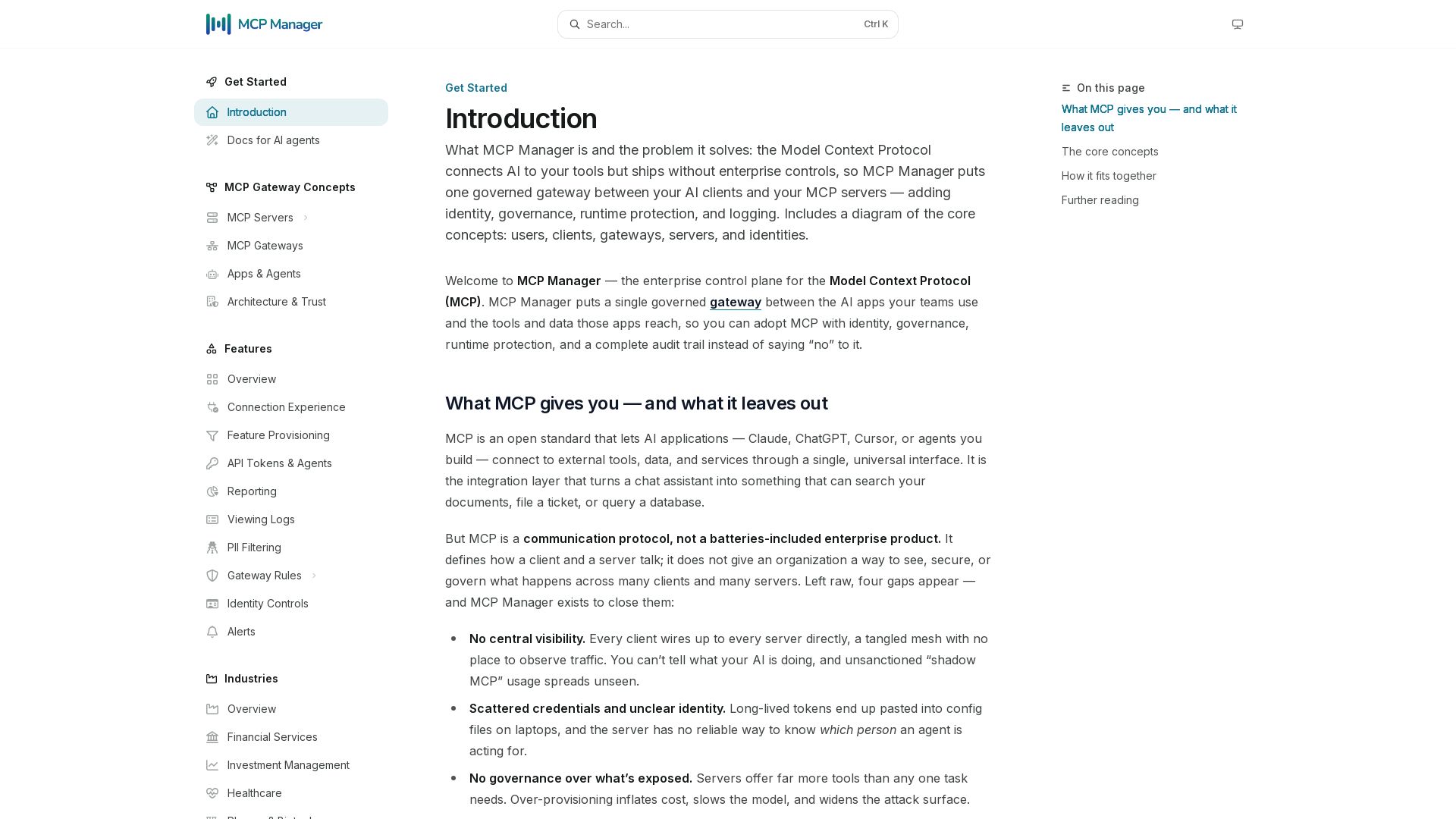
MCP Manager
Secure, govern, and observe AI tool connections. Single gateway for identity, rules, audit, and runtime protection.

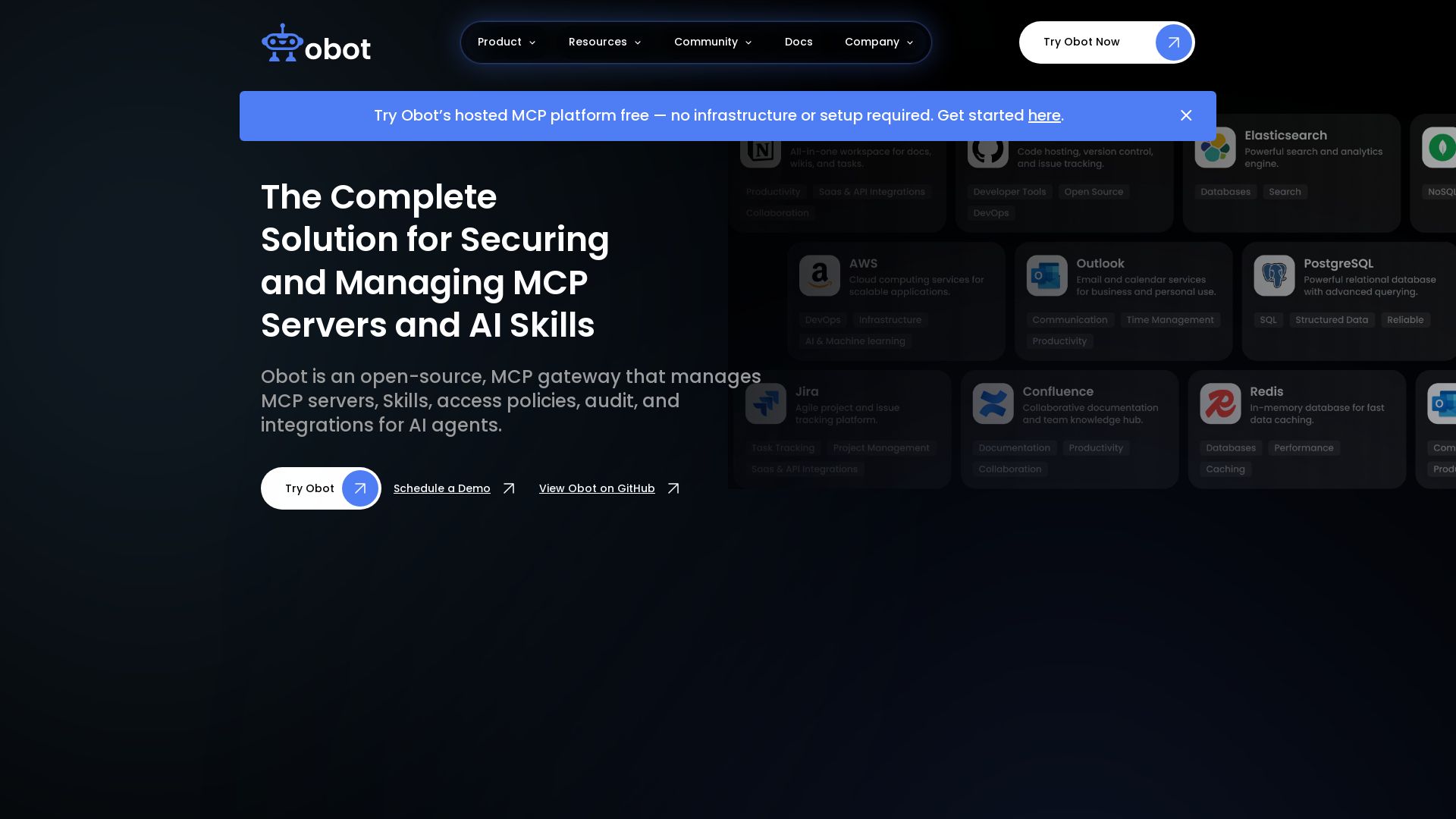
Obot
Secure, manage, and govern MCP servers and AI skills with an open-source gateway. OAuth, access control, audit logs, and discovery.

Palma.ai
Manage, govern, and audit every MCP tool call. Secure, scalable AI agent execution with zero-trust controls.


Cequence AI Gateway
Safely connect AI agents to business apps with enterprise-grade security, OAuth 2.1, and MCP. Unlock agentic AI productivity.

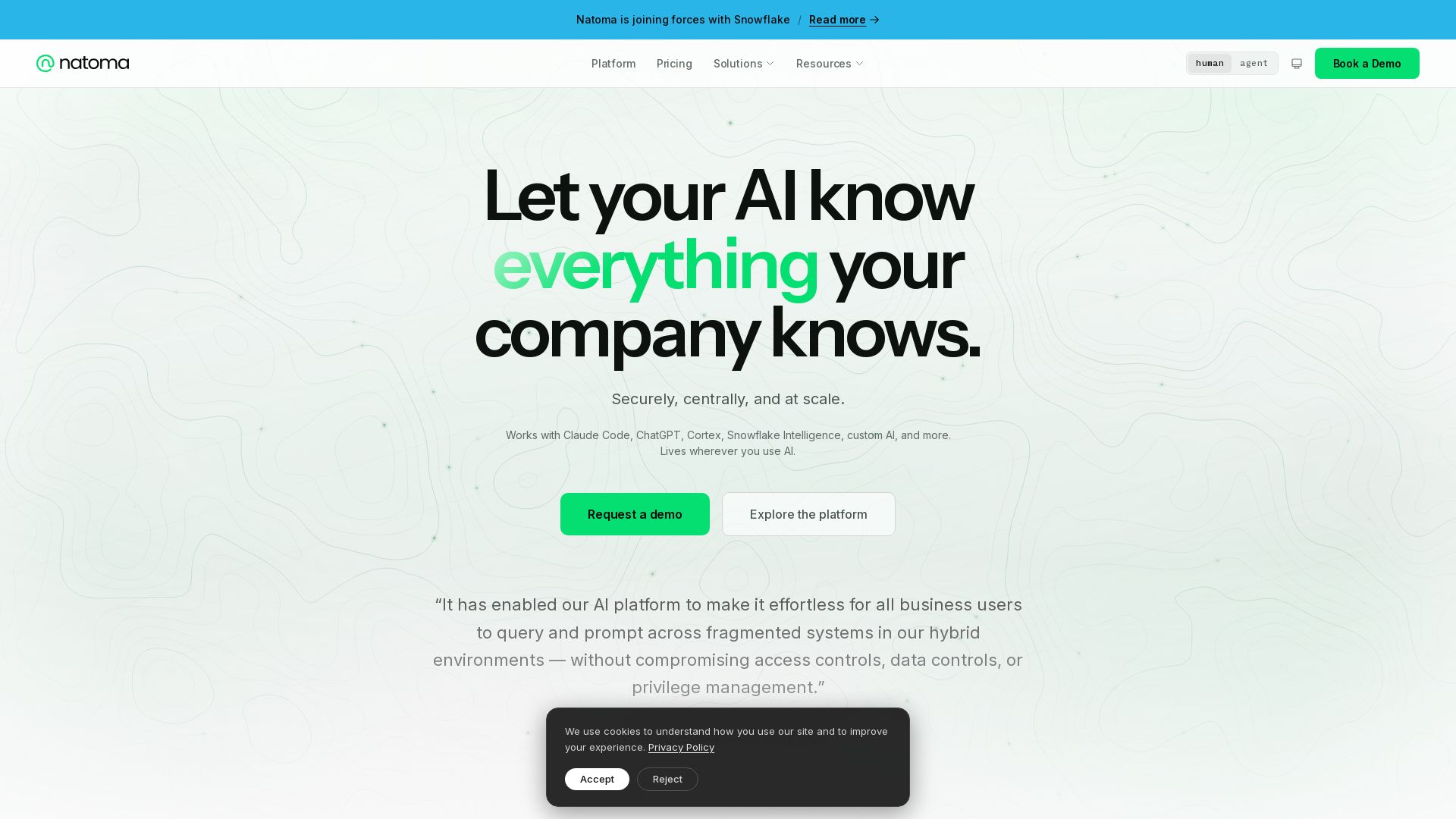
Natoma
Connect AI agents to enterprise data and tools with security and governance. Deploy MCP servers, enforce policies, and scale AI adoption across your organization.

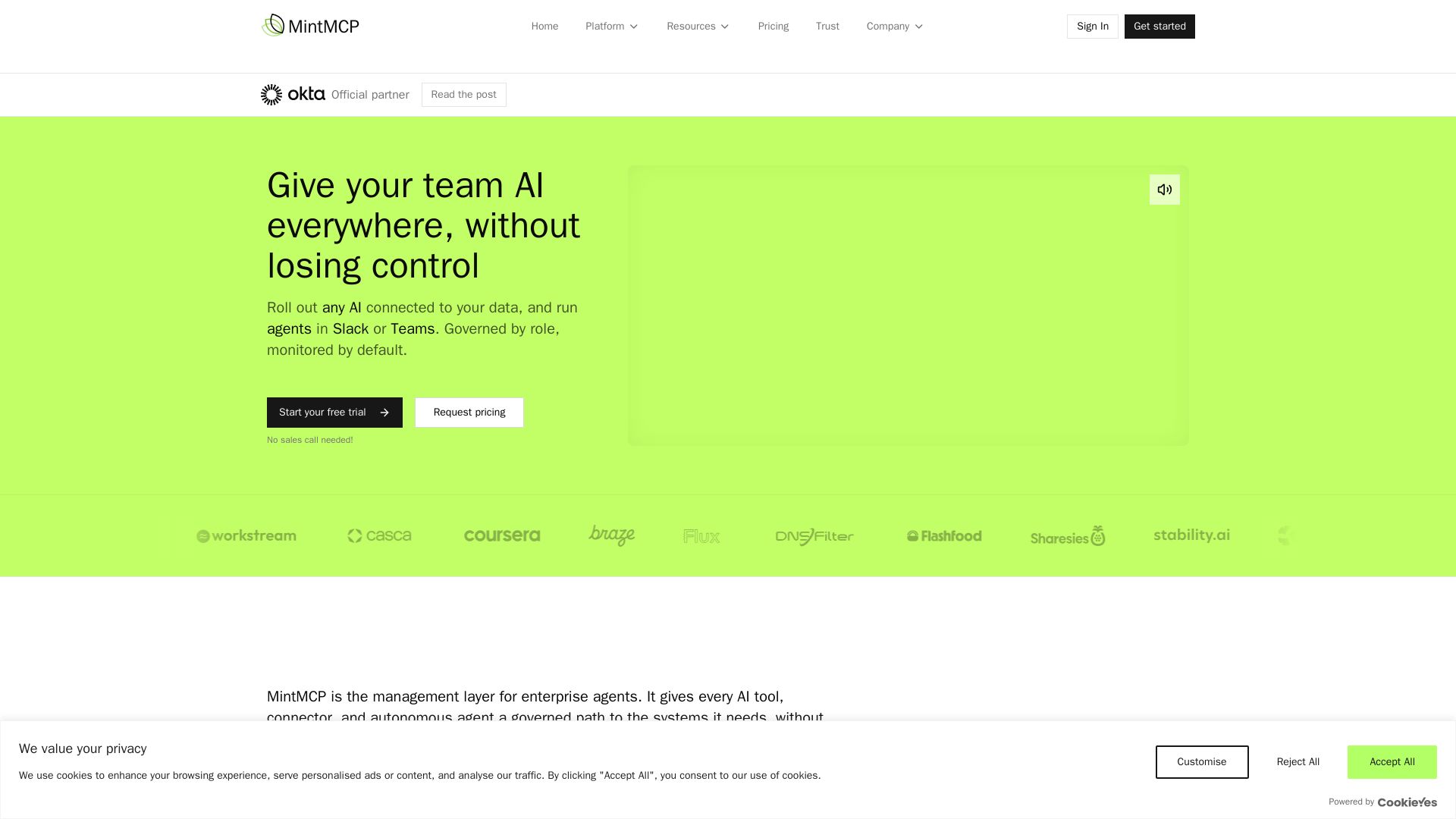
MintMCP
Govern AI tools, MCP servers & agents with role-based access, SSO, and full audit trails. SOC 2 & HIPAA compliant. Connect Claude, Cursor, and more safely.

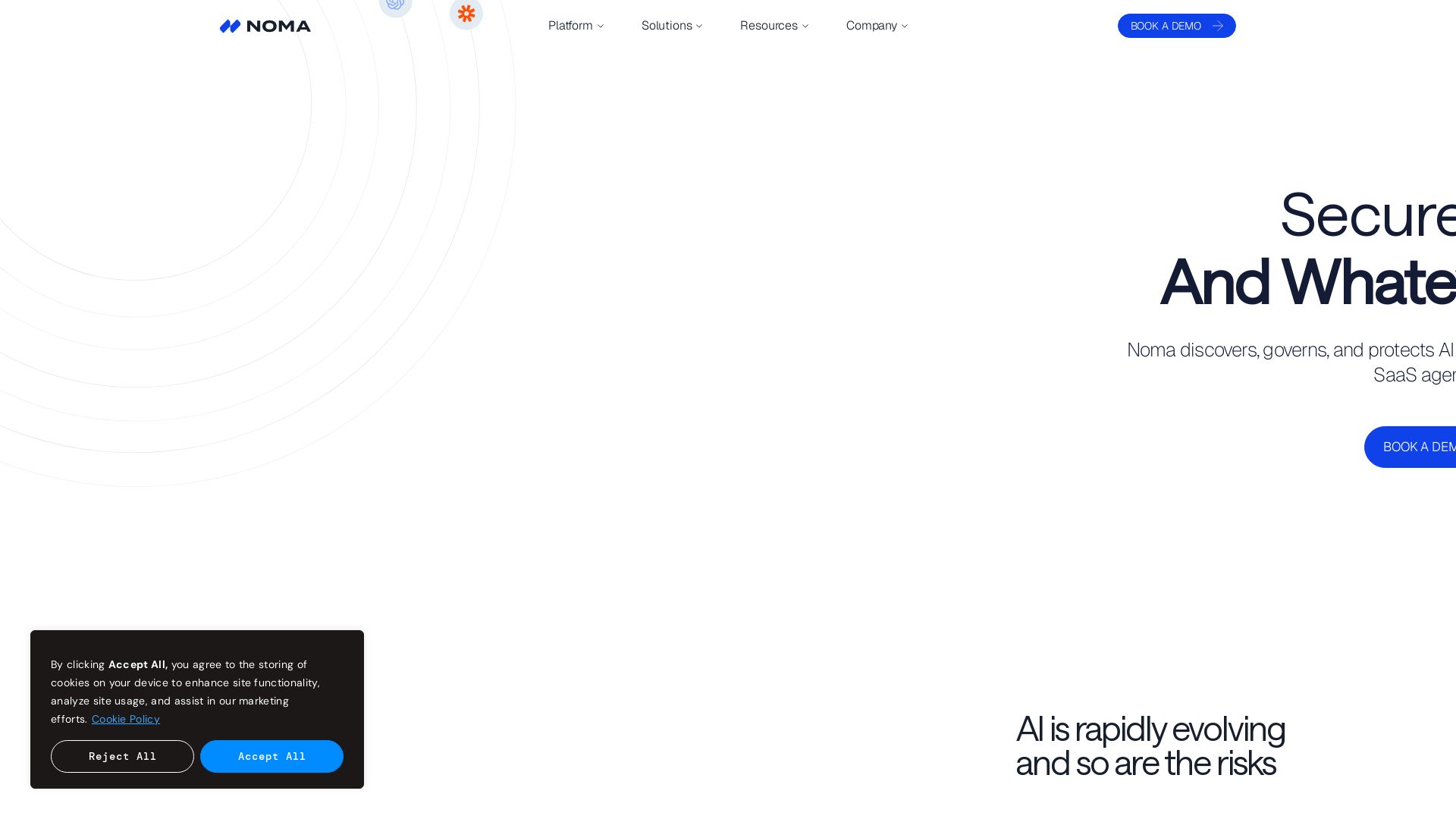
Noma Security
Discover, govern, and protect AI and agents across your enterprise with Noma's holistic security platform. Continuous discovery, runtime protection, and compliance management.

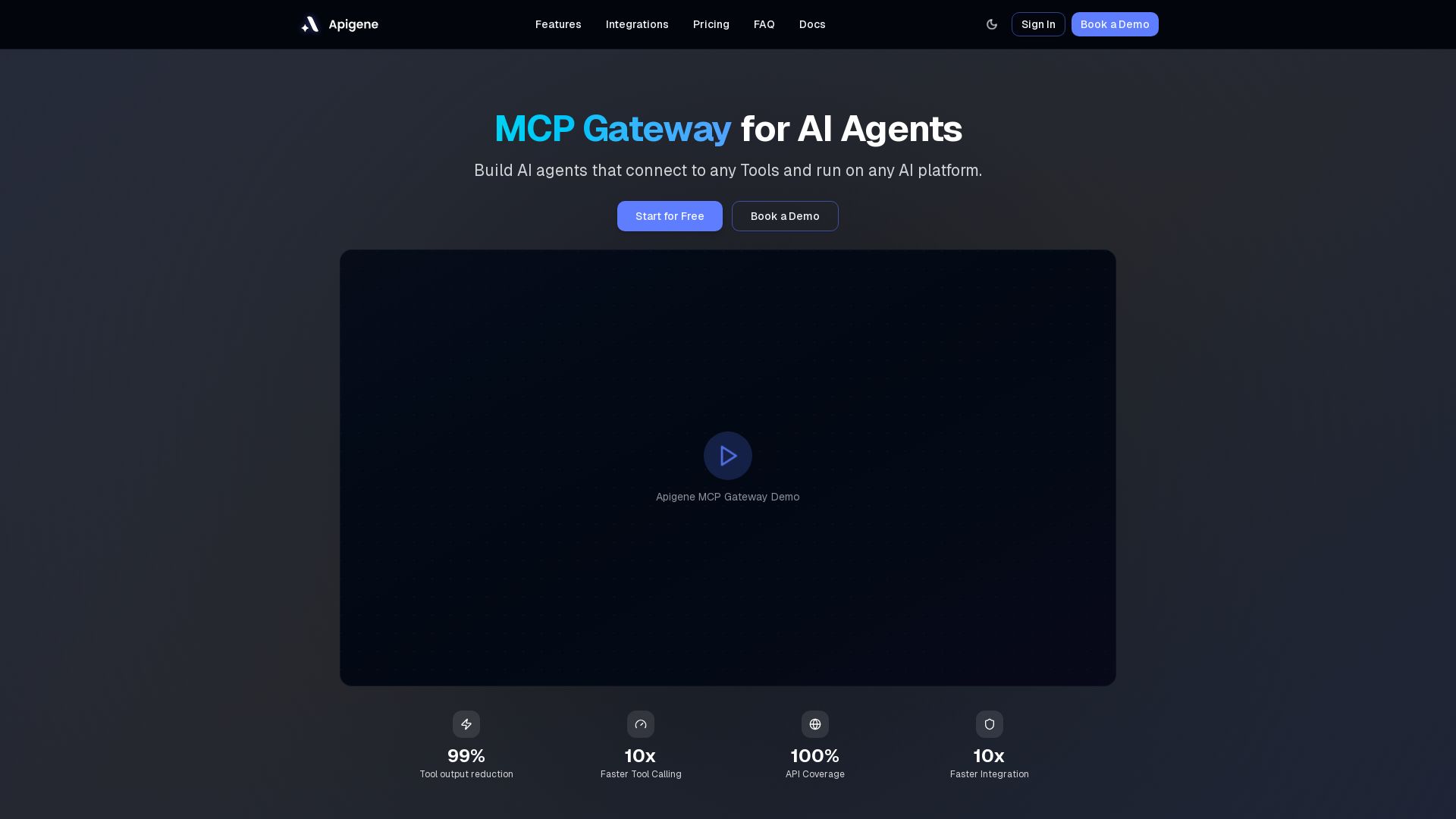
Apigene MCP Gateway
Build AI agents that connect to any API or MCP server. Reduce tool call costs by 99%, deploy on any platform. No-code builder, centralized governance.


DreamFactory
Self-hosted platform providing governed REST API and MCP access to any data source for AI and enterprise apps with role-based security.

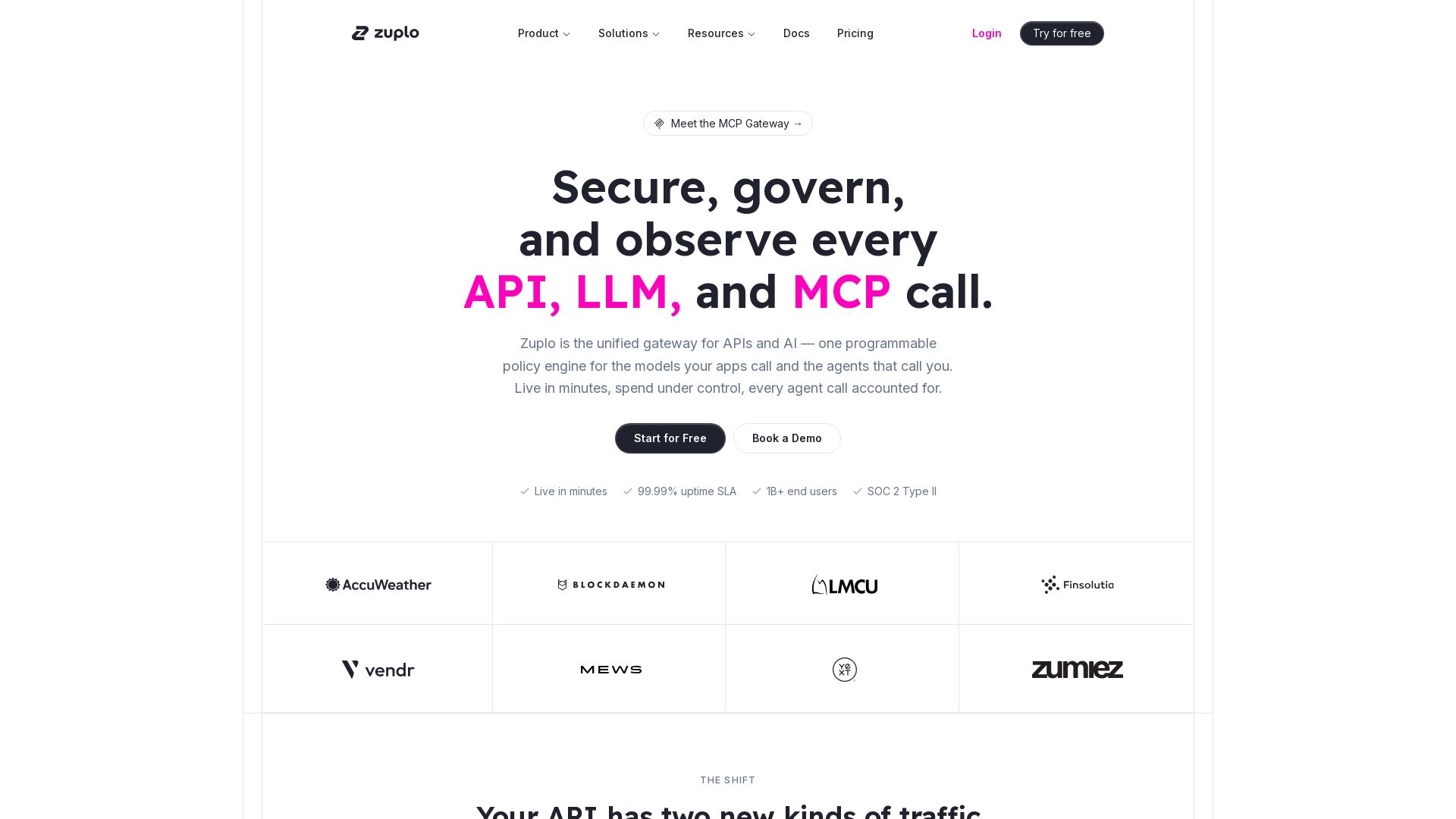
Zuplo
Secure, govern, and observe every API, LLM, and MCP call with one programmable policy engine. Live in minutes. Reduce costs, shrink attack surface, gain visibility.

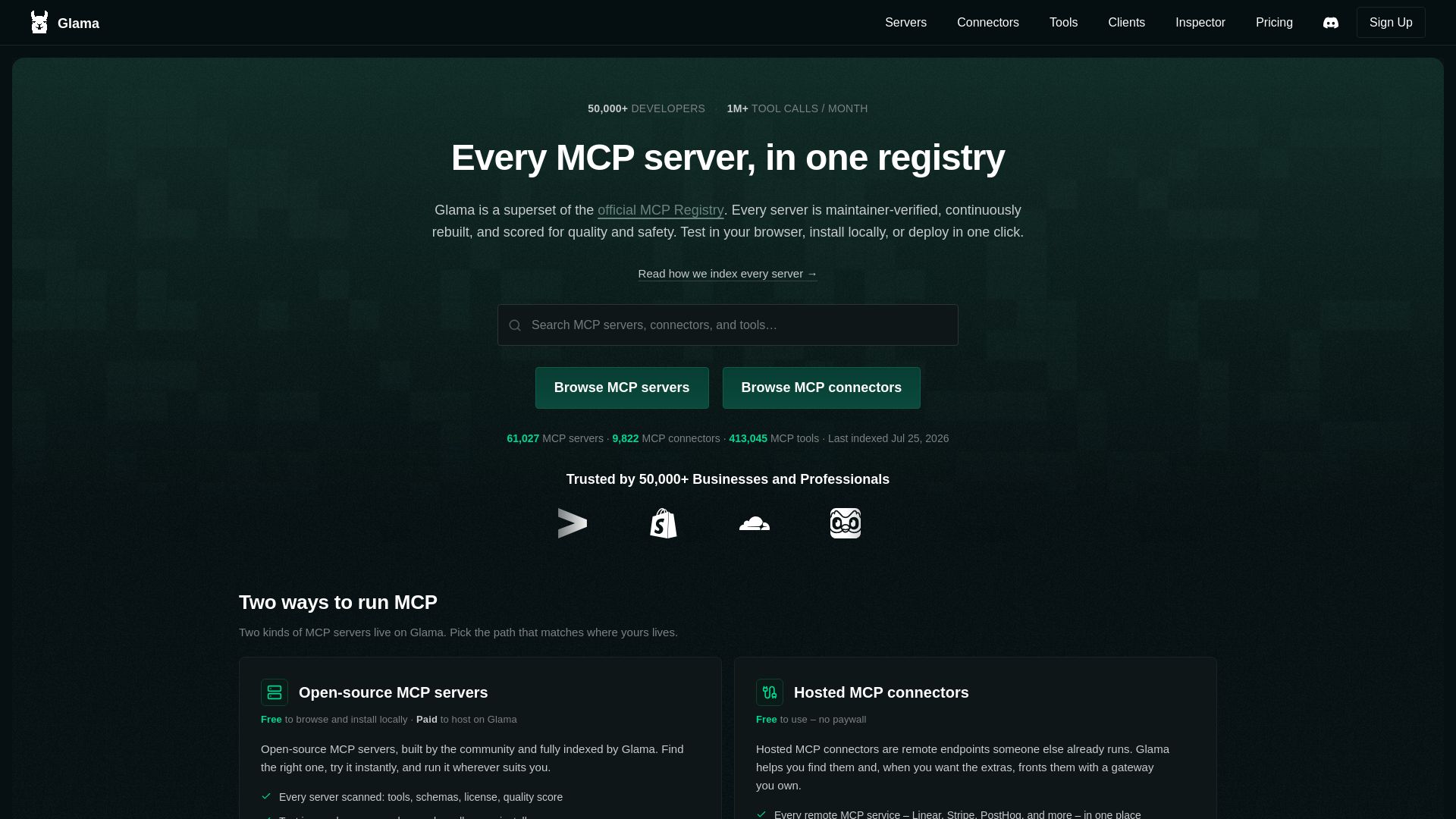
Glama
The largest MCP server registry with 60K+ servers and 9K+ connectors. Browse, test in browser, and host with the Glama Gateway. Trusted by 50K+ developers.

ℹ️ Curation Disclosure: The overview and features of MCP Manager were synthesized using AI and fact-checked by our curation team to ensure accuracy.
