
MCP Playground Online
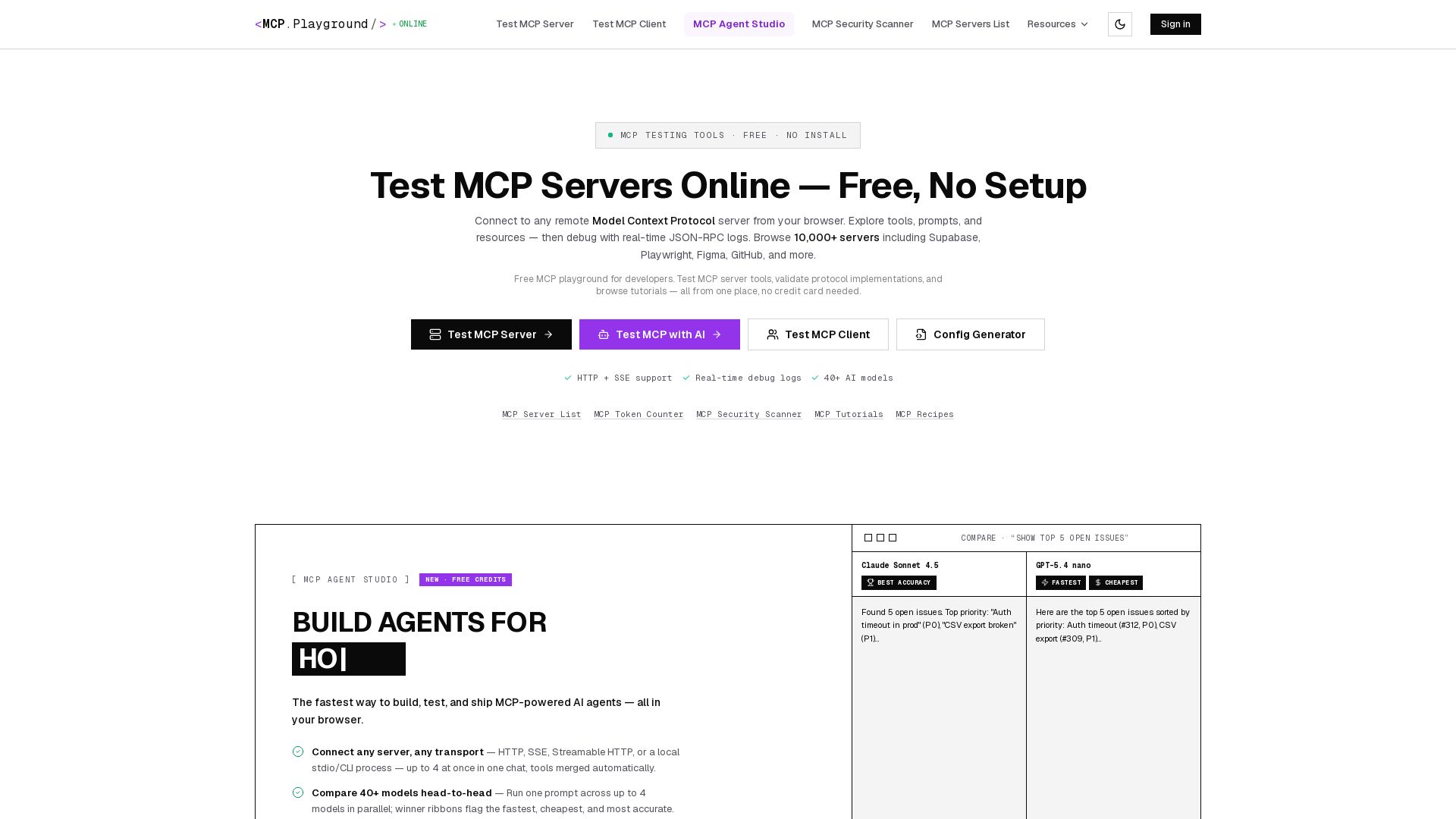
Free browser-based MCP testing tool. Connect to any server, browse tools, execute commands, and view live JSON-RPC logs. No install required.
Editor's Verdict
Key Takeaways
- Test MCP Server Online
- Test MCP Client
- MCP Agent Studio
- MCP Security Scanner
In-Depth Review: What is MCP Playground Online?
MCP Playground is the ultimate free online tool for developers to test Model Context Protocol (MCP) servers and clients directly in the browser. Connect to any remote MCP server, explore tools, prompts, and resources, and debug with real-time JSON-RPC logs. Supports HTTP, SSE, Streamable HTTP, and local stdio. Compare 40+ AI models, build agents with MCP Agent Studio, and browse 10,000+ servers. No installation or sign-up required—start testing instantly.
Core Features
Test MCP Server Online
Connect to any remote MCP server from your browser and explore its tools, prompts, and resources without any setup.
Test MCP Client
Validate your MCP client implementation by connecting to a remote server and inspecting real-time JSON-RPC logs.
MCP Agent Studio
Build, test, and ship MCP-powered AI agents in the browser with support for up to 4 servers and 40+ AI models.
MCP Security Scanner
Check if your MCP server is secure including HTTPS, authentication, headers, CORS, and more.
Real-Time Debug Logs
View full request/response JSON for every tool call with per-call latency for instant debugging.
Multi-Model Comparison
Run one prompt across up to 4 AI models simultaneously and see fastest, cheapest, and best-accuracy winners.
Config Generator
Generate MCP client configuration for any server with one click.
Export Agent as API
Save your servers, model, and prompt as a production API endpoint with bearer auth and server-side locked prompt.
10,000+ MCP Servers
Browse the official MCP registry and add any server with one click, supporting HTTP, SSE, or local stdio.
Local stdio/CLI Support
Run local MCP tools (npx, uvx) alongside remote servers and inject environment variables for authentication.
Pricing
Free
- Test any remote MCP server online
- Test MCP client implementations
- Access MCP Agent Studio with free credits
- Compare up to 4 AI models side-by-side
- Real-time JSON-RPC debug logs
- MCP Security Scanner
- Browse 10,000+ MCP servers
- Config Generator
- MCP Token Counter
- 50+ ready-to-use agent templates
- Export agents as APIs (with credits)
- No credit card required
Pros and Cons
Pros
- Zero Setup RequiredNo software installation or configuration needed; test MCP servers directly from the browser.
- Comprehensive Protocol SupportSupports all core MCP features including tools, prompts, resources, and multiple transport methods (HTTP, SSE, Streamable HTTP, stdio).
- Real-Time DebuggingLive request/response logs with per-call latency for every tool invocation, aiding rapid debugging.
- Multi-Model ComparisonRun the same prompt against up to 4 AI models simultaneously and automatically see the fastest, cheapest, and most accurate results.
- Free and No Sign-Up Required for Basic TestingThe core testing tools are completely free with no registration; Agent Studio offers free credits without a credit card.
Cons
- Requires Remote Server for Full TestingSome features like testing local (stdio) servers require additional setup, though the UI supports it.
- Free Credits Limited for Agent StudioAgent Studio offers free credits on sign-up but may require purchase for extended use beyond the initial allocation.
- Not a Full MCP Client ReplacementThe playground focuses on testing and debugging, not on integrating MCP into production applications.
Use Cases & Recommended Professions
Software Engineer→ View Toolkit
Quickly test and validate MCP server implementations and build AI-powered features without local setup.
DevOps Engineer→ View Toolkit
Perform security scans on MCP servers, check headers and authentication, and debug integration issues.
AI Agent Developer→ View Toolkit
Build and compare multi-server AI agents with different models, and export them as production APIs.
QA Tester→ View Toolkit
Validate MCP client and server behavior with real-time logs and multi-model comparisons to ensure correctness.
Product Manager→ View Toolkit
Explore available MCP servers and capabilities to assess integration possibilities for product features.
Technical Writer→ View Toolkit
Use the playground to document MCP server usage, test examples, and create tutorials with live demos.
Frequently Asked Questions
Alternative AI Tools
View Detailed Comparison →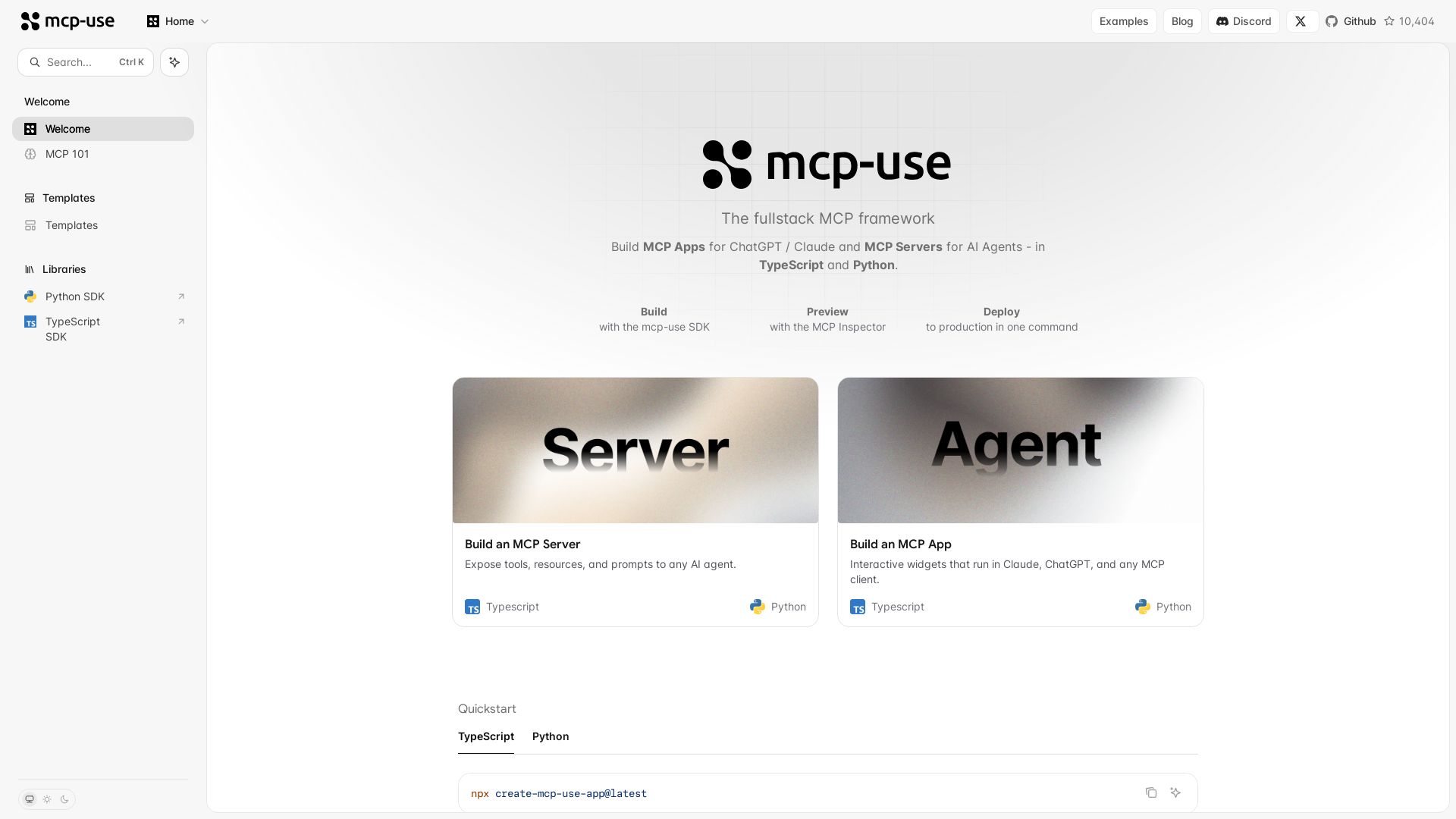
mcp-use
Build MCP apps for ChatGPT/Claude and MCP servers for AI agents. TypeScript & Python. Deploy in one command.

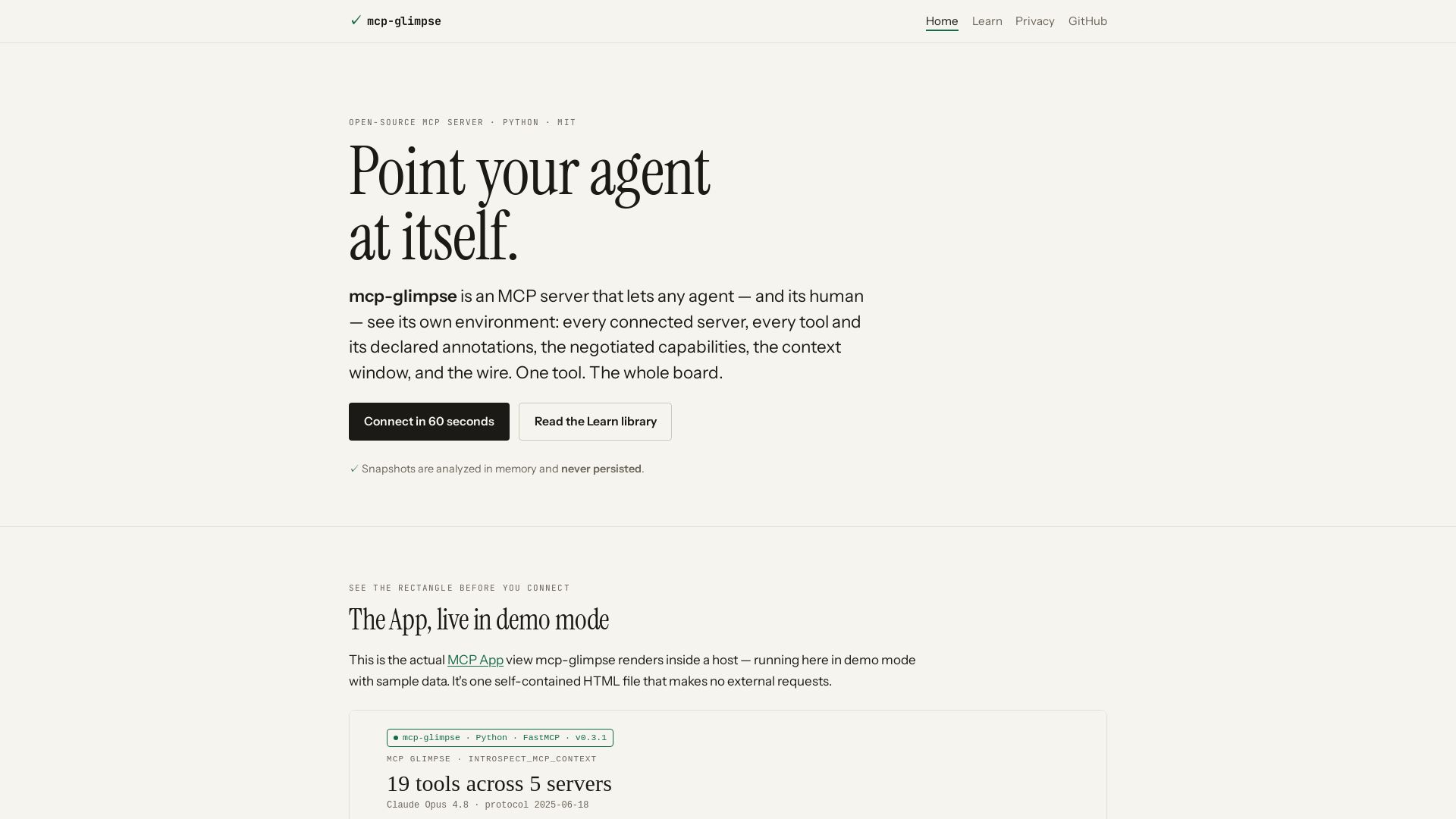
mcp-glimpse
Open-source MCP server that lets agents and humans introspect every tool, capability, and context. Privacy-first, no persistence.

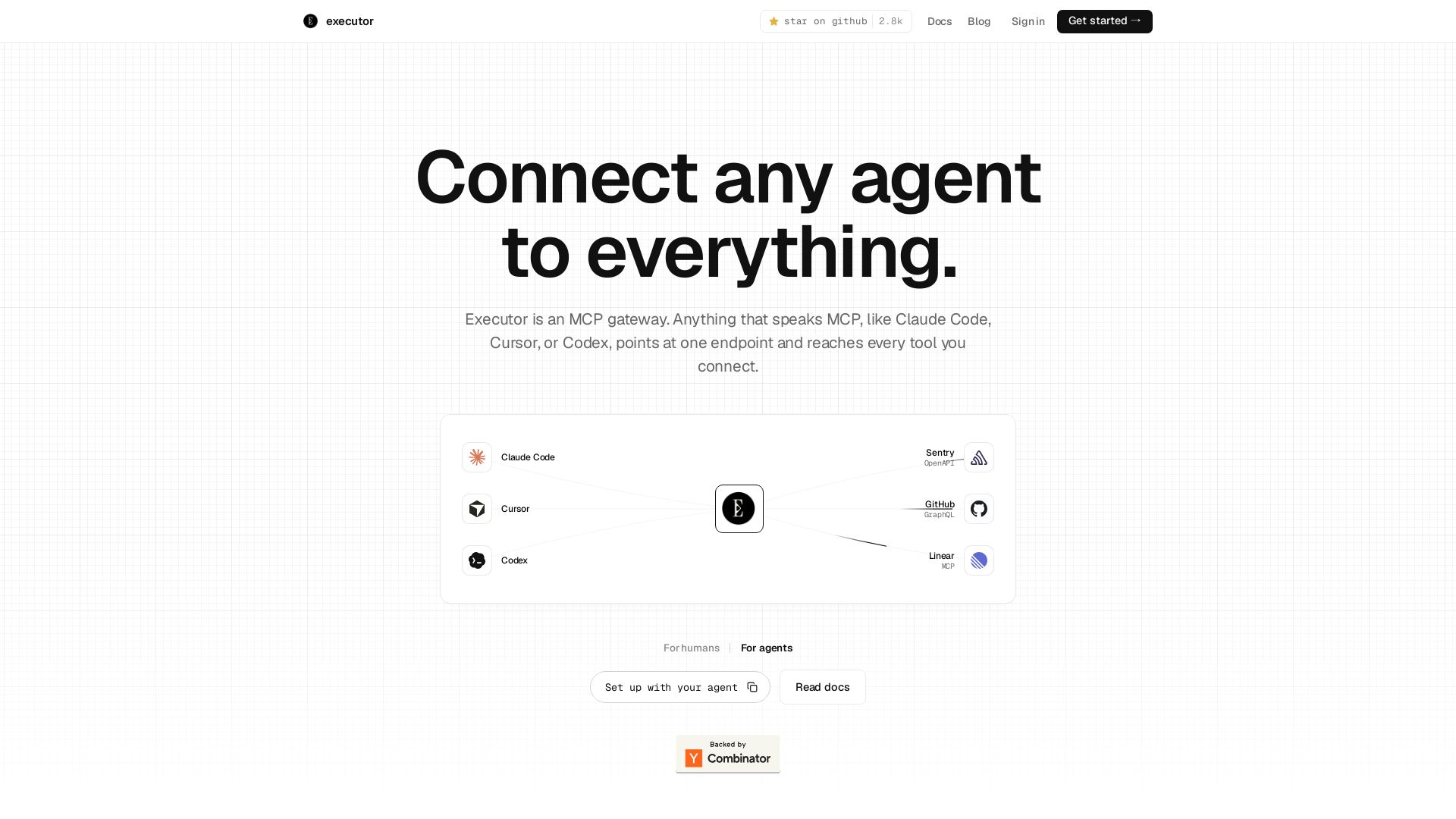
Executor
Executor is an MCP gateway for AI agents like Claude Code and Cursor. Connect thousands of tools through one endpoint with context efficiency, sandbox security, and team features.

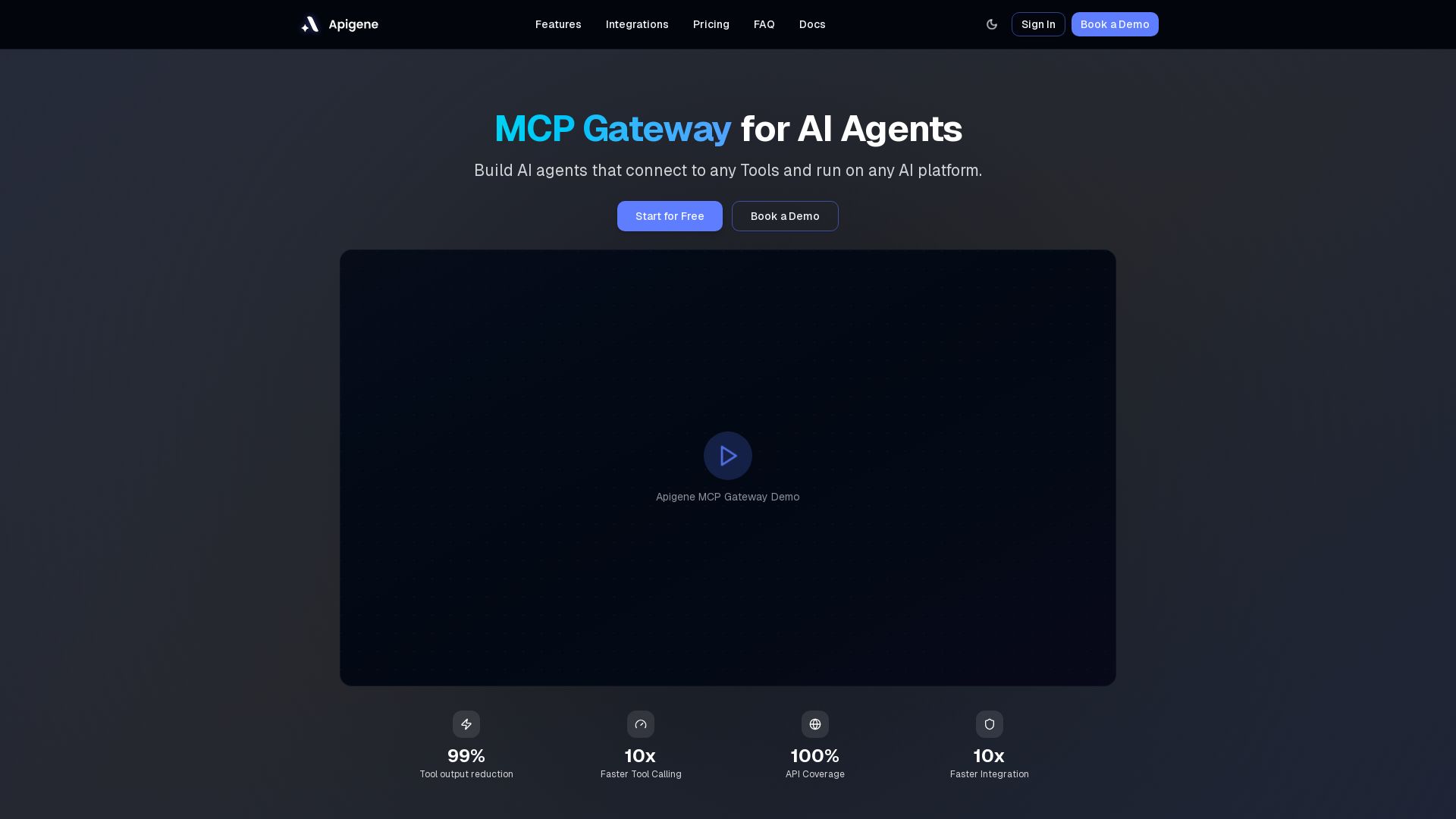
Apigene MCP Gateway
Build AI agents that connect to any API or MCP server. Reduce tool call costs by 99%, deploy on any platform. No-code builder, centralized governance.

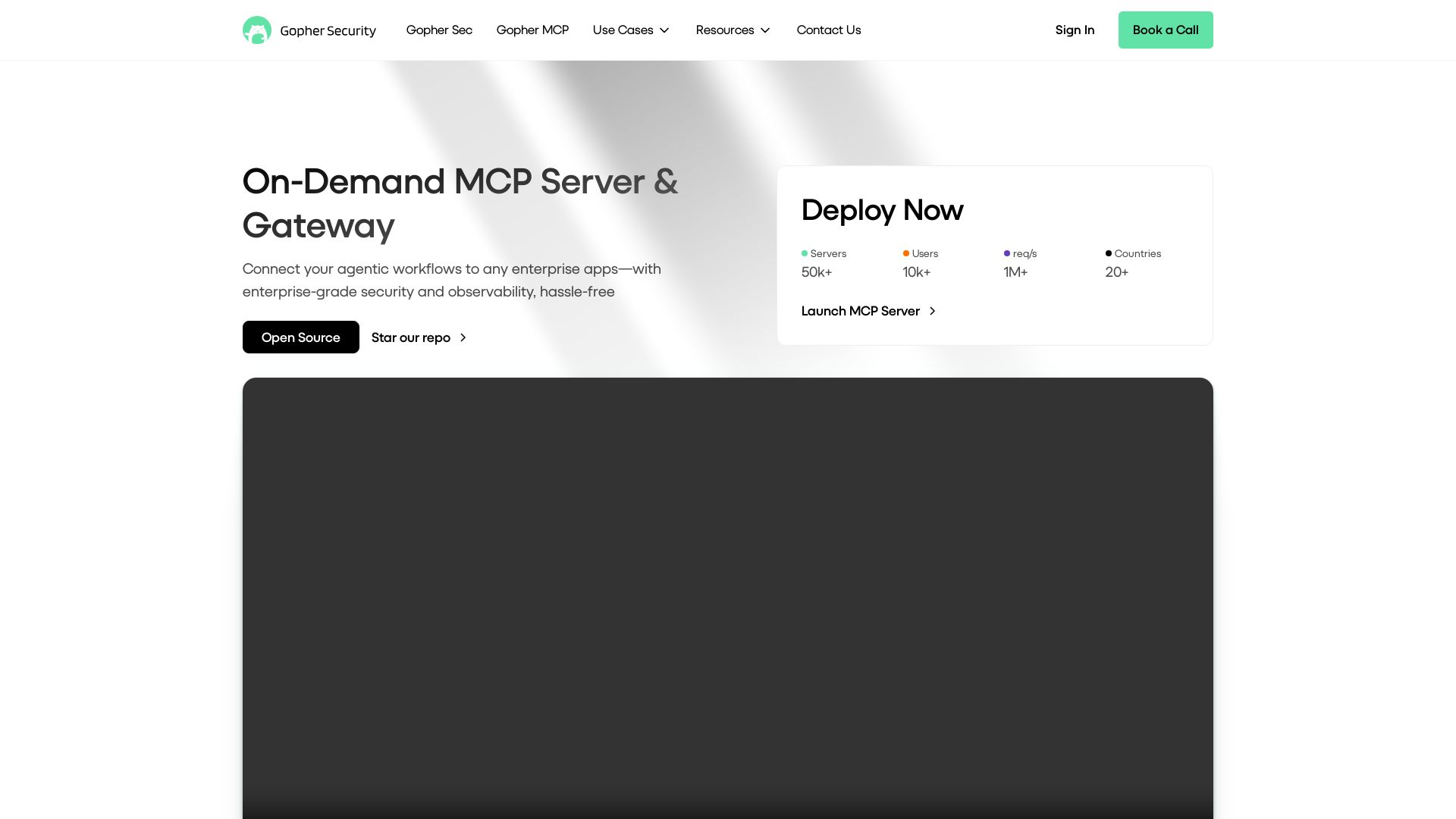
Gopher-MCP
Deploy secure MCP servers in minutes with 4D security: deep inspection, zero-trust access, granular policies, and post-quantum encryption.

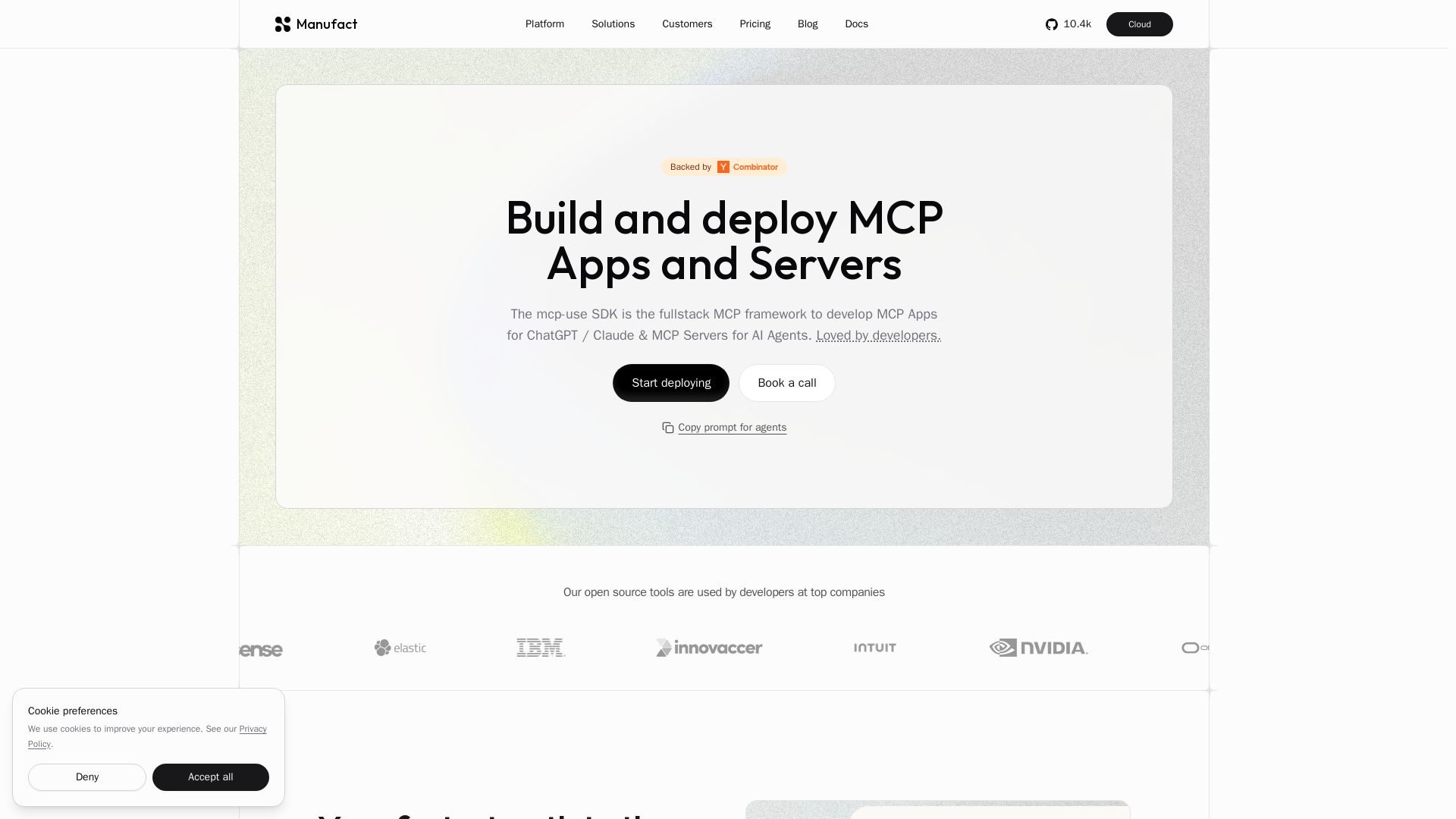
Manufact
Build and deploy MCP Apps and Servers with the mcp-use SDK. One codebase for ChatGPT, Claude, Gemini, and more. From first commit to production.

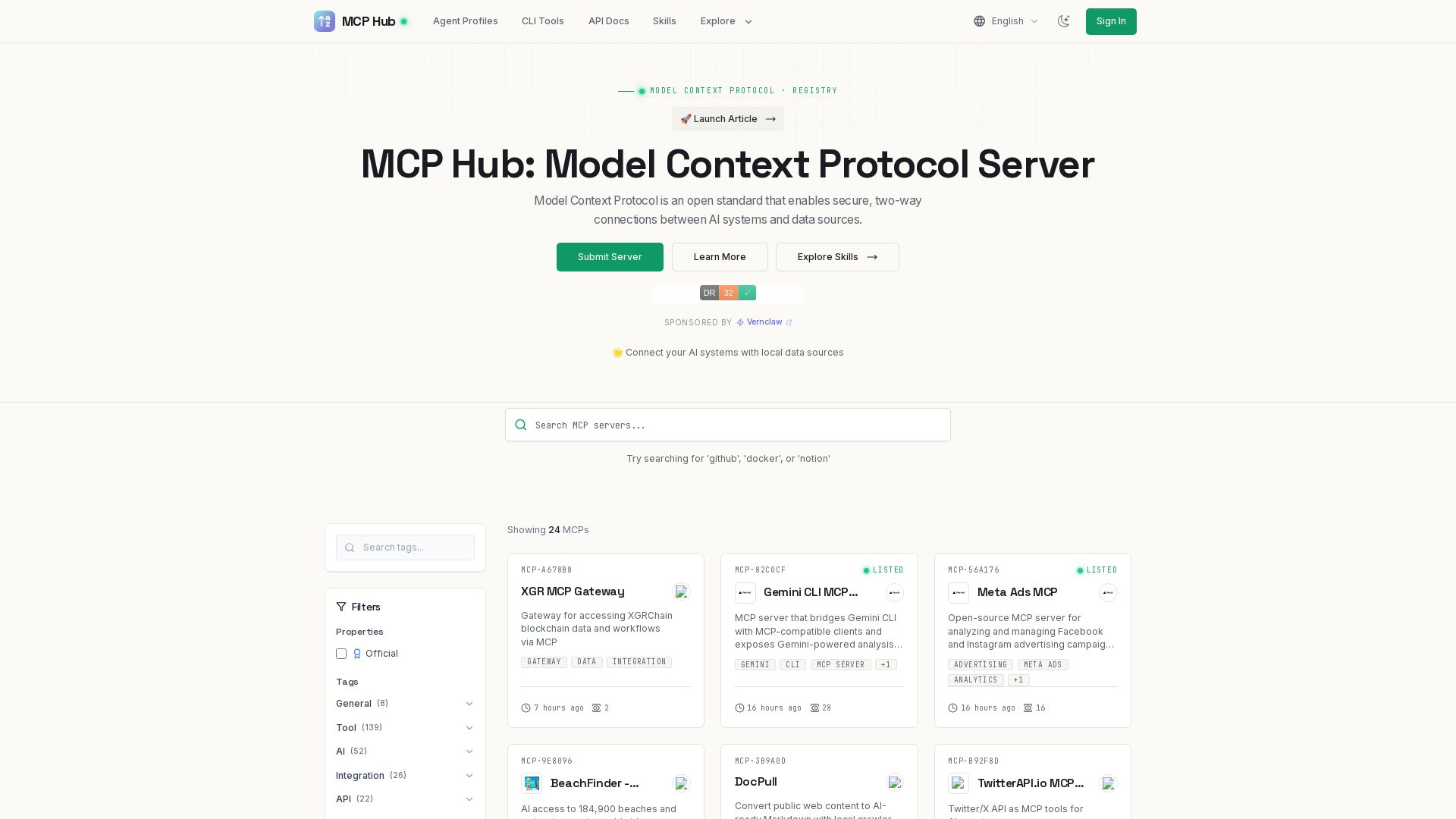
MCP Hub
Explore hundreds of MCP servers for secure AI-data connections. Find tools for GitHub, Docker, Notion, and more. Submit your own MCP implementation.

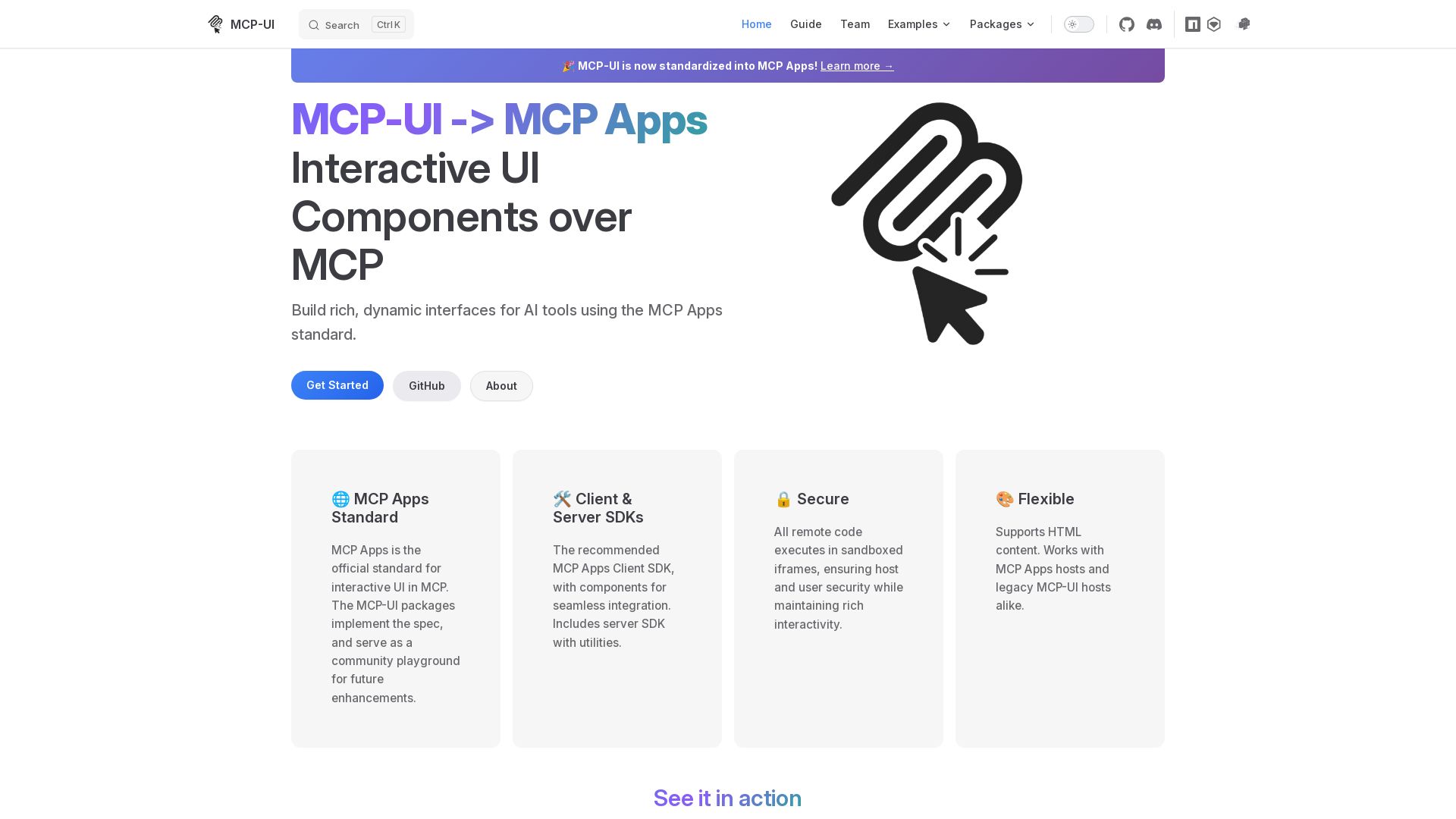
MCP-UI
Build rich, dynamic interfaces for AI tools with MCP Apps. Secure sandboxed execution, HTML support, client & server SDKs.

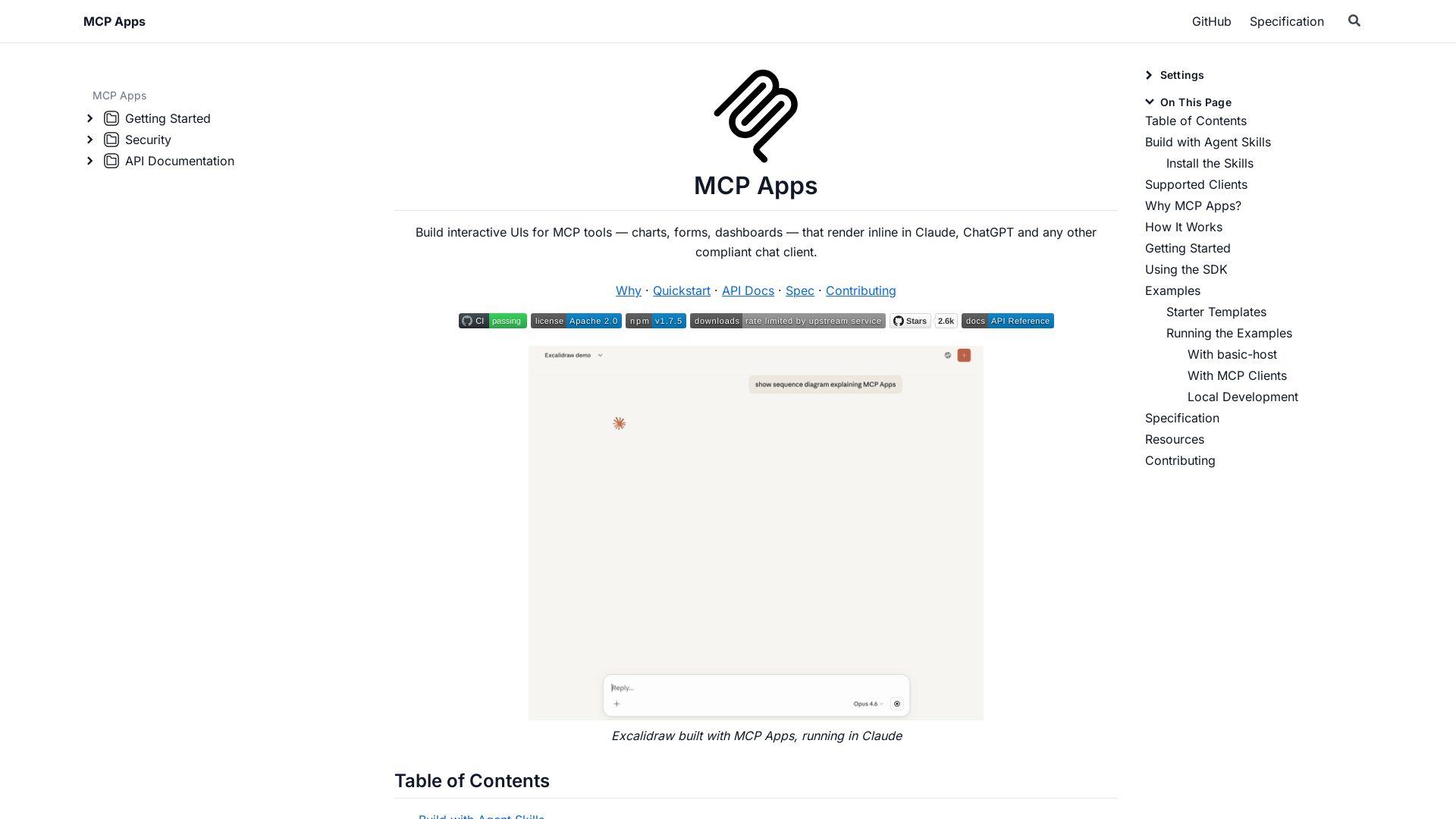
MCP Apps
Build dynamic charts, forms, and dashboards that render inline in ChatGPT, Claude, and more. Extends MCP for seamless UI-tool communication.

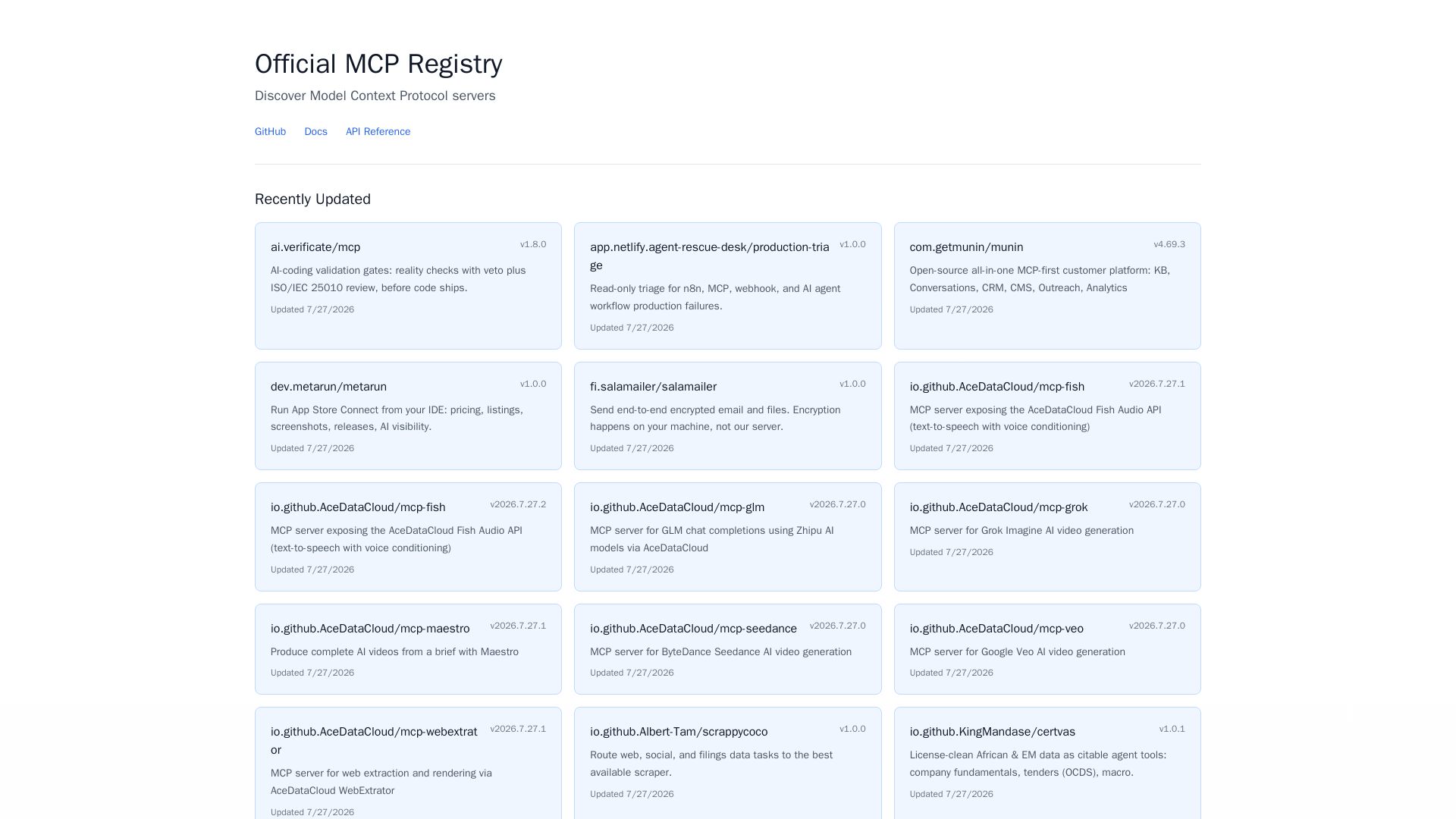
MCP Registry
Explore the official directory of MCP servers for AI integration, data processing, automation, and more. Find vetted servers with descriptions and updates.

Stacklok
Run AI agents securely on your Kubernetes with full governance, control, and OTel instrumentation. Trusted by Fortune 500, built by Kubernetes co-founders.

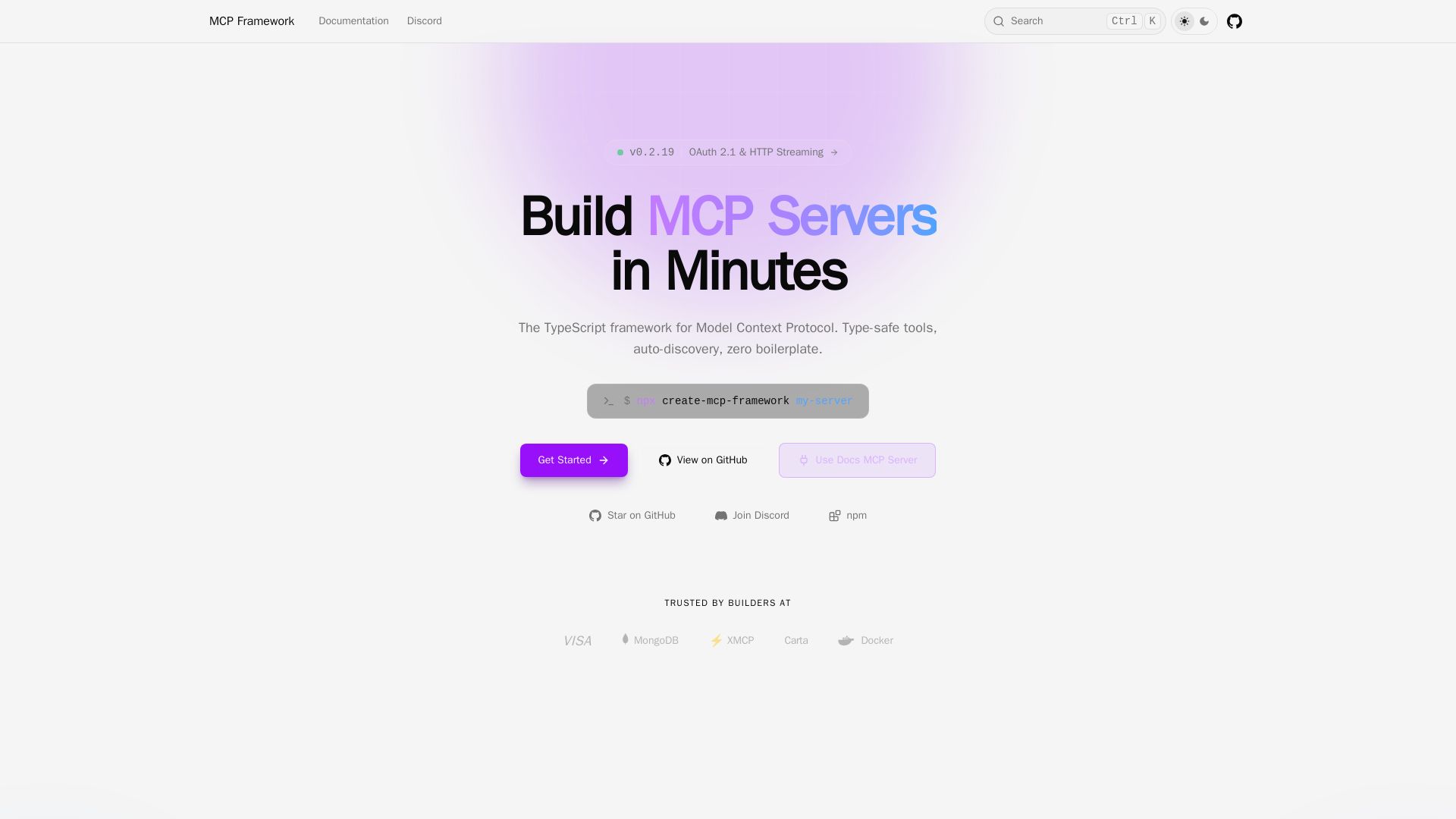
MCP Framework
A batteries-included TypeScript framework for Model Context Protocol. Zero-config auto-discovery, type-safe tools with Zod, OAuth 2.1, and multiple transports.

ℹ️ Curation Disclosure: The overview and features of MCP Playground Online were synthesized using AI and fact-checked by our curation team to ensure accuracy.
