
Executor
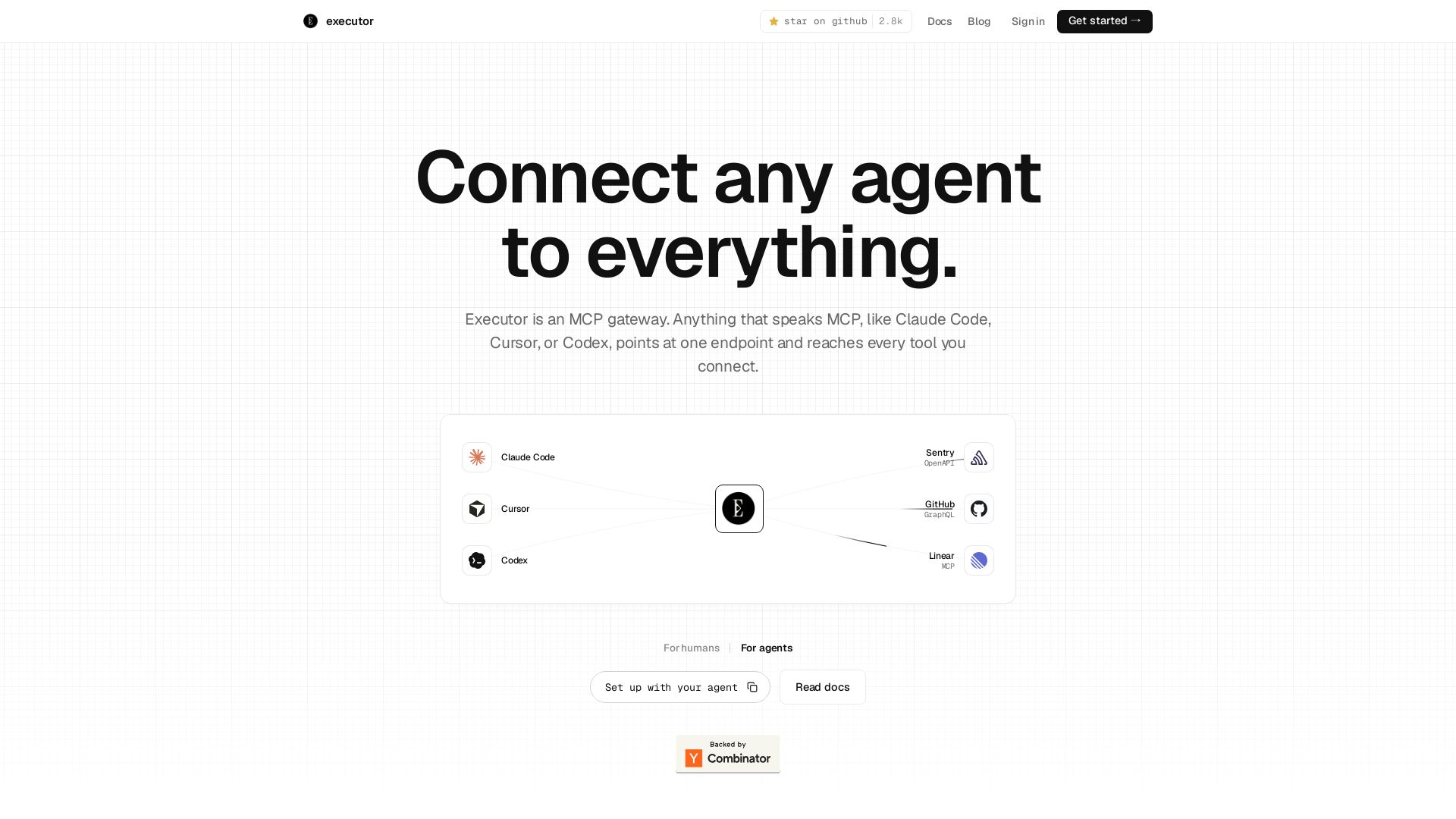
Executor is an MCP gateway for AI agents like Claude Code and Cursor. Connect thousands of tools through one endpoint with context efficiency, sandbox security, and team features.
Editor's Verdict
Key Takeaways
- MCP Gateway
- Context Efficiency
- Multi-Protocol Support
- Sandboxed Execution
In-Depth Review: What is Executor?
Executor is an MCP gateway that simplifies how AI agents interact with your tools. By presenting a single endpoint and one tool shape, it eliminates context bloat — showing only the needed tool schema when called. It supports MCP, OpenAPI, GraphQL, and custom integrations, with sandboxed execution to keep credentials secure. Features include per-user credentials, destructive action prompts, and audit trails. Free tier available for small teams, with paid plans for larger organizations. Ideal for developers who want their agents to securely access hundreds of tools without clutter or risk.
Core Features
MCP Gateway
Acts as a single endpoint for any MCP-compatible agent (Claude Code, Cursor, Codex) to reach all connected tools.
Context Efficiency
Presents a single tool to the model, dynamically loading tool schemas on demand, reducing token usage from ~278k to ~1k for 1,640 tools.
Multi-Protocol Support
Unifies MCP, OpenAPI, GraphQL, and custom integrations into one consistent tool shape with a name, input schema, and output schema.
Sandboxed Execution
Tool calls run in an isolated JavaScript sandbox; secrets are injected host-side and never exposed to the agent or model.
Safety by Default
Preserves semantics (e.g., GET vs DELETE) and requires confirmation for destructive actions, ensuring safe auto-execution.
Team Collaboration
Supports per-user and shared credentials, simple onboarding, and entire team access without toggling MCP configurations.
Multi-Surface Calling
Same tools can be called via MCP, CLI, scripts, gen-UI dashboards, or reusable workflows.
Audit Tracing (Coming Soon)
Centralized view of every execution and tool call for auditing and debugging.
Pricing
Free
- Up to 3 members
- 10,000 included executions per month
- $0.20 per 1,000 additional executions
- Unlimited integrations
Team
- 14-day free trial
- Unlimited members
- 250,000 included executions per month
- 5 minute execution timeout
- Join by team domain
- $0.20 per 1,000 additional executions
Enterprise
- Everything in Team
- Self-hosted or dedicated cloud deployment support
- SSO / SAML & SCIM provisioning
- Audit logs for every tool call
- Dedicated support & onboarding
- Security reviews, DPA & SOC 2 on request
Pros and Cons
Pros
- Context Window EfficiencyReduces token consumption dramatically by presenting only one tool to the model, enabling thousands of tools without bloating the prompt.
- Unified IntegrationCombines MCP, OpenAPI, GraphQL, and custom APIs into a single interface, simplifying agent-tool connectivity.
- Secure by DesignSandboxed execution keeps secrets hidden from the agent; destructive actions require confirmation, reducing risk.
- Flexible DeploymentAvailable as cloud, desktop app, or CLI with MIT licensing, catering to various environments and privacy needs.
- Team-FriendlySupports per-user credentials, shared integrations, and easy onboarding, enabling whole-team usage without complex setup.
Cons
- MCP DependencyPrimarily designed for MCP-speaking agents; non-MCP agents may require additional adaptation or won't work out of the box.
- Limited Integrations ListedOnly showcases a handful of pre-built connectors (GitHub, Stripe, etc.); users may need to build custom integrations for niche tools.
- Execution Cost ScalingBeyond free tier, per-execution costs can add up for high-volume usage, potentially becoming expensive.
- Early-Stage FeaturesFeatures like audit tracing and multi-surface calling are 'coming soon', indicating the product is still evolving.
- CLI/Desktop LimitationsDesktop app is native (Mac/Windows/Linux) but CLI is best for headless; some users might prefer a web-only interface.
Use Cases & Recommended Professions
Software Engineer→ View Toolkit
Needs to integrate multiple APIs and tools with AI coding assistants like Claude Code or Cursor without managing separate MCP configurations.
AI/ML Engineer→ View Toolkit
Wants to give AI agents access to diverse internal and external tools while keeping context tokens low and ensuring security.
Platform Engineer→ View Toolkit
Responsible for setting up a unified tool-access layer for the entire team, with centralized credential management and audit.
DevOps Engineer→ View Toolkit
Requires safe, auditable automation of infrastructure tools (e.g., GitHub, Sentry, Linear) via AI agents or scripts.
Data Scientist→ View Toolkit
Uses AI agents to query databases, run analyses, and interact with APIs, needing a streamlined way to connect tools without heavy token usage.
Product Manager / Technical Founder→ View Toolkit
Wants to empower the team with AI agents that can access project management, monitoring, and CRM tools safely and at scale.
Frequently Asked Questions
Alternative AI Tools
View Detailed Comparison →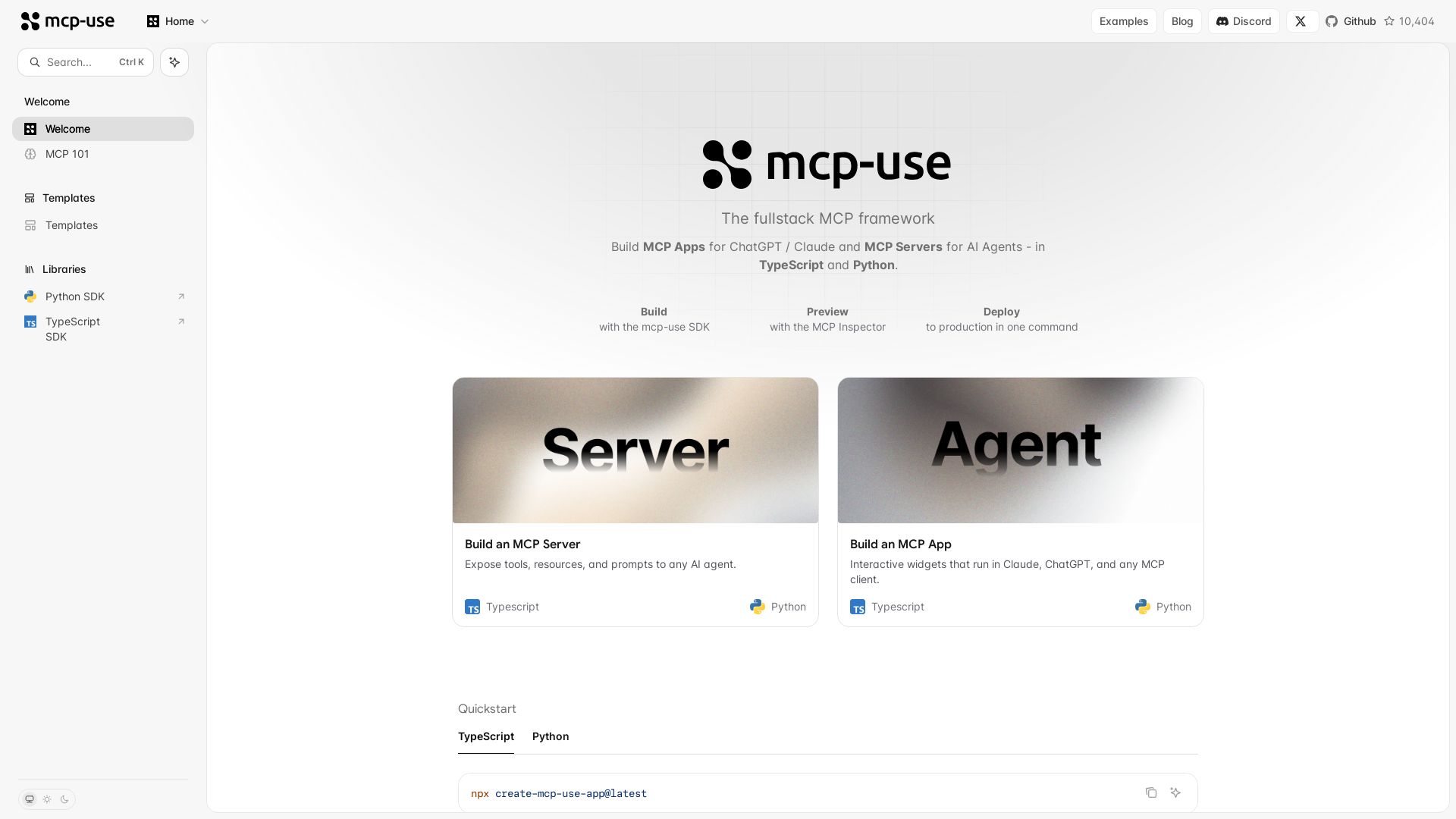
mcp-use
Build MCP apps for ChatGPT/Claude and MCP servers for AI agents. TypeScript & Python. Deploy in one command.

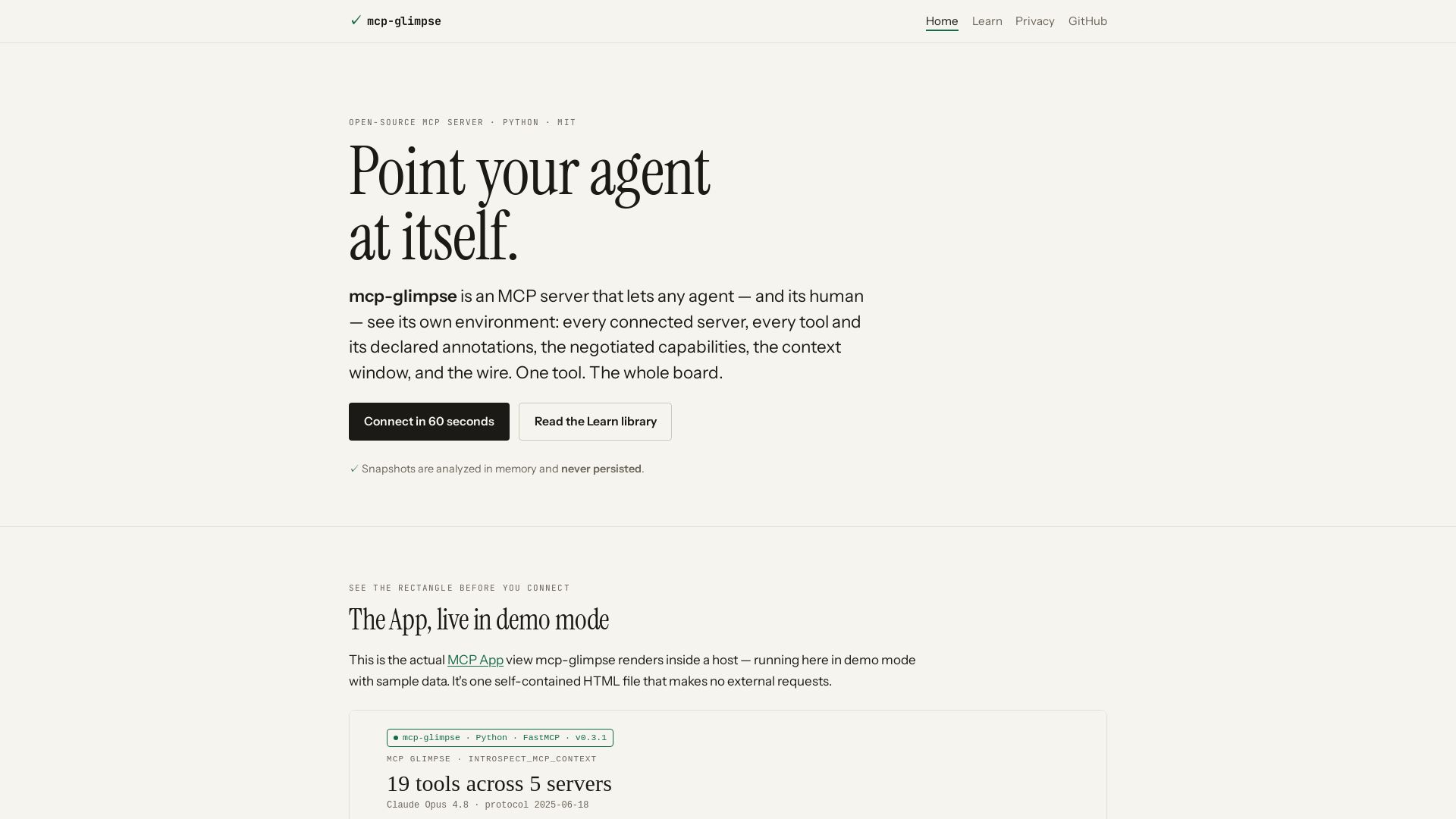
mcp-glimpse
Open-source MCP server that lets agents and humans introspect every tool, capability, and context. Privacy-first, no persistence.

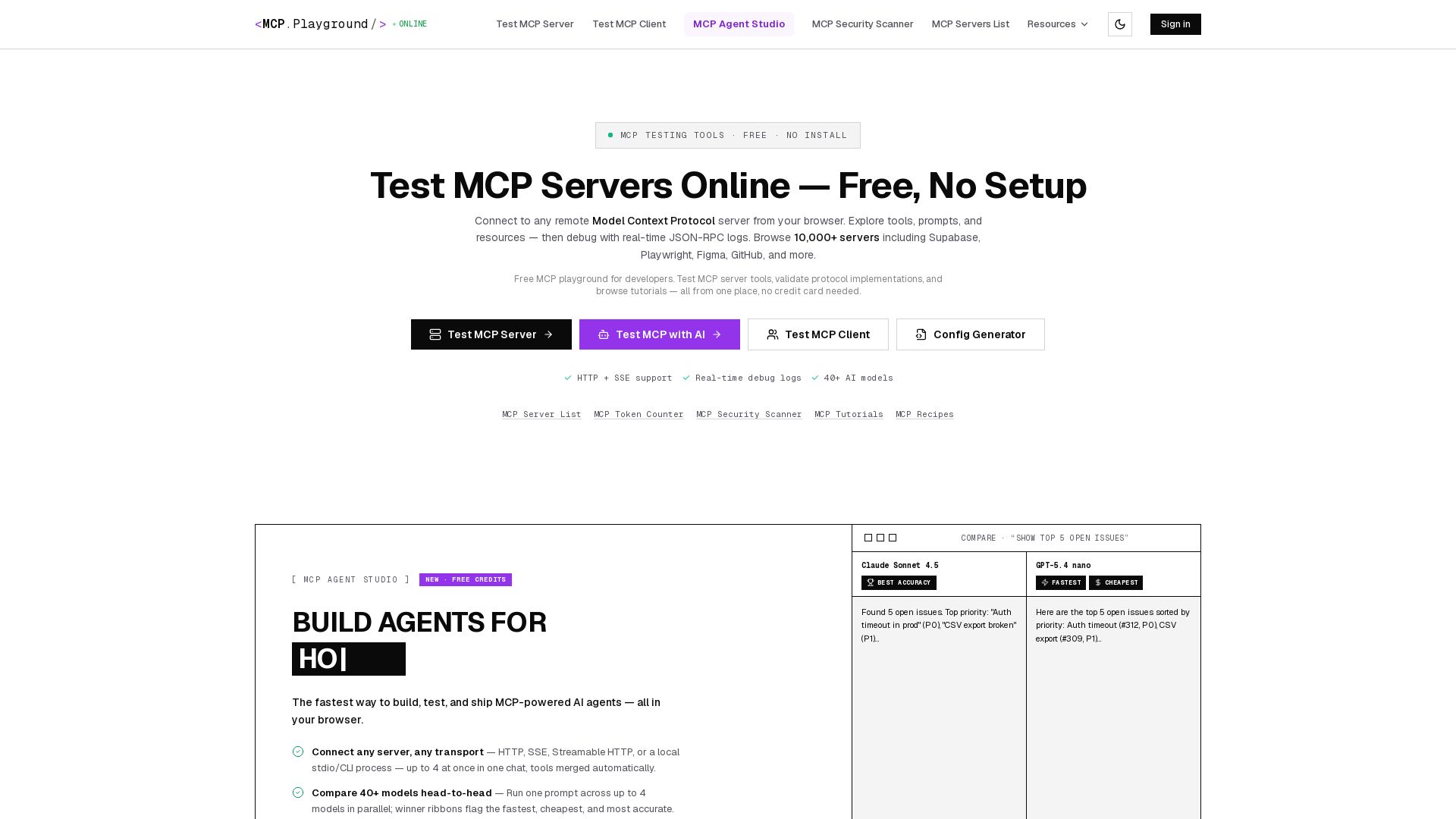
MCP Playground Online
Free browser-based MCP testing tool. Connect to any server, browse tools, execute commands, and view live JSON-RPC logs. No install required.

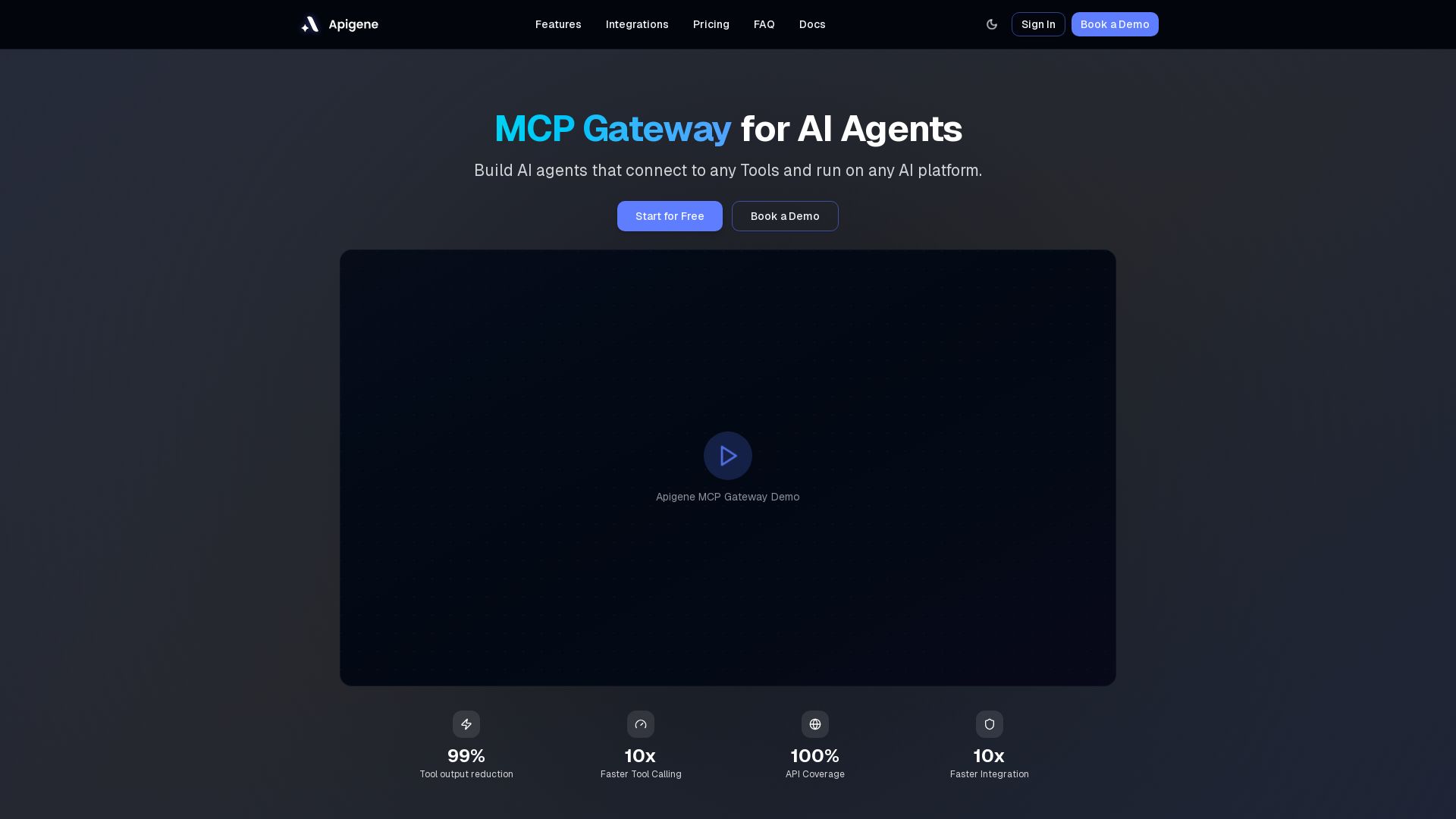
Apigene MCP Gateway
Build AI agents that connect to any API or MCP server. Reduce tool call costs by 99%, deploy on any platform. No-code builder, centralized governance.

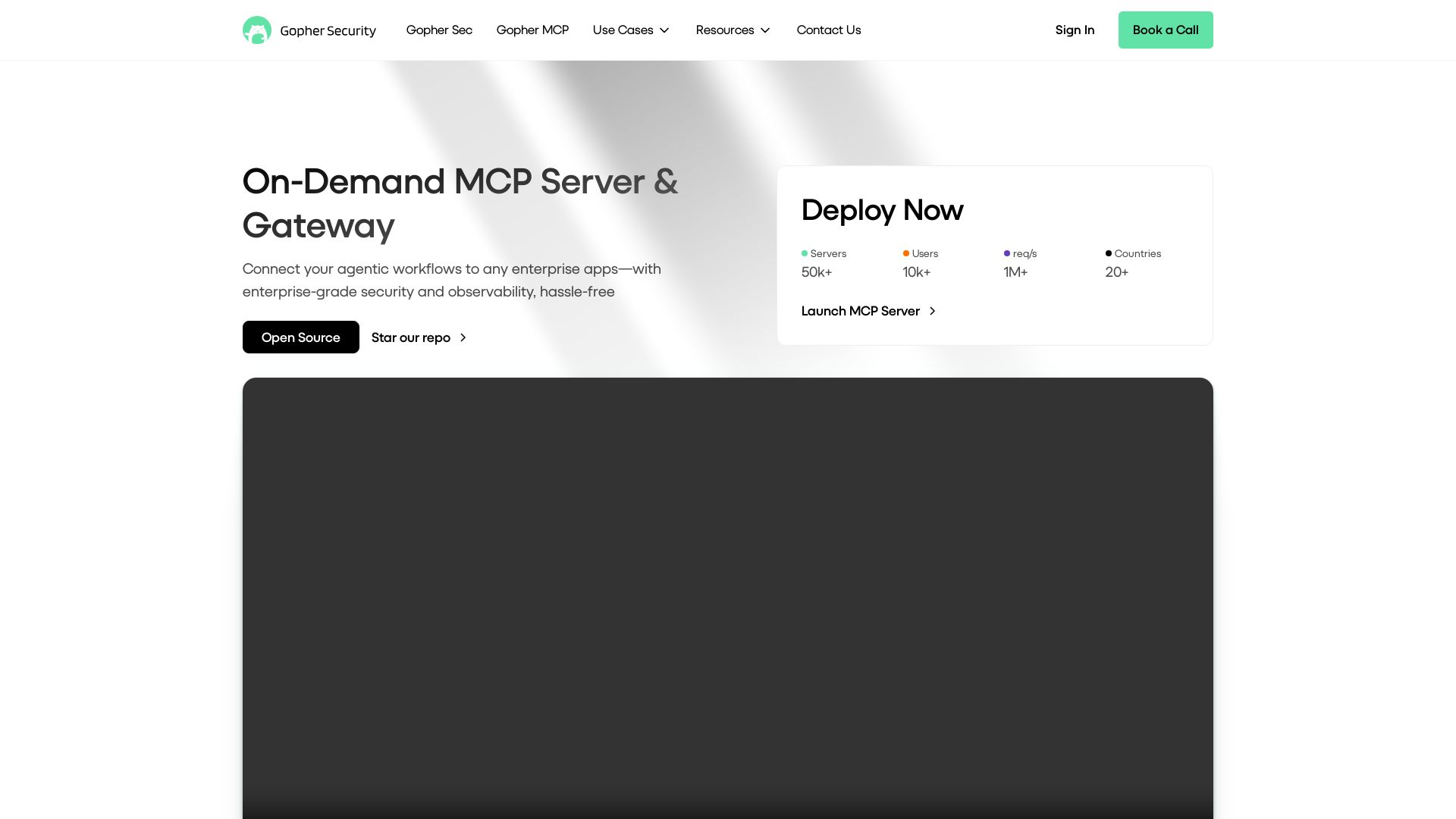
Gopher-MCP
Deploy secure MCP servers in minutes with 4D security: deep inspection, zero-trust access, granular policies, and post-quantum encryption.

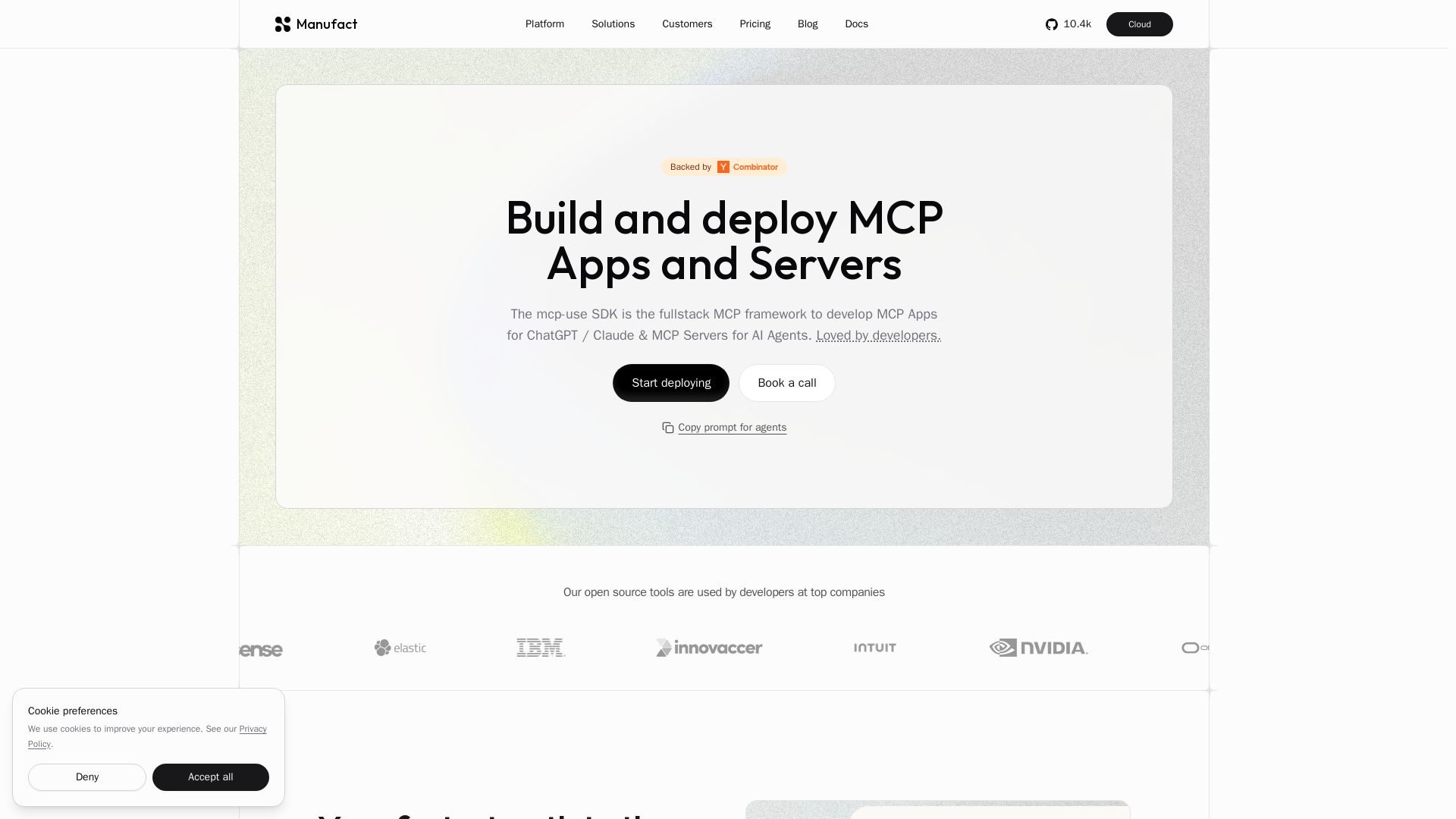
Manufact
Build and deploy MCP Apps and Servers with the mcp-use SDK. One codebase for ChatGPT, Claude, Gemini, and more. From first commit to production.

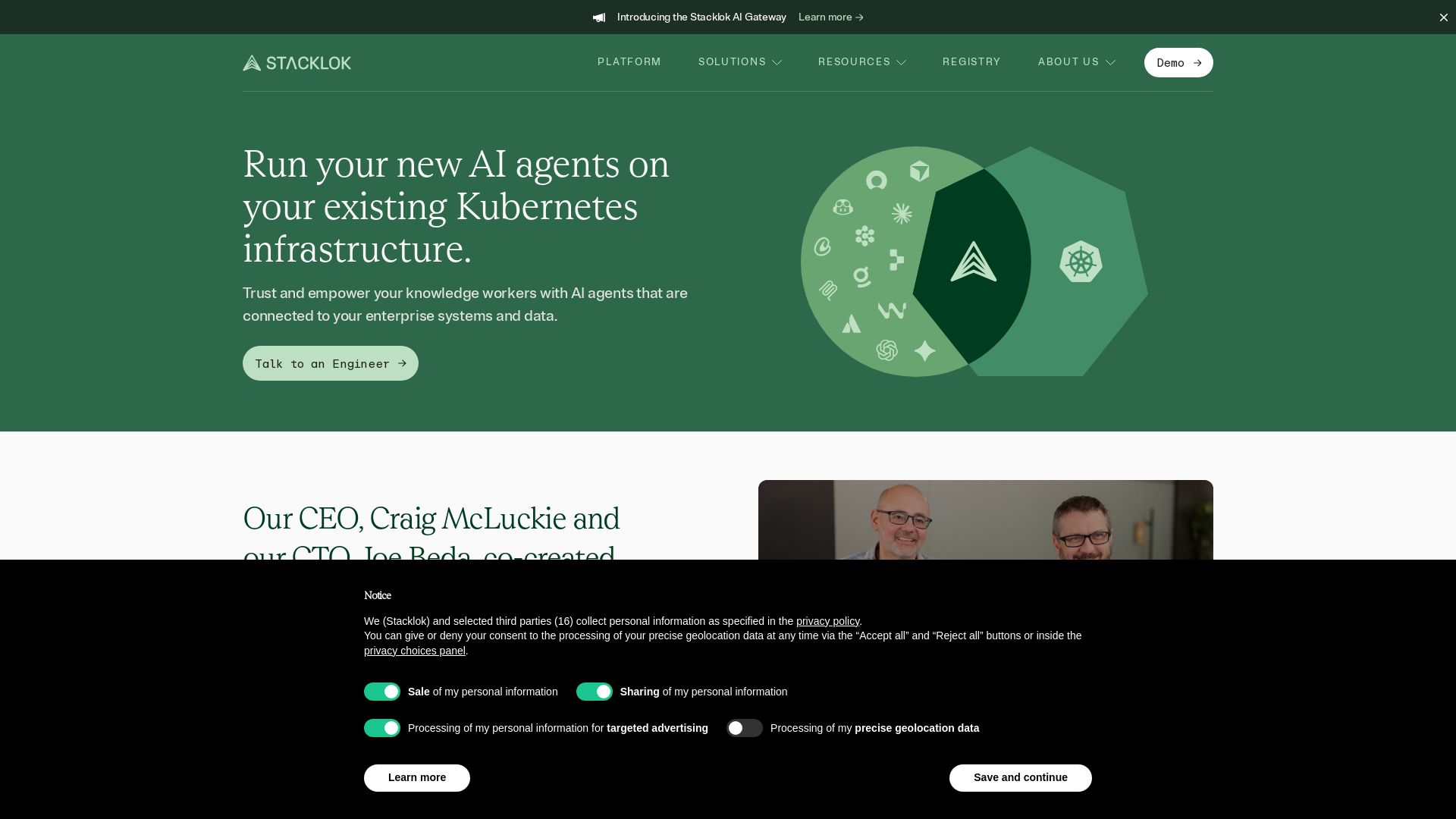
Stacklok
Run AI agents securely on your Kubernetes with full governance, control, and OTel instrumentation. Trusted by Fortune 500, built by Kubernetes co-founders.

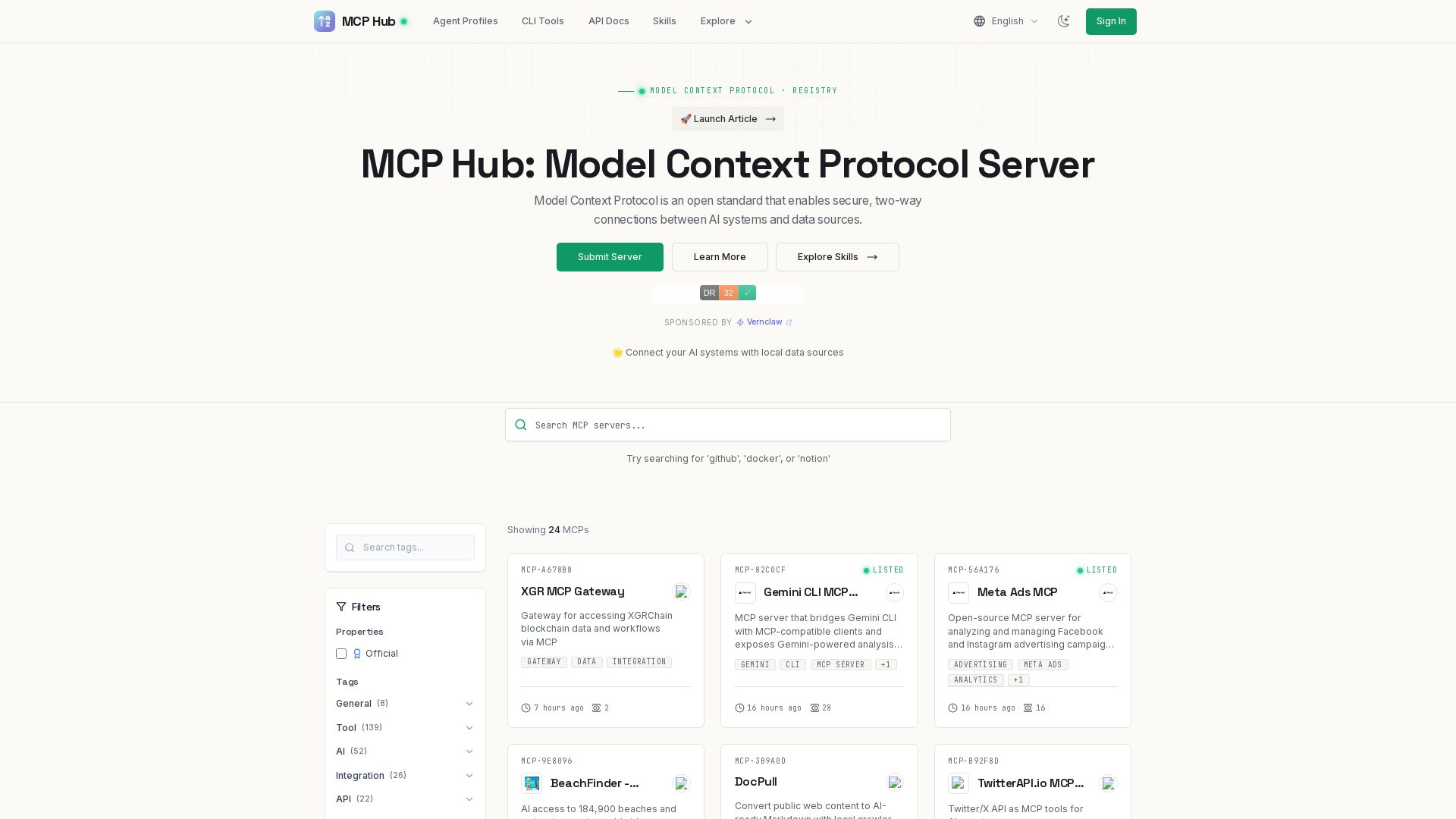
MCP Hub
Explore hundreds of MCP servers for secure AI-data connections. Find tools for GitHub, Docker, Notion, and more. Submit your own MCP implementation.

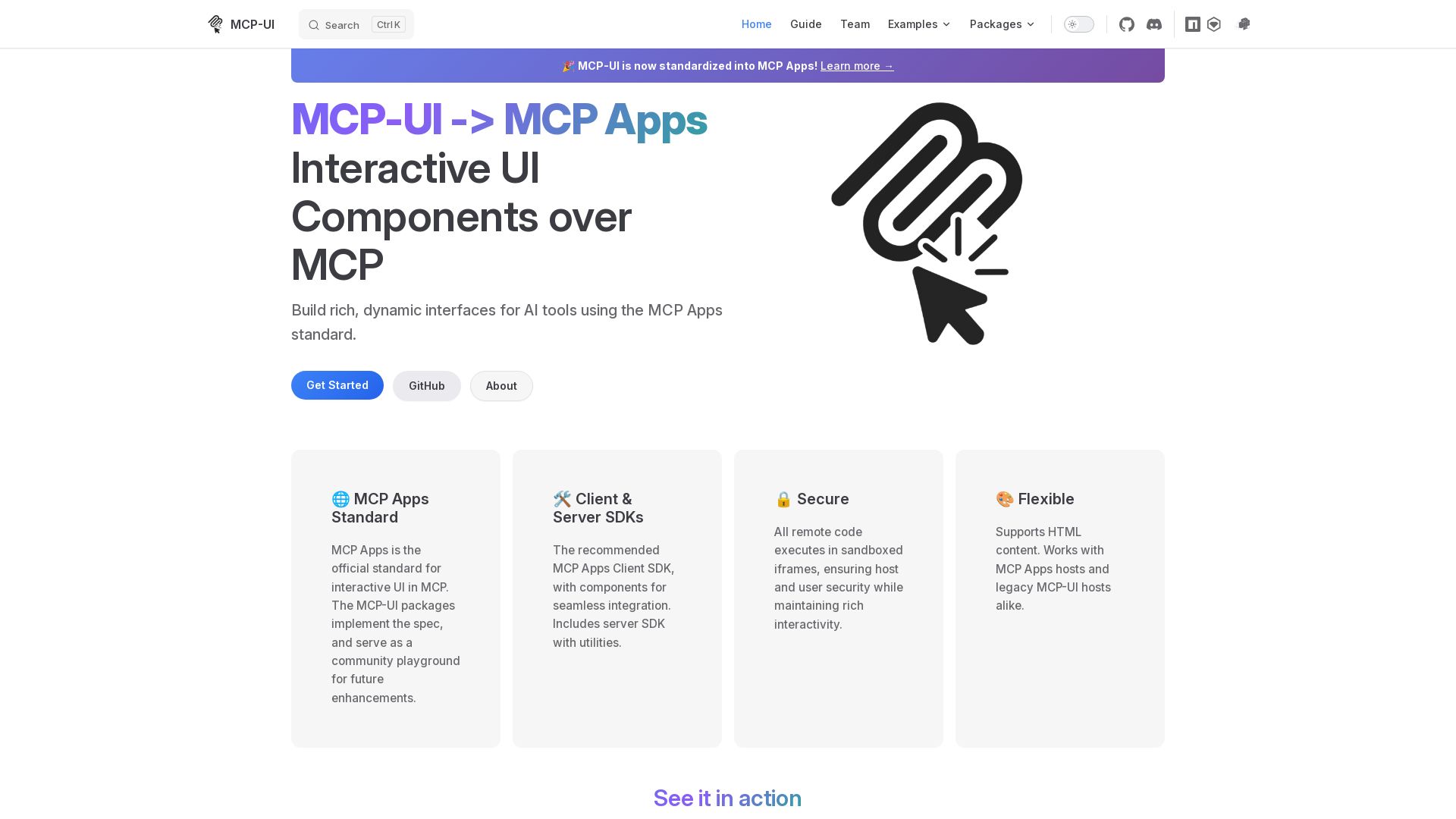
MCP-UI
Build rich, dynamic interfaces for AI tools with MCP Apps. Secure sandboxed execution, HTML support, client & server SDKs.

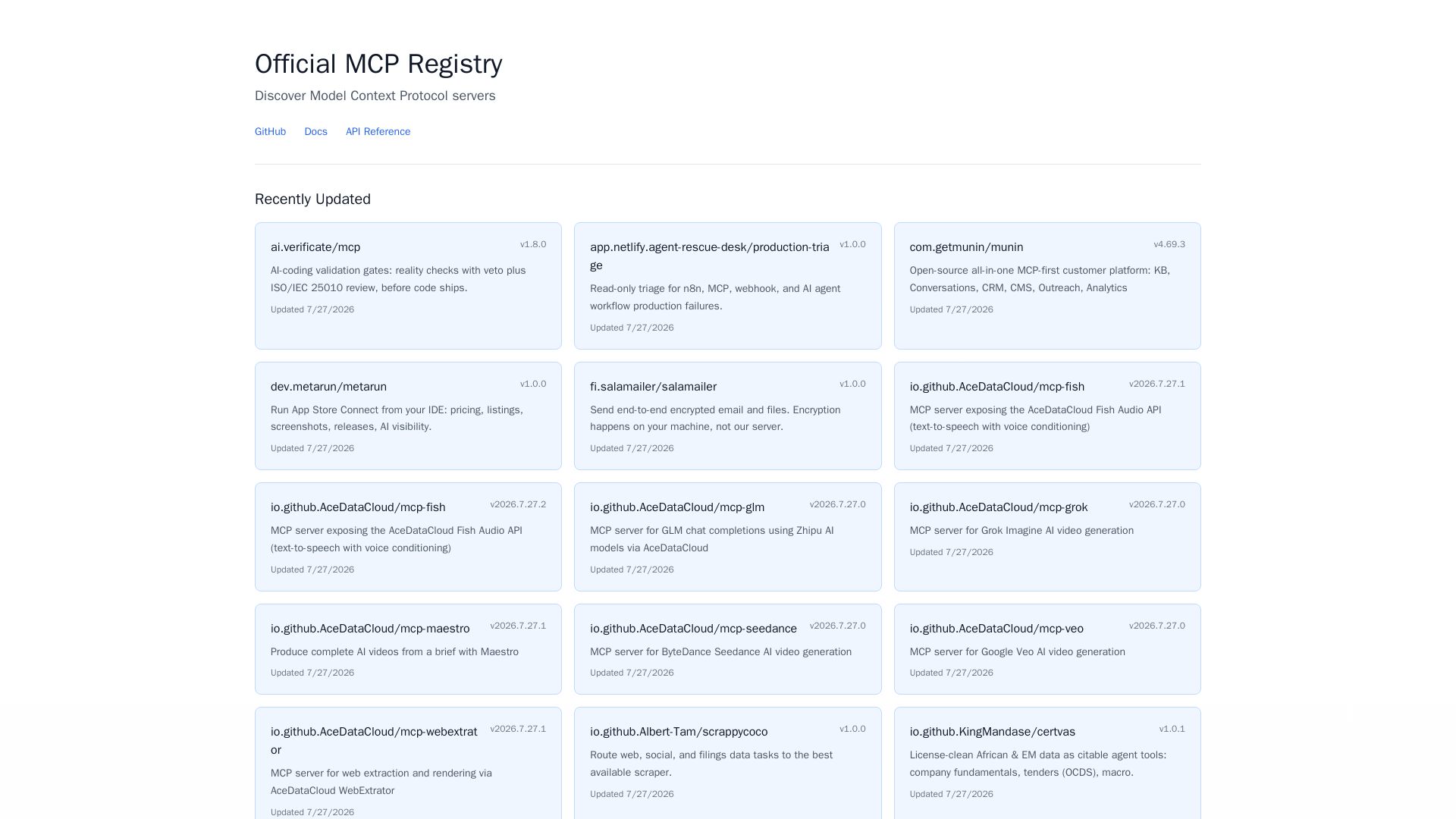
MCP Registry
Explore the official directory of MCP servers for AI integration, data processing, automation, and more. Find vetted servers with descriptions and updates.

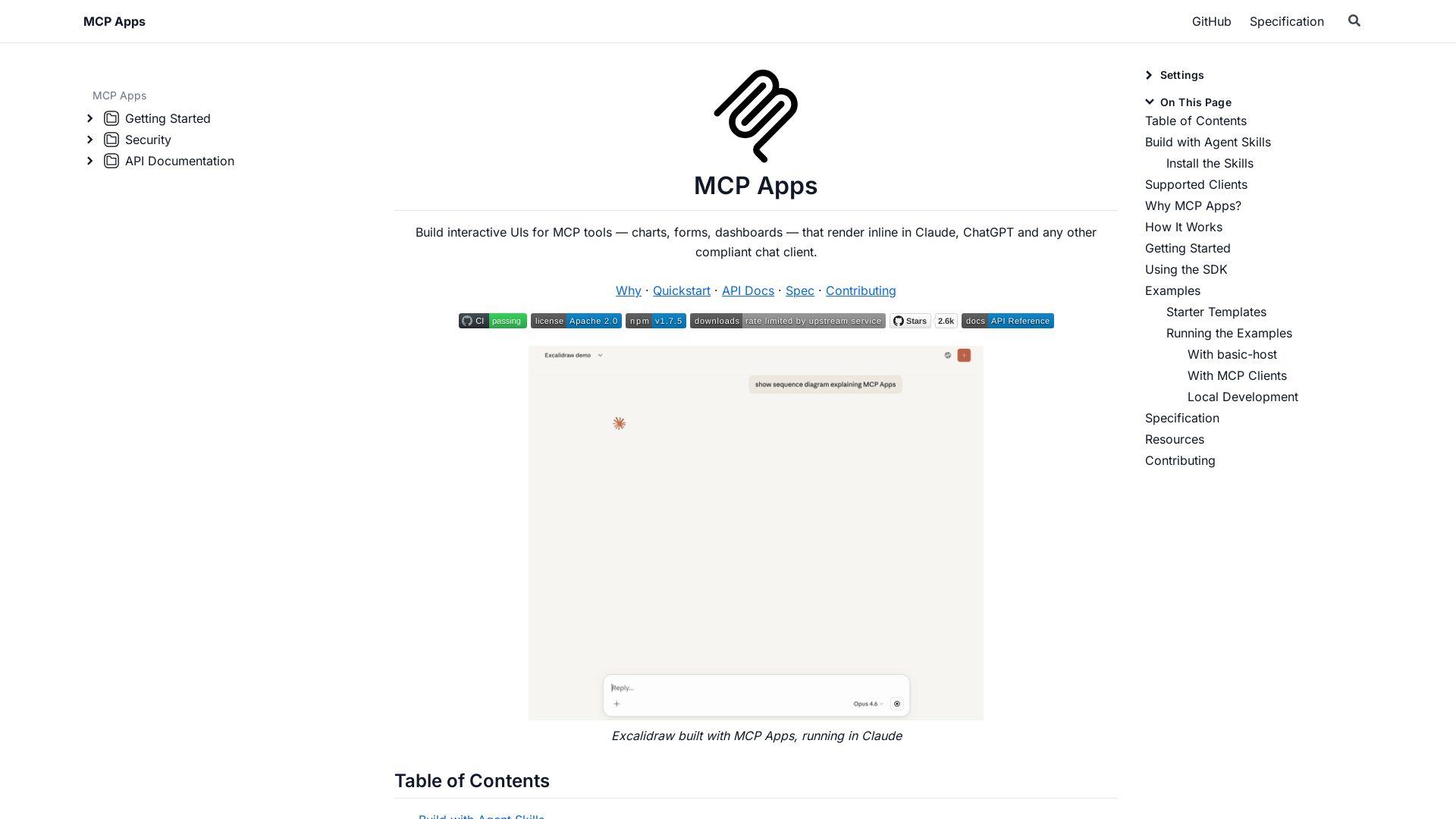
MCP Apps
Build dynamic charts, forms, and dashboards that render inline in ChatGPT, Claude, and more. Extends MCP for seamless UI-tool communication.

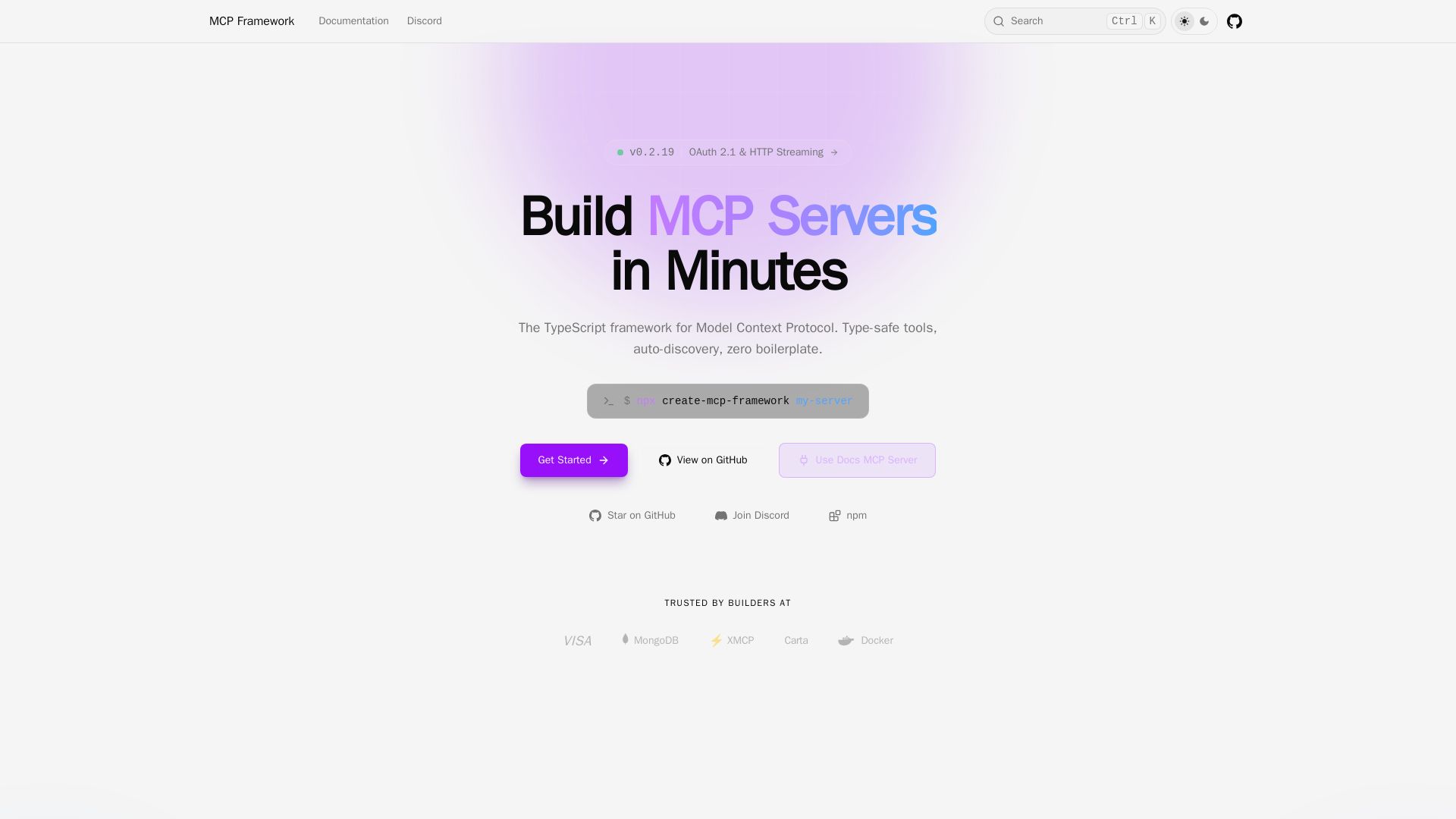
MCP Framework
A batteries-included TypeScript framework for Model Context Protocol. Zero-config auto-discovery, type-safe tools with Zod, OAuth 2.1, and multiple transports.

ℹ️ Curation Disclosure: The overview and features of Executor were synthesized using AI and fact-checked by our curation team to ensure accuracy.
