
MCP TypeScript SDK
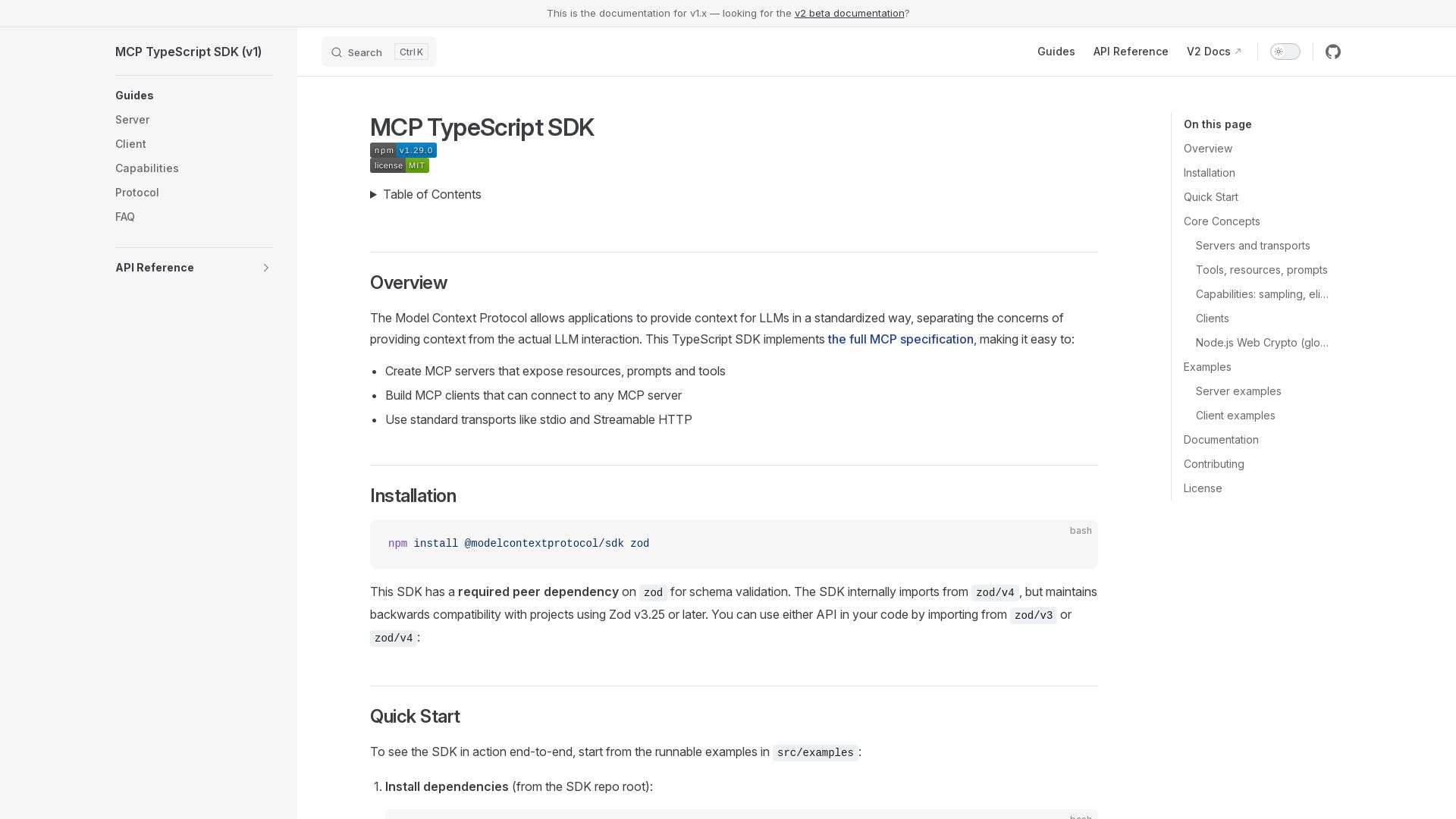
Create MCP servers and clients with TypeScript. Expose resources, prompts, and tools using stdio or Streamable HTTP.
Editor's Verdict
Key Takeaways
- Server Creation
- Client Connectivity
- Transport Support
- Tools, Resources, Prompts
In-Depth Review: What is MCP TypeScript SDK?
The MCP TypeScript SDK implements the Model Context Protocol, enabling applications to provide context for LLMs in a standardized way. Build servers that expose resources, prompts, and tools, or clients that connect to any MCP server. Supports standard transports like stdio and Streamable HTTP, with capabilities for sampling, elicitation, and tasks.
Core Features
Server Creation
Create MCP servers that expose resources, prompts, and tools in a standardized way.
Client Connectivity
Build MCP clients that can connect to any MCP server.
Transport Support
Use standard transports like stdio and Streamable HTTP for server-client communication.
Tools, Resources, Prompts
Leverage tools for actions, resources for read-only data, and prompts for reusable templates.
Advanced Capabilities
Includes sampling, form elicitation, URL elicitation, and experimental task-based execution.
OAuth Integration
Supports OAuth for secure authentication in remote server scenarios.
Pros and Cons
Pros
- Standardized Context ProvisionProvides a standardized way to separate context from LLM interaction, simplifying integration.
- Comprehensive DocumentationIncludes detailed guides, API references, and runnable examples for quick start.
- Multiple Transport OptionsSupports Streamable HTTP, SSE, and stdio, offering flexibility for local and remote deployments.
- Rich CapabilitiesOffers advanced features like sampling, elicitation, and tasks for complex workflows.
- Active Community and Open SourceMaintained by the Model Context Protocol team with MIT license and contributions welcome.
Cons
- TypeScript OnlyOnly available for TypeScript/JavaScript, lacking direct support for other languages.
- Experimental FeaturesCapabilities like tasks are marked experimental, potentially unstable for production use.
- Learning CurveRequires understanding of the MCP specification and protocol concepts.
Use Cases & Recommended Professions
AI/ML Engineer→ View Toolkit
Needs to integrate large language models with external tools and data sources in a standardized manner.
Backend Developer→ View Toolkit
Builds server-side applications that expose resources and tools for LLM-powered clients.
Integration Specialist→ View Toolkit
Connects multiple systems and data sources to LLMs, requiring a common protocol.
Chatbot Developer→ View Toolkit
Develops conversational agents that need to call external APIs or retrieve structured data.
Product Engineer→ View Toolkit
Designs features that leverage LLM capabilities, requiring flexible server-client architectures.
DevOps Engineer→ View Toolkit
Deploys and manages MCP servers with various transports, authentication, and scalability.
Frequently Asked Questions
Alternative AI Tools
View Detailed Comparison →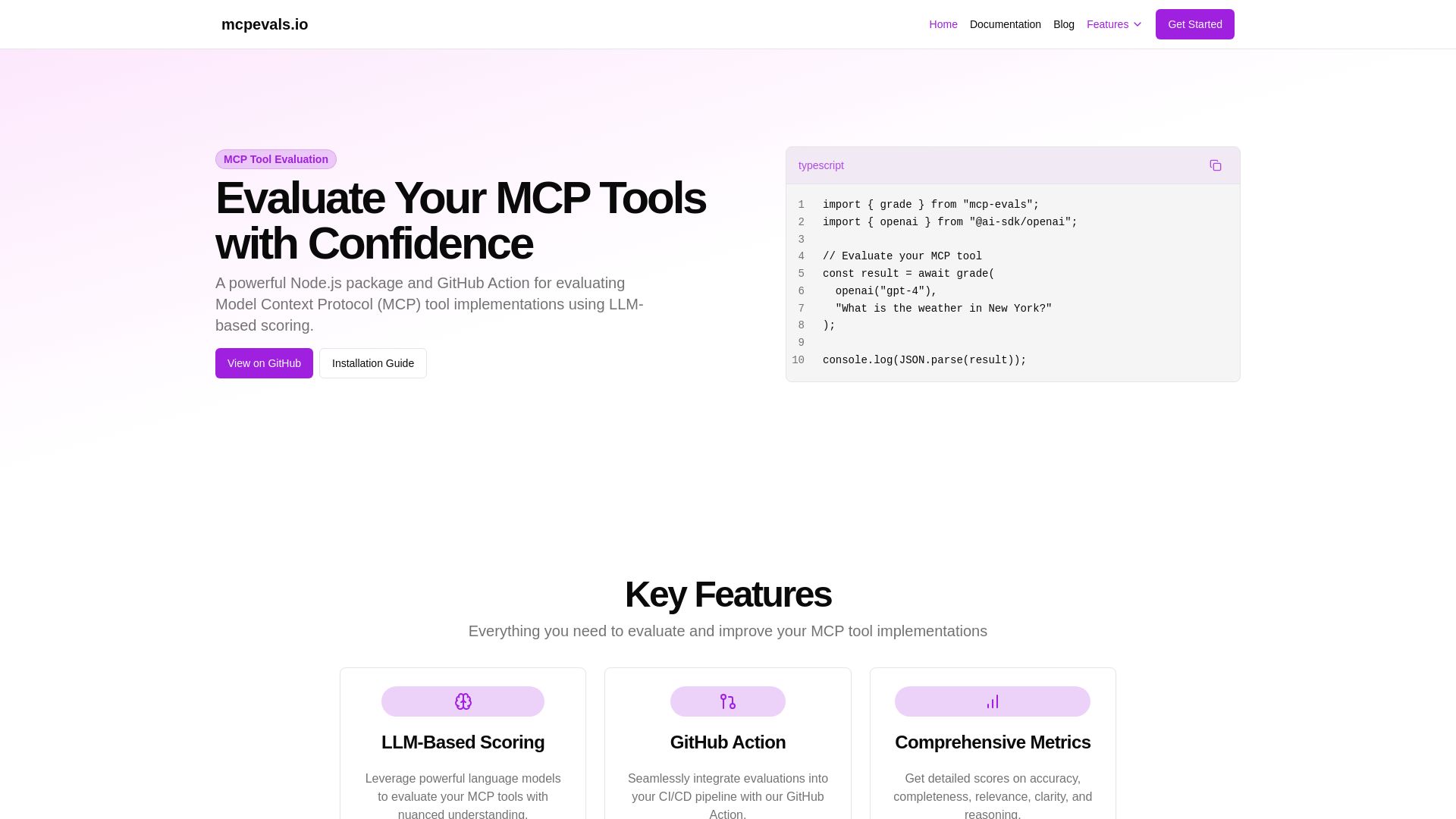
MCP Evals
A powerful Node.js package and GitHub Action for evaluating Model Context Protocol tool implementations using AI scoring. Get accurate metrics & feedback.

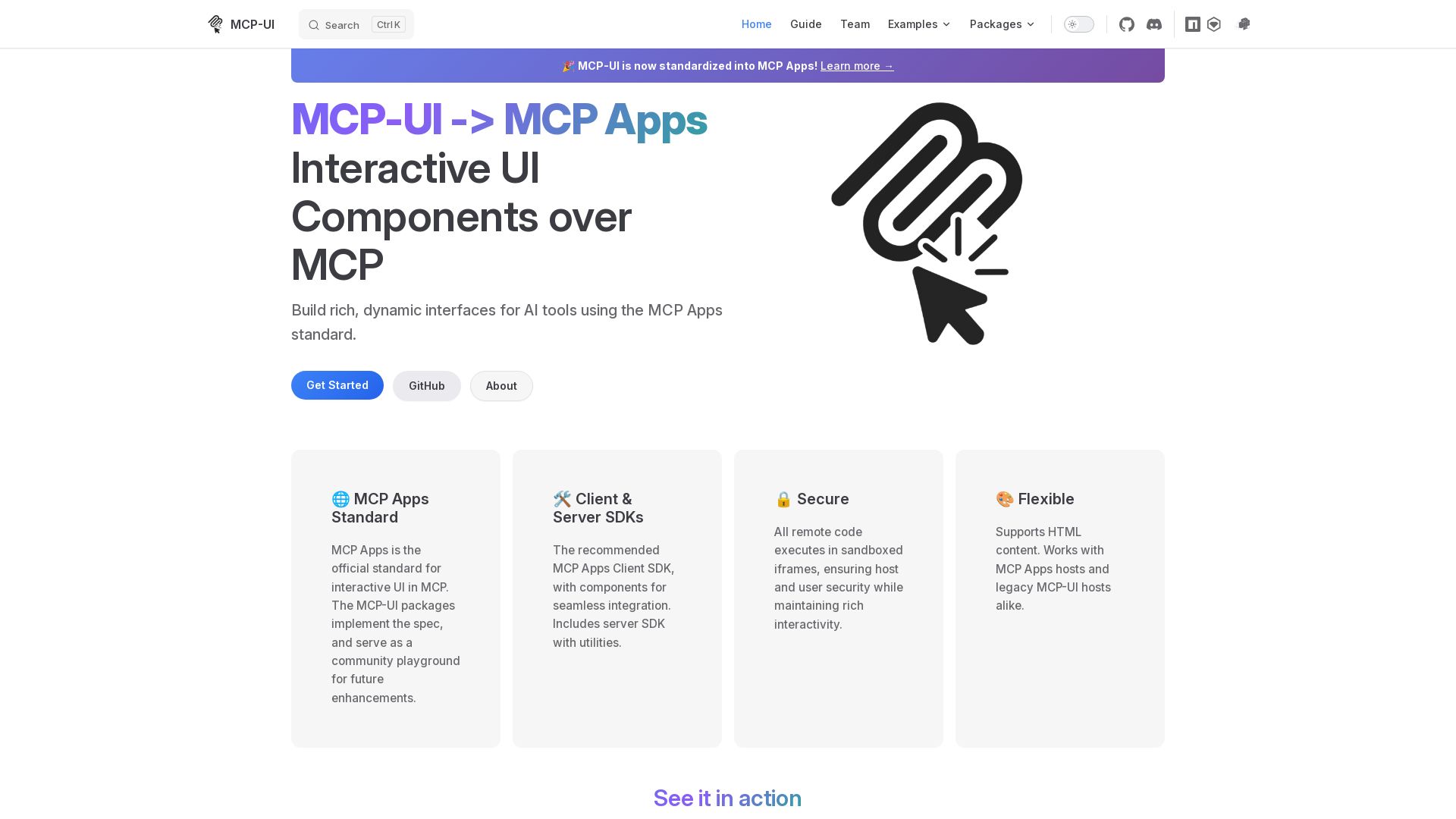
MCP-UI
Build rich, dynamic interfaces for AI tools with MCP Apps. Secure sandboxed execution, HTML support, client & server SDKs.

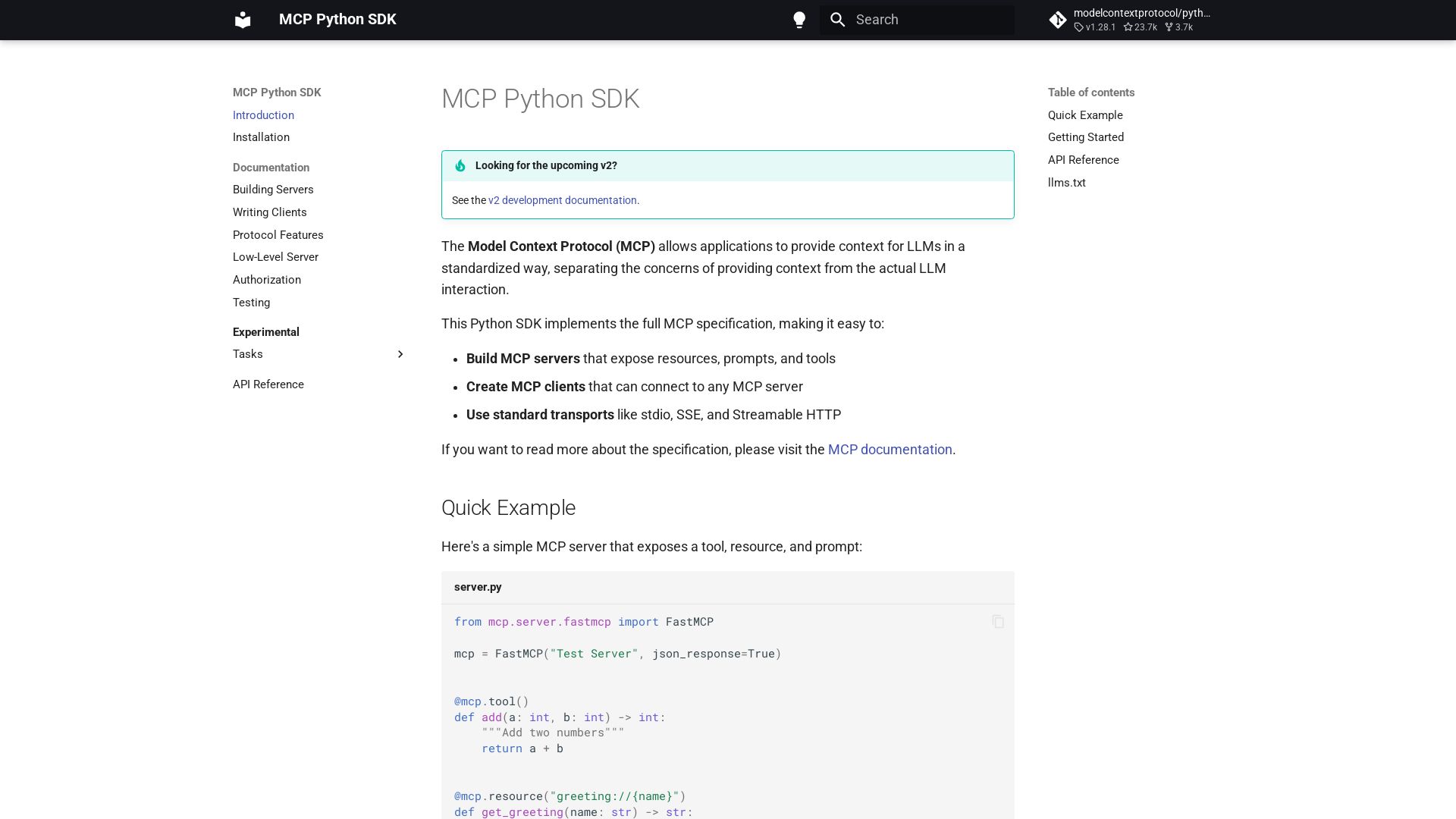
MCP Python SDK
Python SDK for Model Context Protocol. Easily build servers and clients exposing tools, resources, and prompts.

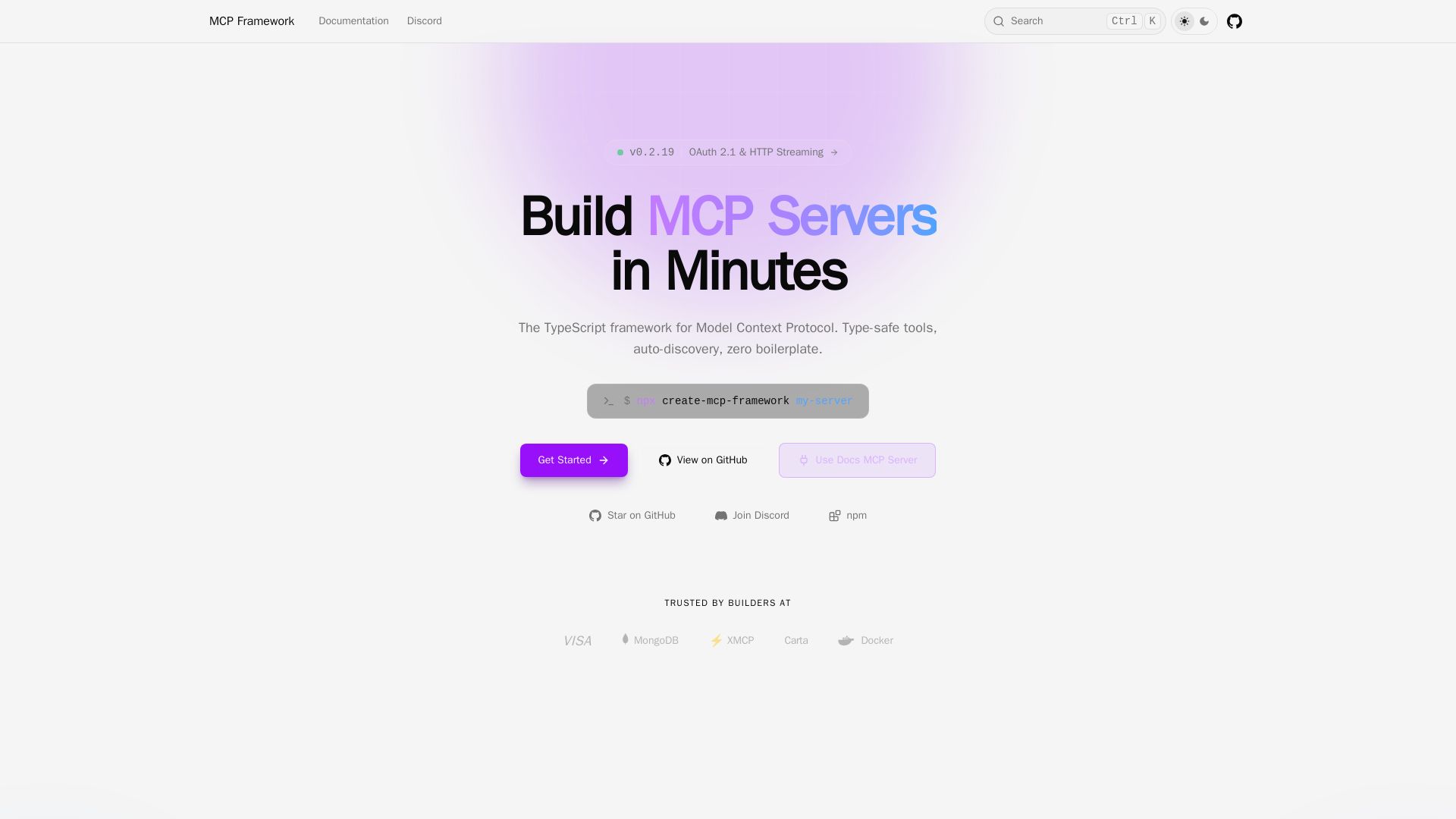
MCP Framework
A batteries-included TypeScript framework for Model Context Protocol. Zero-config auto-discovery, type-safe tools with Zod, OAuth 2.1, and multiple transports.

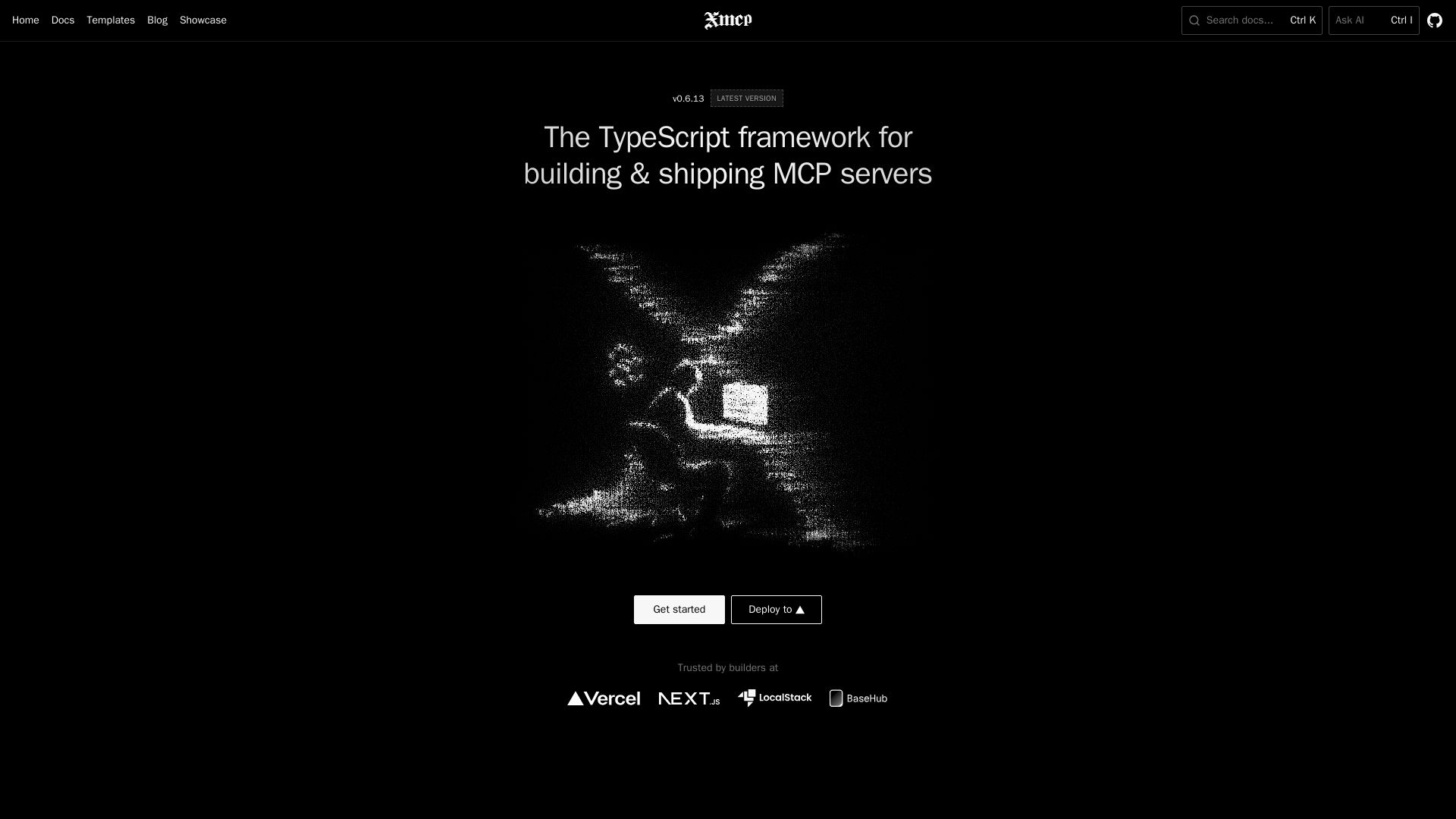
xmcp
Zero-config TypeScript framework to build, deploy, and monetize MCP servers. Auto-discover tools, resources, prompts. Supports HTTP/STDIO.

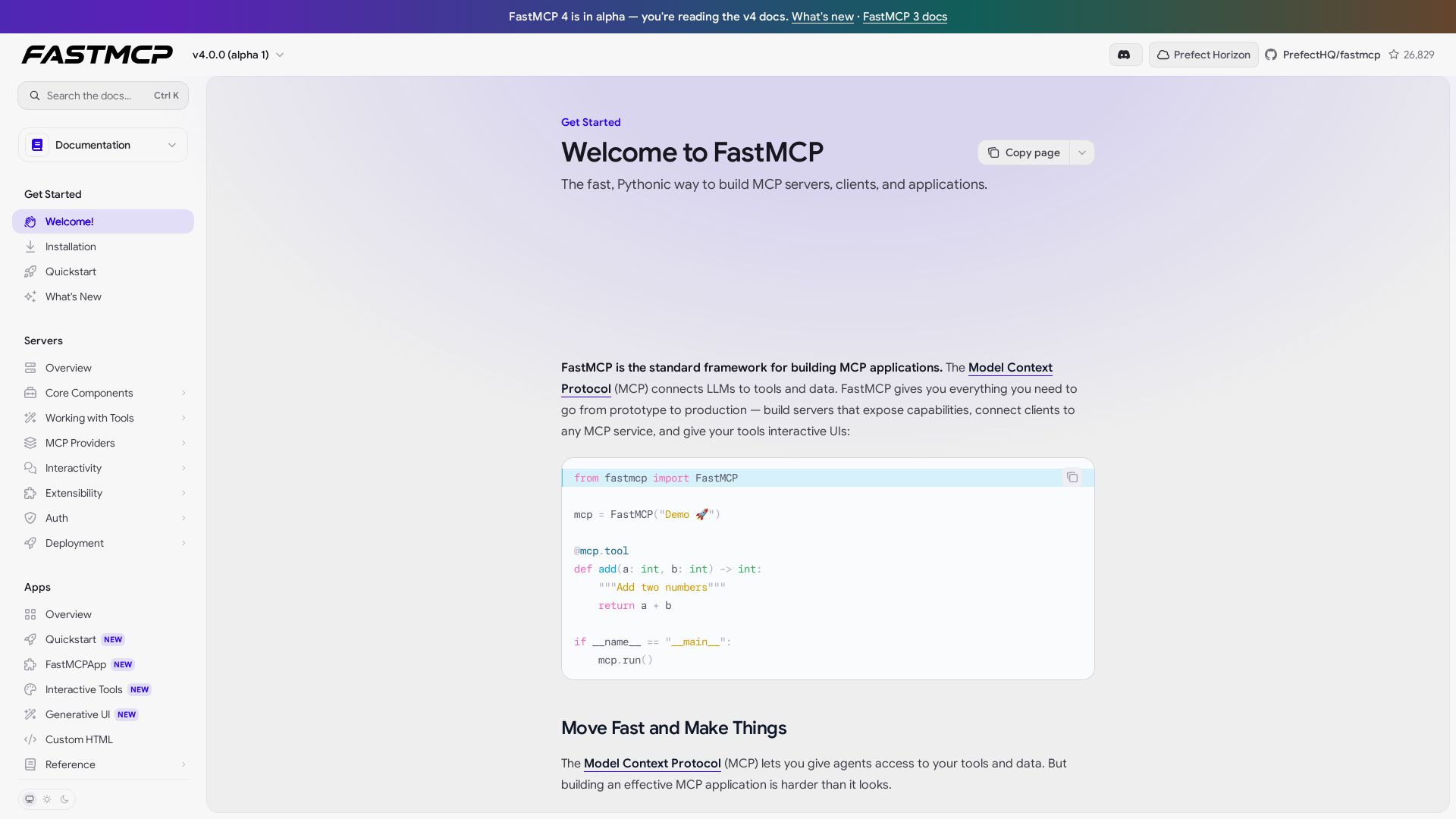
FastMCP
Build MCP servers, clients, and apps with ease. FastMCP handles schema, transport, auth, and interactive UIs. Get started in minutes.

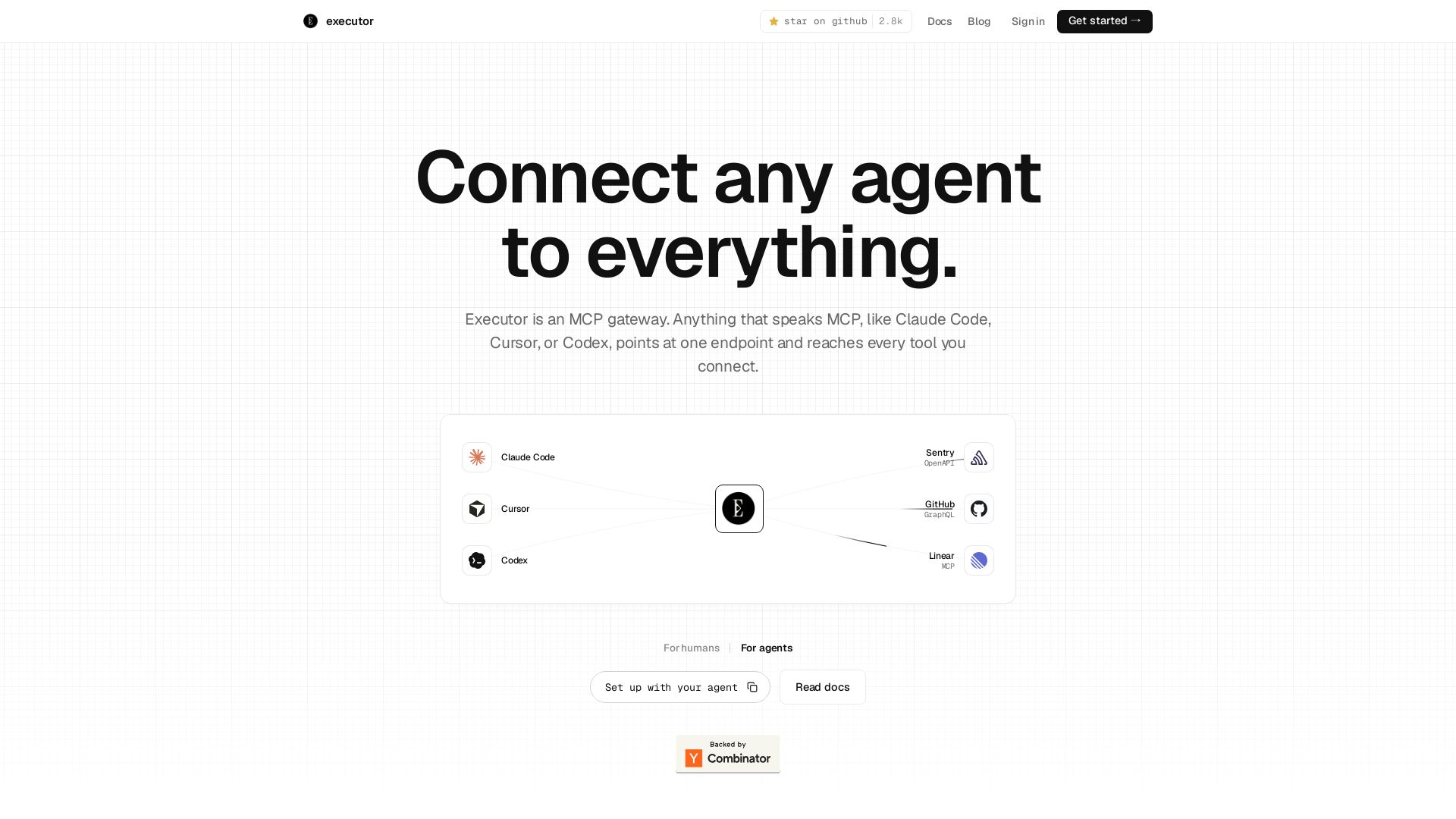
Executor
Executor is an MCP gateway for AI agents like Claude Code and Cursor. Connect thousands of tools through one endpoint with context efficiency, sandbox security, and team features.

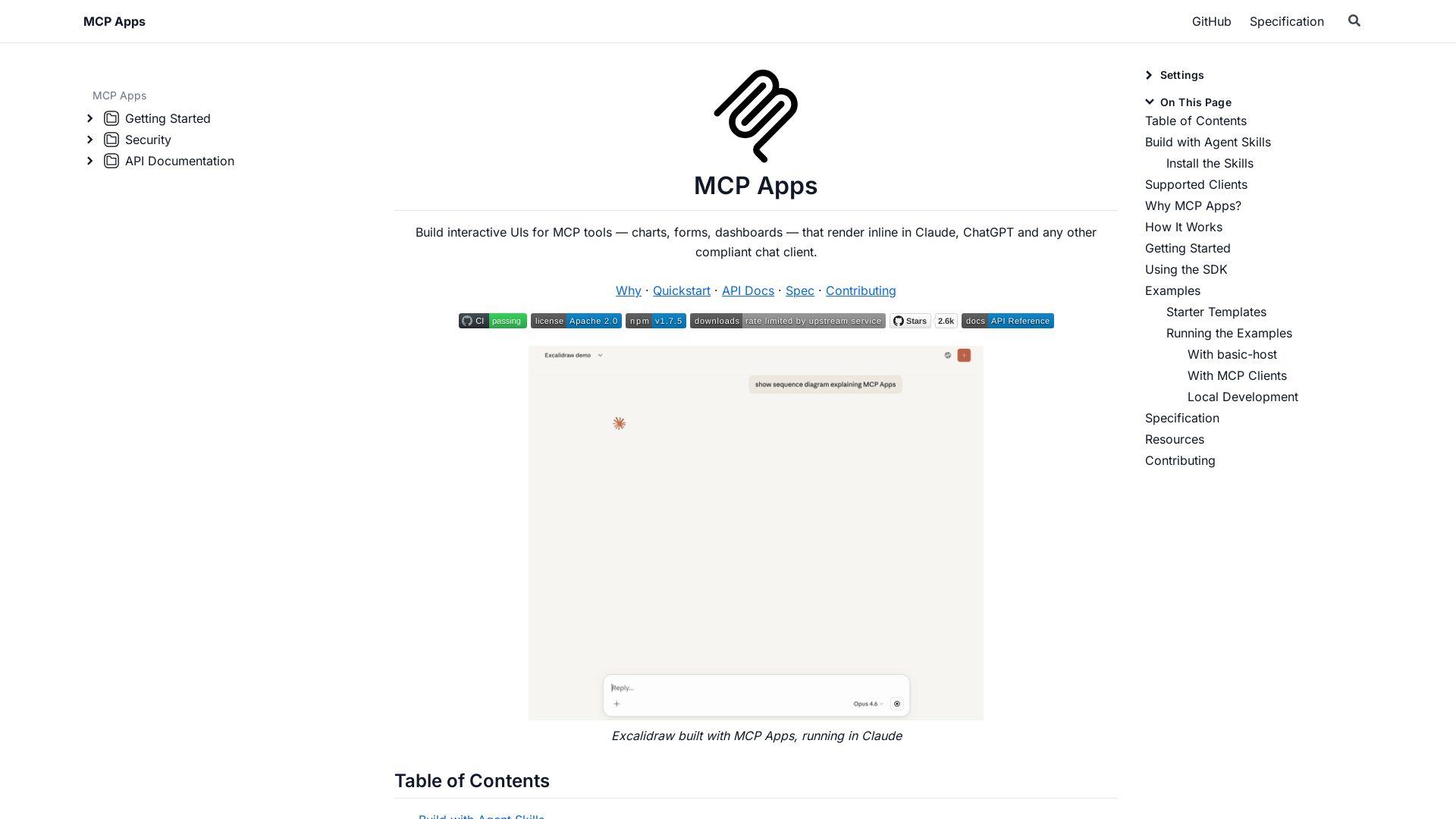
MCP Apps
Build dynamic charts, forms, and dashboards that render inline in ChatGPT, Claude, and more. Extends MCP for seamless UI-tool communication.

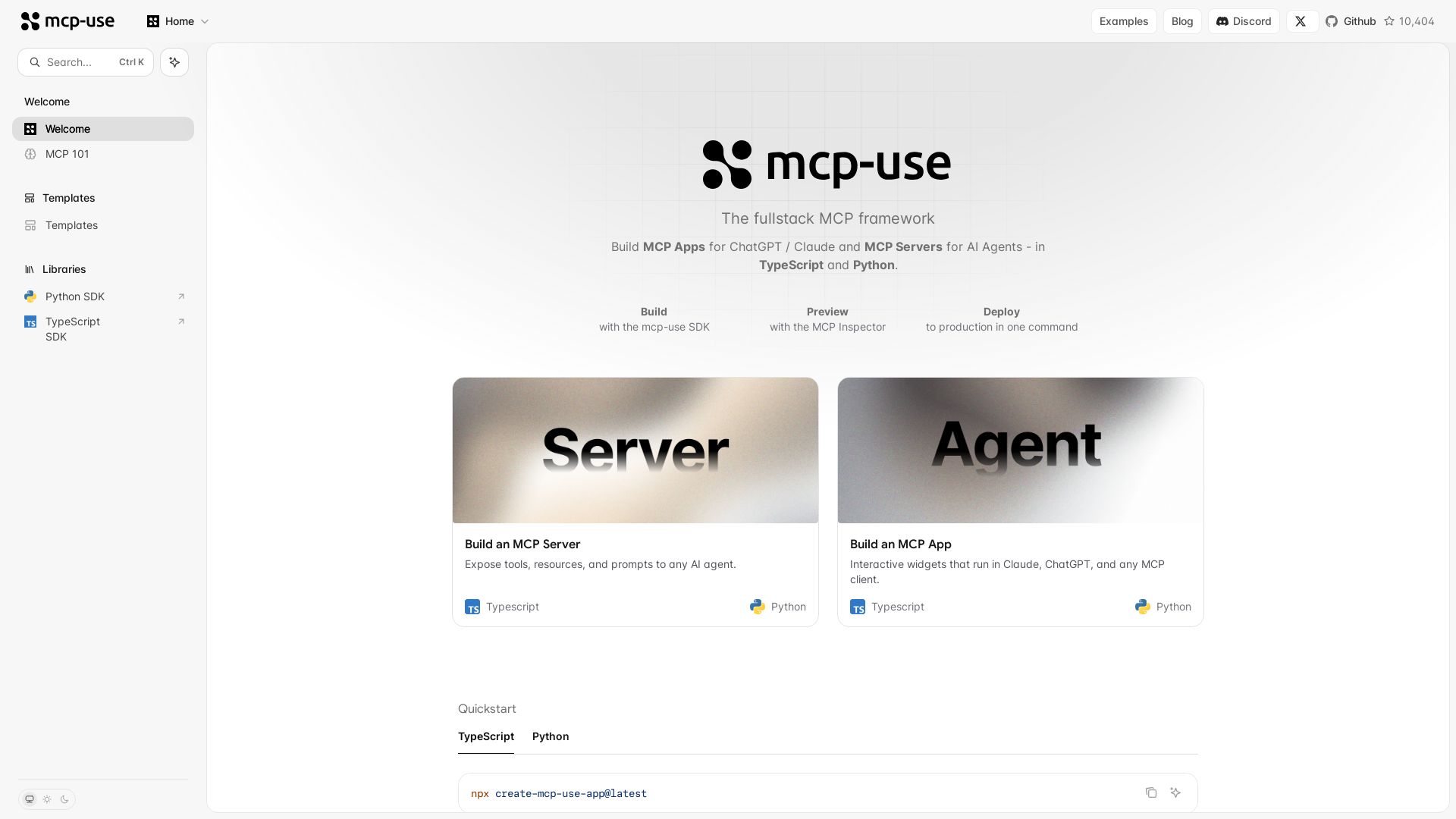
mcp-use
Build MCP apps for ChatGPT/Claude and MCP servers for AI agents. TypeScript & Python. Deploy in one command.

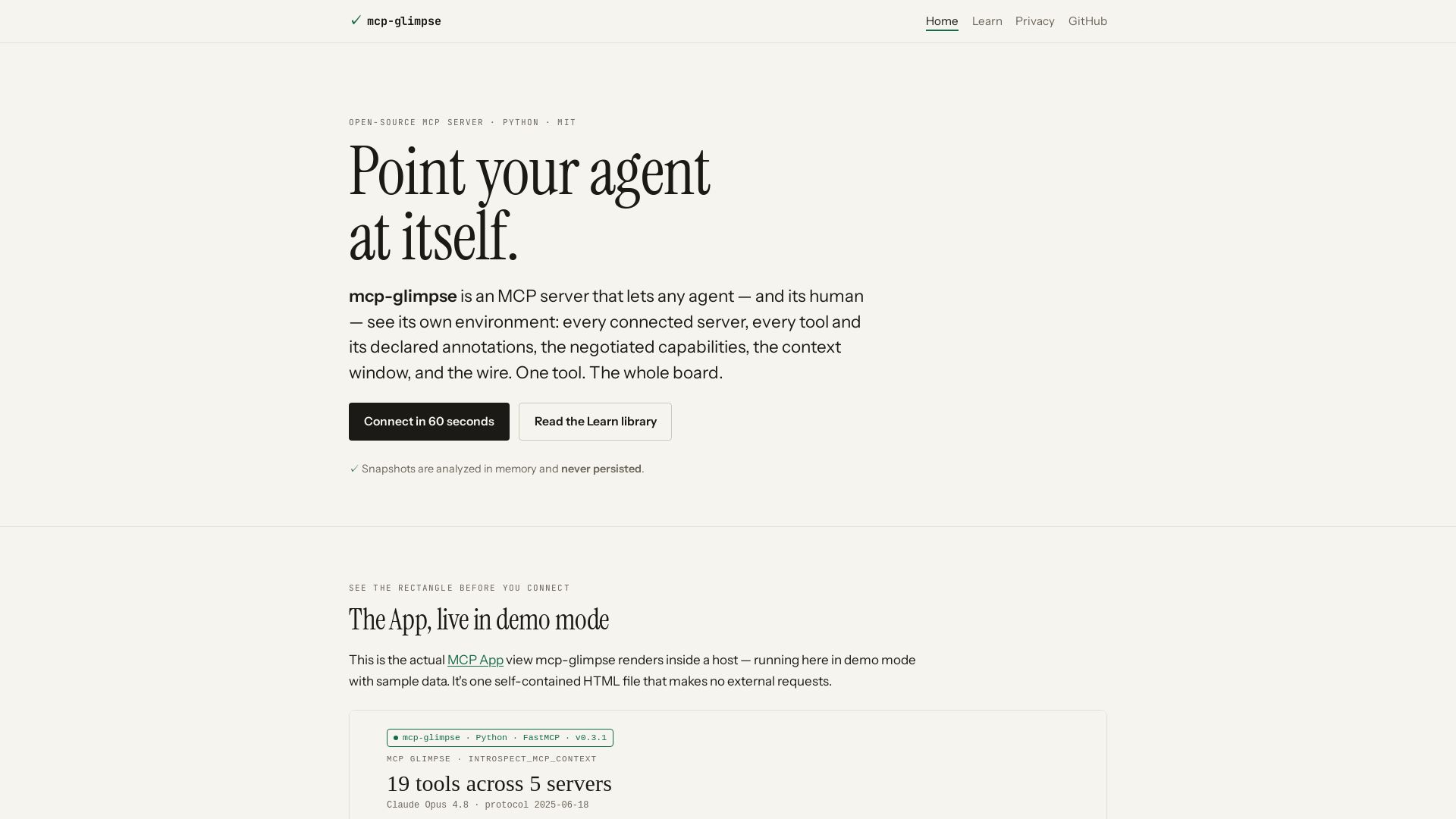
mcp-glimpse
Open-source MCP server that lets agents and humans introspect every tool, capability, and context. Privacy-first, no persistence.

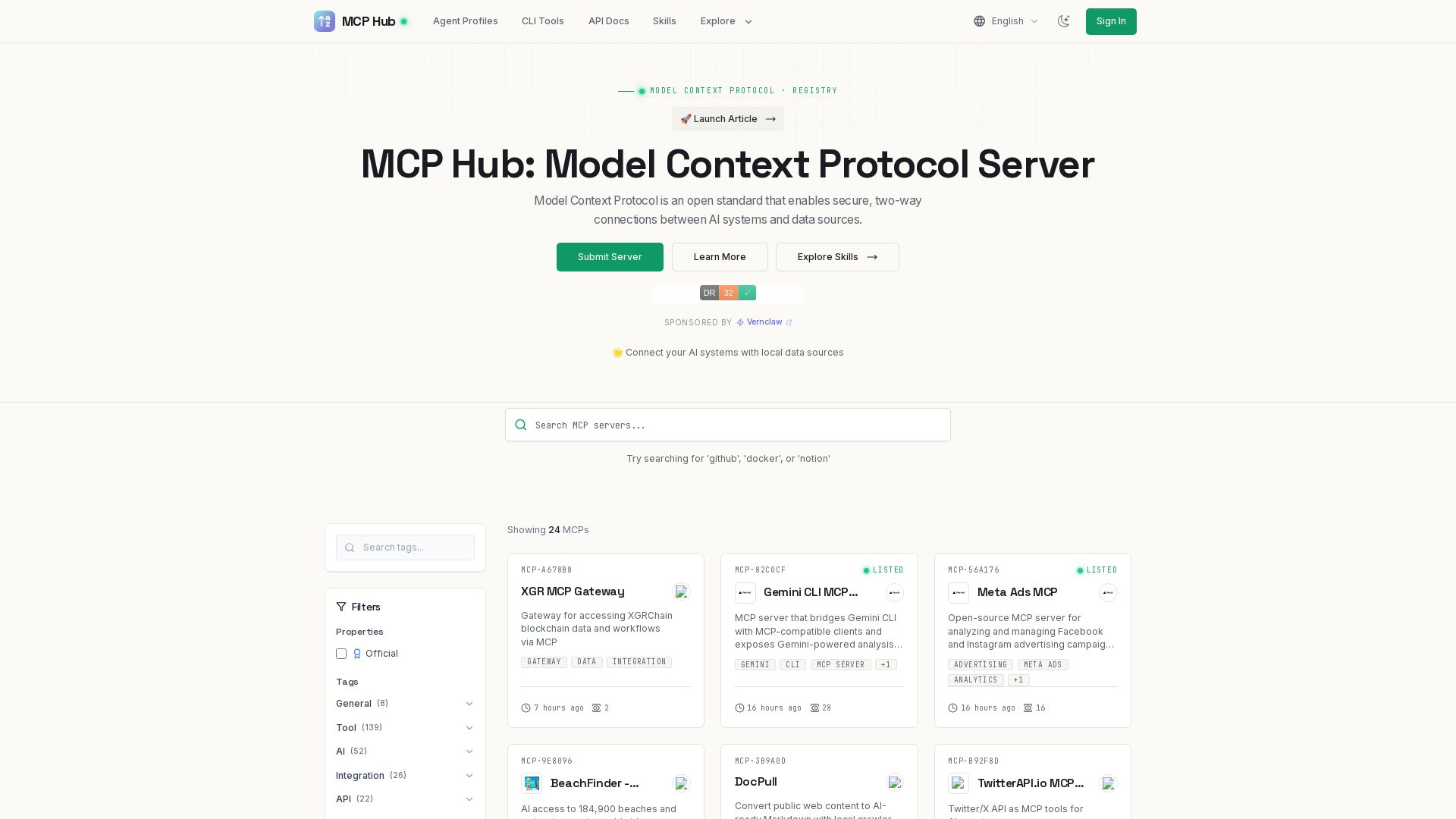
MCP Hub
Explore hundreds of MCP servers for secure AI-data connections. Find tools for GitHub, Docker, Notion, and more. Submit your own MCP implementation.

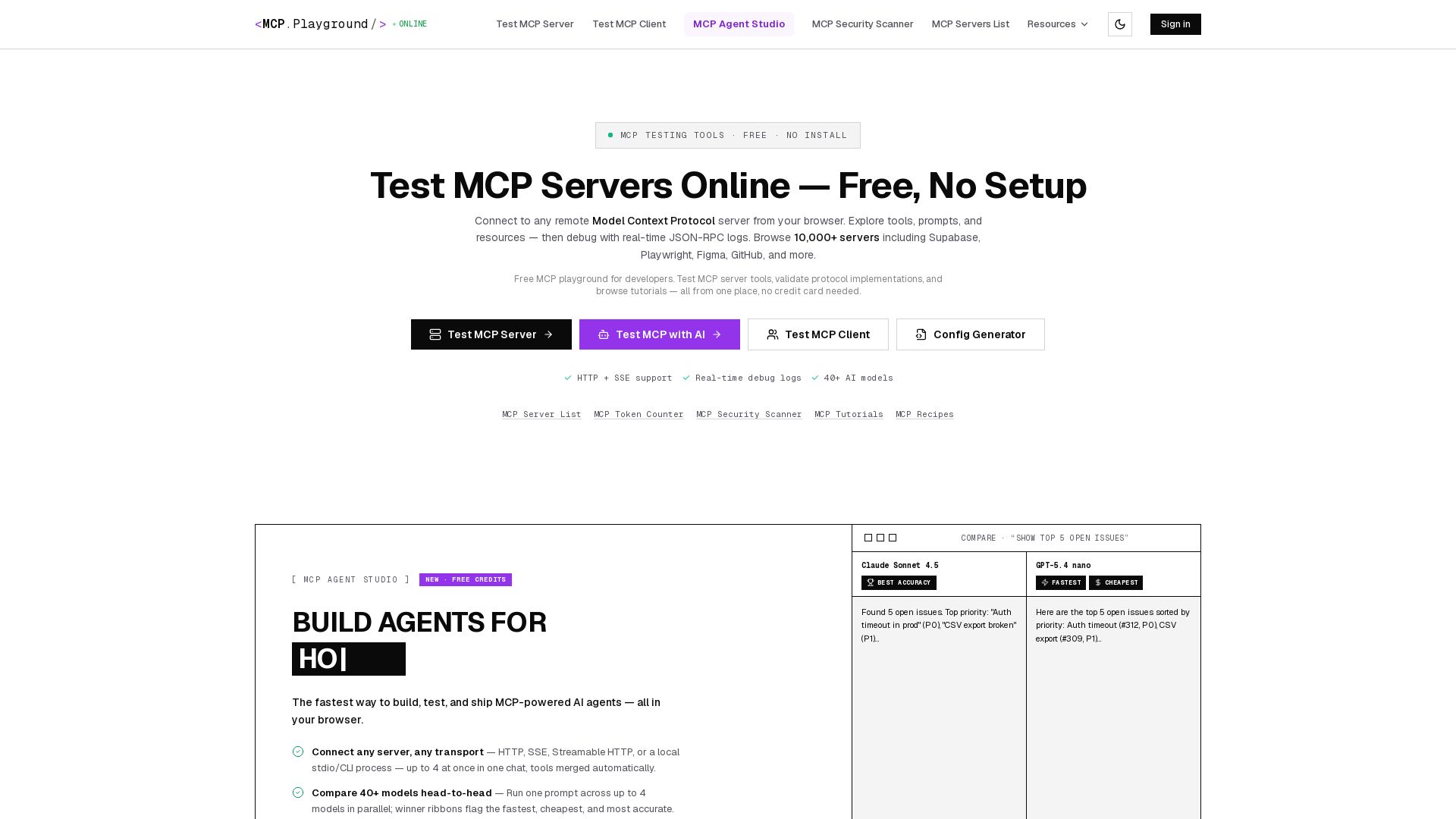
MCP Playground Online
Free browser-based MCP testing tool. Connect to any server, browse tools, execute commands, and view live JSON-RPC logs. No install required.

ℹ️ Curation Disclosure: The overview and features of MCP TypeScript SDK were synthesized using AI and fact-checked by our curation team to ensure accuracy.
