
Komposo

Turn product ideas into real, editable designs with AI. Generate, edit, and export UIs using plain language. Trusted by 100k+ users. Start for free.
Editor's Verdict
Key Takeaways
- Agent Chat
- Variations
- Edit with Prompts
- Export to Code
In-Depth Review: What is Komposo?
Komposo is an AI-powered UI design tool that transforms product ideas into real, editable designs faster than ever. By simply describing what you want in plain language, you can generate screens, edit layouts, and plan multi-screen apps through a conversational AI agent. It allows you to create multiple design variations from a single prompt, export clean code for frameworks like Next.js, React, Vue, and Expo, and offers flexible pricing plans for individuals and teams. Trusted by leading brands and over 100,000 users, Komposo eliminates the learning curve of traditional design tools, enabling you to ship launch-ready UIs effortlessly.
Core Features
Agent Chat
Design through conversation. Generate screens, edit layouts, and plan multi-screen apps via a conversational AI agent. No switching between tools.
Variations
Explore multiple design directions from a single prompt. Generate variations quickly and pick the best fit for your team's vision.
Edit with Prompts
Edit any design using plain language. Add sections, change colors, swap layouts—no learning curve, just describe what you want.
Export to Code
Export designs as clean, responsive code for Next.js, React, Vue, Astro, or Expo. No messy handoff, just launch-ready UI.
Pricing
Free
- 10 credits one-time
- 1 Project
- Standard Customer Support
Starter
- 75 credits/mo (~75 screens)
- Purchase additional credits
- 1 Project
- Export to Figma & Code
- Standard Customer Support
Pro
- 300 credits/mo (~300 screens)
- Purchase additional credits
- Unlimited Projects
- Custom Themes
- Share Projects
- Export to Figma & Code
- Priority Customer Support
Team
- 375 credits/mo per seat (~375 screens/seat)
- Everything in Pro
- Shared Projects
- Custom Branding
- Centralized Billing
- Commercial Use
- 1o1 Onboarding & Support
Pros and Cons
Pros
- AI-Powered SpeedGenerate and iterate on UI designs in seconds, reducing time from idea to prototype dramatically.
- Conversational DesignDescribe changes in plain language instead of pixel-pushing, lowering the technical barrier for design.
- Code ExportExport designs directly to popular frameworks like React and Vue, enabling a smooth handoff to development.
- Variation ExplorationQuickly generate multiple design directions from a single prompt to explore creative options.
- Trusted by ProfessionalsUsed by individuals at leading brands and praised by builders for its integration with tools like Cursor.
Cons
- Credit LimitationsEach plan has a monthly credit cap that may restrict heavy usage or large teams without purchasing extra credits.
- Learning Curve for AI PromptsUsers must learn how to effectively describe designs to the AI, which may require trial and error.
- Dependence on Internet ConnectionThe tool requires an internet connection; no offline mode is mentioned.
- Limited Free TierThe free plan only provides 10 one-time credits, which may be insufficient for extensive evaluation.
- Potential Precision IssuesAI-generated designs may not always match exact pixel-perfect expectations, requiring manual adjustments.
Use Cases & Recommended Professions
UI/UX Designer→ View Toolkit
Accelerate the design process by generating screens and variations from prompts, and export code-ready designs.
Product Manager→ View Toolkit
Quickly prototype ideas and iterate on product concepts without deep design skills.
Frontend Developer→ View Toolkit
Receive clean, exportable code to speed up implementation of UI components.
Startup Founder→ View Toolkit
Build MVPs and landing pages fast without hiring a dedicated designer.
Agency Owner→ View Toolkit
Deliver client mockups quickly and scale design output with a team plan.
Freelance Designer→ View Toolkit
Enhance productivity with AI assistance, generate multiple concepts, and export to Figma.
Frequently Asked Questions
Alternative AI Tools
View Detailed Comparison →
Figma
Figma is the intelligent, AI-native canvas for designing, prototyping, and building products together. Trusted by 95% of Fortune 500. Explore design and dev tools.


Superdesign
Create stunning designs with AI. Iterate quickly using natural language. Export production-ready code. Browse design prompts and styles.


Motiff AI
Generate production-ready UI from text, wireframes, or screenshots with Motiff AI. Choose preset styles, export to React/HTML. Fast, consistent design.


Anima
Convert Figma designs, images, and code into live HTML/React apps. AI with design context for developers and agents.


Figma Console MCP
Connect AI to Figma for design extraction, token sync, and component creation. Turn your design system into a programmable API.


UX Pilot
Ideate, design, and hand-off web apps in seconds with UX Pilot's AI. Generate wireframes, hi-fi designs, and clean code. Trusted by 1M+ users.


Figr
Ship better UX faster. Figr builds a living understanding of your product, maps flows, finds edge cases, and generates high-fidelity prototypes from your actual design system.

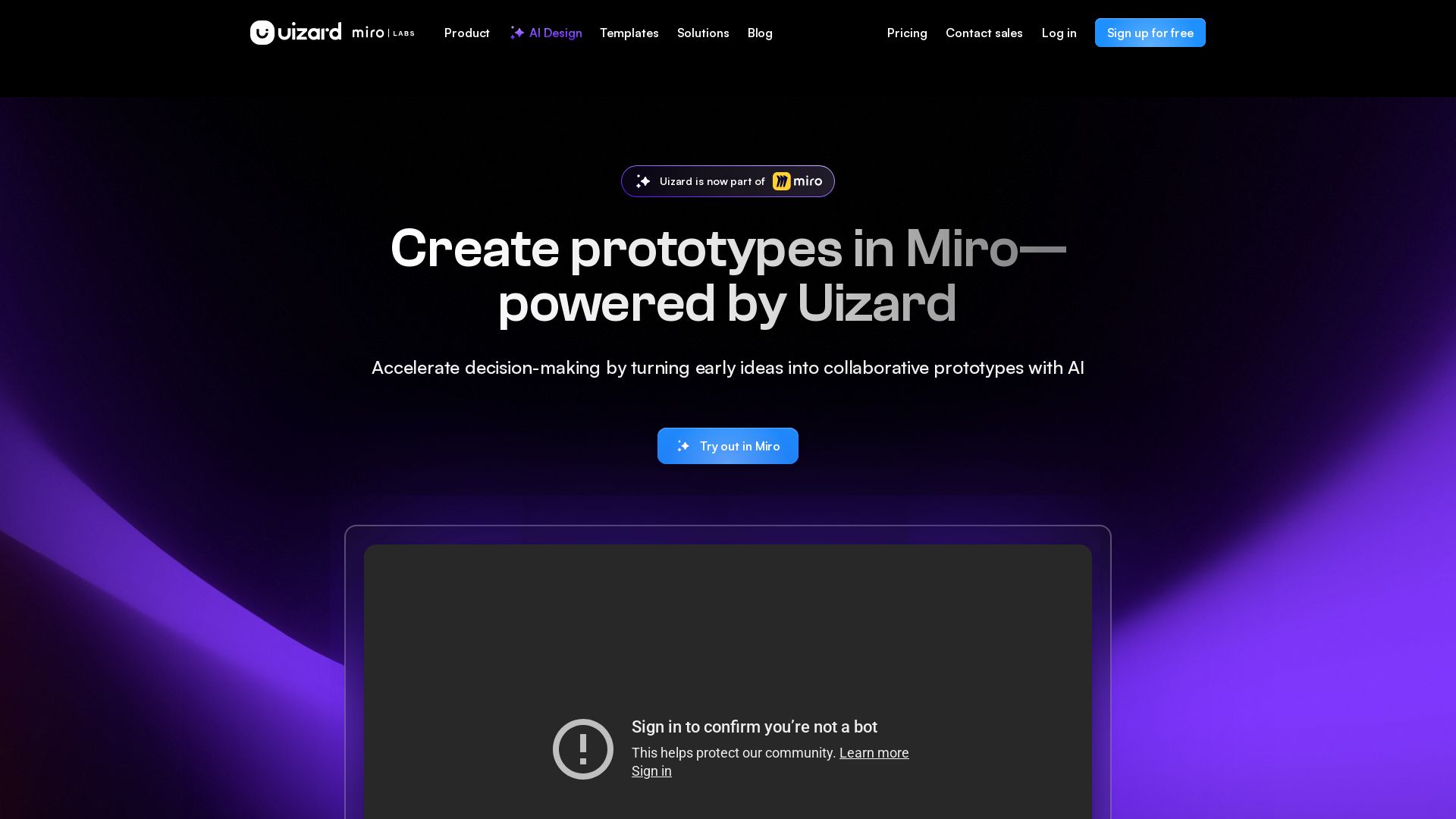
Uizard
Create multi-screen prototypes, mockups, and wireframes in seconds with AI. Generate designs from text prompts or screenshots. Collaborate in real-time.

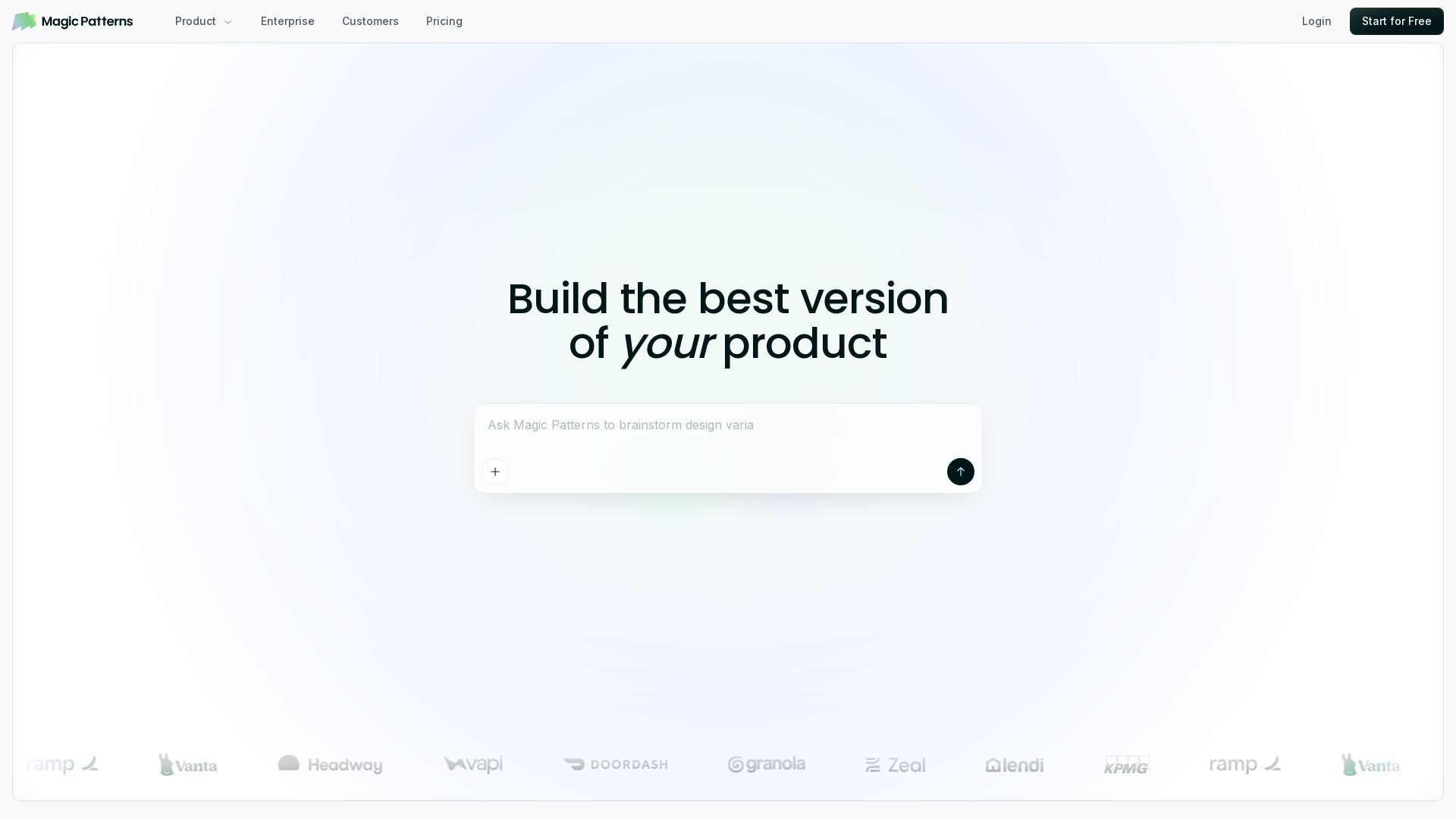
Magic Patterns
Turn prompts into high-fidelity UI in minutes. Match your design system, collaborate, and iterate faster with AI. Join 500K+ builders.

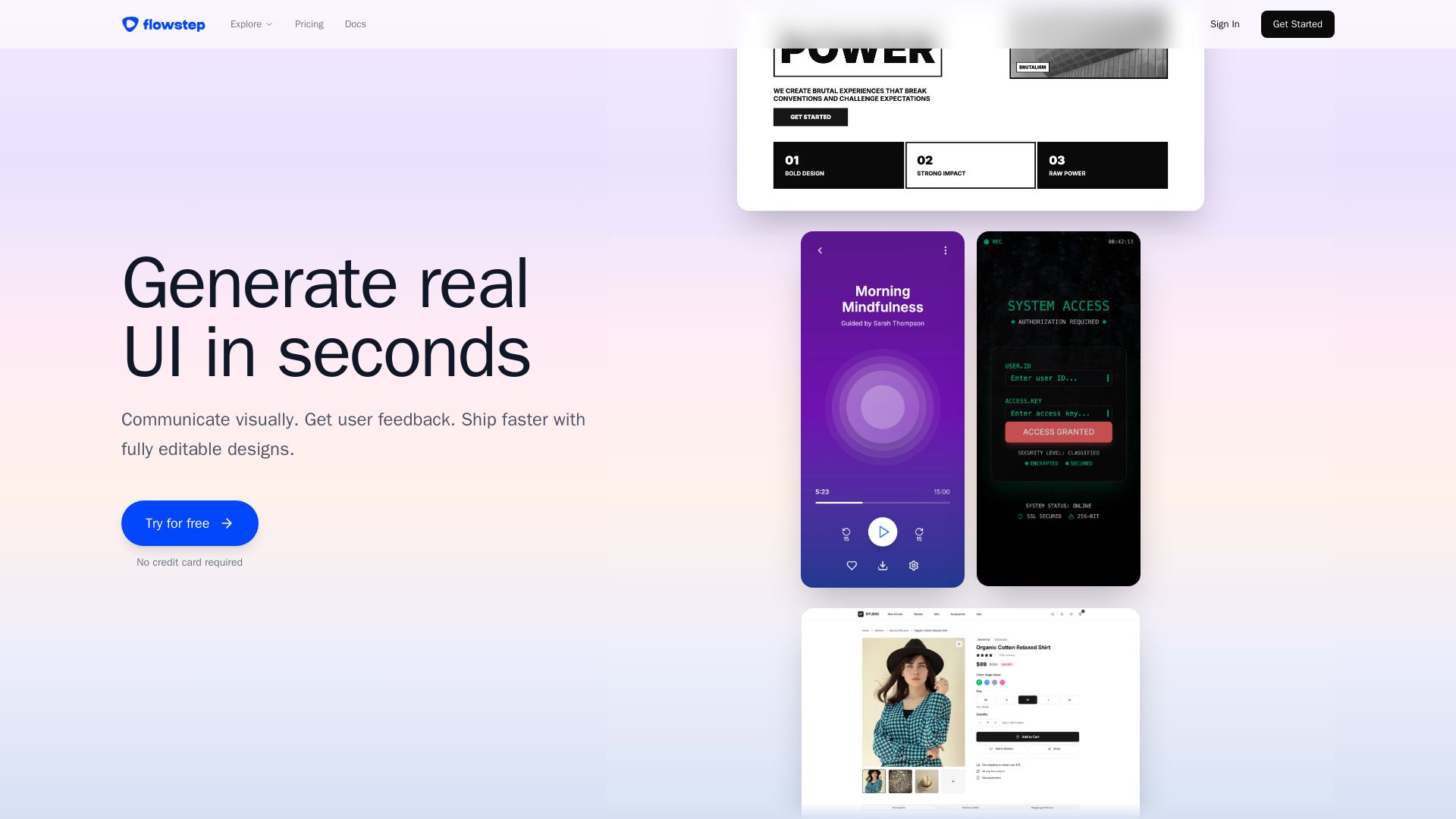
Flowstep
Describe your idea and watch it become editable UI. Collaborate, export code, and copy to Figma instantly. Ship faster.

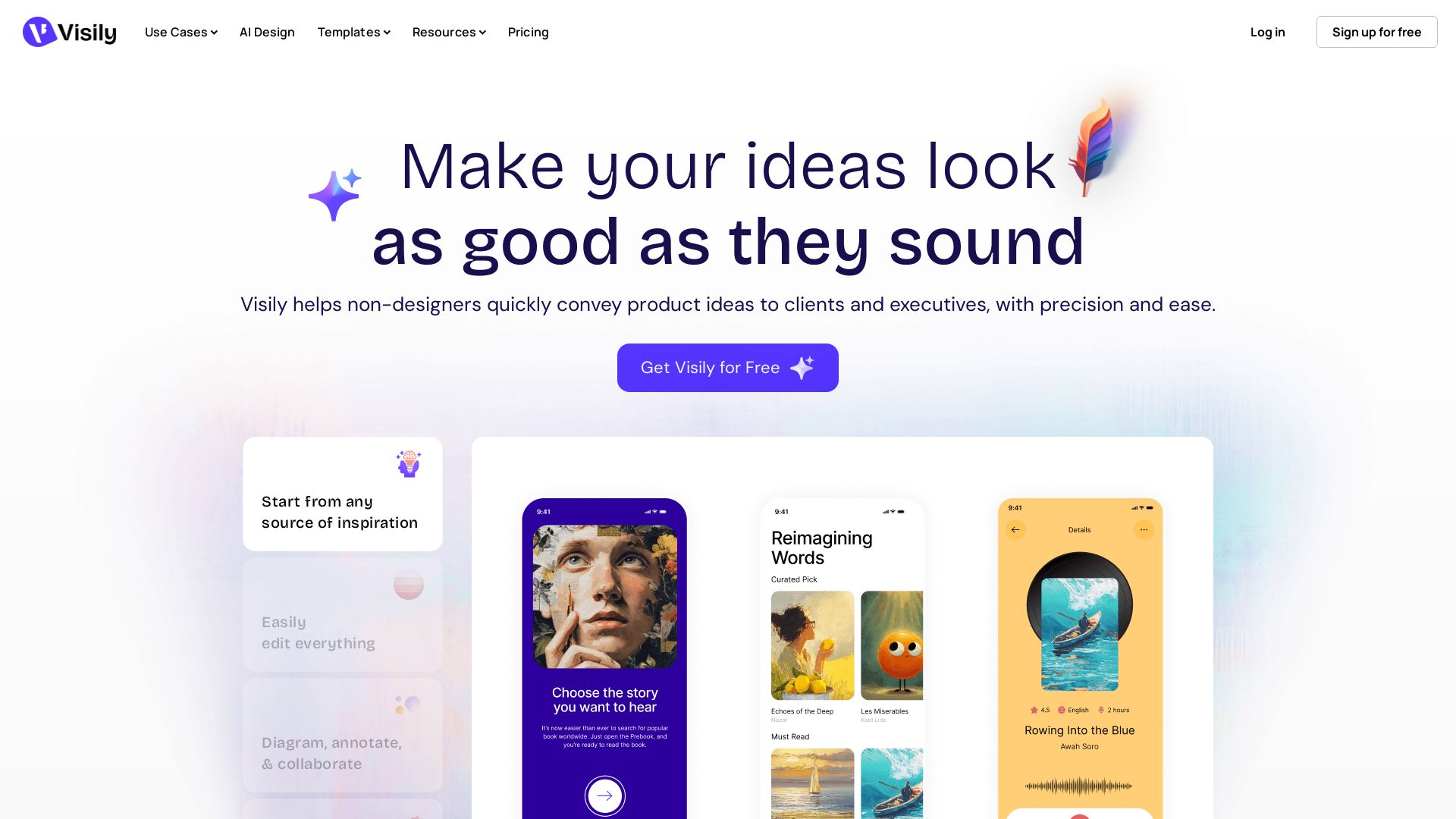
Visily
Visily helps non-designers quickly create polished product concepts with AI. Start from screenshots, text, or templates. Easy edit, collaborate, and share. Free to try.


AIDesigner
Create premium UI, logos, brand kits, and more with AIDesigner. No design experience needed. Free to try, no credit card required. Join 15,000+ users.

ℹ️ Curation Disclosure: The overview and features of Komposo were synthesized using AI and fact-checked by our curation team to ensure accuracy.
