
Magic Patterns
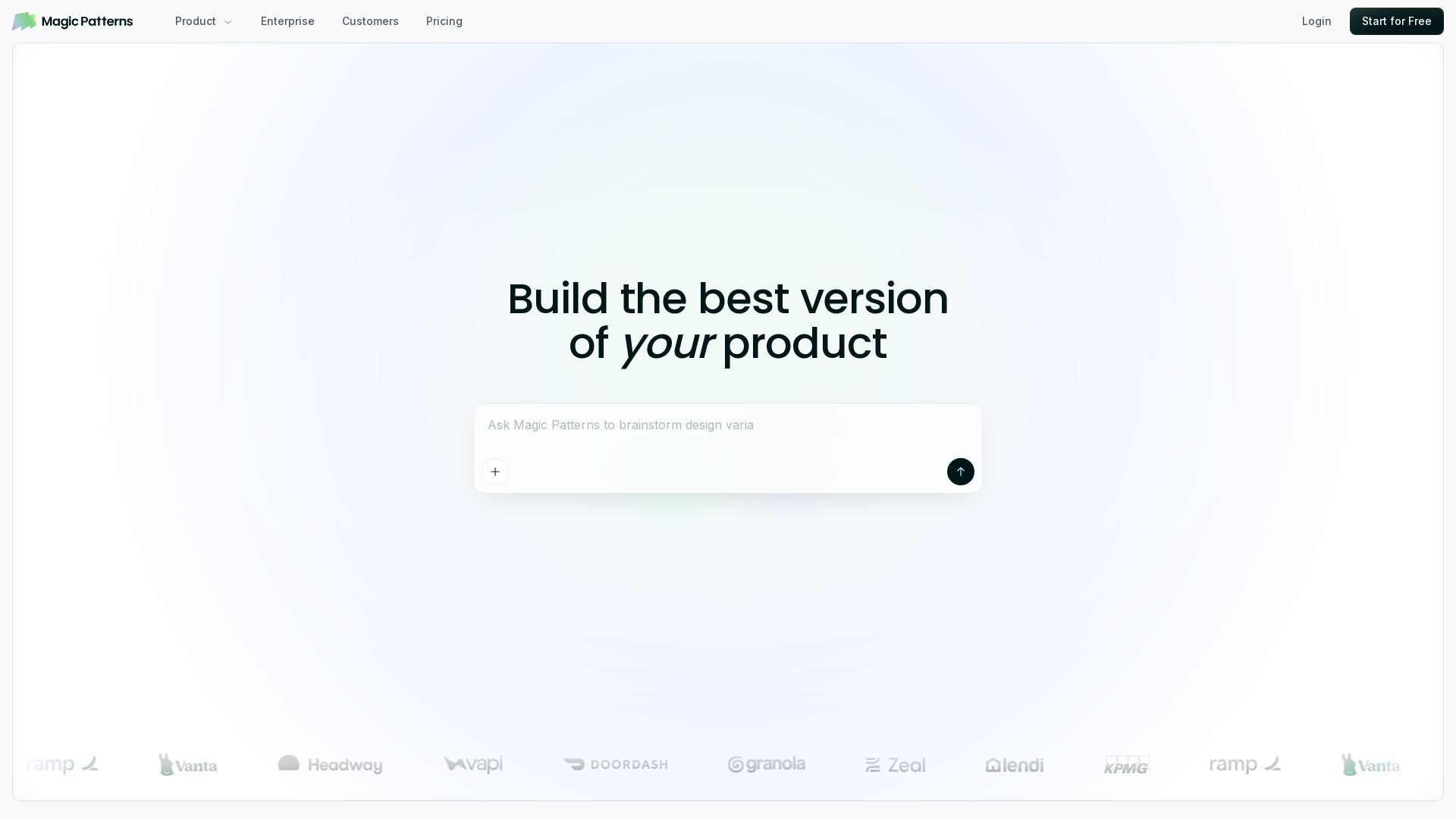
Turn prompts into high-fidelity UI in minutes. Match your design system, collaborate, and iterate faster with AI. Join 500K+ builders.

Editor's Verdict
Key Takeaways
- AI-Powered Prototyping
- Design System Matching
- Rapid Prototyping
- Team Collaboration
In-Depth Review: What is Magic Patterns?
Magic Patterns lets you prototype new features with AI, turning a prompt, requirement, or idea into high-fidelity UI that matches your existing design system. It’s built for design & engineering teams to collaborate, iterate rapidly, and ship the best version of your product—securely and compliantly for enterprises.
Core Features
AI-Powered Prototyping
Turn a prompt, product requirement, or feature idea into high-fidelity UI in minutes, enabling teams to explore multiple design directions before committing resources.
Design System Matching
Import screenshots, components, styles, and design-system rules so AI generates new screens that match your established visual language.
Rapid Prototyping
Prototype new features and test them directly with customers, accelerating feedback loops.
Team Collaboration
Edit, share, and iterate live on designs with your team, bringing design and engineering together.
Enterprise Security & Compliance
Keep designs secure, compliant, and ready for enterprise use.
Community Templates
Access over 1 million designs created by the community for inspiration and reuse.
Pricing
Free
- Start creating prototypes
- Access to community designs
- Core AI prototyping features
Enterprise
- Secure AI design
- Compliance ready
- Team collaboration
- Dedicated support
Pros and Cons
Pros
- Accelerated Design ProcessPrototype new features with AI in minutes, saving weeks per feature.
- Design ConsistencyMatches existing design systems, ensuring cohesive UI.
- Collaborative WorkflowEnables design and engineering teams to work together live.
- Enterprise-Ready SecuritySecure and compliant AI design for business use.
- Large CommunityOver 1 million designs and a strong user community.
Cons
- Limited Pricing TransparencyThe homepage does not provide detailed pricing plans, so cost comparison requires contacting sales or checking the pricing page.
- AI Output May Need RefinementAs with any AI design tool, generated UI may require manual adjustments to fully match brand or functional requirements.
Use Cases & Recommended Professions
Product Manager→ View Toolkit
Quickly turn feature ideas into high-fidelity prototypes for user testing and stakeholder alignment.
UX/UI Designer→ View Toolkit
Explore multiple design directions and maintain design-system consistency using AI assistance.
Frontend Engineer→ View Toolkit
Rapidly build UI concepts and component mockups without writing extensive code from scratch.
Startup Founder→ View Toolkit
Create demo-ready prototypes and pitch assets in hours instead of weeks.
Design System Lead→ View Toolkit
Enforce design rules and generate on-brand components across product surfaces.
Non-Technical CEO→ View Toolkit
Visualize product ideas and test them with customers without needing engineering support.
Frequently Asked Questions
Alternative AI Tools
View Detailed Comparison →
Figma
Figma is the intelligent, AI-native canvas for designing, prototyping, and building products together. Trusted by 95% of Fortune 500. Explore design and dev tools.


Motiff AI
Generate production-ready UI from text, wireframes, or screenshots with Motiff AI. Choose preset styles, export to React/HTML. Fast, consistent design.


Komposo
Turn product ideas into real, editable designs with AI. Generate, edit, and export UIs using plain language. Trusted by 100k+ users. Start for free.


Superdesign
Create stunning designs with AI. Iterate quickly using natural language. Export production-ready code. Browse design prompts and styles.

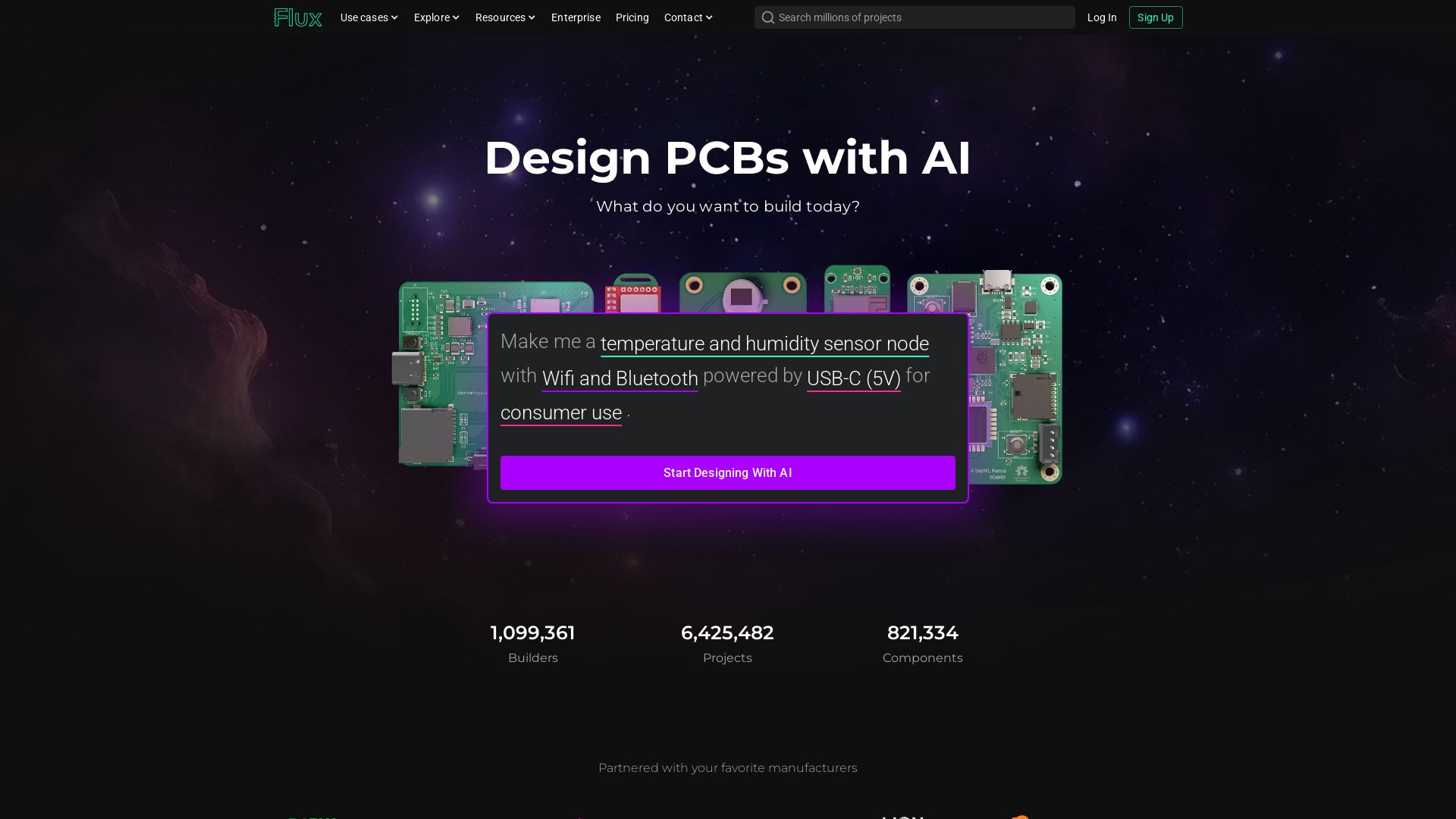
Flux
Design PCBs with AI. Flux is a browser-based eCAD with real-time collaboration, live component data, and AI assistance from idea to manufacturing.

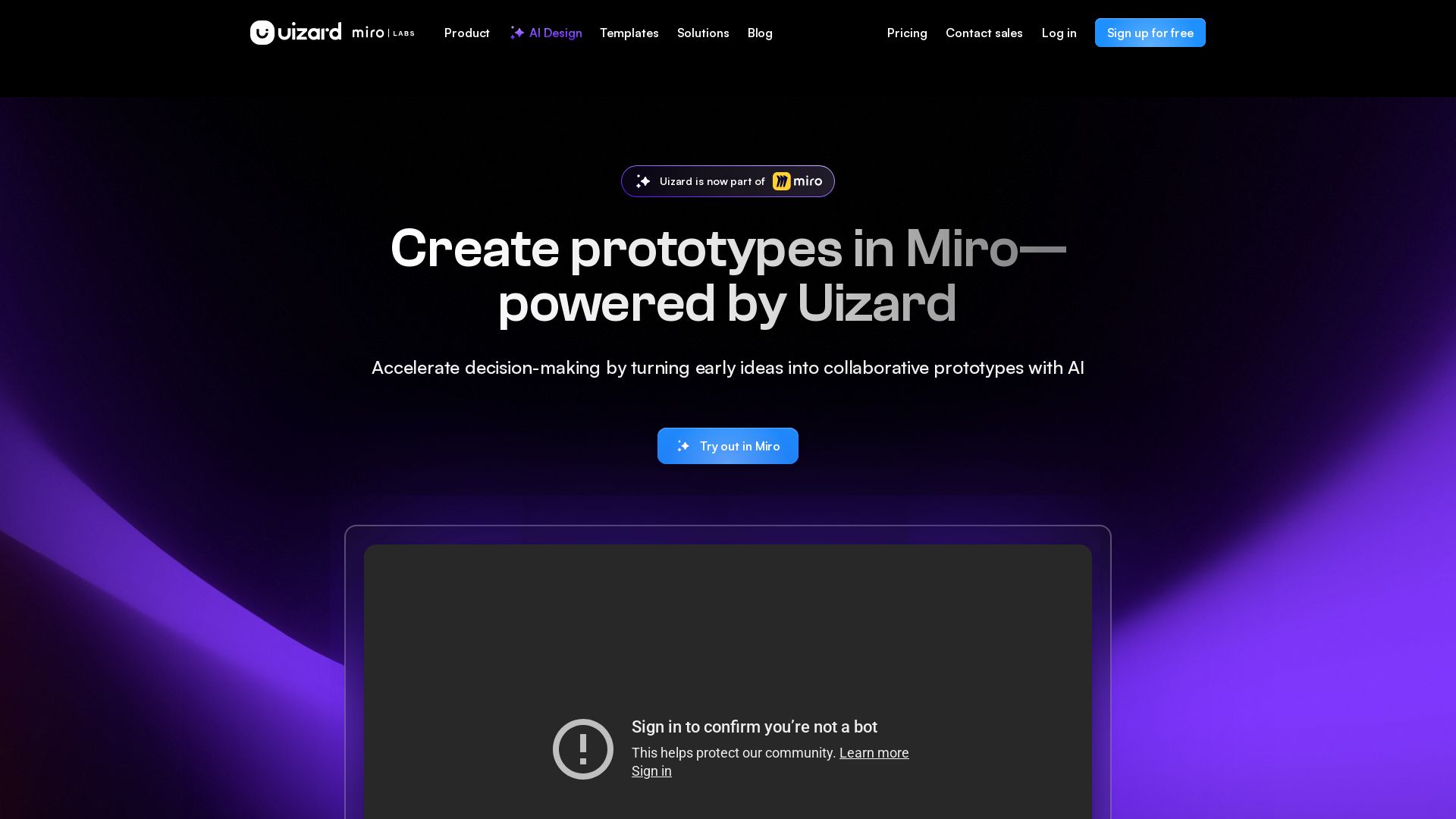
Uizard
Create multi-screen prototypes, mockups, and wireframes in seconds with AI. Generate designs from text prompts or screenshots. Collaborate in real-time.


AIDesigner
Create premium UI, logos, brand kits, and more with AIDesigner. No design experience needed. Free to try, no credit card required. Join 15,000+ users.

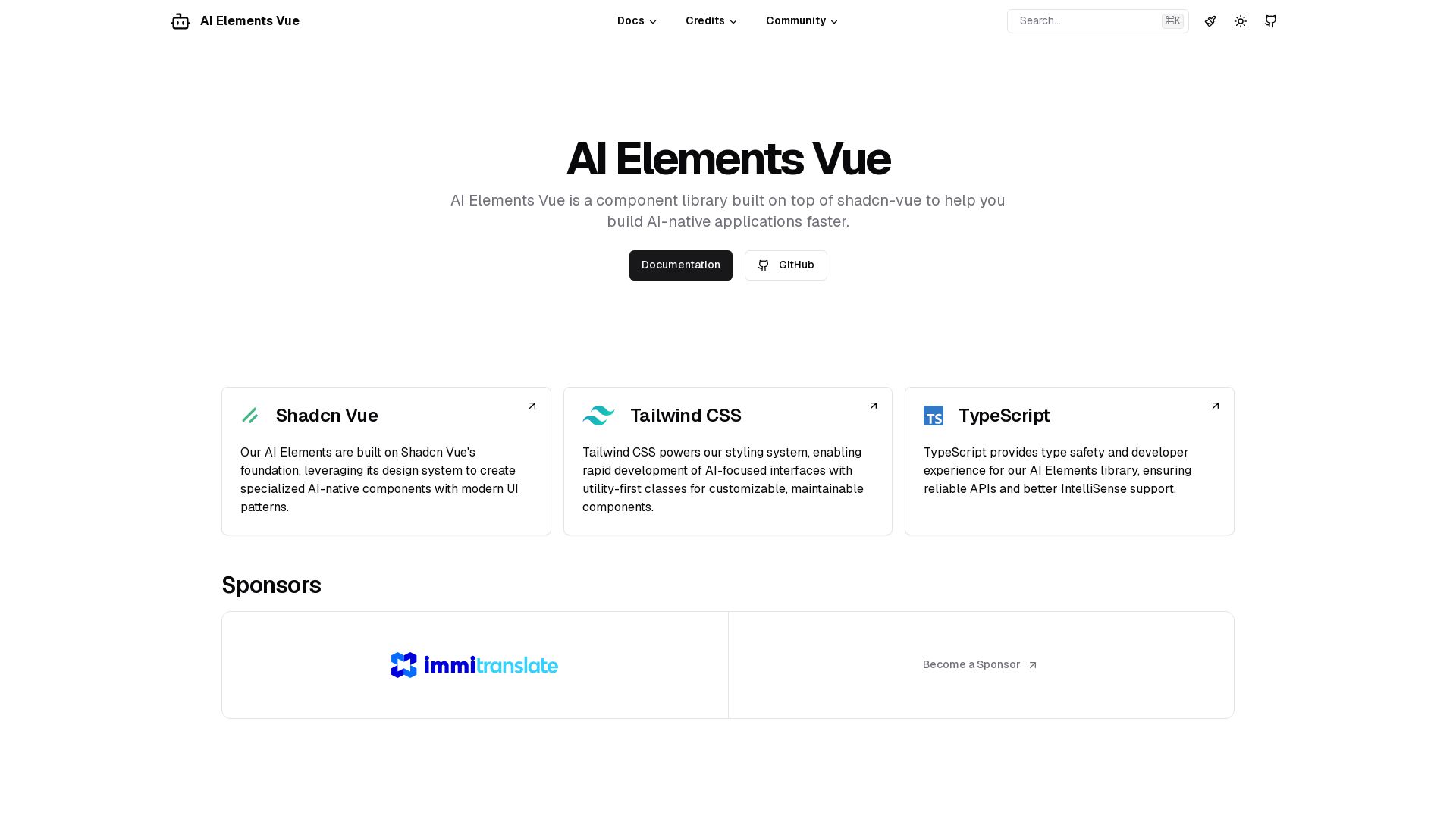
AI Elements Vue
Build AI-native apps faster with AI Elements Vue: a component library on shadcn-vue with Tailwind CSS & TypeScript. Pre-built AI components.

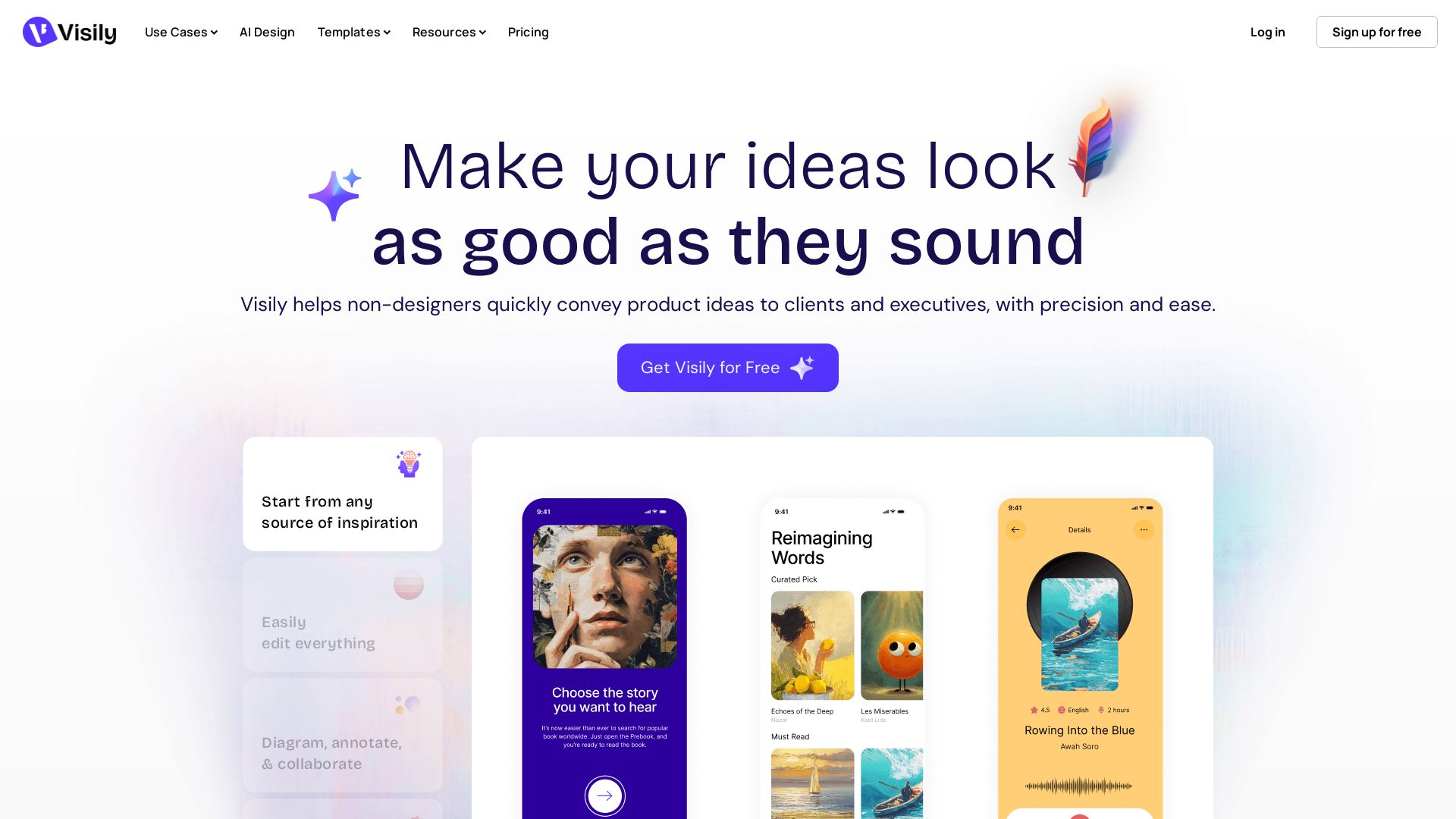
Visily
Visily helps non-designers quickly create polished product concepts with AI. Start from screenshots, text, or templates. Easy edit, collaborate, and share. Free to try.


AI SDK AGENTS
The toolkit for AI engineers. Install, copy, or export 125 AI SDK patterns for agents, tool calling, human-in-the-loop, and generative UI. Full source code, own your stack.

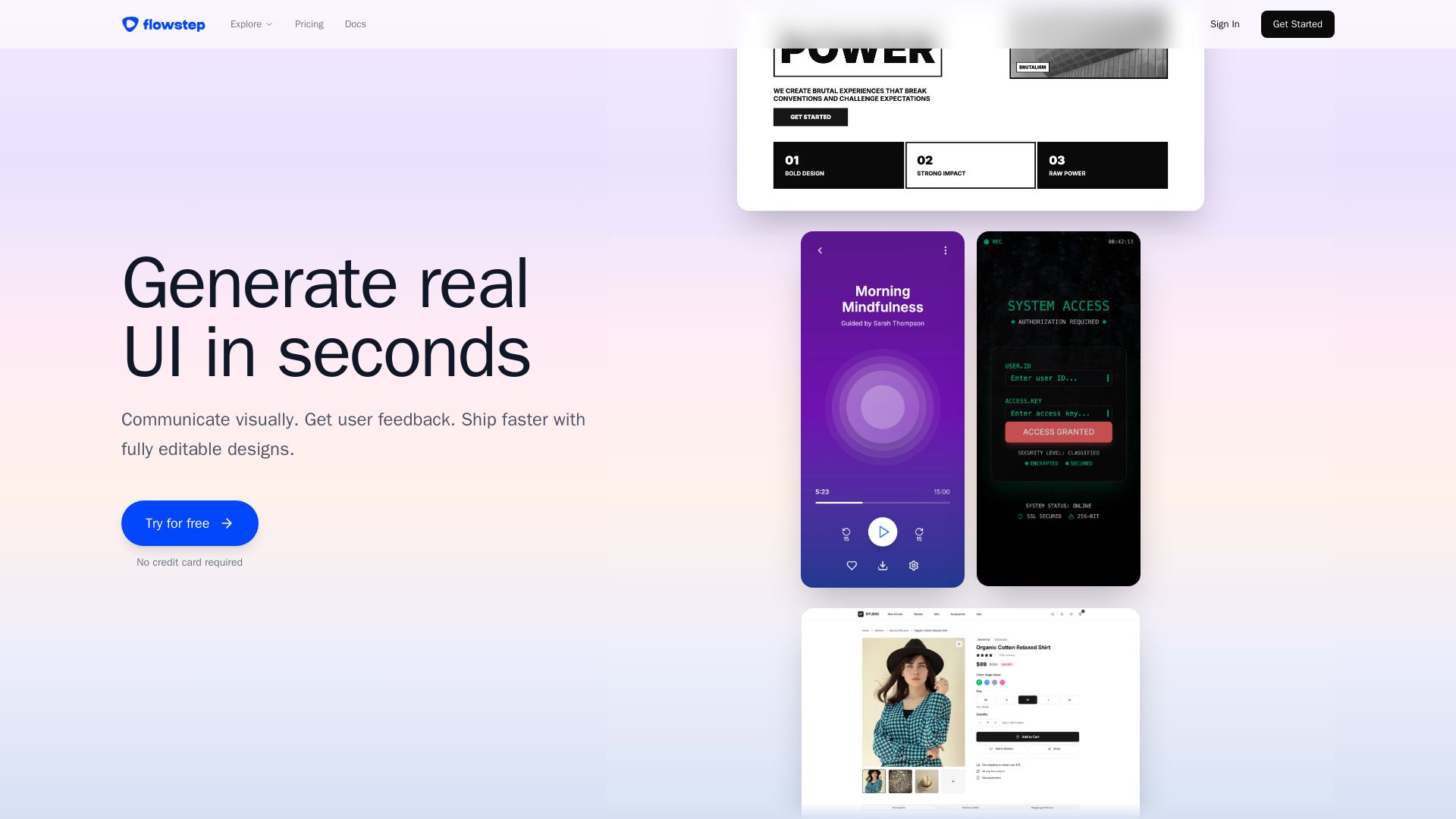
Flowstep
Describe your idea and watch it become editable UI. Collaborate, export code, and copy to Figma instantly. Ship faster.


Anima
Convert Figma designs, images, and code into live HTML/React apps. AI with design context for developers and agents.

ℹ️ Curation Disclosure: The overview and features of Magic Patterns were synthesized using AI and fact-checked by our curation team to ensure accuracy.