
Visily
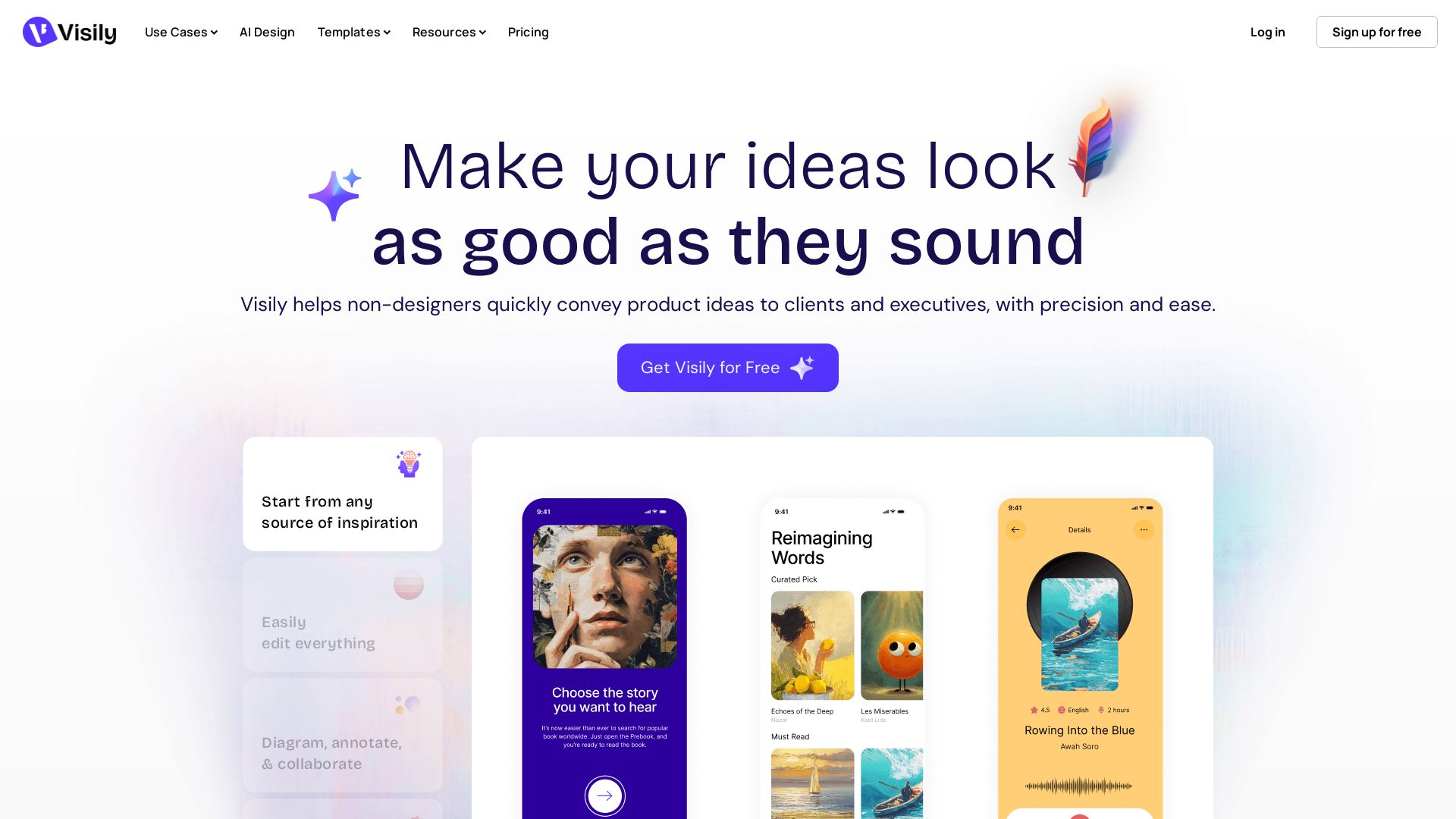
Visily helps non-designers quickly create polished product concepts with AI. Start from screenshots, text, or templates. Easy edit, collaborate, and share. Free to try.


Editor's Verdict
Key Takeaways
- AI UI Design Generator
- Smart Components
- Auto-Prototyping
- Collaboration Tools
In-Depth Review: What is Visily?
Visily is a collaborative design platform built for non-designers. Use AI to turn rough ideas, screenshots, or text prompts into high-fidelity wireframes and prototypes. With drag-and-drop editing, smart components, and auto-prototyping, you can convey product ideas to clients and executives effortlessly. Features include on-canvas chat, comments, and shared libraries for team collaboration. Trusted by product managers, startup founders, and content strategists. Get started for free.
Core Features
AI UI Design Generator
Generate UI screens from text prompts, screenshots, or templates using AI.
Smart Components
Easily edit and reuse intelligent UI components across designs.
Auto-Prototyping
Automatically create interactive prototypes to simulate user flows.
Collaboration Tools
Real-time co-designing, commenting, cursor chat, follower mode, and shared asset libraries.
Screenshot Editor
Import and edit screenshots to quickly iterate on visual designs.
Diagramming & Wireframing
Create flowcharts, diagrams, and wireframes with drag-and-drop ease.
AI Prototype Generator
Generate clickable prototypes from AI designs or templates instantly.
Figma Integration
Import and export designs with Figma for seamless handoffs.
Pricing
Starter
- 300 AI credits per workspace/month
- Standard AI design
- 2 editable boards per workspace (unlimited view-only)
- 2500 elements per board
- Basic collaboration (team members only)
- Export with watermark (1x only)
- 24-hour data deletion recovery
Pro
- 3,000 AI credits per editor/month
- AI deep design & design instructions
- Unlimited boards and elements
- Figma export & import
- Export to Code
- Visily MCP server
- Guest viewers and editors
- 30-day version history
- No watermark on exports
Business
- 10,000 AI credits per editor/month
- AI deep design & design instructions
- Unlimited boards and elements
- Figma export & import
- Export to Code
- Visily MCP server
- Advanced security & control (SAML SSO, custom team management)
- Workspace library
- 30-day version history
- Priority support
- Custom fonts (unlimited font families)
- Dedicated account manager
Pros and Cons
Pros
- Easy for non-designersNo learning curve; intuitive drag-and-drop interface and AI assistance enable anyone to create professional-looking designs.
- AI-powered efficiencyGenerate screens, prototypes, and components from text or screenshots, speeding up ideation and iteration.
- Strong collaboration featuresReal-time co-designing, commenting, cursor chat, and shared libraries facilitate teamwork.
- High-fidelity outputsProduce polished prototypes that impress stakeholders, reducing miscommunication.
- Versatile starting pointsStart from templates, screenshots, diagrams, or AI prompts, offering flexibility for different workflows.
Cons
- AI credit limits on free planStarter plan has only 300 AI credits per month, which may be insufficient for heavy users.
- Limited board capacity on free planStarter plan allows only 2 editable boards and 2500 elements per board, restricting scalability.
- Advanced features require paid plansFeatures like Figma export, deep AI design, and advanced security are only available on Pro or Business.
- Dependency on AI qualityAI-generated designs may require manual refinement to match exact requirements, especially for complex projects.
- Less suitable for professional designersMay lack advanced design capabilities compared to industry-standard tools like Figma or Sketch.
Use Cases & Recommended Professions
Product Manager→ View Toolkit
Quickly visualize product concepts and share with engineers and executives without relying on design resources.
Startup Founder→ View Toolkit
Rapidly prototype ideas to communicate vision to investors and early team members.
Business Analyst→ View Toolkit
Create diagrams and wireframes to document workflows and requirements clearly.
Content Strategist→ View Toolkit
Collaborate with design teams to visualize content layouts and user experiences.
Non-technical Stakeholder→ View Toolkit
Easily participate in product design discussions and provide feedback with hands-on prototyping.
UX Researcher→ View Toolkit
Quickly generate low- and high-fidelity prototypes for user testing and iteration.
Frequently Asked Questions
Alternative AI Tools
View Detailed Comparison →
Figma
Figma is the intelligent, AI-native canvas for designing, prototyping, and building products together. Trusted by 95% of Fortune 500. Explore design and dev tools.


Superdesign
Create stunning designs with AI. Iterate quickly using natural language. Export production-ready code. Browse design prompts and styles.

Uizard
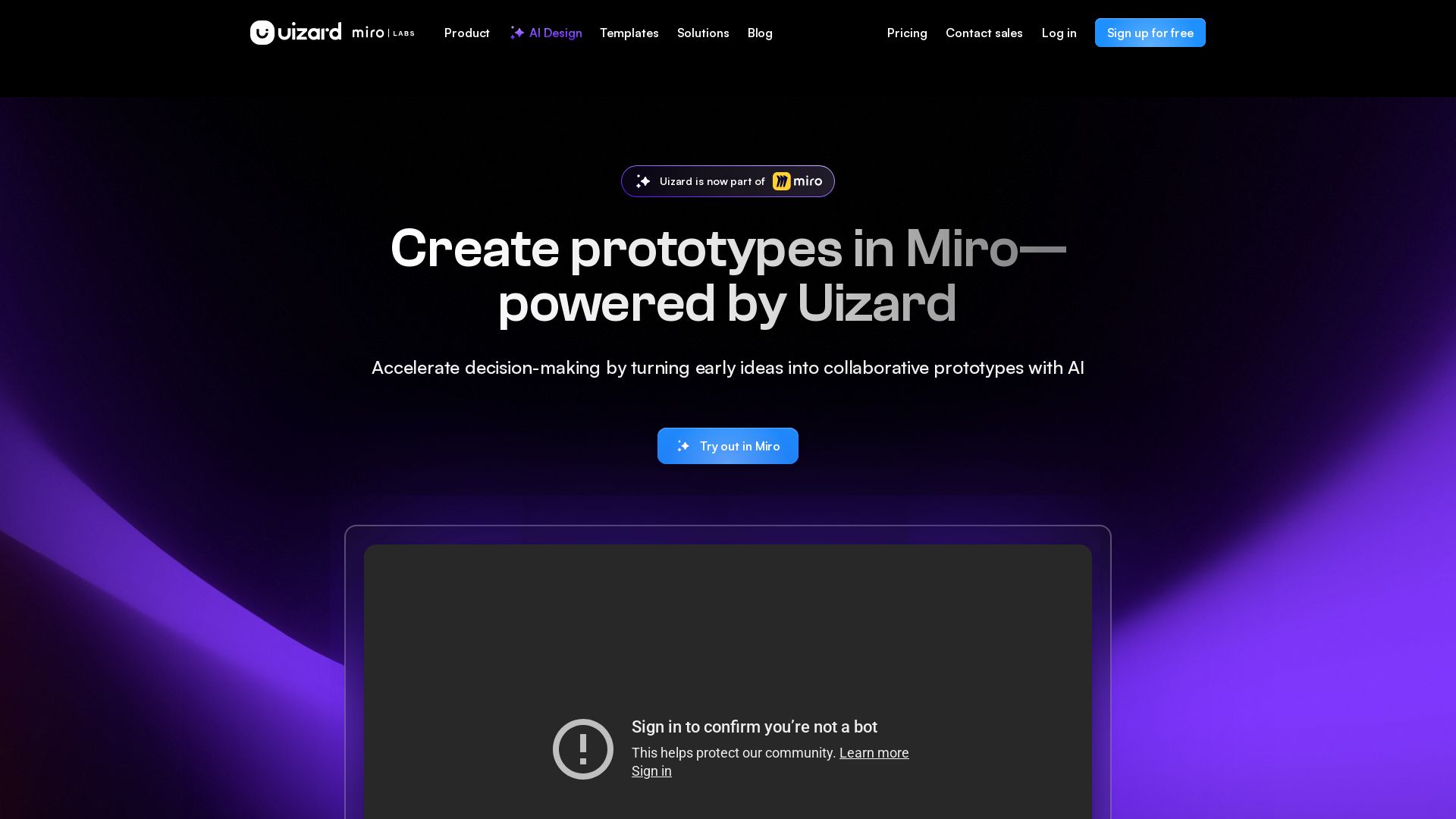
Create multi-screen prototypes, mockups, and wireframes in seconds with AI. Generate designs from text prompts or screenshots. Collaborate in real-time.


UX Pilot
Ideate, design, and hand-off web apps in seconds with UX Pilot's AI. Generate wireframes, hi-fi designs, and clean code. Trusted by 1M+ users.


Motiff AI
Generate production-ready UI from text, wireframes, or screenshots with Motiff AI. Choose preset styles, export to React/HTML. Fast, consistent design.


Anima
Convert Figma designs, images, and code into live HTML/React apps. AI with design context for developers and agents.

Magic Patterns
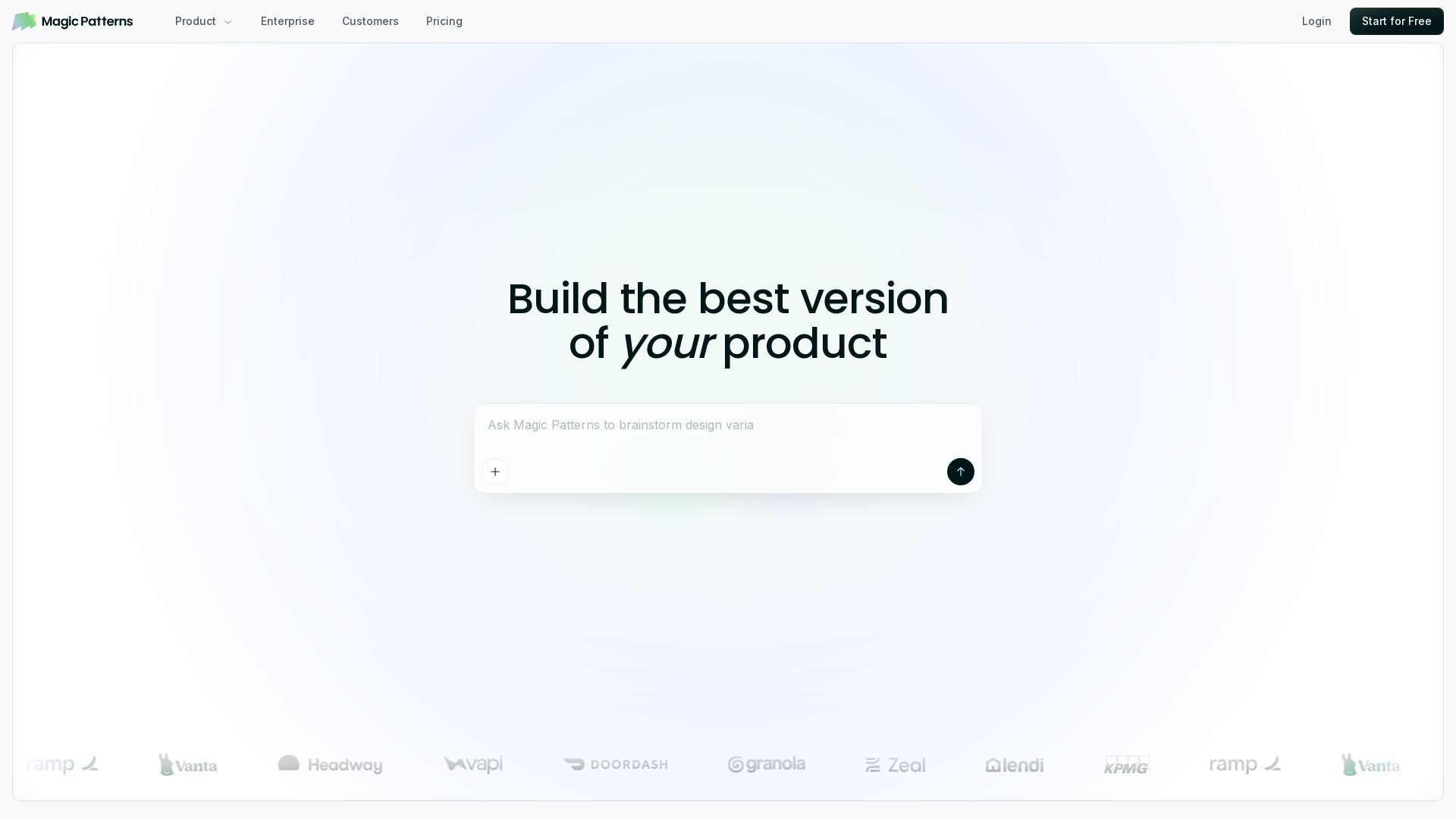
Turn prompts into high-fidelity UI in minutes. Match your design system, collaborate, and iterate faster with AI. Join 500K+ builders.


Komposo
Turn product ideas into real, editable designs with AI. Generate, edit, and export UIs using plain language. Trusted by 100k+ users. Start for free.


Figr
Ship better UX faster. Figr builds a living understanding of your product, maps flows, finds edge cases, and generates high-fidelity prototypes from your actual design system.


Figma Console MCP
Connect AI to Figma for design extraction, token sync, and component creation. Turn your design system into a programmable API.


AIDesigner
Create premium UI, logos, brand kits, and more with AIDesigner. No design experience needed. Free to try, no credit card required. Join 15,000+ users.

Flowstep
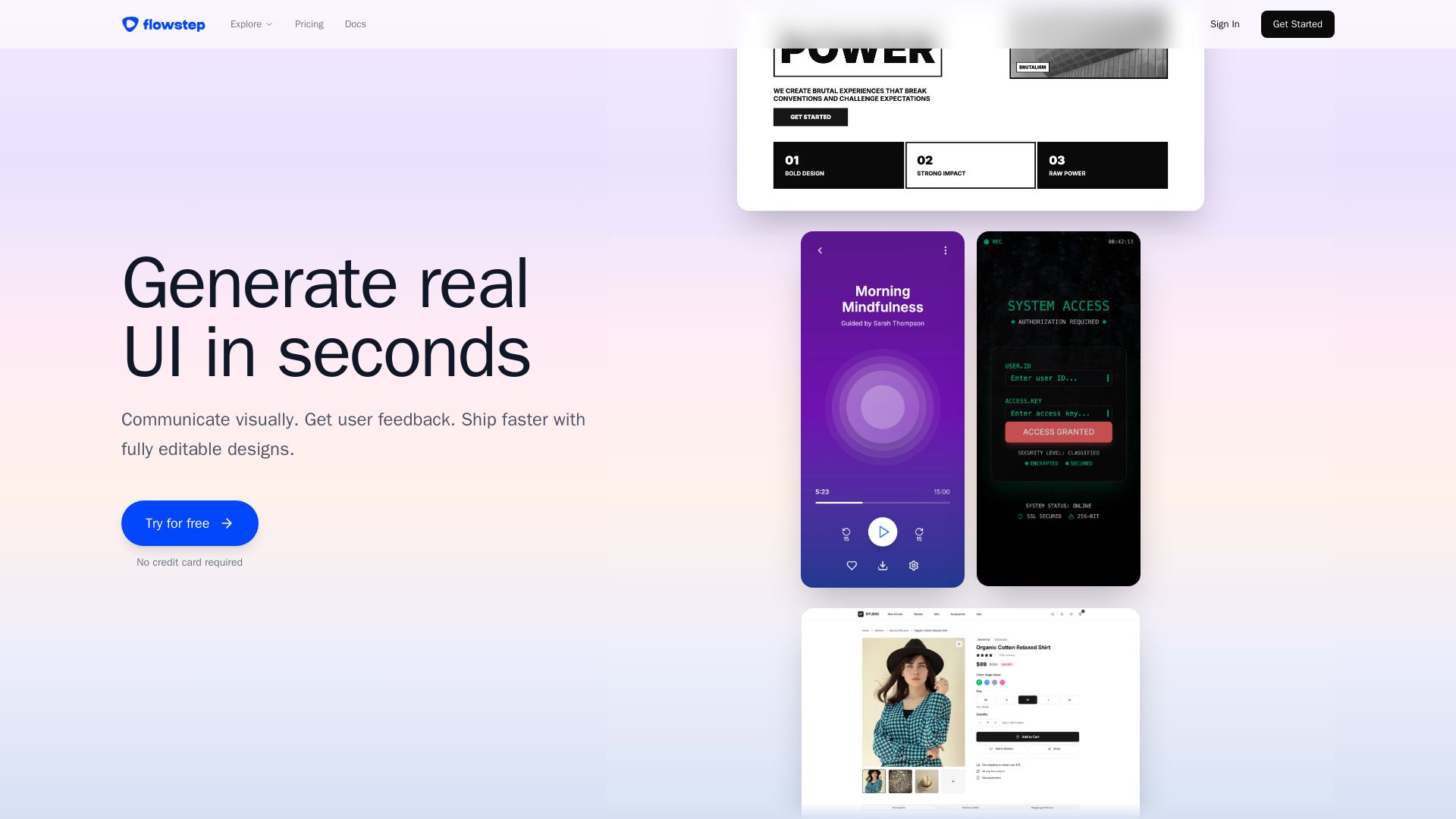
Describe your idea and watch it become editable UI. Collaborate, export code, and copy to Figma instantly. Ship faster.

ℹ️ Curation Disclosure: The overview and features of Visily were synthesized using AI and fact-checked by our curation team to ensure accuracy.
