
Uizard
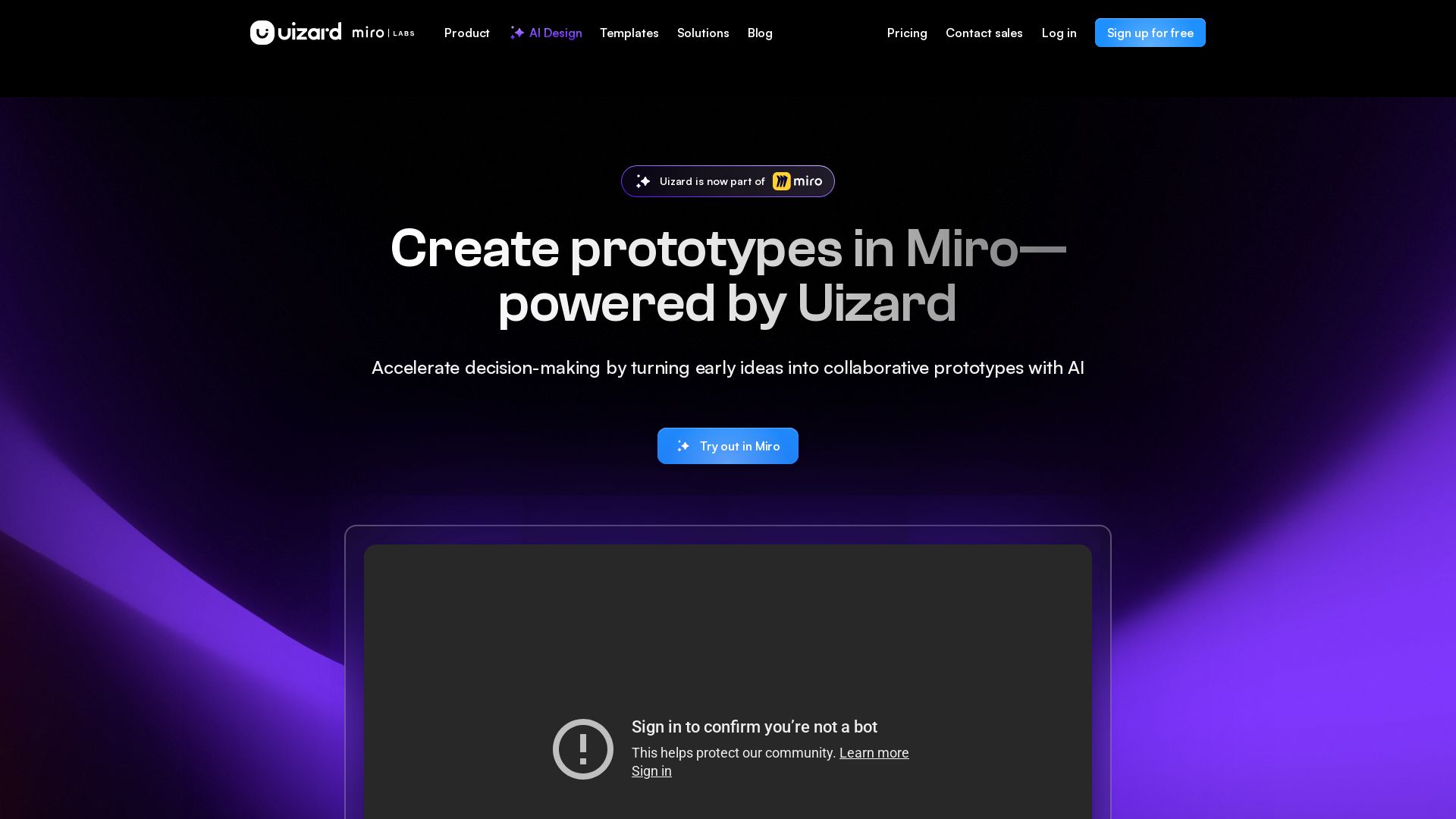
Create multi-screen prototypes, mockups, and wireframes in seconds with AI. Generate designs from text prompts or screenshots. Collaborate in real-time.



Editor's Verdict
Key Takeaways
- Autodesigner 2.0
- Screenshot Scanner
- Wireframe Scanner
- Generate Prototypes
In-Depth Review: What is Uizard?
Uizard is an AI-driven design platform that empowers product teams to visualize ideas fast. Leverage Autodesigner 2.0 to generate complete projects from text prompts, use Screenshot Scanner to turn images into editable mockups, and Wireframe Scanner to digitize hand-drawn sketches. Collaborate in real-time, iterate at speed, and bring your MVP to life without coding. Trusted by designers, product managers, and startups worldwide.
Core Features
Autodesigner 2.0
Generate projects, screens, and themes from text prompts with the latest AI engine.
Screenshot Scanner
Turn screenshots into editable mockups in seconds.
Wireframe Scanner
Digitize hand-drawn wireframes into digital designs instantly.
Generate Prototypes
Create multi-screen, editable prototypes from simple text descriptions.
Modify Any Component
Select any component and describe changes to let Autodesigner update it.
Generate Themes
Instantly create new themes for projects to change the entire style.
Predictive Heat Map
Get an AI-generated heatmap predicting where users will focus.
Design Assistant
Explore magical AI features for UI design, including text and image assistants.
Pricing
Free
- Unlimited free viewers/commenters
- 3 AI generations per month
- AI engine: Autodesigner 1.5
- 2 projects
- 10 free templates
- Up to 5 screens per project
- 400 components limit per organization
- Save custom templates up to 5
- Export to jpg, png, pdf (only 1x resolution)
Pro
- Unlimited free viewers/commenters
- 500 AI generations per month
- AI engine: Autodesigner 2.0
- Developer handoff (React CSS)
- Up to 100 projects
- Private projects
- Access to all templates
- Unlimited screens per project
- Unlimited components
- Save custom templates up to 100
- Design interactions
- Export to jpg, png, pdf (all resolutions)
- Email and live chat support
Business
- Everything from Pro
- 5,000 AI generations per month
- Faster AI generation
- Custom brand kit
- Unlimited projects
- Priority support
- Unlimited screens per project
- Unlimited components
- Save custom templates unlimited
- Design interactions
- Wireframe mode switcher
- Team asset libraries
- Export to jpg, png, pdf
- Transition animations
- Custom icons, image library, fonts
Enterprise
- Everything from Business
- Unlimited AI generations
- Unlimited teams
- Design system setup
- AI data SLA
- Custom billing
- Whiteglove onboarding support
- Single Sign-On (SSO) integration
- Two factor authentication (2FA)
- Dedicated account manager
- Monthly check-in calls
- Template and design system setup
Pros and Cons
Pros
- AI-Powered Rapid PrototypingGenerate fully editable UI prototypes from text prompts or screenshots in seconds, drastically speeding up the design process.
- Easy to Use for Non-DesignersSimple text prompts and intuitive interface allow product managers, marketers, and developers to create mockups without design expertise.
- Real-Time CollaborationMultiplayer collaboration enables entire product teams to work together on designs simultaneously.
- Versatile AI ToolsIncludes Autodesigner, Screenshot Scanner, Wireframe Scanner, heatmaps, and more, covering a wide range of design needs.
- Affordable PricingFree tier available with solid features, and paid plans are cost-effective for startups and businesses.
Cons
- Limited AI Generations on Free PlanFree users only get 3 AI generations per month, severely limiting experimentation.
- Autodesigner 1.5 on FreeFree plan uses an older AI engine (Autodesigner 1.5) compared to Pro/Business (2.0).
- Project Limits on FreeFree plan allows only 2 projects and 5 screens per project, insufficient for larger or multiple projects.
- Dependency on AI AccuracyAI-generated designs may still require manual adjustments to meet exact specifications.
- No Offline ModeUizard is a cloud-based tool, requiring internet access to use.
Use Cases & Recommended Professions
Product Manager→ View Toolkit
Quickly create mockups and prototypes to communicate ideas and validate concepts with stakeholders.
UX/UI Designer→ View Toolkit
Accelerate design iterations, generate wireframes from sketches, and explore multiple design variations rapidly.
Marketer→ View Toolkit
Produce landing page mockups and app designs for campaigns without relying on design teams.
Startup Founder→ View Toolkit
Bring MVP prototypes to life in minutes to pitch ideas or test with early users.
Developer→ View Toolkit
Turn design ideas into interactive mockups and inspect CSS/React code for easier handoff.
Consultant/Agency→ View Toolkit
Create client-facing wireframes and prototypes rapidly, improving turnaround time and client communication.
Frequently Asked Questions
Alternative AI Tools
View Detailed Comparison →
Figma
Figma is the intelligent, AI-native canvas for designing, prototyping, and building products together. Trusted by 95% of Fortune 500. Explore design and dev tools.


Figr
Ship better UX faster. Figr builds a living understanding of your product, maps flows, finds edge cases, and generates high-fidelity prototypes from your actual design system.


Superdesign
Create stunning designs with AI. Iterate quickly using natural language. Export production-ready code. Browse design prompts and styles.


Anima
Convert Figma designs, images, and code into live HTML/React apps. AI with design context for developers and agents.


AIDesigner
Create premium UI, logos, brand kits, and more with AIDesigner. No design experience needed. Free to try, no credit card required. Join 15,000+ users.


Figma Console MCP
Connect AI to Figma for design extraction, token sync, and component creation. Turn your design system into a programmable API.


Komposo
Turn product ideas into real, editable designs with AI. Generate, edit, and export UIs using plain language. Trusted by 100k+ users. Start for free.


UX Pilot
Ideate, design, and hand-off web apps in seconds with UX Pilot's AI. Generate wireframes, hi-fi designs, and clean code. Trusted by 1M+ users.


Motiff AI
Generate production-ready UI from text, wireframes, or screenshots with Motiff AI. Choose preset styles, export to React/HTML. Fast, consistent design.

AI App Development Cost in 2026 | Pricing Breakdown and Key Factors
Build AI-powered digital products from idea to scale. 10+ years, 700+ products. Strategy, design, engineering, AI integration. Book free strategy call.

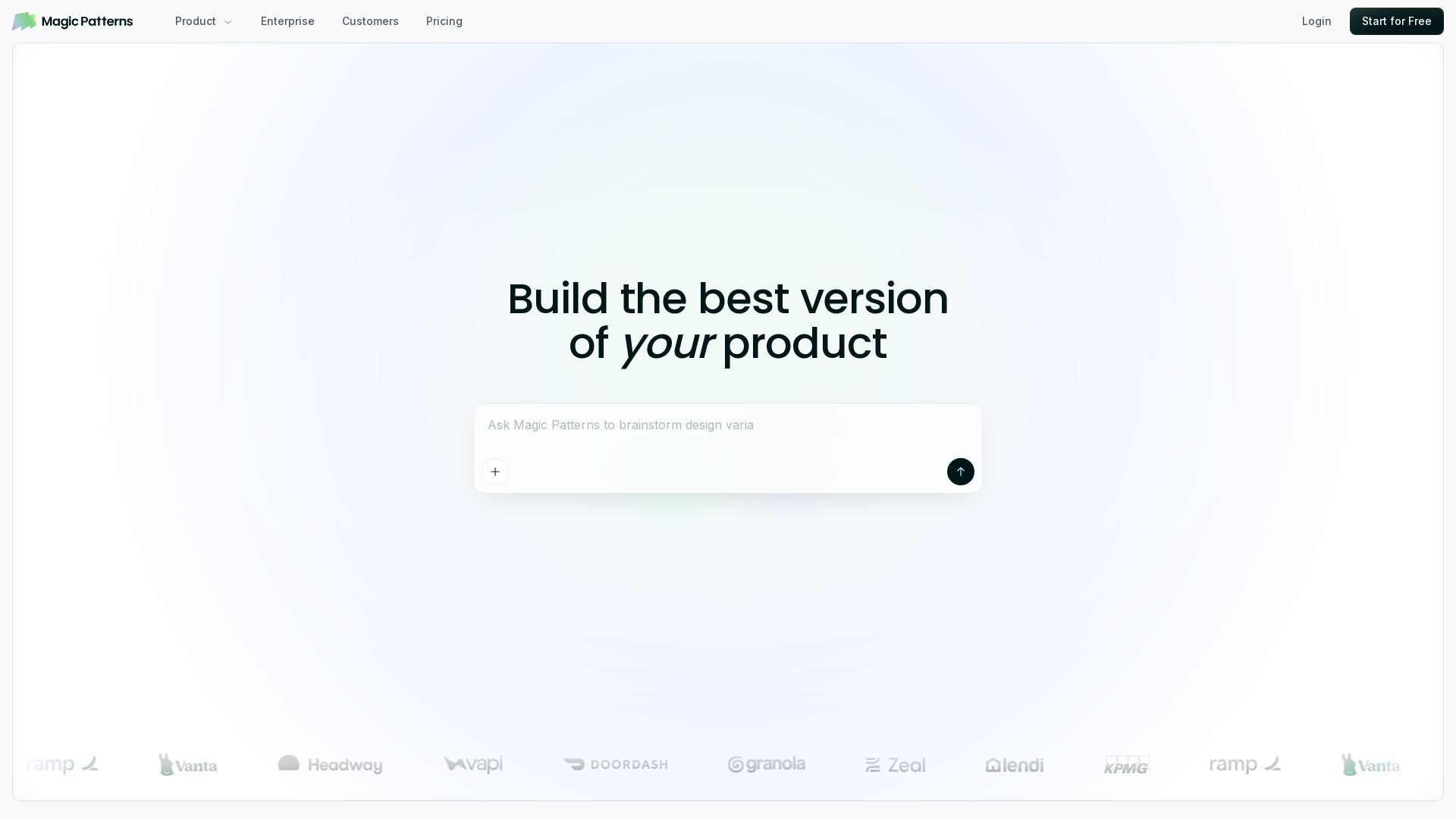
Magic Patterns
Turn prompts into high-fidelity UI in minutes. Match your design system, collaborate, and iterate faster with AI. Join 500K+ builders.


ProductCrafters
Get a free 2-week trial sprint for your AI product. Working prototype in 30 days, production-ready in 90. No contract, no credit card. Test your dev team risk-free.

ℹ️ Curation Disclosure: The overview and features of Uizard were synthesized using AI and fact-checked by our curation team to ensure accuracy.