
Figma Console MCP

Connect AI to Figma for design extraction, token sync, and component creation. Turn your design system into a programmable API.
Editor's Verdict
Key Takeaways
- Design System Extraction
- Bidirectional Token Sync
- Design Creation
- Accessibility Scanning
In-Depth Review: What is Figma Console MCP?
Figma Console MCP bridges design and development by giving AI assistants complete access to your Figma files. Extract variables, styles, and components as structured data, sync tokens bidirectionally, create designs, and audit accessibility. Stop manually transcribing tokens or guessing values—make your design system queryable and programmable.
Core Features
Design System Extraction
Extract variables, styles, and components as structured data for querying and automation.
Bidirectional Token Sync
Synchronize design tokens between Figma and your codebase automatically.
Design Creation
Create design files, FigJam boards, and Slides presentations programmatically.
Accessibility Scanning
Audit design and code for accessibility issues across your design system.
Component Changelogs
Generate component documentation with real changelogs from Figma version history and git log.
Real-time Monitoring
Monitor Figma files for changes and get instant updates via MCP tools.
Pricing
NPX Setup (Recommended)
- Full capabilities (113 tools)
- Requires Node.js and Figma token
- Real-time monitoring
- All tools including component changelogs
Cloud Mode
- 101 tools
- Full write access from Claude.ai, v0, Replit, or Lovable
- No Node.js needed
- Pair with a code
Remote (Read-Only)
- 9 tools
- Zero setup
- Read design data and take screenshots
- Quick exploration
Pros and Cons
Pros
- Bridges Design and DevelopmentTurns Figma into a programmable API, reducing design system debt and manual transcription.
- Open Source and FreeMIT licensed, free to use and self-host for enterprise needs.
- Comprehensive Tool Set113 tools for extraction, creation, token sync, and accessibility scanning.
- Multiple Setup OptionsChoose from NPX, Cloud, or Remote modes to fit your workflow.
- Active DevelopmentRegular updates with new features like component changelogs and real-time monitoring.
Cons
- Requires Figma TokenNPX and Cloud setups need a personal access token from Figma, adding initial setup steps.
- Limited to Figma EcosystemPrimarily works with Figma files; not applicable to other design tools like Sketch or Adobe XD.
- Learning Curve for Non-DevelopersSetting up MCP clients and using the command line may be challenging for designers without technical background.
Use Cases & Recommended Professions
Design System Engineer→ View Toolkit
Needs to keep design tokens and components in sync across design and code, and generate documentation automatically.
Frontend Developer→ View Toolkit
Requires accurate design specs and token values directly from Figma to implement components without guessing.
UI/UX Designer→ View Toolkit
Wants to share design data with developers seamlessly and automate repetitive tasks like creating FigJam boards.
Product Designer→ View Toolkit
Needs to audit design system health and ensure accessibility across design files.
AI Engineer→ View Toolkit
Integrates AI assistants with design tools to enable natural language commands for design extraction and creation.
Web AI Client Developer→ View Toolkit
Builds AI agents that need to read and write Figma files, using Cloud Mode for no-setup access.
Frequently Asked Questions
Alternative AI Tools
View Detailed Comparison →
Figr
Ship better UX faster. Figr builds a living understanding of your product, maps flows, finds edge cases, and generates high-fidelity prototypes from your actual design system.


Figma
Figma is the intelligent, AI-native canvas for designing, prototyping, and building products together. Trusted by 95% of Fortune 500. Explore design and dev tools.


Superdesign
Create stunning designs with AI. Iterate quickly using natural language. Export production-ready code. Browse design prompts and styles.


UX Pilot
Ideate, design, and hand-off web apps in seconds with UX Pilot's AI. Generate wireframes, hi-fi designs, and clean code. Trusted by 1M+ users.


Anima
Convert Figma designs, images, and code into live HTML/React apps. AI with design context for developers and agents.


Komposo
Turn product ideas into real, editable designs with AI. Generate, edit, and export UIs using plain language. Trusted by 100k+ users. Start for free.

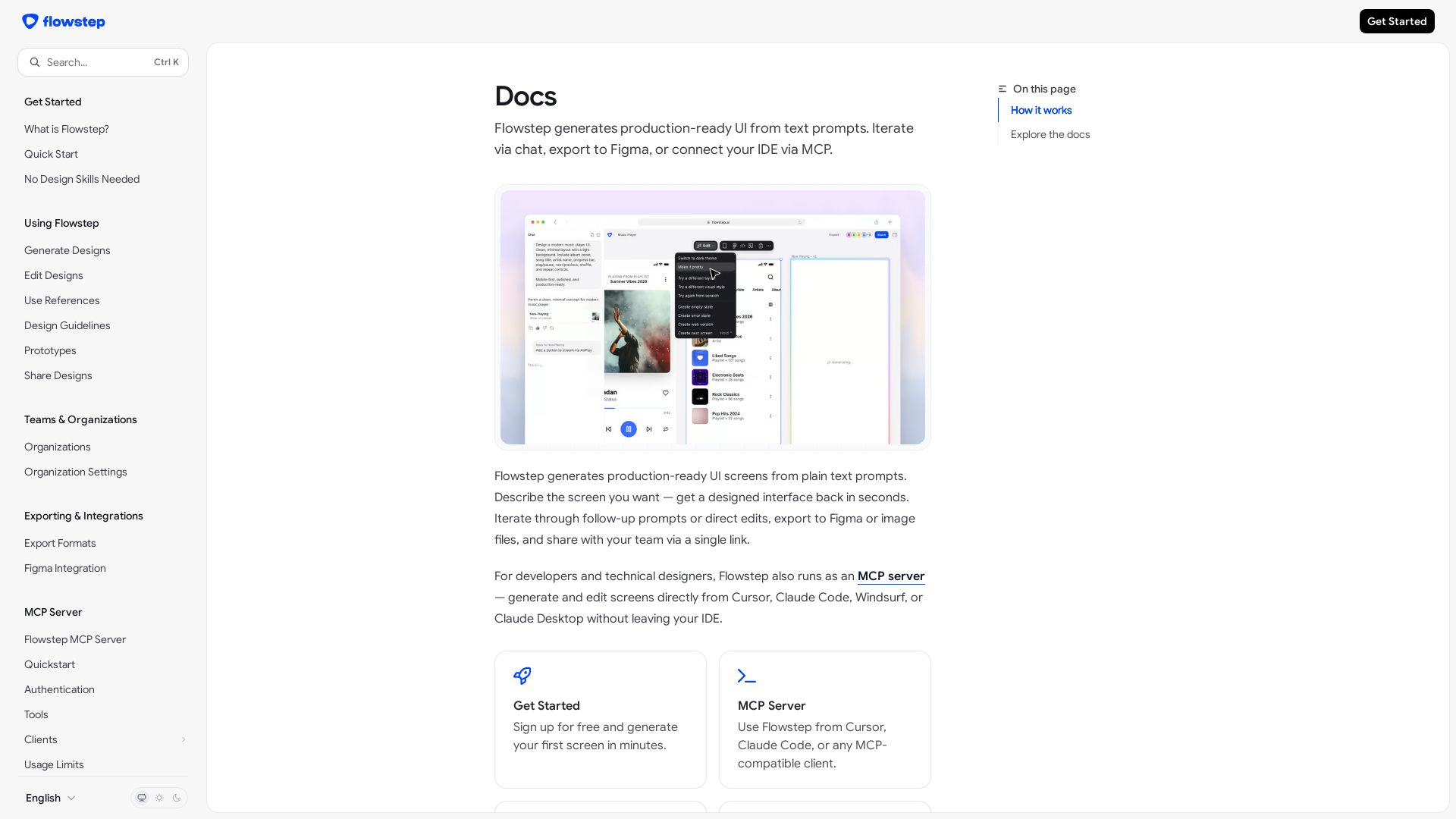
Flowstep
Create production-ready UI screens from plain text. Iterate via chat, export to Figma, or use MCP in your IDE. Try Flowstep free.

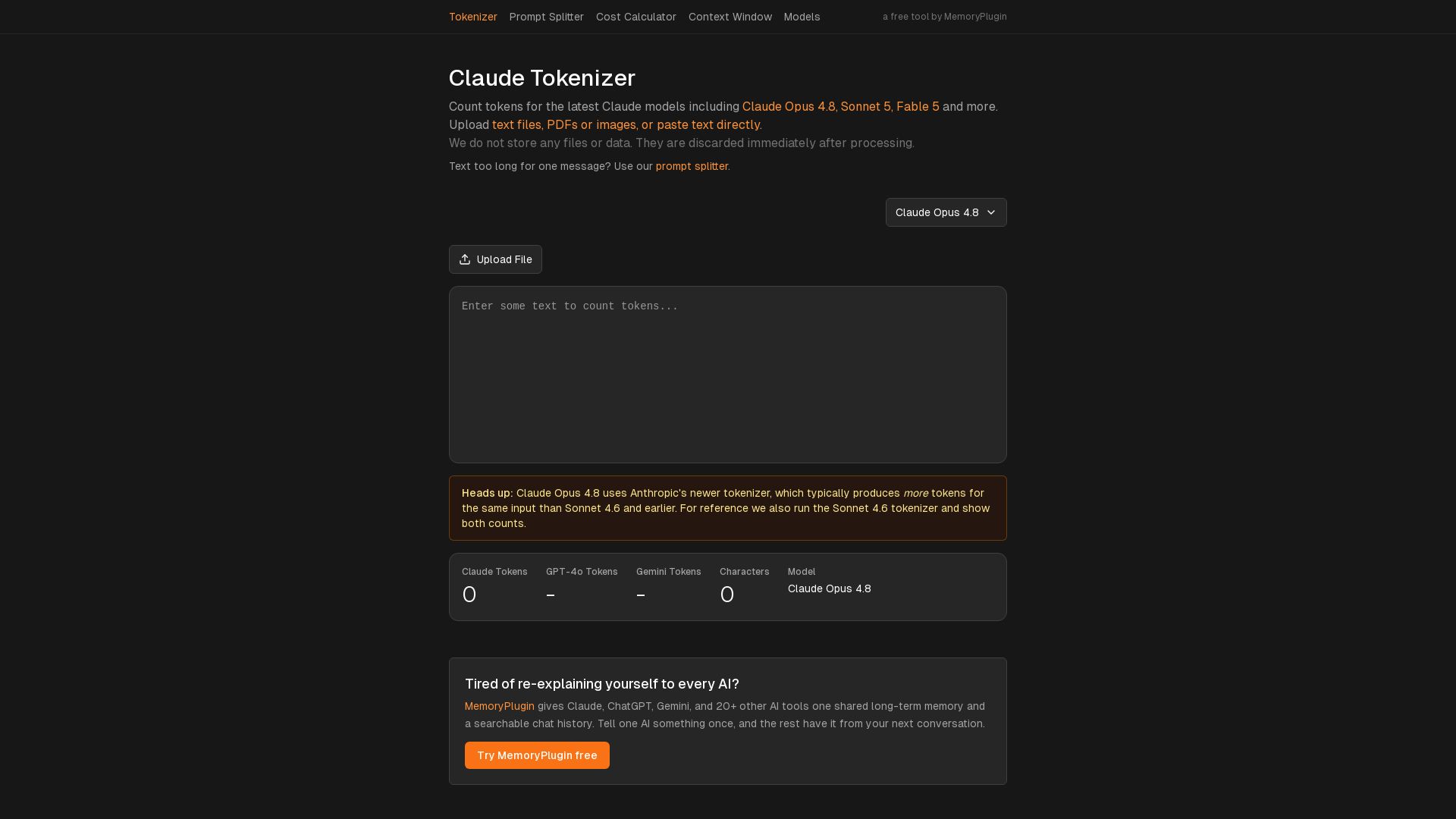
Claude Tokenizer
Count tokens for Claude Opus, Sonnet, GPT-4o, and Gemini. Upload text, PDFs, images. Free, no data stored. By MemoryPlugin.

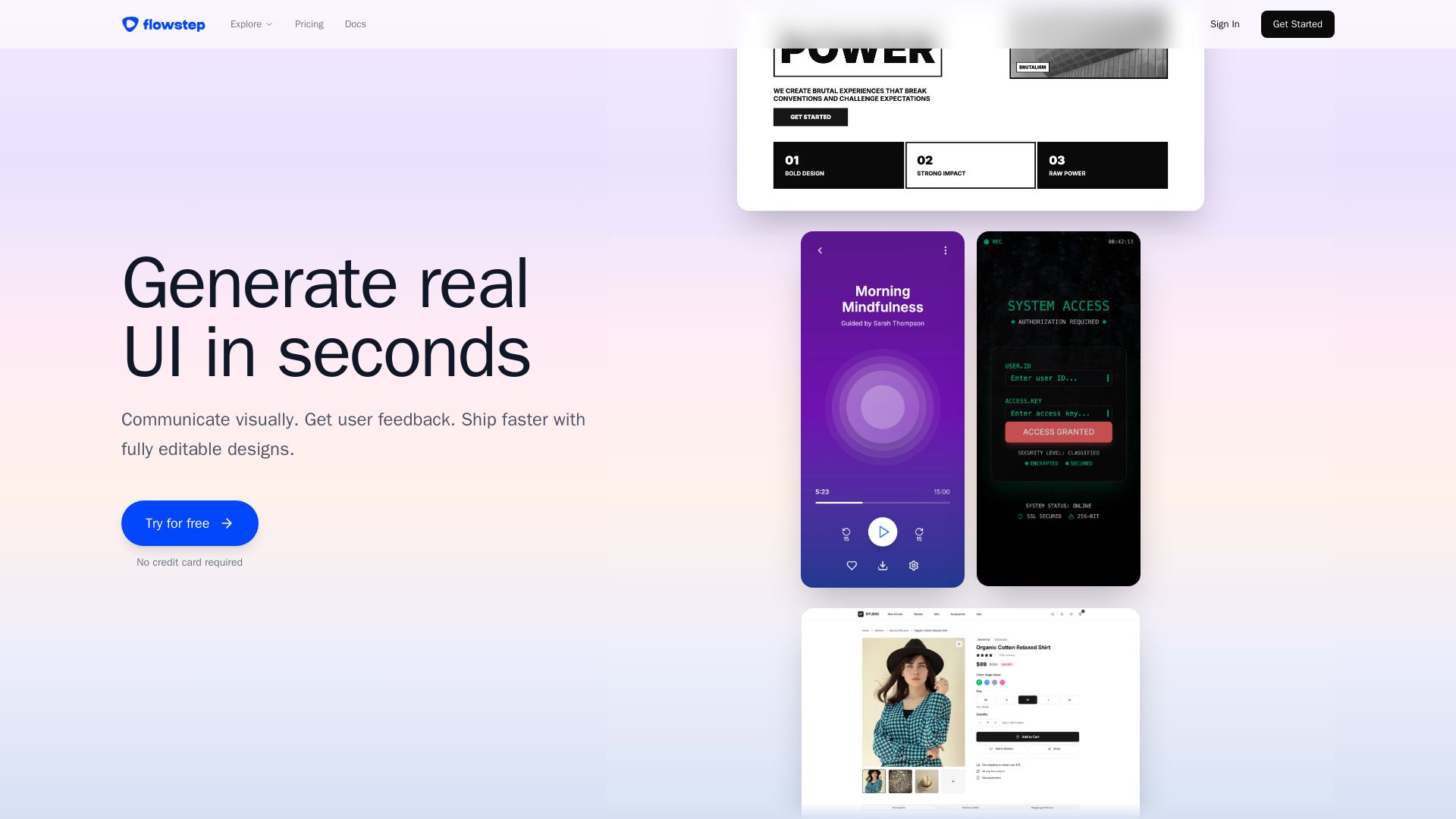
Flowstep
Describe your idea and watch it become editable UI. Collaborate, export code, and copy to Figma instantly. Ship faster.


Motiff AI
Generate production-ready UI from text, wireframes, or screenshots with Motiff AI. Choose preset styles, export to React/HTML. Fast, consistent design.



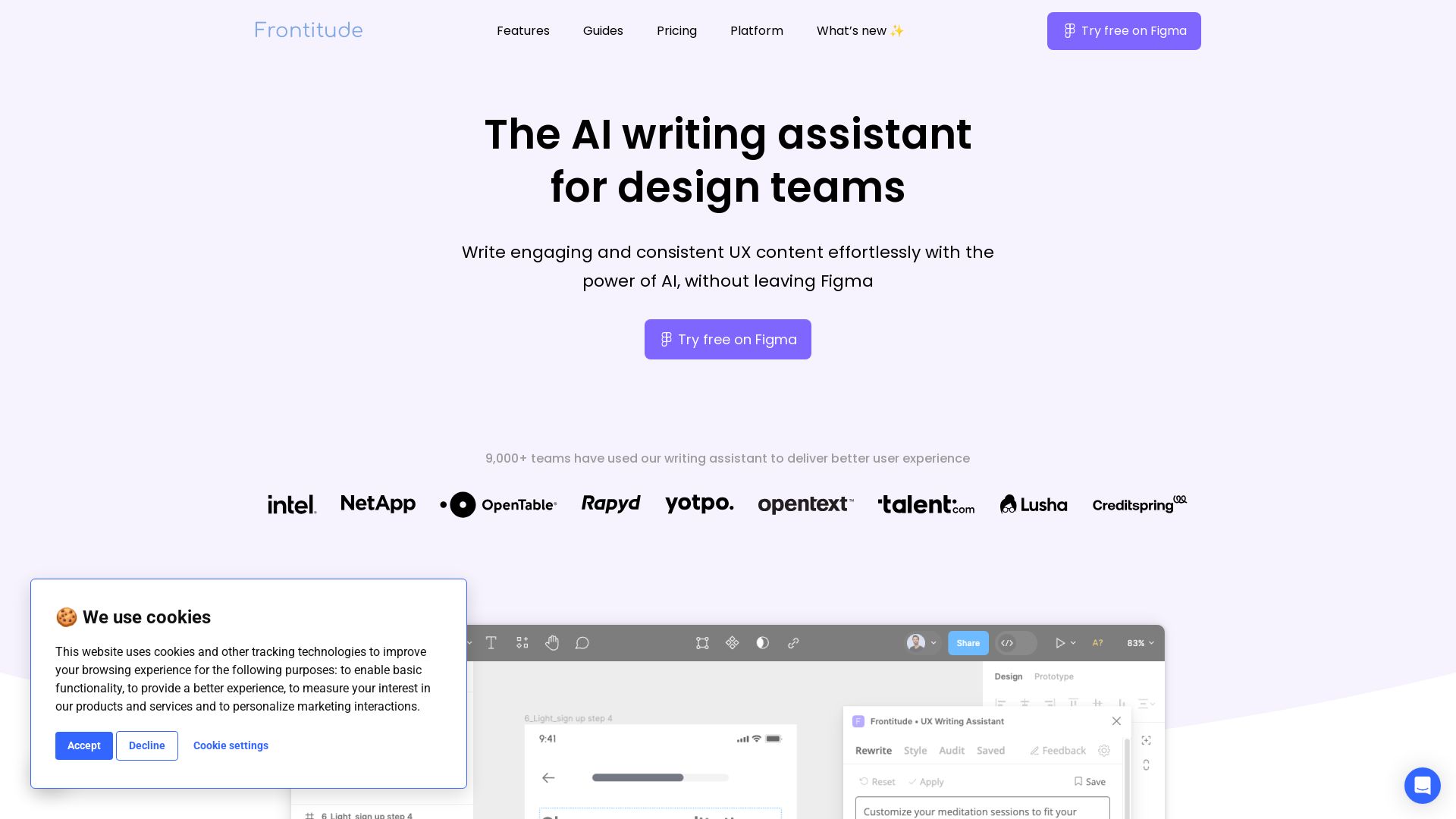
Frontitude
Write engaging UX content with AI in Figma. Save hours, enforce guidelines, and get copy suggestions instantly. Try free.

ℹ️ Curation Disclosure: The overview and features of Figma Console MCP were synthesized using AI and fact-checked by our curation team to ensure accuracy.
