
Framer
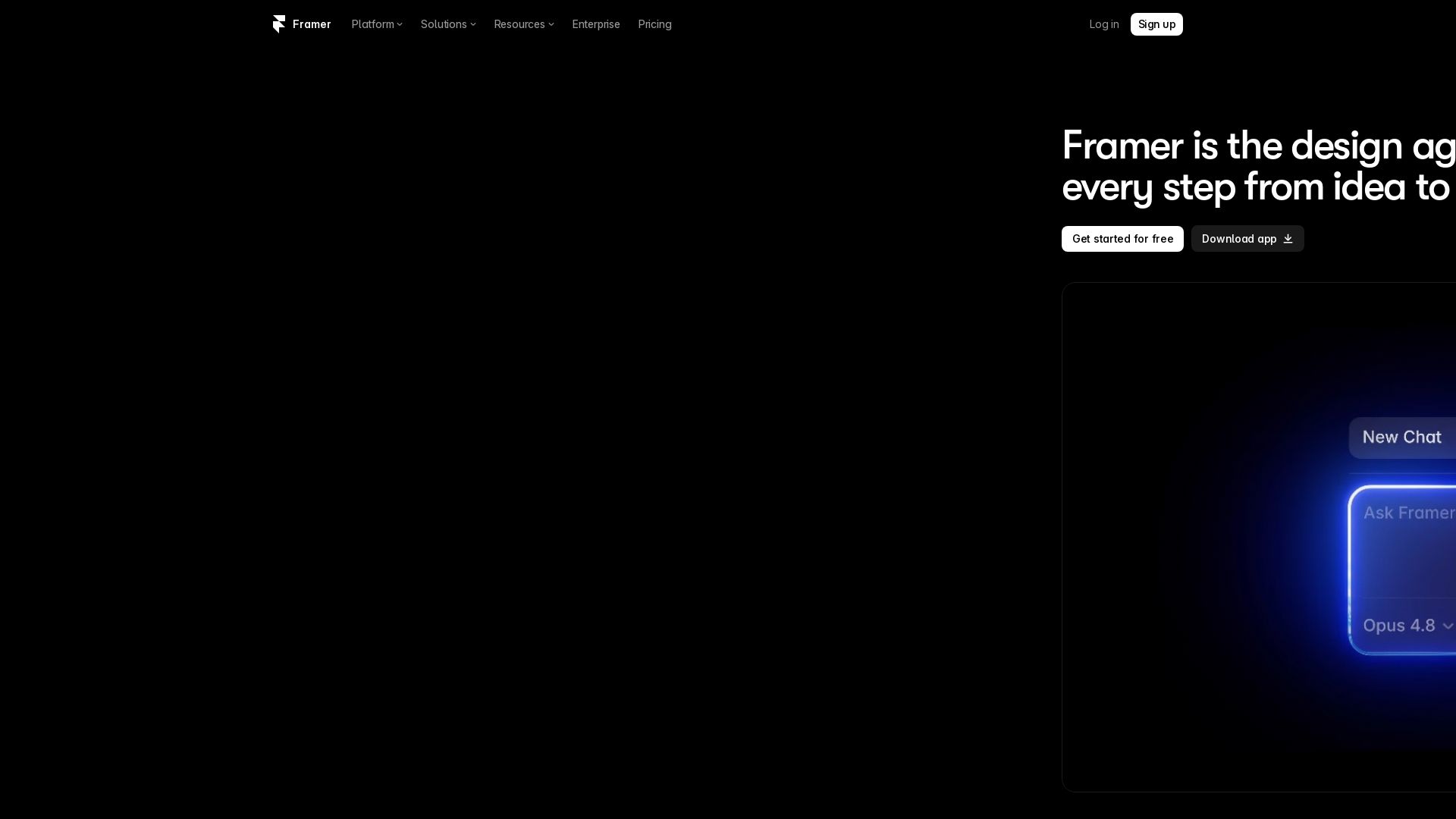
Design and launch stunning sites with Framer's AI agents. Manage CMS, code, and publish faster. Trusted by modern teams. Get started free.

Editor's Verdict
Key Takeaways
- AI Design Agent
- CMS Agent
- Code Agent
- External Agents
In-Depth Review: What is Framer?
Framer is the AI website builder that empowers you to create standout sites from idea to launch. With native design agents, AI-powered CMS management, and seamless code integration, you can design, build, and publish faster than ever. Trusted by modern teams, Framer offers a full platform with hosting, performance optimization, and a vibrant community of creators.
Core Features
AI Design Agent
A professional design agent works directly on the canvas to generate and refine site designs in place, with every change visible, editable, and under user control.
CMS Agent
Set up, organize, and update an entire CMS directly from the canvas, keeping content and design in sync.
Code Agent
Turn ideas into code and add custom effects or complex interactions directly to the site.
External Agents
Connect to any external AI such as Claude Code, Cursor, Codex, or ChatGPT and take action via Slack, terminal, or GitHub PR.
AI Website Builder
Create standout sites quickly with AI prompts, templates, and customization options without writing code.
CMS & Collections
Manage content with CMS collections, fields, plugins, and localization to keep structured content organized.
Hosting & Performance
Fast global CDN hosting with excellent Core Web Vitals, uptime, and performance monitoring.
Analytics & A/B Testing
Track visitors, pageviews, and conversions, and run A/B tests to improve site performance.
Collaboration & Roles
Invite editors, viewers, and collaborators with granular roles and permissions.
Marketplace & Community
Access thousands of templates, components, plugins, and community resources.
Pricing
Free
- 500 credits to try
- Free Framer domain
- 1 GB bandwidth
- Design pages
- 10 CMS collections on projects
- 1,000 pages
- 5 MB file uploads
- One free locale
Basic
- 1,000 credits per month
- Free custom domain
- 2 CMS collections
- 50 GB bandwidth
- Built-in SEO
- Localization (add-on)
- 30 site pages
- 1,000 CMS items
Pro
- 3,000 credits per month
- Free custom domain
- 10 CMS collections
- 100 GB bandwidth
- Site redirects
- Staging environment
- Branching with previews
- Advanced hosting (add-on)
- A/B testing (add-on)
- 150 site pages
- 2,500 CMS items
- Analytics history 90 days
Enterprise
- Credits with volume discounts
- Custom limits
- Unlimited editors
- Enterprise-grade security
- Uptime guarantee
- SCIM
- SSO
- Annual billing
- Dedicated support
Pros and Cons
Pros
- AI-native design workflowDesign, CMS, and code agents work directly on the canvas, making it fast to create and refine sites.
- All-in-one platformIncludes hosting, CMS, analytics, SEO, A/B testing, and localization in a single product.
- Excellent performanceFast Core Web Vitals and a global CDN help sites load quickly and rank well.
- Flexible for teamsRole-based collaboration, branching, and staging support workflows for small and large teams.
- Rich ecosystemMarketplace, templates, components, plugins, and community resources extend the platform.
Cons
- Credit consumption for AIAgents and AI features consume monthly credits, and heavy usage may require purchasing more.
- Advanced features cost extraA/B testing, advanced hosting, localization, and extra bandwidth are add-ons on lower plans.
- Custom domain requires paid planThe Free plan does not allow connecting a custom domain.
- Bandwidth limitsBasic and Pro plans have fixed bandwidth caps, with overage charges if exceeded.
- Editor seats add upAdditional editors cost $20/month each, and content editors cost $10/month each.
Use Cases & Recommended Professions
Web Designer→ View Toolkit
Use Framer's visual canvas and AI design agents to quickly create and iterate on responsive sites.
UI/UX Designer→ View Toolkit
Prototype, design, and publish interactive interfaces without leaving a familiar canvas environment.
Front-end Developer→ View Toolkit
Leverage code agents, external AI integrations, and custom code to add complex interactions and components.
Growth Marketer→ View Toolkit
Run A/B tests, analyze analytics, and optimize conversion funnels directly on the site.
Startup Founder→ View Toolkit
Build landing pages, blogs, and company sites quickly with AI without needing a development team.
Content Manager→ View Toolkit
Use the CMS agent and collections to publish and keep content in sync with design.
Frequently Asked Questions
Alternative AI Tools
View Detailed Comparison →
Superdesign
Create stunning designs with AI. Iterate quickly using natural language. Export production-ready code. Browse design prompts and styles.


Figma
Figma is the intelligent, AI-native canvas for designing, prototyping, and building products together. Trusted by 95% of Fortune 500. Explore design and dev tools.


Motiff AI
Generate production-ready UI from text, wireframes, or screenshots with Motiff AI. Choose preset styles, export to React/HTML. Fast, consistent design.


Anima
Convert Figma designs, images, and code into live HTML/React apps. AI with design context for developers and agents.


Figma Console MCP
Connect AI to Figma for design extraction, token sync, and component creation. Turn your design system into a programmable API.

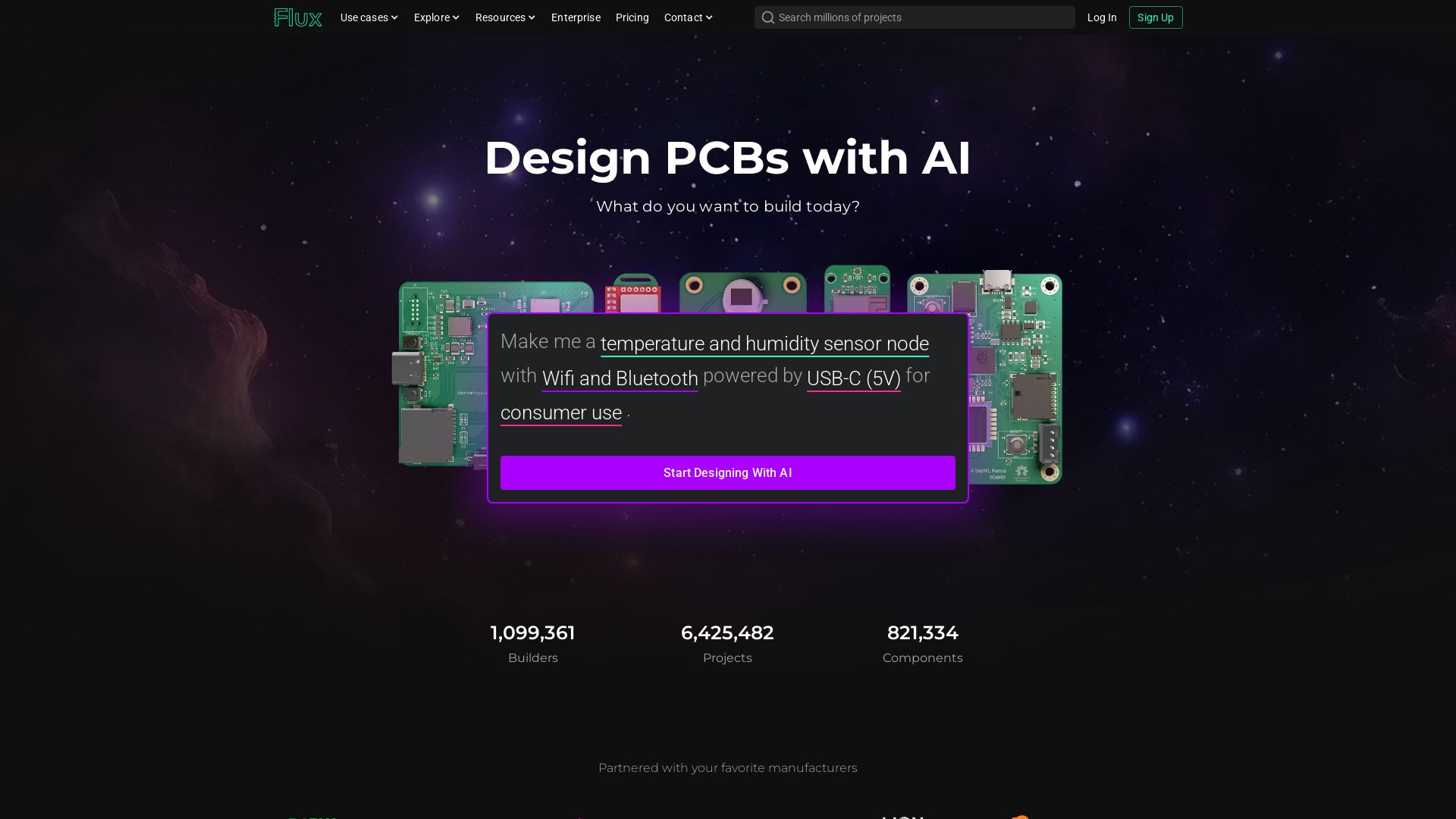
Flux
Design PCBs with AI. Flux is a browser-based eCAD with real-time collaboration, live component data, and AI assistance from idea to manufacturing.


Komposo
Turn product ideas into real, editable designs with AI. Generate, edit, and export UIs using plain language. Trusted by 100k+ users. Start for free.


UX Pilot
Ideate, design, and hand-off web apps in seconds with UX Pilot's AI. Generate wireframes, hi-fi designs, and clean code. Trusted by 1M+ users.


Making AI think and act: my approach to the Hugging Face AI ...
Experienced AI engineer specializing in medical imaging and LLM-powered agents. Built globally deployed radiology AI at AZmed. Now building AI agents at Matrix One.

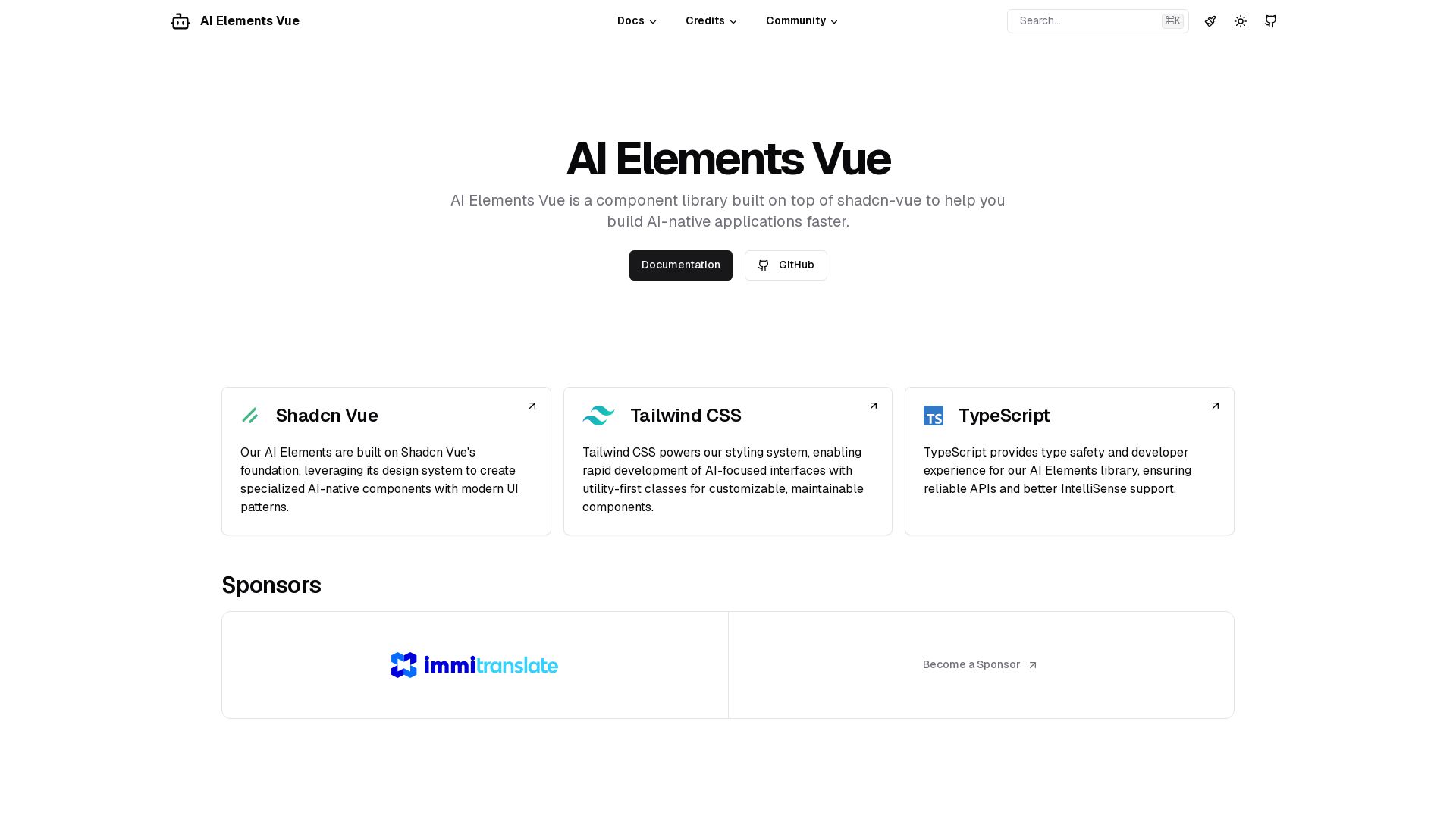
AI Elements Vue
Build AI-native apps faster with AI Elements Vue: a component library on shadcn-vue with Tailwind CSS & TypeScript. Pre-built AI components.


Massachusetts AI Hub
Explore no-cost Google AI training, startup accelerator, and major investments. Join the global leader in applied AI.


AIDesigner
Create premium UI, logos, brand kits, and more with AIDesigner. No design experience needed. Free to try, no credit card required. Join 15,000+ users.

ℹ️ Curation Disclosure: The overview and features of Framer were synthesized using AI and fact-checked by our curation team to ensure accuracy.
