
AI Garden Design vs Hadaa: Features & Pricing (2026)
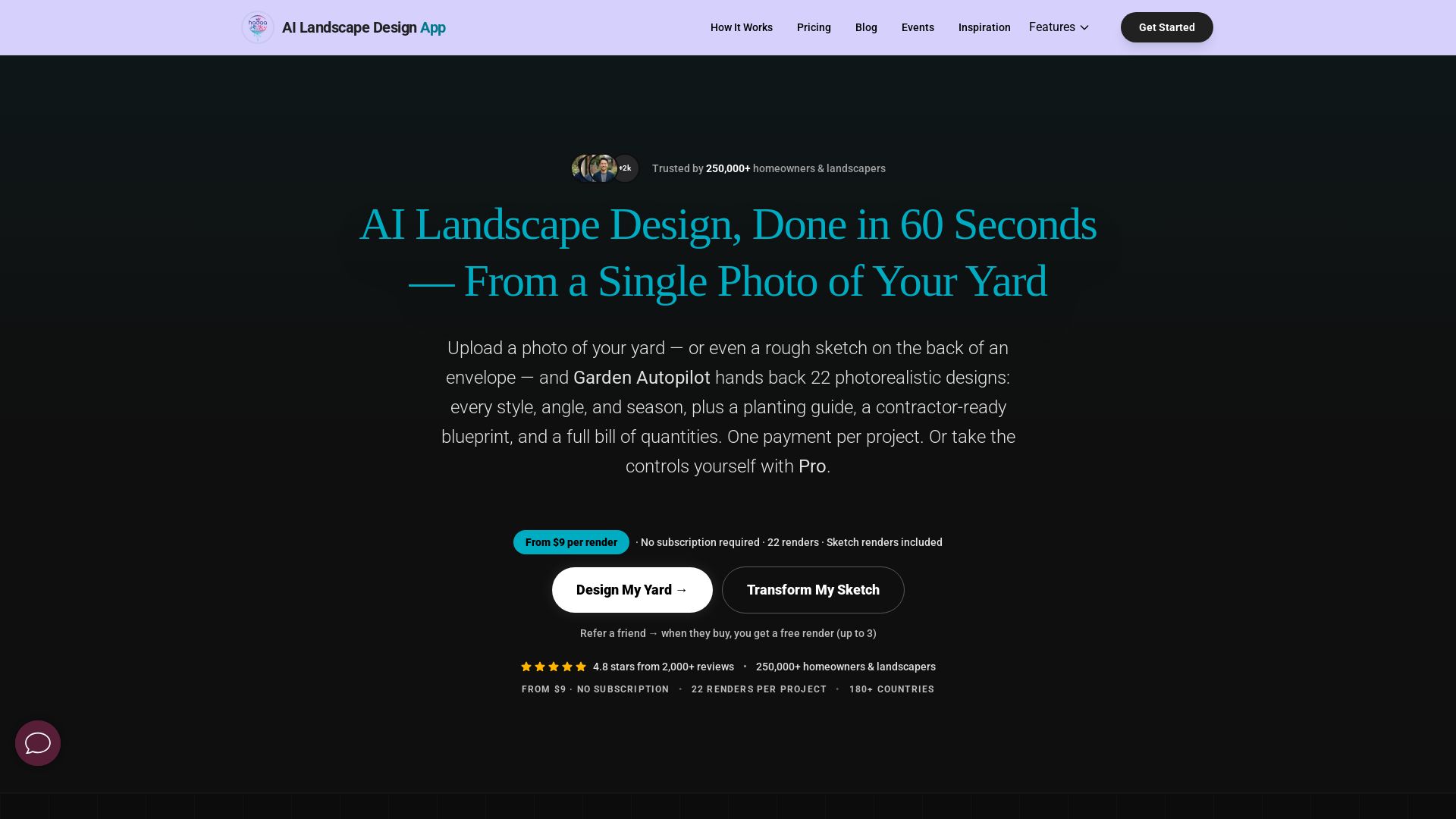
Upload a photo or sketch, get 22 photorealistic designs, planting guide, blueprint & BOQ. Pay per project, no subscription.

Editor's Verdict
Key Takeaways
- Garden Autopilot
- Sketch Autopilot
- Style Presets
- Smart Fix
In-Depth Review: What is AI Garden Design vs Hadaa: Features & Pricing (2026)?
Hadaa is the AI landscape design app trusted by 250,000+ homeowners and professionals. Upload a single photo or rough sketch and receive 22 photorealistic renders in under 60 seconds—covering styles, angles, seasons, plus a USDA zone-verified planting guide, contractor-ready blueprint, and bill of quantities. Pay once per project, no subscription. With 48+ design styles, seven specialized engines, and support for 180+ countries, Hadaa turns any yard into a buildable plan you can actually use.
Core Features
Garden Autopilot
Upload one photo and get 22 photorealistic renders automatically, including style variations, angle views, seasonal previews, a planting guide, blueprint, and bill of quantities.
Sketch Autopilot
Turn any hand-drawn sketch, iPad plan, or CAD file into 4-8 photorealistic renders automatically, with no 3D modeling skills required.
Style Presets
Apply 48+ landscape design styles—from Japanese Zen to Desert Modern—to your actual yard photo with a single click, using a masking brush for precision.
Smart Fix
Edit your design with plain-English text instructions, such as 'add a fire pit' or 'replace lawn with gravel and succulents,' without affecting other elements.
Quick Actions
Automatically detect yard issues like sparse planting or weeds, generate prioritized fixes, and preview designs at night, golden hour, or in different seasons.
Change Viewpoint
Upload 4-14 photos to create an aerial map of your property, then design on that map and transfer the result to any ground-level angle or suggested viewpoint.
Sketch Engine
Convert any 2D sketch, architectural plan, or CAD export into a photorealistic 3D landscape render, complete with perspective and depth mapping.
Biological Engine
Every plant is verified against your USDA hardiness zone, local rainfall, and sun exposure, ensuring the design survives and thrives in your climate.
Contractor-Ready Blueprint
Export a color-coded planting map with labeled zones, path widths, plant counts, and material quantities that contractors can use directly for quotes and construction.
Planting Guide
Receive a PDF with botanical names, quantities, mature sizes, care notes, and nursery links for every plant in your design, verified by zone.
Bill of Quantities
Get a detailed list of materials and costs—mulch by cubic yard, paving by square foot—so you can budget accurately before buying anything.
No Subscription
Pay once per project with no recurring fees, no auto-renewals, and no 'premium tiers' to cancel. Your renders never expire.
Pricing
Pay Per Render (Garden & Sketch Autopilot)
- 22 images included per render pack
- 8 style variations
- 8 angle views (aerial, near, far, boundary)
- Night & golden hour previews
- Winter & summer seasonal previews
- Zone-verified planting guide PDF
- Color-coded contractor blueprint
- Bill of quantities (materials & costs)
- 4K downloads included
Pro Studio
- Access to all five engines independently
- 48+ style presets with precision masking brush
- Smart Fix for detailed text edits
- Quick Actions for yard diagnostics & seasonal previews
- Change Viewpoint for aerial synthesis
- Sketch Engine for CAD-to-render workflows
- Full creative control
Pros and Cons
Pros
- Lightning FastUpload a photo and get 22 photorealistic designs in under 60 seconds, saving weeks compared to traditional landscape architects.
- No Subscription RequiredPay once per project and keep your renders forever. No recurring fees or auto-renewal traps.
- Zone-Verified PlantsEvery plant is checked against USDA hardiness zones, local rainfall, and sun exposure, so your design actually survives in your climate.
- Contractor-Ready OutputIncludes a blueprint, planting guide, and bill of quantities, making it easy to hand off to a contractor or nursery with no guesswork.
- Versatile Input OptionsWorks from photos, hand-drawn sketches, iPad plans, or CAD exports—no 3D modeling skills needed.
Cons
- Requires Good Source ImagesFor best results, you need clear, well-lit photos or legible sketches; poor input can lead to less accurate renders.
- No Free TierThere is no free plan; you must purchase a render pack to use the service, which may be a barrier for casual users.
- Pro Studio Pricing Not TransparentThe Pro Studio plan price is not listed on the website, requiring users to contact support for a quote.
- Limited to Outdoor DesignHadaa is specialized for landscape and exterior design only; it does not offer interior design or other home renovation features.
- Internet DependentAs a cloud-native SaaS platform, it requires a stable internet connection to generate and export renders.
Use Cases & Recommended Professions
Homeowner→ View Toolkit
Homeowners can visualize backyard or front yard redesigns, get planting guides, and hand contractor-ready blueprints to landscapers, saving thousands in design fees.
Landscape Designer→ View Toolkit
Landscape designers can quickly generate photorealistic concepts for clients, iterate on designs in minutes, and increase their close rate during consultations.
Real Estate Agent→ View Toolkit
Real estate agents can stage listings with virtual yard makeovers, show buyers the property's potential, and potentially increase offers or sale prices.
Interior Designer→ View Toolkit
Interior designers can expand their services to outdoor spaces, creating terrace and courtyard concepts that complement their interior work.
HOA Board Member→ View Toolkit
HOA boards can generate multiple landscape design options for common areas and let members vote, eliminating expensive architect fees.
Property Manager→ View Toolkit
Property managers can plan seasonal landscaping upgrades, improve curb appeal to reduce vacancy rates, and make budgeting decisions easier with owners.
Frequently Asked Questions
Alternative AI Tools
View Detailed Comparison →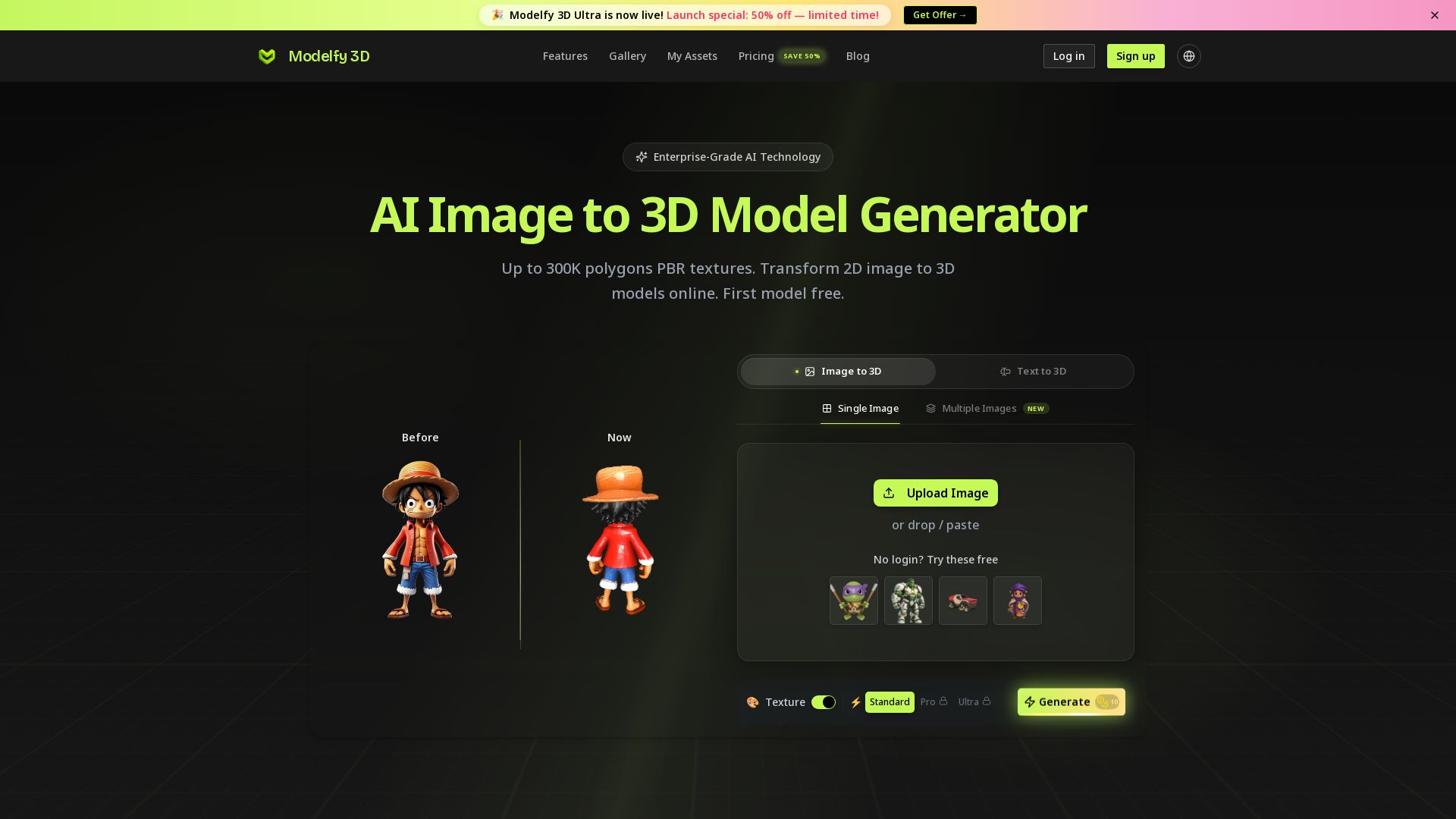
Modelfy 3D
Convert 2D images to 3D models with AI. Up to 300K polygons, PBR textures, GLB/OBJ/STL export. Free first model. Try Modelfy 3D now.

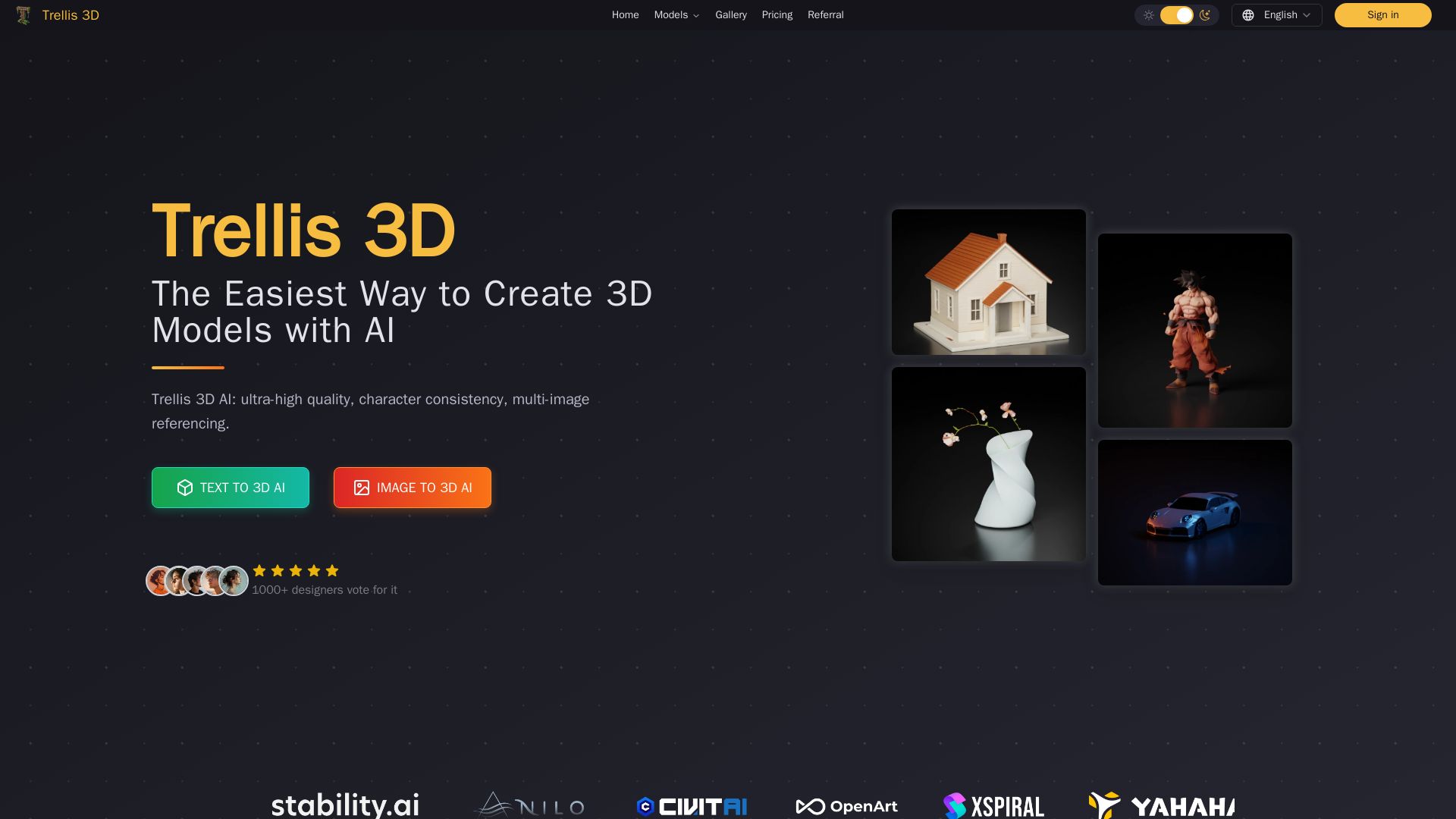
Trellis 3D AI
Create stunning 3D models from text or images using Trellis 3D AI. Ultra-high quality, multi-format output, and easy editing. Try it free!

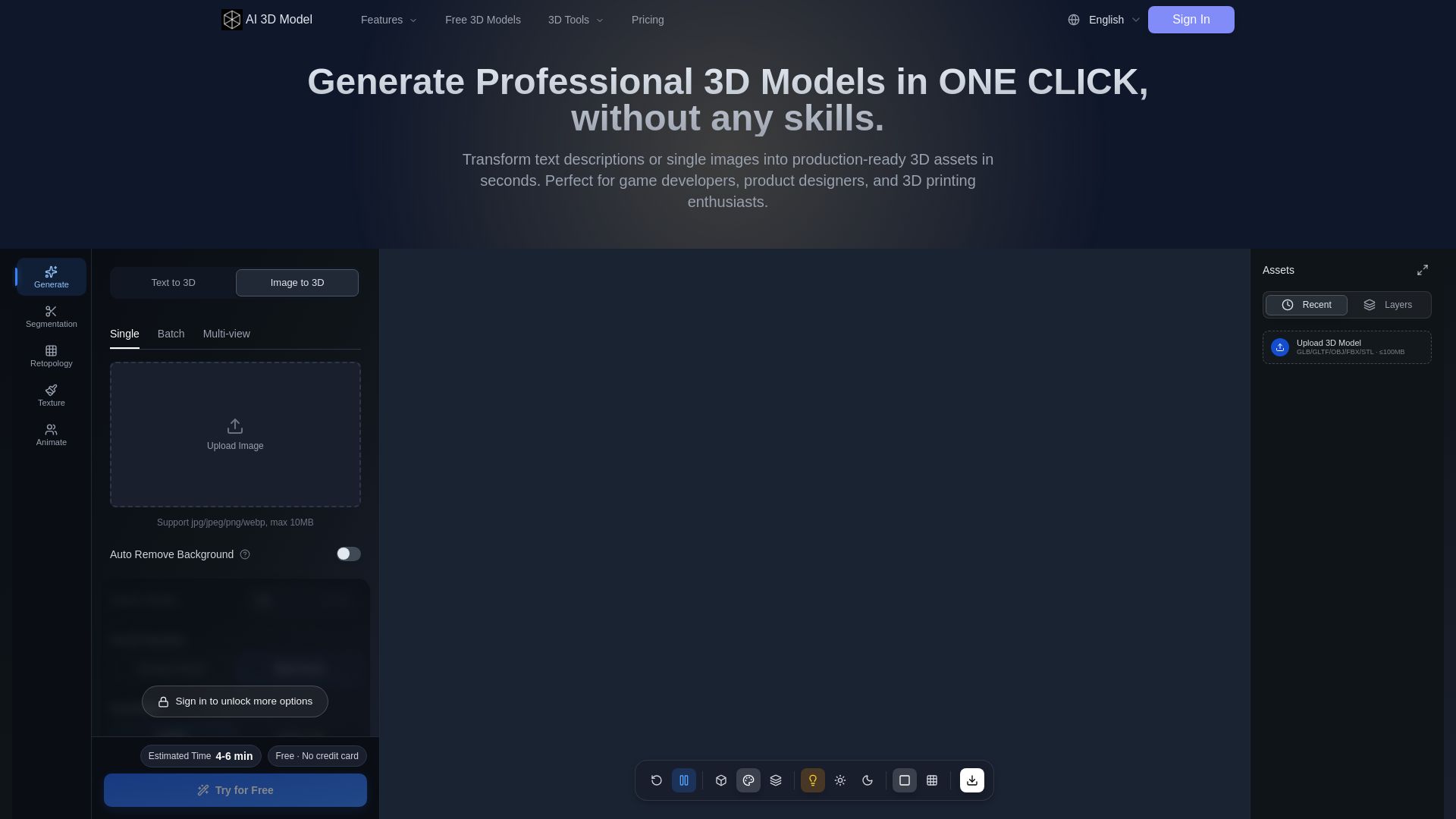
AI 3D Model Generator
Turn text or images into production-ready 3D models in seconds. Perfect for games, product design, 3D printing. No skills needed. Try free!



3D AI Studio
Create stunning 3D models instantly from text or images with AI. No experience required. Export to GLB, FBX, STL & more. Used by 1M+ creators.


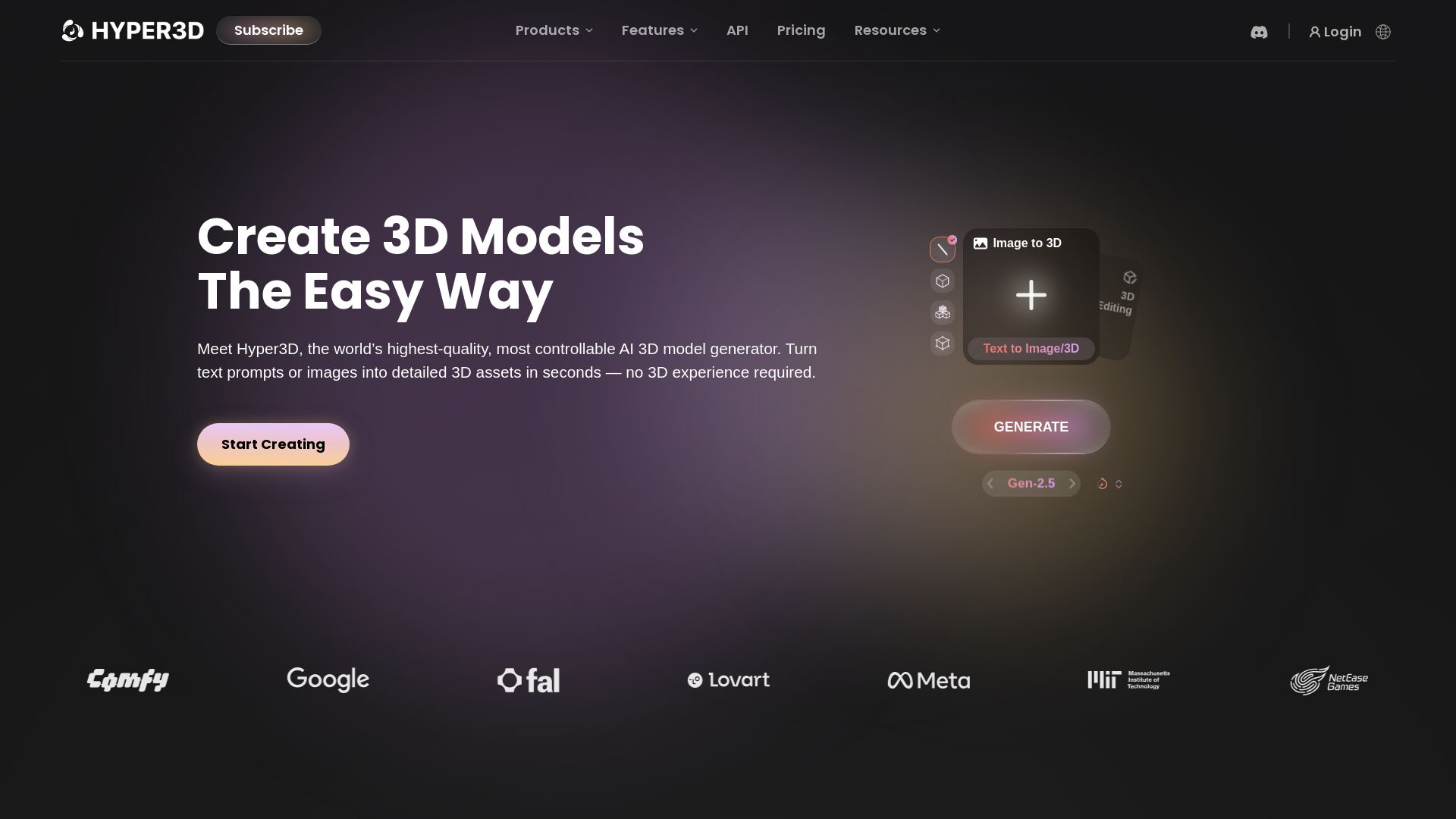
Hyper3D Rodin
Turn text or images into high-quality 3D models in seconds. No experience needed. Free trial available. Start creating now!








Superdesign
Create stunning designs with AI. Iterate quickly using natural language. Export production-ready code. Browse design prompts and styles.

ℹ️ Curation Disclosure: The overview and features of AI Garden Design vs Hadaa: Features & Pricing (2026) were synthesized using AI and fact-checked by our curation team to ensure accuracy.
