
Modelfy 3D
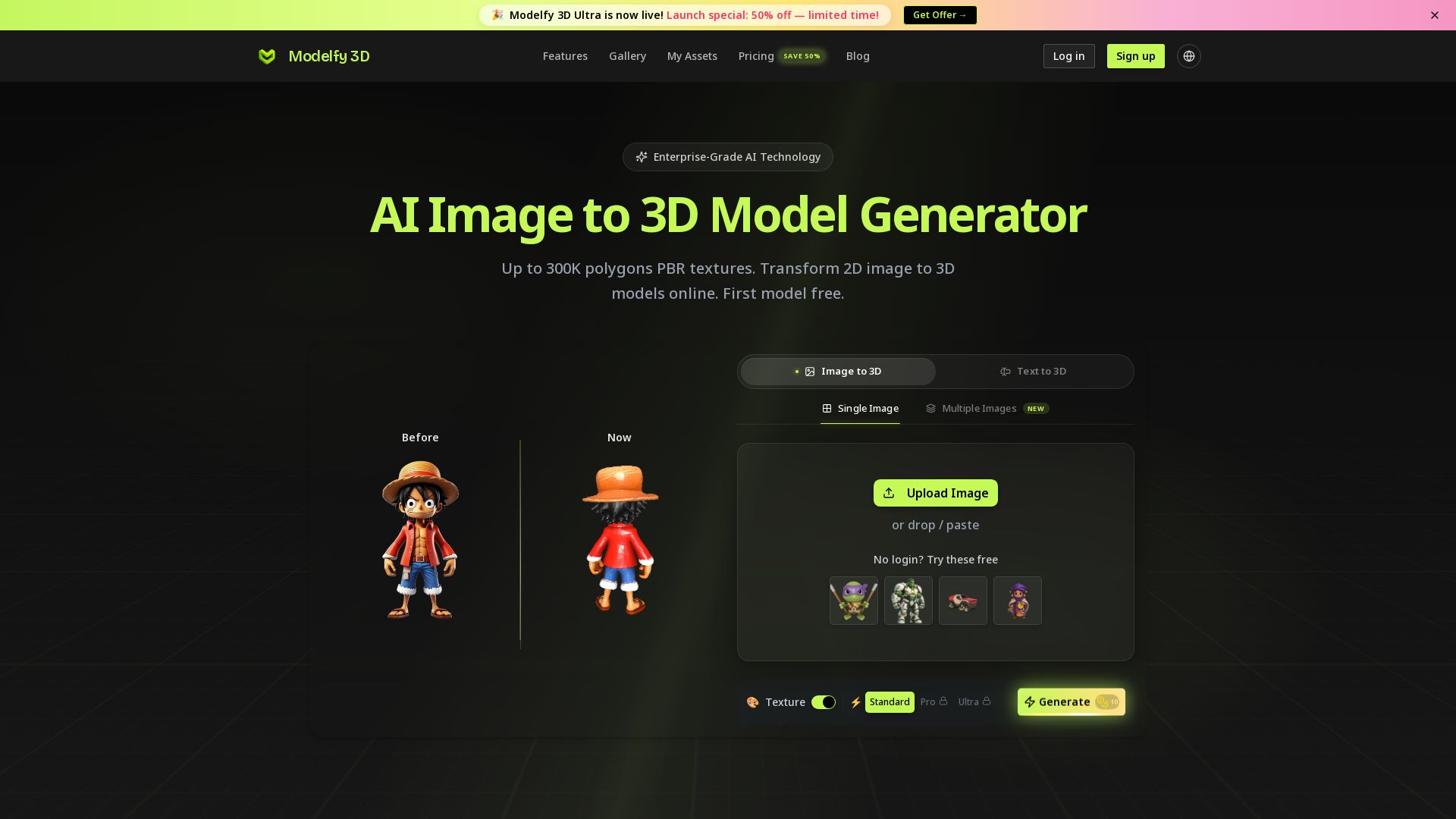
Convert 2D images to 3D models with AI. Up to 300K polygons, PBR textures, GLB/OBJ/STL export. Free first model. Try Modelfy 3D now.
Editor's Verdict
Key Takeaways
- AI Image to 3D Conversion
- Multiple Quality Tiers
- PBR Texture Generation
- Multi-Format Export
In-Depth Review: What is Modelfy 3D?
Modelfy 3D is an enterprise-grade AI-powered platform that transforms 2D images into high-quality 3D models in minutes. With support for up to 300K polygons, PBR textures, and multi-format export (GLB, OBJ, STL), it's perfect for game development, 3D printing, product design, and professional visualization. No 3D modeling experience required—upload an image and get production-ready assets immediately.
Core Features
AI Image to 3D Conversion
Transform any 2D image into a professional 3D model using advanced AI algorithms. Supports JPG, PNG, and WEBP inputs, with up to 300K polygons for detailed results.
Multiple Quality Tiers
Choose from Fast (15K polygons), Standard (30K), Pro (60K), or Ultra (300K) precision levels to balance speed and detail. Premium plans support up to 500K polygons.
PBR Texture Generation
Automatically generate realistic Physically Based Rendering (PBR) textures alongside 3D geometry. Supports 4K PBR textures on premium plans for high-fidelity rendering.
Multi-Format Export
Export models in industry-standard formats: GLB for web/games, OBJ for 3D software, and STL for 3D printing. Includes texture maps and preview images.
Professional Asset Management
Organize generated models with enterprise-grade tools: filter by status, add favorites, archive completed projects, and manage custom tags and descriptions.
Text to 3D Generation
Generate 3D models directly from text prompts, offering a complementary workflow to image-based conversion for rapid ideation.
Enterprise-Grade Infrastructure
Built on Cloudflare's global CDN with 99.9% uptime, real-time monitoring, automatic error recovery, and complete audit logs for reliable business use.
Free Tier and Trial Credits
Start with free credits, no login required for sample models, and access to a limited free plan to test the service before upgrading.
Pricing
Free
- 10 credits monthly
- 5 credits welcome gift
- Single Image & Text to 3D Standard only
- Up to 2 downloads/day
- Up to 60k polygons
- Limited queue priority
- Assets are under CC BY 4.0 license
- Private assets & CDN hosting (7 days)
- No Pro/Ultra or Multiple Images modes
- No PBR textures
Pro
- 1,000 credits monthly
- Download Ultra and Pro models
- Unlimited downloads per day
- Standard queue priority
- Smart queue routing
- Support 4K PBR textures
- Up to 500K polygons
- Private assets & CDN hosting (180 days)
- Assets are private & customer owned
- Email support within 24h
- Single Image and Text support (Standard/Pro/Ultra); Multiple Images Ultra support
Max
- 4,000 credits monthly
- Download Ultra and Pro models
- Unlimited downloads per day
- Higher queue priority
- All premium features
- Support 4K PBR textures
- Up to 500K polygons
- Private assets & CDN hosting (permanent)
- Assets are private & customer owned
- Priority support & uptime SLA
- Single Image and Text support (Standard/Pro/Ultra); Multiple Images Ultra support
Pros and Cons
Pros
- Rapid ConversionConvert 2D images to 3D models in minutes, compared to days with traditional modeling.
- High PrecisionGenerate models with up to 300K polygons (500K on premium) for detailed, production-ready assets.
- No Learning CurveSimple one-click process requires no 3D modeling expertise, making it accessible to all professionals.
- Comprehensive Export OptionsExport in GLB, OBJ, STL, plus texture maps, ensuring compatibility with major tools like Blender, Unity, and 3D printers.
- Free Tier AvailableGet started with free credits and a limited plan to evaluate the service before committing.
Cons
- Free Plan LimitationsFree tier restricts to Standard quality, 60K polygons, no PBR textures, and includes CC BY 4.0 licensing.
- Credit-Based UsageEach conversion consumes credits, and heavy use may require upgrading to Pro or Max plans for sufficient credits.
- AI Accuracy VariabilityComplex or ambiguous images may produce less accurate 3D reconstructions compared to professional manual modeling.
- Requires Internet ConnectionThe service is cloud-based, so an internet connection is necessary to upload images and download models.
- No Customization of AI ModelsUsers cannot fine-tune the AI algorithms for specific object types or styles; output depends on the preset quality tiers.
Use Cases & Recommended Professions
Game Developer→ View Toolkit
Needs rapid 3D asset generation from concept art to prototype game assets, with export formats compatible with Unity and Unreal Engine.
Product Designer→ View Toolkit
Converts product photos into 3D models for client presentations, speeding up design iterations and reducing manual modeling time.
E-commerce Manager→ View Toolkit
Enhances online product listings with interactive 3D views, increasing customer engagement and conversion rates.
3D Artist→ View Toolkit
Uses AI-driven conversion for rapid prototyping and as a base mesh for further refinement, saving hours of initial modeling work.
VR Developer→ View Toolkit
Generates optimized, low-polygon models for virtual reality environments, ensuring smooth performance and quick iteration.
3D Printing Enthusiast→ View Toolkit
Transforms images of objects into STL files for 3D printing, enabling quick fabrication of prototypes and personalized items.
Frequently Asked Questions
Alternative AI Tools
View Detailed Comparison →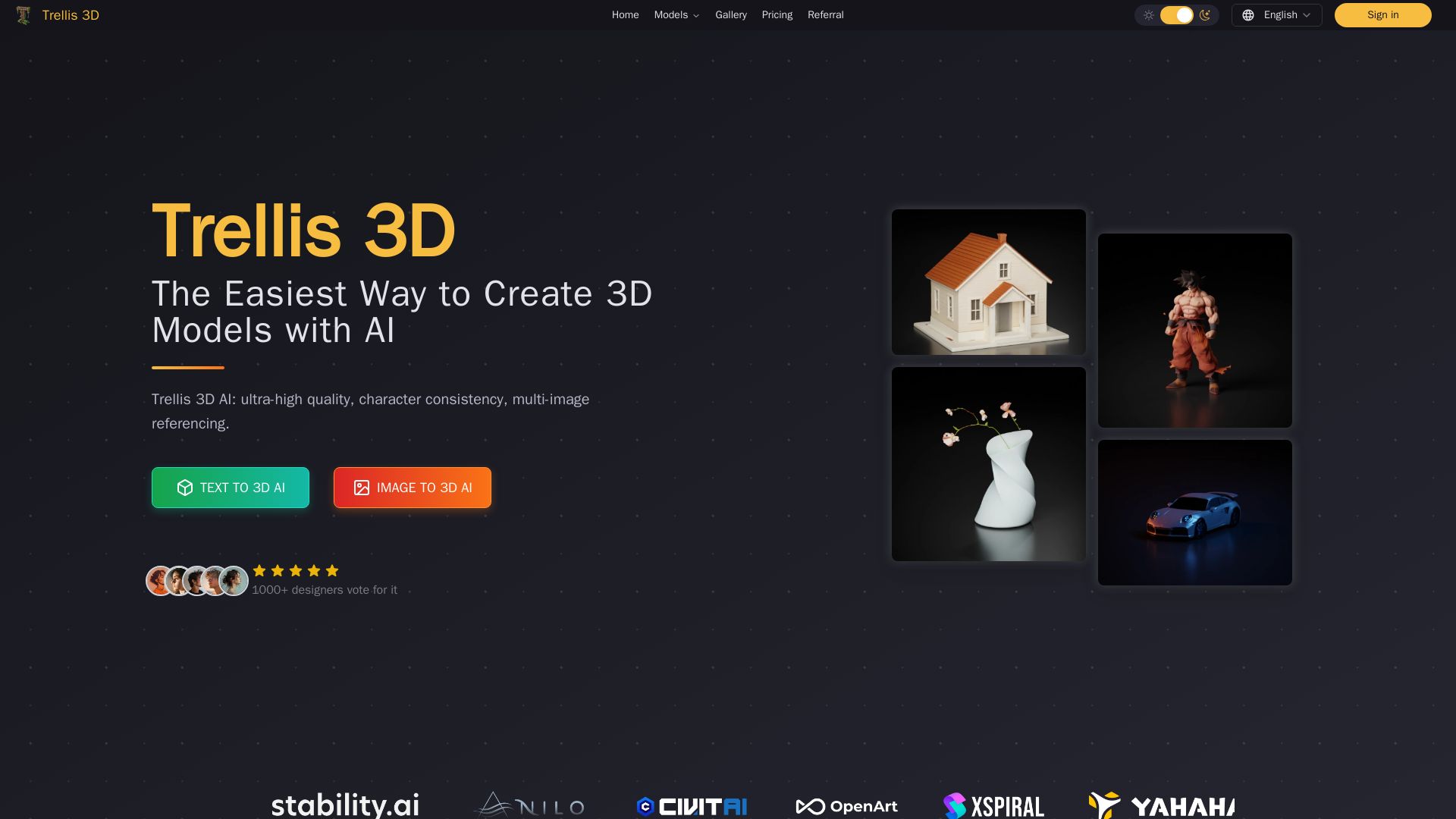
Trellis 3D AI
Create stunning 3D models from text or images using Trellis 3D AI. Ultra-high quality, multi-format output, and easy editing. Try it free!

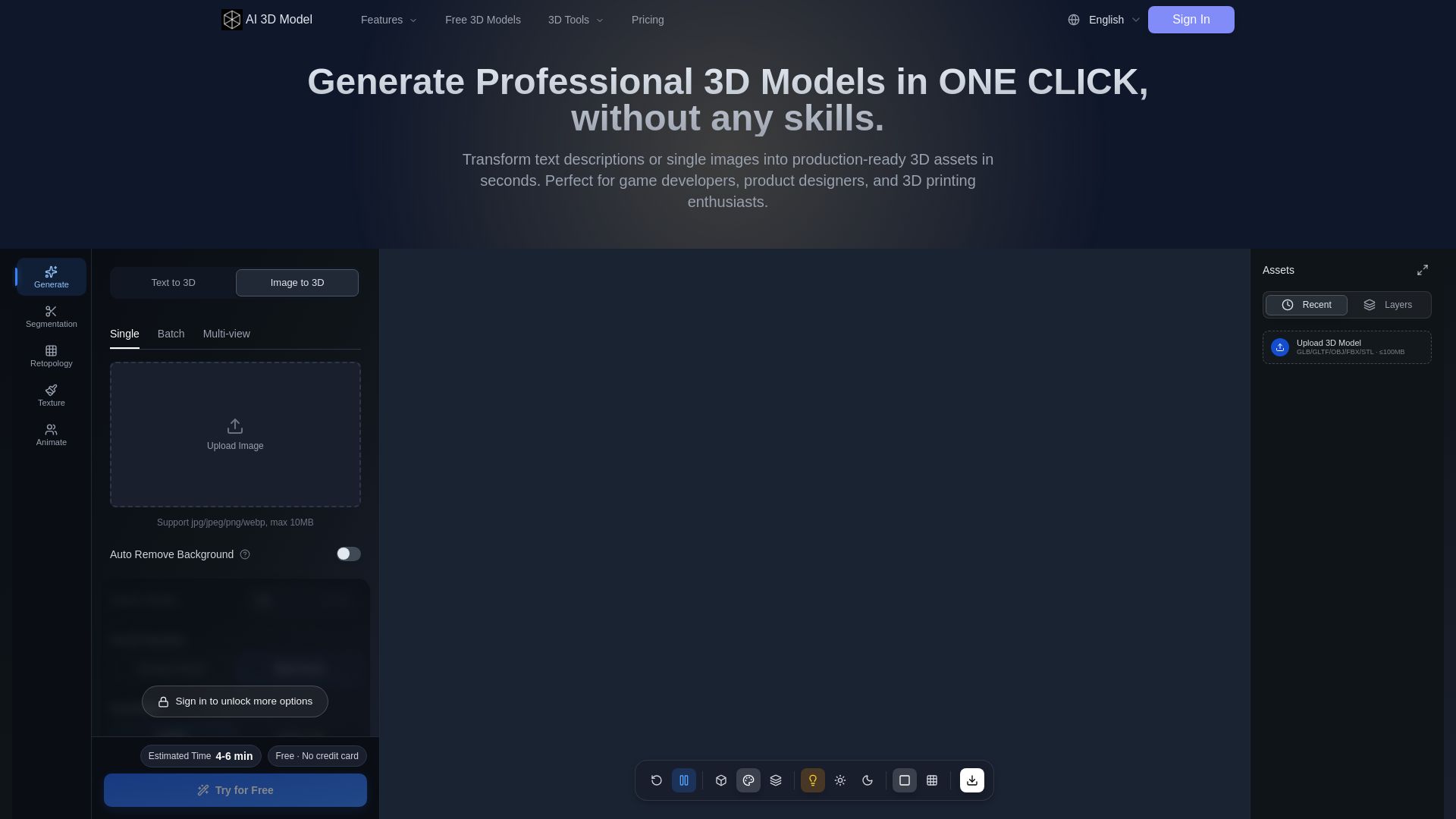
AI 3D Model Generator
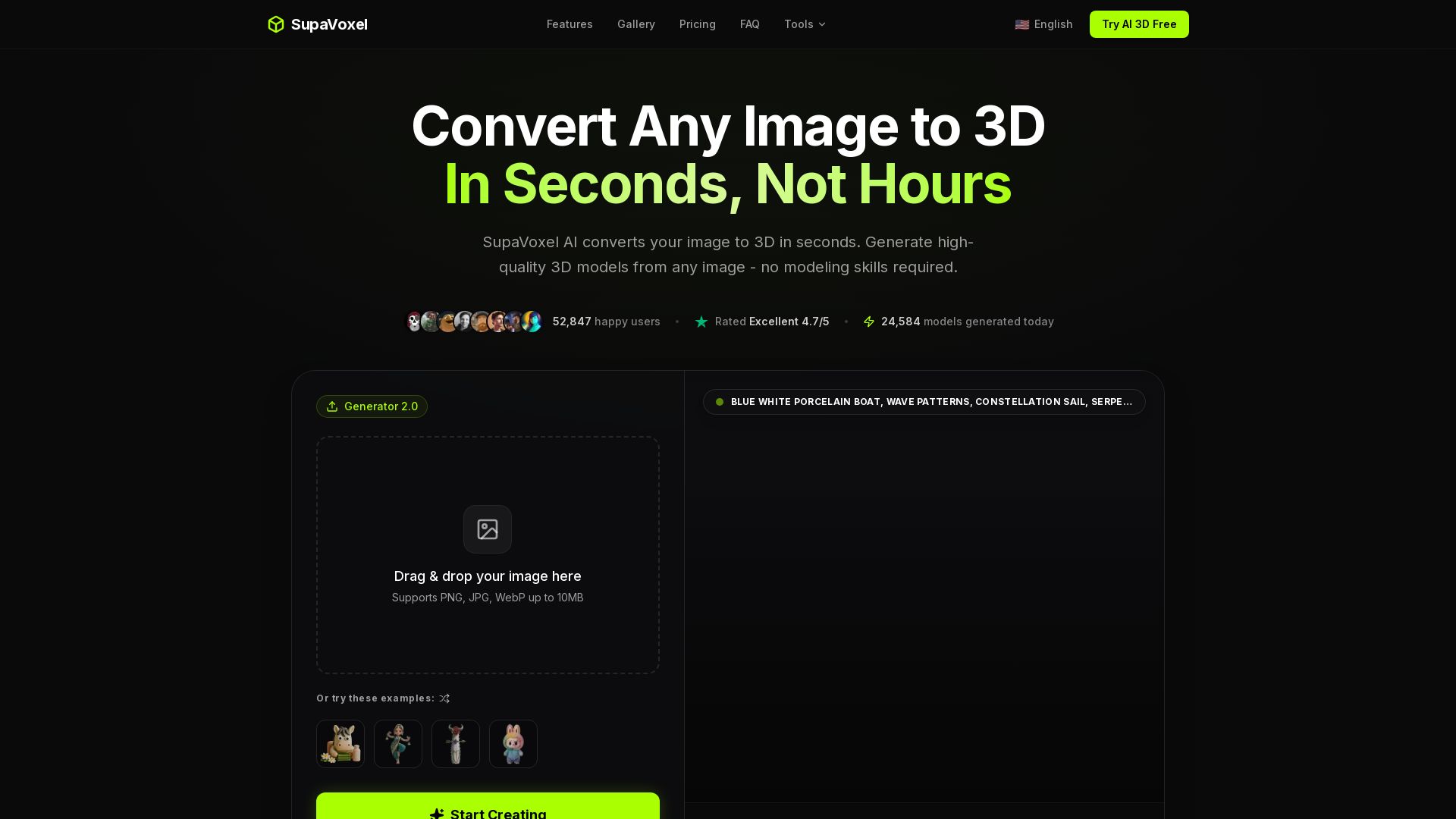
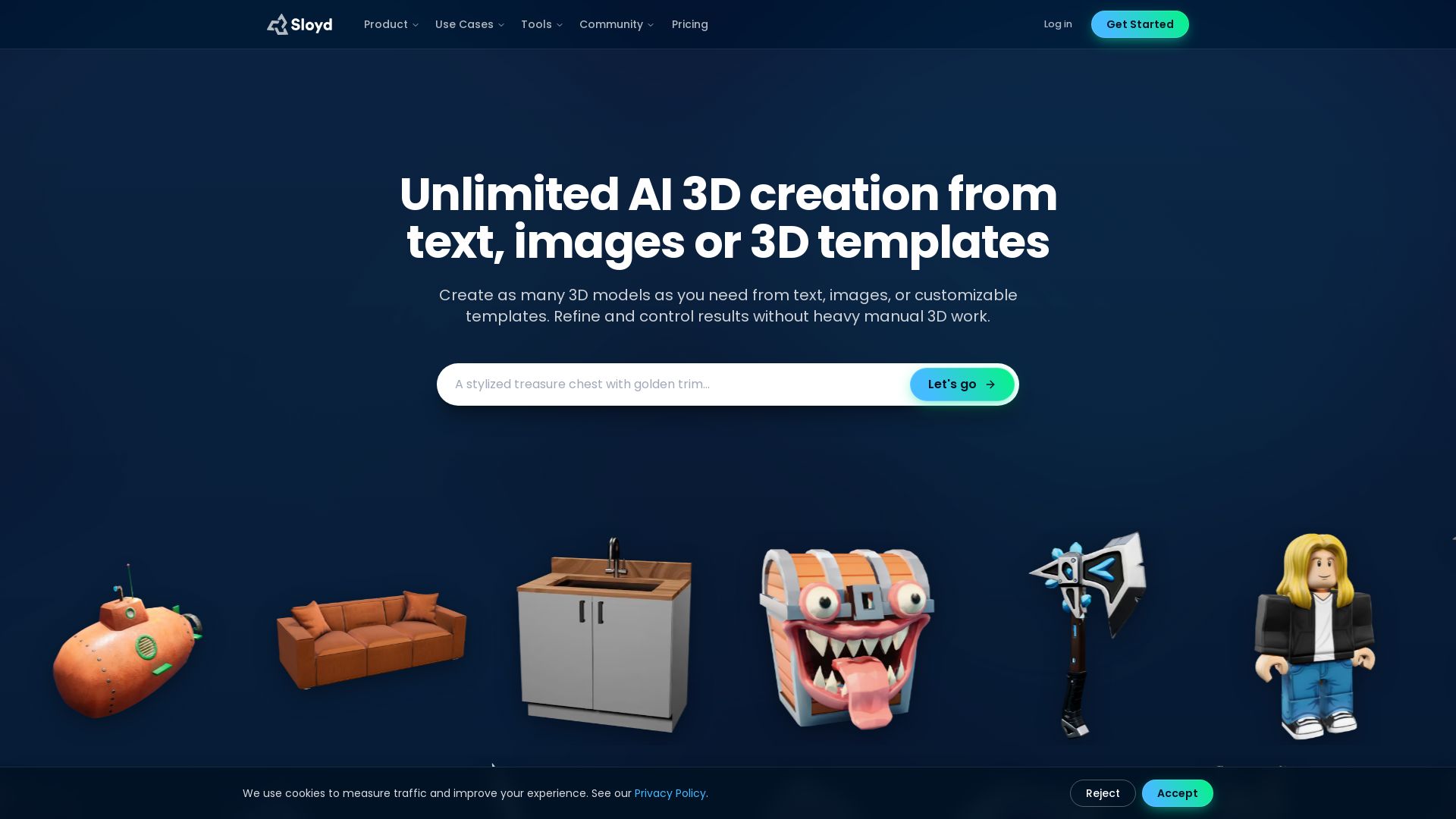
Turn text or images into production-ready 3D models in seconds. Perfect for games, product design, 3D printing. No skills needed. Try free!

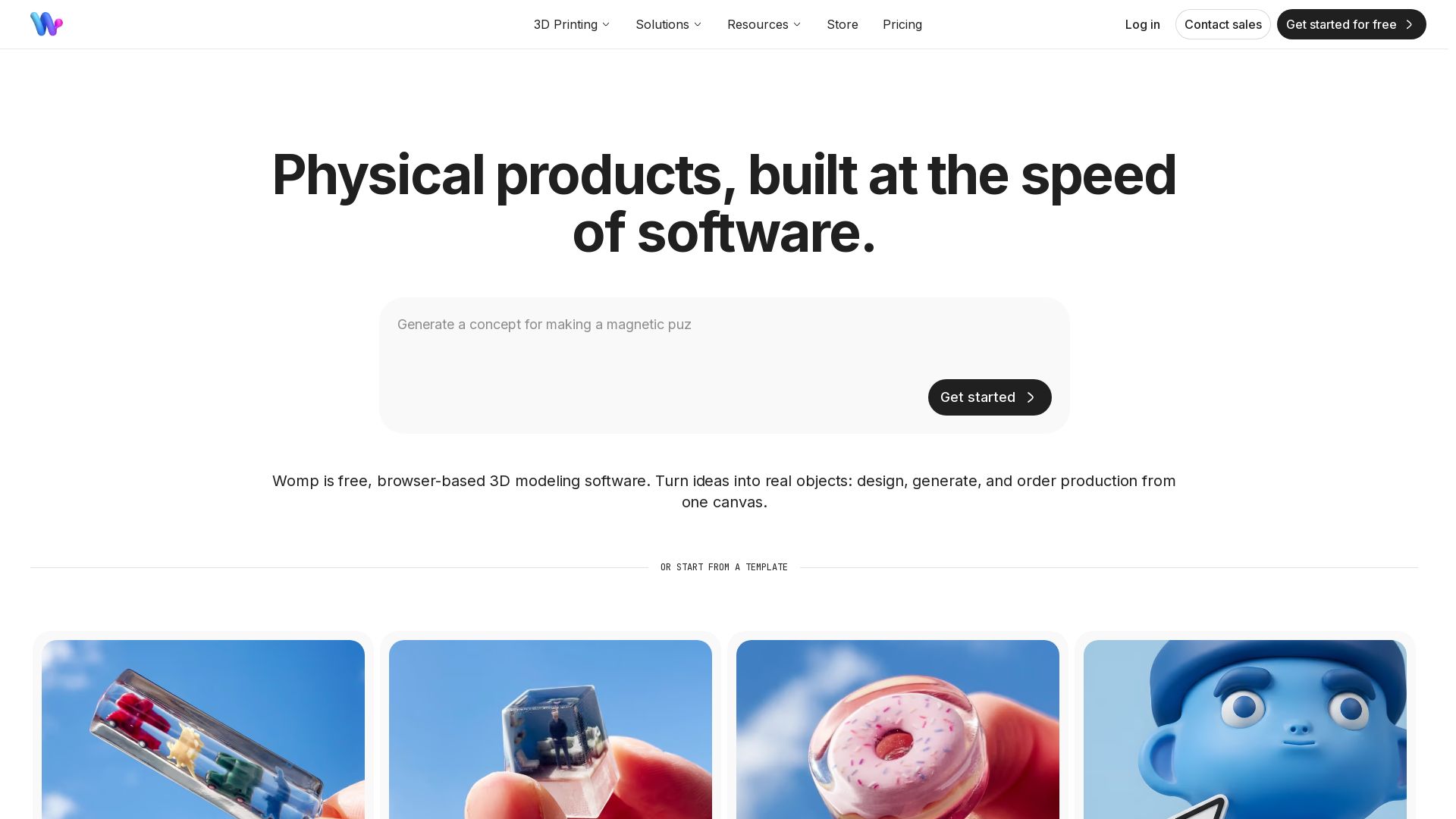

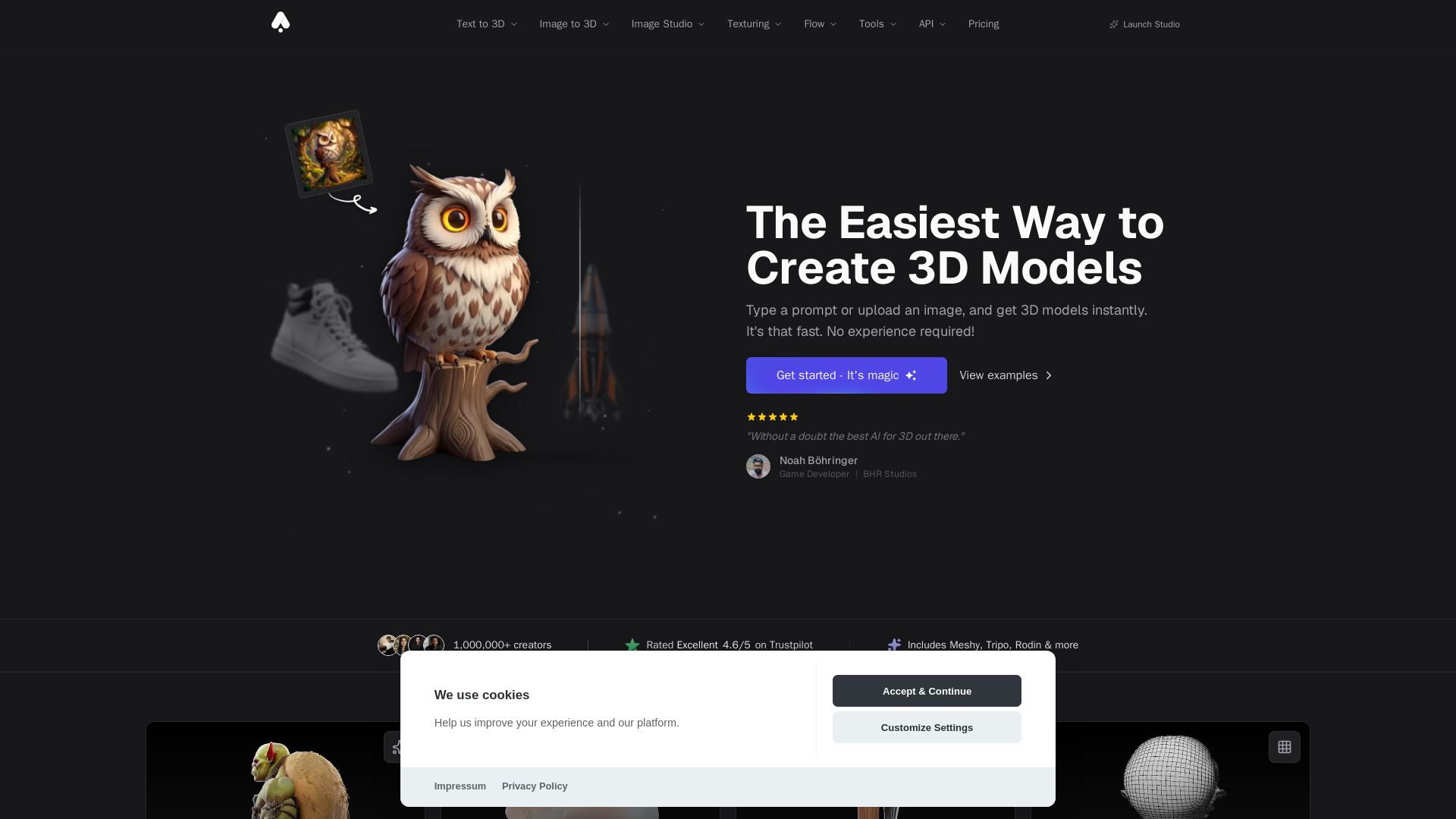
3D AI Studio
Create stunning 3D models instantly from text or images with AI. No experience required. Export to GLB, FBX, STL & more. Used by 1M+ creators.


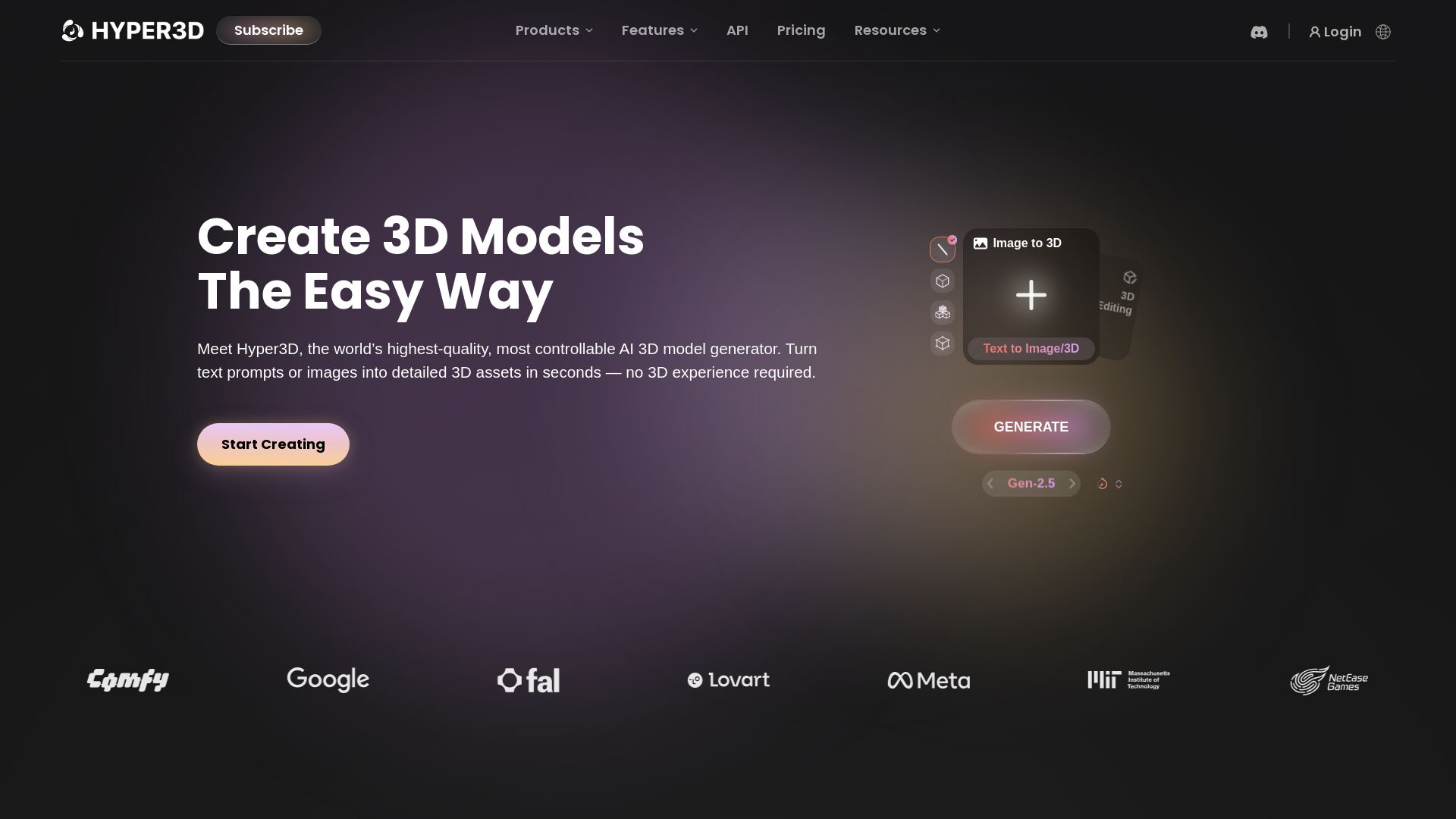
Hyper3D Rodin
Turn text or images into high-quality 3D models in seconds. No experience needed. Free trial available. Start creating now!






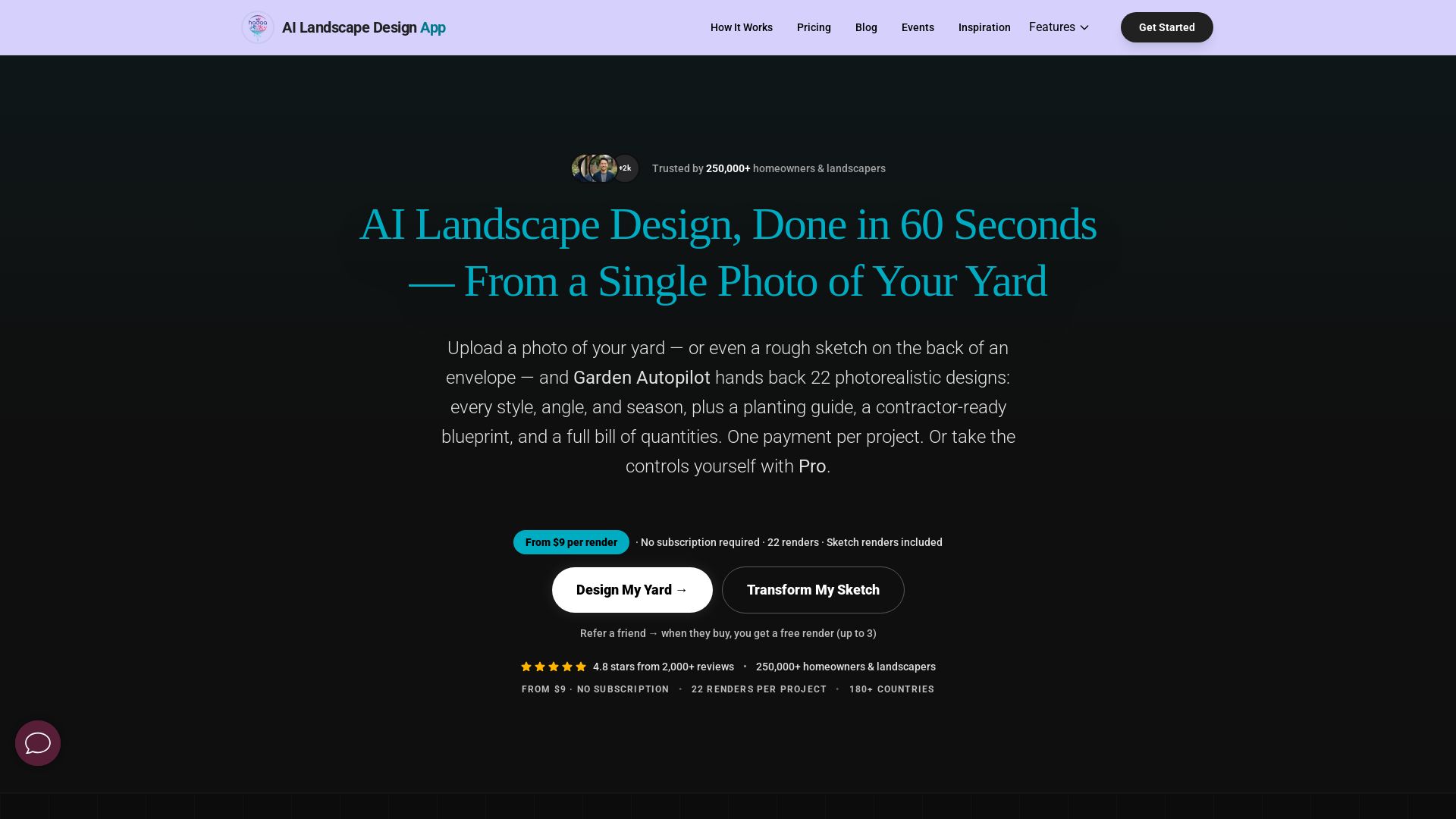
AI Garden Design vs Hadaa: Features & Pricing (2026)
Upload a photo or sketch, get 22 photorealistic designs, planting guide, blueprint & BOQ. Pay per project, no subscription.


ℹ️ Curation Disclosure: The overview and features of Modelfy 3D were synthesized using AI and fact-checked by our curation team to ensure accuracy.
