
Trellis 3D AI
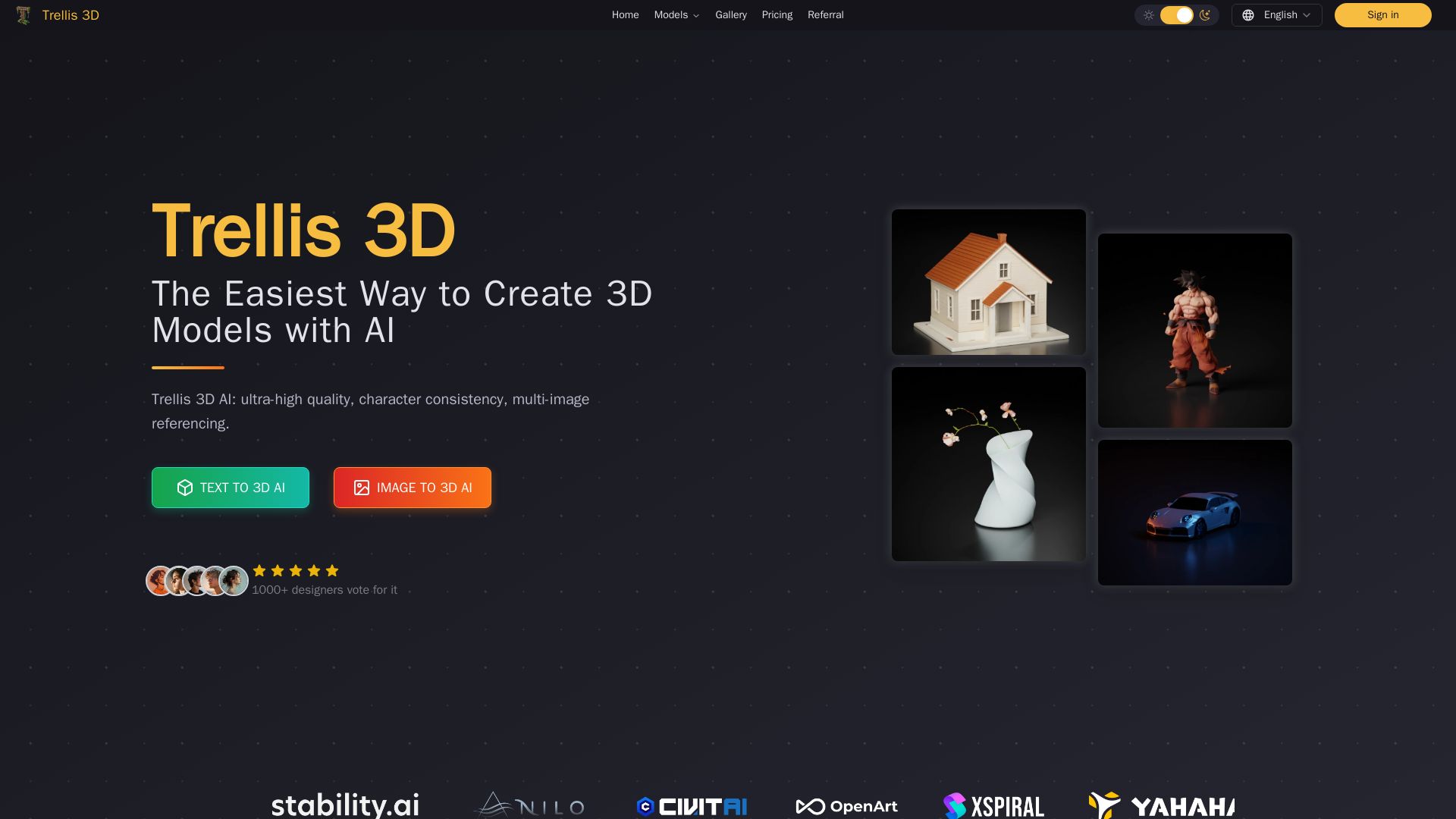
Create stunning 3D models from text or images using Trellis 3D AI. Ultra-high quality, multi-format output, and easy editing. Try it free!
Editor's Verdict
Key Takeaways
- Text and Image to 3D Generation
- High-Quality Asset Creation
- Large-Scale Pre-Trained Models
- Multi-Format Output
In-Depth Review: What is Trellis 3D AI?
Trellis 3D is a cutting-edge AI platform that transforms text prompts or images into high-quality 3D assets in minutes. It leverages large-scale pre-trained models (up to 2B parameters) trained on 500K objects to deliver exceptional detail and consistency. The platform supports multiple output formats including Radiance Fields, 3D Gaussians, and meshes, making it ideal for game development, product design, architecture, VR/AR, and 3D printing. Industry professionals praise its speed, quality, and ease of use. With both text-to-3D and image-to-3D workflows, Trellis 3D is the easiest way to bring ideas to life in three dimensions.
Core Features
Text and Image to 3D Generation
Turn text prompts or 2D images into detailed 3D models using AI, with support for character consistency and multi-image referencing.
High-Quality Asset Creation
Produces intricate shapes and textures that surpass previous state-of-the-art solutions, delivering professional-grade 3D assets.
Large-Scale Pre-Trained Models
Backed by up to 2 billion parameters and trained on 500K objects for broad coverage and superior detail.
Multi-Format Output
Generates Radiance Fields, 3D Gaussians, and meshes, providing maximum flexibility for various downstream requirements.
Effortless Editing & Variants
Refine or customize generated 3D assets locally, enabling seamless variant creation and tailored modifications.
Character Consistency
Maintains consistent character identity across multiple image references, ideal for game asset creation and animation.
Pricing
Base
- 3600 total credits
- 300 monthly credits recharge
- Standard queue priority
- Creations are private & customer owned
- Download community creations
- Dedicated account support
Pro
- 9600 total credits
- 800 monthly credits recharge
- Ultimate queue priority
- Creations are private & customer owned
- Download community creations
- Dedicated account support
Max
- 24000 total credits
- 2000 monthly credits recharge
- Ultimate queue priority
- Creations are private & customer owned
- Download community creations
- Dedicated account support
Ultra
- 36000 total credits
- 3000 monthly credits recharge
- Ultimate queue priority
- Creations are private & customer owned
- Download community creations
- Dedicated account support
Pros and Cons
Pros
- High-Quality 3D AssetsProduces intricate, realistic 3D models with detailed shapes and textures that outperform previous AI generators.
- Time-Saving WorkflowDramatically reduces modeling time from hours or days to minutes, streamlining creative pipelines.
- Flexible Output FormatsSupports Radiance Fields, 3D Gaussians, and meshes, making it easy to integrate into game engines, animation, and design tools.
- Large-Scale Training DataTrained on 500K objects with up to 2B parameters, ensuring broad coverage and consistent quality across diverse asset types.
- User-Friendly EditingEnables local editing and variant creation, giving creators control to refine assets without starting from scratch.
Cons
- High Hardware RequirementsLocal installation requires an NVIDIA GPU with at least 16GB memory, which may be a barrier for hobbyists or small studios.
- Credit-Based PricingUsers must purchase plans with credits; heavy usage may require higher tiers, increasing costs.
- Limited Text-to-3D AvailabilityWhile text-to-3D is promoted, some features are still evolving and may not be fully available or polished yet.
- Cloud DependencyThe online platform requires an internet connection and credits, reducing offline usability for some workflows.
Use Cases & Recommended Professions
Game Developer→ View Toolkit
Quickly create detailed, game-ready 3D assets with optimized topology, saving hours of manual modeling.
3D Artist→ View Toolkit
Generate high-quality models from text or images, streamline creative work, and produce realistic detail efficiently.
3D Printing Specialist→ View Toolkit
Produce printable 3D models that are ready for manufacturing, reducing design iteration time.
Architectural Visualizer→ View Toolkit
Create accurate furniture and environment models for architectural scenes, improving visualization realism.
VR Developer→ View Toolkit
Generate optimized 3D assets quickly for virtual reality environments, ensuring smooth performance.
Product Designer→ View Toolkit
Turn sketches into 3D prototypes in minutes, accelerating the product design and iteration process.
Frequently Asked Questions
Alternative AI Tools
View Detailed Comparison →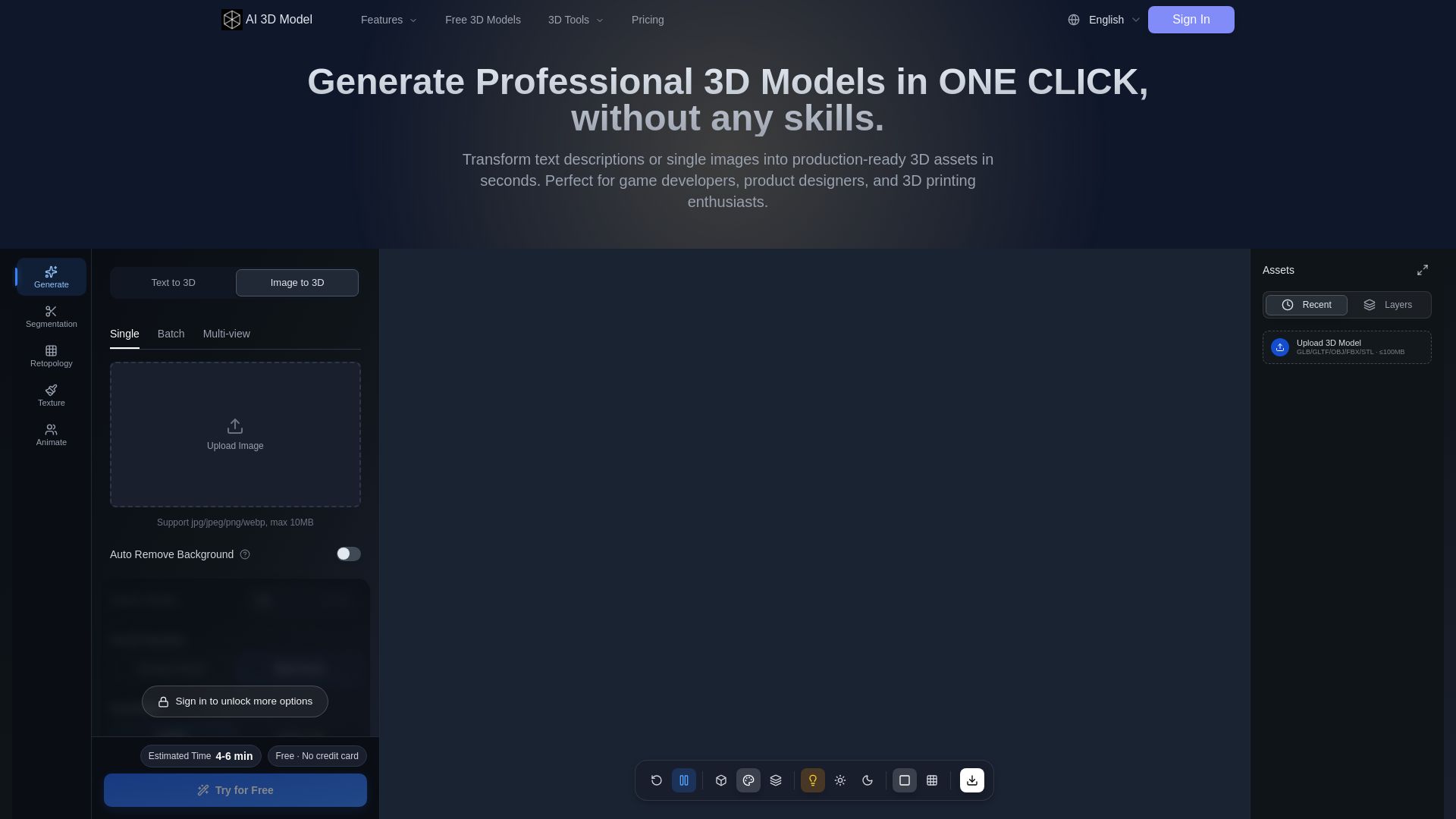
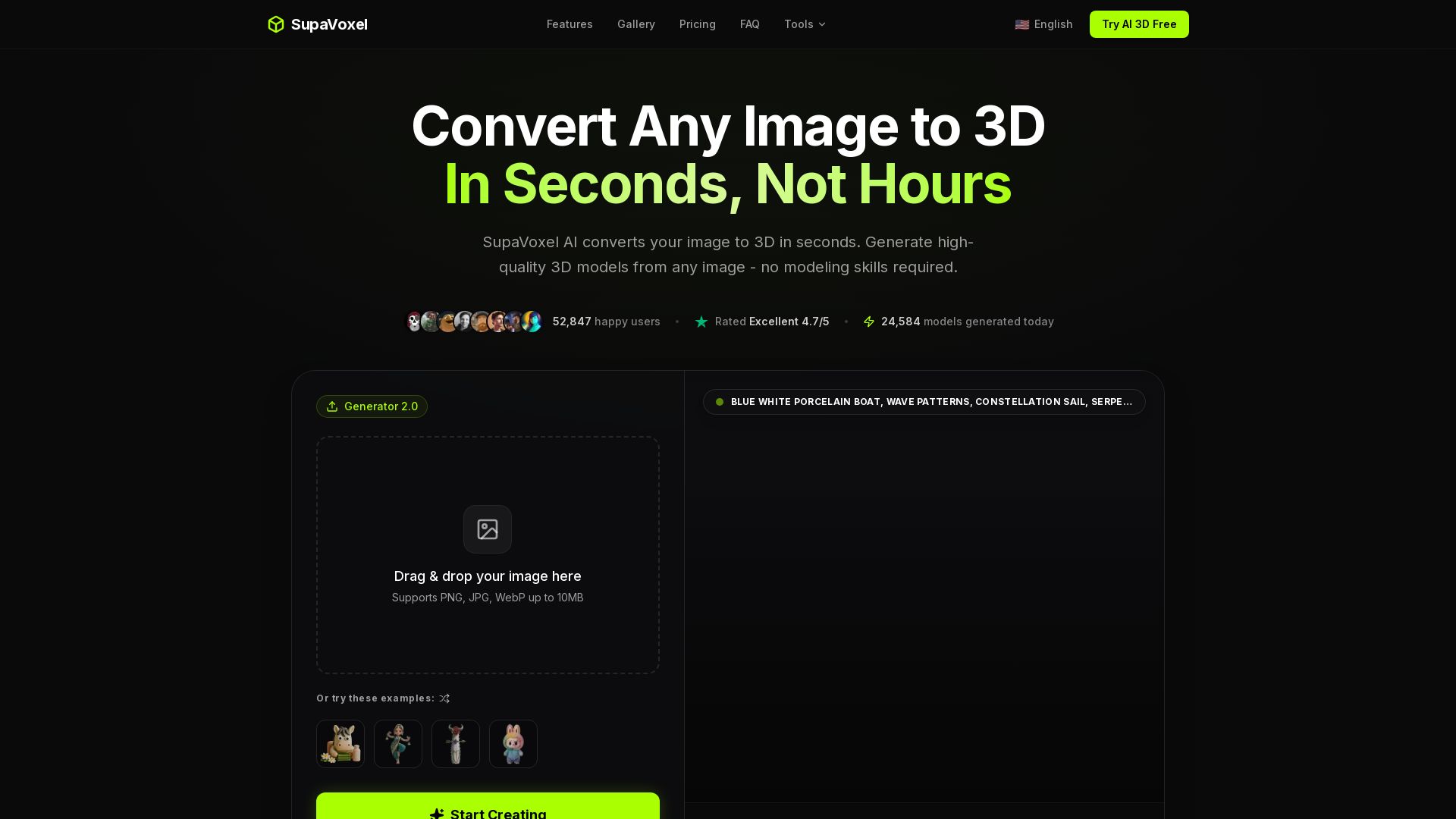
AI 3D Model Generator
Turn text or images into production-ready 3D models in seconds. Perfect for games, product design, 3D printing. No skills needed. Try free!

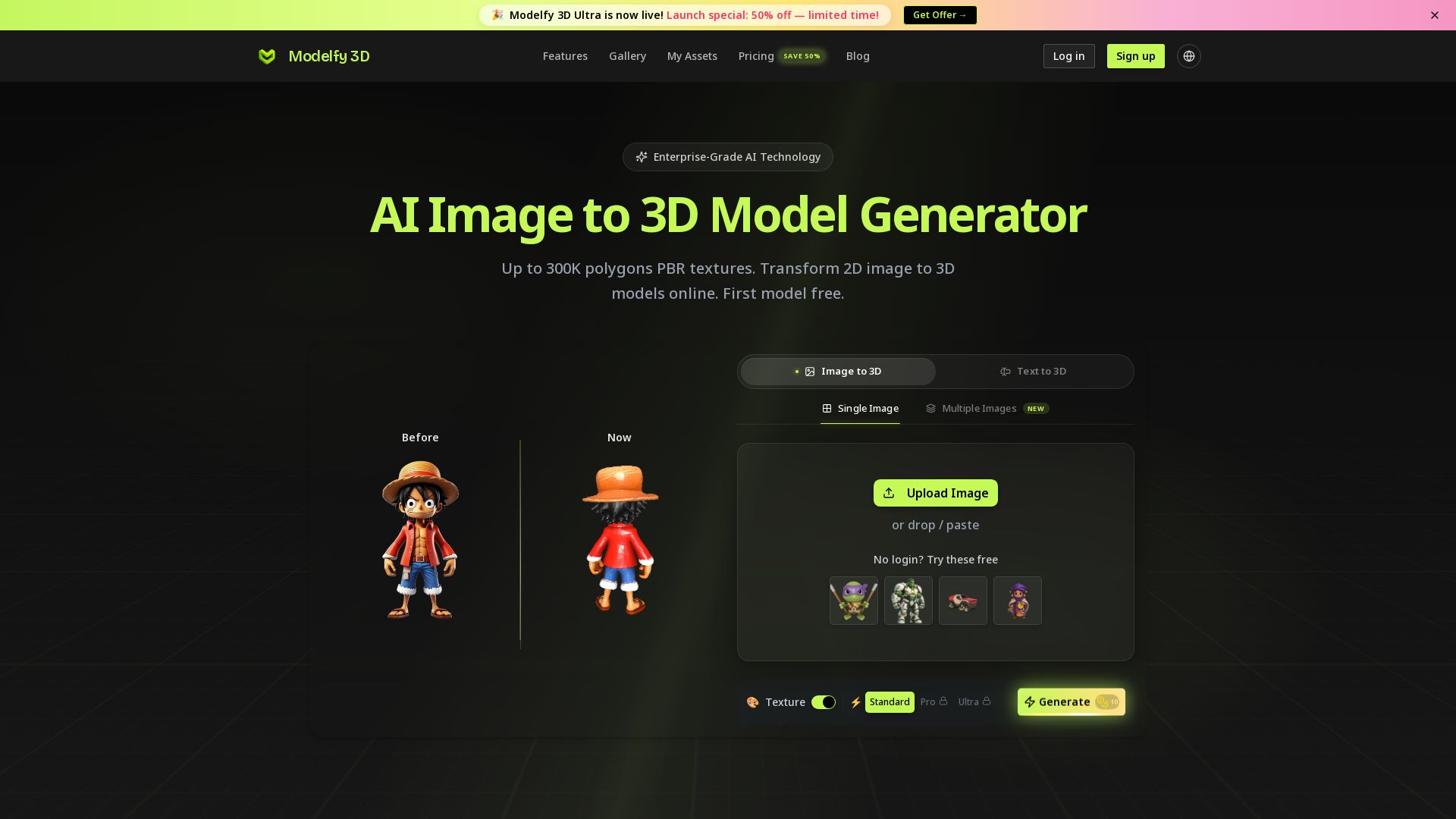
Modelfy 3D
Convert 2D images to 3D models with AI. Up to 300K polygons, PBR textures, GLB/OBJ/STL export. Free first model. Try Modelfy 3D now.

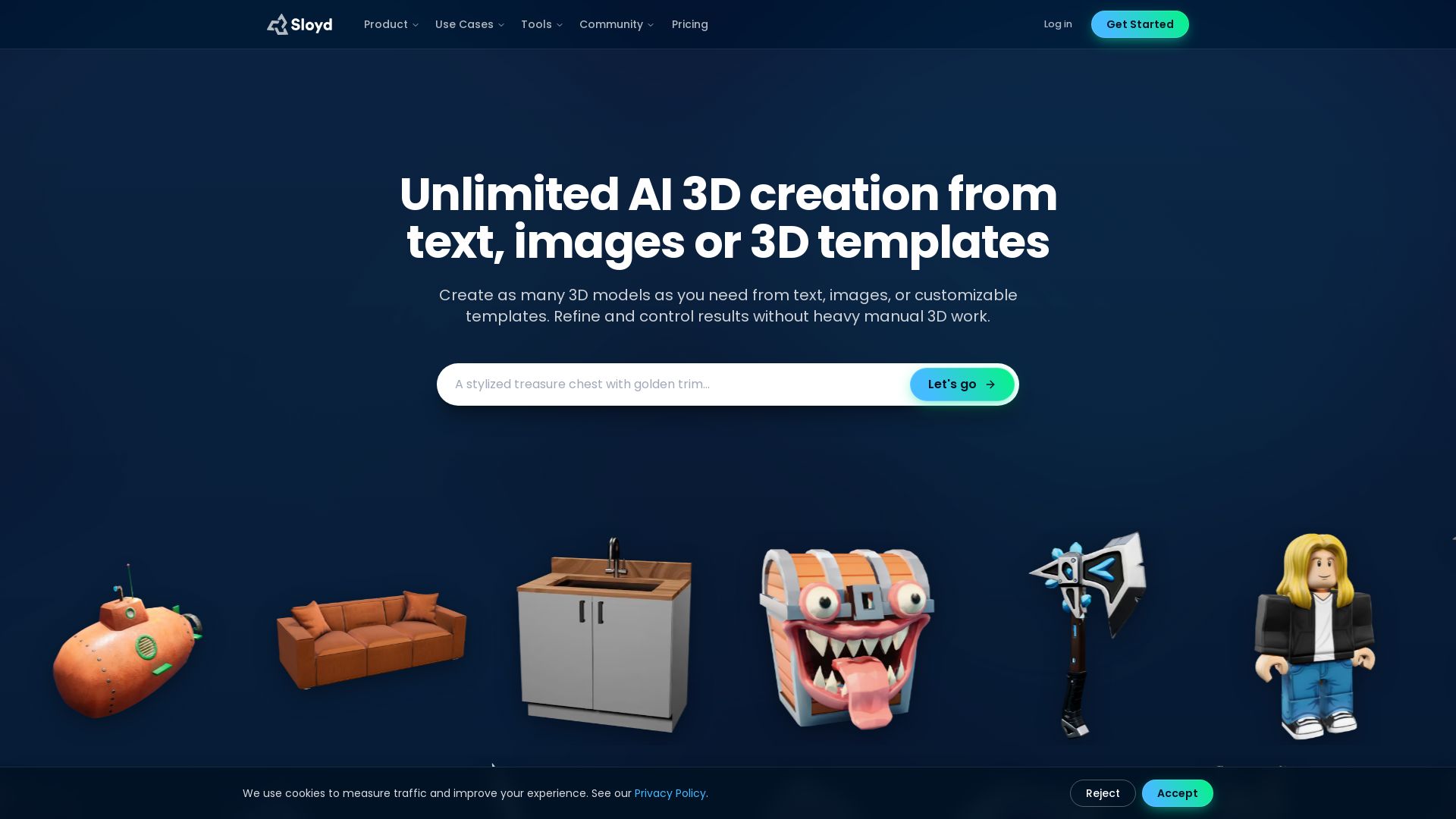

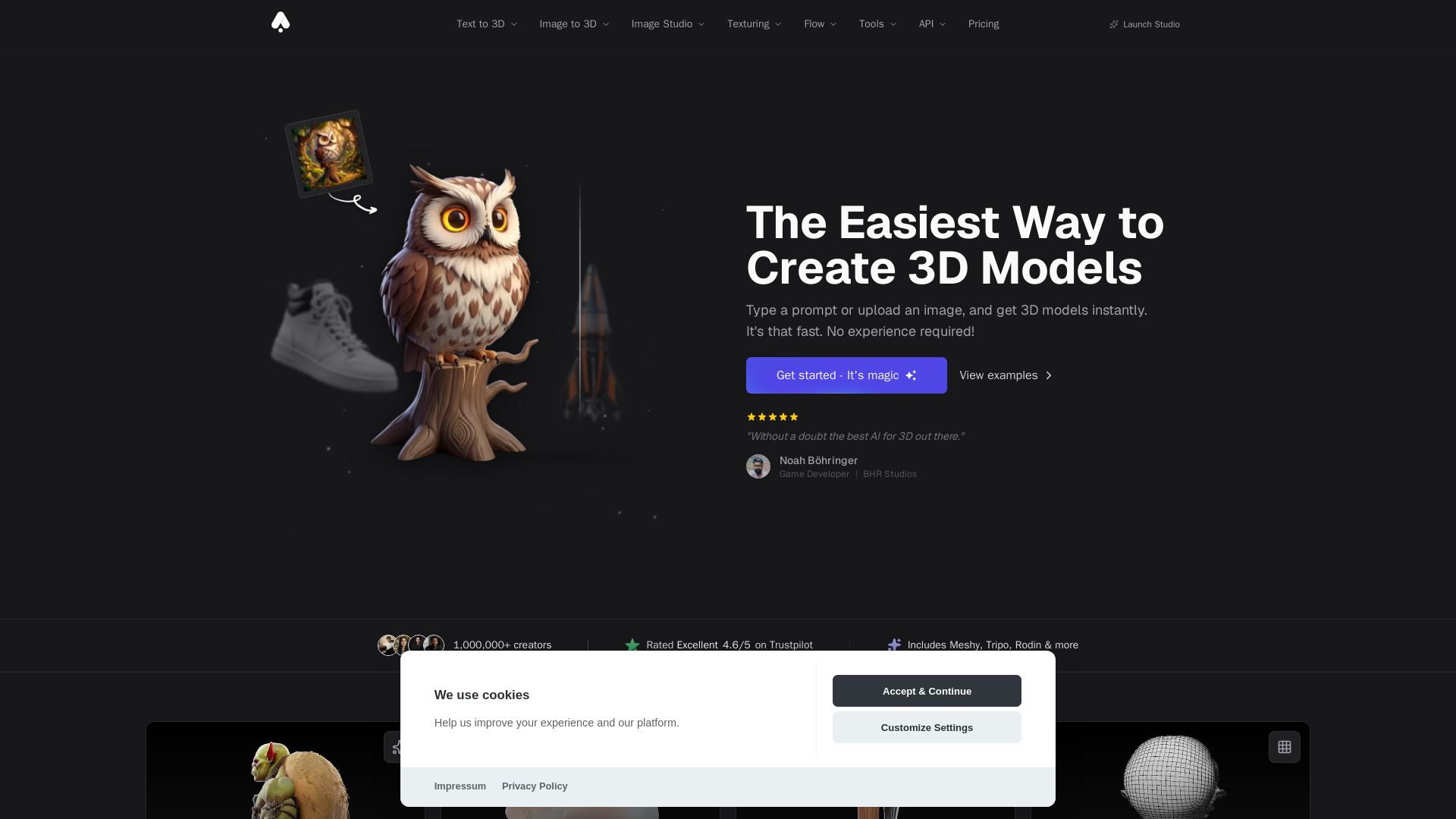
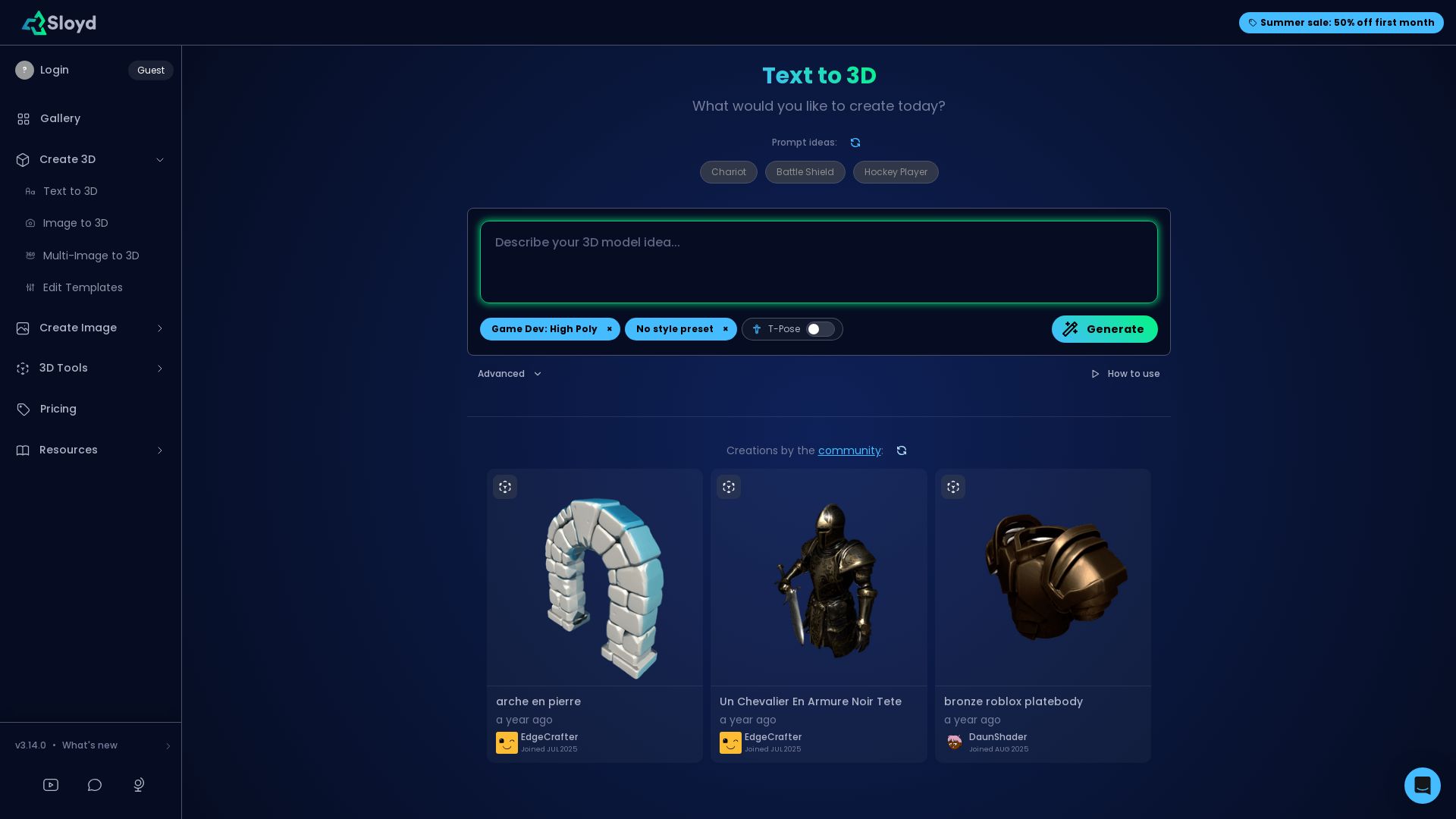
3D AI Studio
Create stunning 3D models instantly from text or images with AI. No experience required. Export to GLB, FBX, STL & more. Used by 1M+ creators.





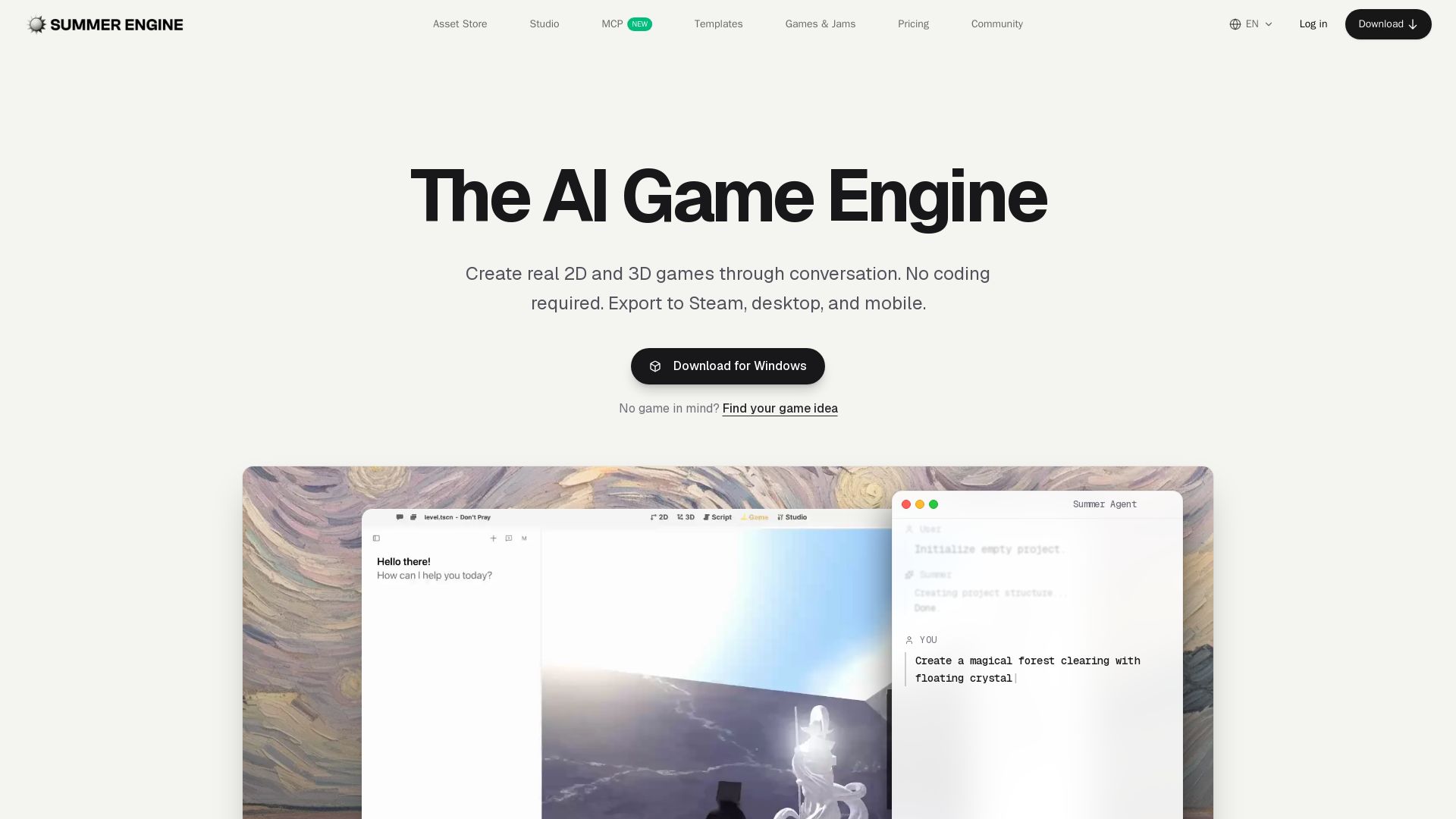
Summer Engine
Create 2D/3D games through conversation. No coding needed. Export to Steam, desktop, mobile. 50k free assets, generate 3D characters. Compatible with Godot.




ℹ️ Curation Disclosure: The overview and features of Trellis 3D AI were synthesized using AI and fact-checked by our curation team to ensure accuracy.
