
Sloyd
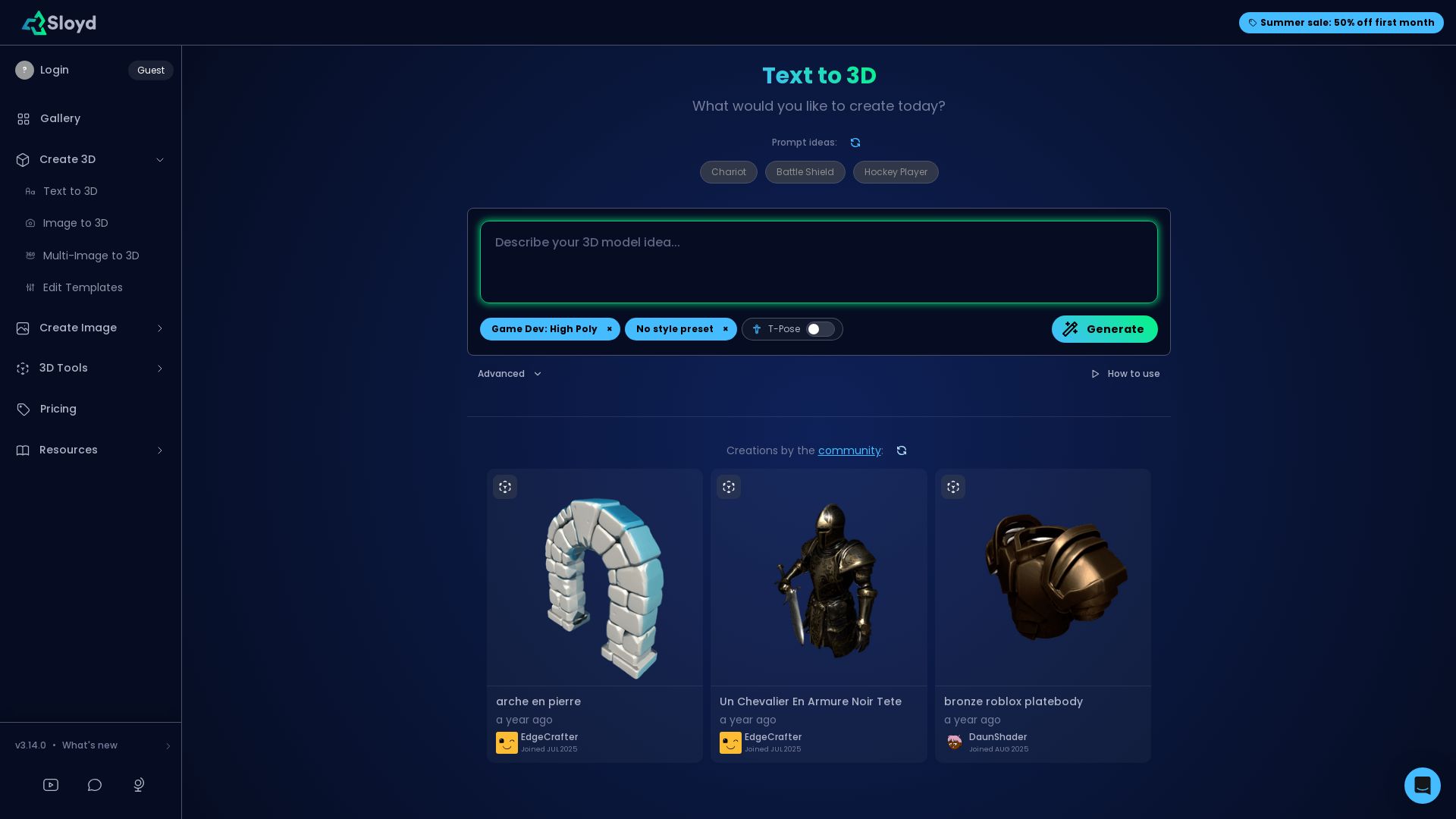
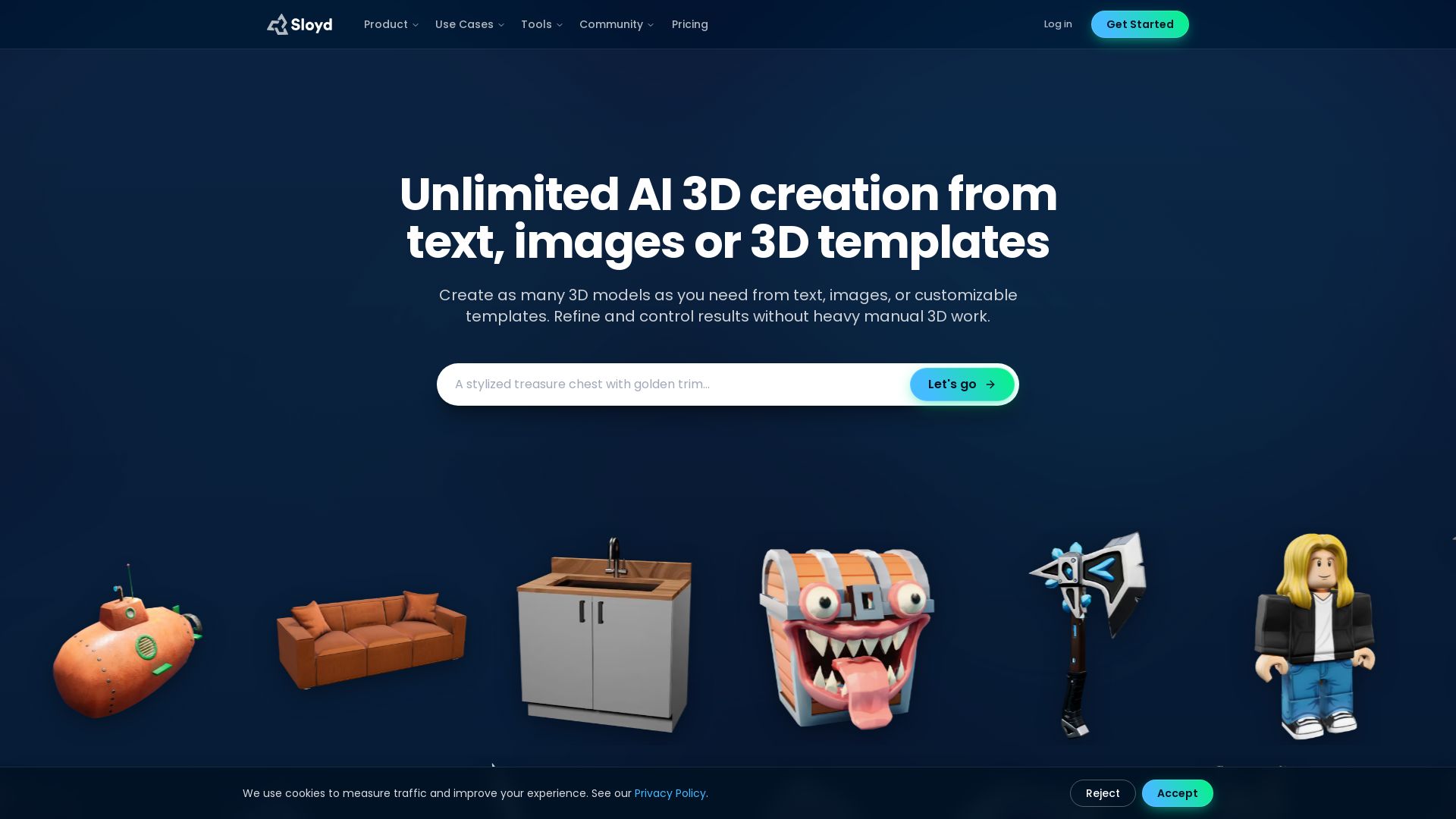
Turn text or images into 3D models instantly. Edit textures, animate, and more. Start with 50% off first month.
Editor's Verdict
Key Takeaways
- Text to 3D
- Image to 3D
- Multi-Image to 3D
- Text to Image
In-Depth Review: What is Sloyd?
A powerful AI-driven 3D creation platform. Generate 3D models from text prompts or images, edit textures, animate, and export. Includes tools for game dev, Roblox avatars, skyboxes, and more. Perfect for designers and developers.
Core Features
Text to 3D
Generate 3D models from text prompts quickly and easily.
Image to 3D
Convert a single image into a 3D model.
Multi-Image to 3D
Create 3D models from multiple images for better accuracy.
Text to Image
Generate images from text descriptions.
Image Editing
Edit images using AI-powered tools.
Skybox Creation
Generate immersive 360-degree skyboxes.
3D Animation
Animate 3D models with simple controls.
Texture Editing
Edit and retexture 3D models.
Roblox Avatar Integration
Create 3D models compatible with Roblox avatars (BETA).
Polycount Control
Choose polygon count from 3k to 500k for model optimization.
Topology Options
Select auto, tri, or quad topology for models.
Pricing
Free
- Limited monthly generations
- Basic resolution textures
- Community gallery access
Pro
- Unlimited monthly generations
- High-resolution textures
- Priority support
- Commercial license
- Access to advanced features (T-Pose, animation)
Pros and Cons
Pros
- Diverse Creation ToolsSupports text, image, and multi-image to 3D, plus image generation and editing.
- User-Friendly InterfaceSimple workflow with preset prompts and intuitive controls.
- Customization OptionsAdjust polycount, topology, and texture resolution to suit needs.
- Roblox IntegrationBETA feature for creating Roblox avatars directly.
- Community ShowcaseBrowse creations by other users for inspiration.
Cons
- Limited Free TierFree plan has monthly generation limits and lower quality exports.
- Beta FeaturesSome features like Roblox avatar are still in beta, may have bugs.
- Learning CurveAdvanced settings (topology, polycount) may confuse beginners.
Use Cases & Recommended Professions
Game Developer→ View Toolkit
Quickly prototype 3D assets for games without manual modeling.
3D Artist→ View Toolkit
Speed up asset creation and experiment with different styles.
Roblox Developer→ View Toolkit
Create custom avatars and items for Roblox games.
Product Designer→ View Toolkit
Generate 3D product concepts from text or images.
Educator→ View Toolkit
Create 3D visual aids for teaching complex subjects.
Content Creator→ View Toolkit
Produce 3D thumbnails, skyboxes, or animations for videos.
Frequently Asked Questions
Alternative AI Tools
View Detailed Comparison →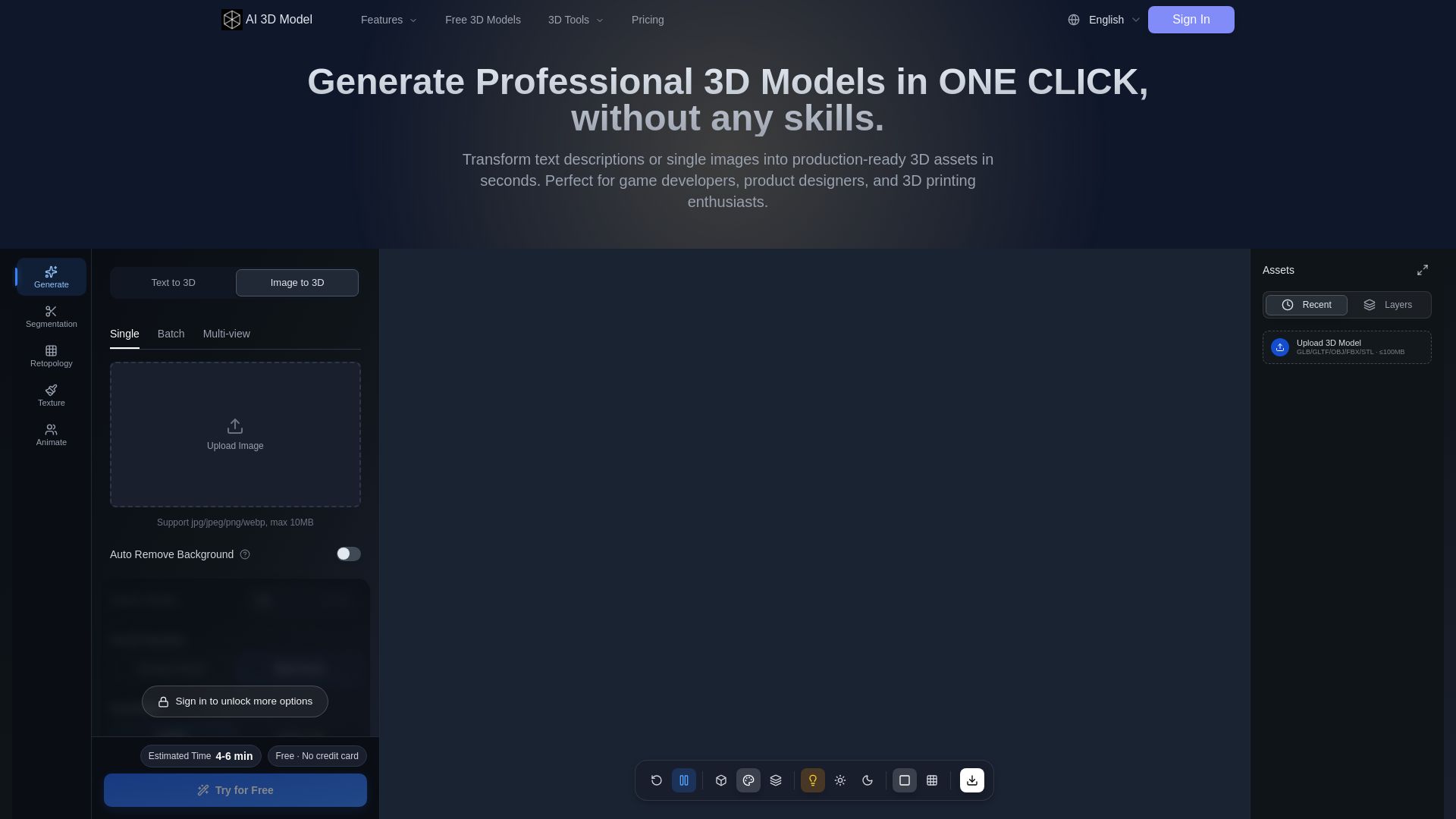
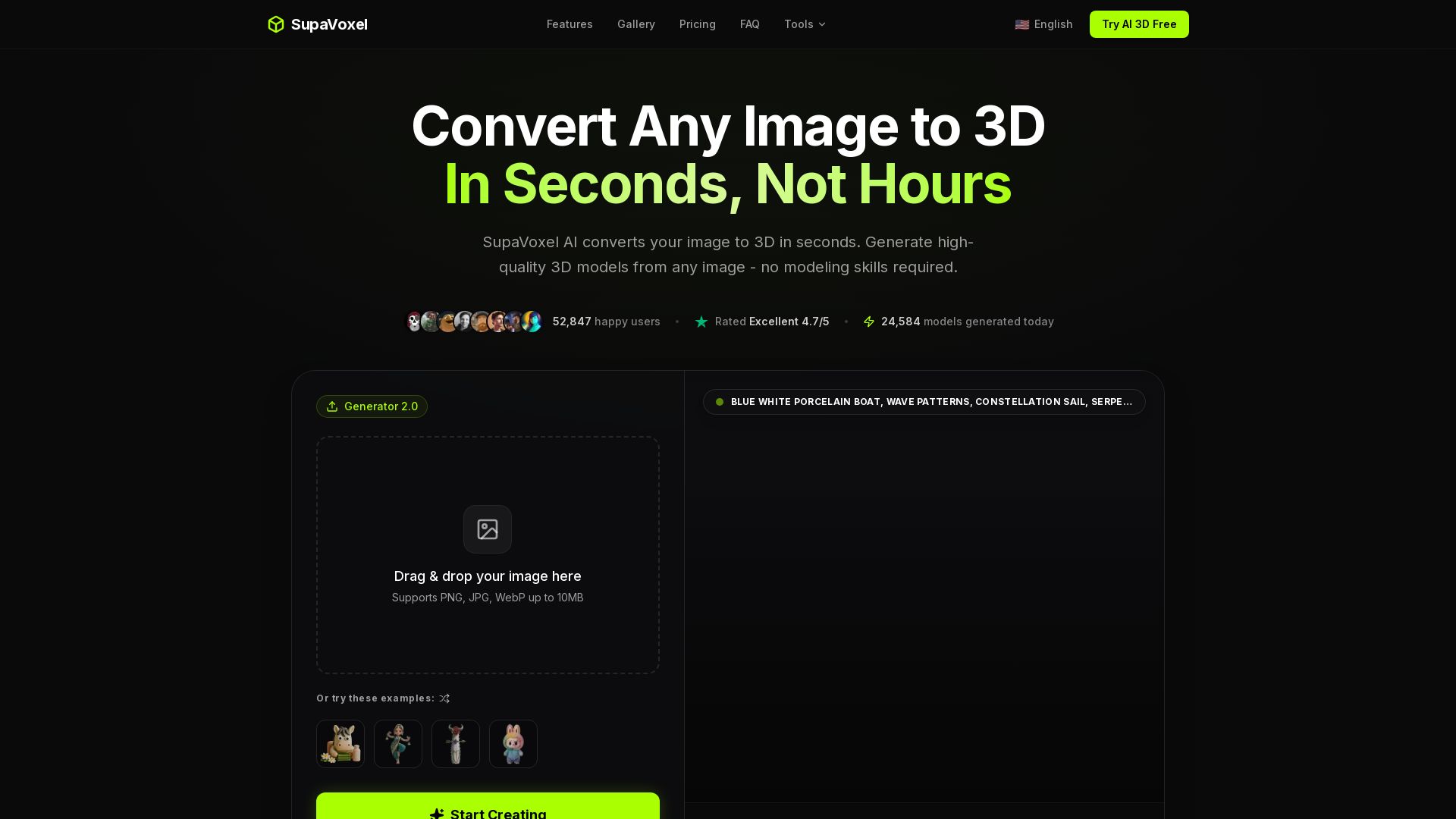
AI 3D Model Generator
Turn text or images into production-ready 3D models in seconds. Perfect for games, product design, 3D printing. No skills needed. Try free!

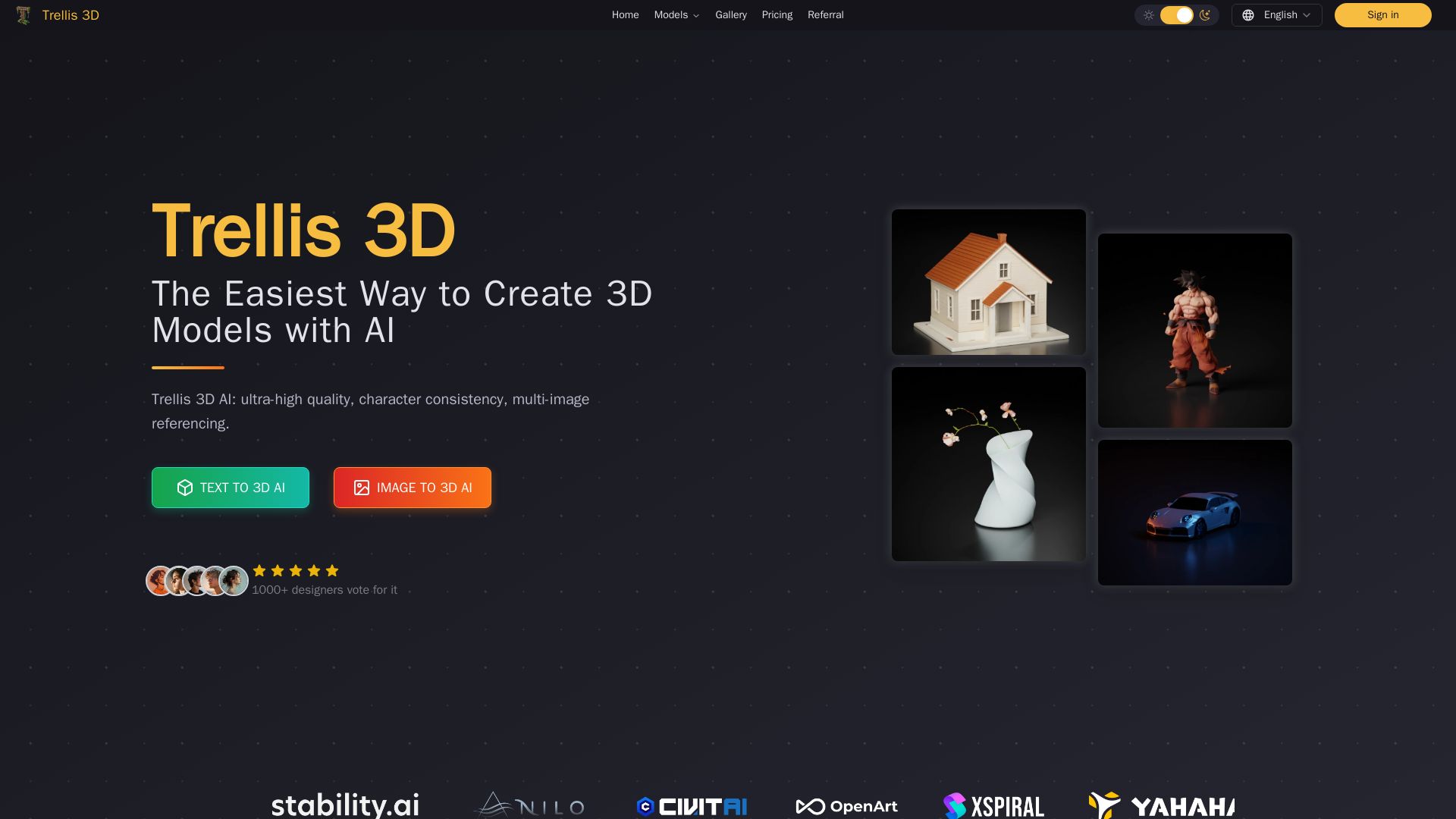
Trellis 3D AI
Create stunning 3D models from text or images using Trellis 3D AI. Ultra-high quality, multi-format output, and easy editing. Try it free!


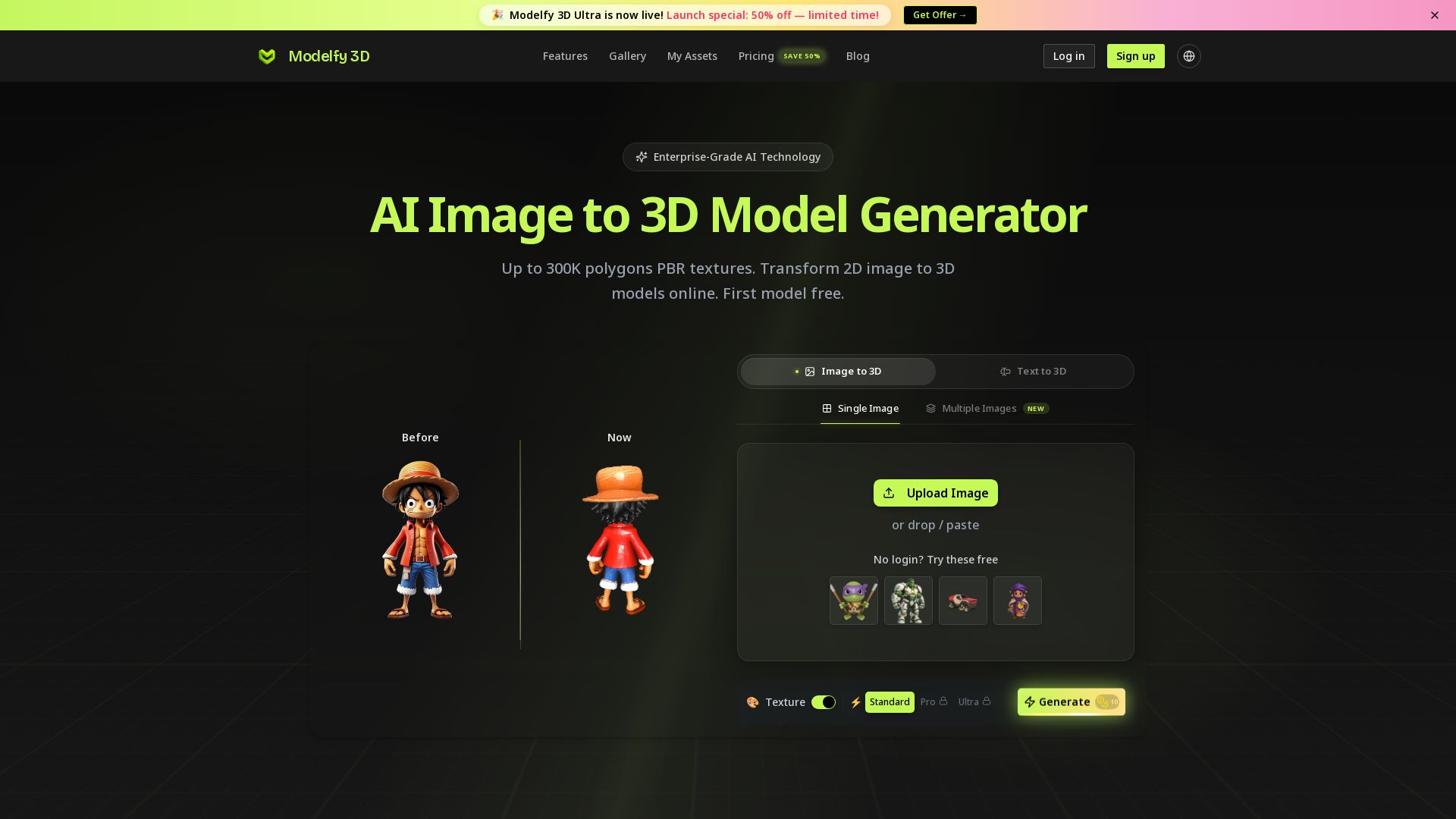
Modelfy 3D
Convert 2D images to 3D models with AI. Up to 300K polygons, PBR textures, GLB/OBJ/STL export. Free first model. Try Modelfy 3D now.

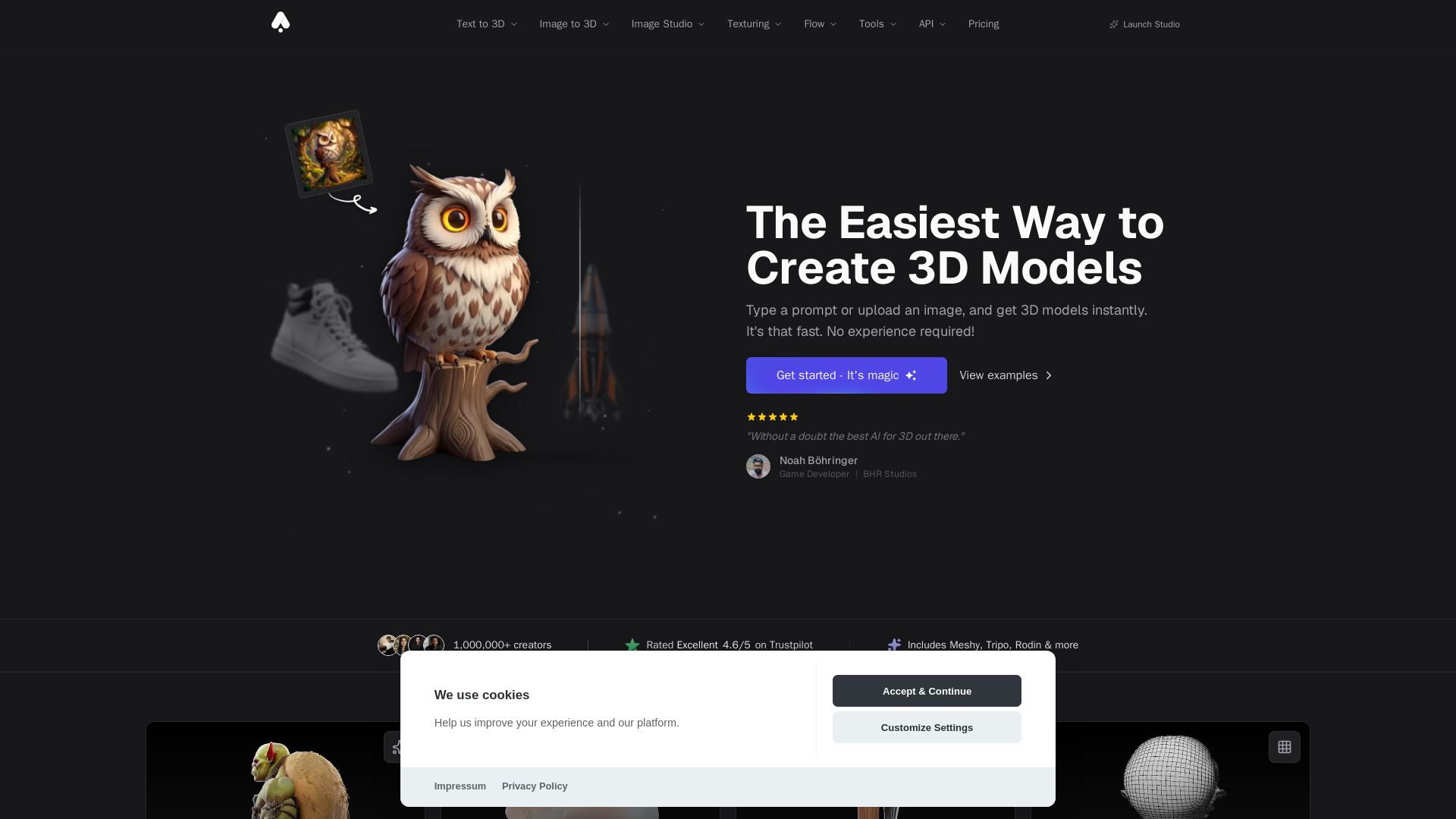
3D AI Studio
Create stunning 3D models instantly from text or images with AI. No experience required. Export to GLB, FBX, STL & more. Used by 1M+ creators.


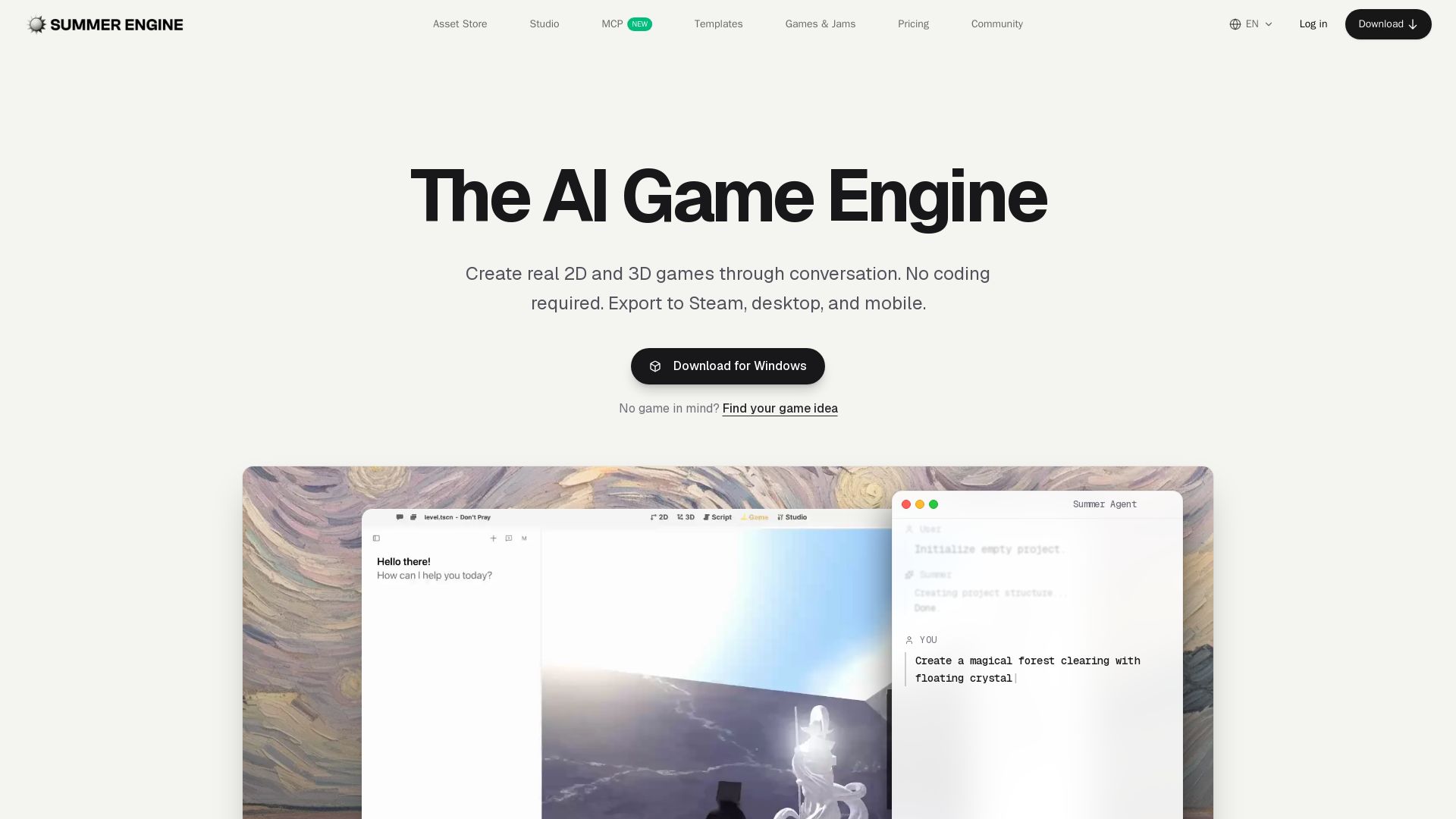
Summer Engine
Create 2D/3D games through conversation. No coding needed. Export to Steam, desktop, mobile. 50k free assets, generate 3D characters. Compatible with Godot.






ℹ️ Curation Disclosure: The overview and features of Sloyd were synthesized using AI and fact-checked by our curation team to ensure accuracy.
