
SupaVoxel
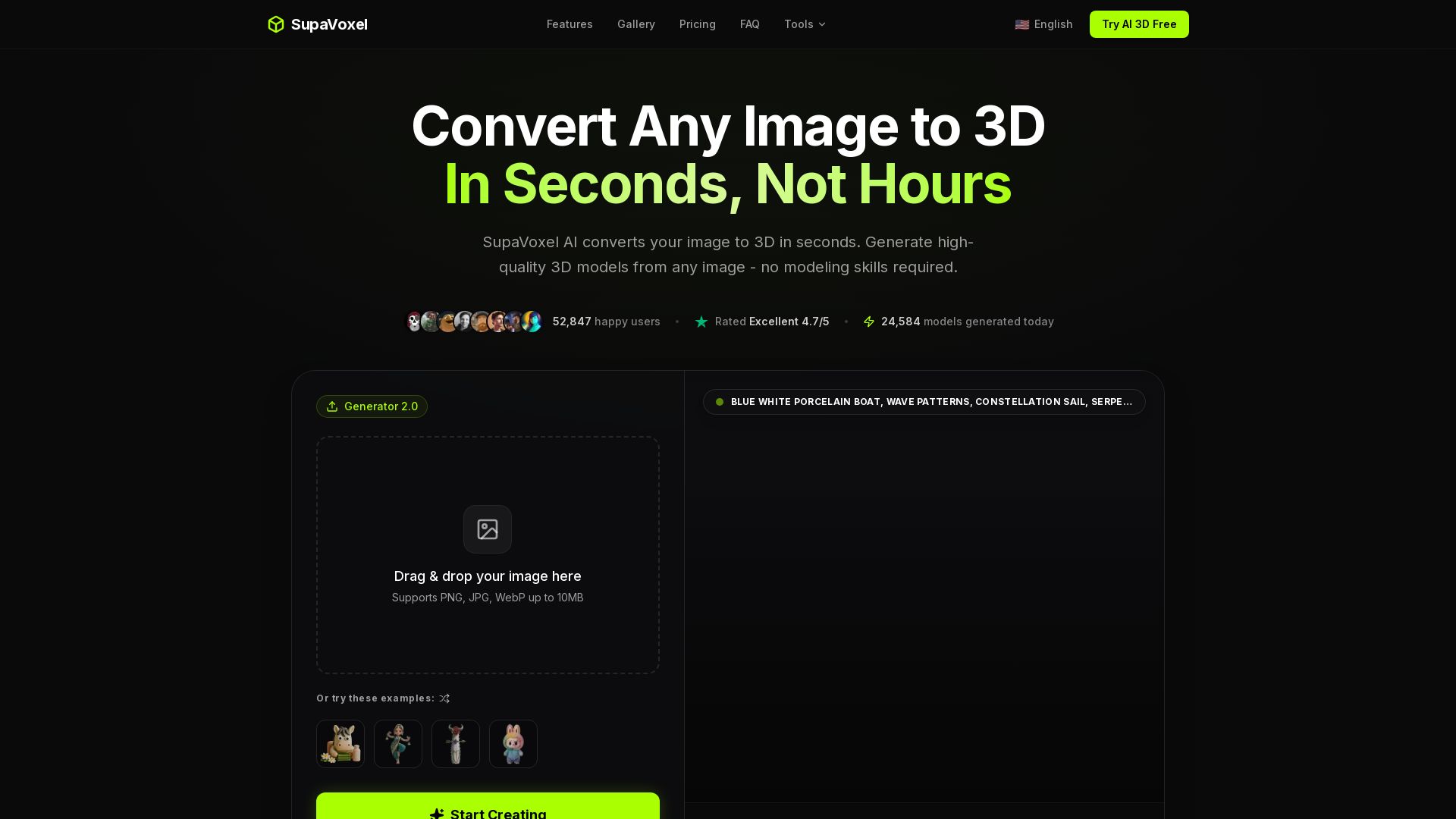
AI-powered 3D model generator. Upload any image and get a high-quality 3D voxel model in seconds. Free to start, no credit card required. Trusted by 50k+ creators.
Editor's Verdict
Key Takeaways
- Lightning Fast AI 3D
- Multiple Export Formats
- Auto Texturing
- Clean Meshes
In-Depth Review: What is SupaVoxel?
SupaVoxel AI instantly transforms your 2D images into detailed 3D voxel models. No modeling skills needed. With lightning-fast generation (~12 seconds), support for multiple export formats (GLB, FBX, OBJ, etc.), and auto PBR texturing, it's perfect for game developers, designers, and 3D printing enthusiasts. Start with 3 free models per day.
Core Features
Lightning Fast AI 3D
Generate 3D models in under 30 seconds, typically around 12 seconds, much faster than competitors.
Multiple Export Formats
Export to GLB, FBX, OBJ, USDZ, STL and more for use in various applications.
Auto Texturing
AI automatically generates PBR textures from your source image, saving manual work.
Clean Meshes
Optimized polygon count with quad-dominant topology for high-quality 3D models.
One-Click Export
Download instantly in your preferred format with textures included.
Drag & Drop Upload
Simply drag and drop any 2D image (PNG, JPG, WebP up to 10MB) to start conversion.
Pricing
Free
- 3 free models per day
- Basic export formats
- Community support
Starter
- 400 credits per month
- Full model with textures
- All export formats
- Private commercial license
Pro
- 600 credits per month
- Image edit
- Pro editing tools
- 4 concurrent tasks
- High queue priority
Ultra
- Unlimited 3D generations
- Unlimited image edit
- Top queue priority
Pros and Cons
Pros
- Lightning Fast GenerationConverts images to 3D in about 12 seconds, saving hours of manual modeling.
- No Modeling Skills RequiredAnyone can create 3D models from simple images without prior 3D experience.
- Multiple Export FormatsSupports GLB, FBX, OBJ, USDZ, STL and more, compatible with various workflows.
- Auto Texturing and Clean MeshesAI generates PBR textures automatically and optimizes polygon count for professional quality.
- Used by ProfessionalsTrusted by game developers, studios, and creators with a 4.7/5 rating.
Cons
- Limited Free TierOnly 3 free models per day; heavy users need paid plans.
- Requires Image InputCannot generate 3D from text descriptions; needs a source image.
- Quality Depends on InputBest results require clear subjects with good lighting; poor images may yield lower quality.
- Credit SystemPaid plans use credits per model, which may restrict heavy usage.
- No Offline ModeRequires internet connection; no desktop app for offline use.
Use Cases & Recommended Professions
Game Developer→ View Toolkit
Quickly generate 3D assets for games from concept art or photos, saving time on modeling.
3D Artist→ View Toolkit
Rapidly prototype 3D models for scenes or props, then refine in other software.
Product Designer→ View Toolkit
Convert sketches or product photos into 3D models for visualization and iteration.
Filmmaker→ View Toolkit
Create 3D props or set pieces from reference images for VFX and pre-visualization.
Educator→ View Toolkit
Generate 3D teaching aids from images for interactive learning experiences.
Interior Designer→ View Toolkit
Turn photos of furniture or decor into 3D models for room layout and client presentations.
Frequently Asked Questions
Alternative AI Tools
View Detailed Comparison →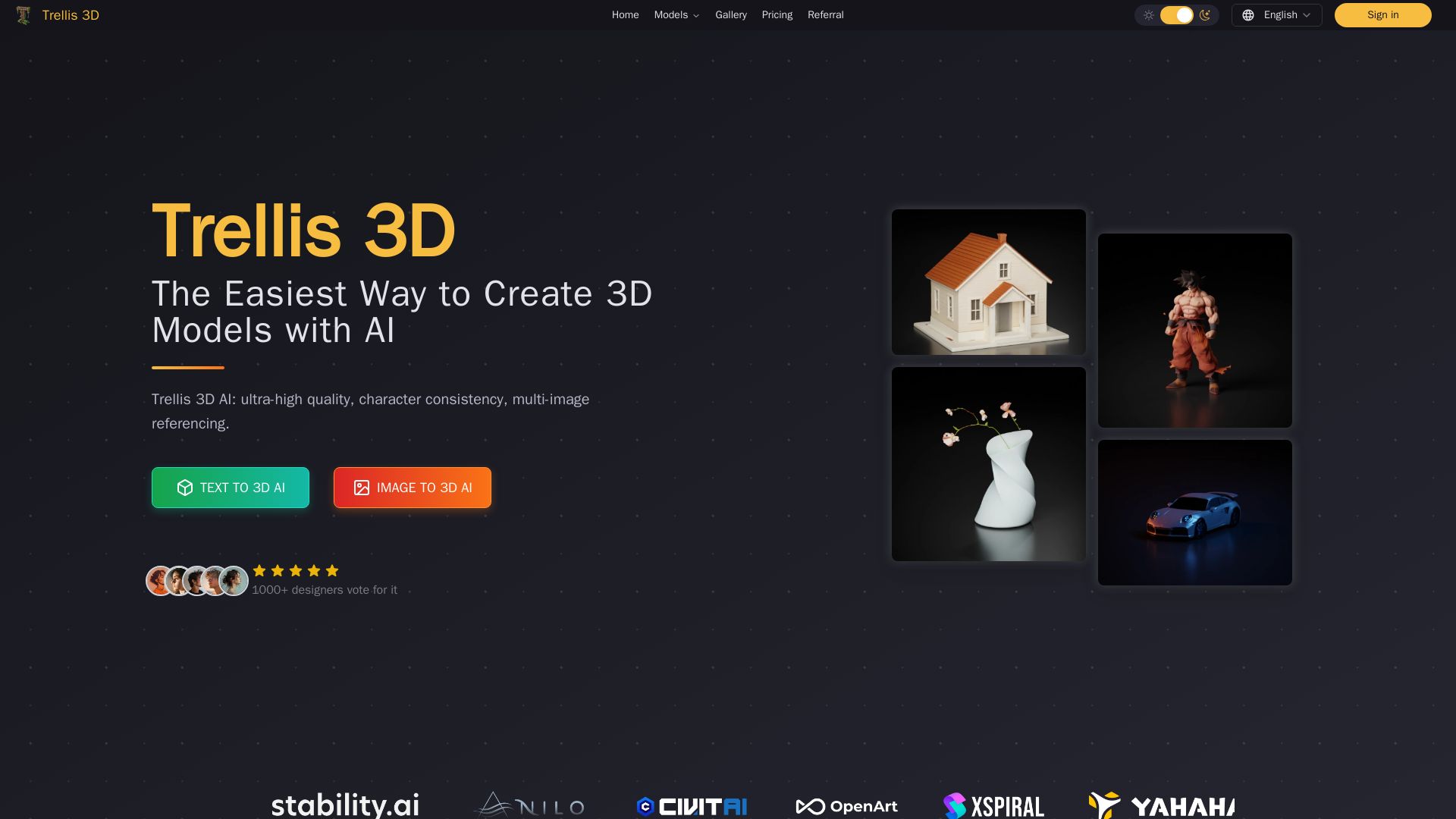
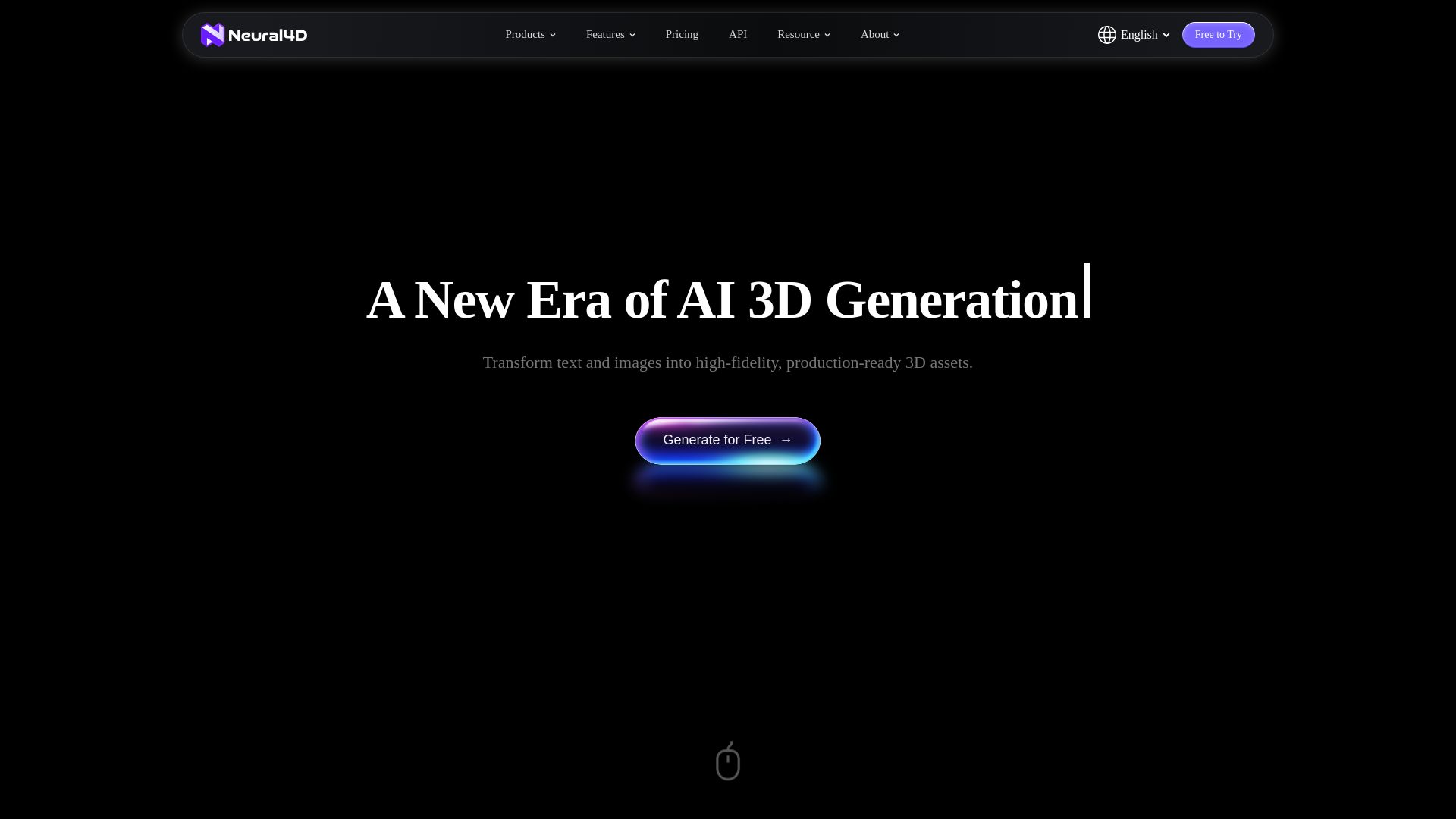
Trellis 3D AI
Create stunning 3D models from text or images using Trellis 3D AI. Ultra-high quality, multi-format output, and easy editing. Try it free!

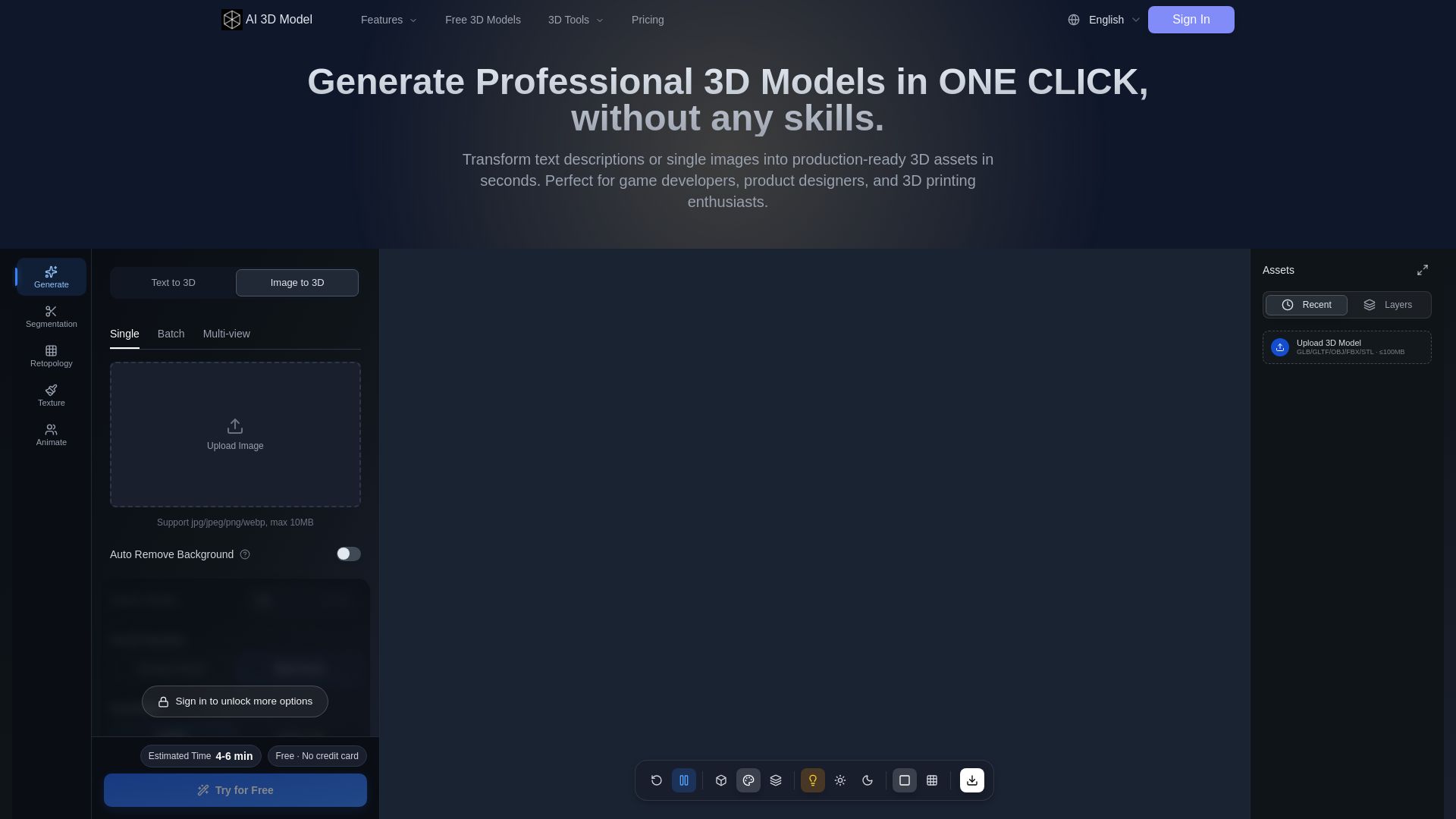
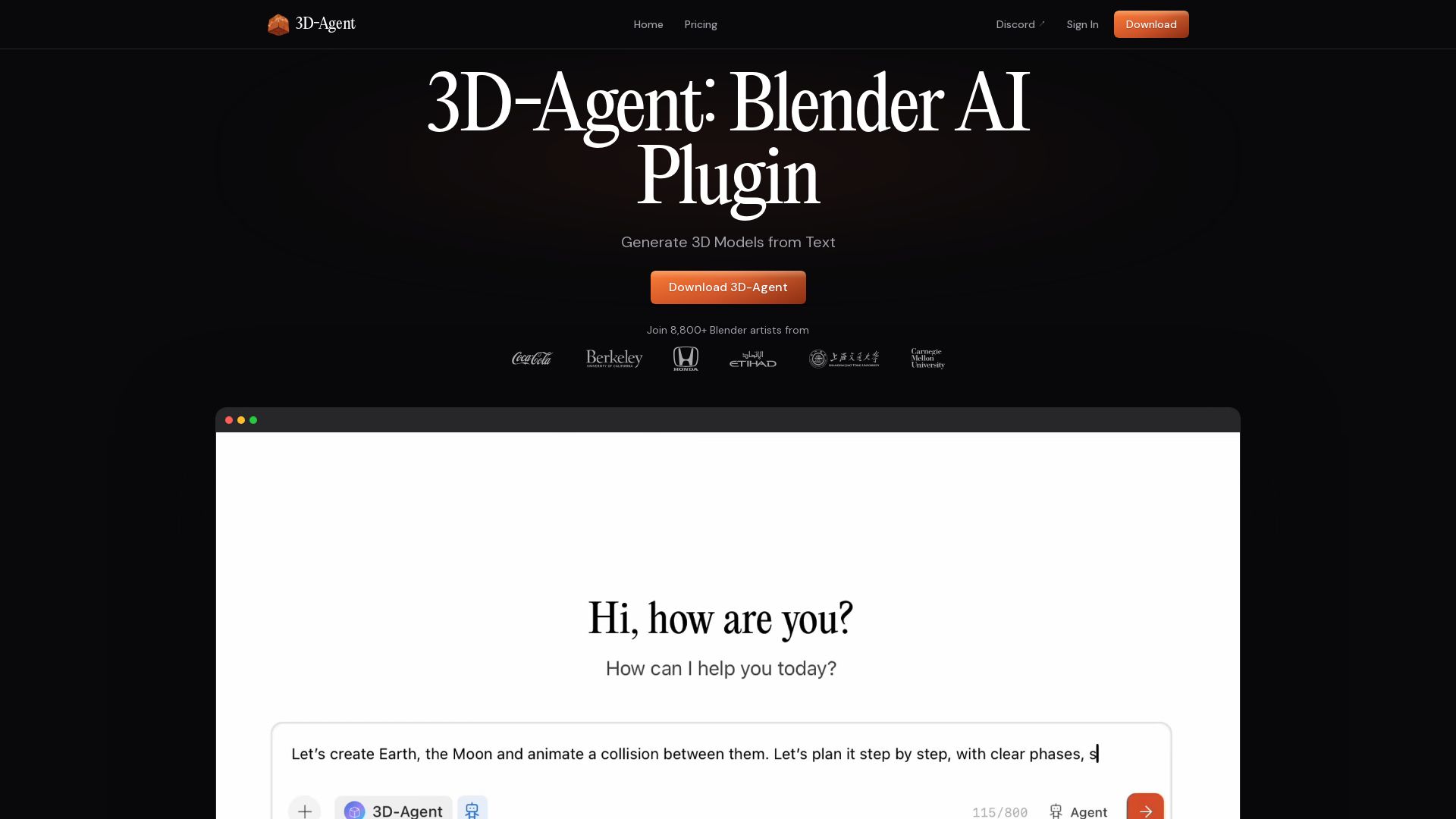
AI 3D Model Generator
Turn text or images into production-ready 3D models in seconds. Perfect for games, product design, 3D printing. No skills needed. Try free!

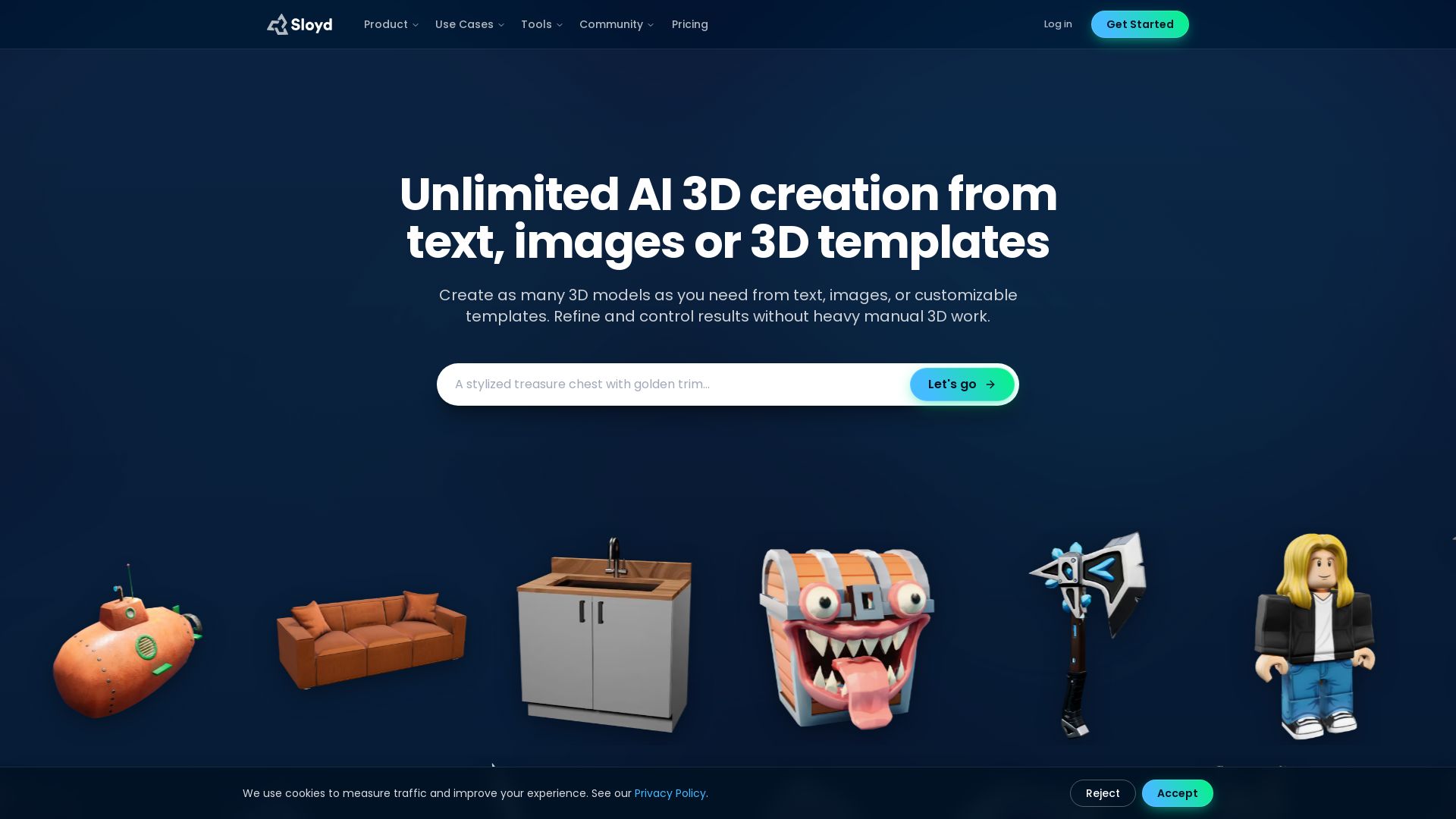



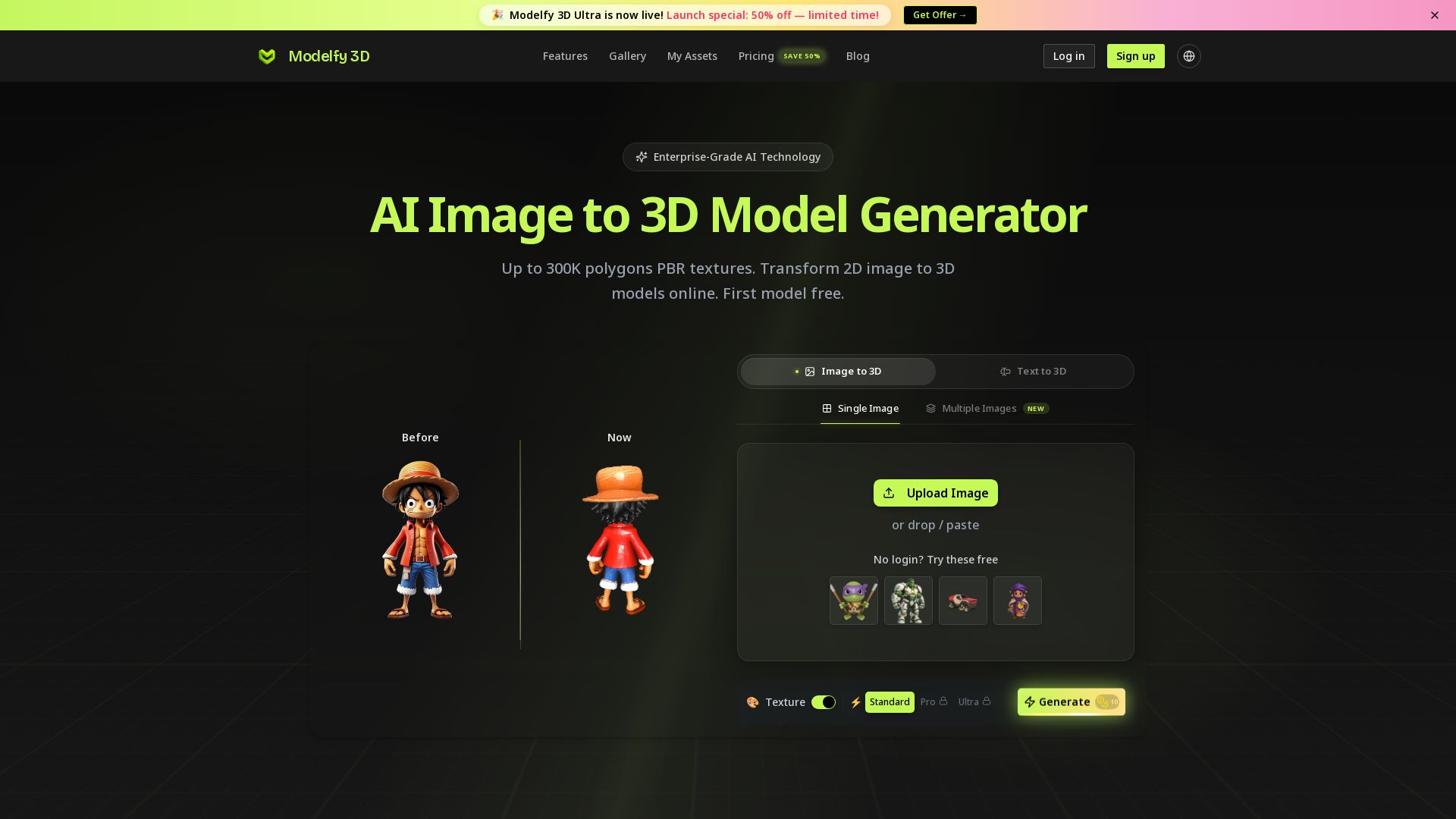
Modelfy 3D
Convert 2D images to 3D models with AI. Up to 300K polygons, PBR textures, GLB/OBJ/STL export. Free first model. Try Modelfy 3D now.

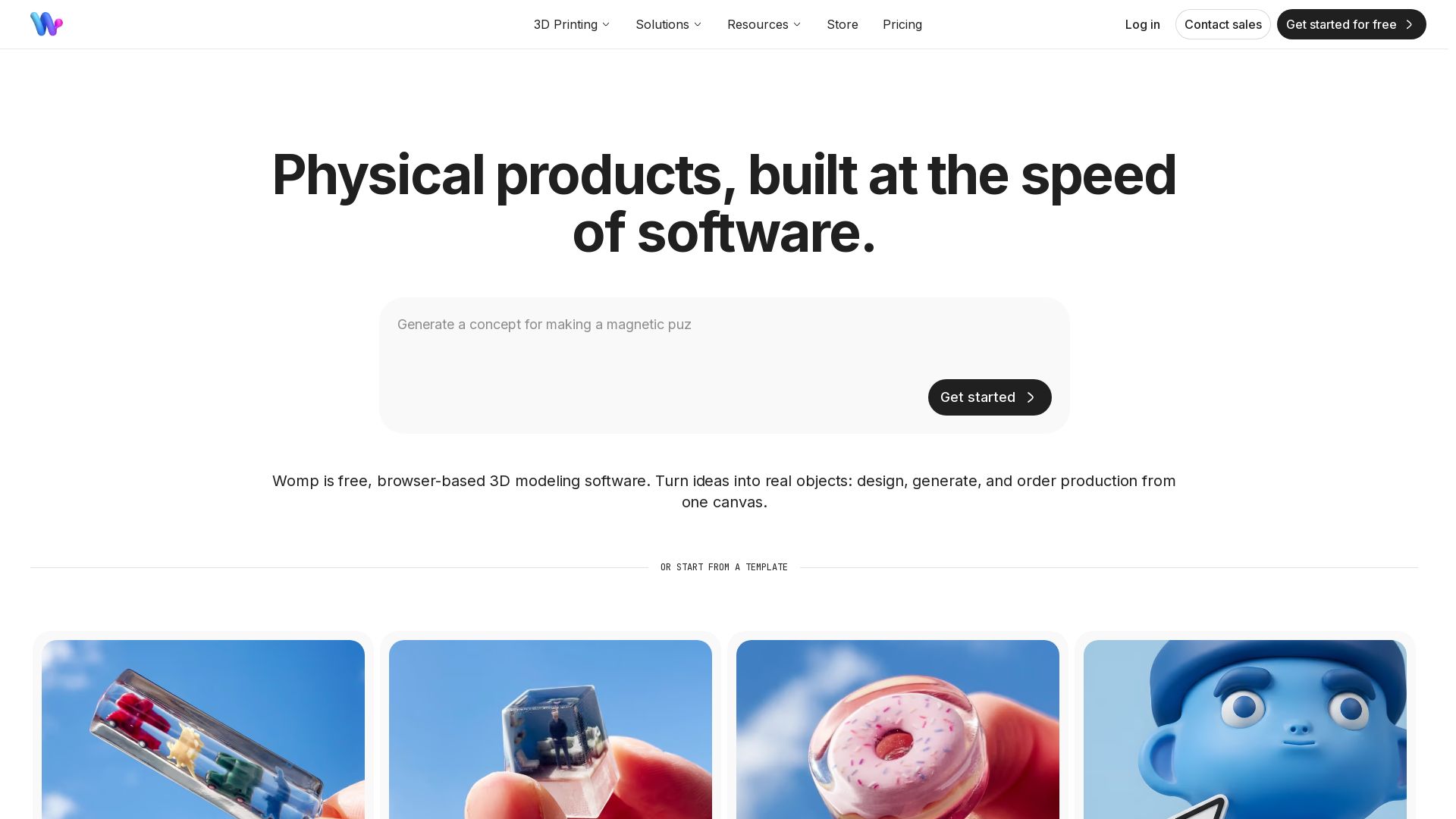

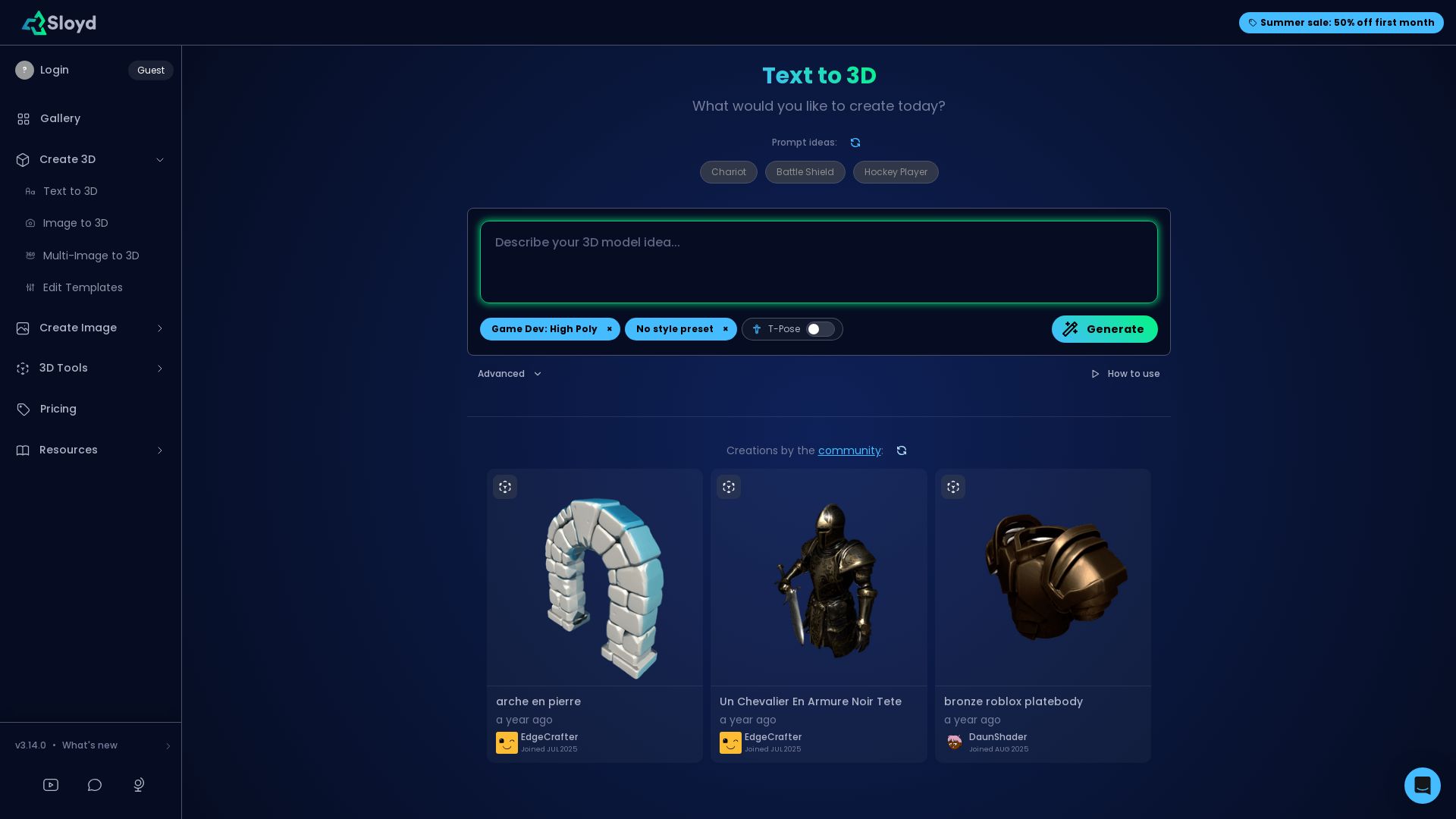




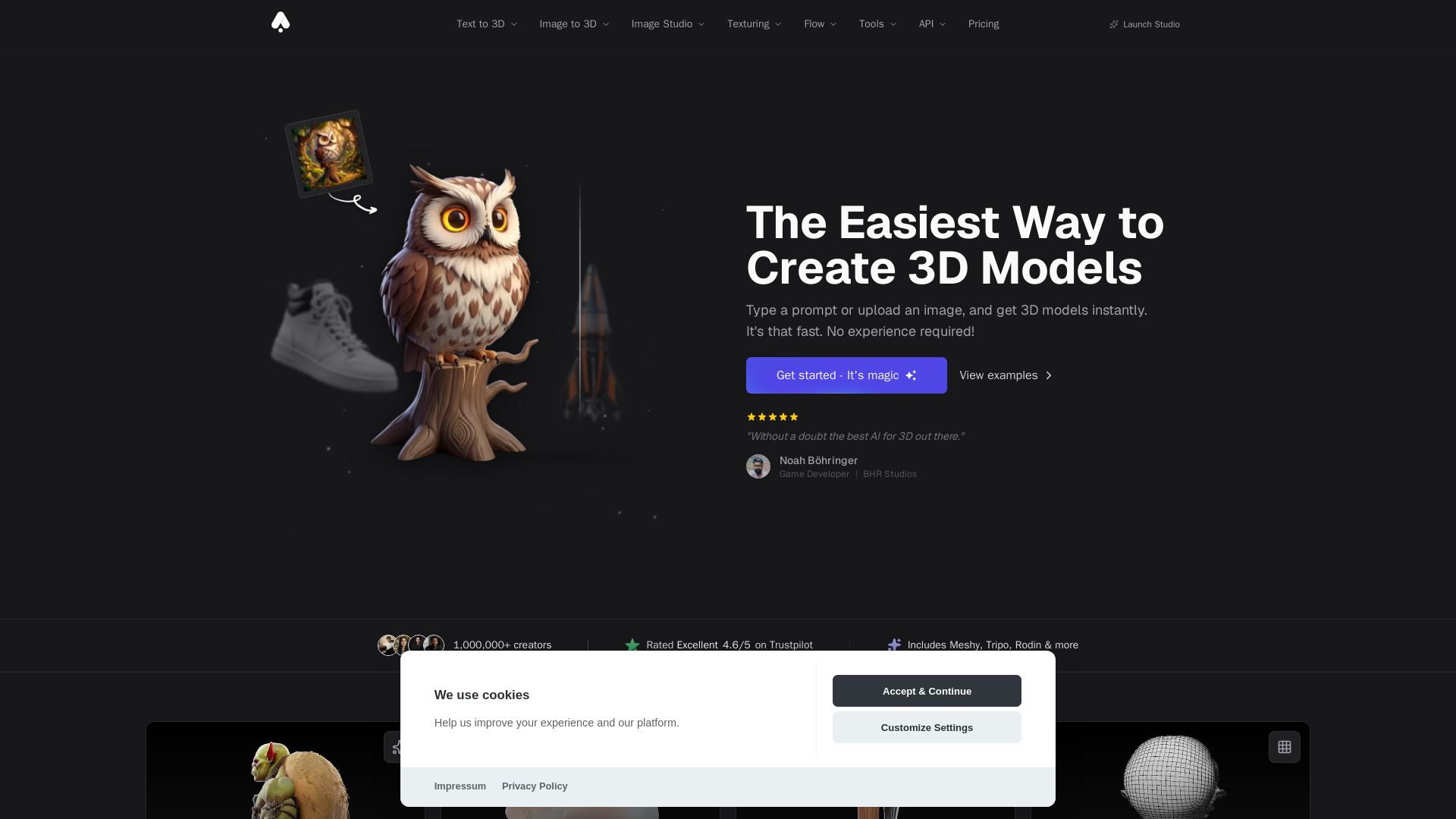
3D AI Studio
Create stunning 3D models instantly from text or images with AI. No experience required. Export to GLB, FBX, STL & more. Used by 1M+ creators.

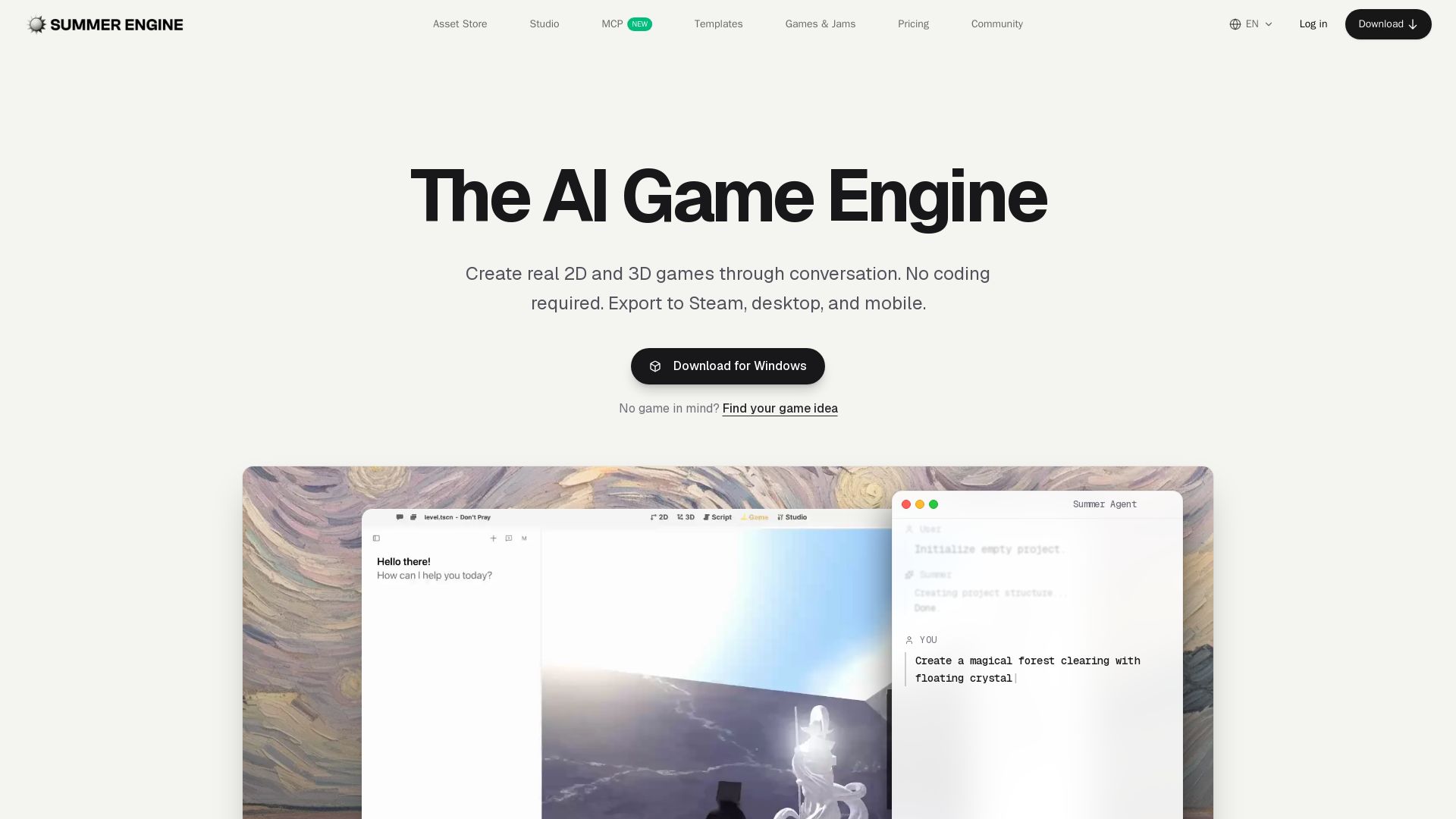
Summer Engine
Create 2D/3D games through conversation. No coding needed. Export to Steam, desktop, mobile. 50k free assets, generate 3D characters. Compatible with Godot.

ℹ️ Curation Disclosure: The overview and features of SupaVoxel were synthesized using AI and fact-checked by our curation team to ensure accuracy.
