
Tripo 3D
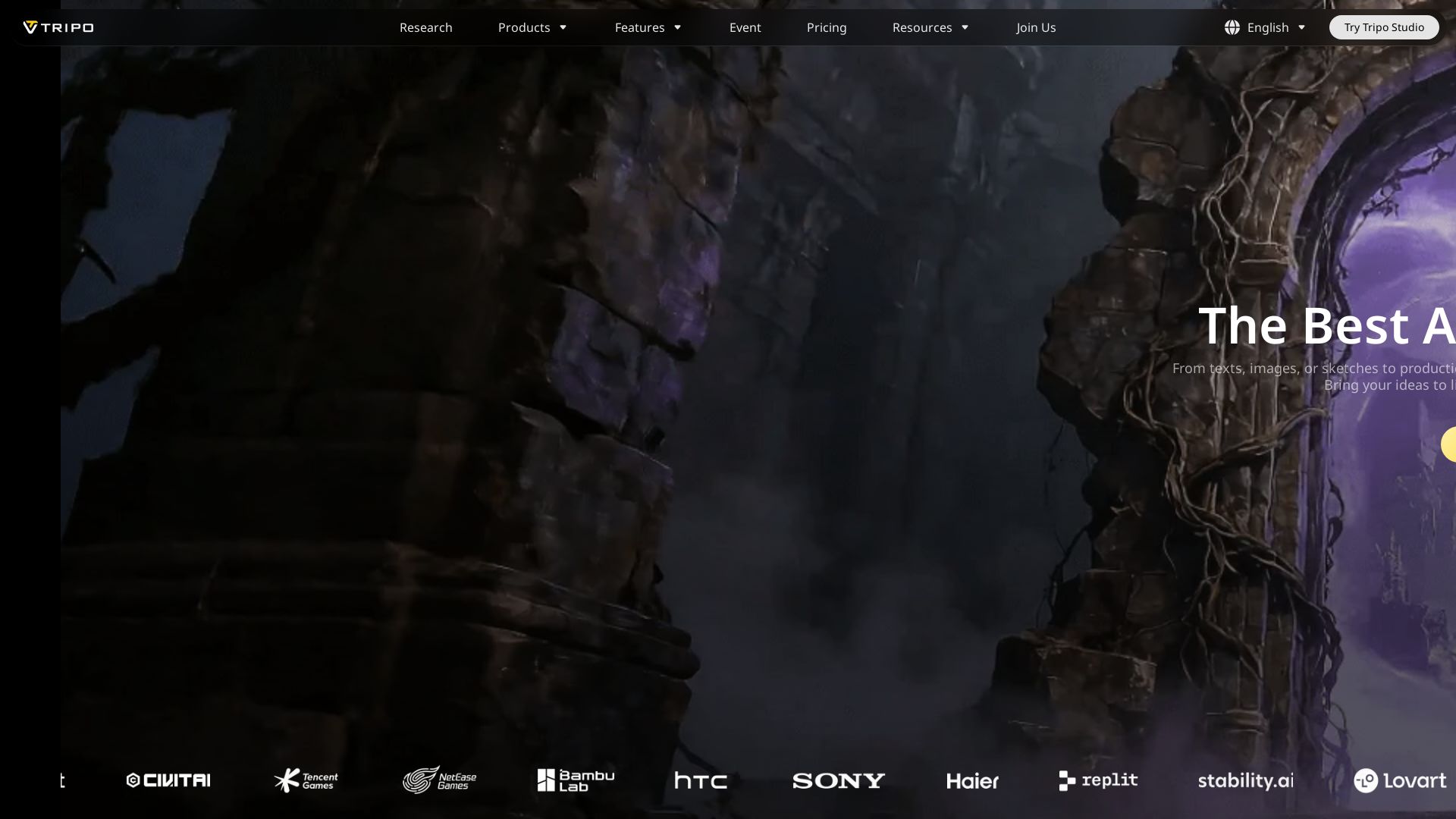
Generate high-quality 3D models from text or images in seconds. Bring your ideas to life faster, smarter, and easier than ever.



Editor's Verdict
Key Takeaways
- Text to 3D
- Image to 3D
- Smart Mesh
- Ultra-High Mesh Quality
In-Depth Review: What is Tripo 3D?
Tripo 3D is the best AI 3D workspace that transforms text, images, or sketches into production-ready 3D assets in seconds. With sharp geometry and solid topology, it offers a seamless workflow for creators. Start for free and experience faster, smarter 3D generation.
Core Features
Text to 3D
Convert text descriptions into high-quality 3D models with sharp geometry and solid topology in seconds.
Image to 3D
Upload images or sketches to generate production-ready 3D assets with the same quality and speed.
Smart Mesh
Automatically optimize mesh quality for better topology and reduced polygon count, enhancing performance.
Ultra-High Mesh Quality
Generate models with ultra-high mesh quality for detailed and professional-grade outputs.
Batch Generation & Bulk Export
Generate up to 30 models at once and export them in bulk, saving time for large projects.
Multi-View to 3D
Create 3D models from multiple image views for greater accuracy and detail.
Animation Ready
Produce models with rigging or animation capabilities for use in games and films.
Private Models & Commercial Use
Keep your models private and use them for commercial projects with paid plans.
Pricing
Free
- 200 credits monthly (up to 8 models)
- 1 concurrent task
- Standard queue priority
- 1-day trial of Smart Mesh
- Public models (CC BY 4.0)
- 1-day model edit history
- 10 models stored
- Limited model downloads (up to 15 downloads of the v2.5 model per month)
Pro
- 3000 credits monthly (up to 120 models)
- 10 concurrent tasks
- Multi-view to 3D
- Generate model in parts
- Batch generation (up to 10 models) & Bulk export
- Top queue priority
- Smart Mesh
- 3 free retries per model
- Private models & commercial use
- Ultra-high mesh quality model generation
- Exclusive features
- 7-day model edit history
- Unlimited models stored
- Unlimited models downloads
- Unlock all image generation models
Max
- 25000 credits monthly (up to 1000 models)
- 100 concurrent tasks
- Multi-view to 3D
- Generate model in parts
- Batch generation (up to 30 models) & Bulk export
- Dedicated processing (Skip peak hours)
- Smart Mesh
- Unlimited retries per model
- Private models & commercial use
- Ultra-high mesh quality model generation
- Exclusive features
- 3 free pro refine
- Permanent model edit history
- Unlimited models stored
- Unlimited models downloads
- Early access to beta features
- Unlock all image generation models, get up to 80% off generations and enjoy 20 free images daily
Team
- 45000 credits monthly (up to 1800 models)
- 200 concurrent tasks
- Multi-view to 3D
- Generate model in parts
- Batch generation (up to 30 models) & Bulk export
- Dedicated processing (Skip peak hours)
- Smart Mesh
- Unlimited retries per model
- Private models & commercial use
- Ultra-high mesh quality model generation
- Exclusive features
- Permanent model edit history
- Unlimited models stored
- Unlimited models downloads
- Early access to beta features
- Unlock all image generation models with unlimited free generations
- Shared workspace & assets
- Centralized billing & administration
- More team features coming soon
Pros and Cons
Pros
- Fast GenerationGenerate high-quality 3D models from text or images in seconds, significantly speeding up the design workflow.
- High Quality OutputProduces models with sharp geometry, solid topology, and support for ultra-high mesh quality, suitable for professional use.
- Versatile Input OptionsSupports text, images, and sketches as input, making it accessible for various creative processes.
- Scalable PlansFrom free to team plans, offering different levels of credits, concurrent tasks, and features to fit individual and enterprise needs.
- Private & Commercial UsePaid plans allow private models and commercial usage, protecting intellectual property and enabling business applications.
Cons
- Limited Free TierFree plan has only 200 credits (up to 8 models) and limited downloads, which may not be sufficient for heavy users.
- Credit-Based SystemGeneration consumes credits, which might be restrictive for users who need frequent or large-scale model creation without a subscription.
- No Offline ModeAs a web-based AI tool, requires internet connection and cannot be used offline.
- Learning Curve for Advanced FeaturesFeatures like Smart Mesh, multi-view, or batch generation may require some time to master for new users.
- Dependency on AI AccuracyOutput quality depends on AI interpretation; complex or abstract inputs may not always produce desired results.
Use Cases & Recommended Professions
3D Modeler→ View Toolkit
Rapidly prototype and generate base models to iterate designs faster, reducing manual modeling time.
Game Developer→ View Toolkit
Create assets such as characters, props, and environments from text or images for game builds.
Architect→ View Toolkit
Generate 3D visualizations of buildings or interior designs from sketches or descriptions.
Product Designer→ View Toolkit
Transform product ideas into 3D models for prototyping and presentation.
VR/AR Developer→ View Toolkit
Produce 3D content for immersive experiences quickly and efficiently.
Animator→ View Toolkit
Generate rigged or animation-ready models to speed up pre-production.
Frequently Asked Questions
Alternative AI Tools
View Detailed Comparison →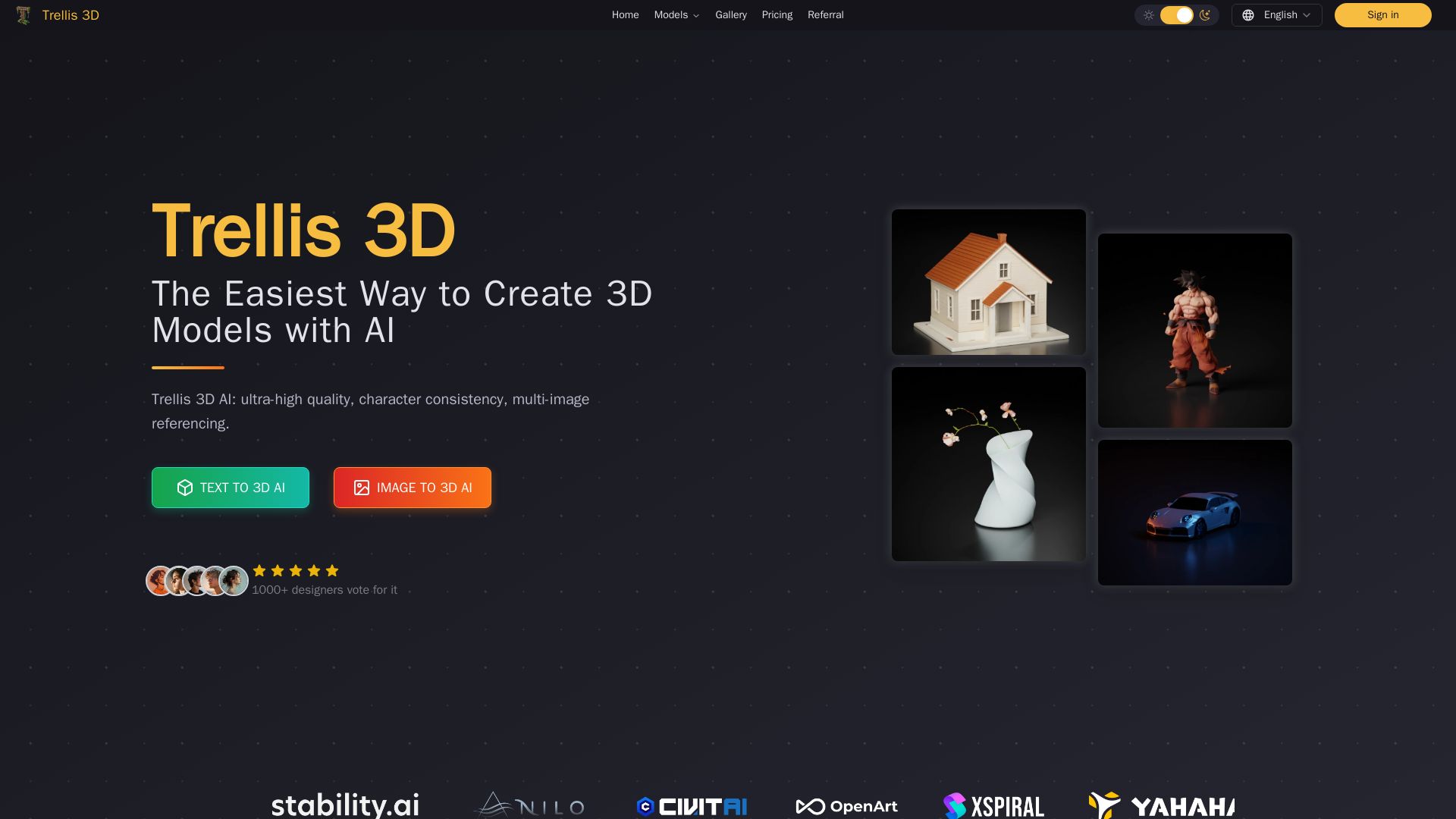
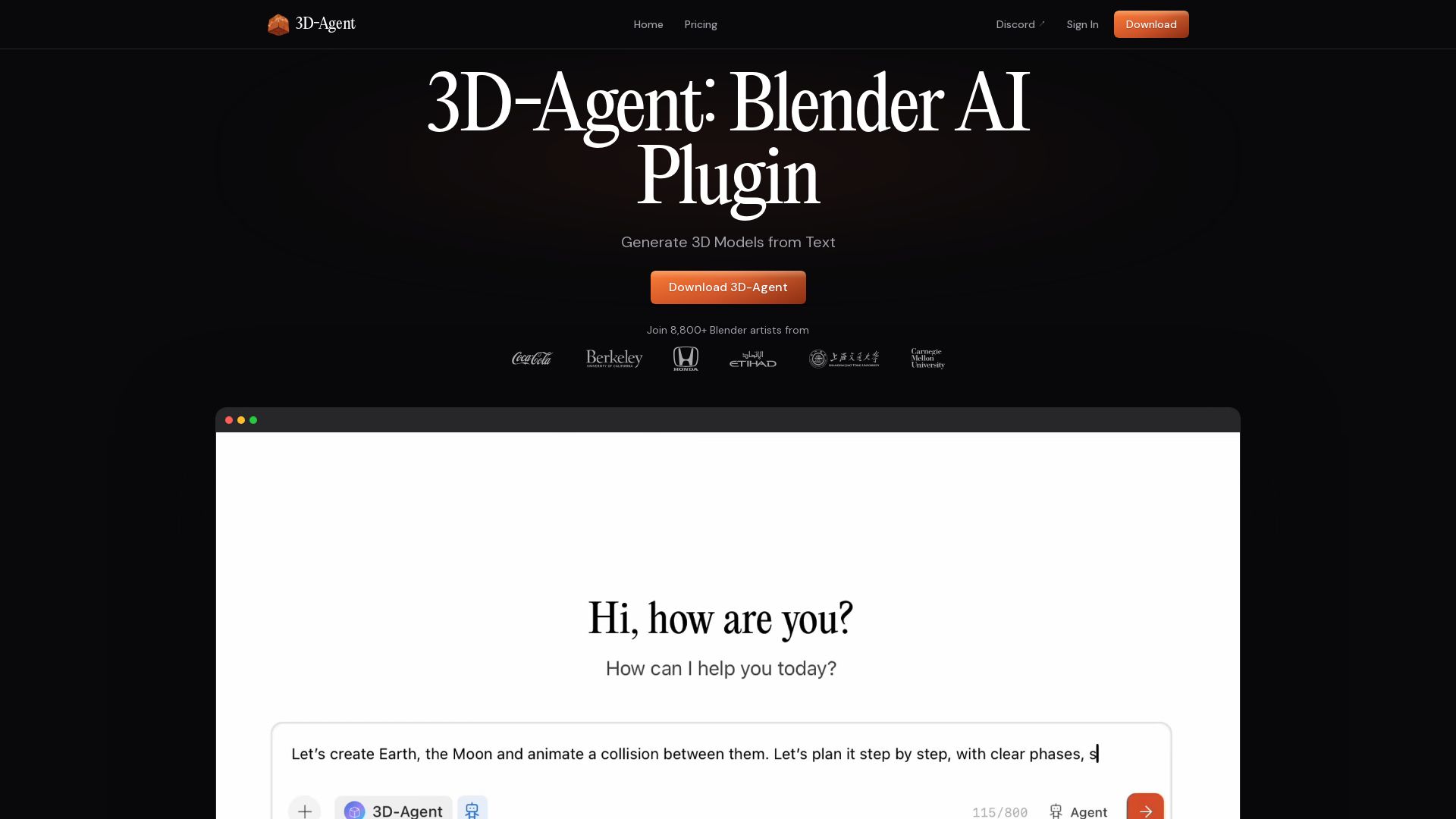
Trellis 3D AI
Create stunning 3D models from text or images using Trellis 3D AI. Ultra-high quality, multi-format output, and easy editing. Try it free!



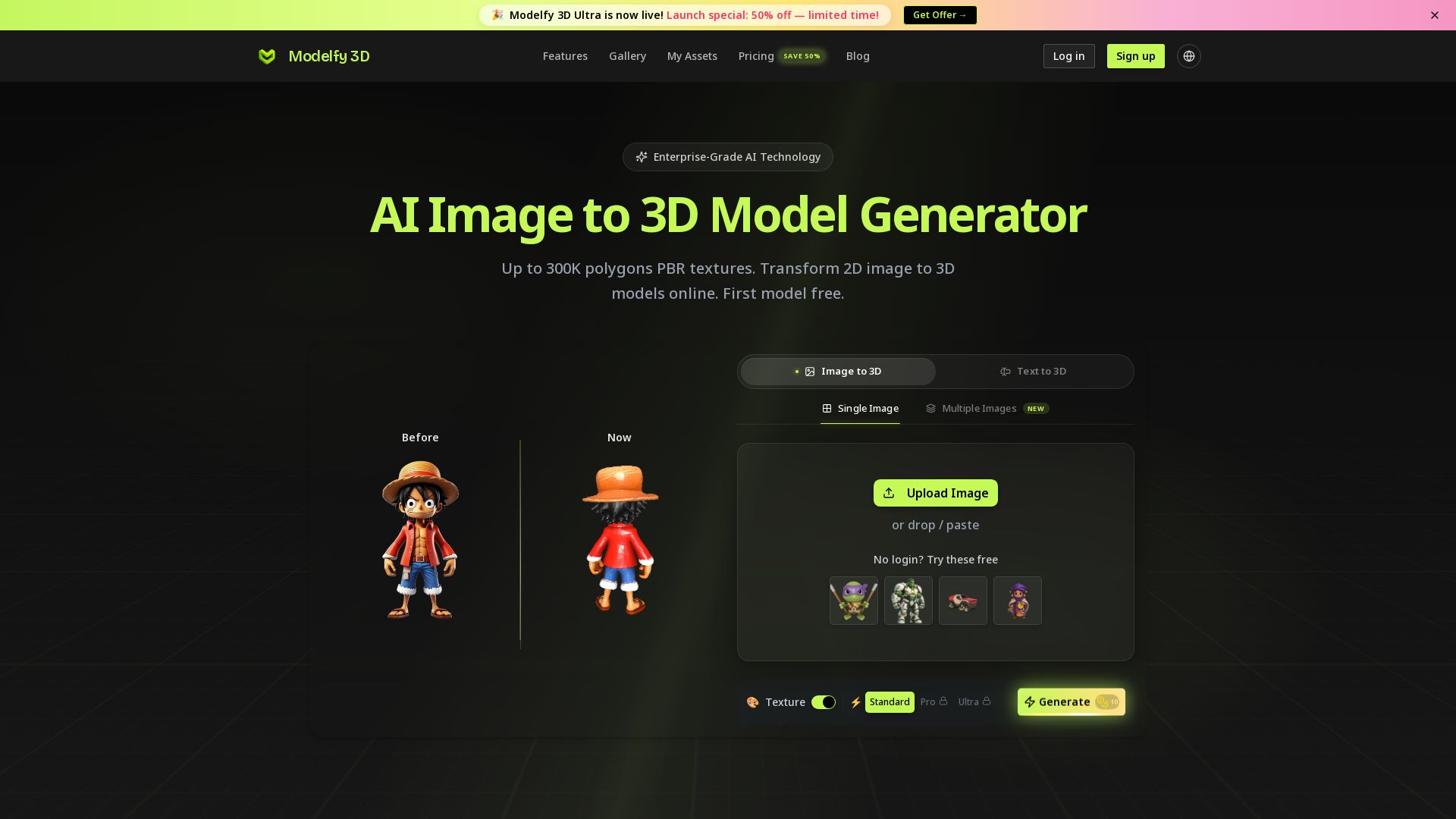
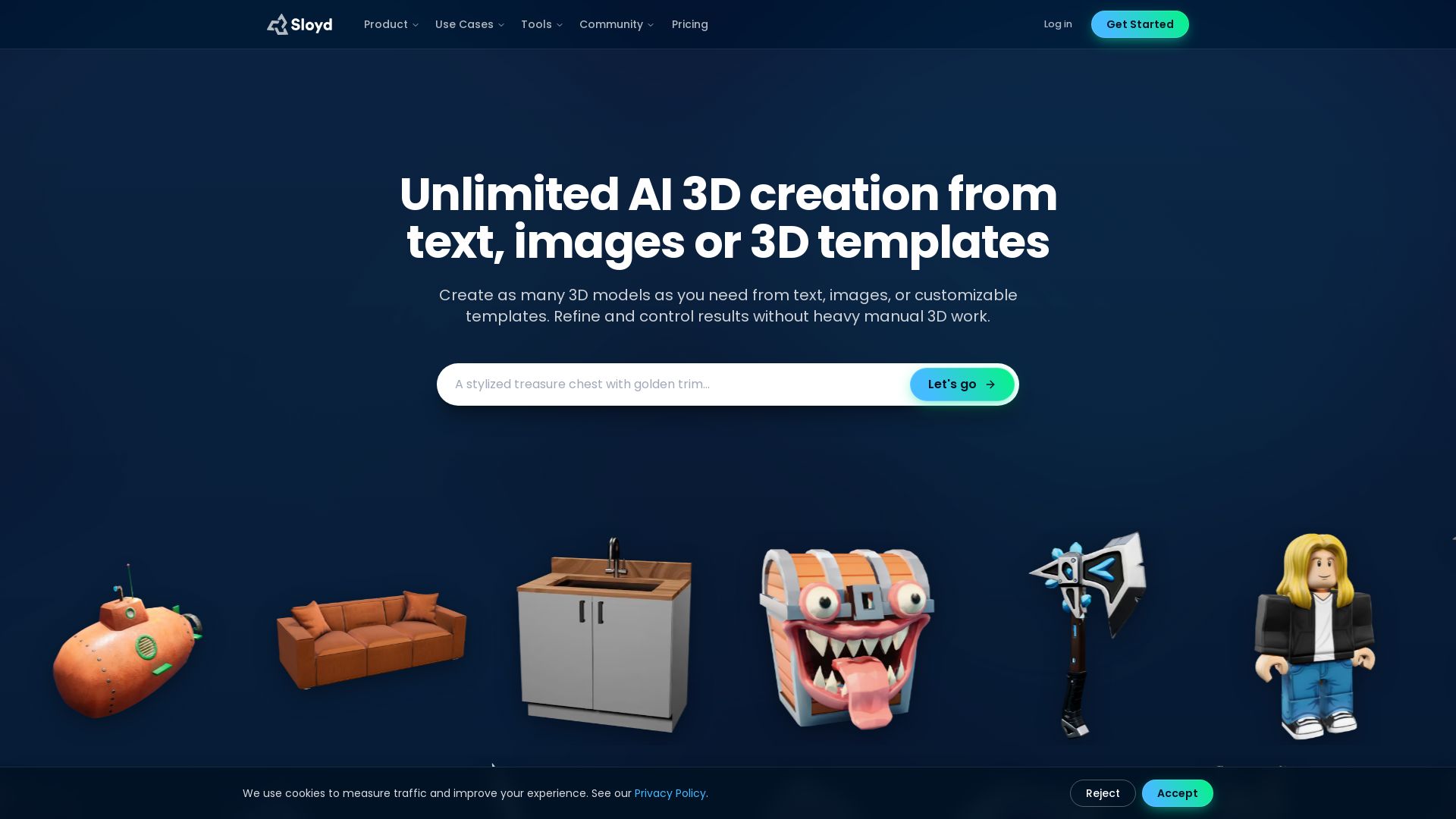
Modelfy 3D
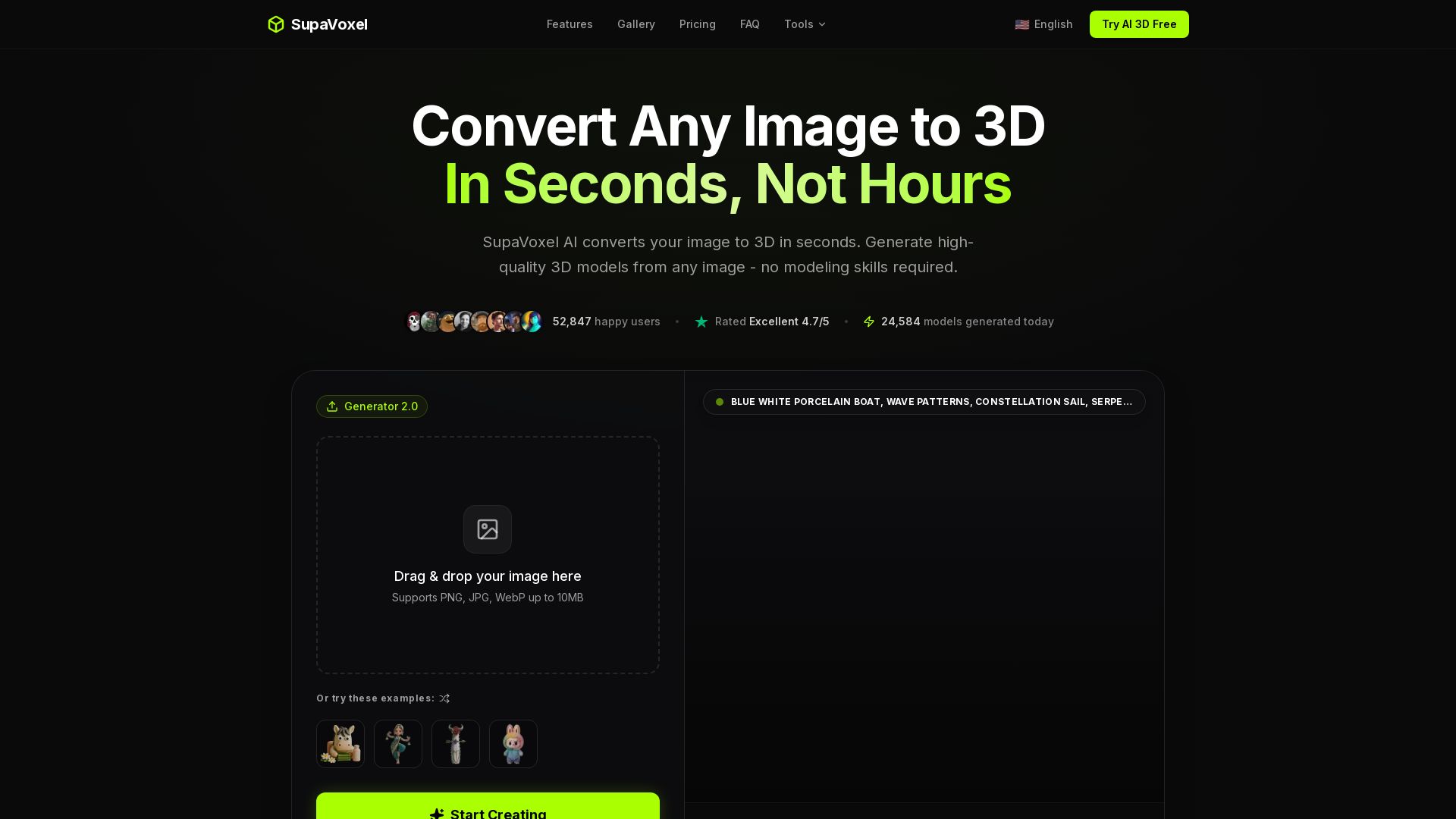
Convert 2D images to 3D models with AI. Up to 300K polygons, PBR textures, GLB/OBJ/STL export. Free first model. Try Modelfy 3D now.

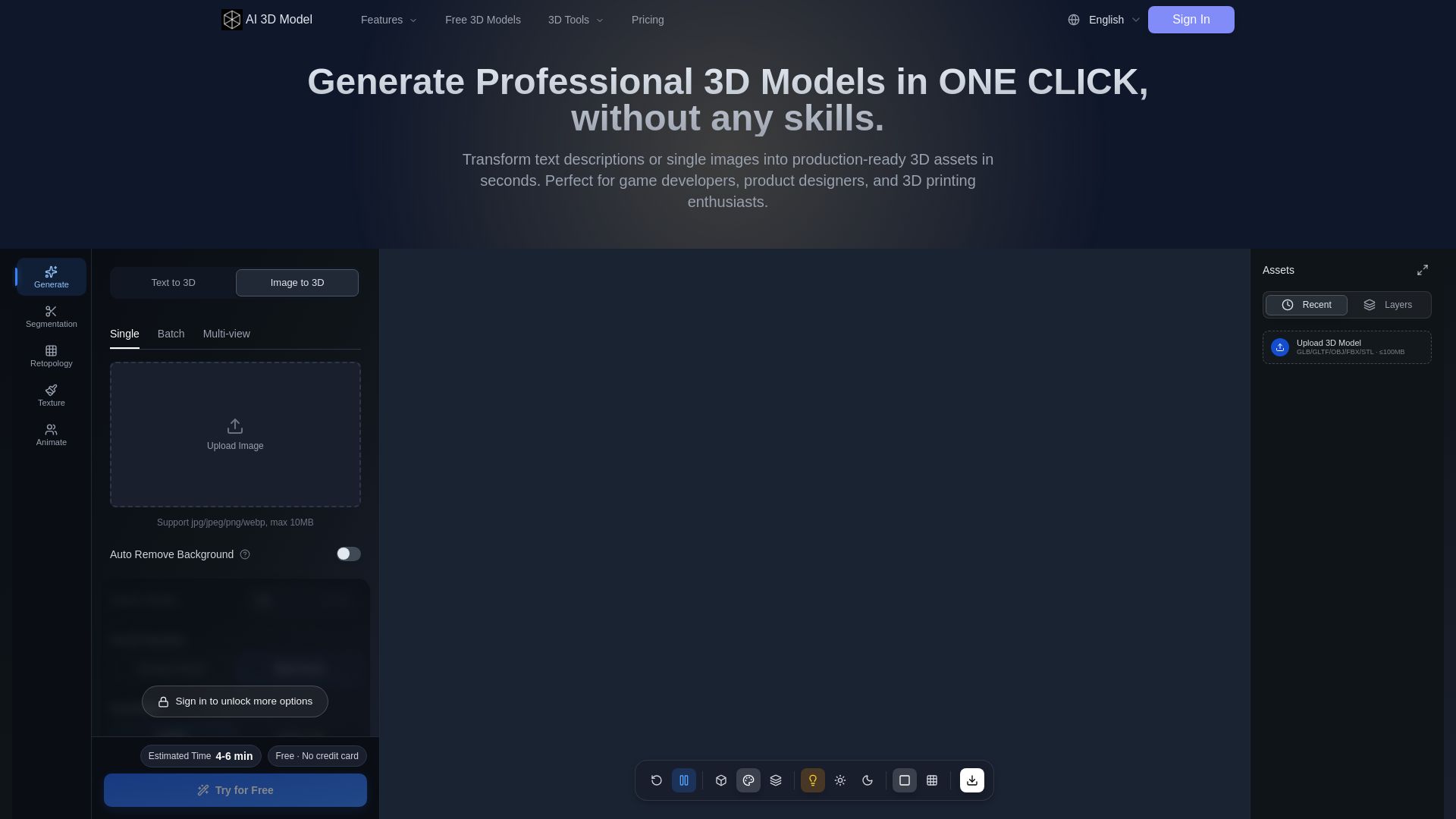
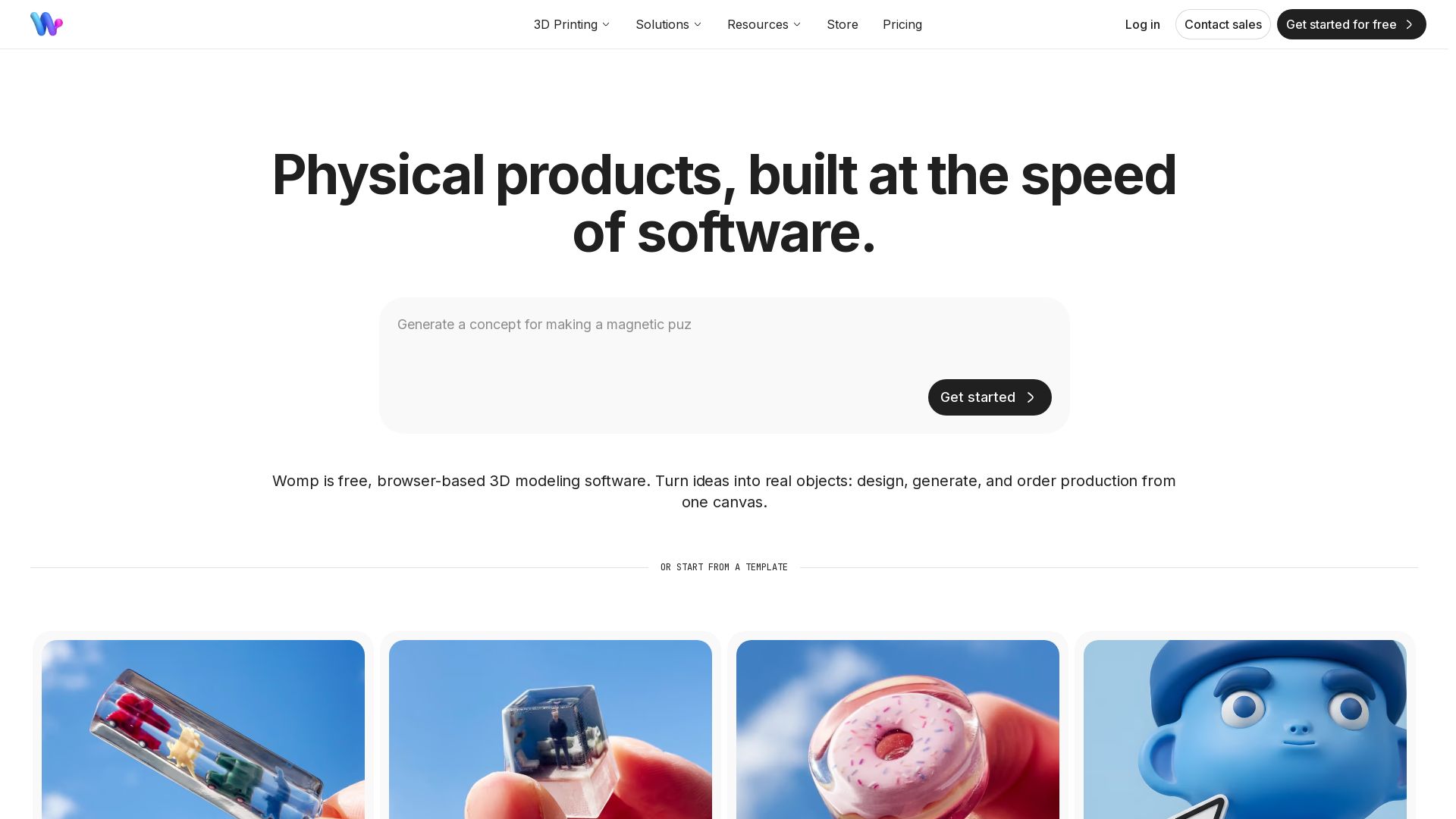
AI 3D Model Generator
Turn text or images into production-ready 3D models in seconds. Perfect for games, product design, 3D printing. No skills needed. Try free!



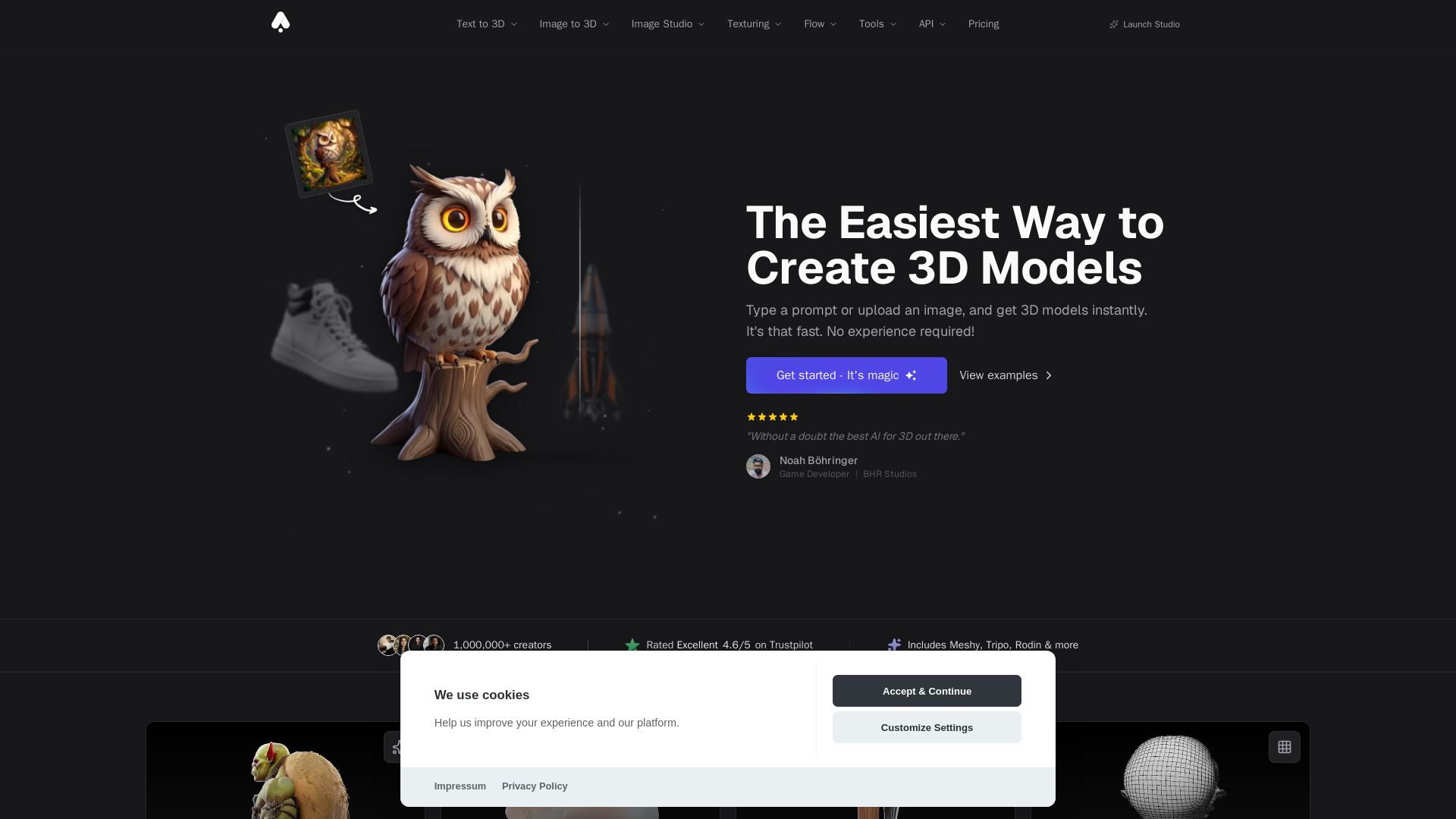
3D AI Studio
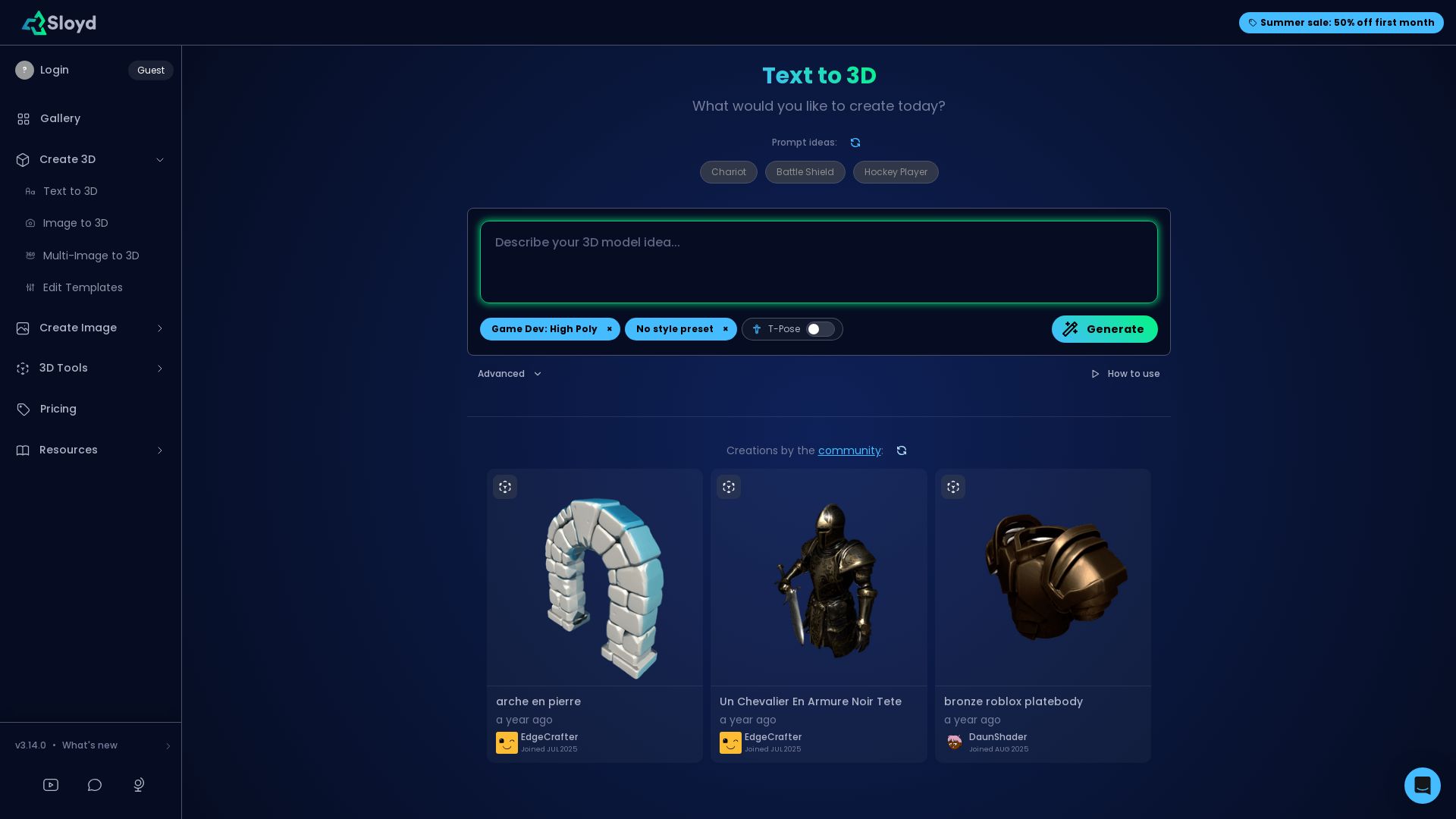
Create stunning 3D models instantly from text or images with AI. No experience required. Export to GLB, FBX, STL & more. Used by 1M+ creators.


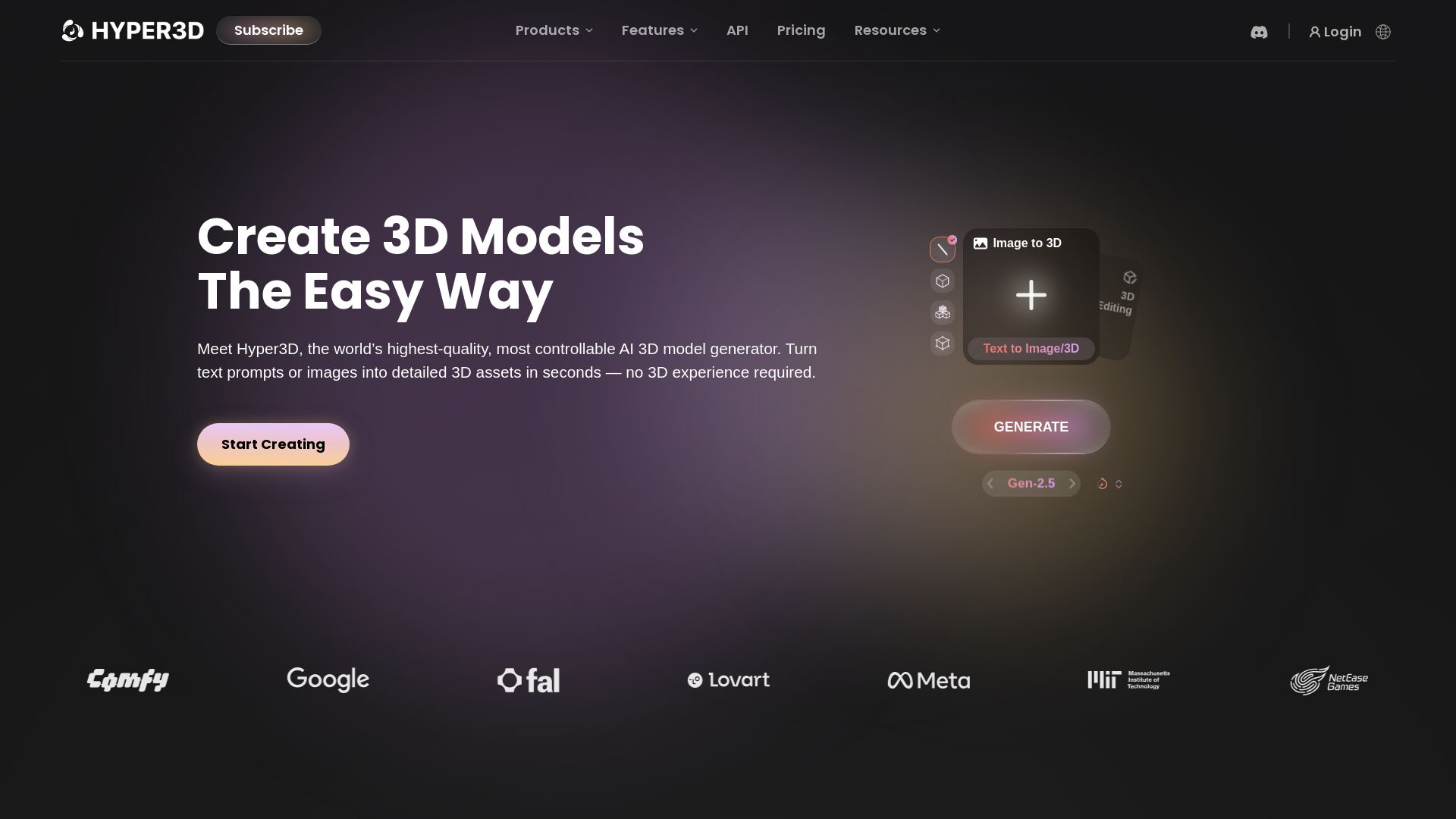
Hyper3D Rodin
Turn text or images into high-quality 3D models in seconds. No experience needed. Free trial available. Start creating now!




ℹ️ Curation Disclosure: The overview and features of Tripo 3D were synthesized using AI and fact-checked by our curation team to ensure accuracy.