
3D AI Studio
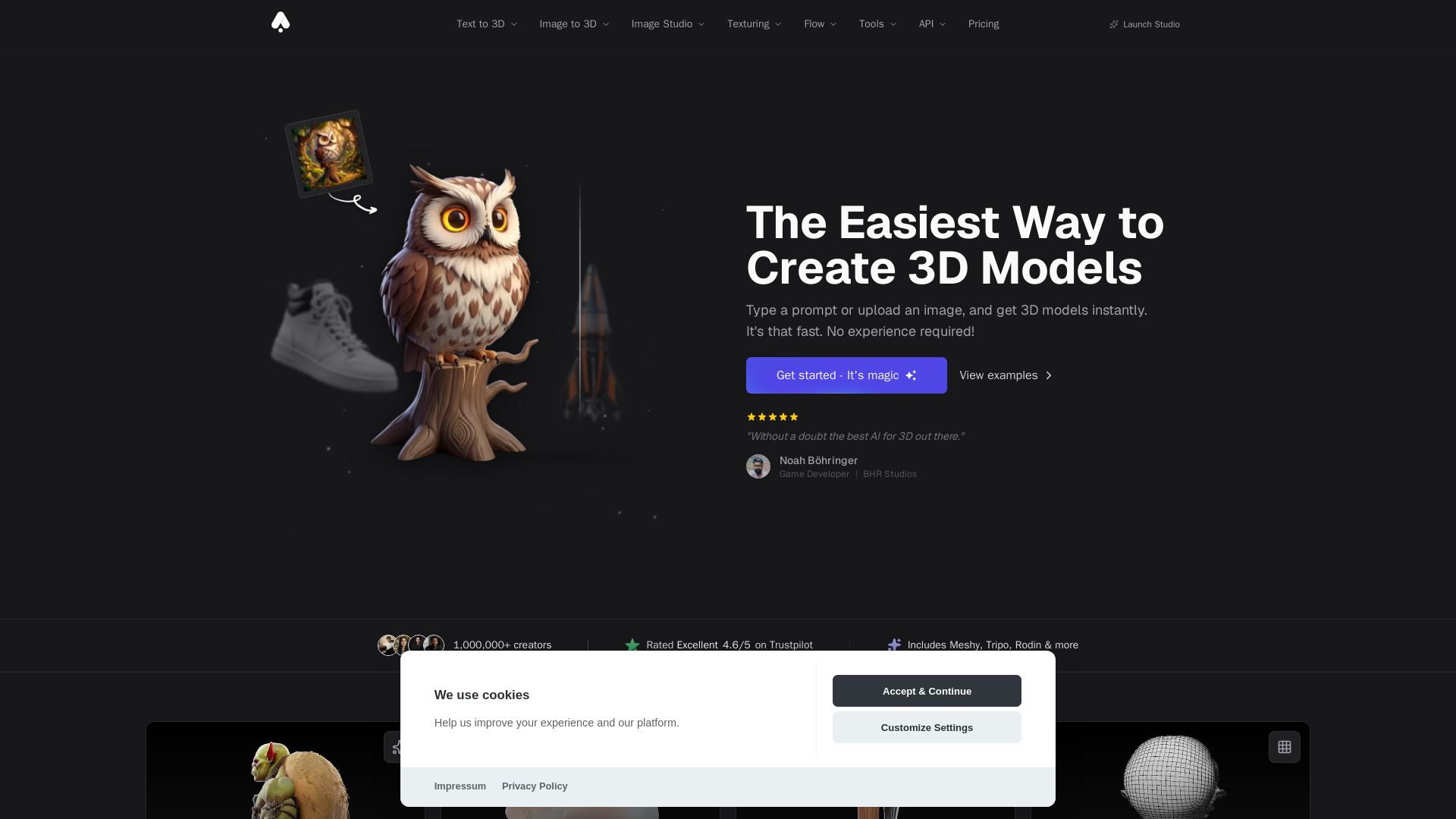
Create stunning 3D models instantly from text or images with AI. No experience required. Export to GLB, FBX, STL & more. Used by 1M+ creators.

Editor's Verdict
Key Takeaways
- Text to 3D
- Image to 3D
- AI Texturing
- Quad-Remesh
In-Depth Review: What is 3D AI Studio?
3D AI Studio is the ultimate AI-powered platform for generating 3D models from text or images. Choose from multiple cutting-edge engines including Meshy, Tripo, Rodin, and our own Prism models. Generate detailed, textured models in seconds, then export to any format for use in games, 3D printing, VR/AR, and more. With tools like AI texturing, quad remeshing, and an image studio, it's the complete toolkit for creators of all skill levels.
Core Features
Text to 3D
Generate 3D models from text prompts in seconds with AI.
Image to 3D
Turn any image into a high-quality 3D model instantly.
AI Texturing
Apply realistic textures to 3D models effortlessly with AI-powered generation.
Quad-Remesh
Optimize mesh topology for production-ready assets with automated retopology.
Image Studio
Generate images from text, edit and transform uploaded images, create videos, and more.
Flow
Build visual, node-based AI pipelines on an infinite canvas for creative workflows.
Multi-Engine Support
Access multiple state-of-the-art 3D AI models (Meshy, Tripo, Rodin, etc.) and switch per generation.
Export Formats
Export to FBX, GLB, OBJ, STL, USDZ, BLEND, and more for major engines and 3D printing.
Pricing
Free
- Test selected features with free credits
- Text to 3D and Image to 3D (limited)
- AI image generation and editing (limited)
- Export in all major 3D formats
- Private, commercially usable assets
Basic
- 1,000 credits per month
- Text to 3D and Image to 3D
- AI image generation and editing
- Export in all major 3D formats
- Private, commercially usable assets
Studio
- 3,500 credits per month
- Everything in Basic
- All creative and production tools
- Multi-image to 3D generation
- Faster generation times
Pro
- 18,000 credits per month
- Everything in Studio
- Team workspace and shared projects
- 3 team seats included
- Highest-priority generation
Pros and Cons
Pros
- No 3D Experience RequiredCreate production-ready 3D models from text or images, perfect for beginners and professionals alike.
- Fast GenerationGenerate models in seconds to minutes, drastically reducing asset creation time.
- Production-Ready OutputExport optimized meshes with PBR textures and clean topology for Unity, Unreal, Three.js, and more.
- Multiple AI EnginesAccess to many state-of-the-art models (Meshy, Tripo, Rodin, etc.) in one platform.
- Commercial RightsAll generated models are yours to use commercially without restrictions.
Cons
- Credit-Based SystemEach generation costs credits (25-35 for 3D), which may require purchasing plans for heavy use.
- Limited Free CreditsFree tier has limited credits, restricting extensive testing without upgrade.
- Internet RequiredFull functionality requires an active internet connection; no offline mode.
- Variable Generation TimeHigh-quality models may take 2-4 minutes, which might be slow for some workflows.
- Learning Curve for Advanced FeaturesTools like Flow and multi-engine switching may require some initial learning.
Use Cases & Recommended Professions
Game Developer→ View Toolkit
Quickly generate 3D assets like characters, weapons, and environments to accelerate game prototyping and production.
3D Artist→ View Toolkit
Use AI to create base models and textures, then refine them in Blender or other tools, saving hours of manual work.
Product Designer→ View Toolkit
Generate 3D prototypes and product visualizations from sketches or images for rapid iteration.
Filmmaker / Animator→ View Toolkit
Create 3D props, sets, and characters for pre-visualization or final scenes in film and animation pipelines.
Interior Designer→ View Toolkit
Generate 3D furniture and decor models from images or text for room layouts and client presentations.
3D Printing Enthusiast→ View Toolkit
Turn ideas or images into printable 3D models with proper geometry and export formats like STL.
Frequently Asked Questions
Alternative AI Tools
View Detailed Comparison →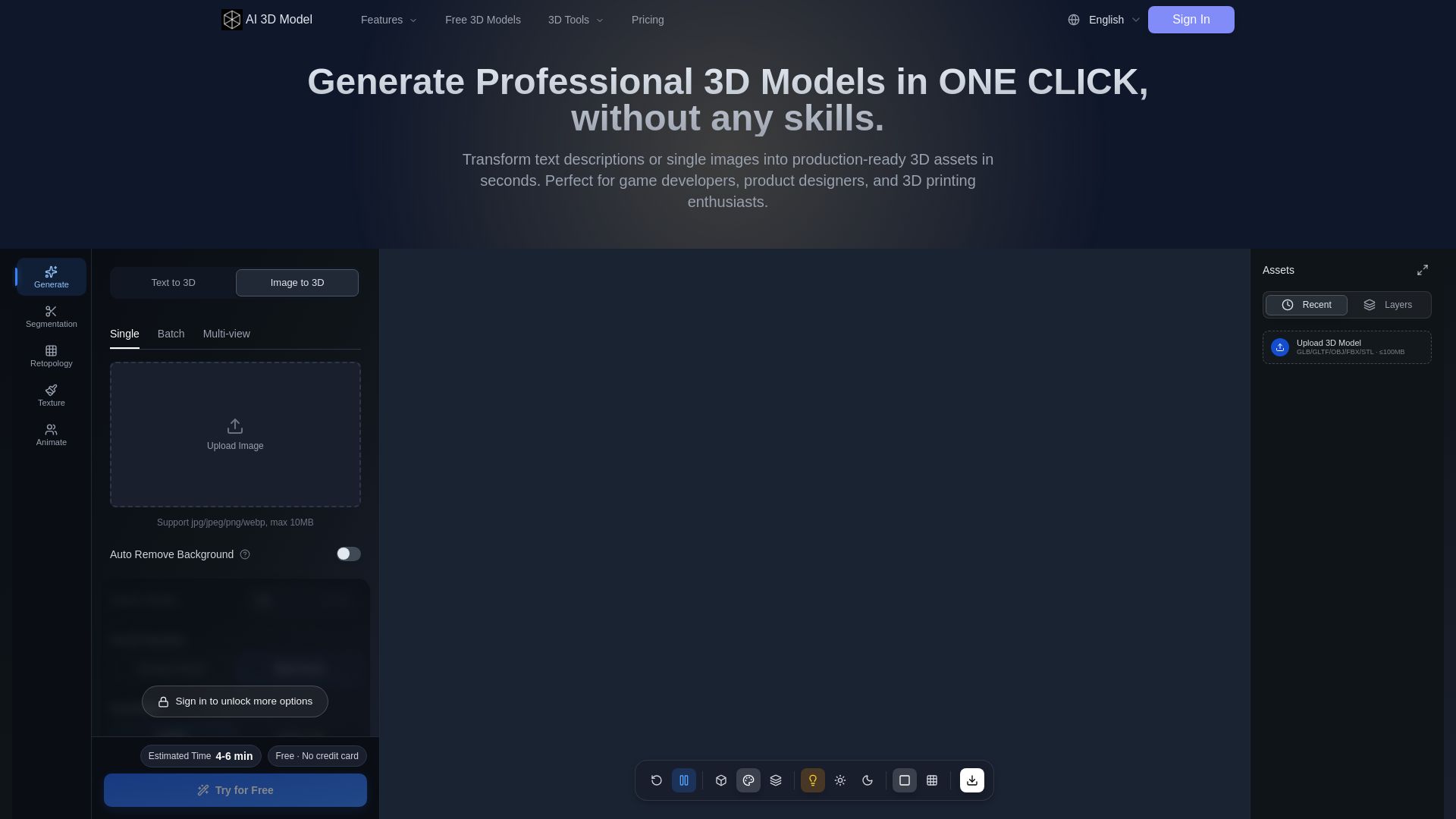
AI 3D Model Generator
Turn text or images into production-ready 3D models in seconds. Perfect for games, product design, 3D printing. No skills needed. Try free!

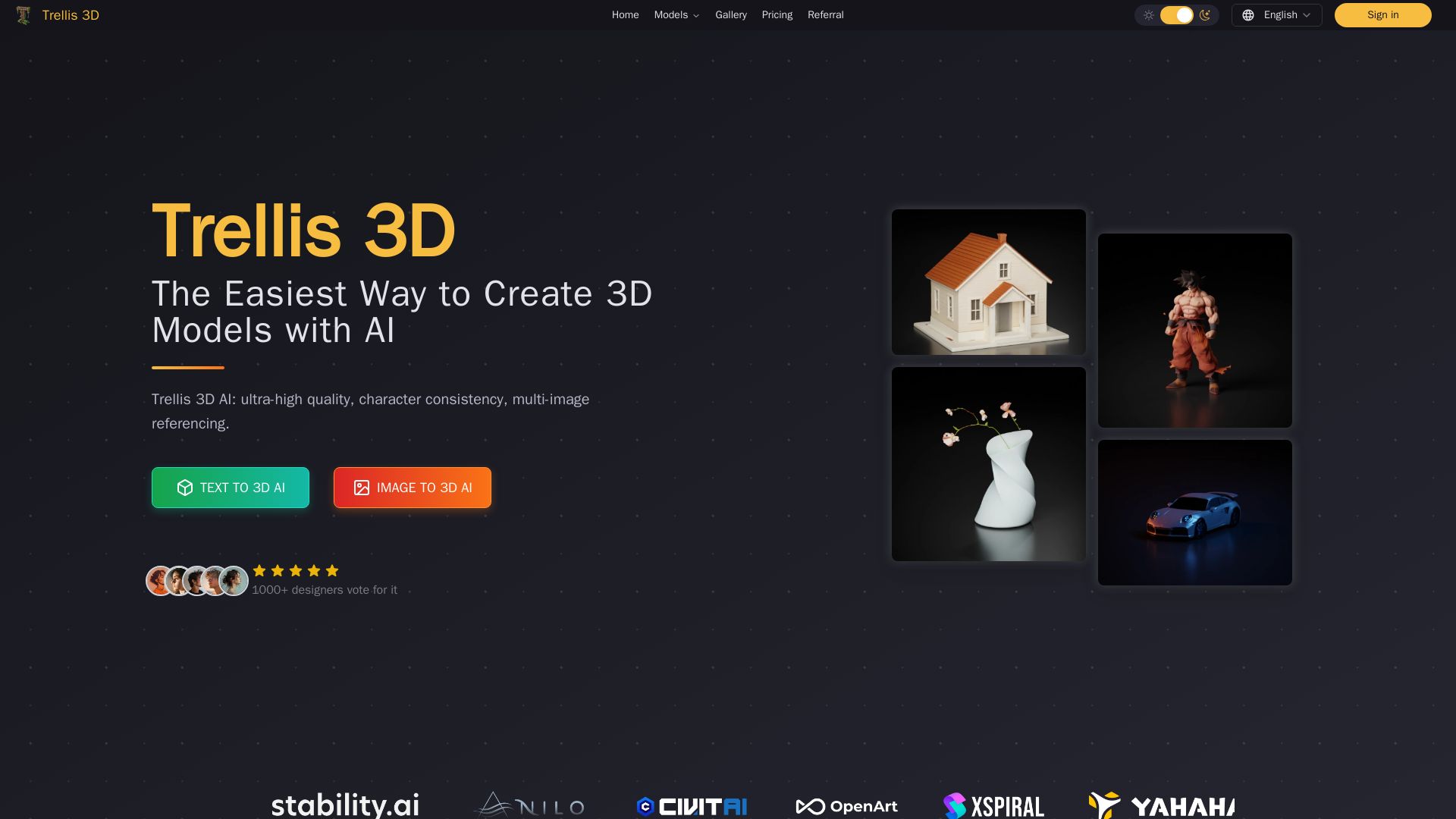
Trellis 3D AI
Create stunning 3D models from text or images using Trellis 3D AI. Ultra-high quality, multi-format output, and easy editing. Try it free!

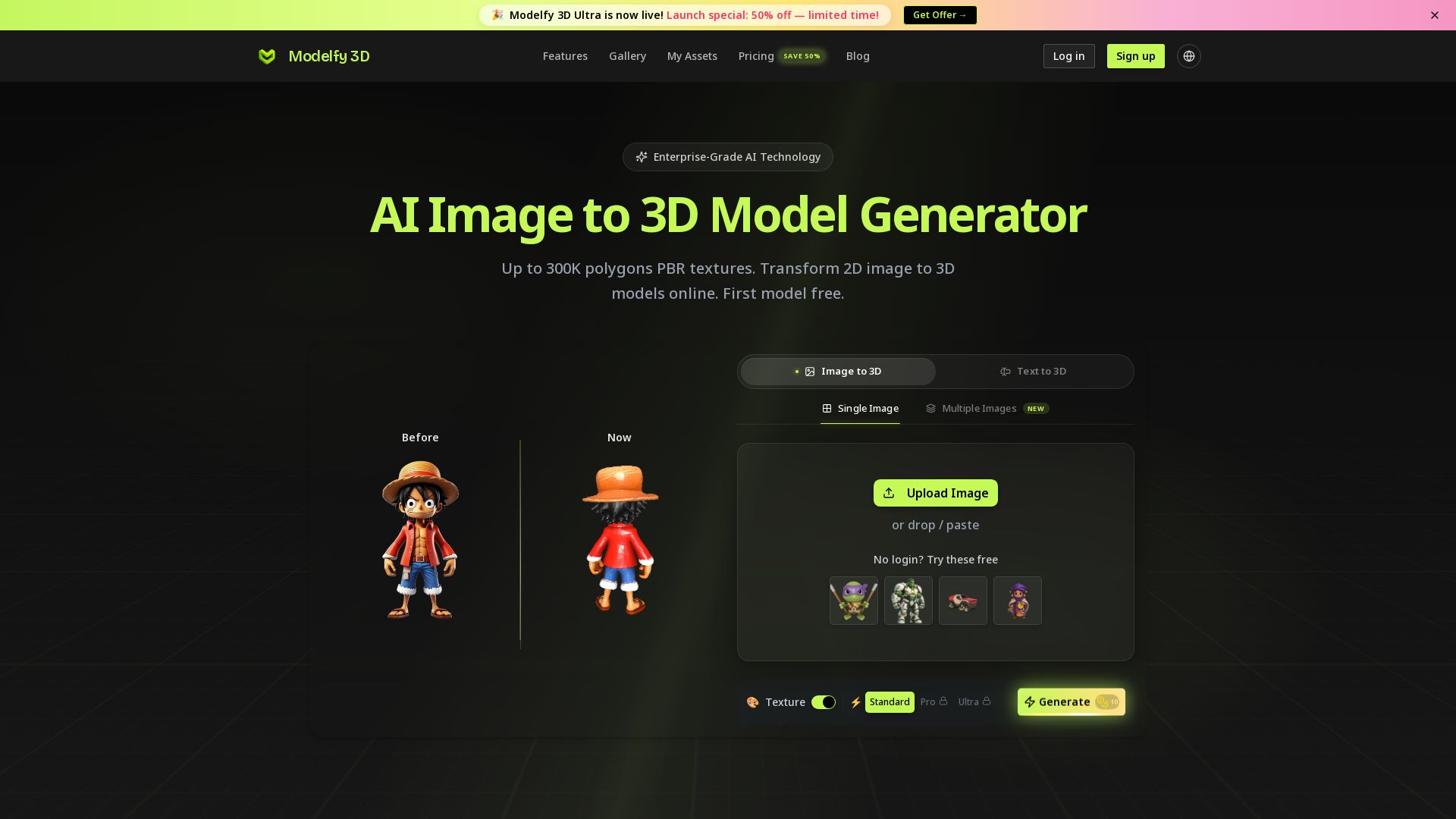
Modelfy 3D
Convert 2D images to 3D models with AI. Up to 300K polygons, PBR textures, GLB/OBJ/STL export. Free first model. Try Modelfy 3D now.





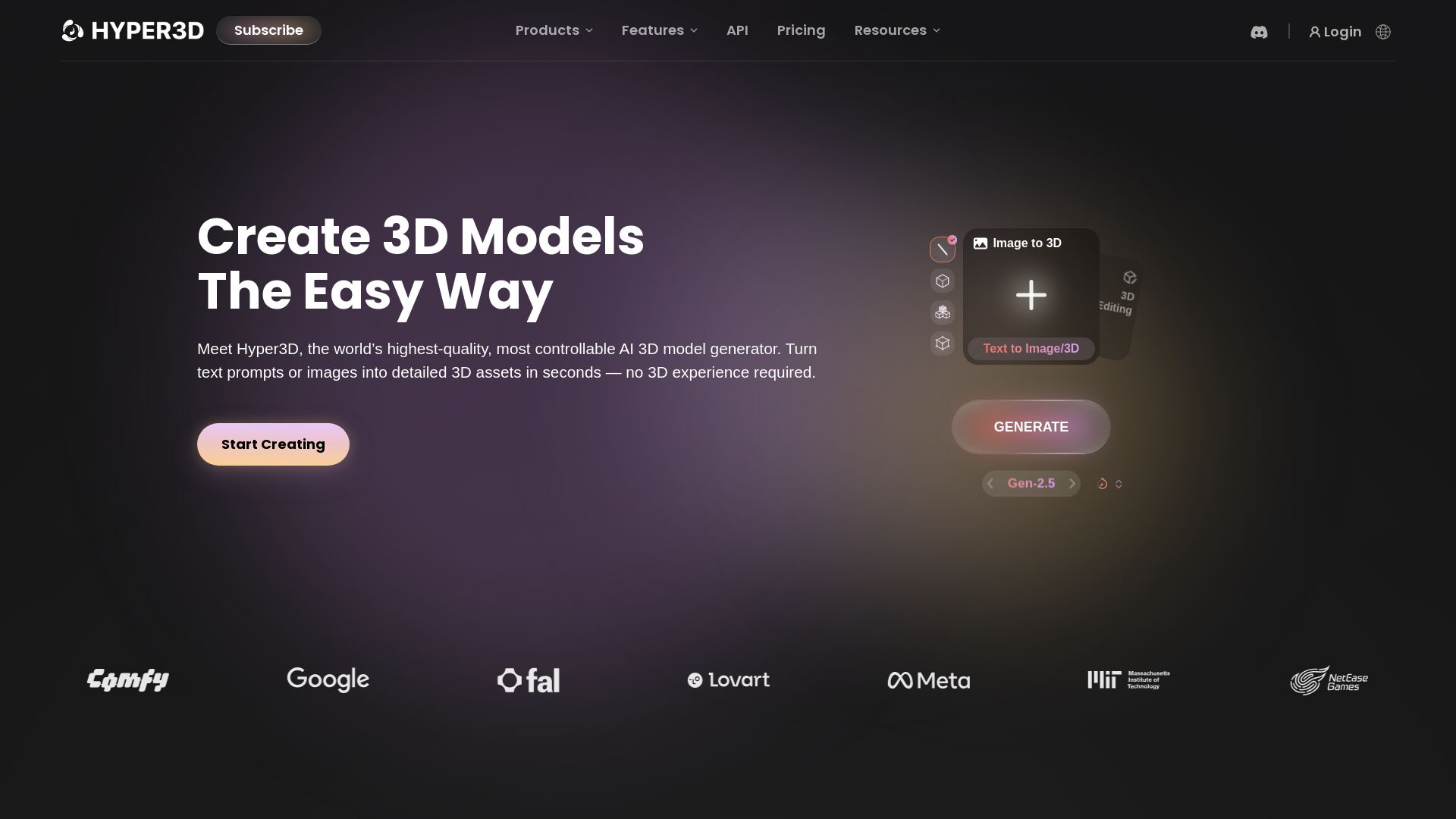
Hyper3D Rodin
Turn text or images into high-quality 3D models in seconds. No experience needed. Free trial available. Start creating now!

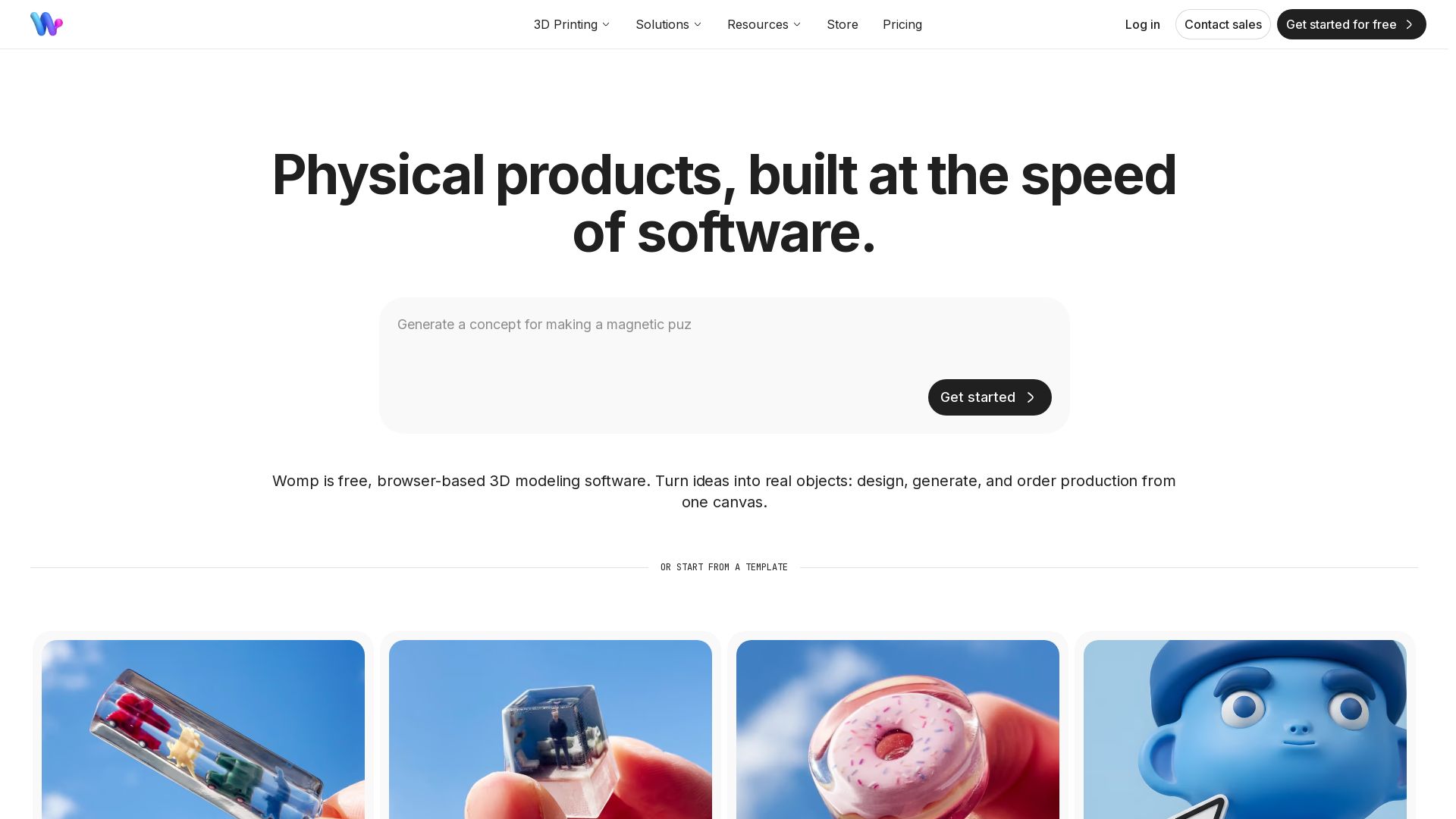

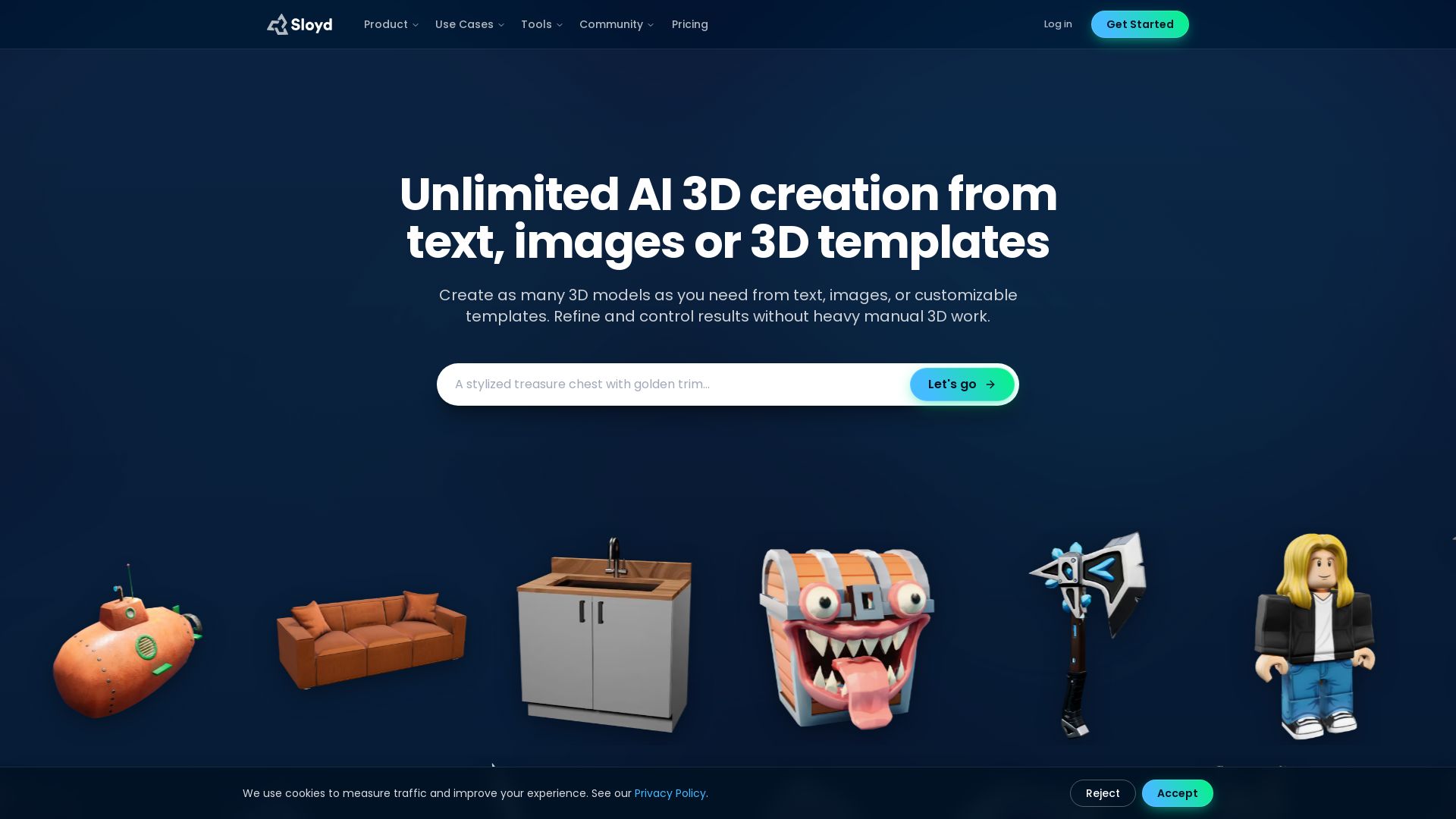

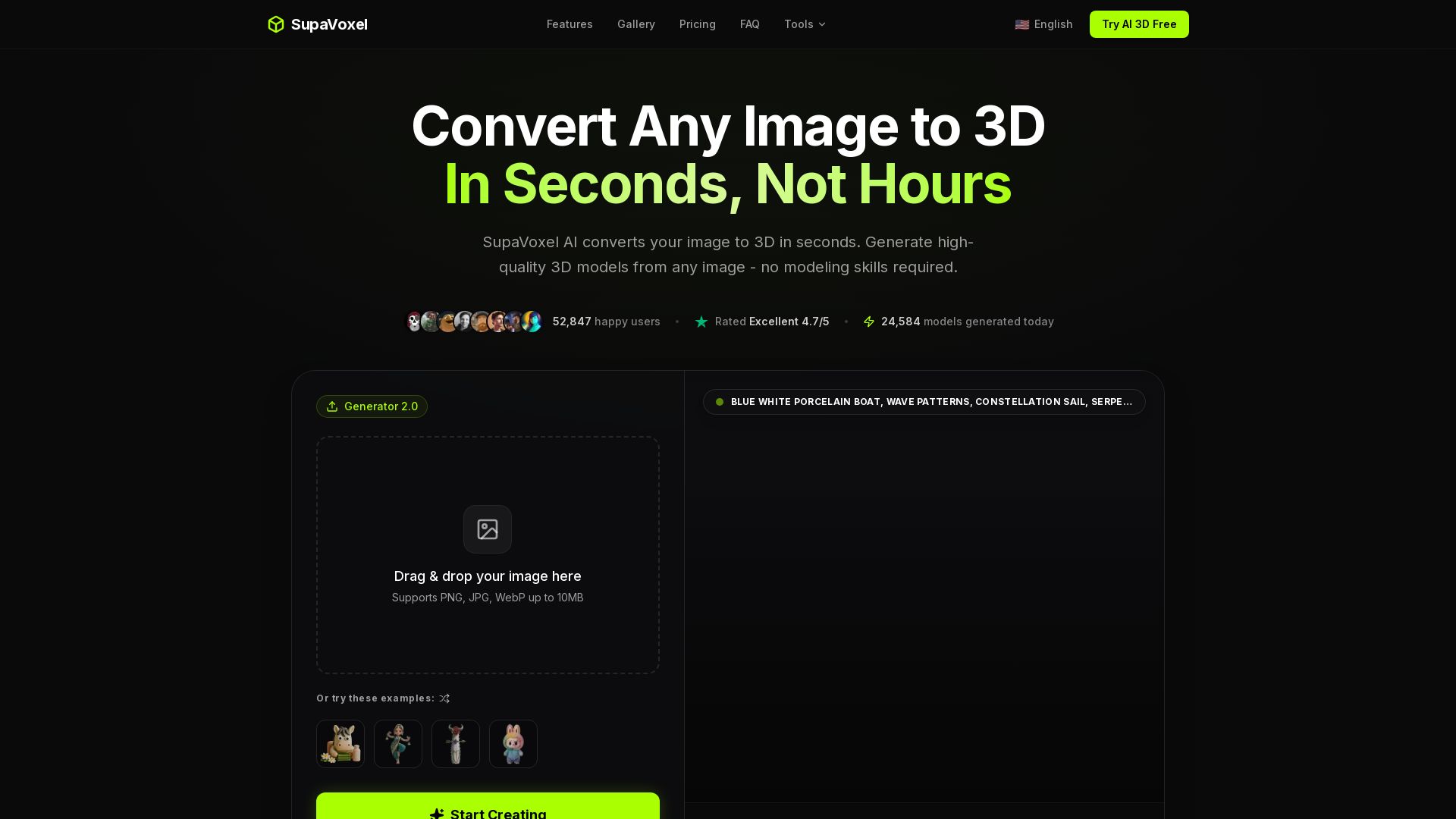

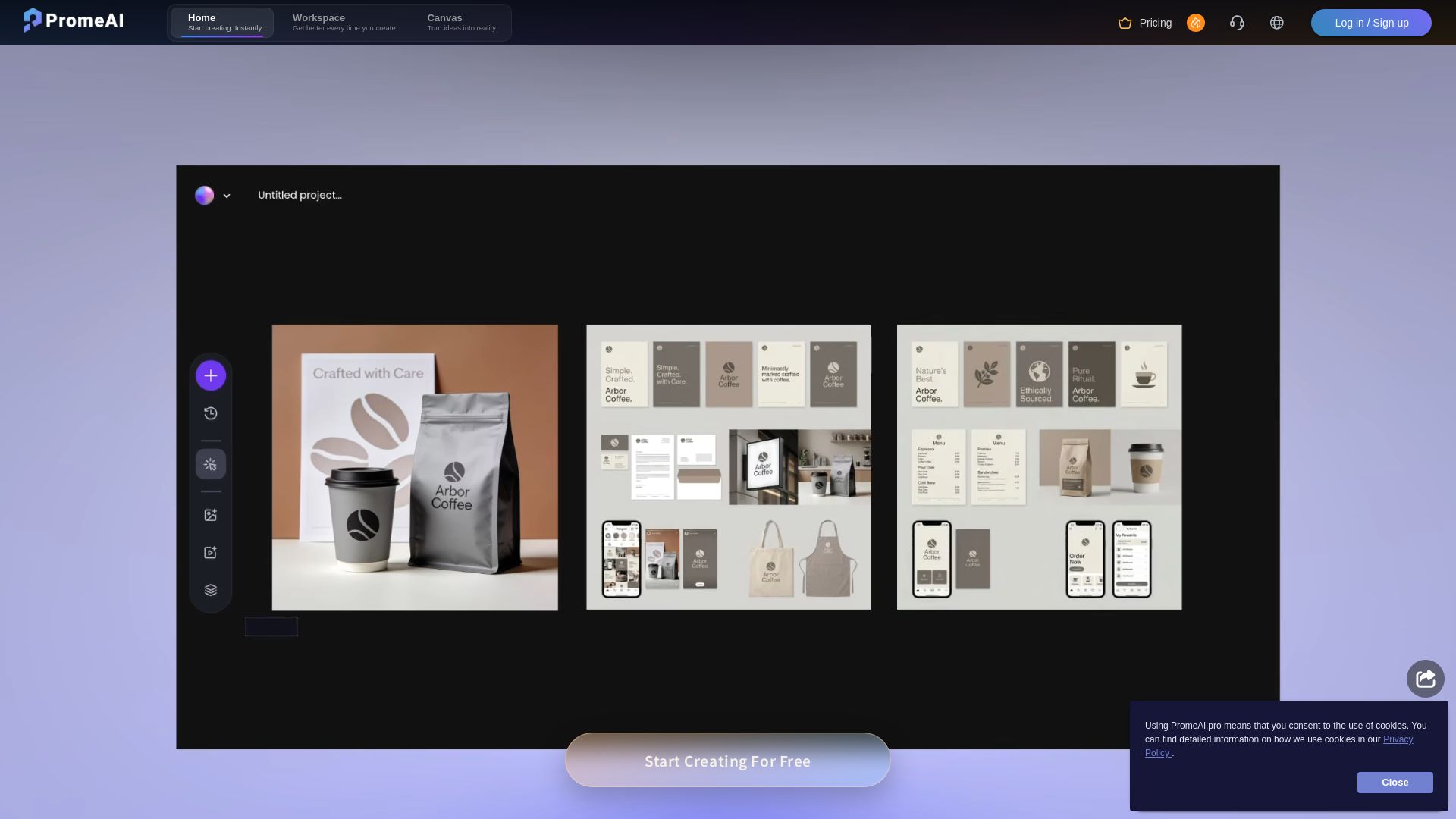
PromeAI
Transform sketches into realistic renders with PromeAI. 42+ AI tools for architecture, interior design, and more. Trusted by 2M+ users.

ℹ️ Curation Disclosure: The overview and features of 3D AI Studio were synthesized using AI and fact-checked by our curation team to ensure accuracy.
