
PromeAI
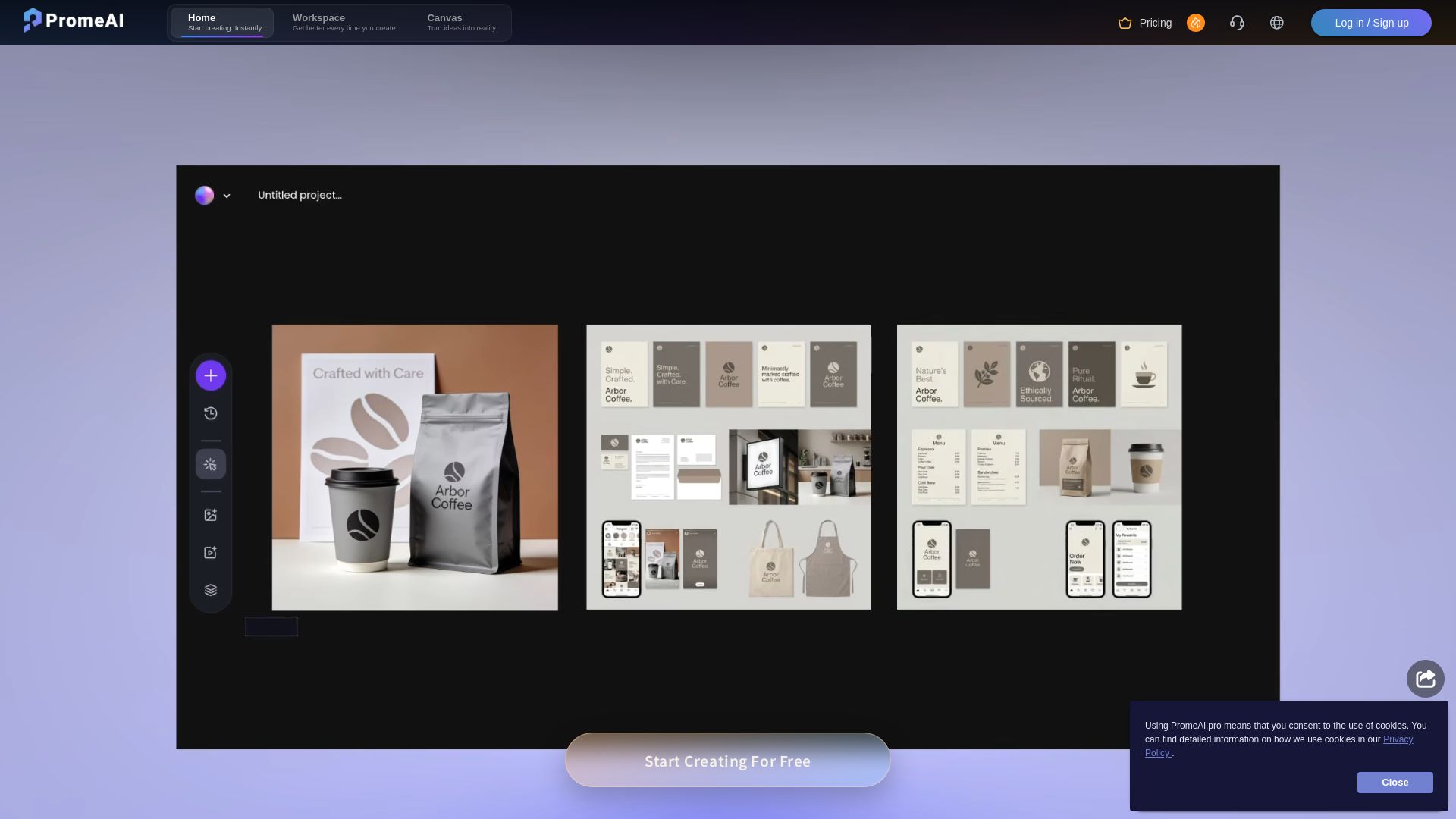
Transform sketches into realistic renders with PromeAI. 42+ AI tools for architecture, interior design, and more. Trusted by 2M+ users.



Editor's Verdict
Key Takeaways
- Sketch Rendering
- Image to Video
- AI Image Generator
- Erase & Replace
In-Depth Review: What is PromeAI?
PromeAI is an advanced AI-driven platform offering a comprehensive suite of tools for converting sketches into high-quality, lifelike renderings. With over 42 AI tools including sketch rendering, image-to-video, background generation, and more, it caters to architects, interior designers, product designers, and game artists. The platform's controllable AIGC models enable users to effortlessly create stunning art, images, graphics, and animations. Trusted by over 2 million users, PromeAI enhances creativity and productivity, making professional-grade design accessible to everyone.
Core Features
Sketch Rendering
Move from linework to atmospheric architectural renders with faster proposal-ready visuals.
Image to Video
Animate facade studies, fly-through frames, and still renders into presentation motion.
AI Image Generator
Visualize different design concepts and get high-quality realistic renderings from hand-drawn sketches or 3D model designs.
Erase & Replace
Selectively remove or replace objects in images with AI-powered precision.
Background Remover
Automatically remove backgrounds from images for clean compositing.
Pricing
Base
- Video generation 50% discount
- Unlimited 4K
- Up to 500 images/mo
- Up to 33 videos/mo
Standard
- Video generation 50% discount
- Unlimited 4K
- Up to 2000 images/mo
- Up to 133 videos/mo
Pro
- Video generation 50% discount
- Unlimited 4K
- Up to 6000 images/mo
- Up to 400 videos/mo
- 6 concurrent image generation limit
- Up to 40 pending image generation
- Commercial rights
- All Pro benefits apply to your entire workspace
Pros and Cons
Pros
- AI-Powered Design AssistantEnhances human intelligence with AI to transform anyone into a professional, making design accessible to all.
- Extensive Tool LibraryOver 42 AI tools for creation, editing, and motion, covering a wide range of design needs.
- High-Quality OutputGenerates stunning, lifelike renderings and animations from sketches or 3D models.
- Versatile ApplicationsSuitable for amateurs, architects, interior designers, product designers, and game/animation designers.
- Fast WorkflowAccelerates design processes with quick renderings and automated edits.
Cons
- Pricing ComplexityCoin-based pricing may be confusing for new users compared to straightforward subscription models.
- Limited Free TierFree version likely has restricted features and may include watermarks or limited usage.
- Requires InternetCloud-based AI generation requires a stable internet connection, limiting offline usability.
- Dependency on AI AccuracyResults may vary and sometimes require manual refinement for precise outcomes.
- Subscription Cost for Advanced UsePro plans with high coin limits can be expensive for casual or infrequent users.
Use Cases & Recommended Professions
Architect→ View Toolkit
Use Sketch Rendering and Image to Video to create photorealistic architectural visuals and animated walkthroughs from initial sketches.
Interior Designer→ View Toolkit
Leverage AI Image Generator to visualize interior concepts and apply different design themes quickly.
Product Designer→ View Toolkit
Generate realistic product renderings and variations from hand-drawn or CAD models.
Game Designer→ View Toolkit
Create concept art, textures, and animations using AI tools for rapid prototyping.
Animation Designer→ View Toolkit
Use Image to Video and AI Video Generator to animate storyboards and create motion graphics.
E-commerce Designer→ View Toolkit
Generate product images, remove backgrounds, and create promotional videos with AI Supermodel and Background Remover.
Frequently Asked Questions
Alternative AI Tools
View Detailed Comparison →
Superdesign
Create stunning designs with AI. Iterate quickly using natural language. Export production-ready code. Browse design prompts and styles.

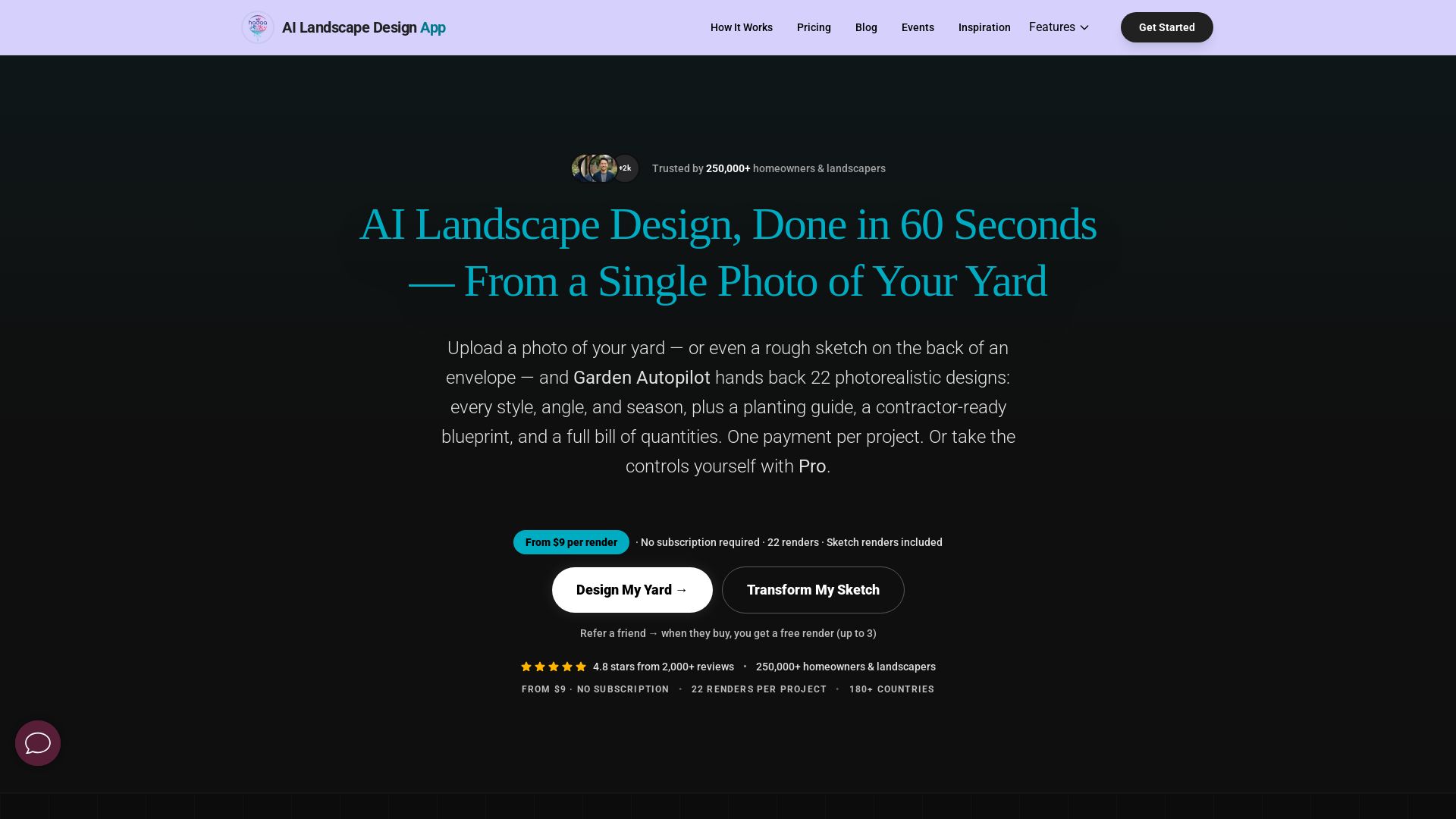
AI Garden Design vs Hadaa: Features & Pricing (2026)
Upload a photo or sketch, get 22 photorealistic designs, planting guide, blueprint & BOQ. Pay per project, no subscription.


Figma Console MCP
Connect AI to Figma for design extraction, token sync, and component creation. Turn your design system into a programmable API.


UX Pilot
Ideate, design, and hand-off web apps in seconds with UX Pilot's AI. Generate wireframes, hi-fi designs, and clean code. Trusted by 1M+ users.


Figma
Figma is the intelligent, AI-native canvas for designing, prototyping, and building products together. Trusted by 95% of Fortune 500. Explore design and dev tools.


AIDesigner
Create premium UI, logos, brand kits, and more with AIDesigner. No design experience needed. Free to try, no credit card required. Join 15,000+ users.


Anima
Convert Figma designs, images, and code into live HTML/React apps. AI with design context for developers and agents.


Komposo
Turn product ideas into real, editable designs with AI. Generate, edit, and export UIs using plain language. Trusted by 100k+ users. Start for free.


Figr
Ship better UX faster. Figr builds a living understanding of your product, maps flows, finds edge cases, and generates high-fidelity prototypes from your actual design system.


Motiff AI
Generate production-ready UI from text, wireframes, or screenshots with Motiff AI. Choose preset styles, export to React/HTML. Fast, consistent design.


Pixlr
Edit, generate, and design with Pixlr's free AI photo editor. Transform photos, create images from text, and more – all in your browser. No download needed.


ℹ️ Curation Disclosure: The overview and features of PromeAI were synthesized using AI and fact-checked by our curation team to ensure accuracy.