
Pixlr

Edit, generate, and design with Pixlr's free AI photo editor. Transform photos, create images from text, and more – all in your browser. No download needed.



Editor's Verdict
Key Takeaways
- AI Image Generator
- AI Video Generator
- AI Photo Editor
- AI Face Swap
In-Depth Review: What is Pixlr?
Pixlr is a powerful, free online AI photo editor and image generator that lets you edit photos, generate images from text prompts, create videos, swap faces, remove backgrounds, and much more – all in your browser. Used by over 500 million people worldwide, it offers professional-grade tools powered by top AI models like Flux, Kling, and Google Veo, without the need for downloads or subscriptions. Perfect for beginners and pros alike.
Core Features
AI Image Generator
Create stunning images from text prompts using world-class AI models like Flux, Stable Diffusion, and Recraft.
AI Video Generator
Generate and animate videos from text or images with models like Kling AI and PixVerse.
AI Photo Editor
Edit, enhance, and transform photos with AI-powered tools including background removal, object removal, and generative fill.
AI Face Swap
Swap faces in any photo instantly with high accuracy.
Background Remover
One-click AI background removal with clean subject isolation.
Photo Collage Maker
Combine multiple photos into professional layouts with ease.
Generative Fill
Select an area and describe what to generate — add, replace, or reimagine anything in your images.
AI Assistant
Edit images using natural language commands — describe the change and AI applies it automatically.
Pricing
Plus
- Ad-Free
- Unlimited saves
- 1 concurrent AI generation
- 80 monthly AI Credits
- Credits valid for 1 month
Premium
- Everything in Plus
- Access to all image, video & audio models
- 4 concurrent AI generations
- 1,000 monthly AI Credits
- Private mode for AI Generations
- Large library of fonts, templates, elements, animations and more
Ultra
- Everything from Premium
- Unlimited free fast image generations (subject to fair use)
- 8 concurrent AI generations
- Up to 10,000 monthly AI Credits
- Private and Mature content
- Priority AI generation queue
- Extended high-res exports
Ultra MAX
- Everything from Ultra
- Double the credits (10,000 credits instead of 5,000)
- Unlimited free fast image generations (subject to fair use)
Pros and Cons
Pros
- Best free Photoshop alternativePixlr offers a comprehensive AI photo editor and generator that rivals Photoshop, completely free with optional affordable plans.
- AI image generator + editor comboGenerate images from text and then seamlessly edit them in the same platform, saving time and streamlining workflow.
- Faster than Photoshop for quick AI editsAI-powered tools like background removal, generative fill, and object removal perform instant edits without complex manual steps.
- Affordable premium plansPlans start at just $2.49/month, making professional AI tools accessible to individuals and small businesses.
- Wide range of AI modelsPowered by leading AI models including Flux, Stable Diffusion, Kling AI, and Google Veo, ensuring high-quality outputs.
Cons
- AI credits expire monthlyUnused AI credits expire at the end of the month, which may be limiting for occasional users.
- Free version has limitationsThe free plan includes ads and limited AI generations, which may require upgrading for heavy use.
- Requires internet connectionSince Pixlr is a browser-based tool, it cannot be used offline, limiting access in low-connectivity areas.
- AI service availability not guaranteedAvailability of AI services may vary based on demand and system capacity, potentially causing delays.
- Limited concurrent generations on basic plansPlus plan allows only 1 concurrent AI generation, which can slow down batch processing.
Use Cases & Recommended Professions
Graphic Designer→ View Toolkit
Needs Pixlr for rapid AI image generation and editing to create social media graphics, marketing materials, and client presentations.
Small Business Owner→ View Toolkit
Relies on Pixlr's affordable AI tools for product photography, background removal, and brand visuals without hiring a professional designer.
Marketing Professional→ View Toolkit
Uses Pixlr to generate campaign visuals, edit photos quickly, and create collages for social media and advertising.
Content Creator→ View Toolkit
Benefits from AI video generation, face swap, and audio tools to produce engaging multimedia content for platforms like YouTube and TikTok.
E-commerce Manager→ View Toolkit
Needs Pixlr for product photo editing, background removal, and image upscaling to improve online store listings.
Educator→ View Toolkit
Uses Pixlr free for education to teach design, edit instructional images, and create visual aids for students.
Frequently Asked Questions
Alternative AI Tools
View Detailed Comparison →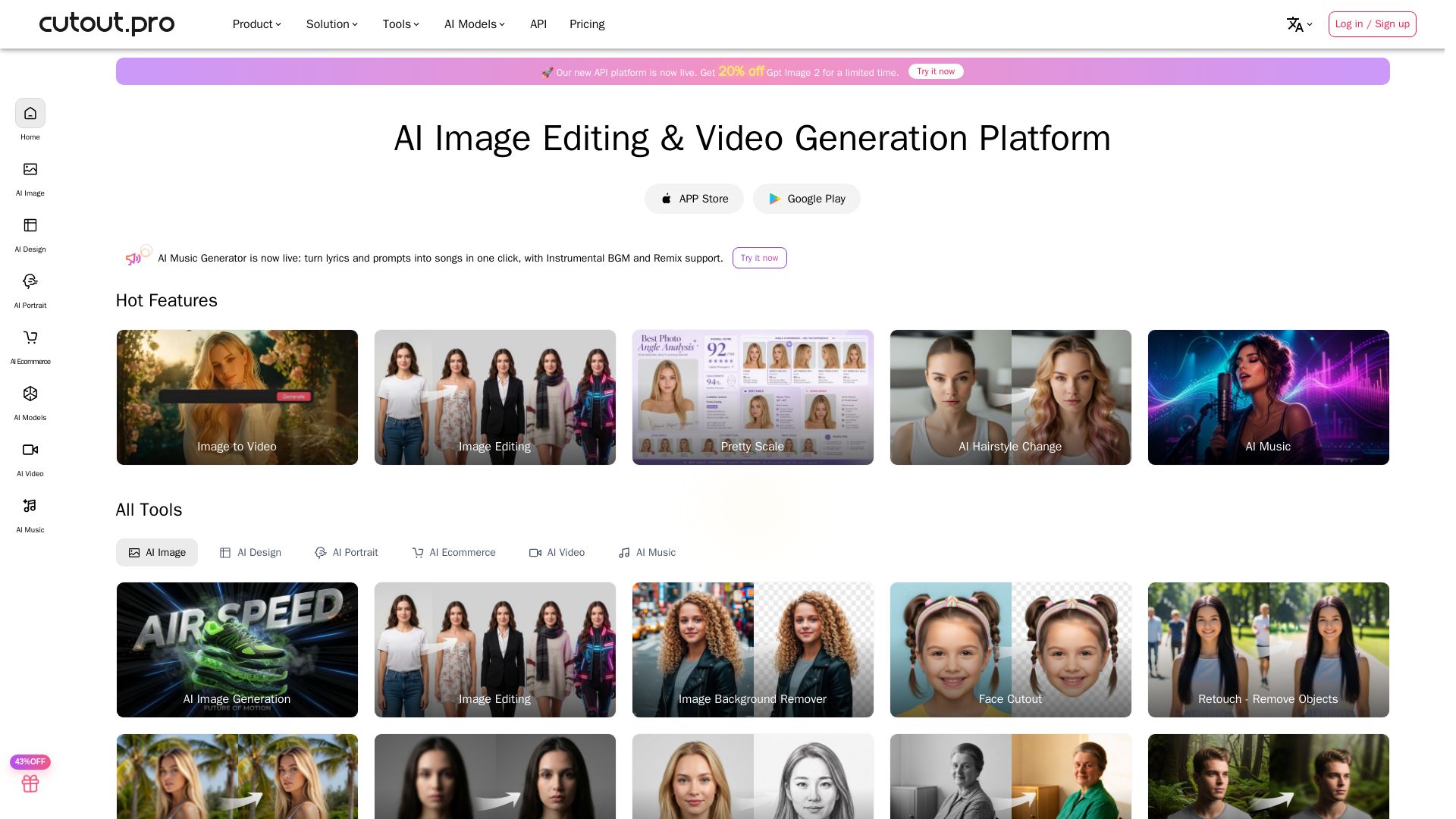
Cutout.Pro
Cutout.Pro offers AI image editing, video generation, background removal, and API integration. Trusted by 25K+ businesses. Get started for free.

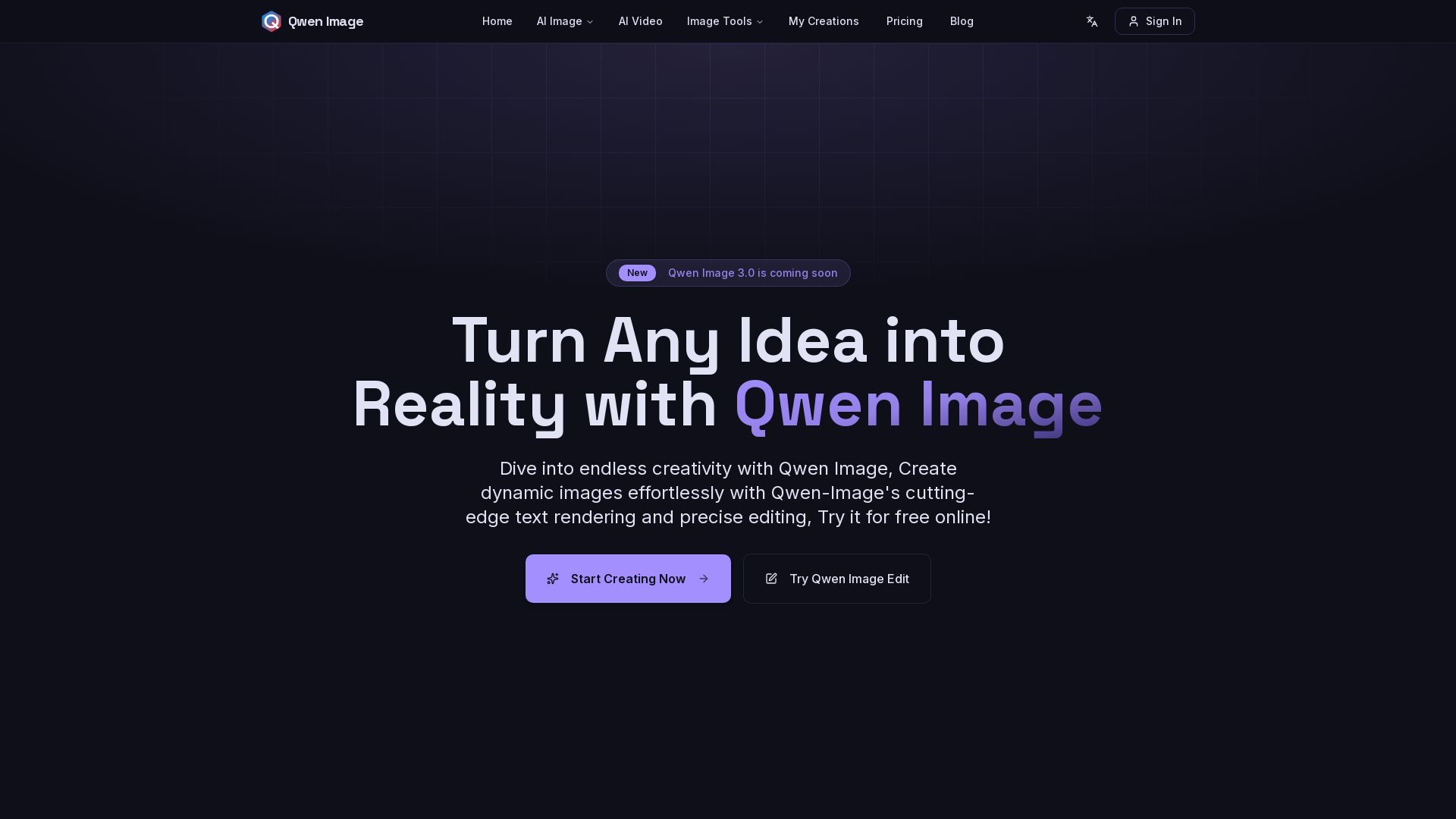
Qwen Image
Free AI image generator with superior text rendering and precise editing. Create commercial-quality images for any project.
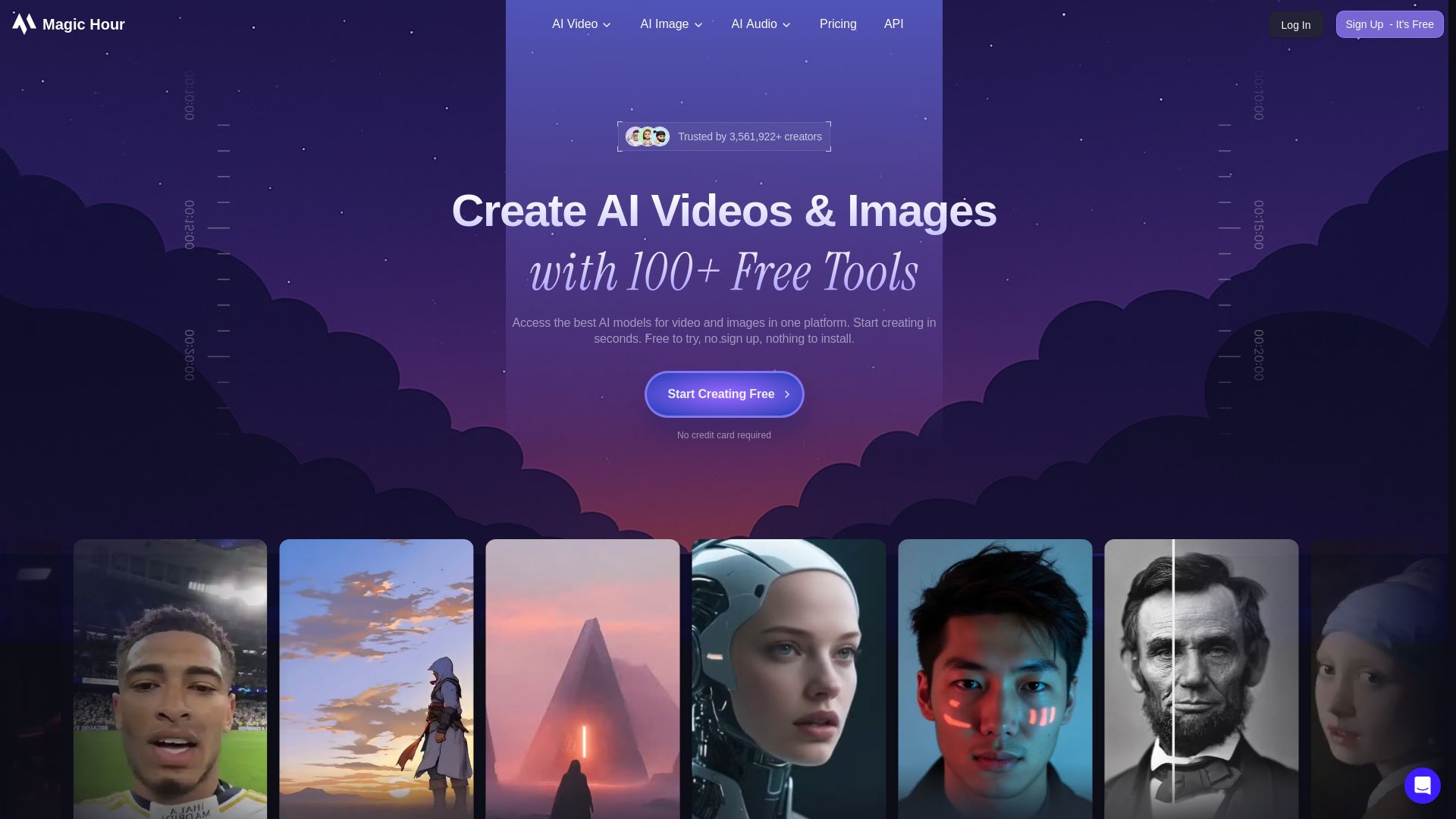
Magic Hour
Create stunning AI videos and images with 100+ free tools including face swap, lip sync, text-to-video, and more. Trusted by 3M+ creators. No sign-up required.

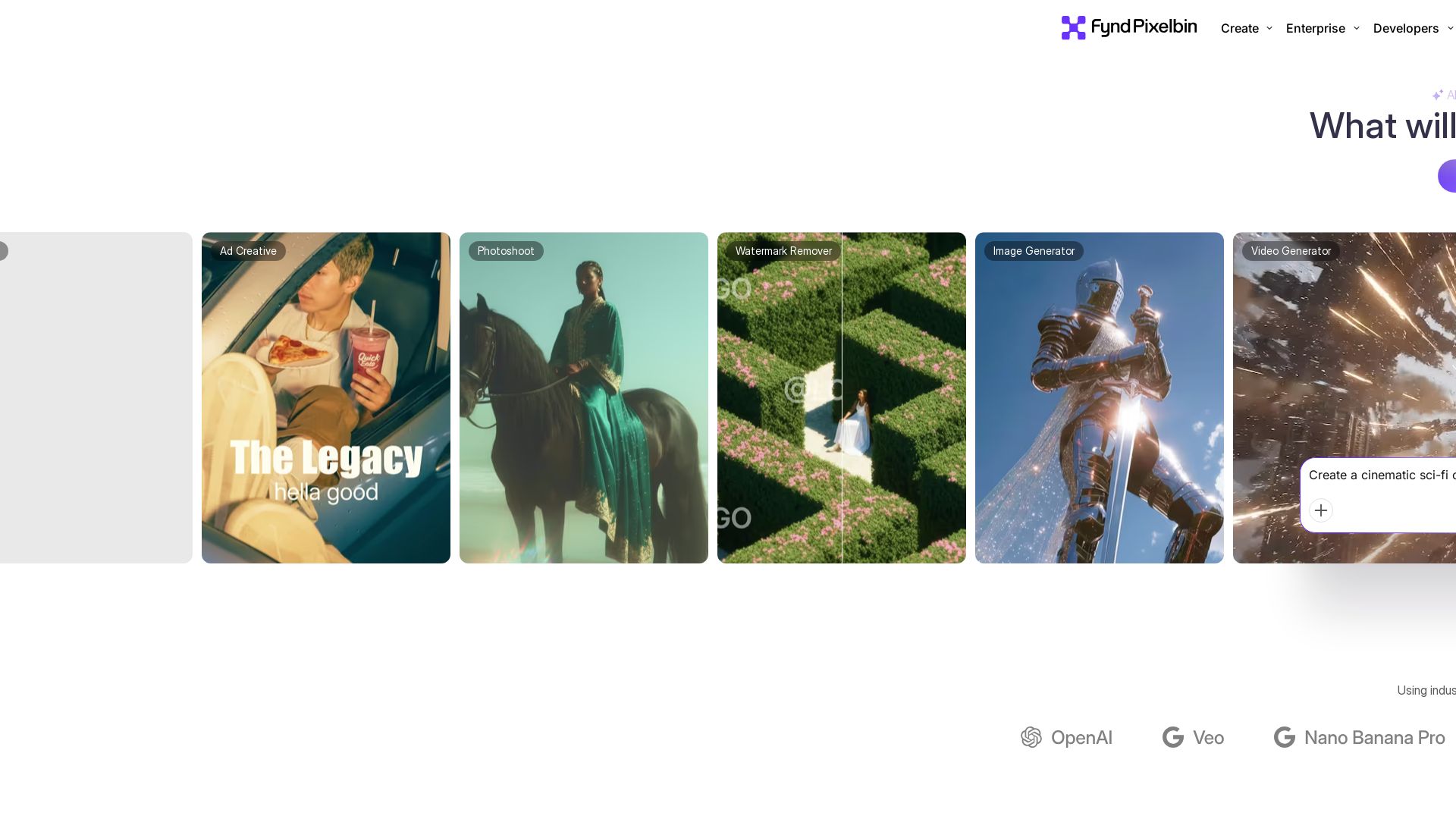
Pixelbin AI Studio
Create stunning visuals with Pixelbin's AI tools: image editing, video generation, upscaling, batch processing. Trusted by 58M+ users. Free to start.

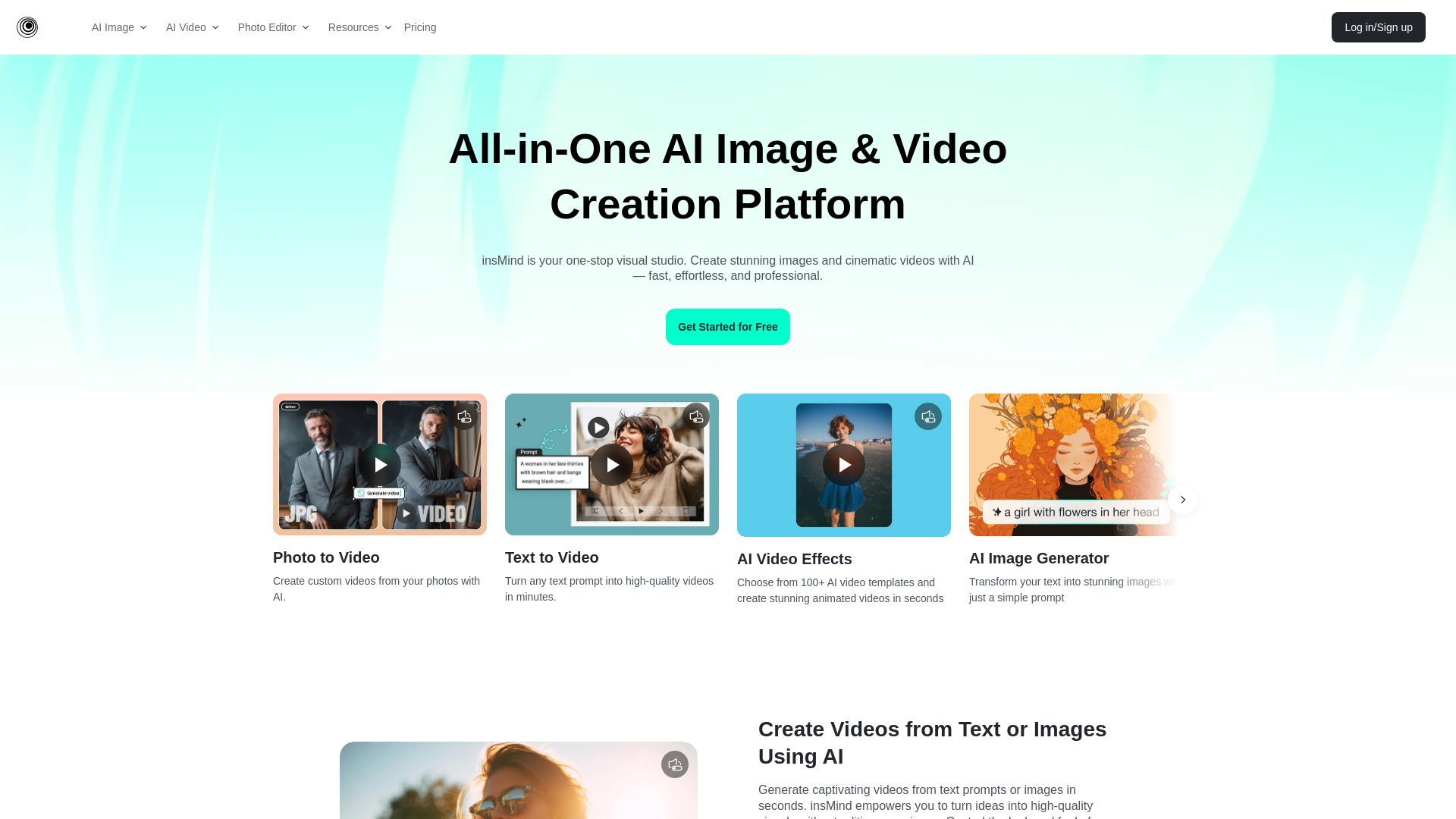
insMind
Create stunning AI images and videos with insMind. No skills needed. One-click tools for background removal, image enhancement, text-to-video, and more. Free to start.


SeaArt AI
Turn ideas into stunning images and cinematic videos with SeaArt AI. Free tools, community, and advanced models like Seedance 2.0.

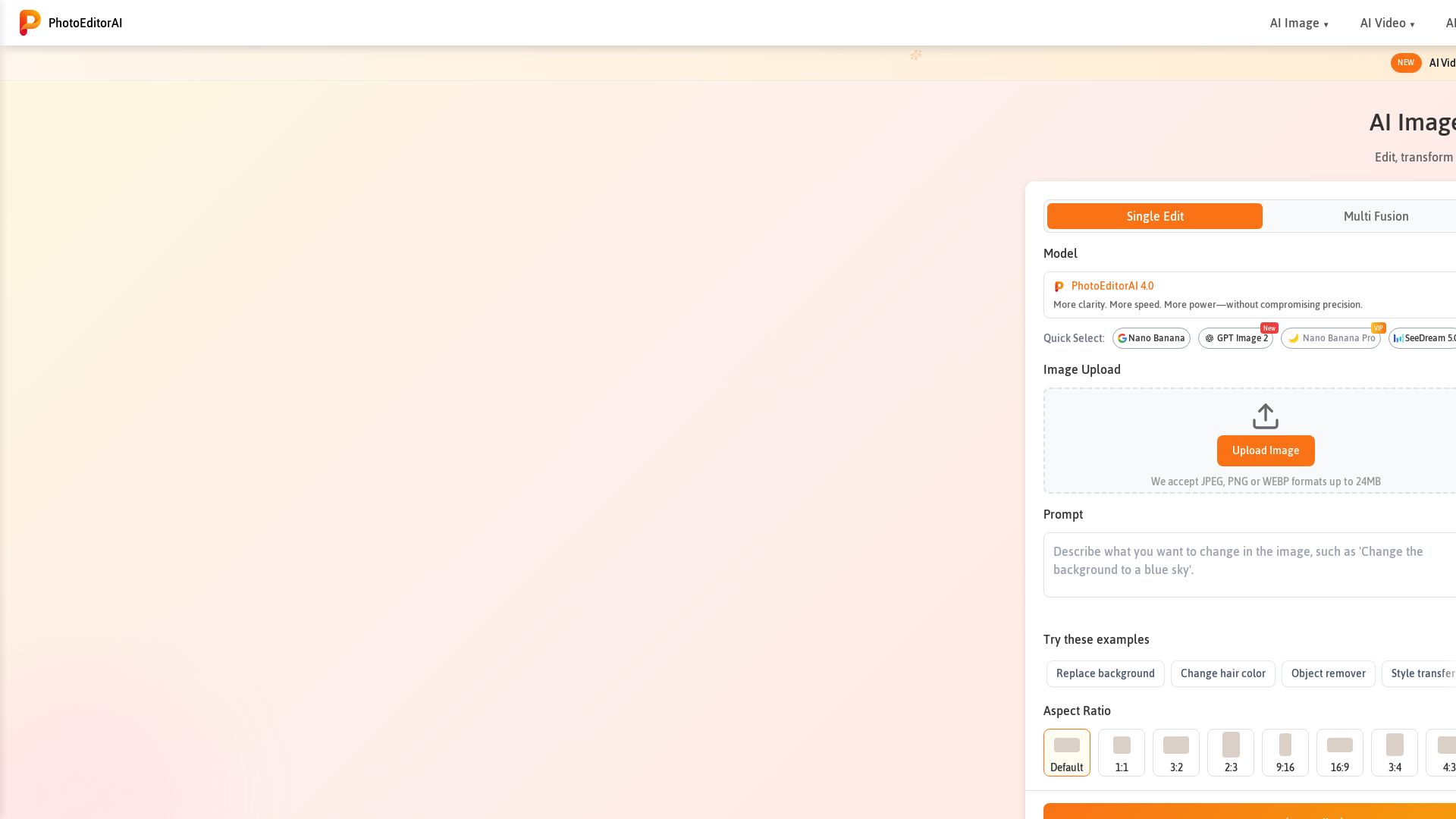
Photo Editor AI
Edit, transform, and enhance photos with text prompts. Remove backgrounds, retouch faces, and more. No sign-up required. Try PhotoEditorAI free.

PhotoGrid
Transform photos and videos with AI. Remove backgrounds, upscale, create collages, and generate AI videos. Free online tool with 20,000+ templates.

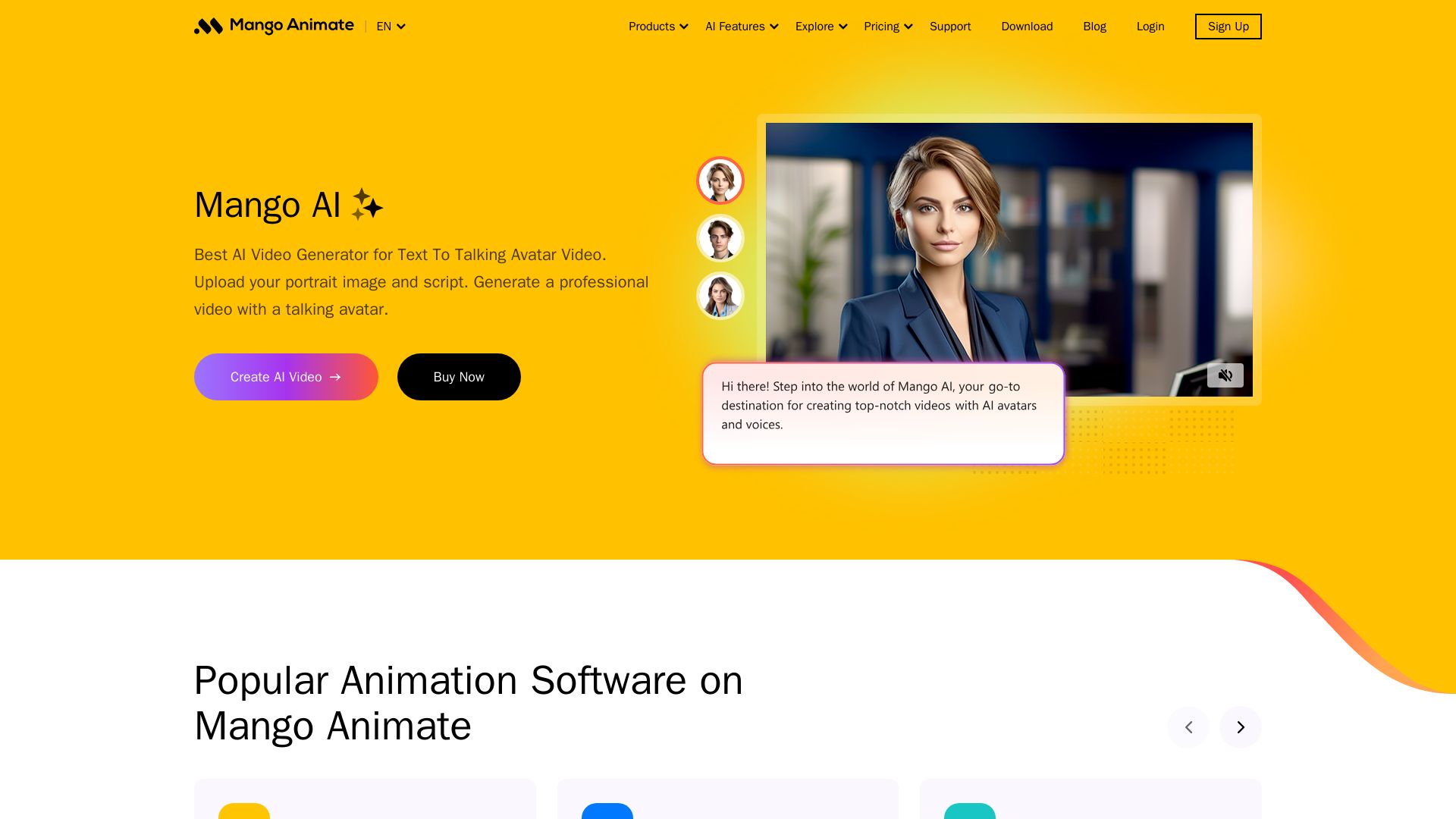
Mango AI
Create professional AI talking avatar videos from text and portrait. Perfect for business, education, personal use. Easy, fast, and affordable.

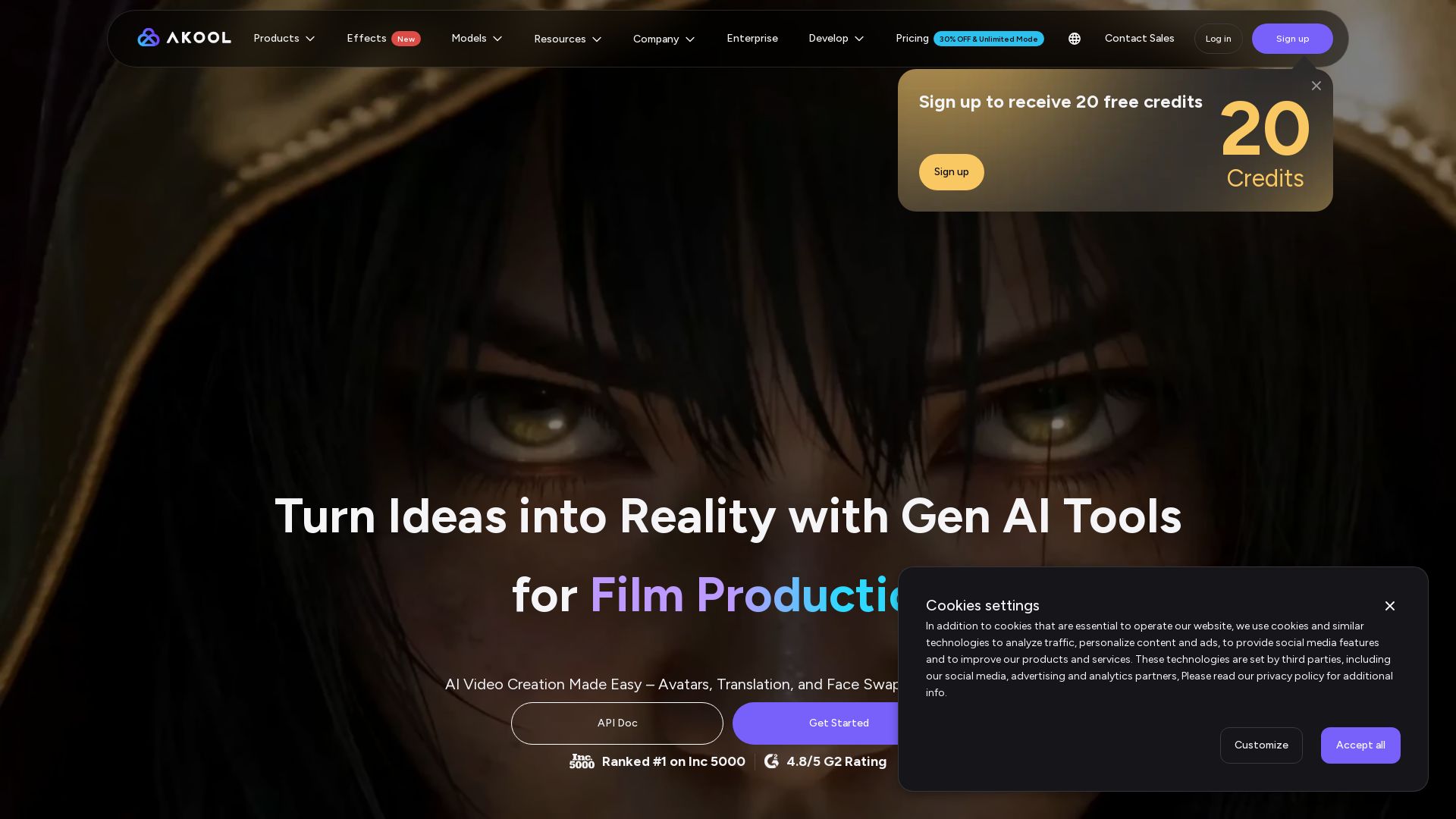
AKOOL
Create stunning AI videos, avatars, and face swaps instantly. Trusted by 73K+ companies. 4K rendering, video translation, and more. Try free.

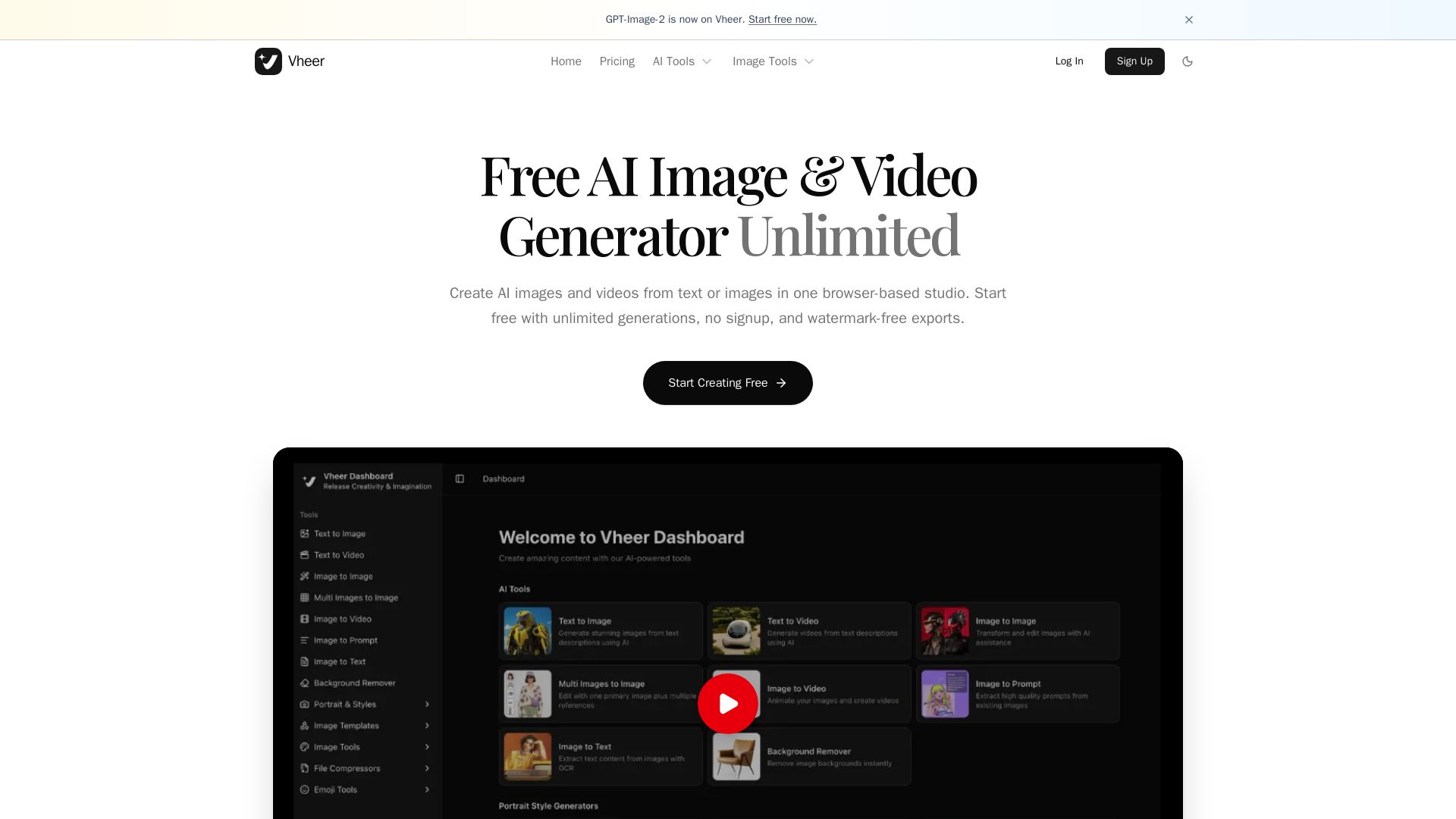
Vheer
Create stunning AI images and videos from text or images. Unlimited generations, no signup, watermark-free. Advanced models in one browser-based studio.


Gen AI Video Generator
Create stunning AI videos and images with 90+ models including Google VEO 3, Sora 2, Seedance 2.0. Text-to-video, image-to-video, photo editing on iOS.

ℹ️ Curation Disclosure: The overview and features of Pixlr were synthesized using AI and fact-checked by our curation team to ensure accuracy.