
Photo Editor AI
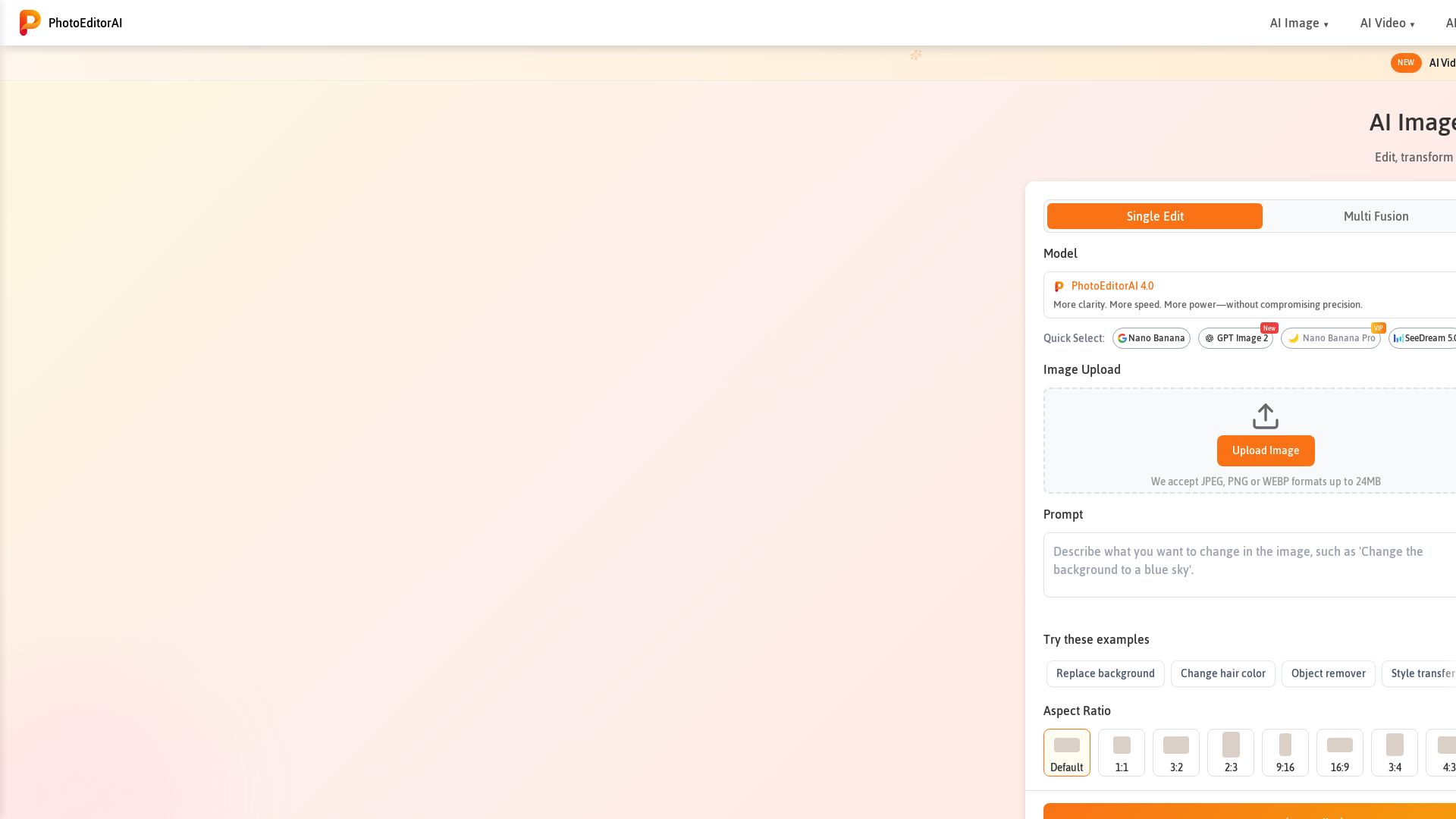
Edit, transform, and enhance photos with text prompts. Remove backgrounds, retouch faces, and more. No sign-up required. Try PhotoEditorAI free.
Editor's Verdict
Key Takeaways
- AI Photo Editor
- AI Image Generator
- Background Replacement
- Object Removal
In-Depth Review: What is Photo Editor AI?
PhotoEditorAI is a powerful online AI photo editor that lets you edit images using simple text prompts. It offers features like background removal, object erasing, style transfer, and face retouching. With multiple AI models including PhotoEditorAI 4.0 and Nano Banana, it delivers professional-grade results. Free to use without registration, it supports JPEG, PNG, and WEBP formats. Ideal for e-commerce, social media, marketing, and personal photography.
Core Features
AI Photo Editor
Edit, transform, and enhance photos using text prompts with precision and consistency.
AI Image Generator
Generate images from text descriptions to bring creative ideas to life.
Background Replacement
Easily replace or remove photo backgrounds for e-commerce, portraits, or social media.
Object Removal
Remove unwanted objects from images with simple text prompts.
Style Transfer
Apply artistic styles from reference images while preserving important details.
Text Editing
Seamlessly integrate text, captions, or watermarks that blend naturally into photos.
Character Consistency
Maintain consistent faces, proportions, and styles across different poses and backgrounds.
AI Image Upscaler
Increase image resolution up to 4K with enhanced clarity.
AI Video Generator
Generate videos from text prompts (new feature).
Multiple AI Models
Access specialized models like Nano Banana, GPT Image 2, SeeDream 5.0 for varied workflows.
Pros and Cons
Pros
- Professional-Grade EditingOffers advanced features like background removal, object erasing, face retouching, and style transfer in a browser.
- Smarter AI, Cleaner ResultsAI understands composition, preserving facial features and key details for natural edits.
- Multiple AI ModelsAdapts to creative needs with specialized engines for portraits, products, and marketing visuals.
- No Registration RequiredFree AI photo editor can be used instantly without login or sign-up.
- Commercial Use AllowedEdited images can be used for commercial projects like ads and e-commerce.
Cons
- Credit LimitsFree usage may be limited to a certain number of credits (e.g., 2 credits per generation).
- Internet RequiredRequires an internet connection as it is a web-based tool.
- File Size LimitUploads are limited to 24MB, which may restrict high-resolution images.
Use Cases & Recommended Professions
E-commerce Seller→ View Toolkit
Needs to create high-converting product images with consistent backgrounds and editing.
Social Media Influencer→ View Toolkit
Requires quick, professional-quality visuals for platforms like Instagram and TikTok.
Marketing Professional→ View Toolkit
Creates ad creatives and branded content efficiently without expensive software.
Photographer→ View Toolkit
Retouches portraits and restores old photos with AI-powered precision.
Blogger→ View Toolkit
Enhances and upscales images for blog posts and social sharing.
Small Business Owner→ View Toolkit
Manages product photography and branding with a free, easy-to-use editor.
Frequently Asked Questions
Alternative AI Tools
View Detailed Comparison →
Pixlr
Edit, generate, and design with Pixlr's free AI photo editor. Transform photos, create images from text, and more – all in your browser. No download needed.

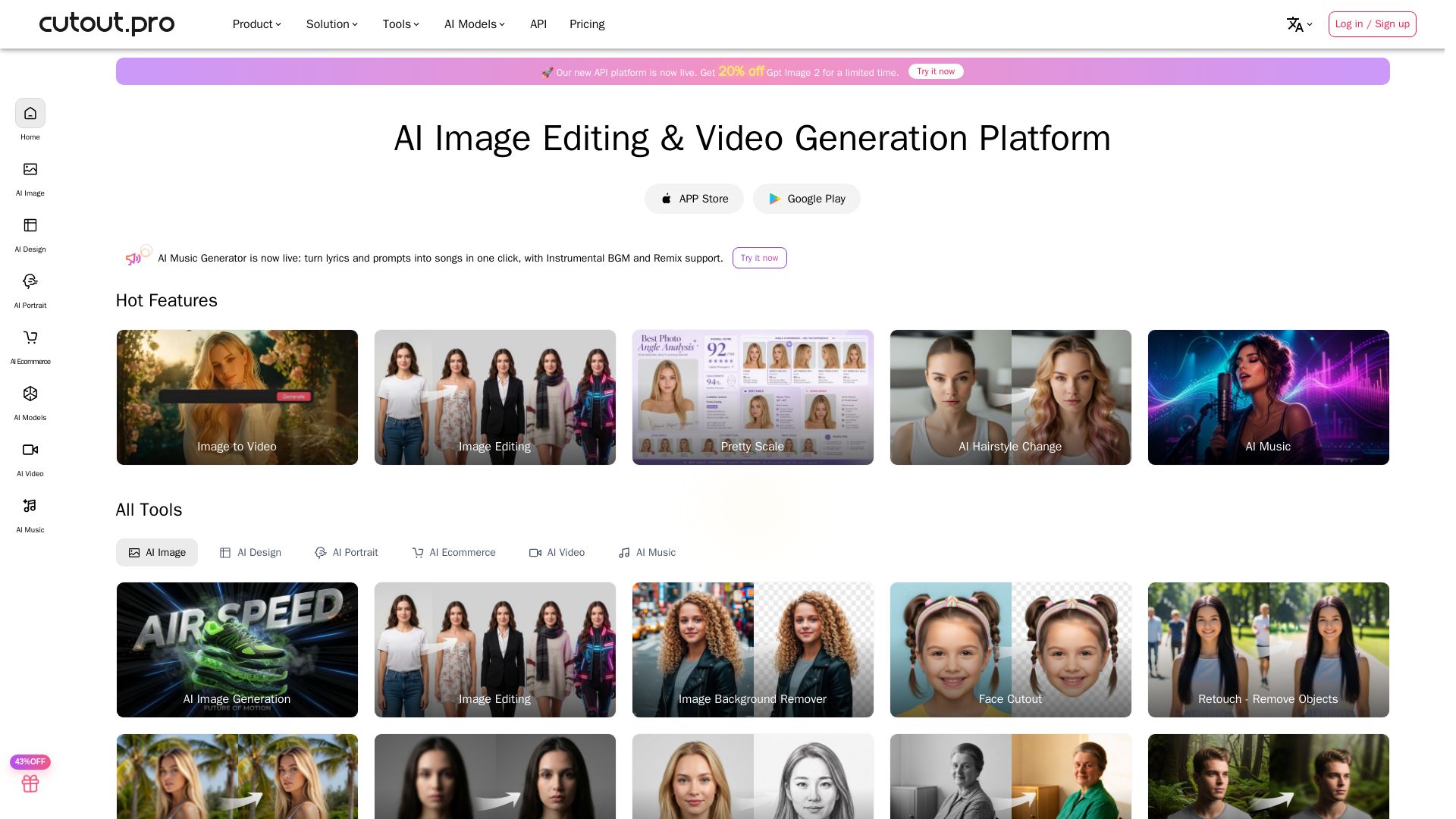
Cutout.Pro
Cutout.Pro offers AI image editing, video generation, background removal, and API integration. Trusted by 25K+ businesses. Get started for free.

PhotoGrid
Transform photos and videos with AI. Remove backgrounds, upscale, create collages, and generate AI videos. Free online tool with 20,000+ templates.

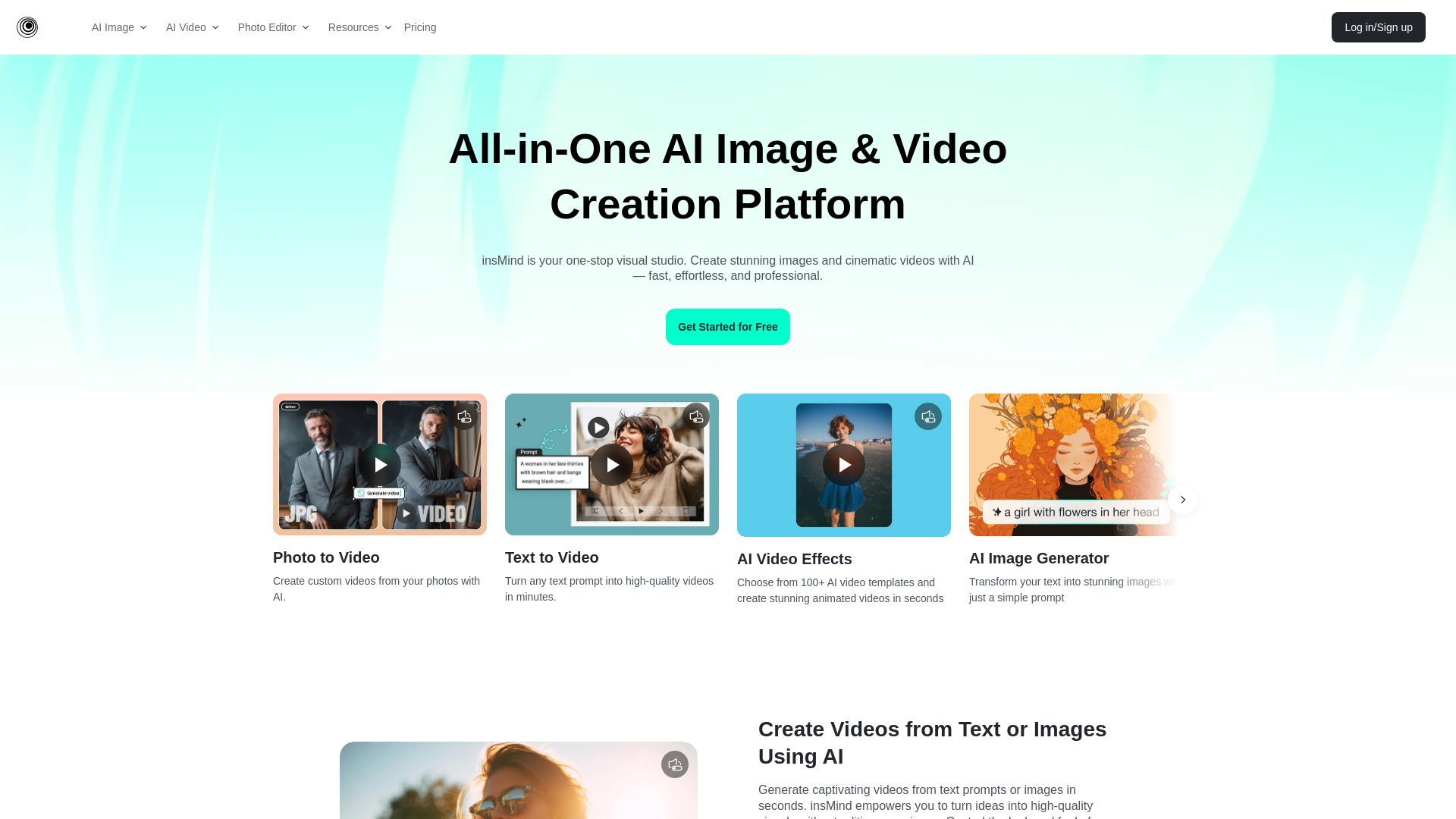
insMind
Create stunning AI images and videos with insMind. No skills needed. One-click tools for background removal, image enhancement, text-to-video, and more. Free to start.

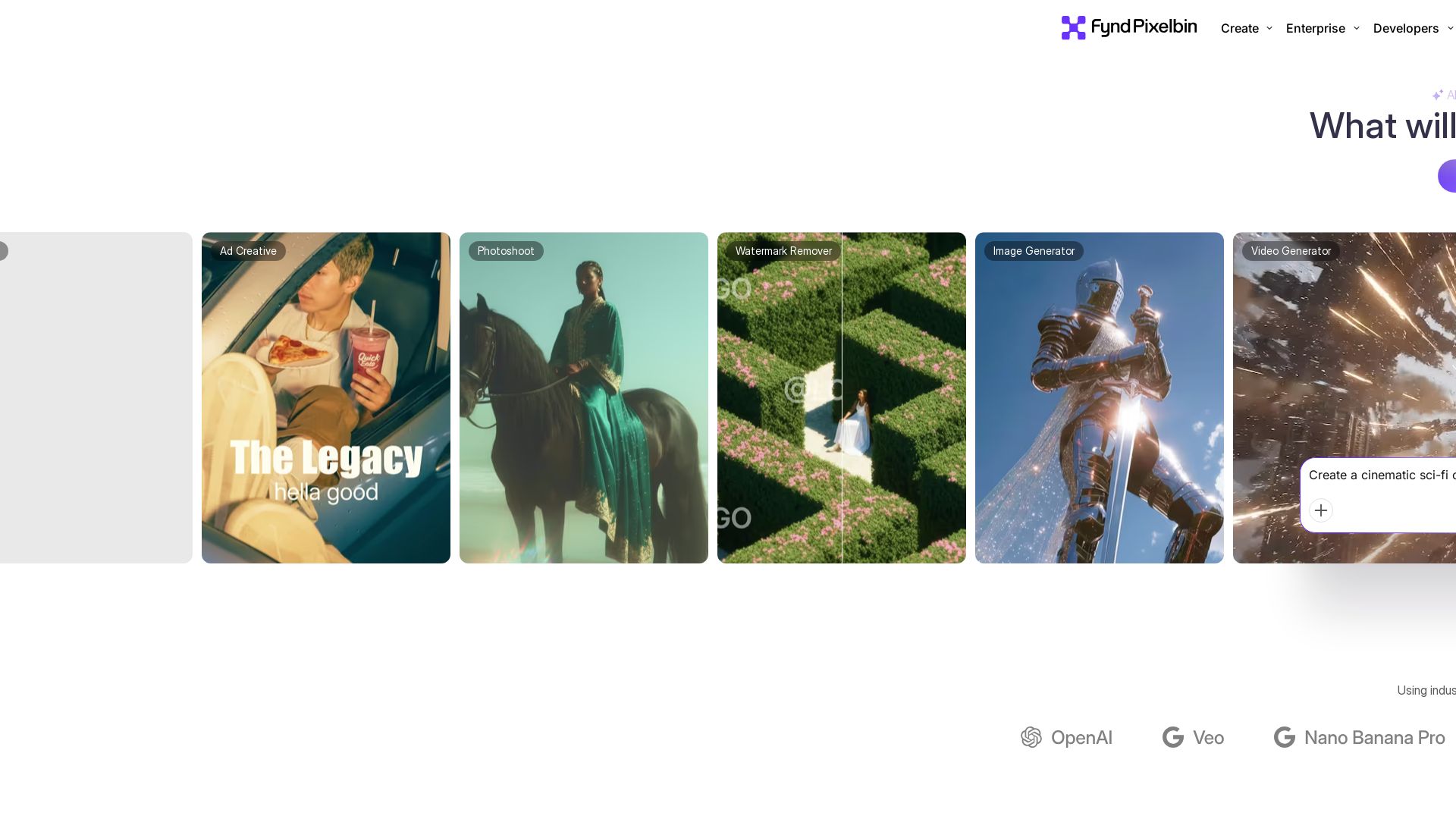
Pixelbin AI Studio
Create stunning visuals with Pixelbin's AI tools: image editing, video generation, upscaling, batch processing. Trusted by 58M+ users. Free to start.

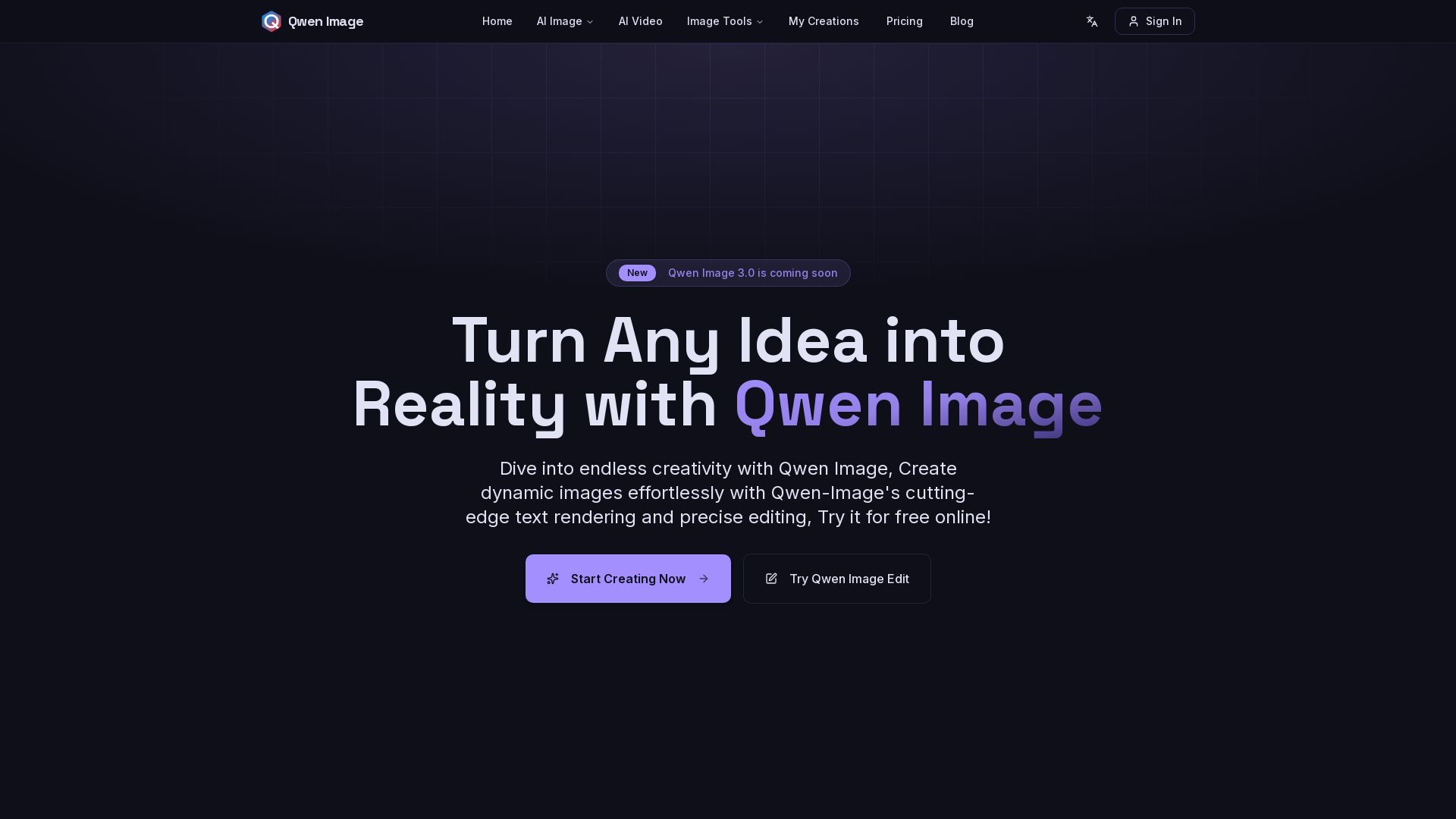
Qwen Image
Free AI image generator with superior text rendering and precise editing. Create commercial-quality images for any project.
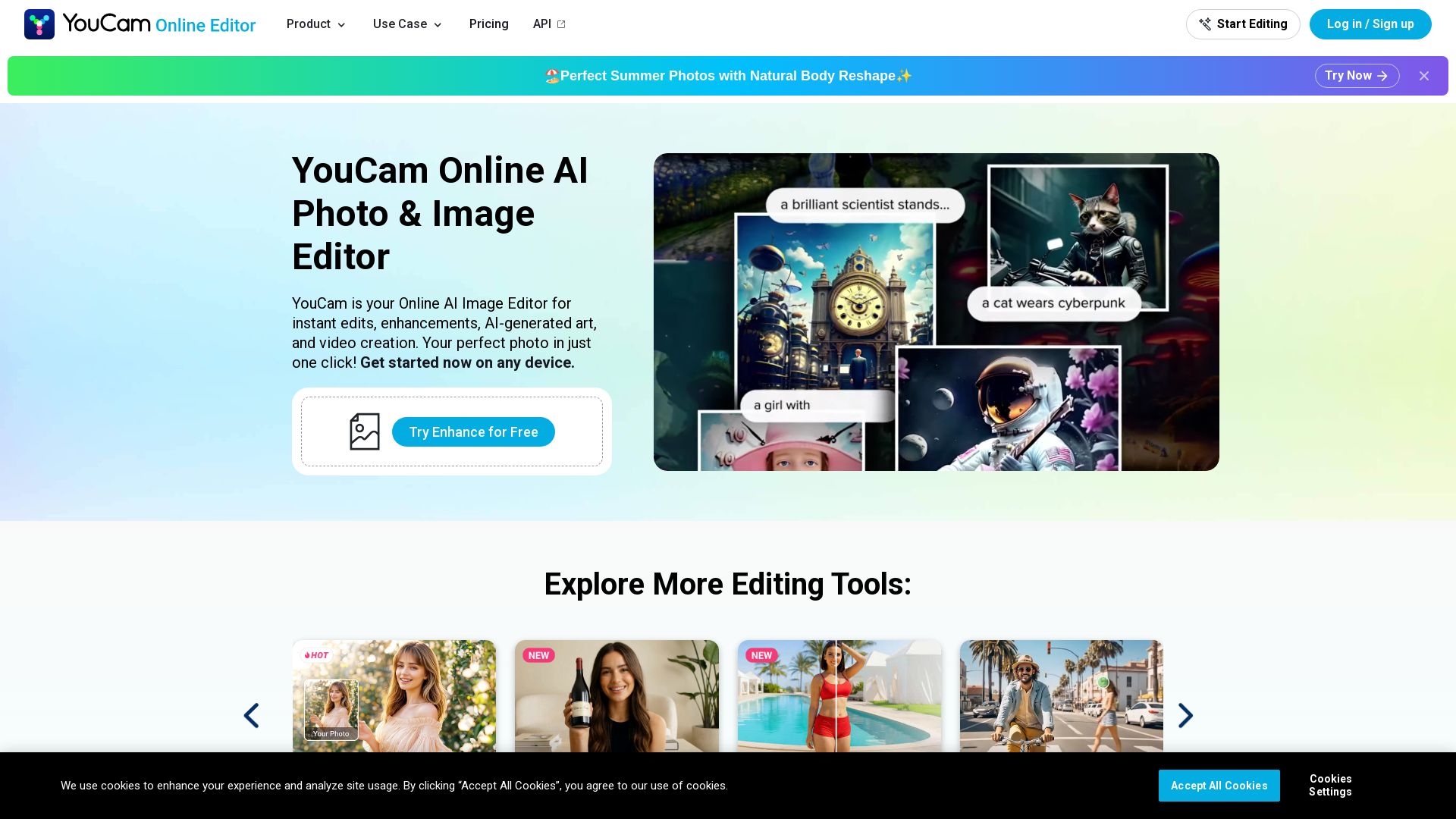
YouCam
Free AI photo editor online. Enhance blurry photos, remove objects, try hairstyles, generate videos. No download needed. Start editing now!

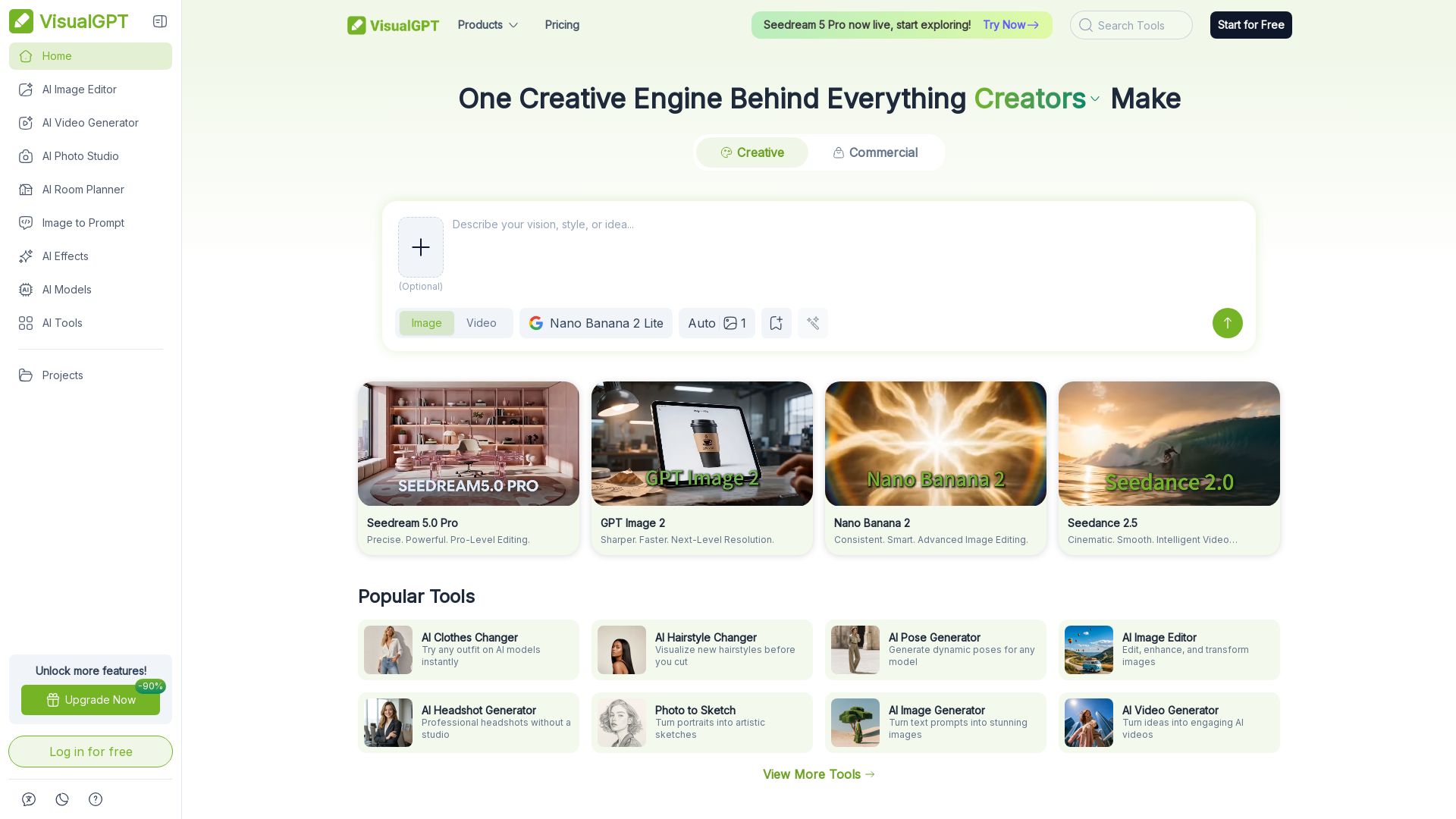
VisualGPT
Create stunning AI images, videos, and portraits. Trusted by 800+ organizations. Try the #1 AI creative suite for free.

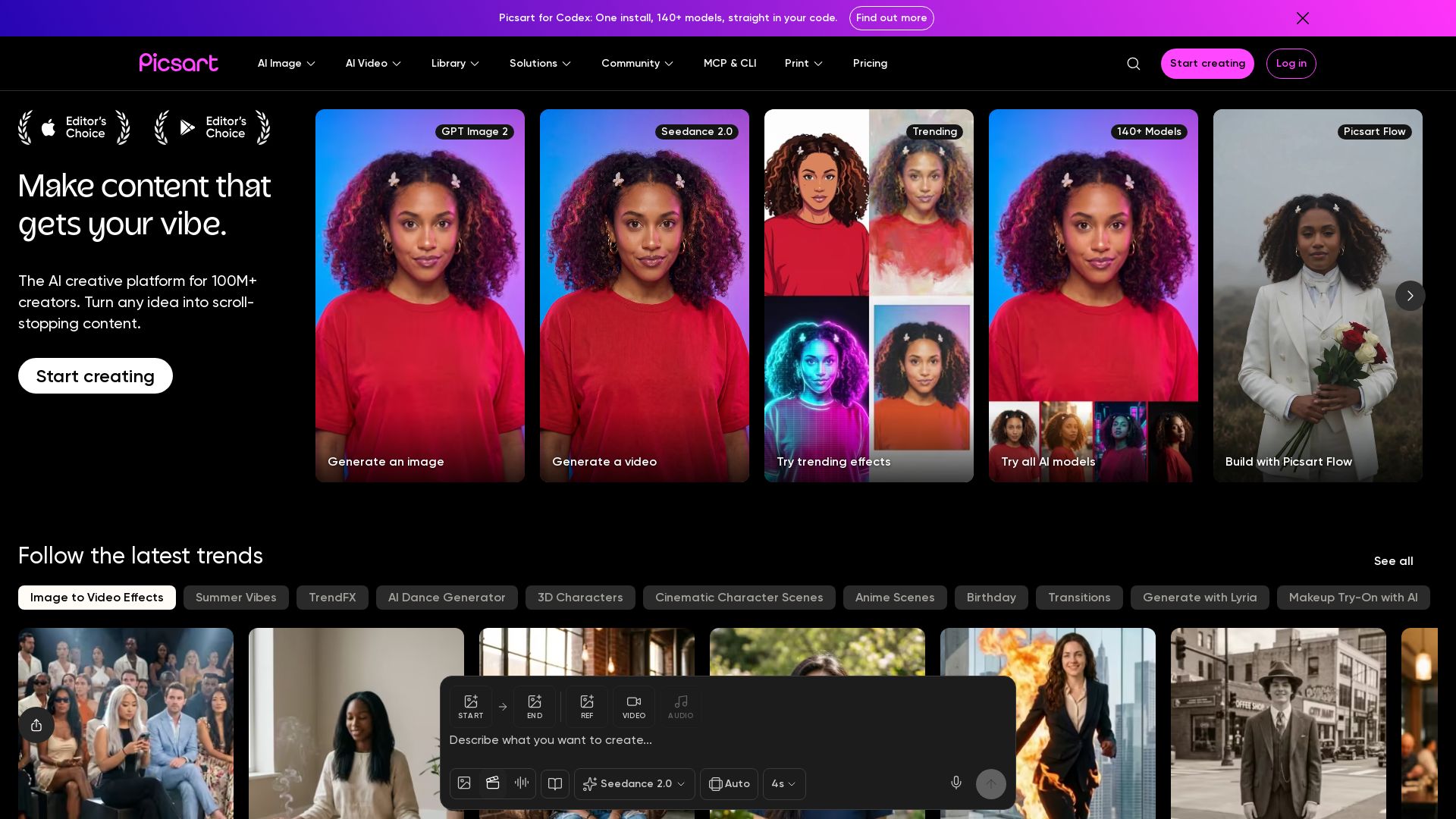
Picsart
Generate AI images & videos, edit photos, and access 140+ models. Picsart's AI creative platform for 100M+ creators. Start for free!

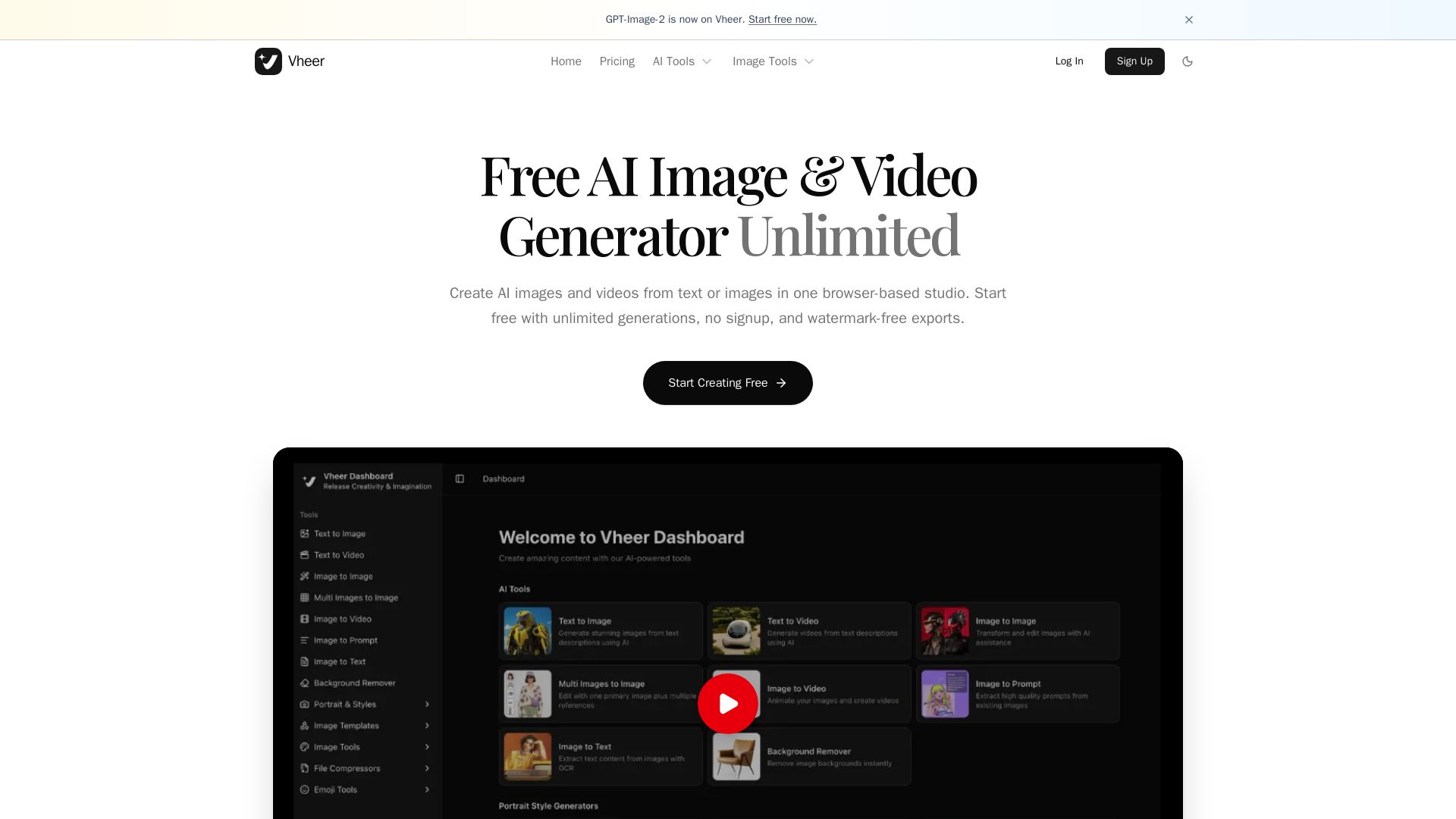
Vheer
Create stunning AI images and videos from text or images. Unlimited generations, no signup, watermark-free. Advanced models in one browser-based studio.


Gen AI Video Generator
Create stunning AI videos and images with 90+ models including Google VEO 3, Sora 2, Seedance 2.0. Text-to-video, image-to-video, photo editing on iOS.


SeaArt AI
Turn ideas into stunning images and cinematic videos with SeaArt AI. Free tools, community, and advanced models like Seedance 2.0.

ℹ️ Curation Disclosure: The overview and features of Photo Editor AI were synthesized using AI and fact-checked by our curation team to ensure accuracy.
