
Pixelbin AI Studio
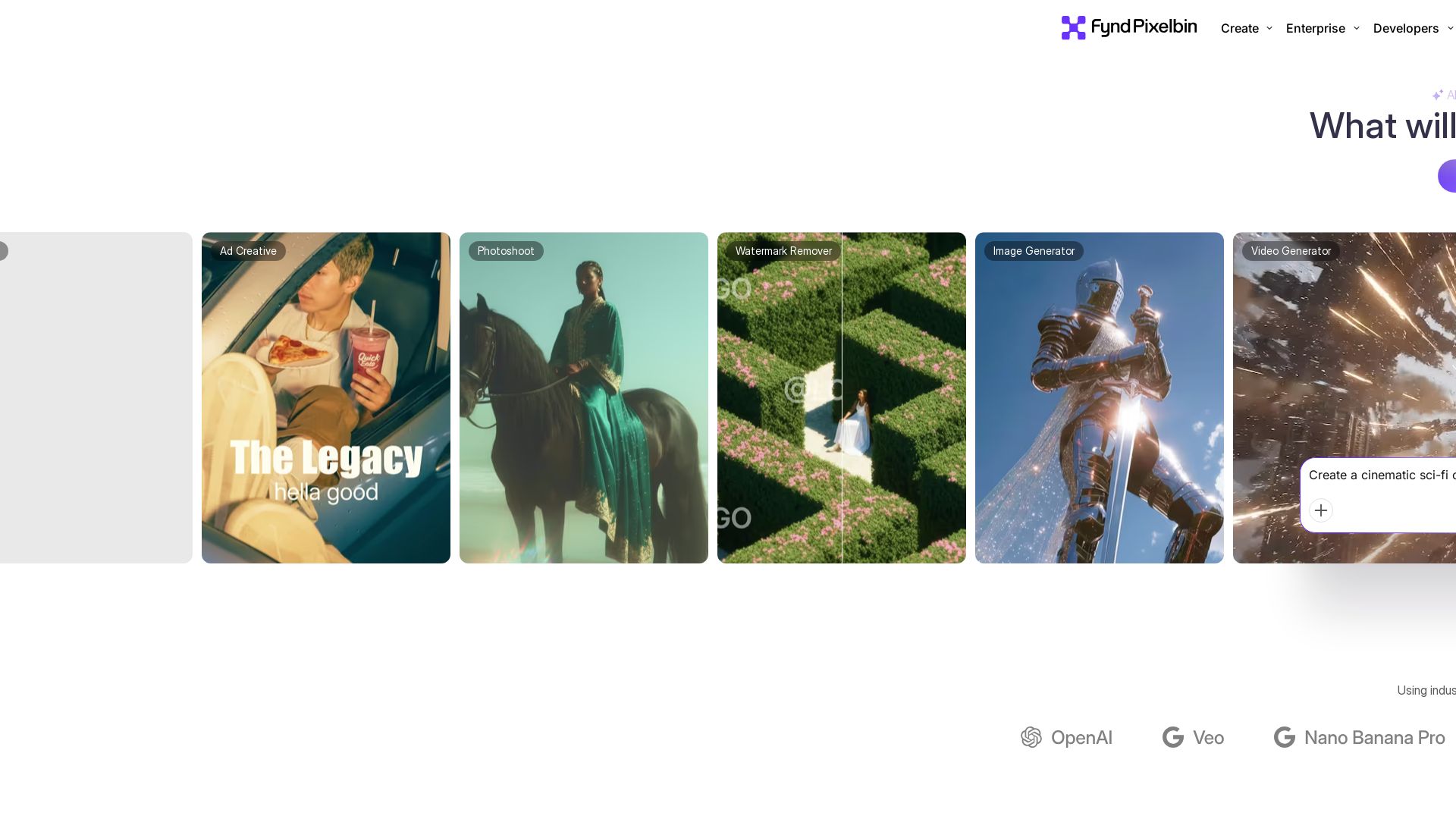
Create stunning visuals with Pixelbin's AI tools: image editing, video generation, upscaling, batch processing. Trusted by 58M+ users. Free to start.

Editor's Verdict
Key Takeaways
- AI Image Editor
- Batch Edit
- Text to Video
- AI Headshots
In-Depth Review: What is Pixelbin AI Studio?
Pixelbin is an all-in-one AI-powered platform for image and video creation, editing, and optimization. It offers tools like AI Image Editor, Text to Video, Batch Edit, AI Headshots, and more. Designed for individuals, enterprises, and developers, it provides seamless API integration, global CDN delivery, and enterprise-grade security. With over 58 million customers and 142 million downloads, Pixelbin simplifies visual content creation and management, enabling users to produce high-quality visuals in seconds.
Core Features
AI Image Editor
Describe with words to create or edit images using AI.
Batch Edit
Apply edits to multiple images in one go, saving hours of changes.
Text to Video
Generate high-impact videos from detailed prompts using AI.
AI Headshots
Create realistic headshots in minutes for LinkedIn or dating profiles.
Background Remover
Remove image backgrounds instantly with AI precision.
Watermark Remover
Easily remove watermarks from images.
Image Upscaler
Upscale images to higher resolutions without quality loss.
Bulk Editor
Create presets and apply multiple edits to bulk images in seconds.
Photo Restoration
Restore old or damaged photos using AI.
Text to Image
Generate images from natural language text prompts.
Pricing
Free
- 10 free credits to explore
- Limited access to AI models
Creator
- 150 credits/month
- 75 NanoBanana Pro images
- 21 Seedance Lite videos
- Unlimited Access to all image and video models
- All editing tools: watermark removal, upscaling, resizing, etc.
Lite
- 300 credits/month
- 150 NanoBanana Pro images
- 42 Seedance Lite videos
- Unlimited Access to all image and video models
- All editing tools: watermark removal, upscaling, resizing, etc.
Pro
- 1000 credits/month
- 500 NanoBanana Pro images
- 142 Seedance Lite videos
- Unlimited Access to all image and video models
- All editing tools: watermark removal, upscaling, resizing, etc.
Enterprise
- Centralized DAM
- Smooth API and SDK integration
- Batch Processing to speed up workflows
- Global CDN delivery
- Enterprise-grade security
Pros and Cons
Pros
- User-Friendly InterfaceIntuitive UI makes image editing accessible to everyone, from beginners to professionals.
- AI-Powered FeaturesAdvanced AI models enable high-quality image and video generation, editing, and restoration.
- Batch ProcessingApply edits to multiple images simultaneously, drastically reducing manual work.
- Comprehensive ToolsetIncludes background removal, upscaling, watermark removal, headshots, and more.
- Developer-FriendlyExtensive SDKs and APIs allow seamless integration into existing workflows.
Cons
- Credit System LimitationsUsage is limited by credits, which can be costly for high-volume users.
- Free Plan RestrictiveOnly 10 free credits are provided, insufficient for thorough evaluation.
- No Offline ModeRequires internet connection; no offline editing capability.
- High Video Generation CostsAdvanced video models consume many credits, making them expensive for frequent use.
- Enterprise Pricing Not TransparentEnterprise plan requires contacting sales, with no upfront pricing.
Use Cases & Recommended Professions
Content Creator→ View Toolkit
Need quick image and video generation for social media posts and campaigns.
E-commerce Manager→ View Toolkit
Batch edit product images and remove backgrounds to maintain uniform catalogs.
Real Estate Agent→ View Toolkit
Enhance property photos with AI editing to attract buyers.
Graphic Designer→ View Toolkit
Use AI tools for design inspiration, quick edits, and scaling images.
Marketing Manager→ View Toolkit
Create ad creatives and videos efficiently using AI automation.
Software Developer→ View Toolkit
Integrate image transformation APIs into applications for automated workflows.
Frequently Asked Questions
Alternative AI Tools
View Detailed Comparison →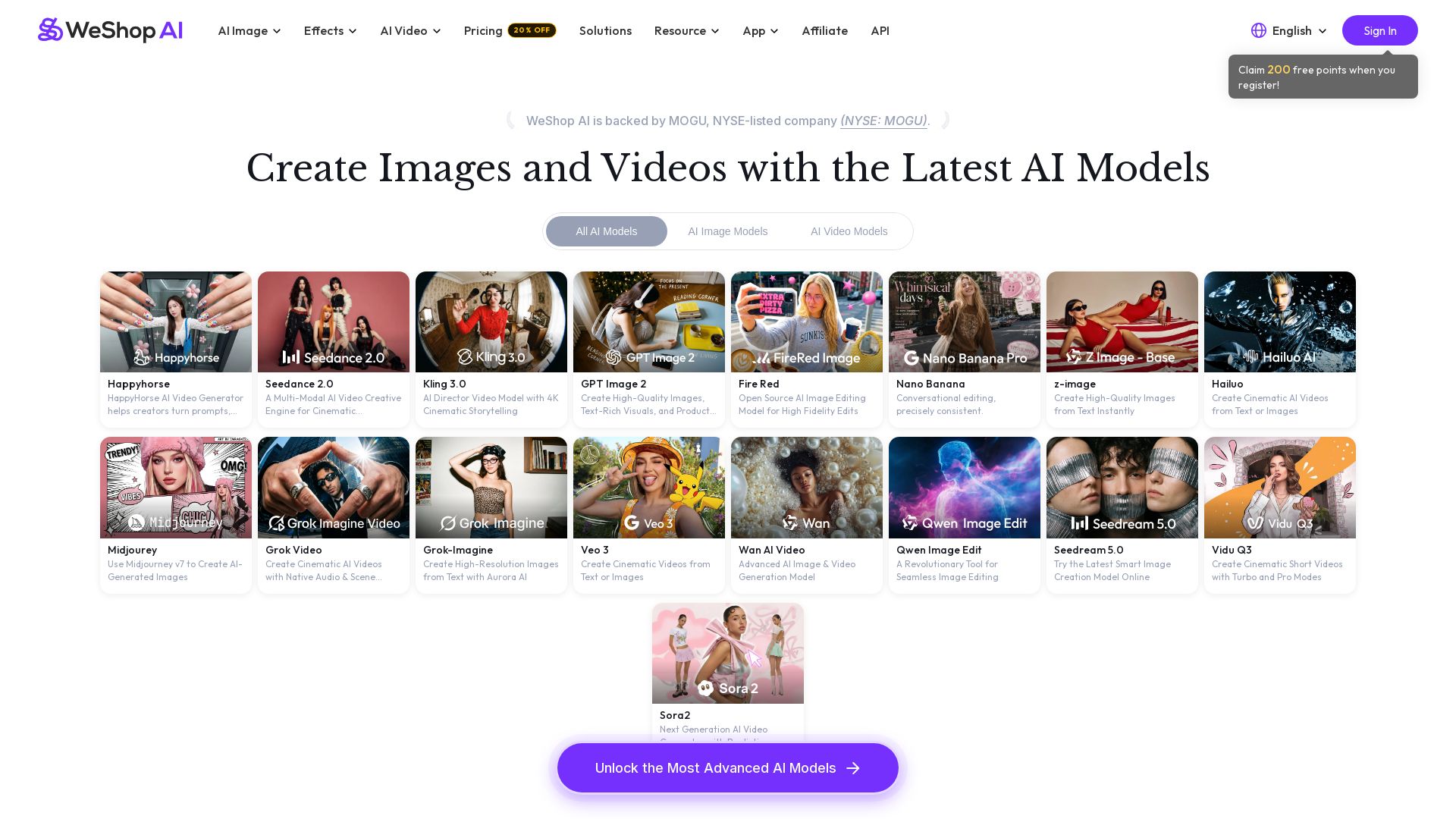
WeShop AI
Generate high-quality AI images and videos using top models like Midjourney, Kling, and Seedance. Try virtual try-on, AI fashion models, and more. Trusted by 3M+ users. Start with 200 free points!

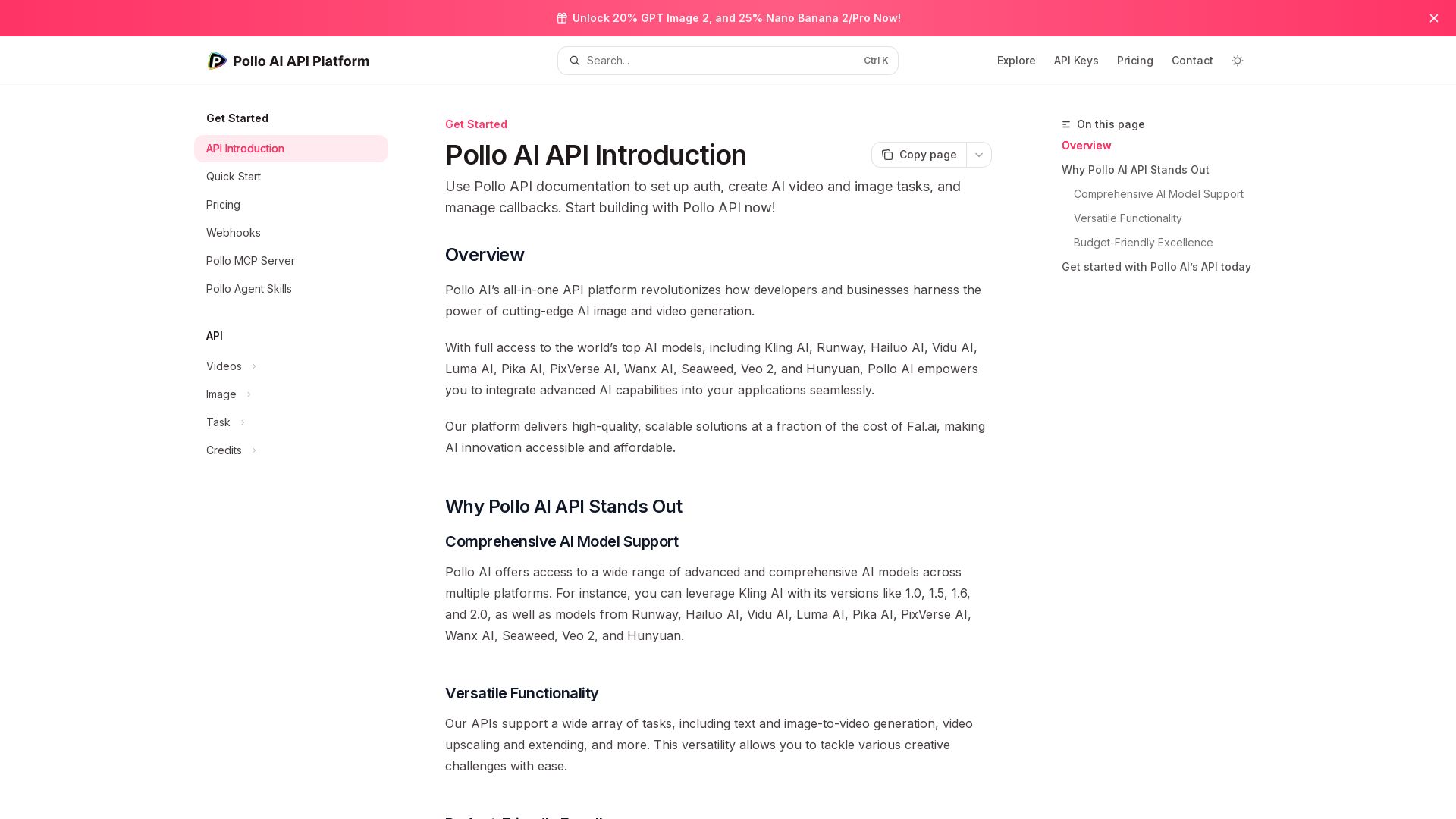
Pollo API
Integrate cutting-edge AI video and image generation with Pollo AI API. Access Kling, Runway, Hailuo, and more. Budget-friendly, high quality.

Yollo AI
Free, no sign-up. Chat with 200K+ characters, create NSFW AI art & videos. Ultimate creative freedom.


SeaArt AI
Turn ideas into stunning images and cinematic videos with SeaArt AI. Free tools, community, and advanced models like Seedance 2.0.

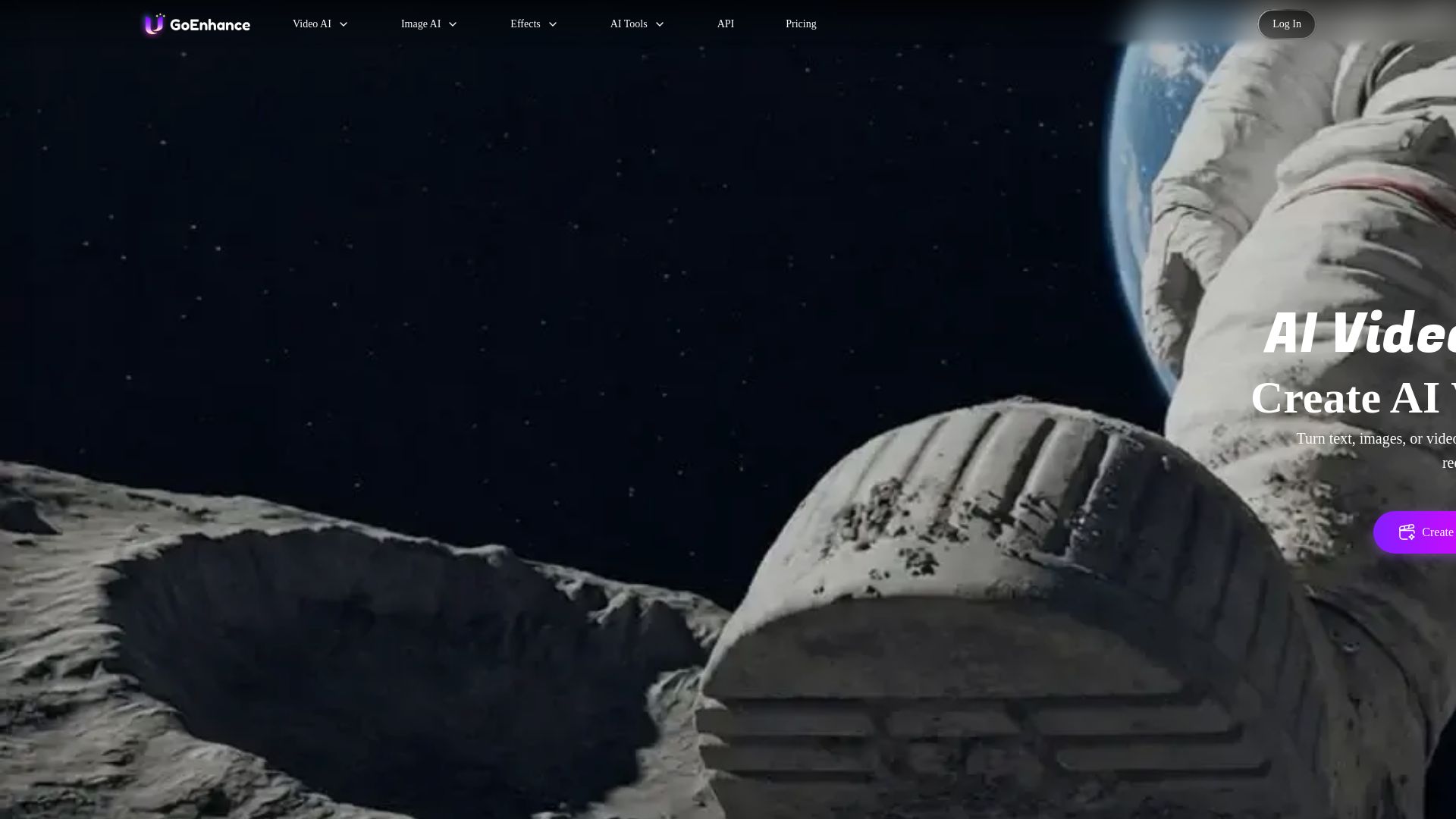
GoEnhance AI
Turn text, images, or videos into stunning AI videos and images. Access 50+ models like Sora, Runway, and Flux. Free to start!

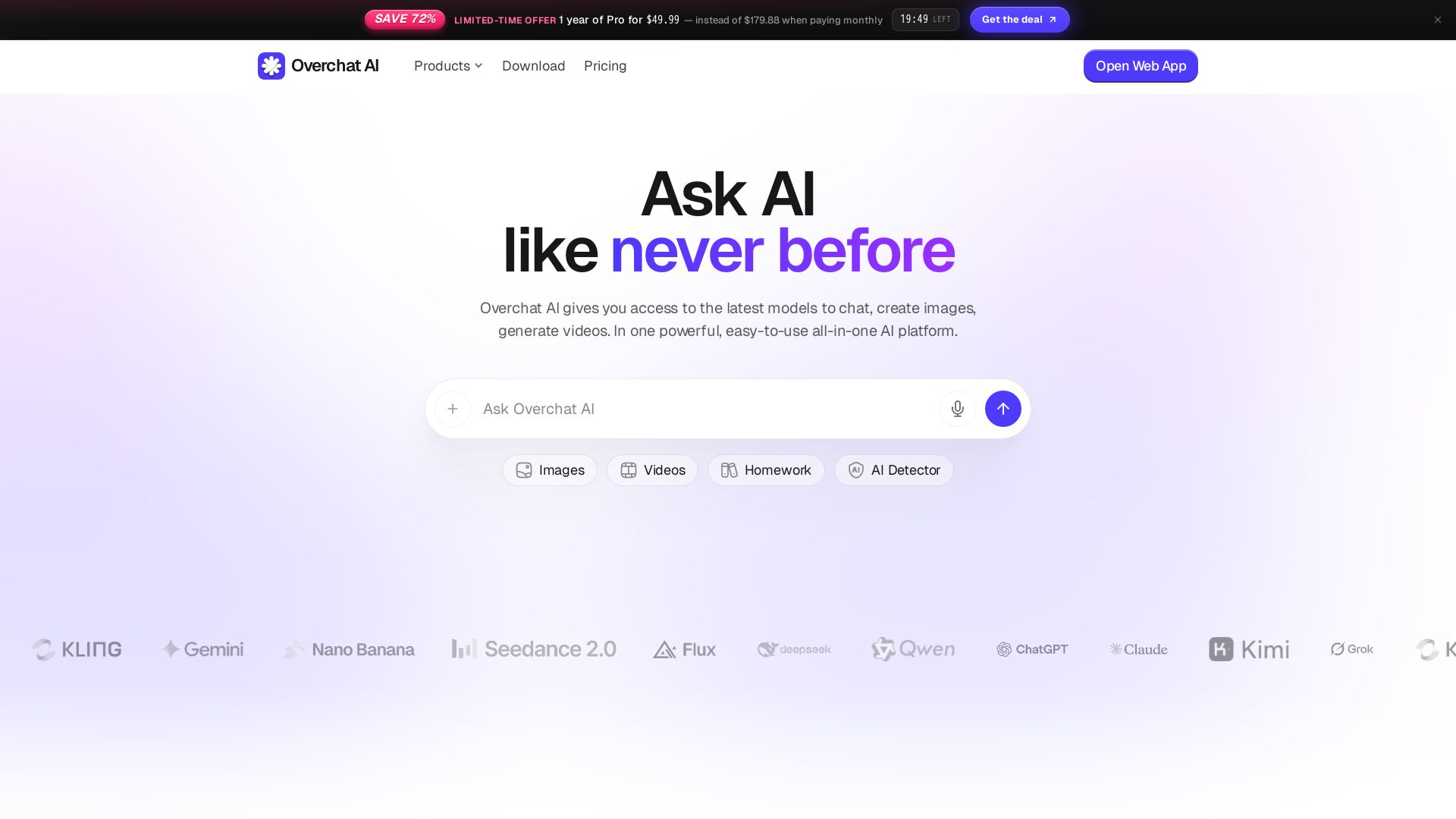
Overchat AI
Stop overpaying. Access ChatGPT, Claude, Gemini, Sora, Kling & more in one app. Save 81% vs separate tools. Unlimited chats, 100+ AI apps.

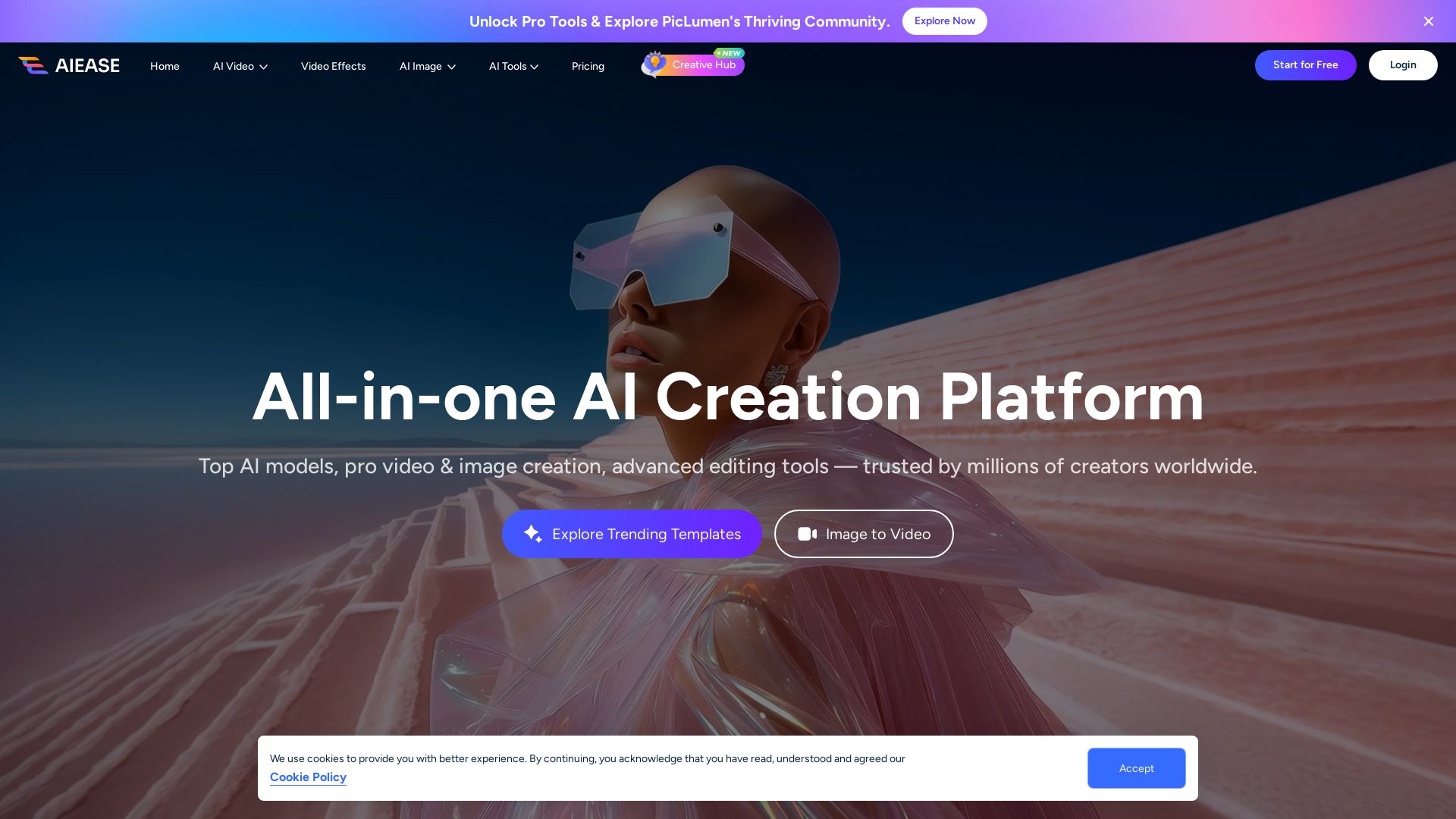
AI Ease
Create stunning AI videos and images with top models. Free tools for text-to-video, image generation, editing, and more. Trusted by millions.

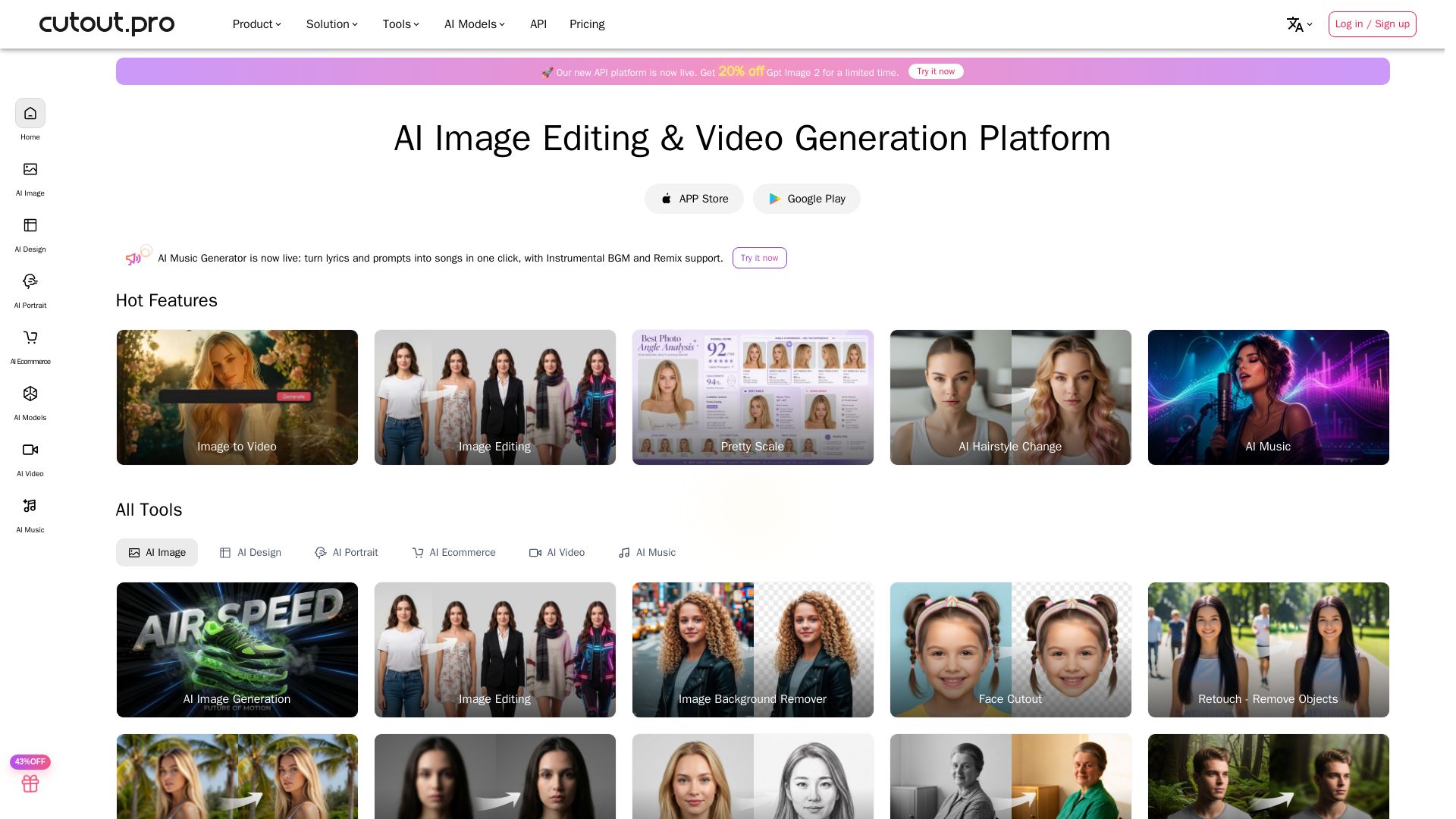
Cutout.Pro
Cutout.Pro offers AI image editing, video generation, background removal, and API integration. Trusted by 25K+ businesses. Get started for free.

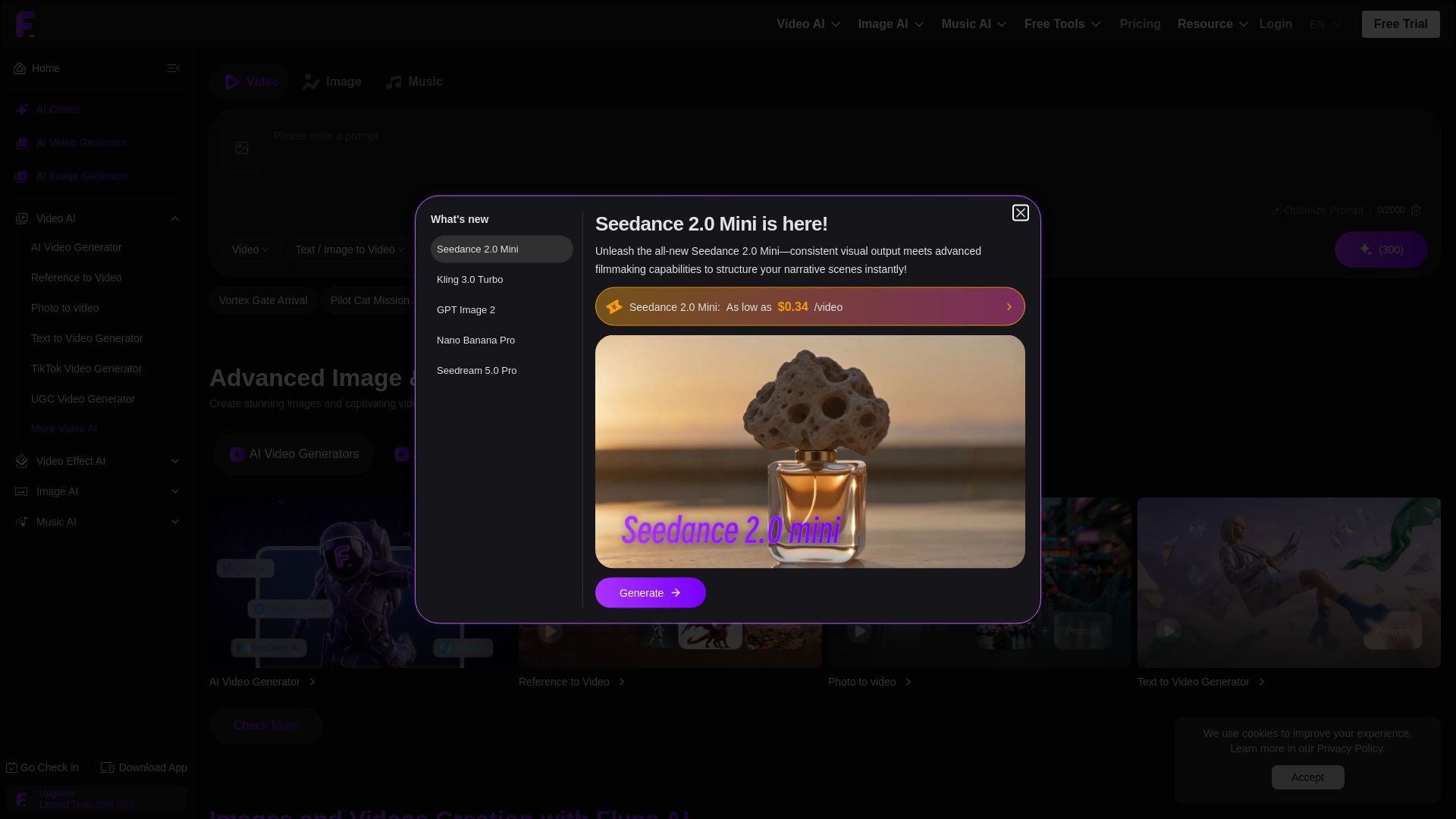
Flyne AI
Create stunning AI images and videos with Flyne AI. Free tools, cutting-edge models like Veo 3.1, Kling 3.0, and Seedance 2.0. Start free!


Pixlr
Edit, generate, and design with Pixlr's free AI photo editor. Transform photos, create images from text, and more – all in your browser. No download needed.

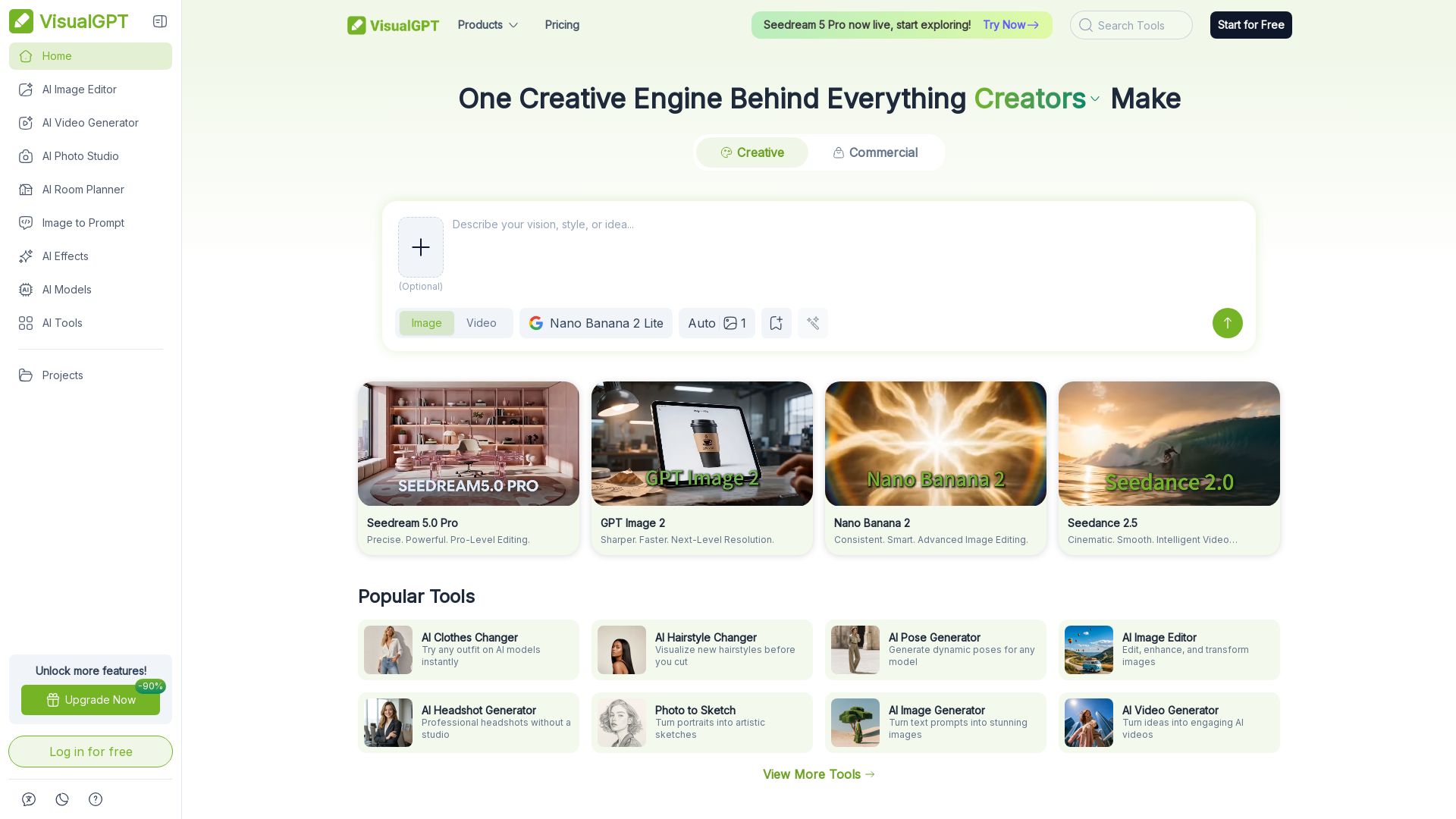
VisualGPT
Create stunning AI images, videos, and portraits. Trusted by 800+ organizations. Try the #1 AI creative suite for free.

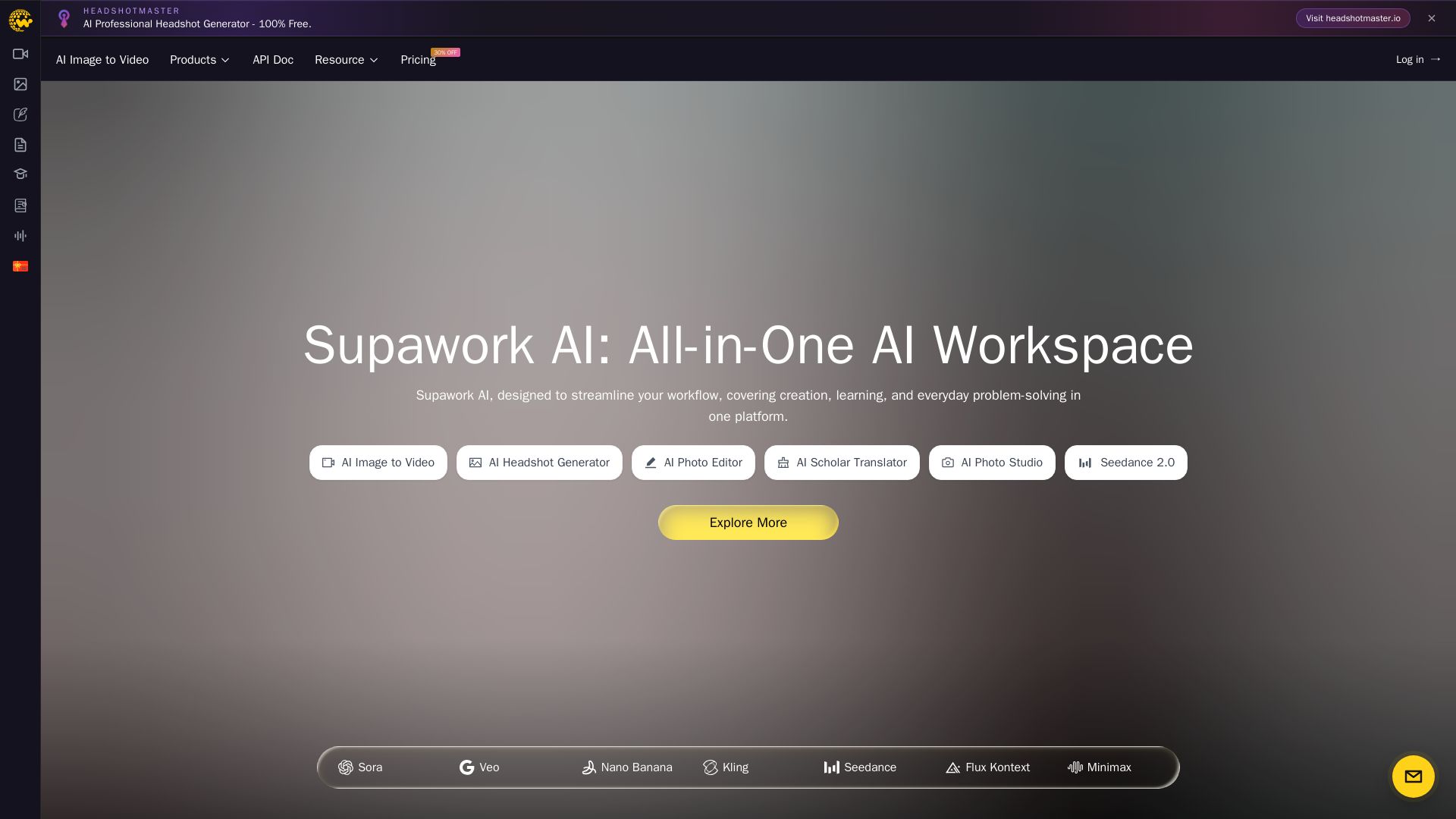
Supawork AI
Create stunning AI headshots, videos, and effects. Free tools for creators, filmmakers, and professionals. Visit headshotmaster.io.

ℹ️ Curation Disclosure: The overview and features of Pixelbin AI Studio were synthesized using AI and fact-checked by our curation team to ensure accuracy.
