
GoEnhance AI
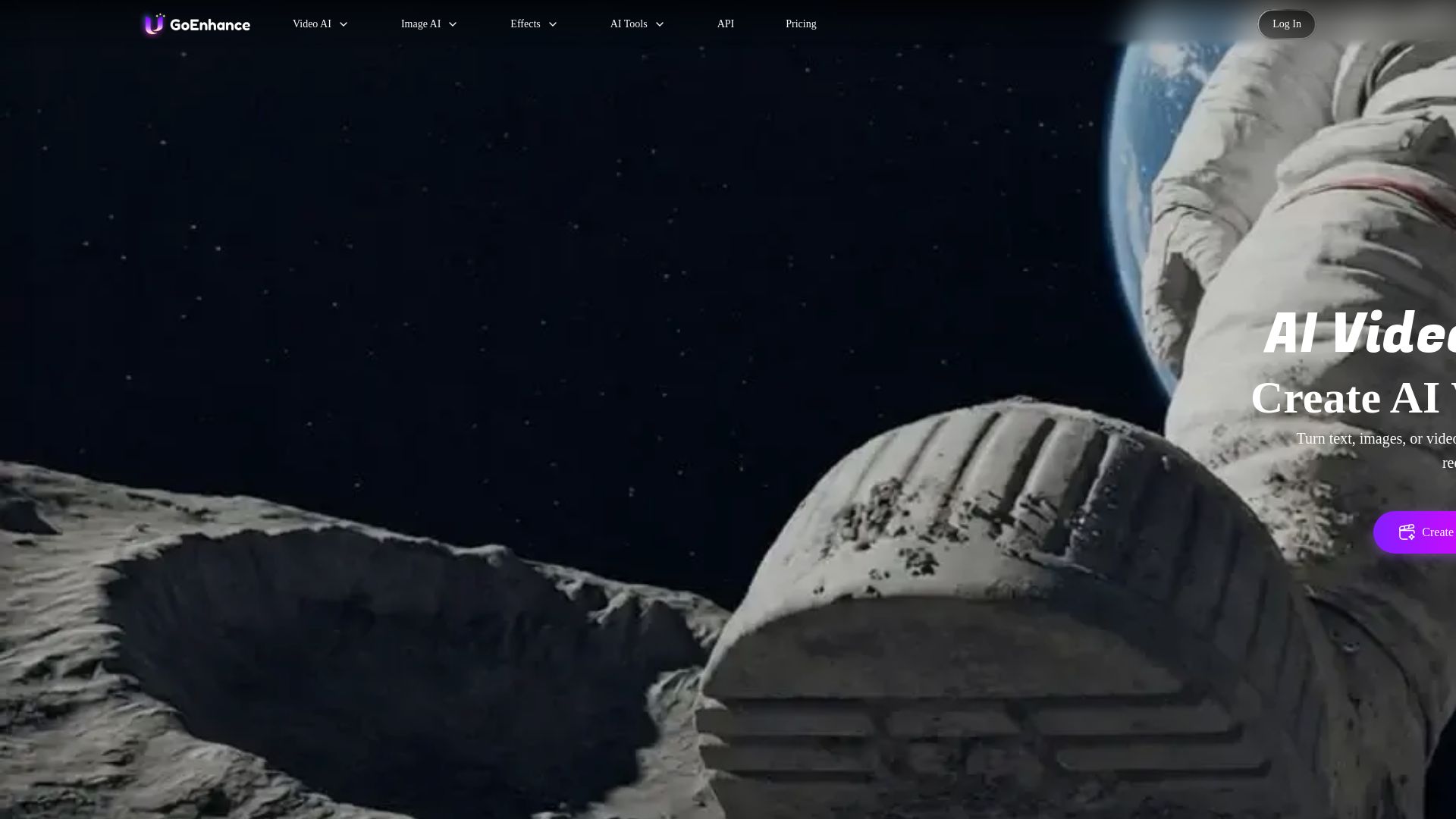
Turn text, images, or videos into stunning AI videos and images. Access 50+ models like Sora, Runway, and Flux. Free to start!
Editor's Verdict
Key Takeaways
- AI Video Generator
- AI Image Generator
- Video to Video / Animation
- AI Talking Avatar
In-Depth Review: What is GoEnhance AI?
GoEnhance AI is an all-in-one platform for AI-powered video and image creation. With over 50 leading models including GoEnhance, Kling AI, Runway, Sora, and Midjourney, you can generate professional-quality videos and images from text, images, or existing videos. Features include AI video generator, image enhancer, talking avatars, lip sync, character animation, and 100+ viral effects. No skills required. Trusted by 3 million+ creators. Try for free with daily tokens.
Core Features
AI Video Generator
Transform text, images, or videos into professional-quality AI videos instantly with advanced AI technology. Supports HD & 4K output.
AI Image Generator
Generate stunning, high-resolution AI images from simple text descriptions using cutting-edge AI models with multiple styles.
Video to Video / Animation
Turn your video into different anime or cartoon style videos with consistent character and high resolution.
AI Talking Avatar
Create lifelike video avatars from a single photo. Make characters talk with uploaded face and voice.
Lipsync Video
Automatically sync lips from video to audio accurately; transform any video with seamless lip syncing.
Video Upscaler
Enhance and upscale your video quality with AI, up to 4K and 60fps.
Consistent Character
Create videos with a consistent character across scenes, ensuring brand or character continuity.
Video & Photo Effects
100+ AI video and photo effects including Ghibli, Pixar, baby filter, earth zoom, AI hug, and more.
Multi-Model Access
Access world's leading AI models like GoEnhance, Kling, Runway, Sora, Veo, Midjourney, and many more in one platform.
Fast and Relax Modes
Fast Mode gives instant GPU access for quick output (costs tokens). Relax Mode offers unlimited creation with no tokens for subscribers, though may queue.
Pricing
Free
- Limited tokens (included every month)
- Access to all features with tokens
- Personal use only
- Standard processing speed
Basic
- Paid subscription
- Extra benefits (increased token allowance, faster generation, more concurrent jobs)
- Personal use only
- May include Relax Mode access
Standard
- Increased token allowance
- Faster generation speed
- More concurrent jobs
- Commercial usage rights
- Relax Mode (unlimited creation with no tokens)
Pro
- Even higher token allowance
- Priority fast generation
- More concurrent jobs
- Commercial usage rights
- Relax Mode (unlimited creation with no tokens)
Mega
- Highest token allowance
- Dedicated fast generation
- Maximum concurrent jobs
- Commercial usage rights
- Relax Mode (unlimited creation with no tokens)
Pros and Cons
Pros
- All-in-One PlatformCombines video generation, image generation, effects, and various AI models in a single tool, eliminating the need for multiple subscriptions.
- User-FriendlyDesigned for creators of all skill levels with intuitive interfaces, no technical skills required. Works on PC and mobile.
- High-Quality OutputSupports up to 4K resolution and 60fps video, professional-grade results from text, image, or video inputs.
- Wide Model SelectionAccess to top AI models like Sora, Runway, Kling, Midjourney, and many more, giving users flexibility and cutting-edge capabilities.
- Fast Processing OptionFast Mode provides instant GPU access for quick turnaround on urgent projects, ideal for time-sensitive content.
Cons
- Limited Free TierFree users receive only a small number of tokens, restricting usage and requiring payment for significant work.
- No Refund PolicyDue to computational costs, refunds are not available even for paid plans, which may be a risk for new users.
- Commercial Use RestrictedOnly Standard, Pro, and Mega plan subscribers can use creations commercially; Free and Basic users are limited to personal use.
- Relax Mode SpeedRelax Mode (free for subscribers) may be queued and slow, not suitable for urgent jobs despite unlimited usage.
- Pricing Not TransparentExact prices for paid plans are not listed on the page; users must contact sales or sign up to see costs.
Use Cases & Recommended Professions
Content Creator→ View Toolkit
Needs to quickly produce engaging video and image content for platforms like YouTube, TikTok, and Instagram without professional editing skills.
Social Media Manager→ View Toolkit
Requires high-volume, on-brand visual content for multiple campaigns; AI generation and effects save time and maintain consistency.
Video Editor→ View Toolkit
Can leverage AI tools for tasks like video upscaling, lip-syncing, and style transfer to enhance projects and expand creative options.
Graphic Designer→ View Toolkit
Needs to generate unique images and apply artistic effects quickly, combining AI with traditional design for faster workflows.
Filmmaker→ View Toolkit
Uses AI for pre-visualization, character animation, and special effects, especially for indie or low-budget productions.
Entrepreneur→ View Toolkit
Creates marketing videos and promotional images for business growth with minimal investment in equipment or expertise.
Frequently Asked Questions
Alternative AI Tools
View Detailed Comparison →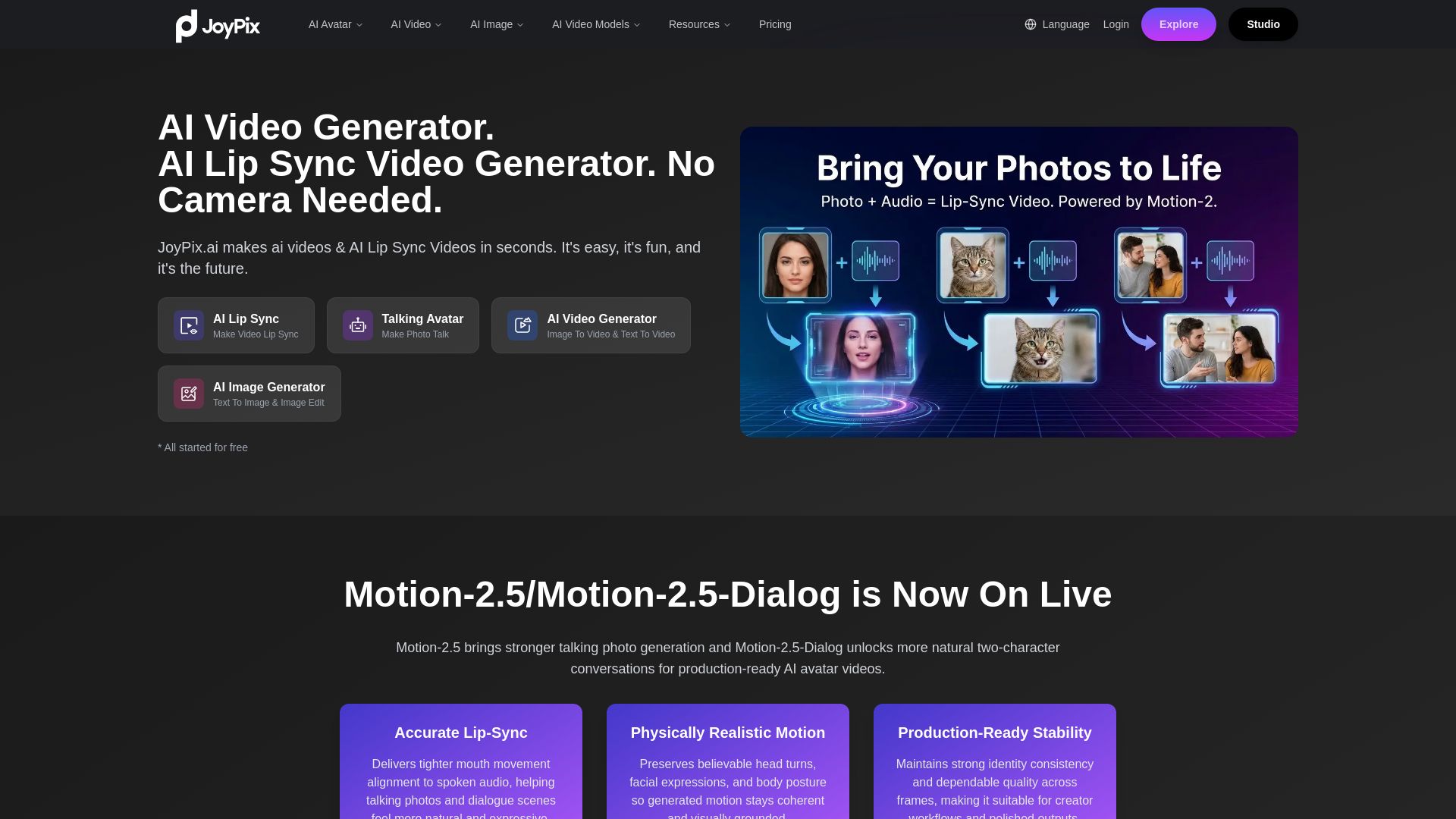
JoyPix
Create realistic AI lip-sync videos and talking avatars from photos. Free voice cloning, 40+ languages, and multiple video models. Try for free!

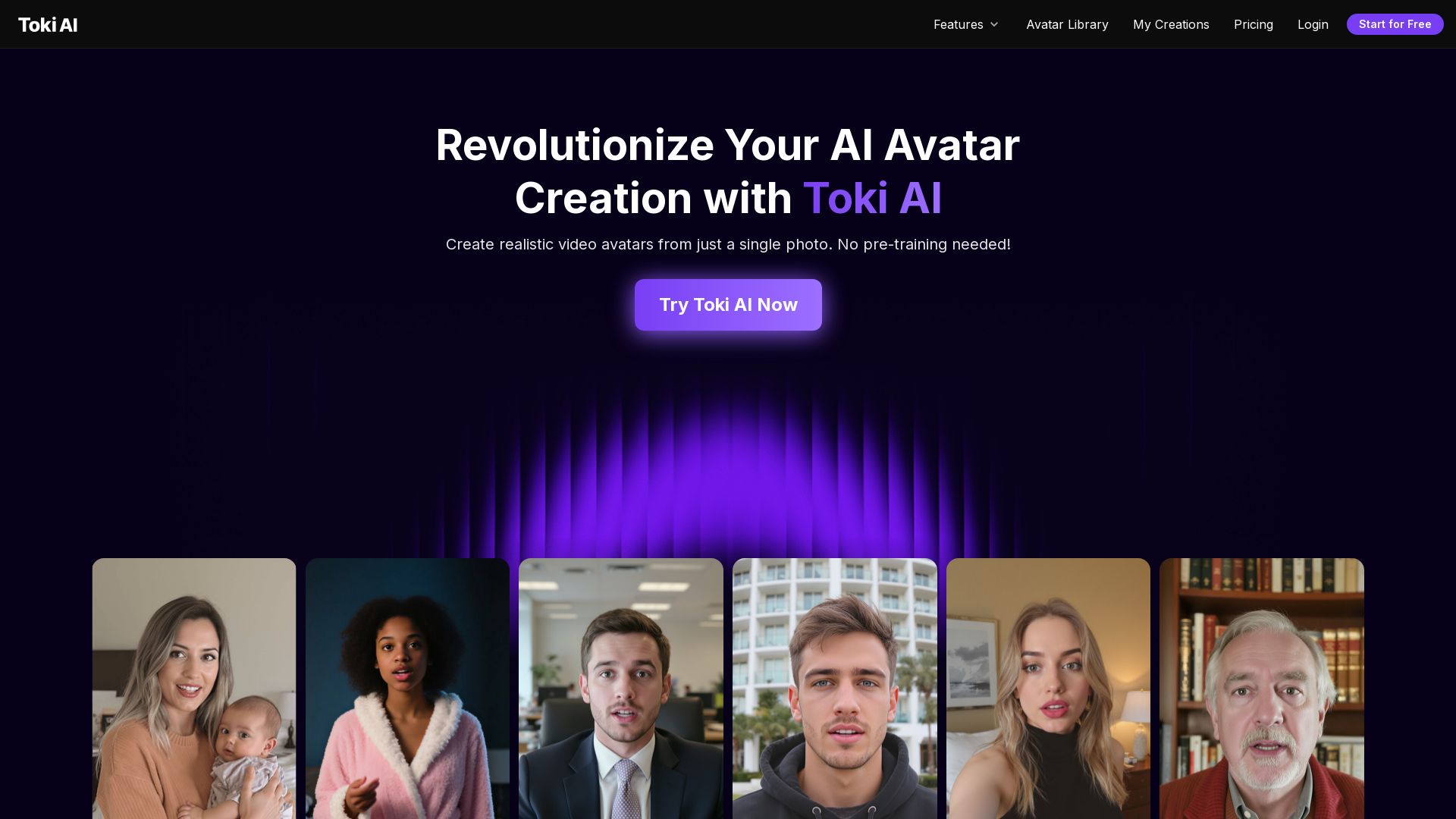
Toki AI
Transform any photo into lifelike talking avatar videos in minutes. No pre-training needed. Perfect for marketing, social media, and more. Try free!

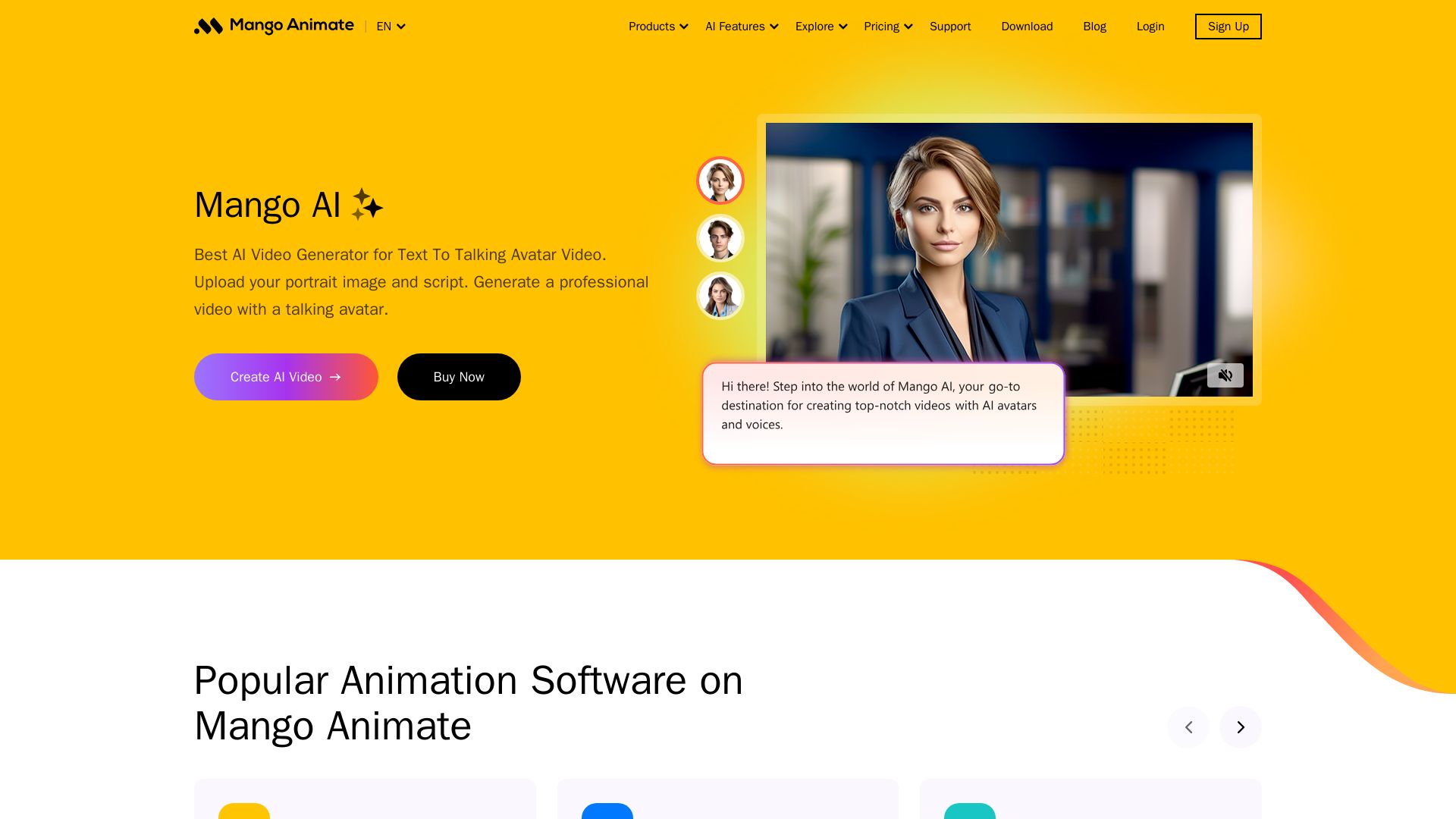
Mango AI
Create professional AI talking avatar videos from text and portrait. Perfect for business, education, personal use. Easy, fast, and affordable.


SeaArt AI
Turn ideas into stunning images and cinematic videos with SeaArt AI. Free tools, community, and advanced models like Seedance 2.0.

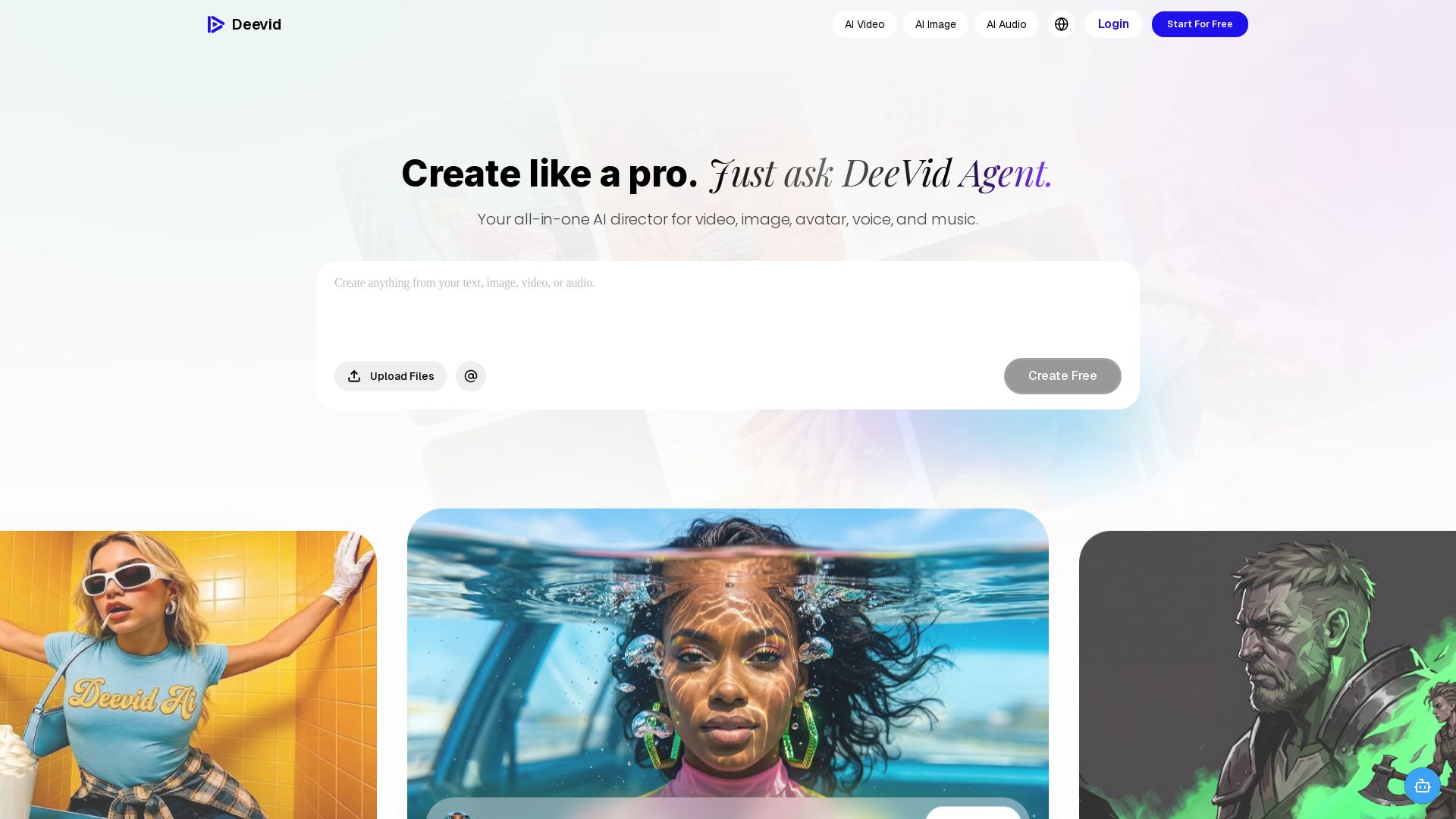
DeeVid AI
Create professional videos, images, avatars, and music with one AI. Text to video, image to video, AI ads, and more. Trusted by 30M+ creators.

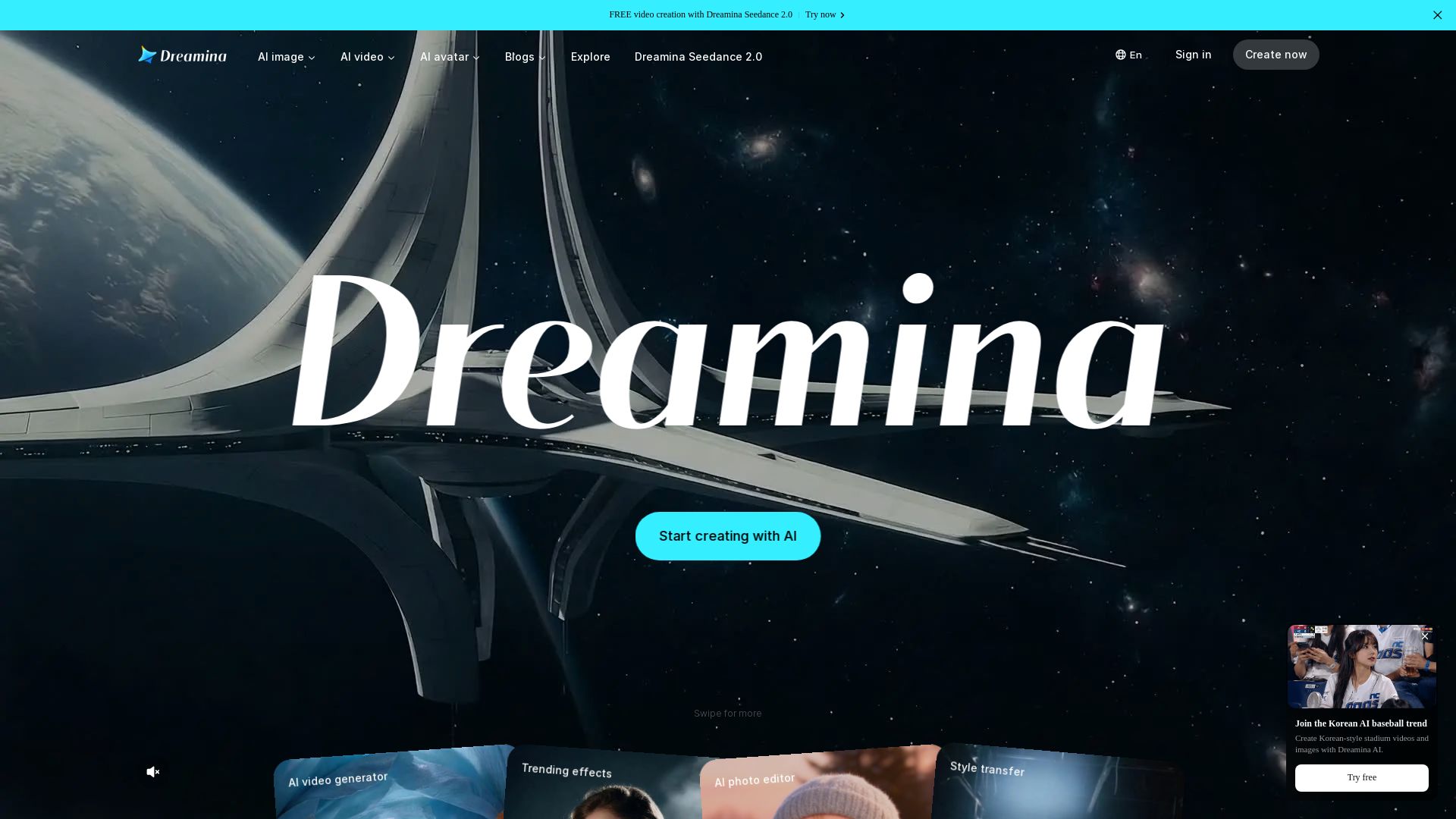
Dreamina
Generate stunning AI images, cinematic videos, and realistic avatars for free. Dreamina's advanced models (Seedance 2.0, Seedream 5.0) bring your ideas to life.
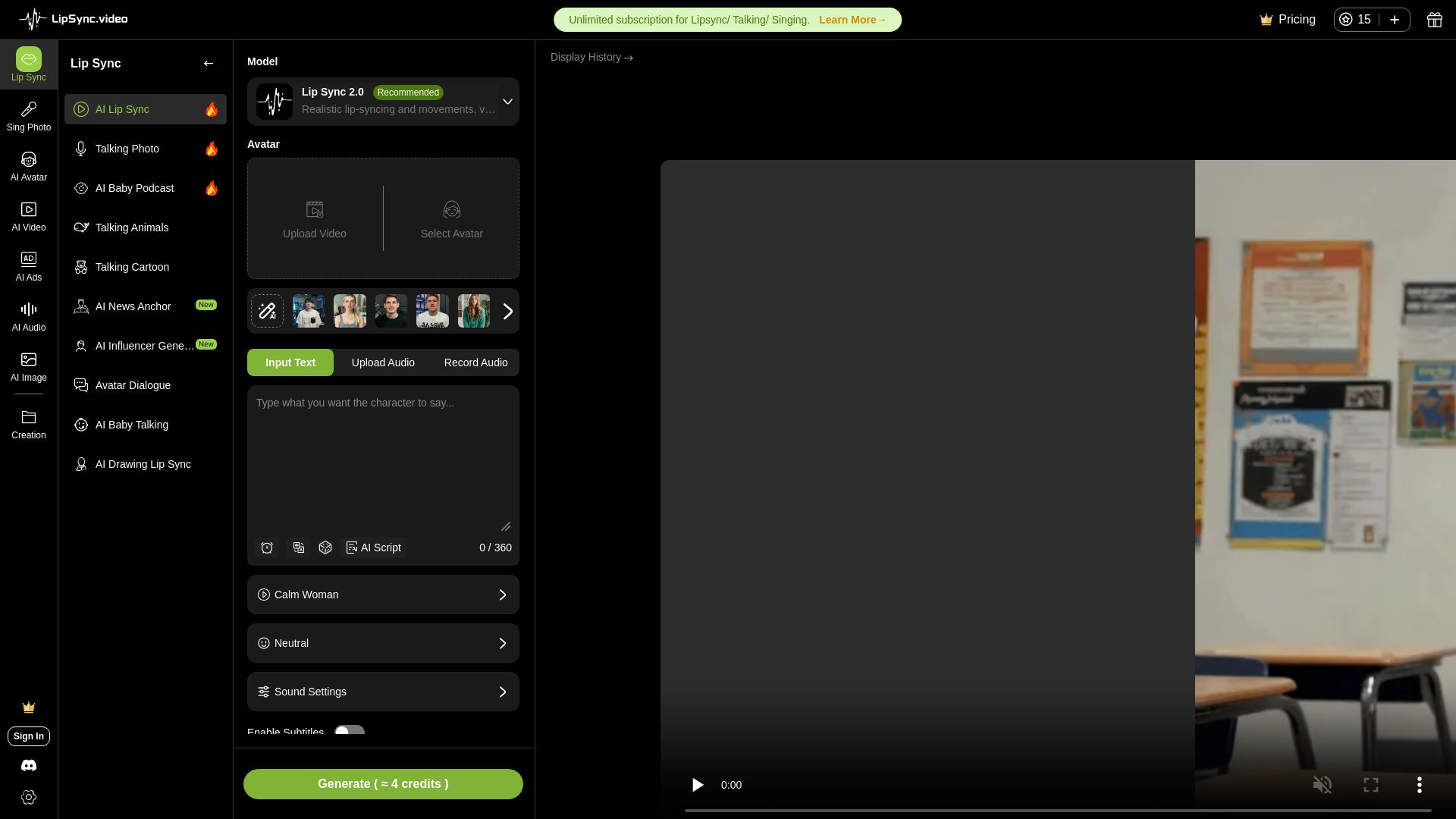
LipSync
Create realistic lip-synced videos for free with no watermark. Supports multiple languages, avatars, and content types. Perfect for marketing, social media, and more.
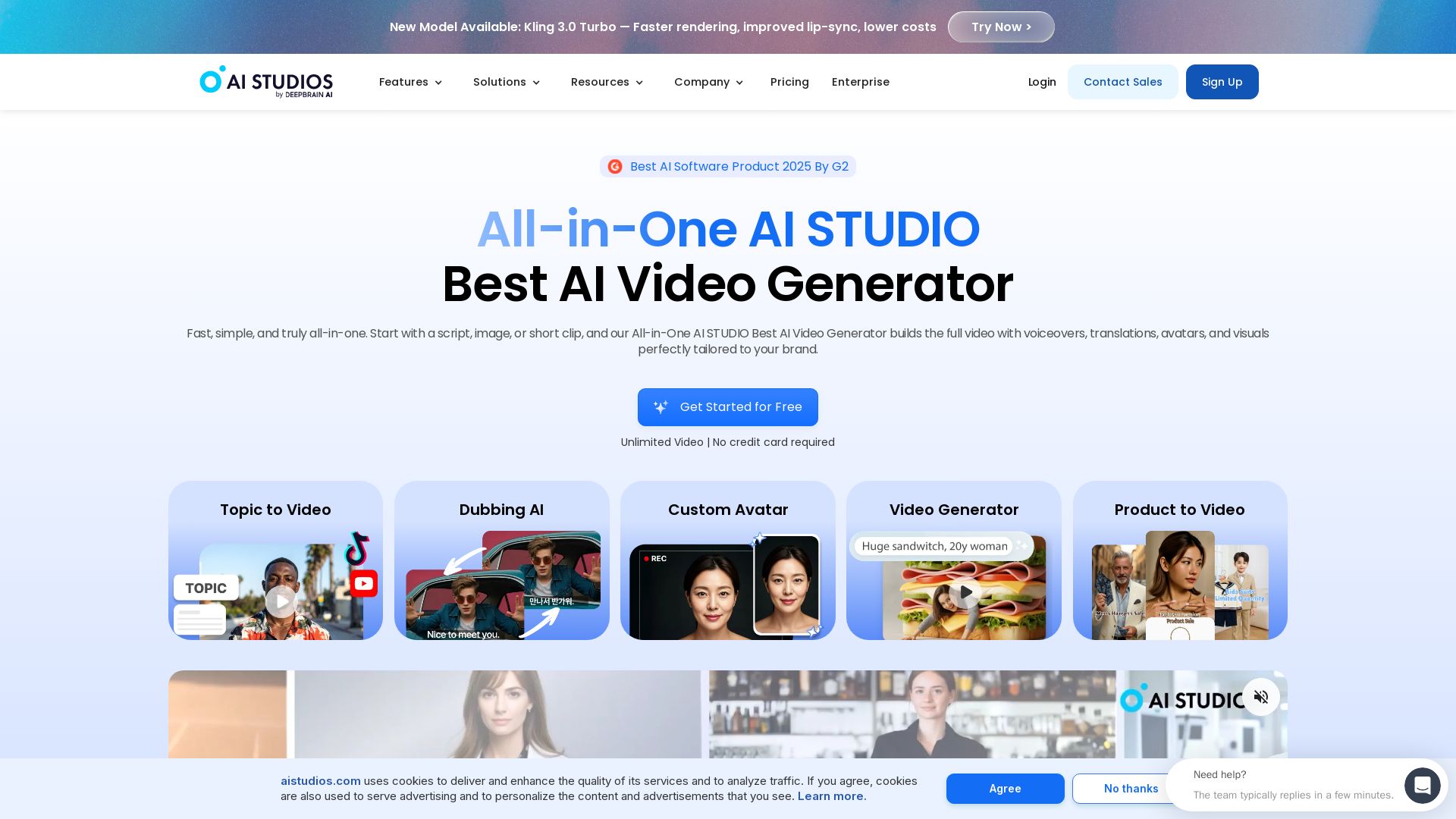
AI STUDIO
Create professional AI videos in minutes with 2000+ avatars, 150+ languages, and lifelike lip-sync. Free plan available. Trusted by 2M+ users.

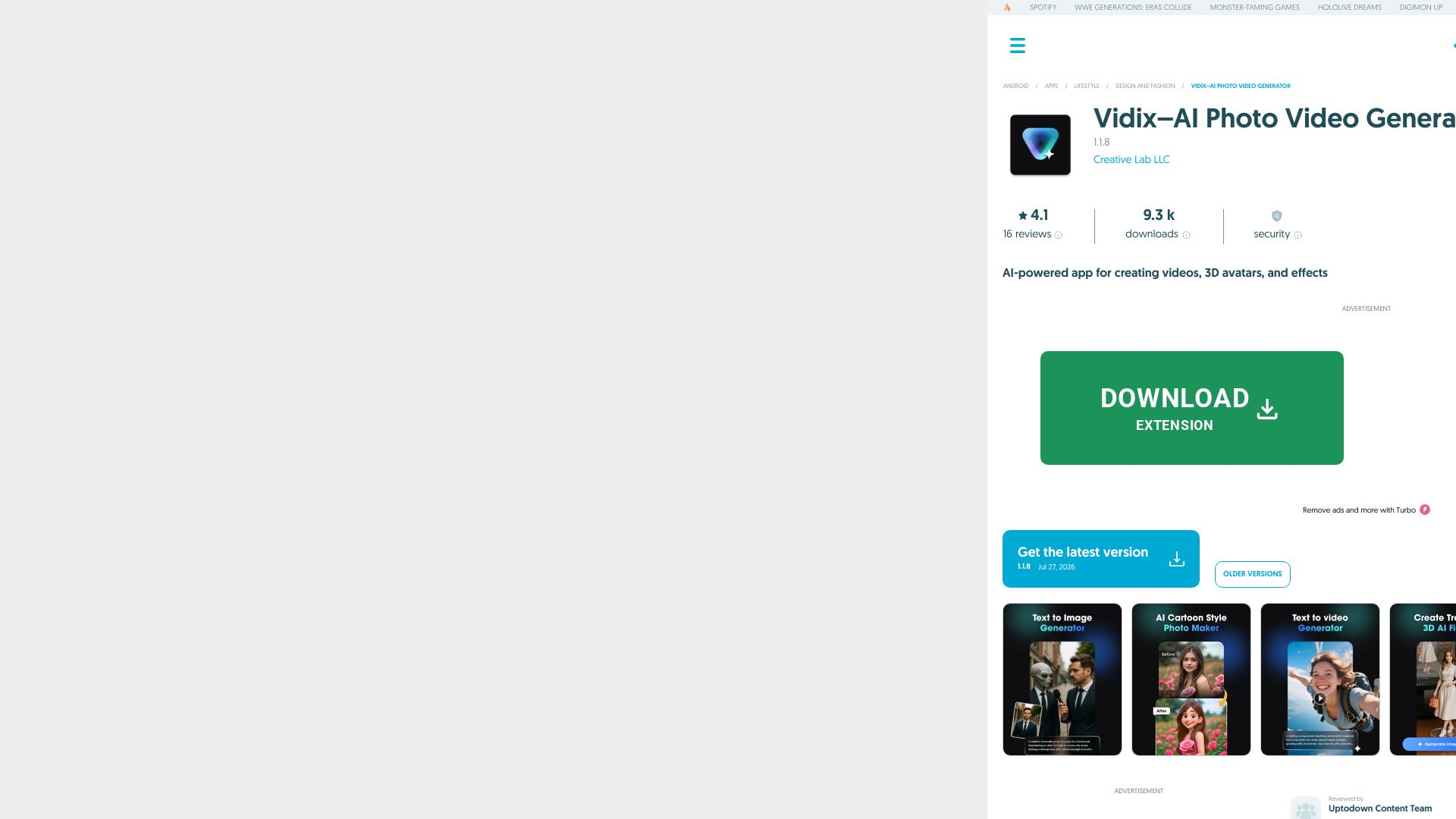
Vidix–AI Photo Video Generator
Transform photos into AI videos, 3D avatars, and cinematic effects. Free AI-powered app for creative content. Download now!

Digen AI
Create stunning AI videos in seconds. Generate from text, images, lip sync, and more. Explore tools like video upscaler, watermark remover, and FPS booster.

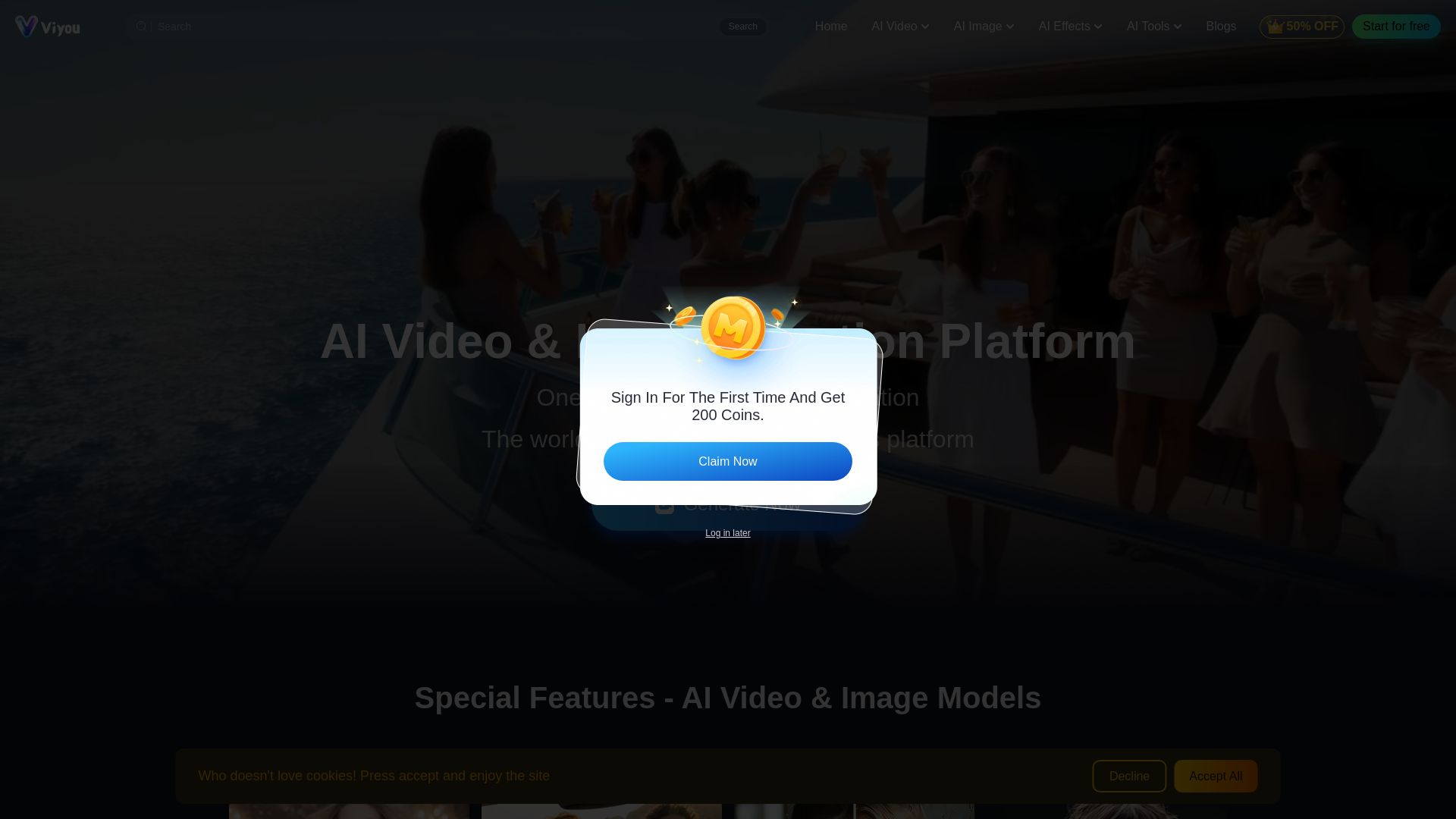
Viyou
Create stunning AI videos and images for free. Generate avatars, romantic kisses, dance videos, and more - all on one platform with full access.

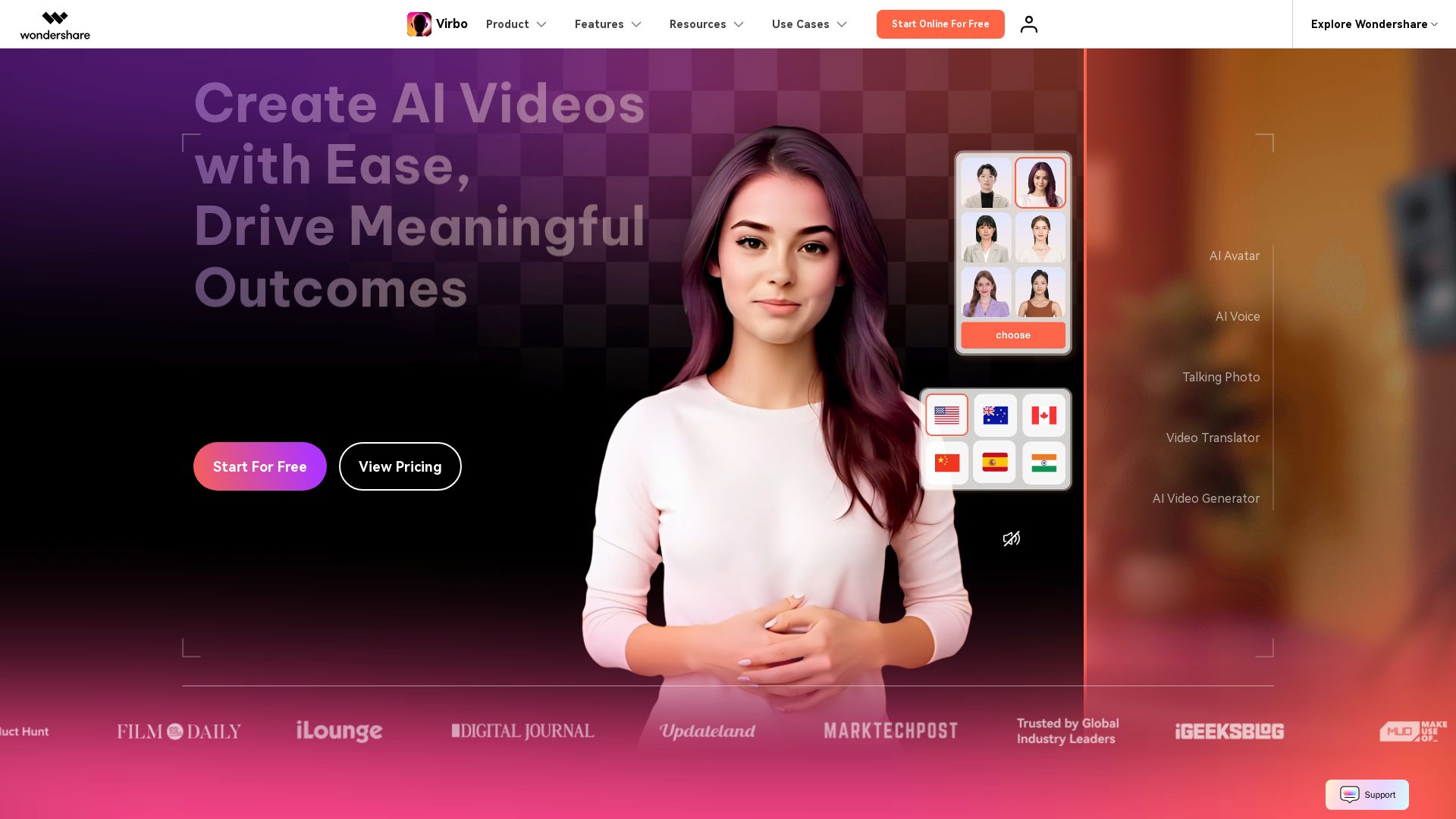
Wondershare Virbo
Create stunning AI videos with 350+ avatars, 400+ voices, and 80+ languages. Effortlessly produce professional content for marketing, education, and more.

ℹ️ Curation Disclosure: The overview and features of GoEnhance AI were synthesized using AI and fact-checked by our curation team to ensure accuracy.
