
AI STUDIO
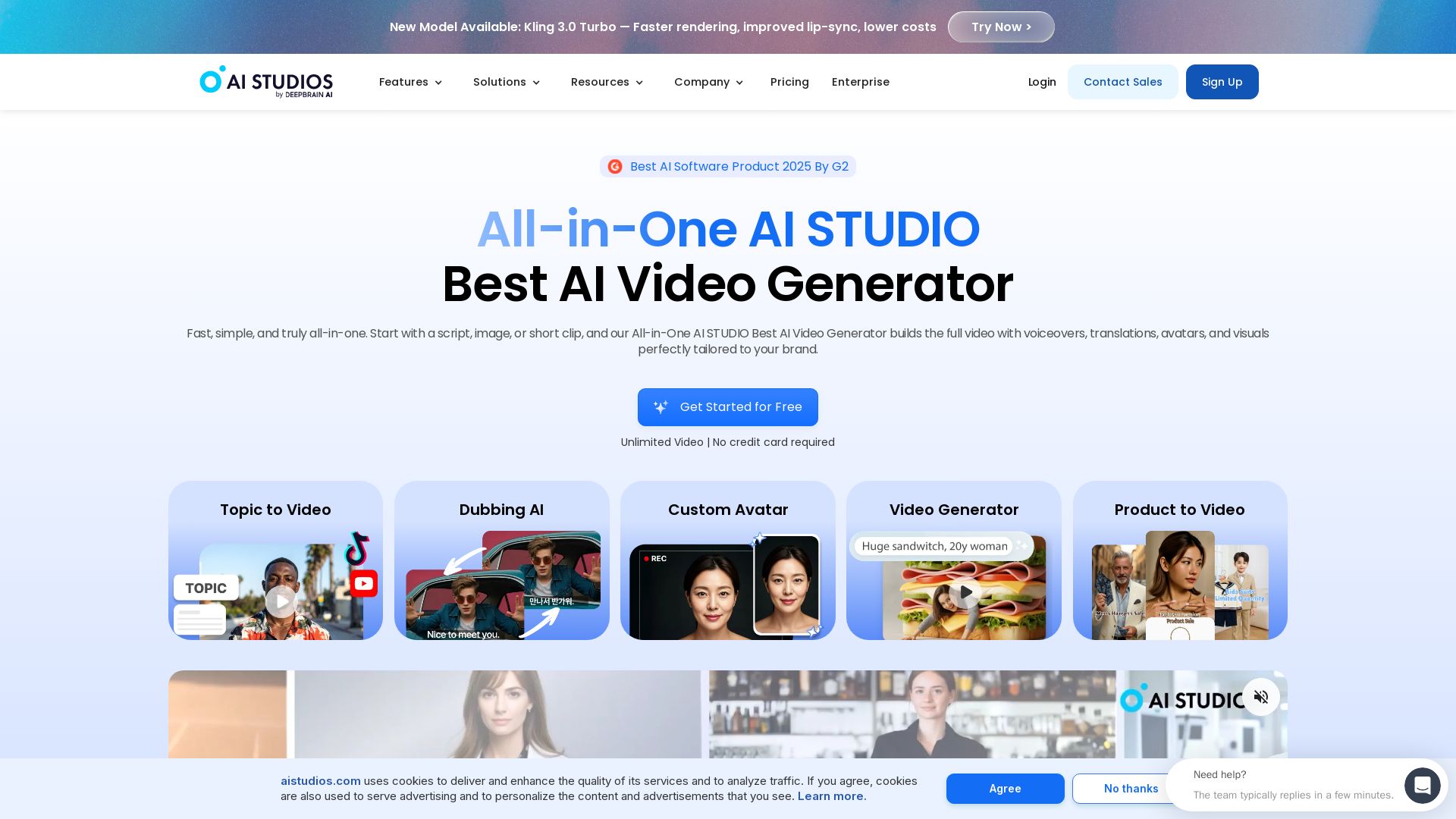
Create professional AI videos in minutes with 2000+ avatars, 150+ languages, and lifelike lip-sync. Free plan available. Trusted by 2M+ users.


Editor's Verdict
Key Takeaways
- AI Video Generator
- AI Avatars
- AI Dubbing & Translation
- Interactive Avatars
In-Depth Review: What is AI STUDIO?
AI STUDIOS by DeepBrain AI is the leading all-in-one AI video creation platform. It combines text-to-video, AI avatars, multilingual dubbing, and interactive video tools in one workspace. With over 2,000 realistic avatars, 2,000+ voices, and support for 150+ languages, you can generate professional videos from scripts, URLs, documents, or images—no filming or editing skills required. Features include custom avatar creation, real-time conversational AI agents, SCORM-compliant course builder, and enterprise-grade security (ISO 27001, SOC 2). Ideal for marketers, creators, educators, and businesses looking to scale video production while cutting costs by up to 80%.
Core Features
AI Video Generator
Create professional videos from text, scripts, or URLs with realistic AI avatars and voiceovers in minutes.
AI Avatars
Choose from 2,000+ ready-to-use avatars or create custom avatars from photos, videos, or products.
AI Dubbing & Translation
Translate and dub videos into 150+ languages with automatic lip-sync and voice cloning.
Interactive Avatars
Create real-time conversational AI avatars that engage visitors 24/7 in multiple languages.
Generative AI Models
Access advanced models like Seedance 2.0, Veo 3.1, and Nano Banana Pro for cinematic videos and images.
Course Builder
Build interactive training videos with quizzes, branching scenarios, and SCORM export for LMS integration.
Pricing
Free
- Up to 3 AI videos per month
- Videos up to 3 minutes
- 1 Custom Avatar
- 720p export
- Audio-only AI Dubbing
- 16 one-time generative credits
Personal
- Unlimited AI videos
- Videos up to 30 minutes
- 3 Custom Avatars
- 1080p export
- AI Dubbing with lip-sync (120 min/month)
- 720 generative credits per year
- Full access to generative models
- 50 priority videos per month
Team
- Unlimited AI videos
- Videos up to 60 minutes
- 5 Custom Avatars
- 4K export
- AI Dubbing with lip-sync (240 min/month)
- 1,800 generative credits per year (per seat, shared)
- Full access to generative models
- Interactive Videos
- Shared Workspaces
- 150 priority videos per month
Enterprise
- Unlimited AI videos
- Unlimited video duration
- Unlimited Custom Avatars
- 4K export
- Extended AI Dubbing with lip-sync
- Enterprise-scale generative credits
- Custom generative models
- SAML SSO
- SCORM Export
- Bulk Video Generation
- Dedicated account manager
Pros and Cons
Pros
- Time and Cost SavingsReduces video production time by up to 90% and costs by up to 80% compared to traditional methods.
- Realistic AI AvatarsOver 2,000 lifelike avatars with natural lip-sync and expressions, customizable for any brand.
- Multilingual CapabilitiesSupports 150+ languages for dubbing and translation, enabling global reach without extra effort.
- All-in-One PlatformCombines video generation, editing, dubbing, and interactive avatars in a single workspace.
- Enterprise-Grade SecurityISO 27001, SOC 2 Type II, and GDPR compliant, ensuring data protection and compliance.
Cons
- Limited Free PlanFree tier restricts video length, export quality, and features, requiring upgrade for serious use.
- Generative Credit SystemAdvanced generative features consume credits that can be exhausted quickly, requiring add-on purchases.
- Learning CurveWhile user-friendly, mastering all features and customization options may take time for new users.
- Dependency on AI QualityOutput quality depends on AI models; occasional inaccuracies in lip-sync or voice cloning may occur.
- Pricing for Advanced FeaturesHigher-tier plans and add-ons can become expensive for small businesses or individual creators.
Use Cases & Recommended Professions
Content Creator / YouTuber→ View Toolkit
Create faceless videos, multilingual content, and shorts quickly without appearing on camera.
Marketer→ View Toolkit
Produce personalized sales outreach videos, social media ads, and product demos at scale.
Educator / Trainer→ View Toolkit
Develop interactive training videos, online courses, and lecture translations for global students.
E-commerce Manager→ View Toolkit
Turn product pages into UGC-style videos and create avatars that interact with products for ads.
Customer Support Lead→ View Toolkit
Deploy conversational AI avatars for 24/7 customer service across multiple channels and languages.
Corporate Trainer→ View Toolkit
Build SCORM-compliant training modules with quizzes and branching scenarios for employee onboarding.
Frequently Asked Questions
Alternative AI Tools
View Detailed Comparison →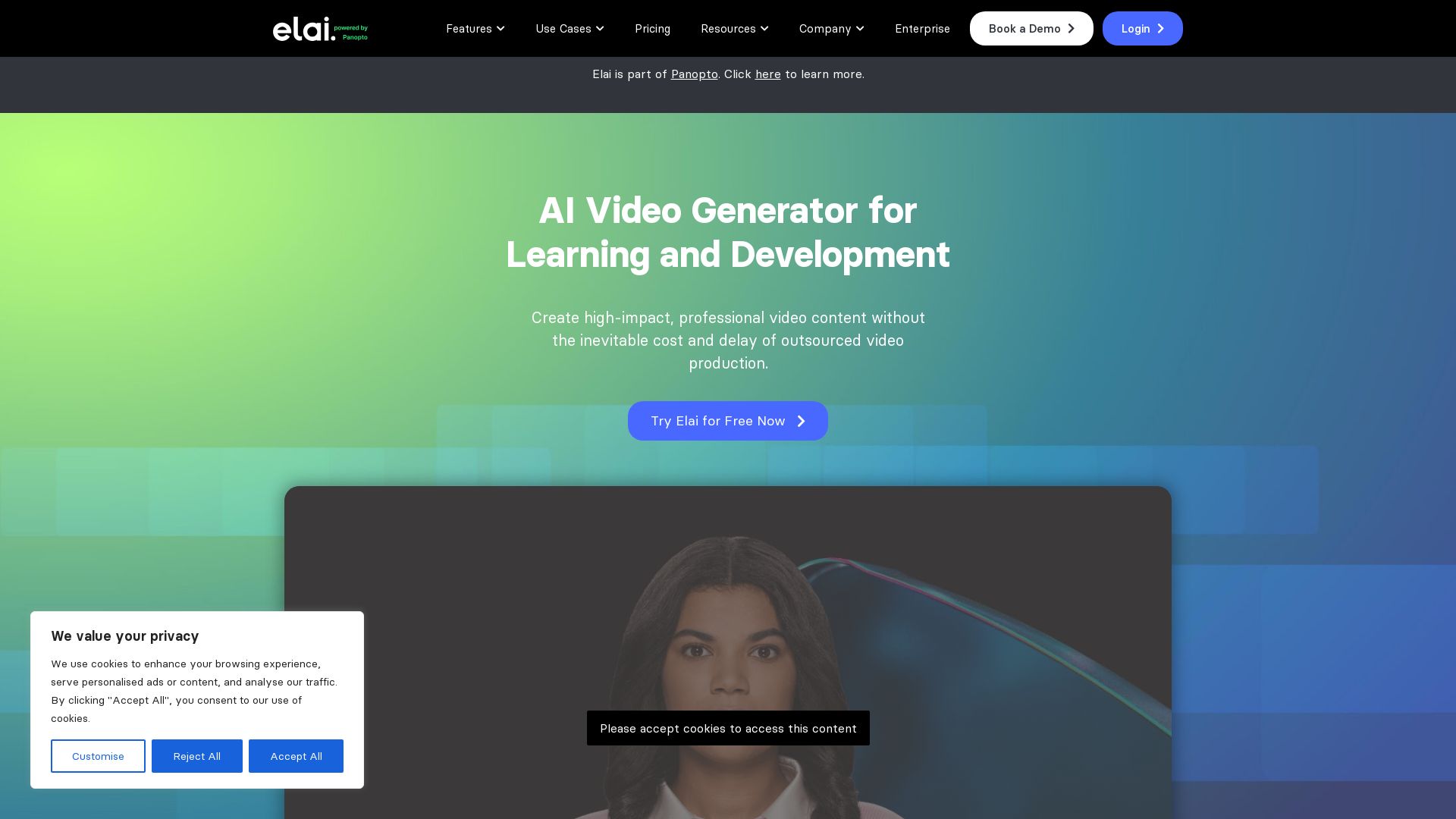
Elai
Create high-quality AI videos in minutes with realistic avatars, voice cloning, and multi-language support. Perfect for L&D teams.
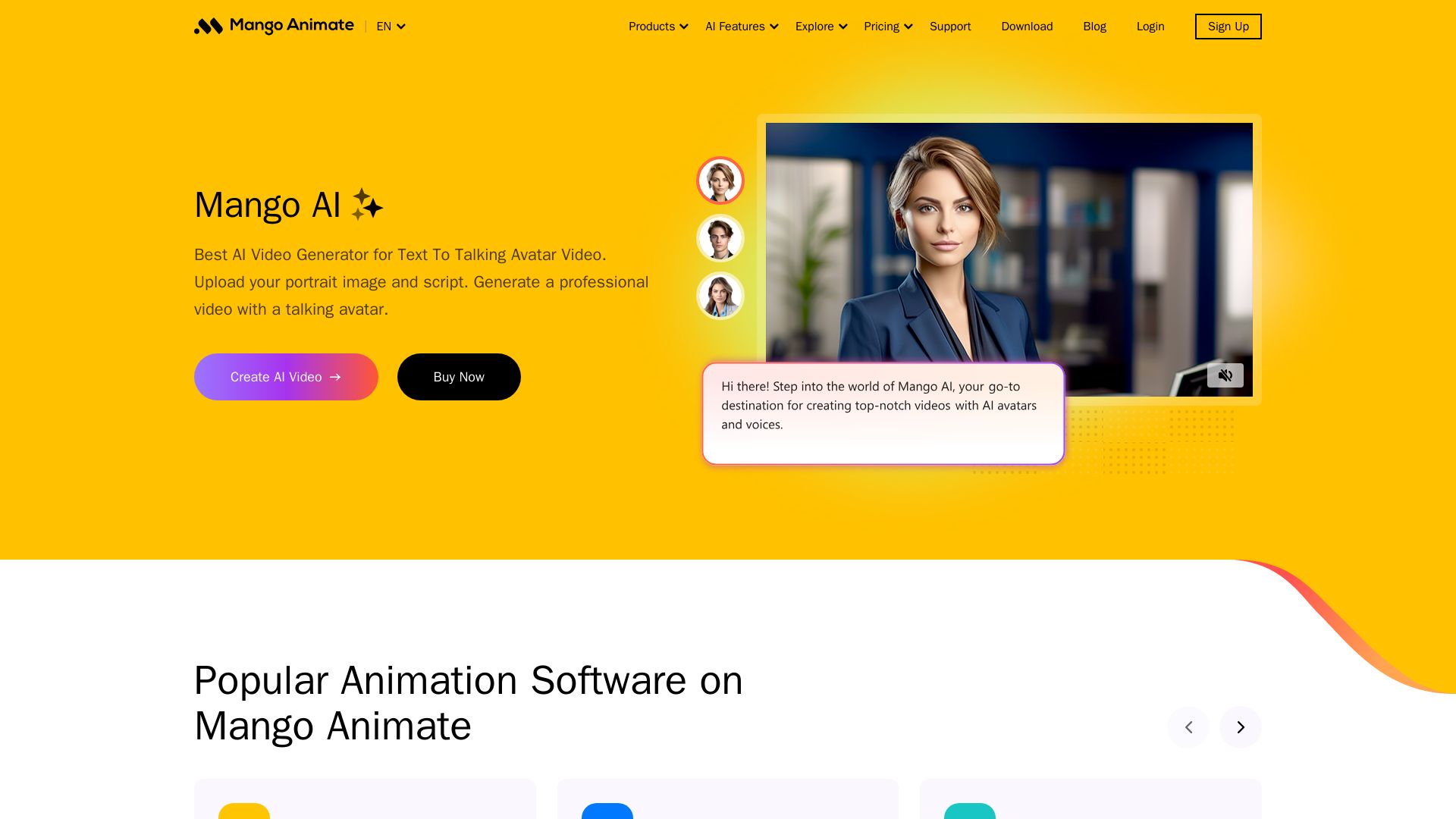
Mango AI
Create professional AI talking avatar videos from text and portrait. Perfect for business, education, personal use. Easy, fast, and affordable.


Flow AI Video Generator
Create stunning 4K AI videos with Flow AI Video. Text-to-video, image-to-video, multi-shot storytelling. Get 50% OFF now!

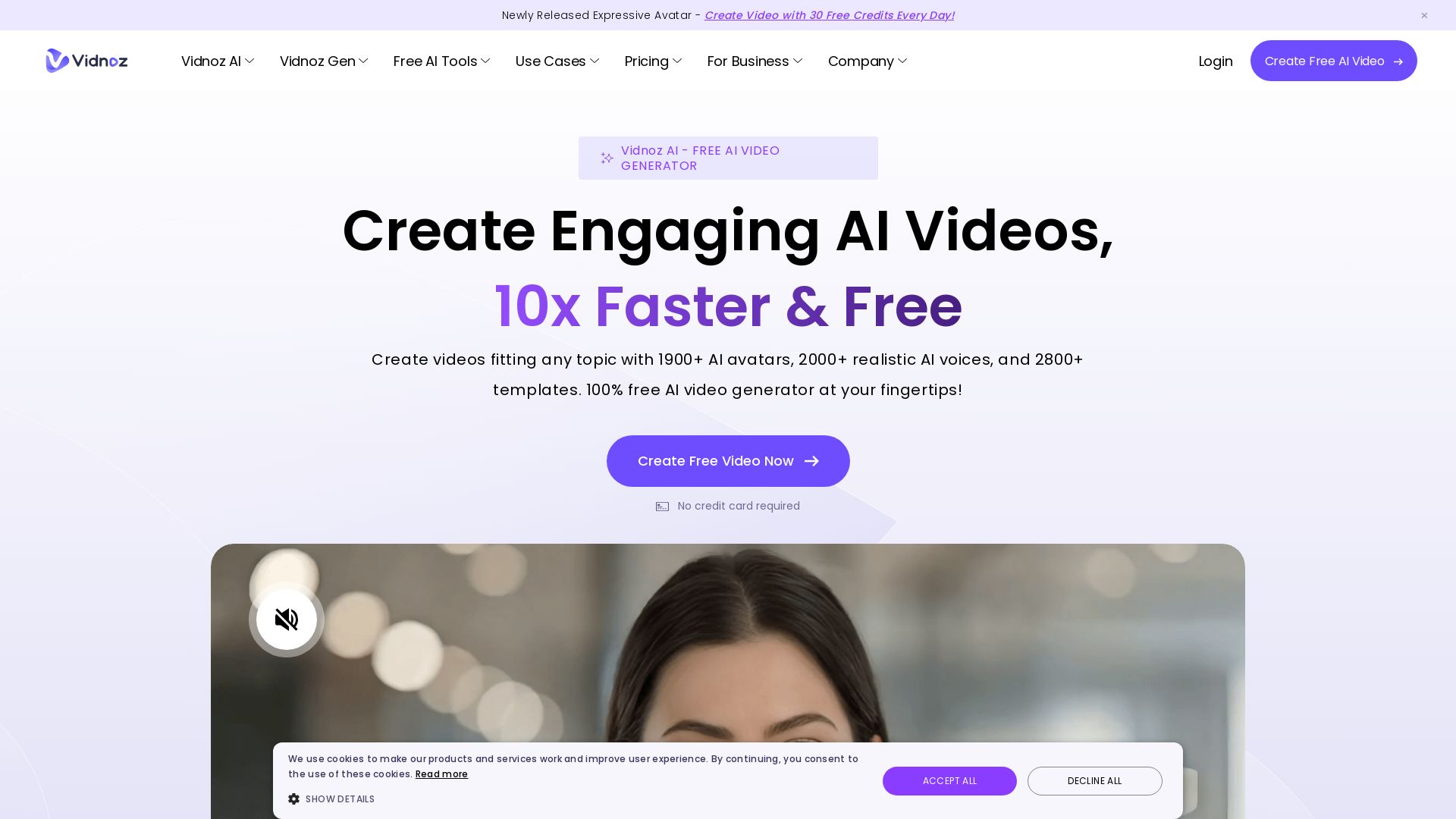
Vidnoz AI
Create free AI videos with Vidnoz AI. 1900+ avatars, 2000+ voices, 2800+ templates. 30 free credits daily. Ideal for marketing, training, and more.

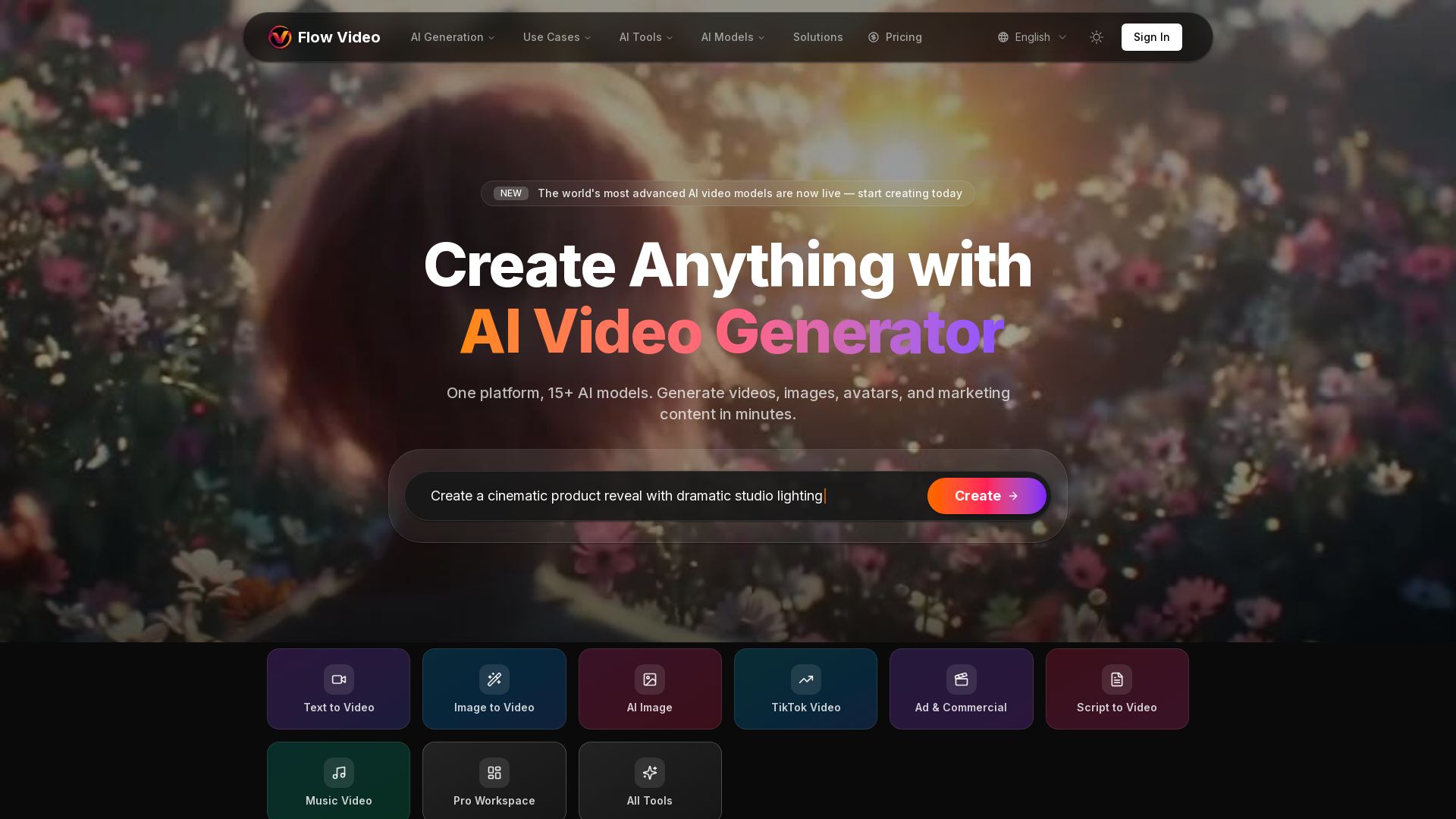
Flow Video AI
Create stunning AI videos, images, and marketing content with 15+ models. Text to video, image to video, and more. Start free!

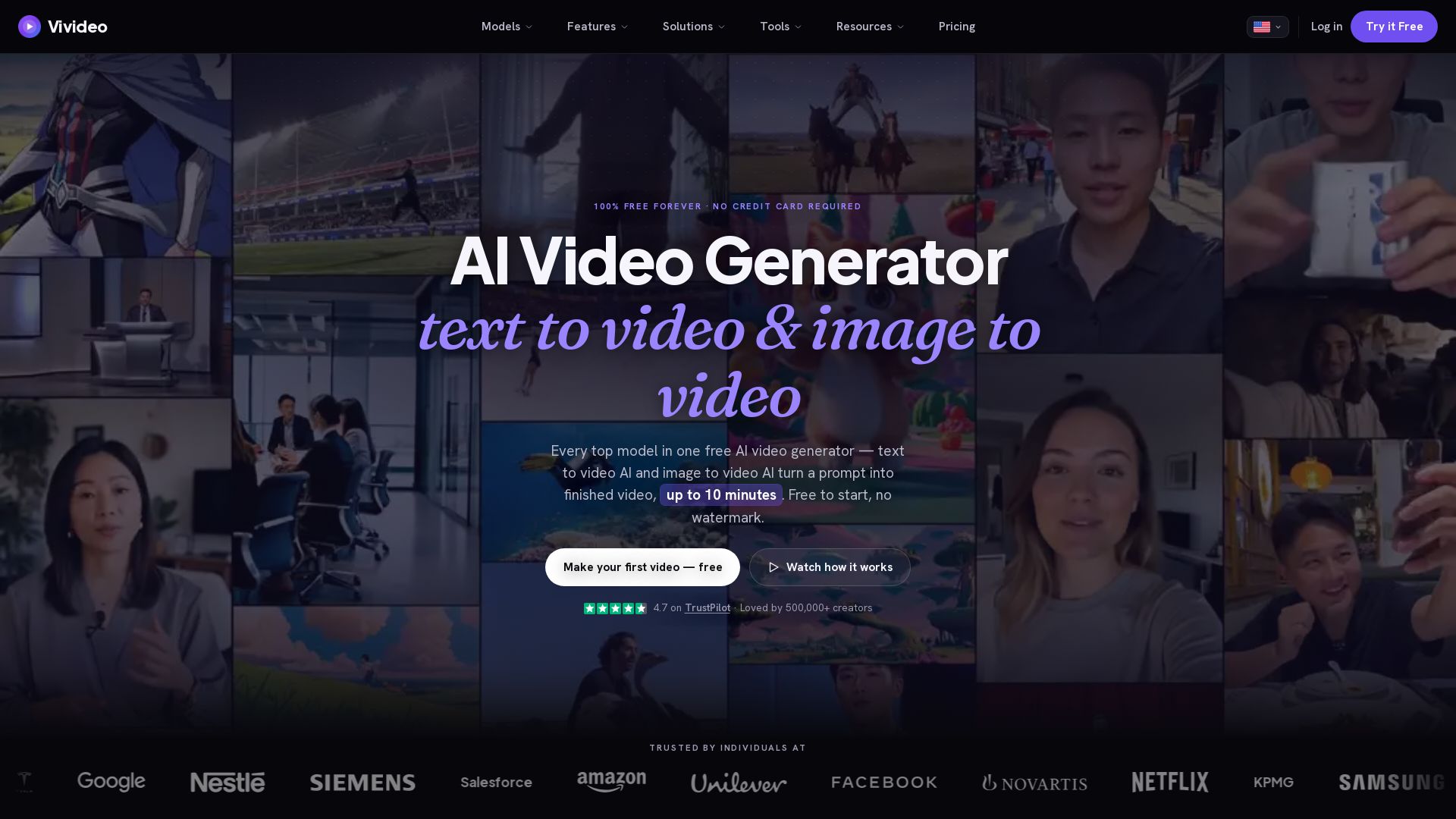
Vivideo
Create stunning AI videos from text or images. 30+ top models, 10 min length, no watermark. Free forever, no credit card needed.

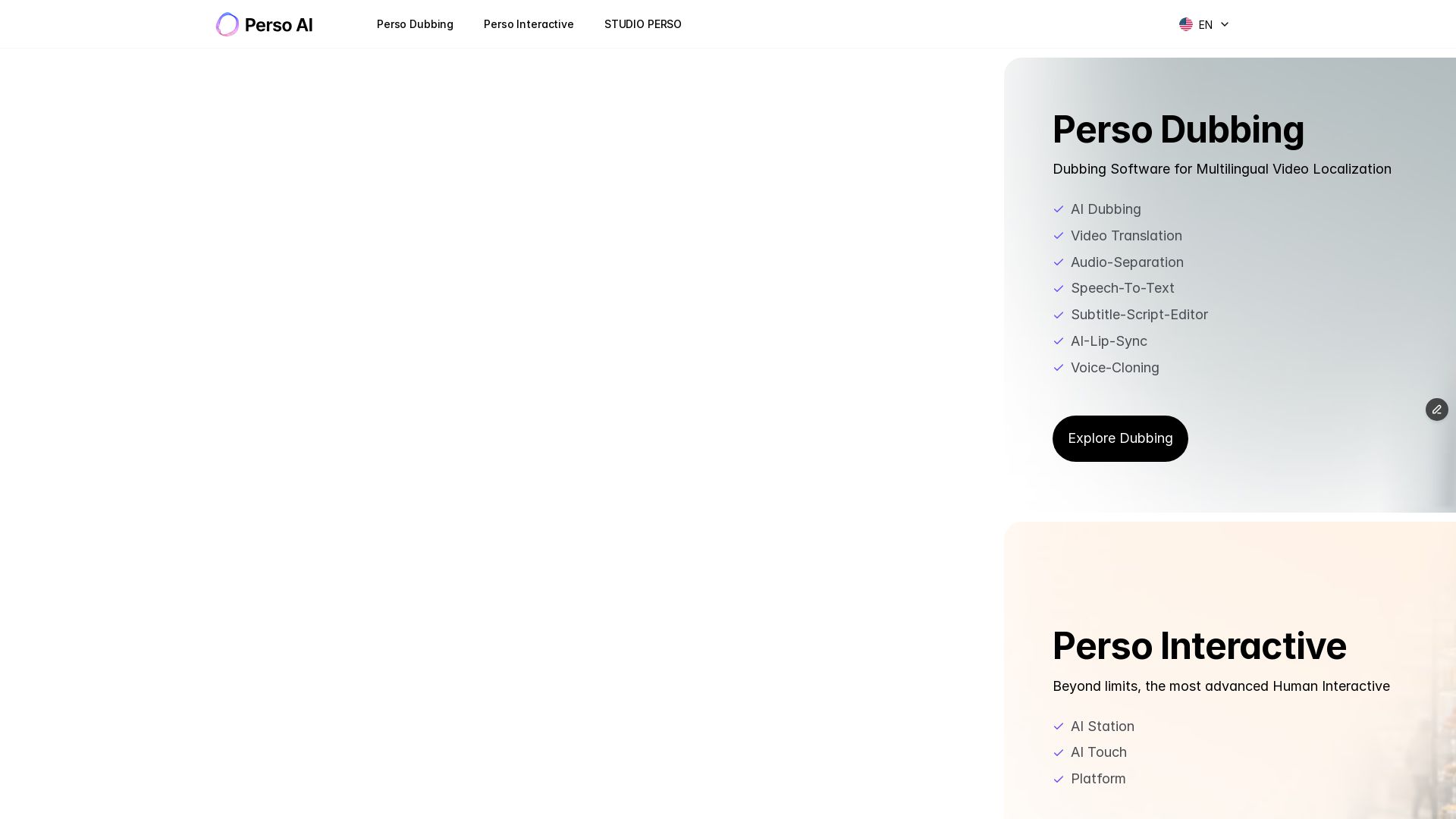
Perso AI
Discover PersoAI's AI dubbing, video translation, lip sync, voice cloning, and interactive AI avatar studio. Localize and produce videos globally.

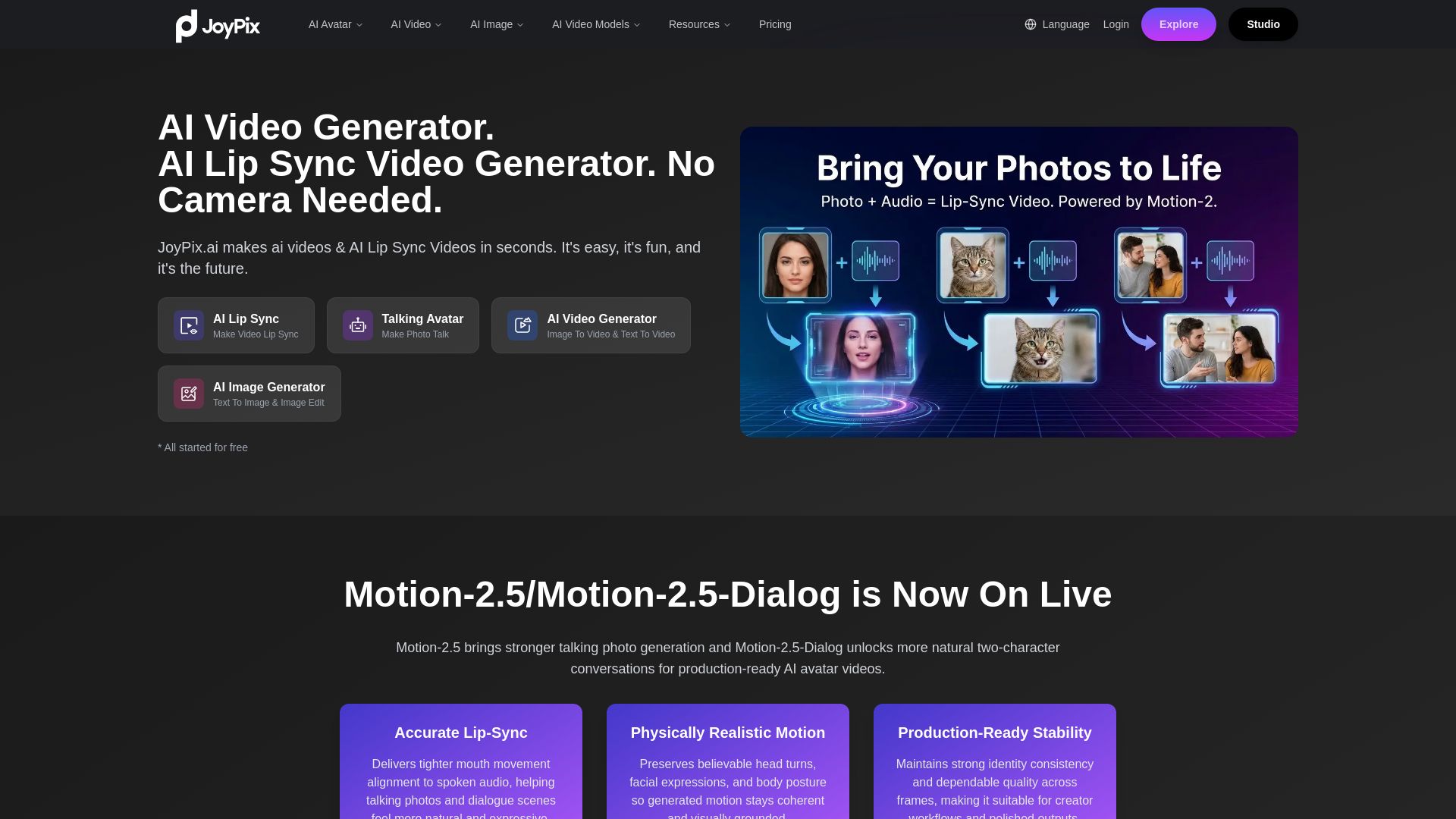
JoyPix
Create realistic AI lip-sync videos and talking avatars from photos. Free voice cloning, 40+ languages, and multiple video models. Try for free!

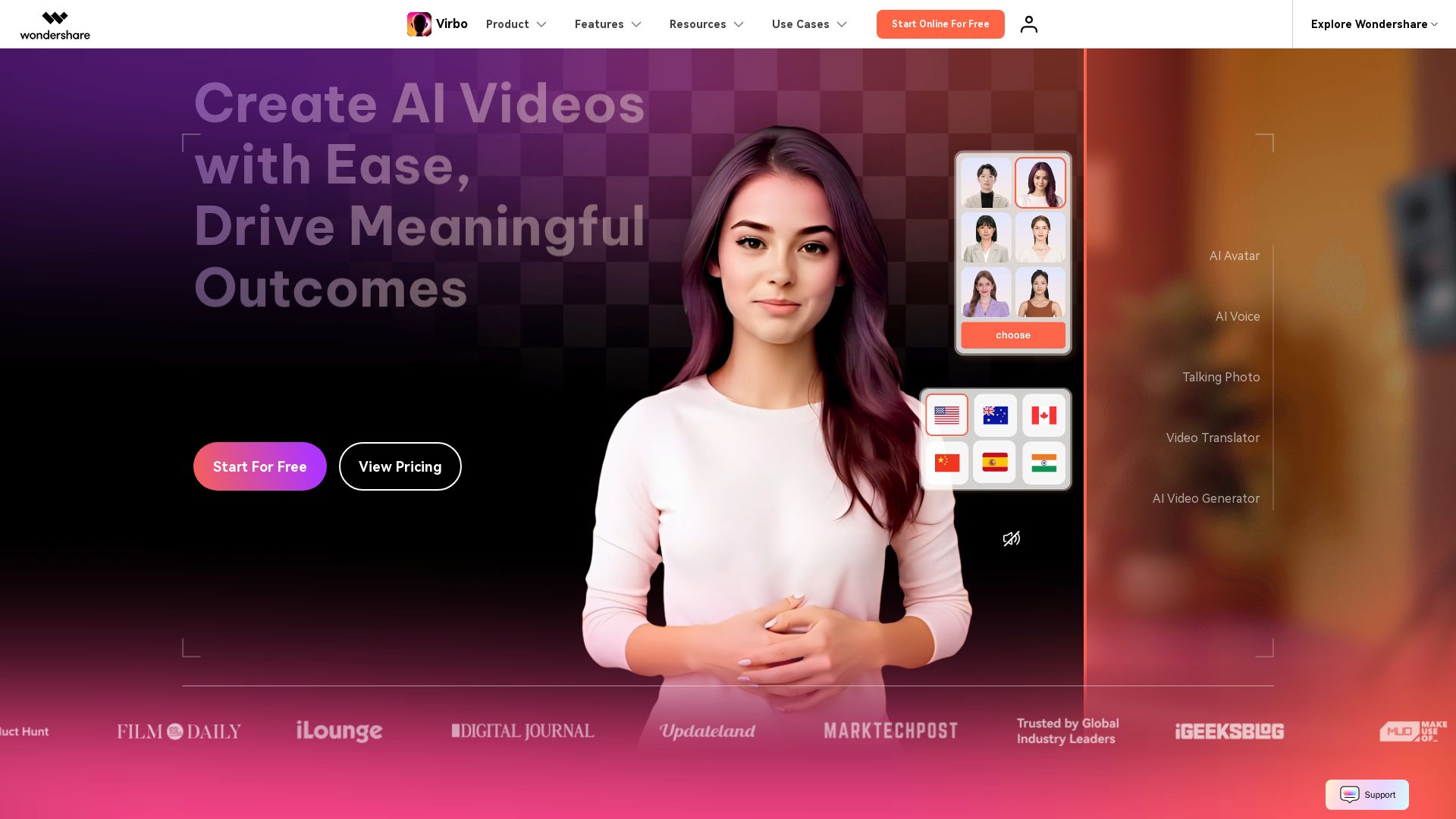
Wondershare Virbo
Create stunning AI videos with 350+ avatars, 400+ voices, and 80+ languages. Effortlessly produce professional content for marketing, education, and more.


AI Video - AI Video Generator
Create animated videos from text or images with AI. Drag-and-drop editing, lip-sync, HD export. No skills needed. Download free!


Marketing Mary
Unify research, creation, publishing & optimization with one AI Co-Pilot. Works in your existing stack. Join 500+ leaders on the waitlist.

Gen AI Video Generator
Create stunning AI videos and images with 90+ models including Google VEO 3, Sora 2, Seedance 2.0. Text-to-video, image-to-video, photo editing on iOS.

ℹ️ Curation Disclosure: The overview and features of AI STUDIO were synthesized using AI and fact-checked by our curation team to ensure accuracy.
