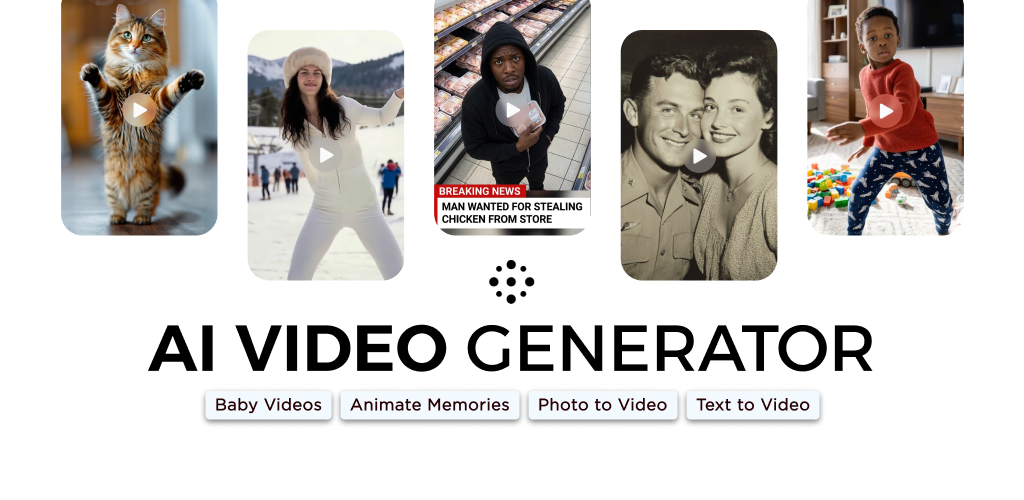
AI Video - AI Video Generator

Create animated videos from text or images with AI. Drag-and-drop editing, lip-sync, HD export. No skills needed. Download free!



Editor's Verdict
Key Takeaways
- Text-to-Video Generation
- Image-to-Video Animation
- Character Animation & Lip Sync
- Drag-and-Drop Editing
In-Depth Review: What is AI Video - AI Video Generator?
AI Video Generator is a powerful app that turns your text prompts or static images into stunning animated videos. Powered by Google DeepMind's Veo3 Fast Model, it offers character animation with facial expressions and automatic lip-sync, a drag-and-drop timeline editor, a rich media library with backgrounds and sound effects, and over 10 special effects including cinematic filters and illusions. Export in HD for any platform. Perfect for creators without animation skills. Available on Aptoide with 10M+ downloads and a 5-star rating.
Core Features
Text-to-Video Generation
Generate animated videos from text prompts without filming or animation skills.
Image-to-Video Animation
Animate static images by applying motion and transitions to create moving sequences.
Character Animation & Lip Sync
Create characters with facial expressions and automatic lip-sync for generated voiceovers.
Drag-and-Drop Editing
Easily customize videos by reorganizing scenes, adjusting transitions, and modifying timing.
Media Library
Access backgrounds, sound effects, and visual styles to enhance and personalize videos.
Special Effects
Apply various effects like polaroid, mermaid, skydiving, cinematic filters, and more.
Veo3 Fast Model Integration
Powered by Google DeepMind's Veo3 Fast Model for high-quality animation generation.
HD Export
Export videos in HD format optimized for reels, shorts, movies, or films.
Pros and Cons
Pros
- No Skill RequiredCreate professional-looking animated videos without traditional filming or animation knowledge.
- AI-Powered AutomationAutomates complex tasks like lip-sync and motion, saving time and effort.
- Versatile Input MethodsGenerate videos from text or static images, offering flexibility for different creative needs.
- Extensive CustomizationDrag-and-drop editing, media library, and special effects allow detailed control over output.
- Character Animation with VoiceoverIntegrated voiceover generation and lip-sync make character-driven videos easy to produce.
Cons
- Internet RequiredLikely requires an internet connection for AI processing and model access.
- Limited to Animated StylePrimarily produces animated content; may not suit realistic video production.
- Effect Library May Be LimitedWhile effects are available, they might be predefined and not fully customizable.
- Dependency on Third-Party AIRelies on Google DeepMind's Veo3 model, which may have usage limits or costs in the future.
Use Cases & Recommended Professions
Content Creator→ View Toolkit
Quickly produce engaging animated videos for social media without advanced editing skills.
Social Media Manager→ View Toolkit
Generate eye-catching short videos for platforms like TikTok, Instagram Reels, and YouTube Shorts.
Digital Marketer→ View Toolkit
Create promotional videos and ads with minimal time and budget.
Educator→ View Toolkit
Animate educational content, explain concepts, or create engaging presentations.
Independent Animator→ View Toolkit
Use AI to accelerate animation workflow and explore new creative possibilities.
App Developer→ View Toolkit
Integrate video generation into apps or games for dynamic user experiences.
Frequently Asked Questions
Alternative AI Tools
View Detailed Comparison →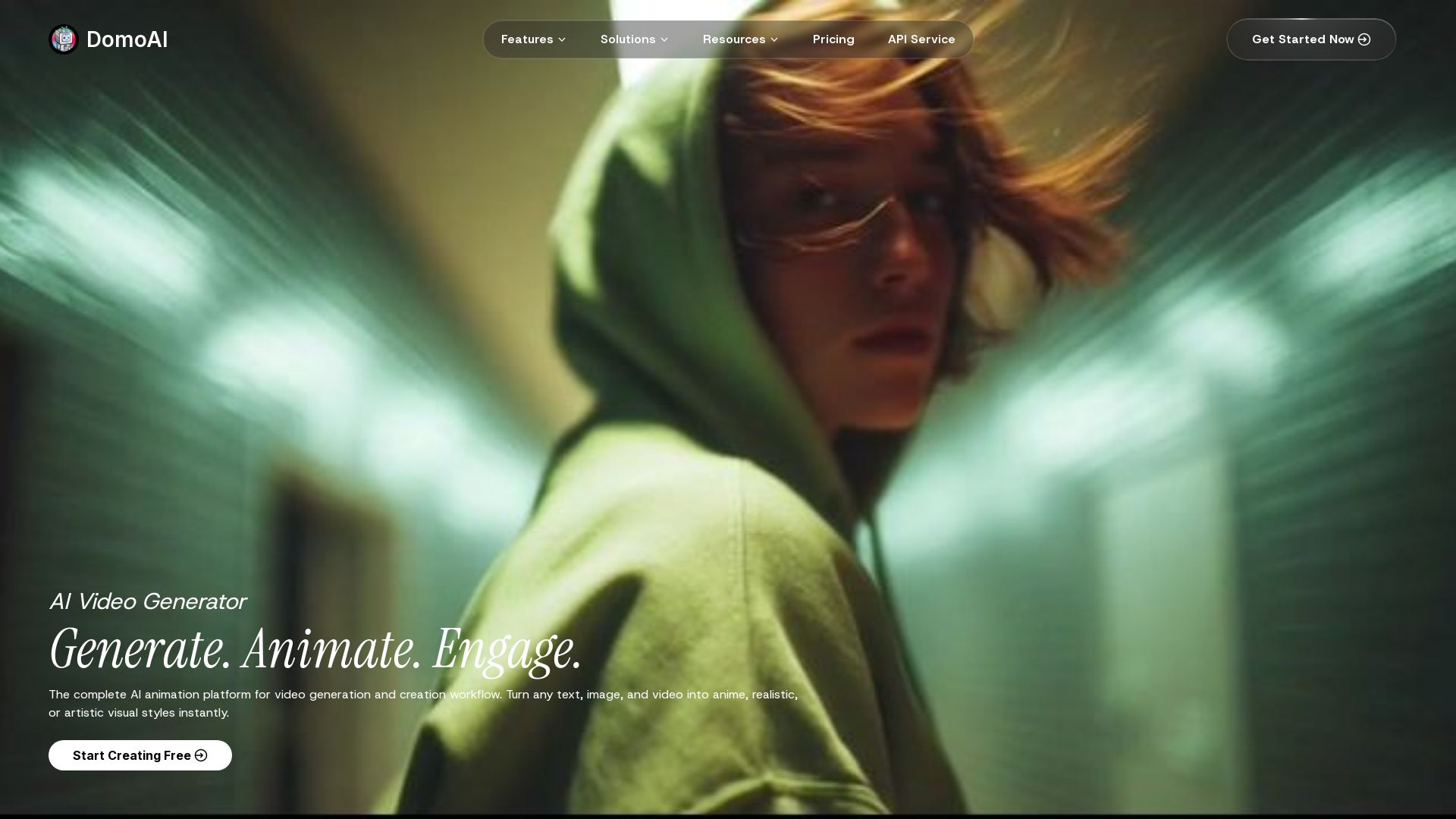
DomoAI
Turn text, images, and videos into anime, realistic, or artistic styles instantly. Create viral videos with AI.

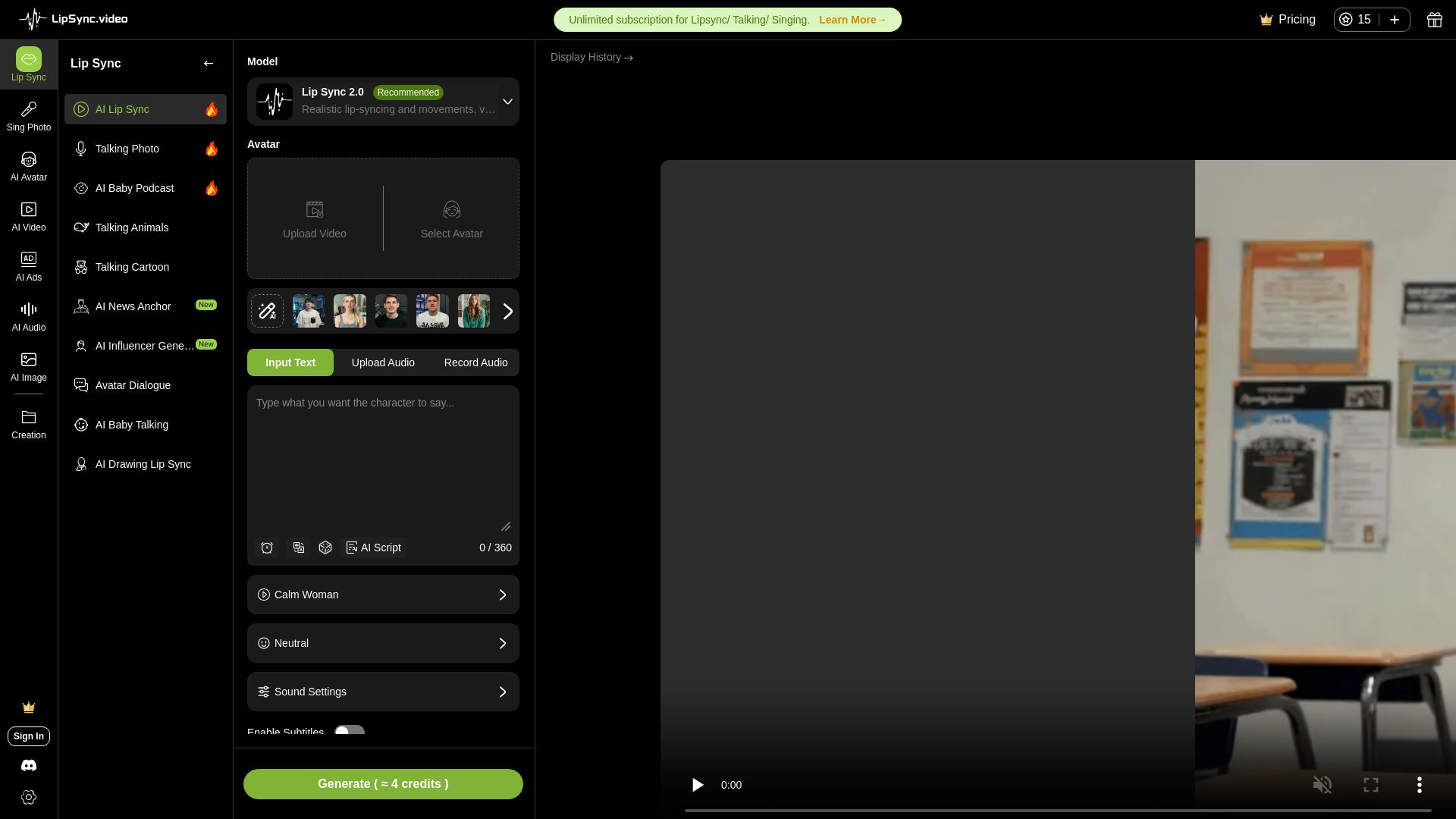
LipSync
Create realistic lip-synced videos for free with no watermark. Supports multiple languages, avatars, and content types. Perfect for marketing, social media, and more.

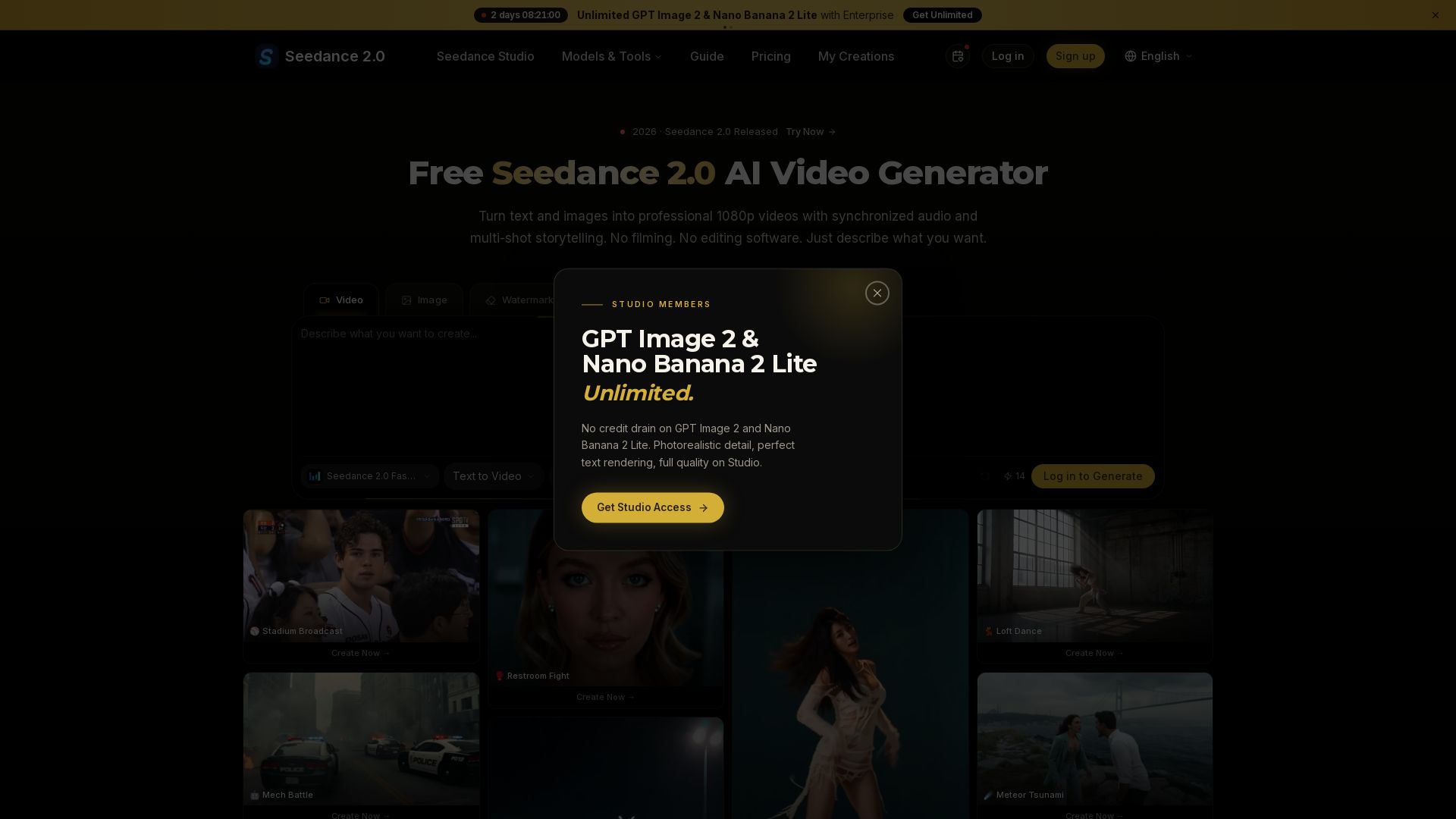
Seedance 2.0
Turn text and images into professional 1080p videos with synchronized audio and multi-shot storytelling. Free to start.

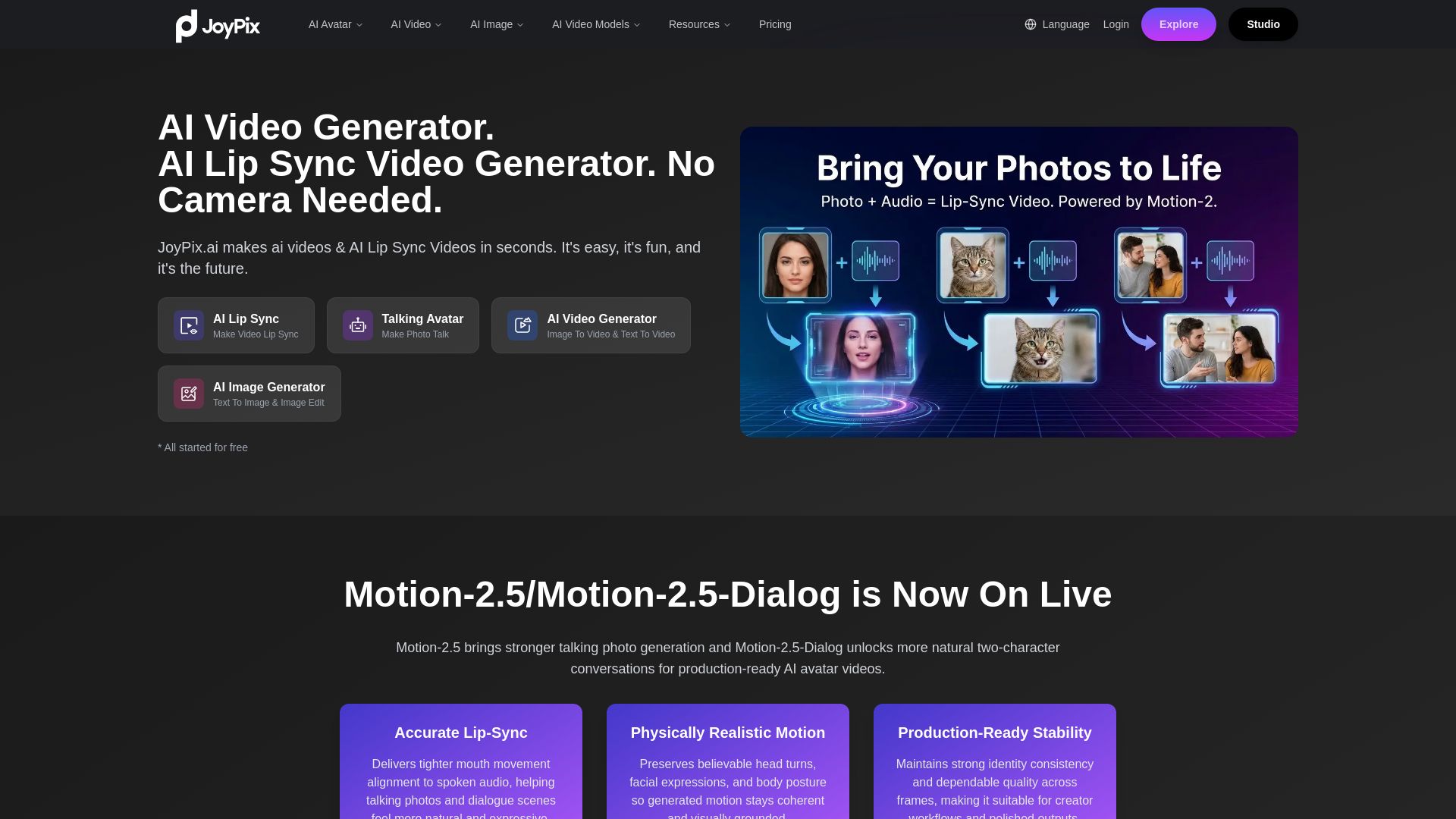
JoyPix
Create realistic AI lip-sync videos and talking avatars from photos. Free voice cloning, 40+ languages, and multiple video models. Try for free!
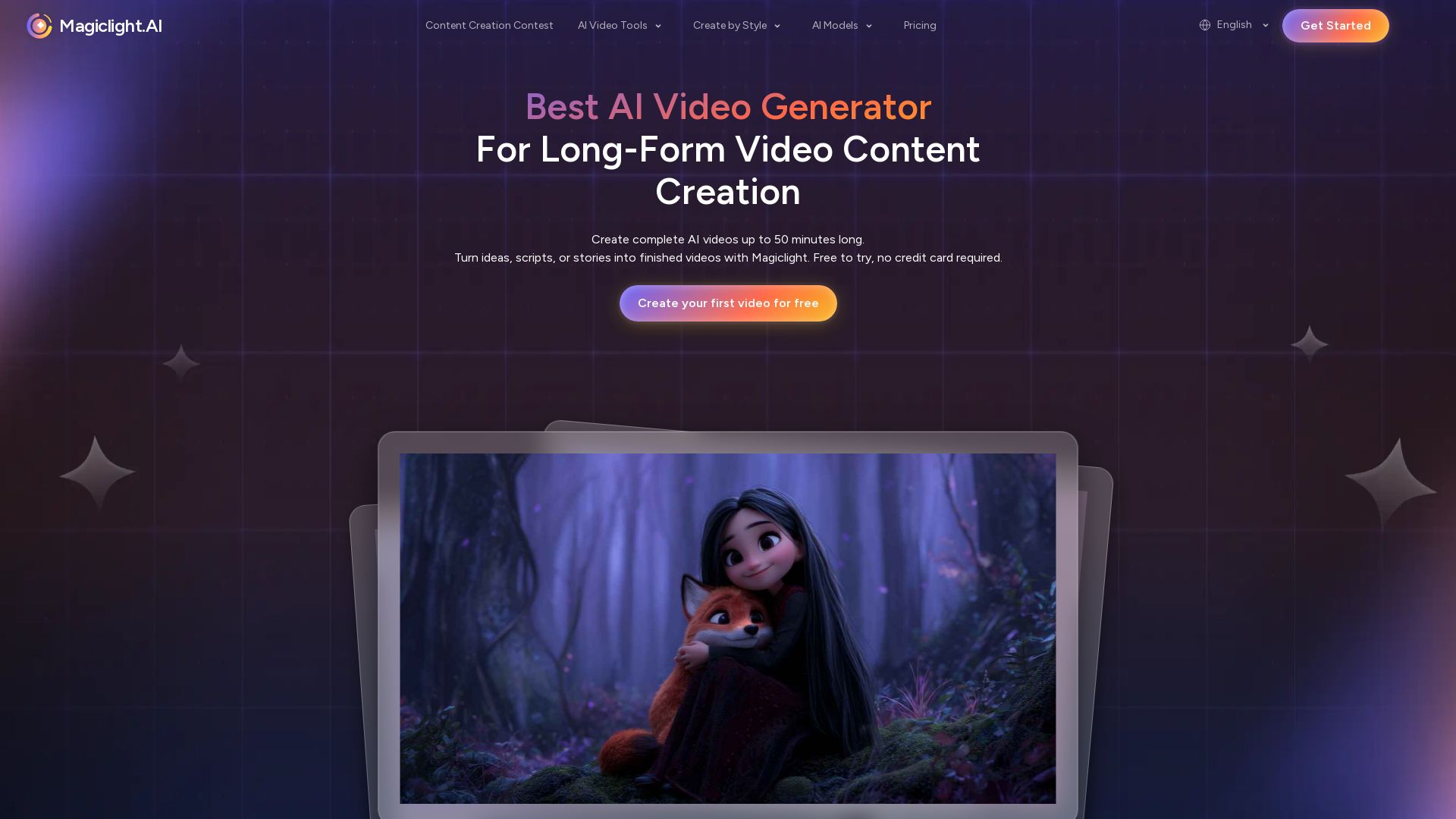
Magiclight.AI
Create complete AI videos up to 50 minutes. Smooth animations, consistent characters, seamless transitions. Free to try, no credit card needed.

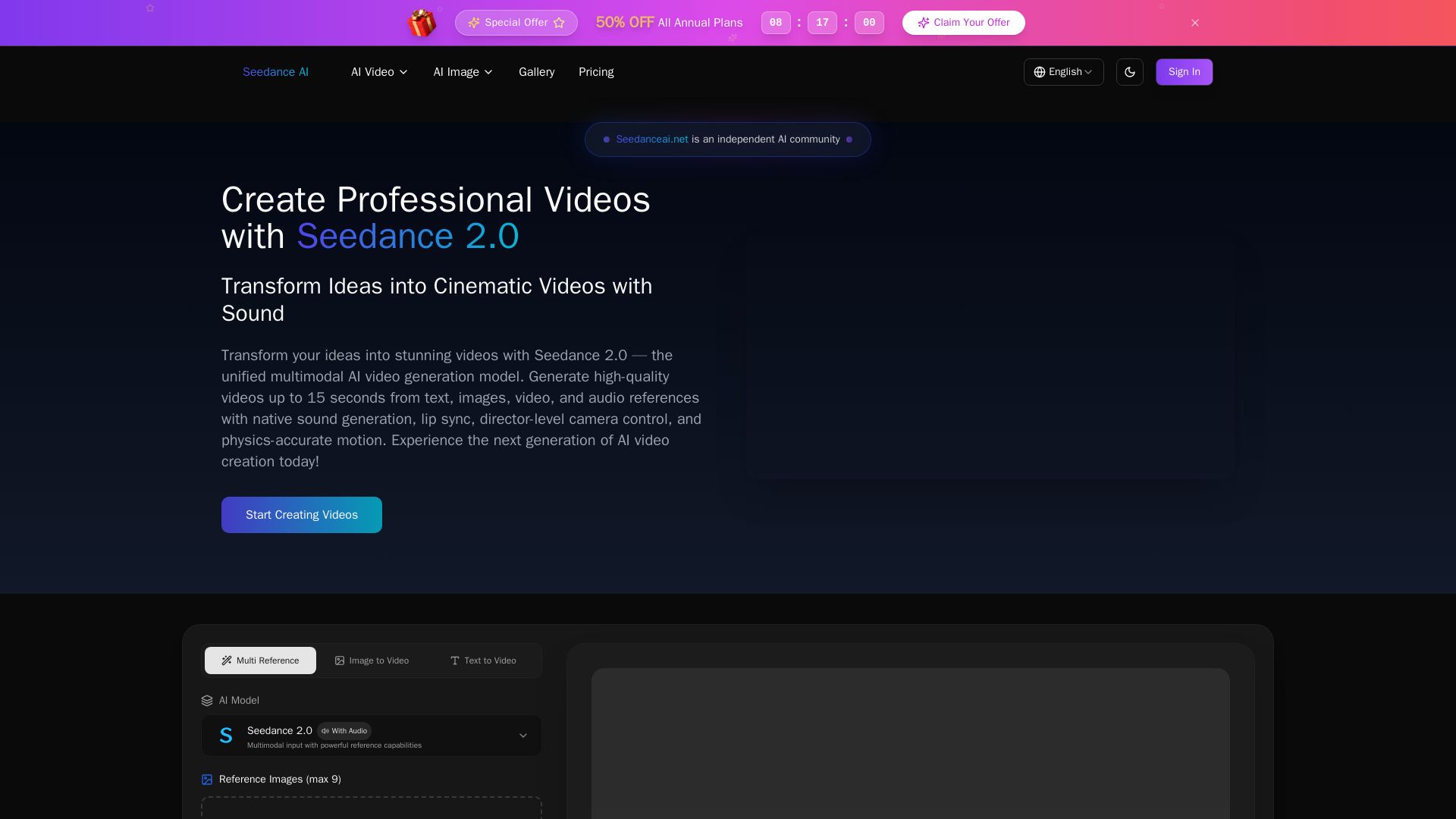
Seedance AI
Transform ideas into cinematic videos with Seedance 2.0 AI. Generate from text, images, video & audio with native sound, lip sync, and camera control. Try now!

Hailuo AI MiniMax
Create stunning videos from text prompts or images with Hailuo AI MiniMax. Free, fast, and no login needed. High-quality AI video generation.
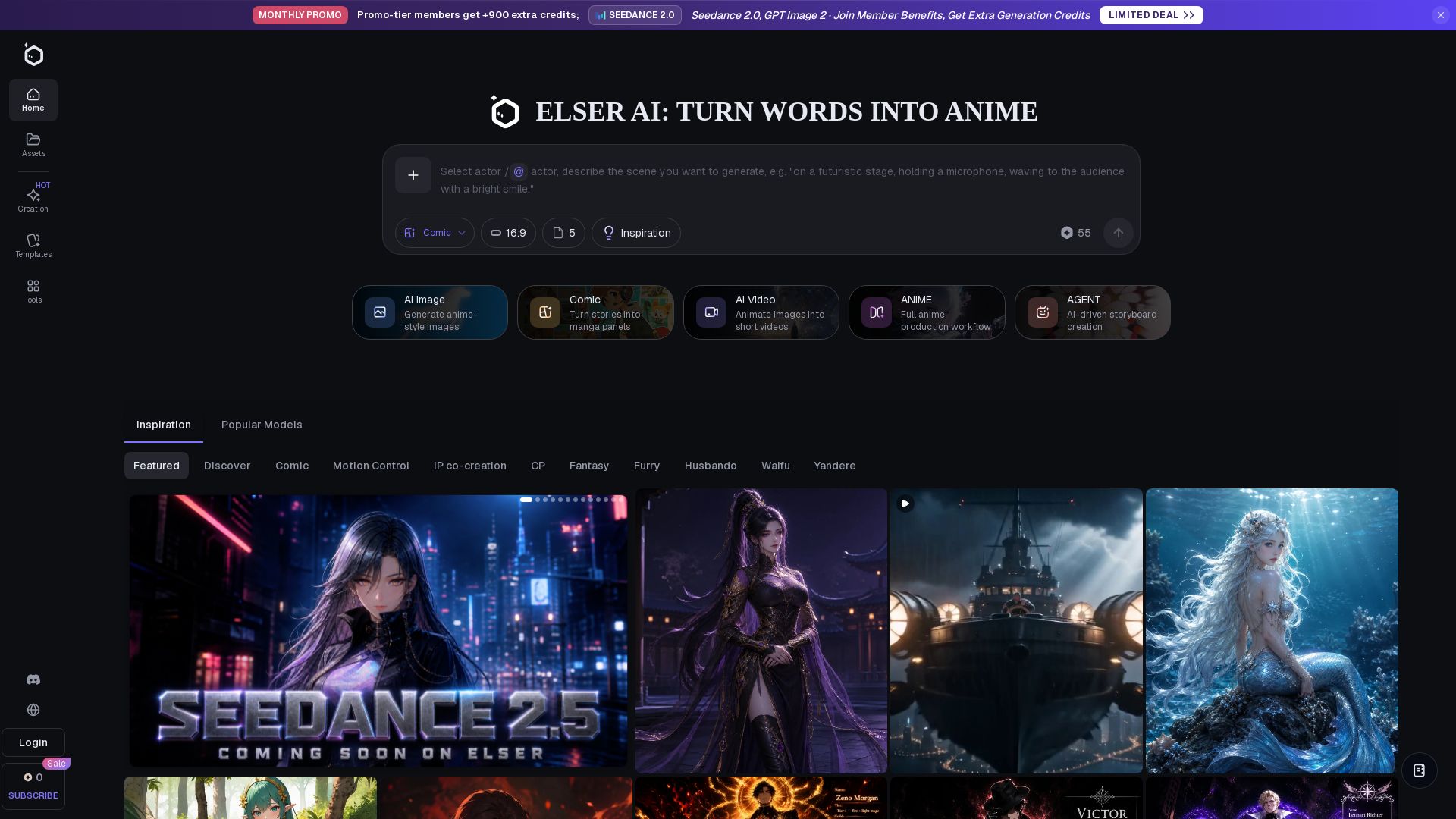
Elser AI
Create anime characters, fanart, and videos with Elser AI. Studio-grade generator with 200+ templates, 40+ tools, and free plan.

Digen AI
Create stunning AI videos in seconds. Generate from text, images, lip sync, and more. Explore tools like video upscaler, watermark remover, and FPS booster.


Gen AI Video Generator
Create stunning AI videos and images with 90+ models including Google VEO 3, Sora 2, Seedance 2.0. Text-to-video, image-to-video, photo editing on iOS.

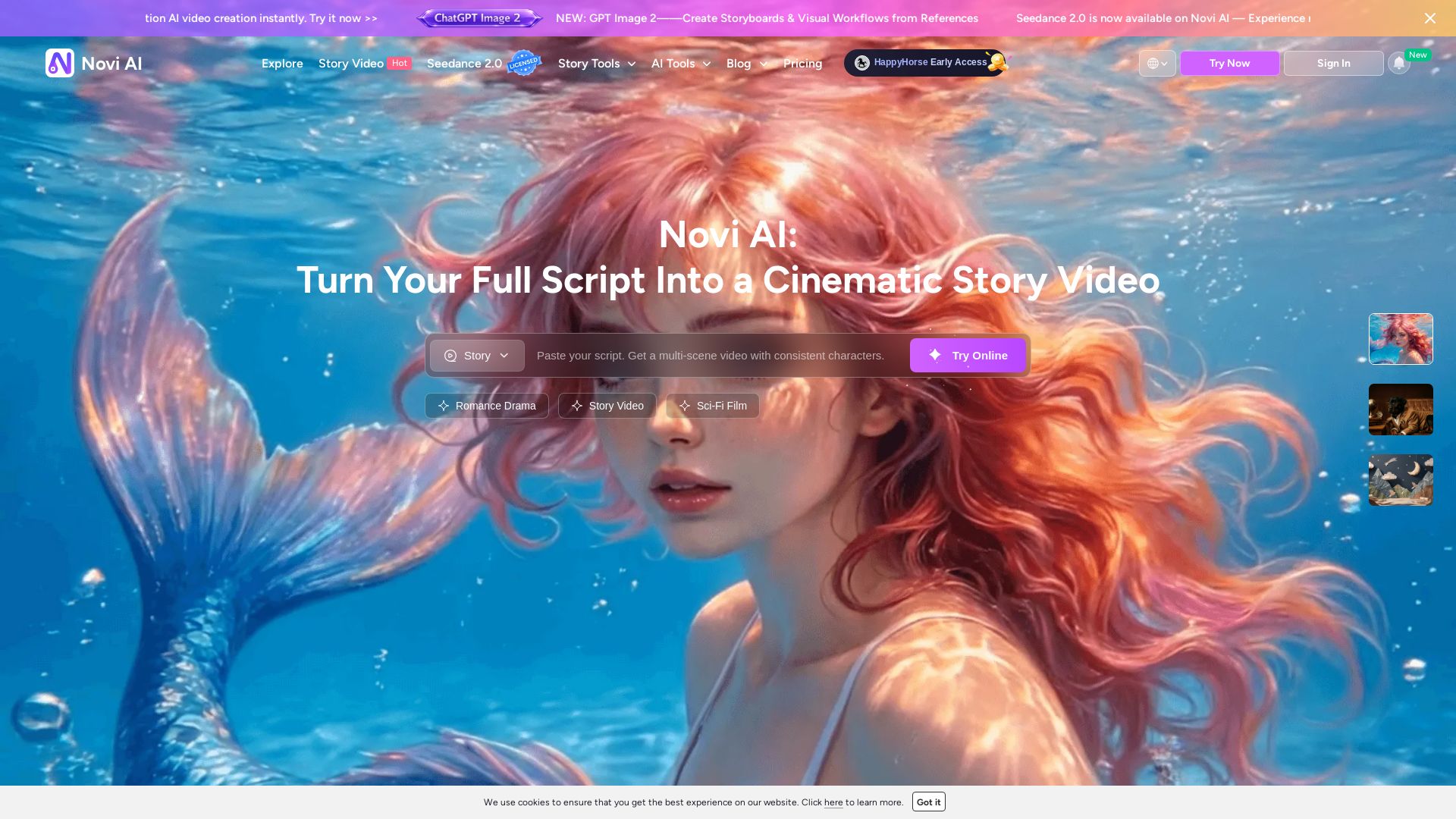
Novi AI
Turn your full script into a cinematic story video with consistent characters, multi-language support, and auto storyboard. Trusted by millions. Try free.


SeaArt AI
Turn ideas into stunning images and cinematic videos with SeaArt AI. Free tools, community, and advanced models like Seedance 2.0.

ℹ️ Curation Disclosure: The overview and features of AI Video - AI Video Generator were synthesized using AI and fact-checked by our curation team to ensure accuracy.