
Gen AI Video Generator

Create stunning AI videos and images with 90+ models including Google VEO 3, Sora 2, Seedance 2.0. Text-to-video, image-to-video, photo editing on iOS.
Editor's Verdict
Key Takeaways
- Custom AI Training
- Text to Video
- Image to Video
- Voice to Video
In-Depth Review: What is Gen AI Video Generator?
Gen AI Video Generator is an iPhone and iPad app that combines 90+ AI video and image models in a single workflow. It supports text-to-video, photo-to-video, image generation, and AI photo editing. Built for creators, marketers, and small teams, it offers vertical export presets for TikTok, Reels, and Shorts. Key models include Google VEO 3, VEO 3.1, Seedance 2.0, Gemini Omni, Sora 2, Kling V3, and more. Download free from the App Store.
Core Features
Custom AI Training
Train AI with your photos for personalized styles and consistent outputs.
Text to Video
Type your idea and get stunning videos instantly using advanced AI models.
Image to Video
Transform static photos into dynamic AI-generated videos with motion and effects.
Voice to Video
Speak your vision and get animated videos generated from voice input.
Smart Templates
Professional templates optimized for TikTok, Instagram Reels, and YouTube Shorts.
Cinematic Style Transfer
Apply film-like looks and artistic styles to your videos with one tap.
Royalty-Free Music
Access a built-in audio library of royalty-free tracks to accompany your videos.
Fast Export & Sharing
Create and share videos in seconds with optimized export presets for social platforms.
AI Image Generator
Generate stunning images from text prompts using state-of-the-art models.
Multi-Model Aggregation
Access 90+ AI video and image models from multiple providers in one app without separate accounts.
Photo Editing
Edit photos with AI and use them as source frames for video generation.
Pricing
Free
- Limited model access
- Basic generation limits
- Lower resolution and duration
Premium
- Full model access
- Higher generation limits
- Higher resolution and duration
- Priority processing
Pros and Cons
Pros
- Multi-Model AccessCombine 90+ models from Google, OpenAI, ByteDance, and others in one app, enabling easy comparison and flexibility.
- Ease of UseSimple interface with guided workflows for text-to-video, image-to-video, and more, suitable for non-technical users.
- Versatile OutputSupports TikTok, Reels, Shorts, ads, product demos, and storytelling with optimized export presets.
- Fast GenerationPowered by latest models like VEO 3 and Gemini Omni for quick results, saving time compared to traditional editing.
- Built-in Audio & StylesIncludes royalty-free music library and cinematic style transfer, reducing need for external assets.
Cons
- iOS OnlyCurrently available only on iPhone and iPad, excluding Android and web users.
- Requires iOS 17+Advanced features may require newer devices with iOS 17 or later, limiting compatibility with older hardware.
- Free Tier LimitationsFree plan has restricted model access, generation limits, and lower quality, pushing users toward paid subscription.
- Model Availability VariabilityProvider access and model names can change, so certain models may not be available at all times or in all regions.
- No Desktop VersionLacks a desktop or web app, which may inconvenience users who prefer larger screens or keyboard workflows.
Use Cases & Recommended Professions
Marketing Professional→ View Toolkit
Quickly produce product demos, social media ads, and promotional videos without hiring a production team.
Content Creator→ View Toolkit
Generate engaging TikTok, Reels, and Shorts with cinematic effects and voiceovers in minutes.
Small Business Owner→ View Toolkit
Create professional-looking video marketing materials for social media and websites on a budget.
Social Media Manager→ View Toolkit
Batch-produce vertical video content for multiple platforms with consistent branding and fast turnaround.
Product Designer→ View Toolkit
Visualize product concepts by turning images or text into animated demos and presentations.
Educator / Trainer→ View Toolkit
Transform lesson plans or slides into animated explainer videos to enhance student engagement.
Frequently Asked Questions
Alternative AI Tools
View Detailed Comparison →
SeaArt AI
Turn ideas into stunning images and cinematic videos with SeaArt AI. Free tools, community, and advanced models like Seedance 2.0.

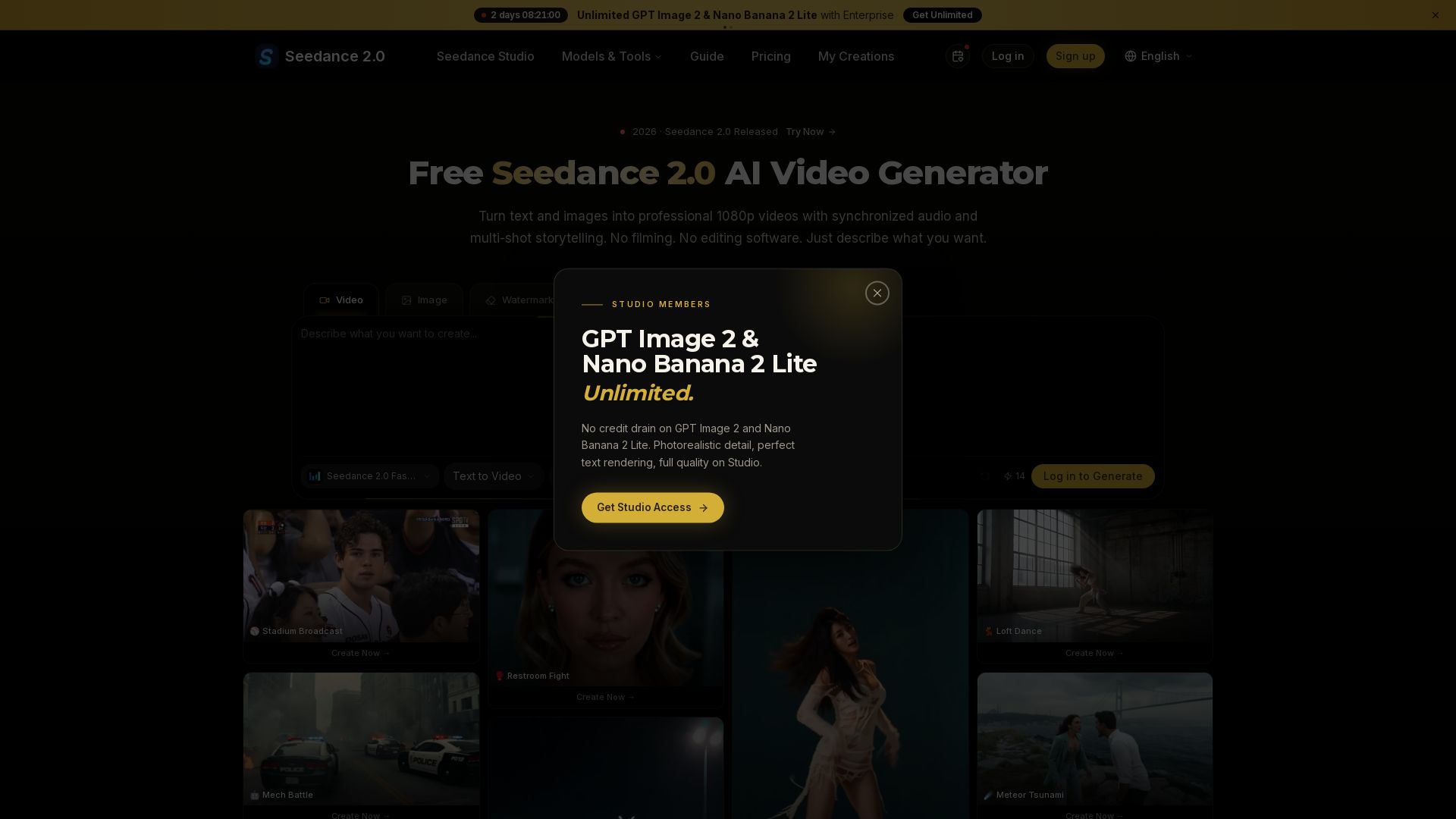
Seedance 2.0
Turn text and images into professional 1080p videos with synchronized audio and multi-shot storytelling. Free to start.


Pixlr
Edit, generate, and design with Pixlr's free AI photo editor. Transform photos, create images from text, and more – all in your browser. No download needed.


AI Video - AI Video Generator
Create animated videos from text or images with AI. Drag-and-drop editing, lip-sync, HD export. No skills needed. Download free!


Viyou
Create stunning AI videos and images for free. Generate avatars, romantic kisses, dance videos, and more - all on one platform with full access.

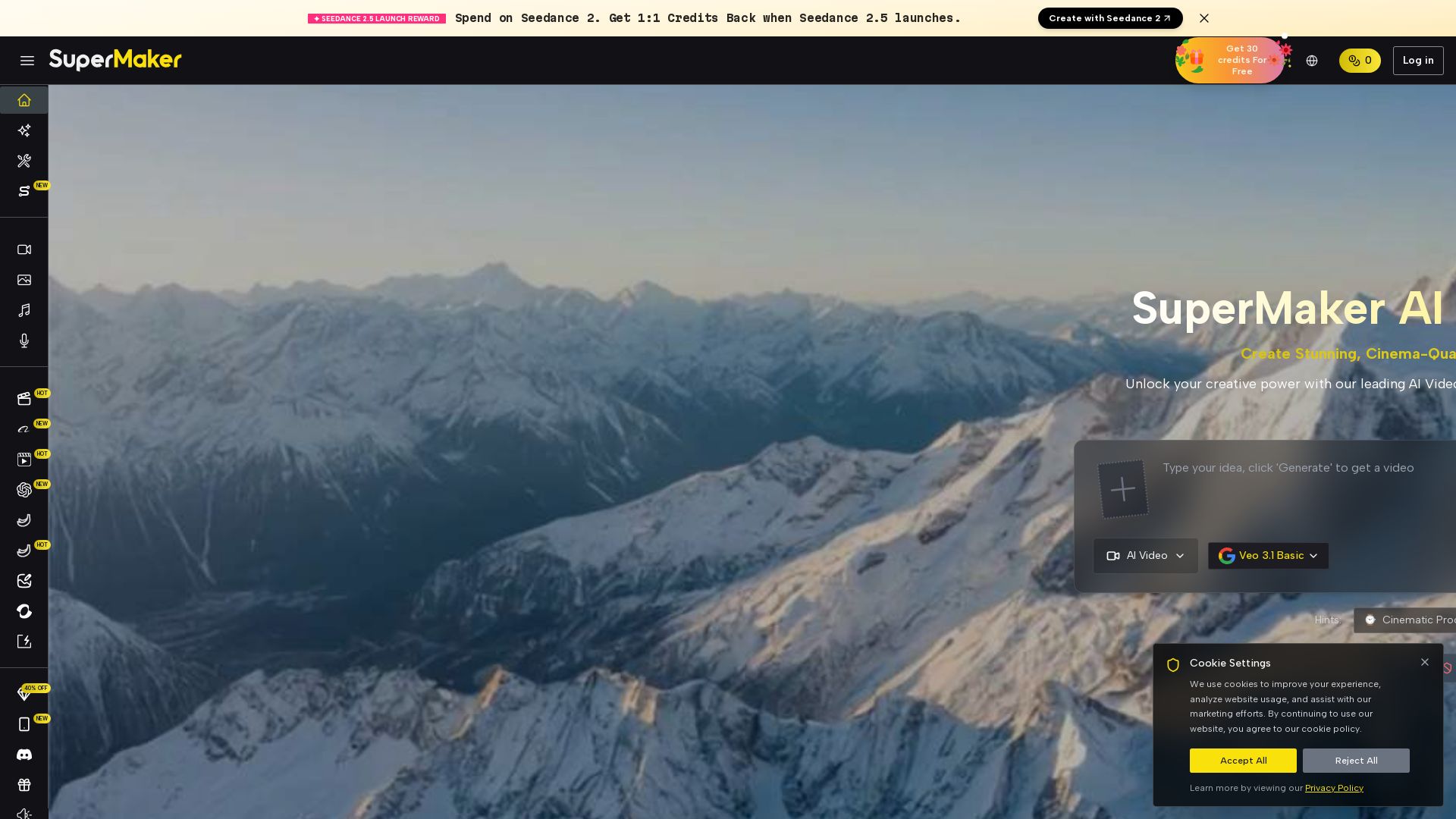
SuperMaker AI
Create stunning cinema-quality videos with SuperMaker's AI Video Generator. All-in-one suite for video, image, music, and voice. Start free.

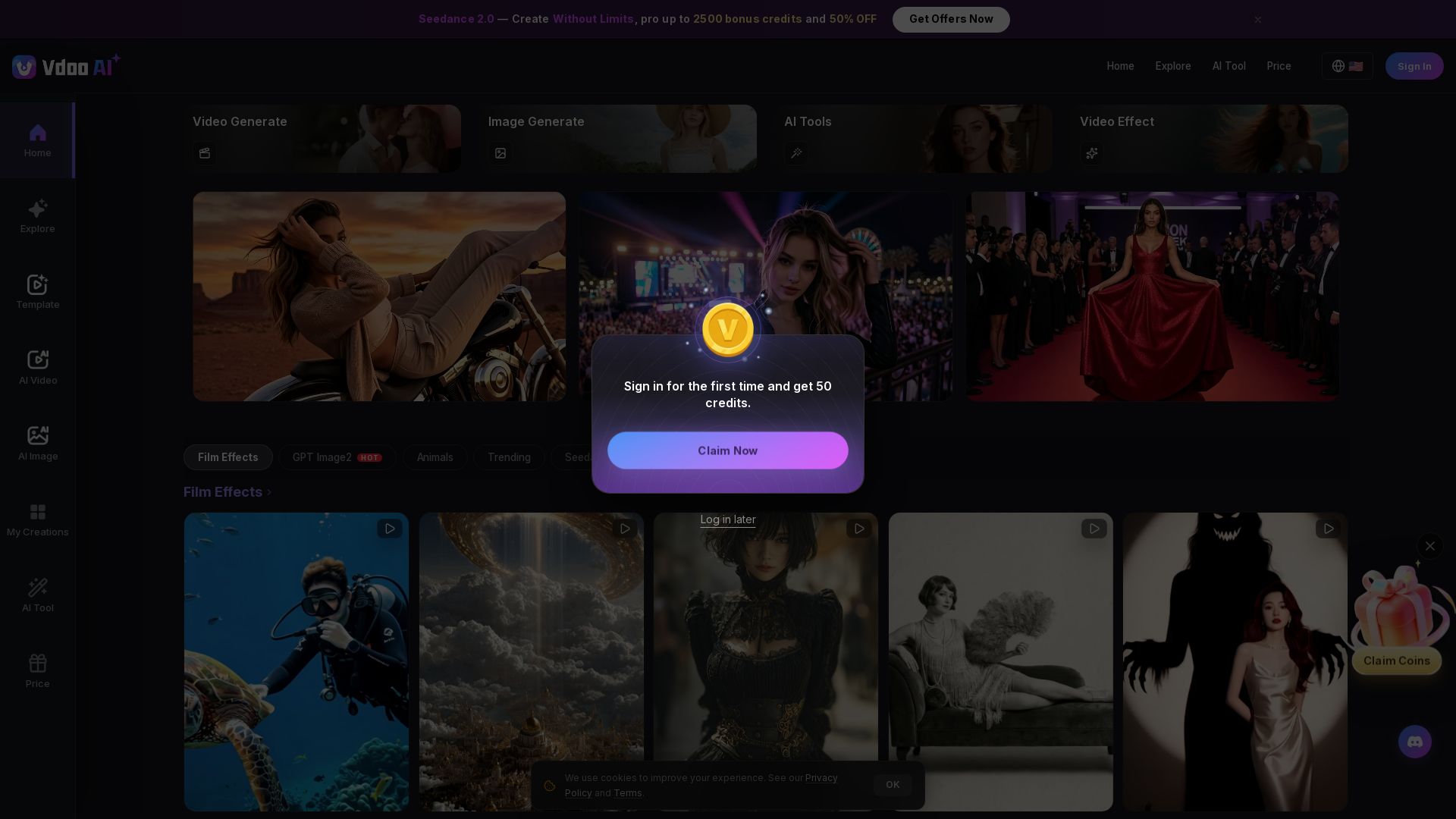
Vdoo AI
Create stunning AI videos and images with cutting-edge models. Easy-to-use platform for professional-quality content. Try free tools today!

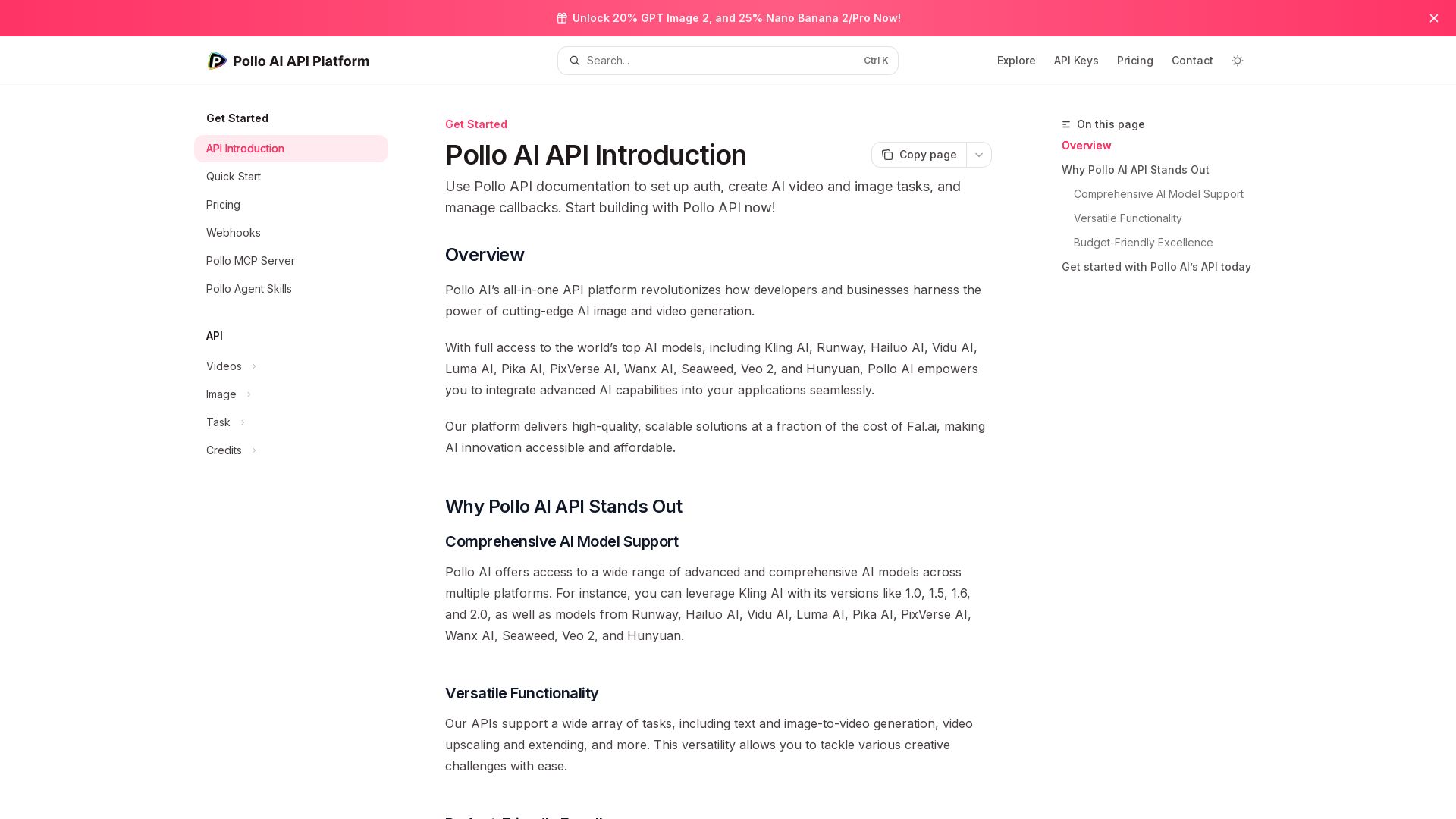
Pollo API
Integrate cutting-edge AI video and image generation with Pollo AI API. Access Kling, Runway, Hailuo, and more. Budget-friendly, high quality.

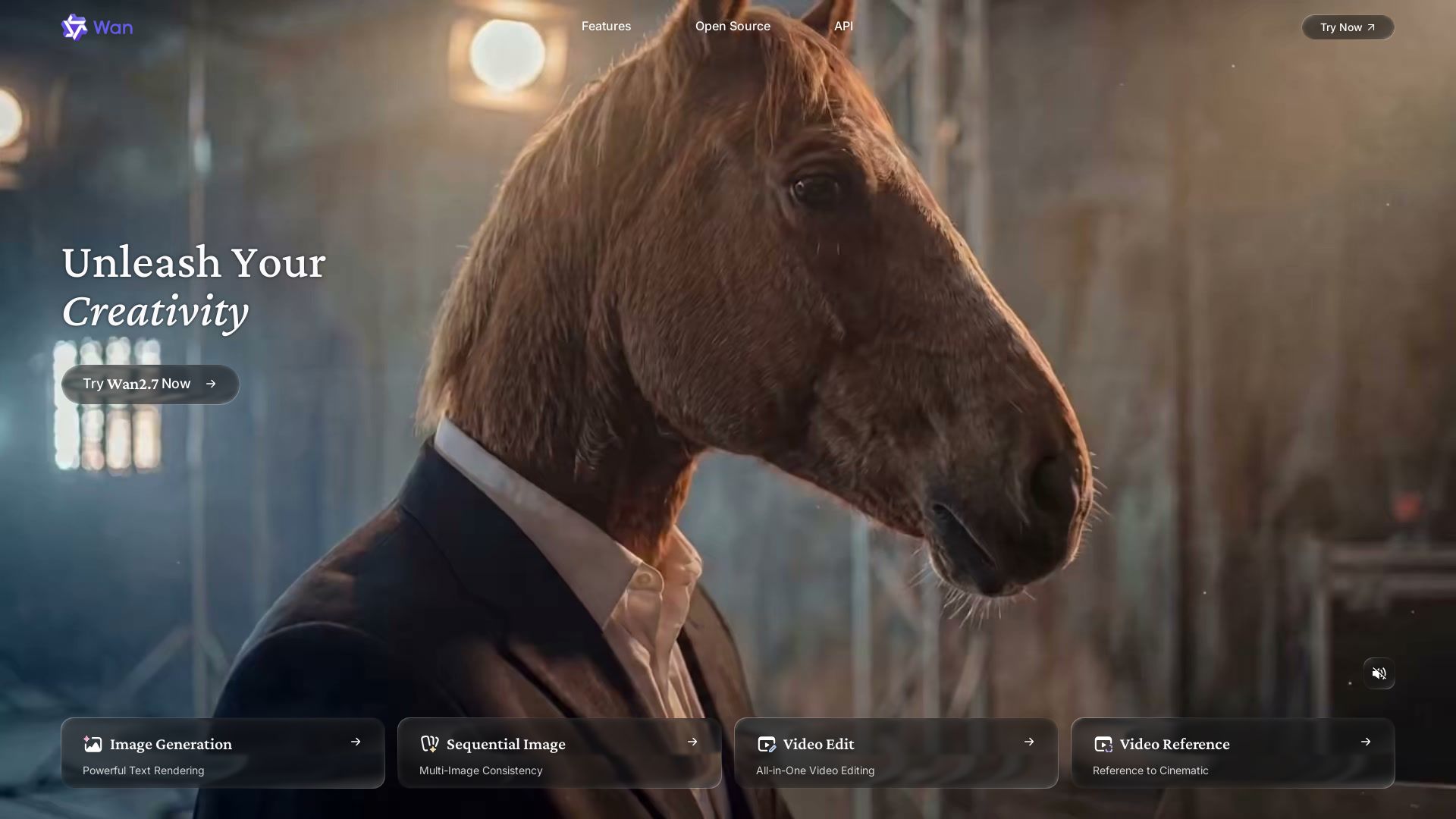
Wan AI
Unleash creativity with Wan 2.7. Generate images, videos, and text with powerful AI. Open source, API, and mobile app available.

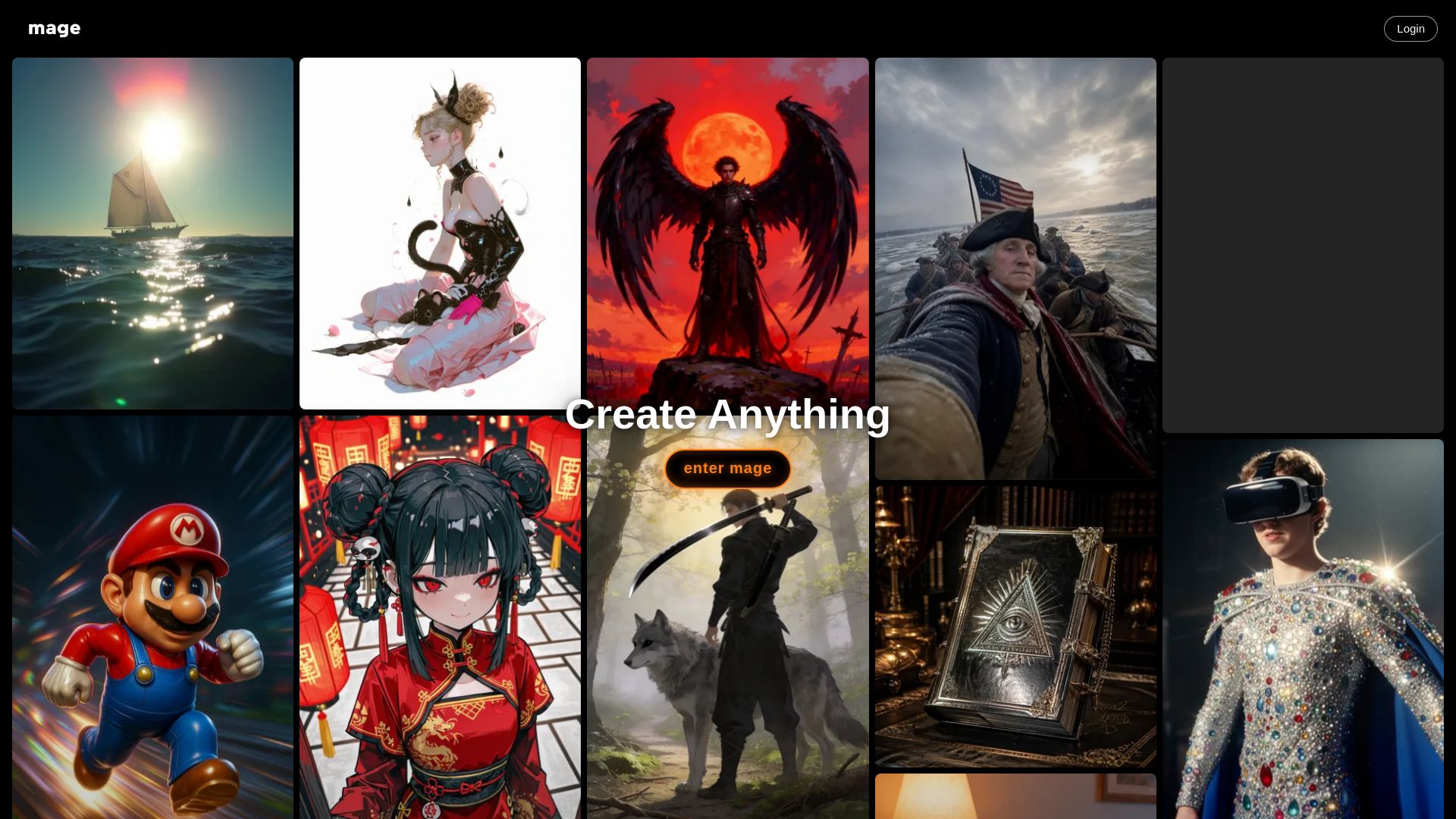
Mage
Create anything with Mage. Free AI image and video generator. Unlimited, private, NSFW allowed. Use Stable Diffusion, Flux, Wan, and more.

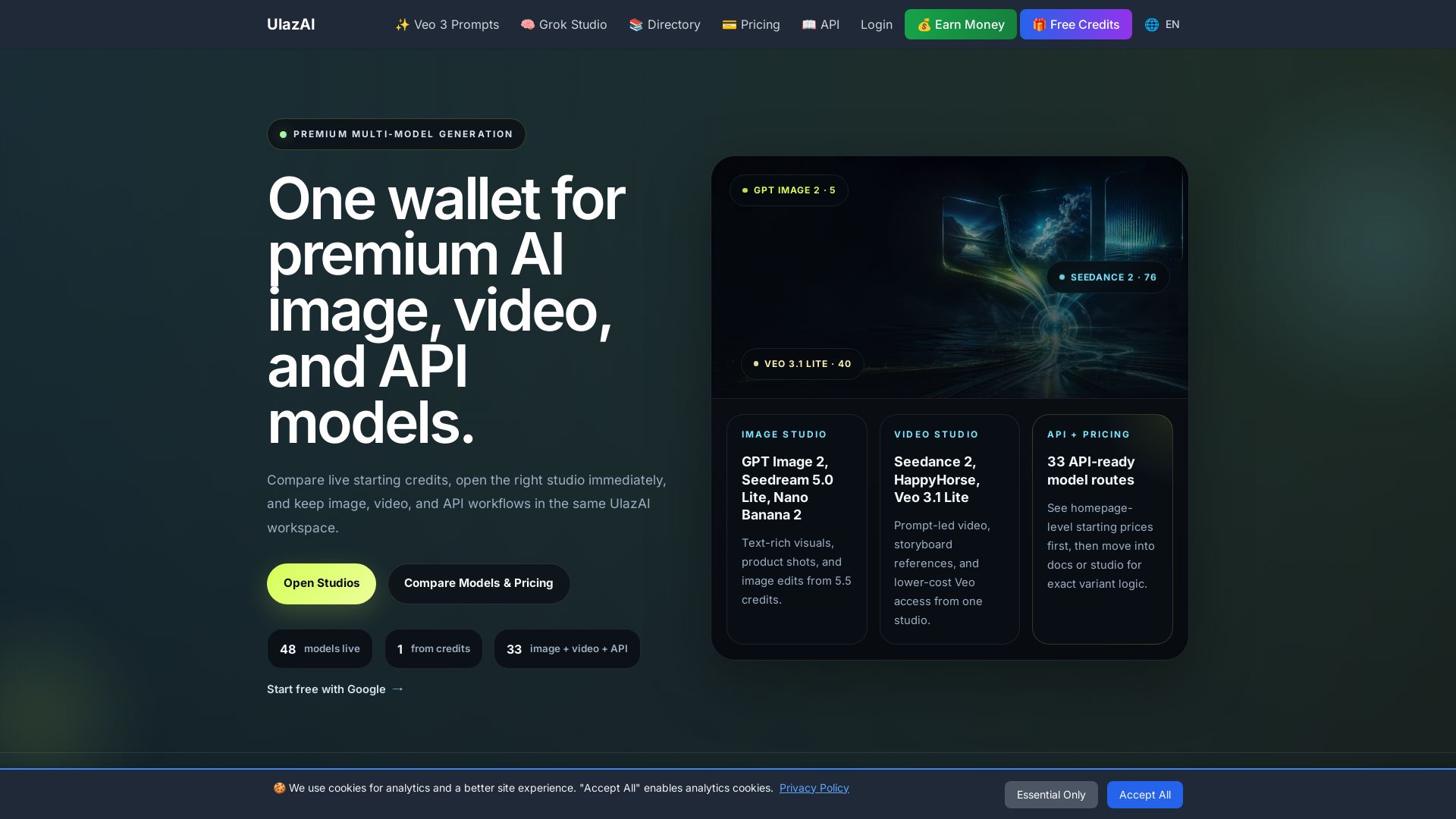
ULAZAI
Generate stunning images and videos with 48 premium AI models. One credit wallet for Image Studio, Video Studio, and API. Start free from 1 credit.

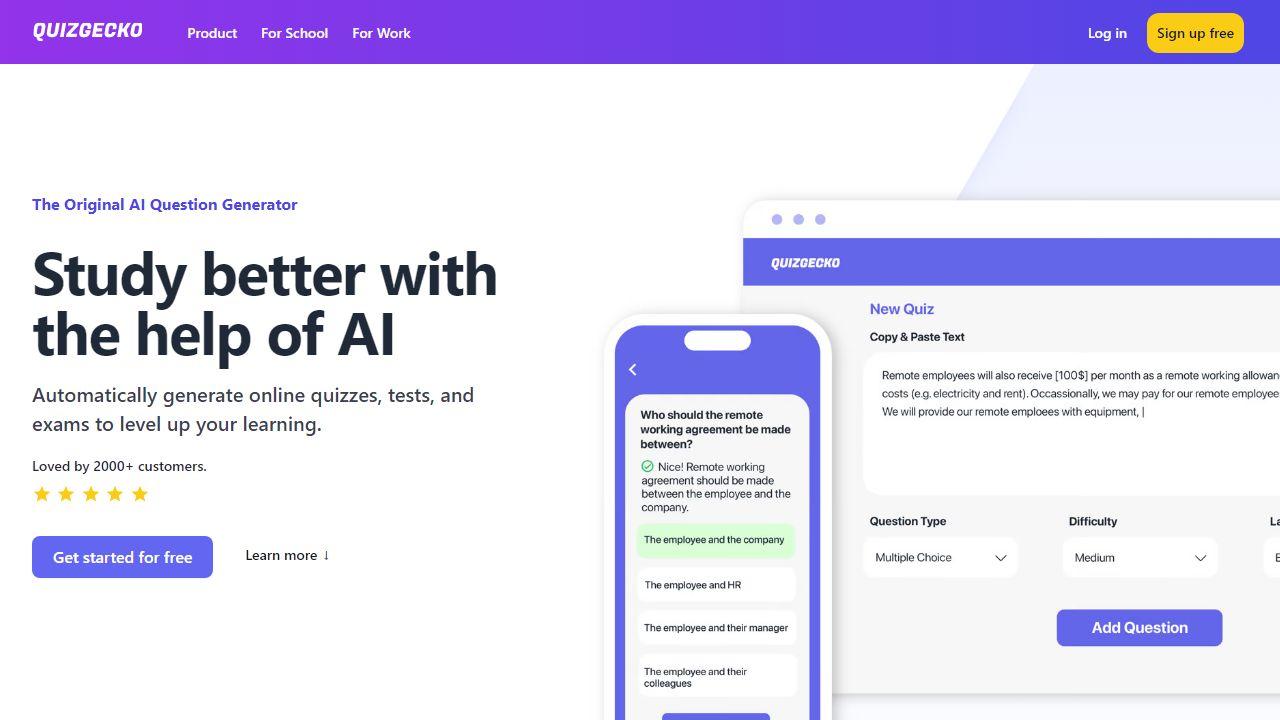
ZSky AI
Create stunning AI images and HD videos for free. Unlimited generation, no credit card. 1080p video, 4K images, commercial use. Try ZSky AI now.

ℹ️ Curation Disclosure: The overview and features of Gen AI Video Generator were synthesized using AI and fact-checked by our curation team to ensure accuracy.
