
SuperMaker AI
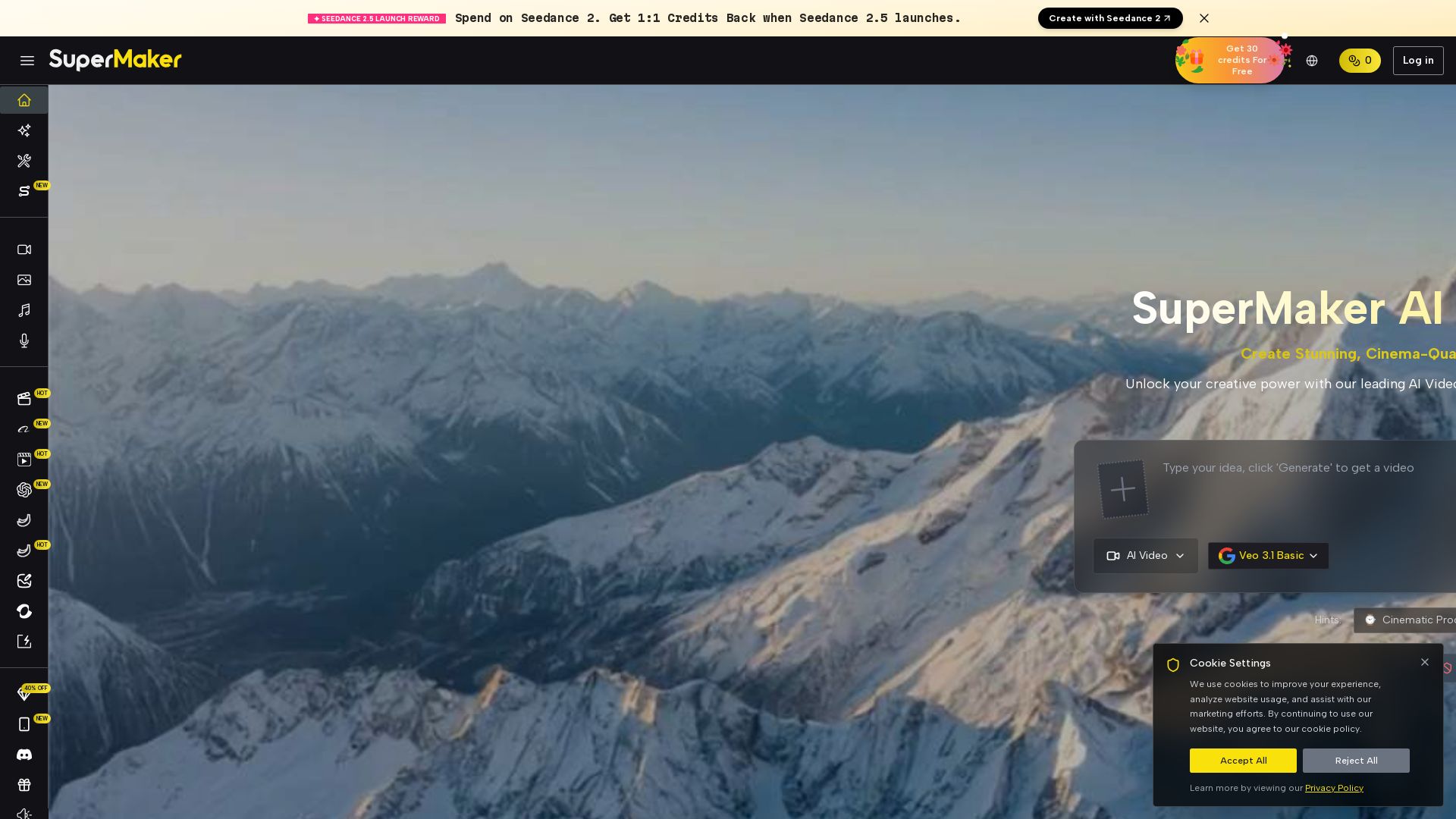
Create stunning cinema-quality videos with SuperMaker's AI Video Generator. All-in-one suite for video, image, music, and voice. Start free.

Editor's Verdict
Key Takeaways
- AI Video Generator
- AI Image Maker
- AI Voice Maker
- AI Music Maker
In-Depth Review: What is SuperMaker AI?
SuperMaker is an all-in-one AI creative platform that turns your ideas into cinema-quality videos. With advanced AI Video Generator, AI Image Generator, AI Voice Maker, and AI Music Maker, you can effortlessly craft professional videos, from short clips to full cinematic productions. Features like customizable workflows, a rich effects library, and intuitive chat mode streamline the entire creative process. Perfect for marketers, content creators, educators, and filmmakers. Start for free and unlock your creative potential.
Core Features
AI Video Generator
Create stunning, cinema-quality videos from text or images with advanced AI, supporting scripting, storyboarding, and scene generation.
AI Image Maker
Generate unique visuals, concept art, and illustrations from text descriptions, seamlessly importable into video projects.
AI Voice Maker
Produce natural-sounding voiceovers in multiple languages and styles to narrate videos.
AI Music Maker
Create original, royalty-free background music and soundtracks with customizable mood, genre, and tempo.
AI Chat Interface
Collaborate conversationally to brainstorm ideas, guide generation, and refine details across all tools.
AI Canvas Workflow Studio
Design complex multi-step creative workflows on an infinite canvas, connecting text, image, and video nodes.
Customizable AI Workflows
Automate sequences of creative tasks like script writing, scene generation, voiceover, and assembly.
Ultra-Rich Effects Library
Access vast visual effects, filters, and advanced editing tools like magic erase, smart uncrop, and photo restoration.
Superior Asset Management & Versioning
Organize all uploaded and AI-generated content with version tracking and easy reuse.
Pricing
Free
- 30 credits per week with check-ins
- 10 Free Credits with login
- Up to 1 video
- Up to 5 images
- Up to 5 music generations (10 songs)
- Up to 2 voice tracks
- Limited Templates & Effects
- HD, Watermark-Free Downloads
- Unlimited Canvas Projects
- Standard Generation Speed
- No Private Generation
Basic
- 2,400 Credits Per Year
- Up to 240 videos
- Veo 3.1 / Seedance 2 support
- Up to 1,200 images
- Nano Banana support
- Up to 1,200 music generations (2,400 songs)
- Up to 480 voice tracks
- 100+ Templates & Effects
- HD, Watermark-Free Downloads
- Unlimited Canvas Projects
- Faster Generation Speed
- Private Generation
Starter
- 9,600 Credits Per Year
- Up to 960 videos
- Veo 3.1 / Seedance 2 support
- Up to 4,800 images
- Nano Banana support
- Up to 4,800 music generations (9,600 songs)
- Up to 1,920 voice tracks
- 100+ Templates & Effects
- HD, Watermark-Free Downloads
- Unlimited Canvas Projects
- Faster Generation Speed
- Private Generation
Professional
- 21,600 Credits Per Year
- Up to 2,160 videos
- Veo 3.1 / Seedance 2 support
- Up to 10,800 images
- Nano Banana support
- Up to 10,800 music generations (21,600 songs)
- Up to 4,320 voice tracks
- 100+ Templates & Effects
- HD, Watermark-Free Downloads
- Unlimited Canvas Projects
- Faster Generation Speed
- Private Generation
Pros and Cons
Pros
- All-in-One Creative SuiteCombines video, image, music, and voice generation in one platform, streamlining the creative workflow.
- High-Quality OutputProduces cinema-quality visuals with high resolution and character consistency, rivaling professional studios.
- User-Friendly Chat InterfaceAI chat allows natural language interaction for brainstorming and refining content, reducing the learning curve.
- Powerful Custom WorkflowsNode-based canvas and automated sequences enable efficient multi-step project creation.
- Generous Free TierFree plan offers weekly credits and basic features, allowing users to test capabilities before committing.
Cons
- Cost for Full FeaturesAdvanced features and higher usage limits require paid subscriptions, which may be expensive for casual users.
- Learning Curve for WorkflowsComplex AI workflows and node-based canvas may be intimidating for beginners without prior experience.
- Internet DependencyThe platform is cloud-based, requiring a stable internet connection for all generation and editing tasks.
- Limited Free PlanFree plan restricts video, image, and audio generation quantities, and lacks private generation and faster speed.
- Potential Content RestrictionsNSFW content is strictly prohibited, which may limit creative freedom for some adult-themed projects.
Use Cases & Recommended Professions
Social Media Manager→ View Toolkit
Quickly generate engaging short videos, animated posts, and stories optimized for platforms like Instagram, TikTok, and Facebook to maintain a full content calendar.
Content Creator / YouTuber→ View Toolkit
Produce vlogs, tutorials, and narrative content; transform blog posts into videos; and create unique B-roll with AI-generated visuals.
Marketing Director→ View Toolkit
Create compelling video ads, product demos, and branded content at scale, improving conversion rates and campaign efficiency.
Educator / Trainer→ View Toolkit
Develop impactful e-learning modules, instructional videos, and animated presentations that make learning engaging and visual.
Indie Filmmaker / Storyteller→ View Toolkit
Utilize AI for scriptwriting, storyboarding, scene visualization, and short film production, overcoming traditional production hurdles.
Game Developer→ View Toolkit
Generate concept art, character ideas, background scenes, and short animated sequences for game narratives and assets.
Frequently Asked Questions
Alternative AI Tools
View Detailed Comparison →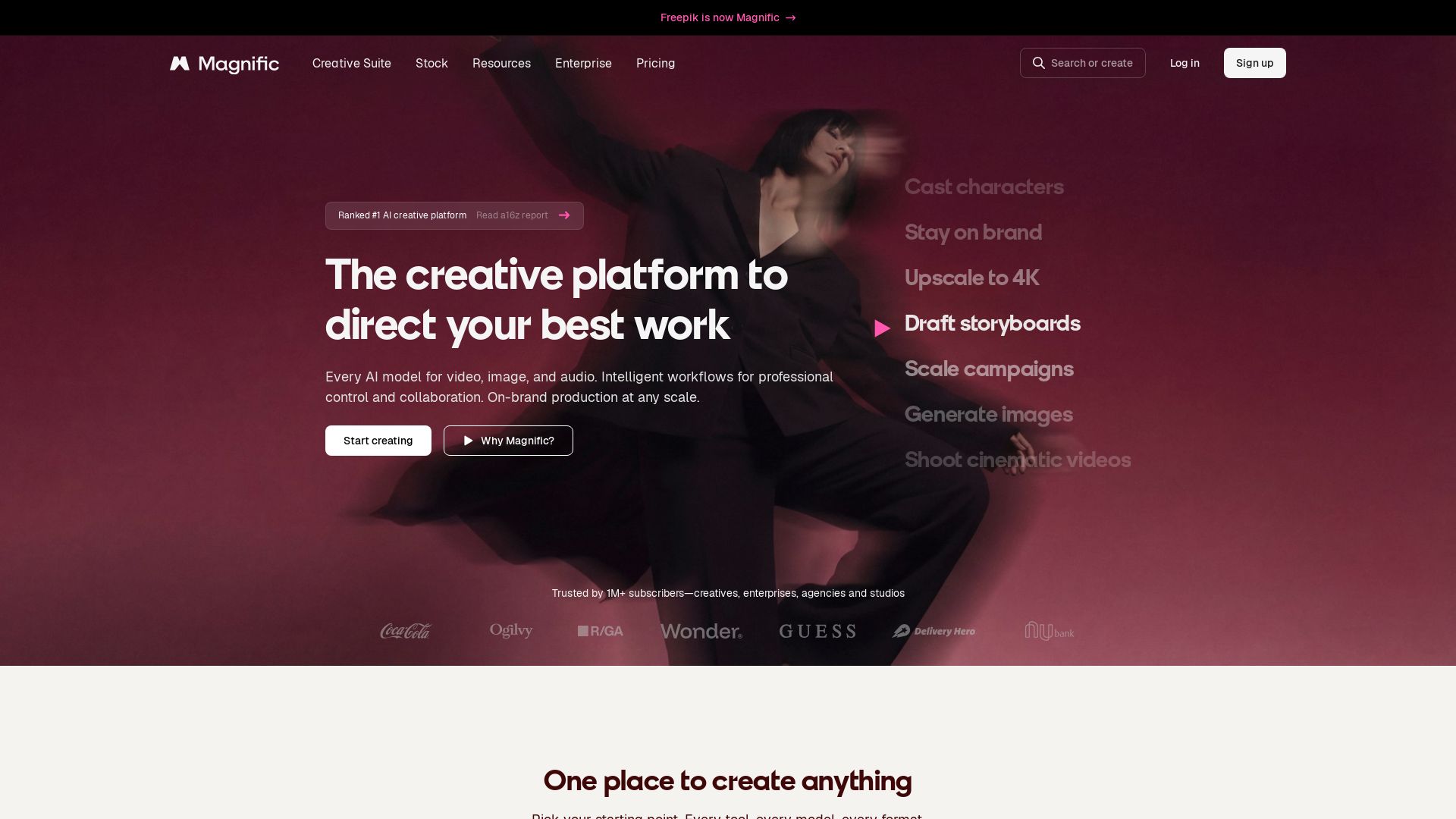
Magnific
Create stunning visuals, videos, and audio with leading AI models. Collaborate, upscale to 4K, and keep your brand consistent. Trusted by 1M+ creators.


SeaArt AI
Turn ideas into stunning images and cinematic videos with SeaArt AI. Free tools, community, and advanced models like Seedance 2.0.

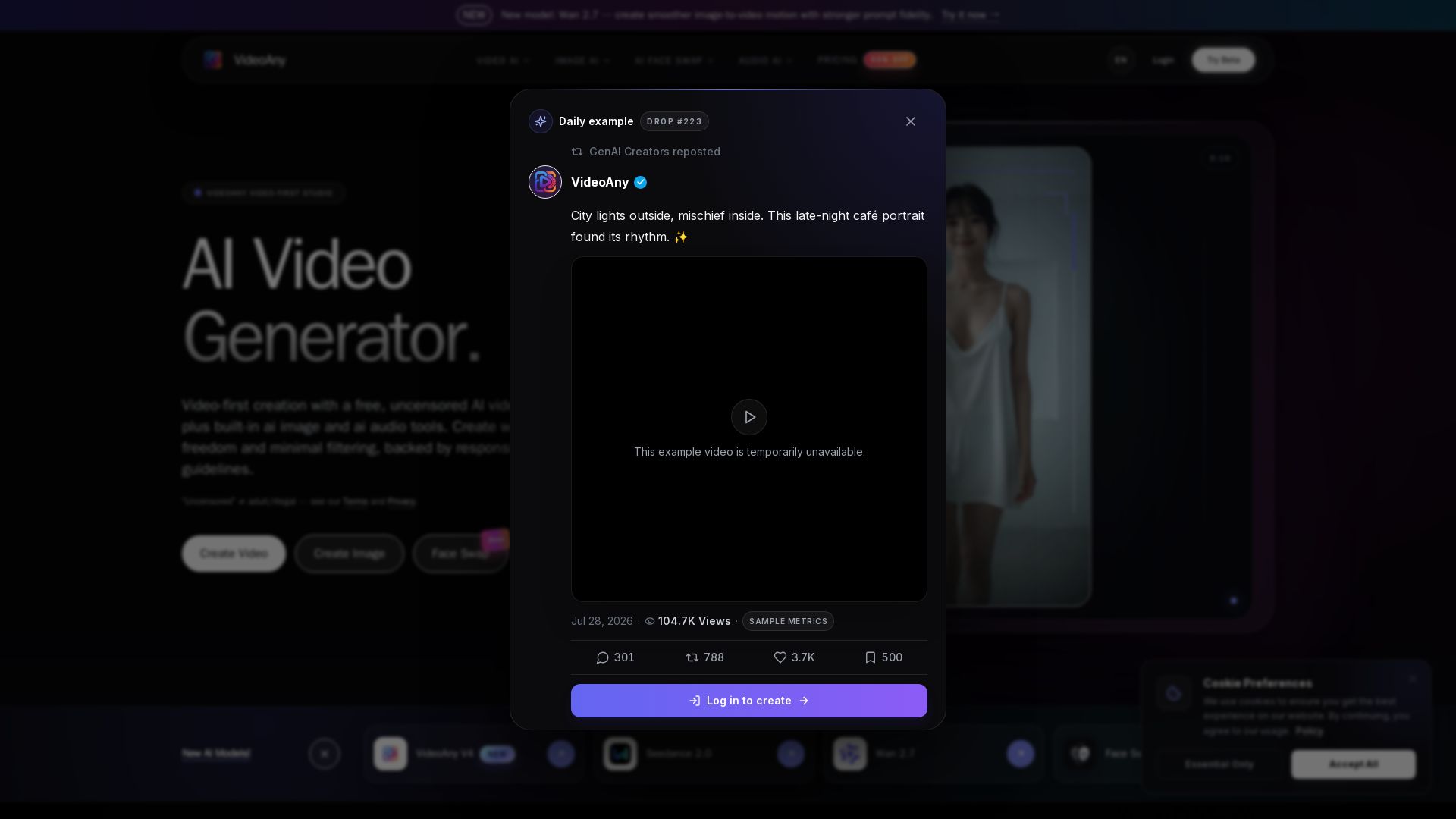
VideoAny
Generate cinematic AI videos, images, and audio with uncensored models. No filters, full creative freedom. Try Seedance 2.0, Wan 2.7 & more.


Gen AI Video Generator
Create stunning AI videos and images with 90+ models including Google VEO 3, Sora 2, Seedance 2.0. Text-to-video, image-to-video, photo editing on iOS.

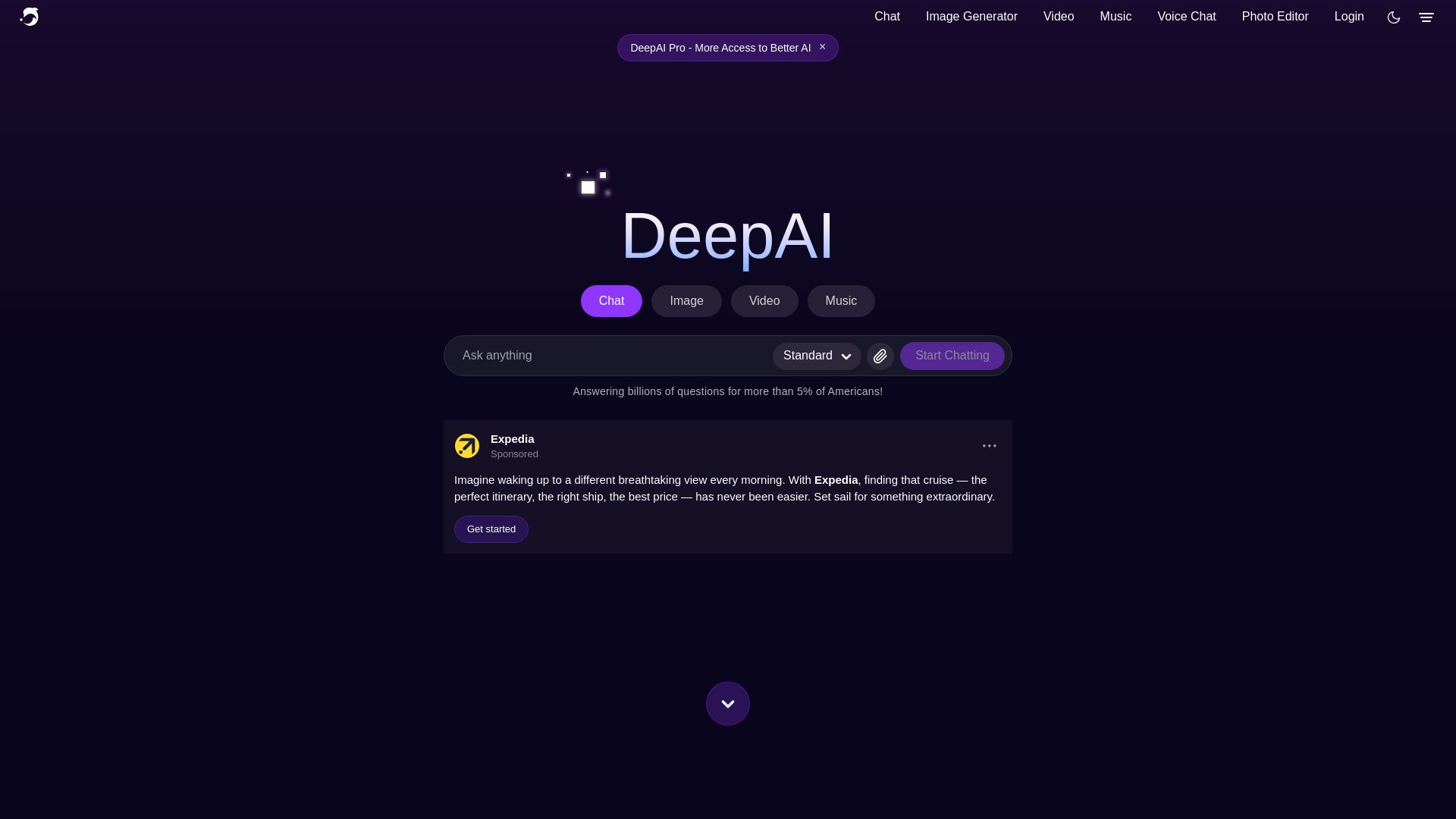
DeepAI
Unleash creativity with DeepAI's suite of AI tools: image/video/music generation, photo editing, and AI chat. Trusted by millions. Start free!

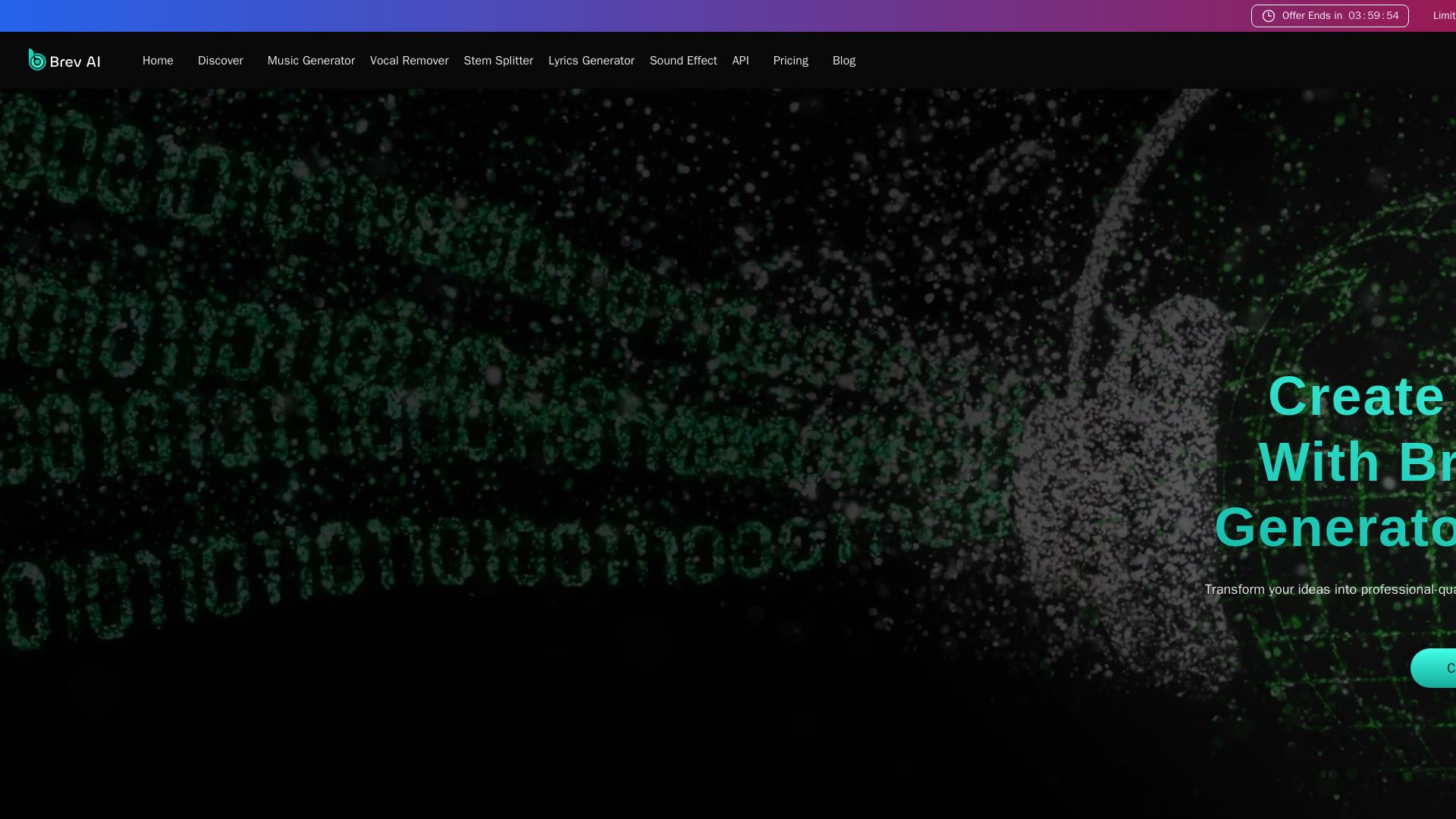
Brev AI
Create professional-quality, royalty-free AI music online for free. Text to music, vocal remover, lyrics generator, and more. No sign-up required.

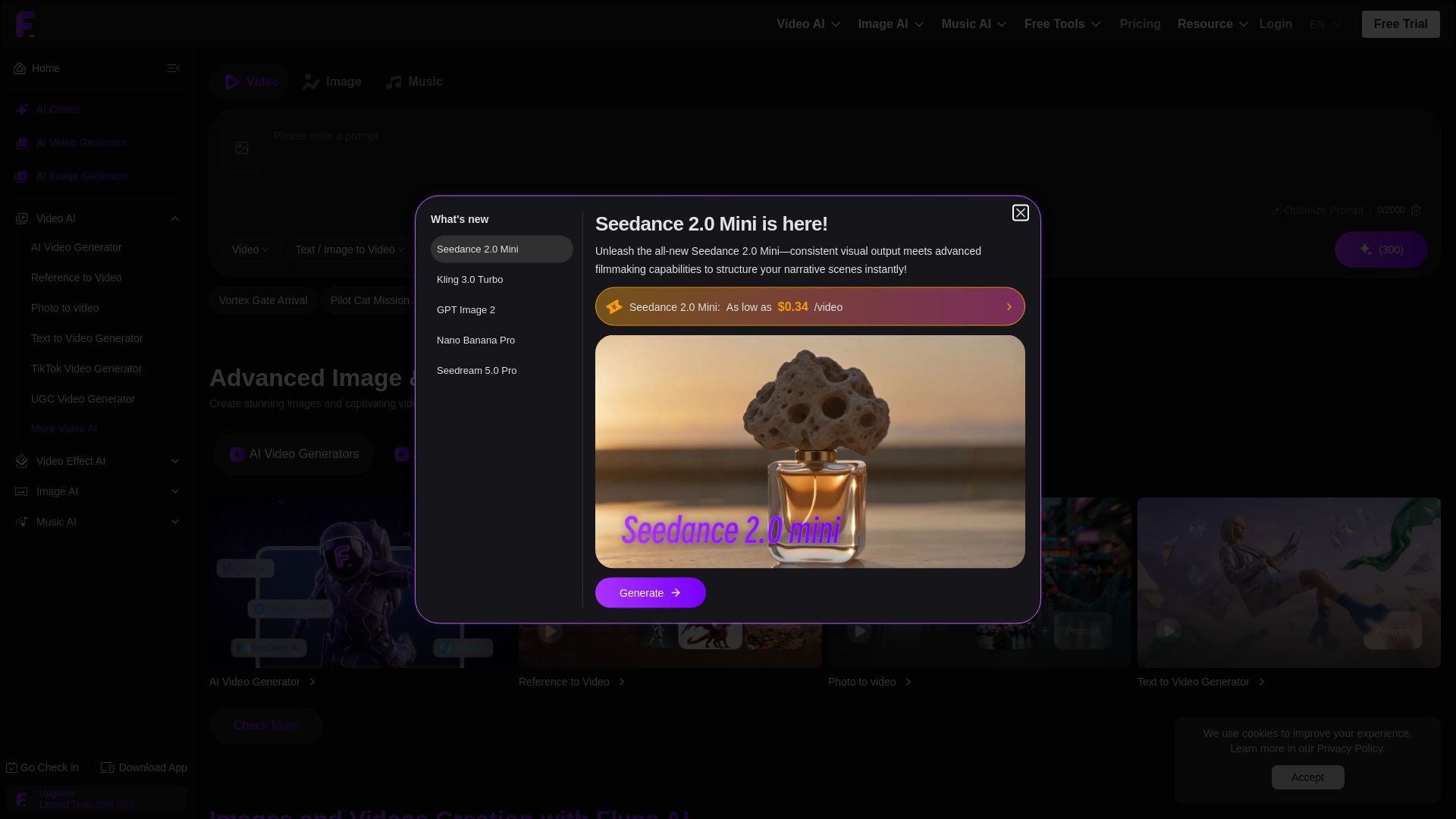
Flyne AI
Create stunning AI images and videos with Flyne AI. Free tools, cutting-edge models like Veo 3.1, Kling 3.0, and Seedance 2.0. Start free!

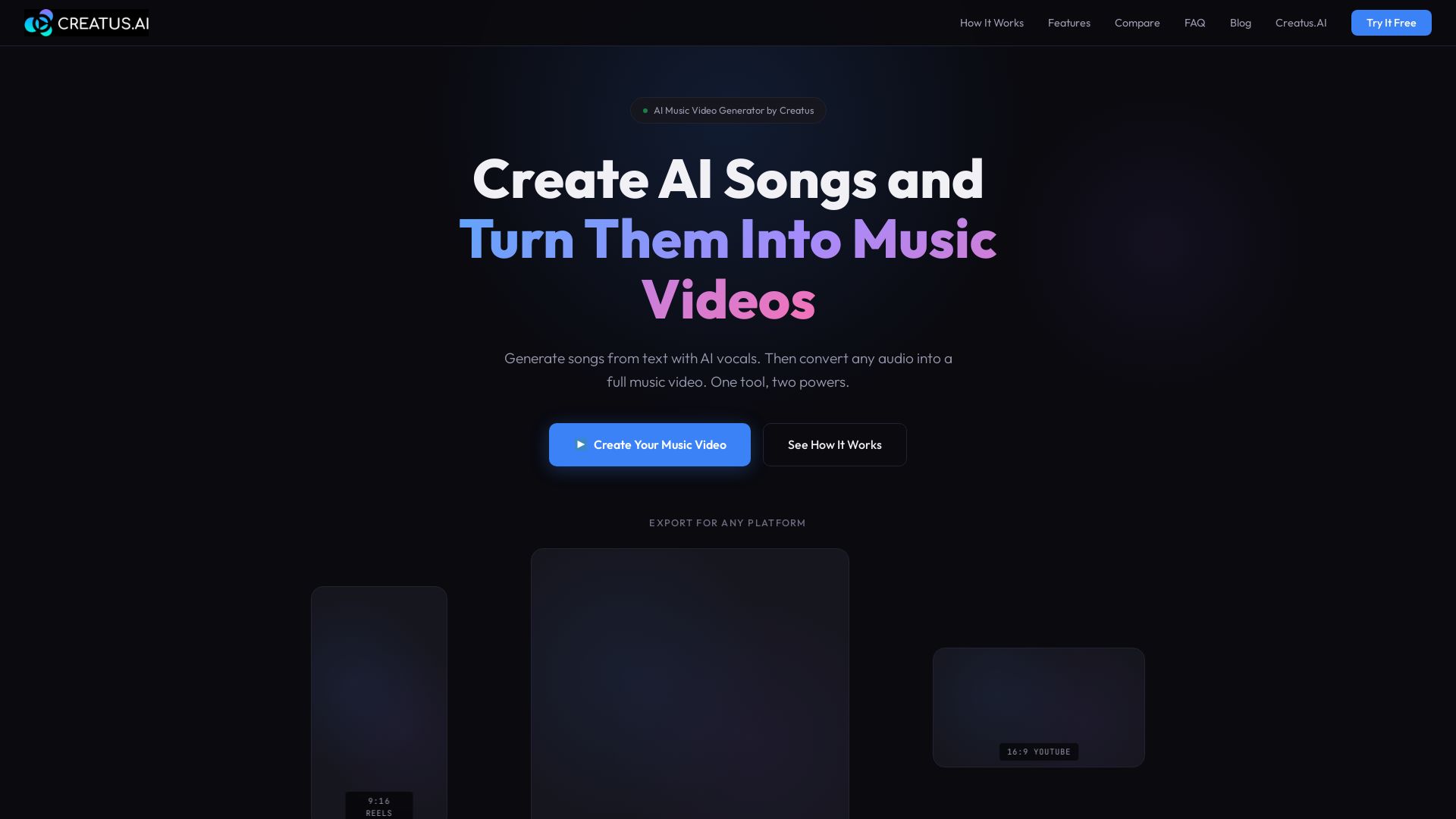
Free Plans to Pro Tiers - AI Music Video Generator Pricing
Turn text into songs with AI vocals, then convert audio into music videos. One tool for AI music and video generation. Try free.

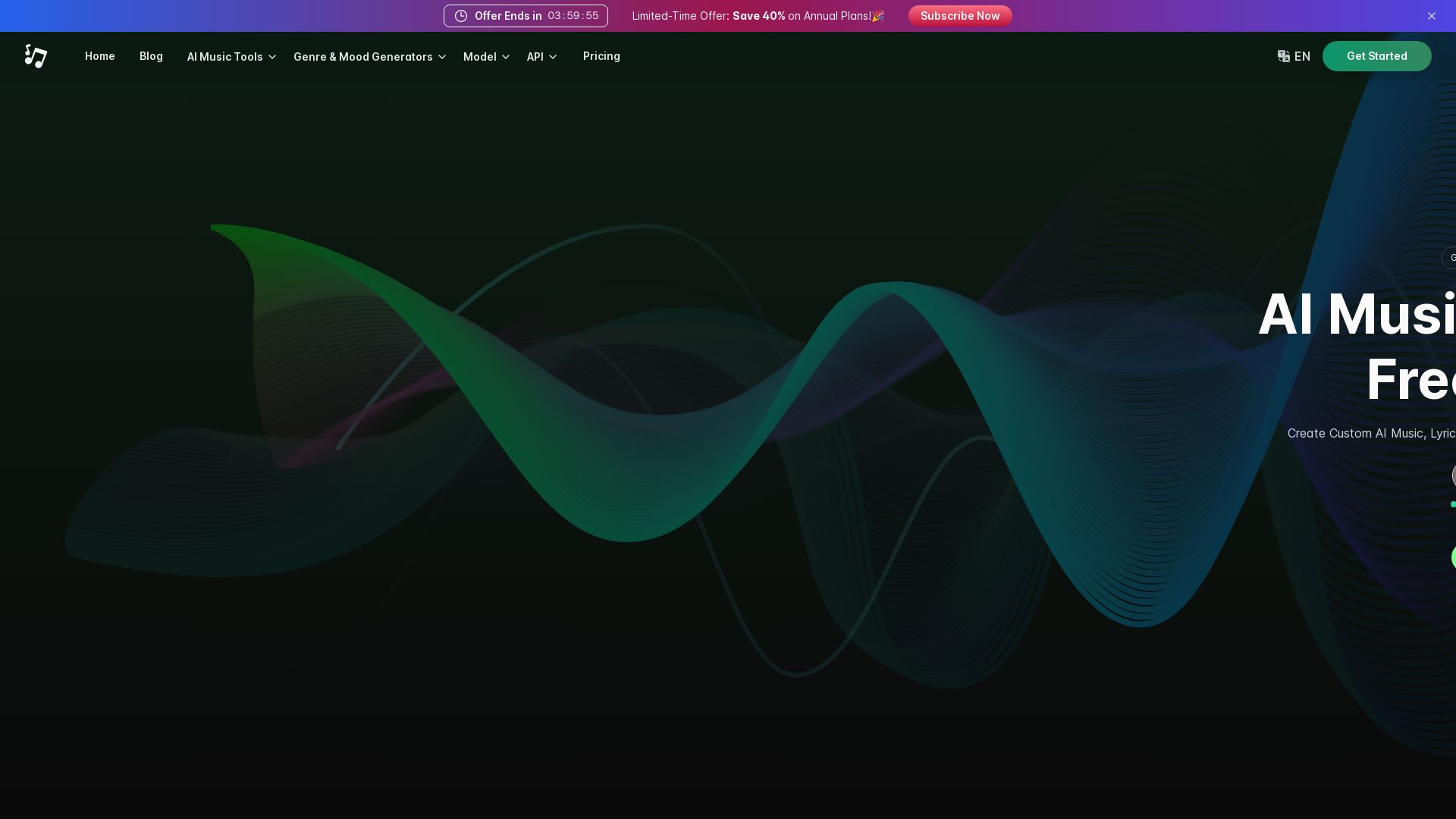
AI Music Generator
Generate custom AI music, lyrics, and videos online. Free, no signup! Text-to-music AI, vocal remover, and more.

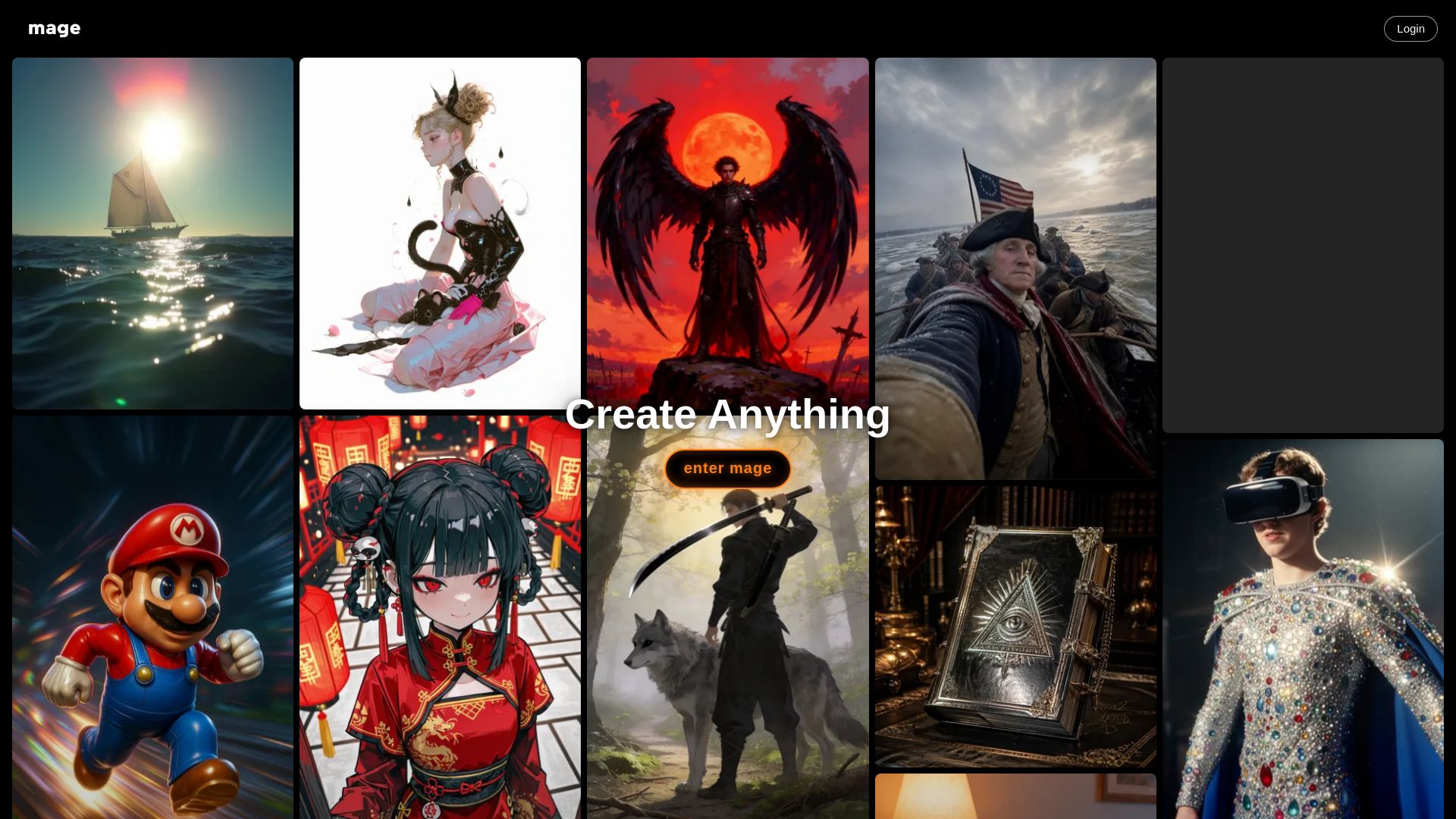
Mage
Create anything with Mage. Free AI image and video generator. Unlimited, private, NSFW allowed. Use Stable Diffusion, Flux, Wan, and more.

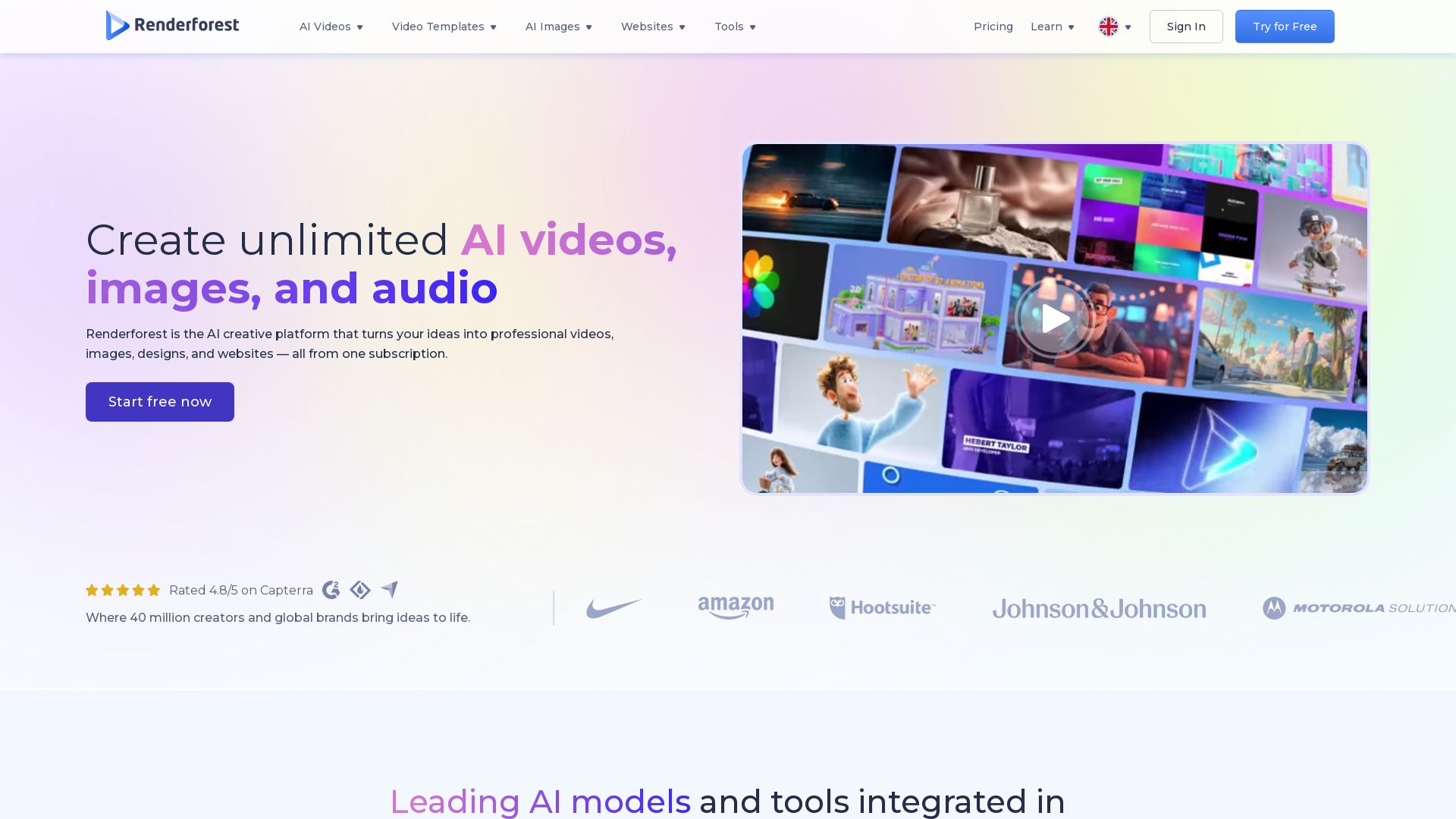
Renderforest
Create professional AI videos, images, and websites in minutes. 1200+ templates, AI generators, and intuitive editor. Trusted by 40M+ users. Start free!

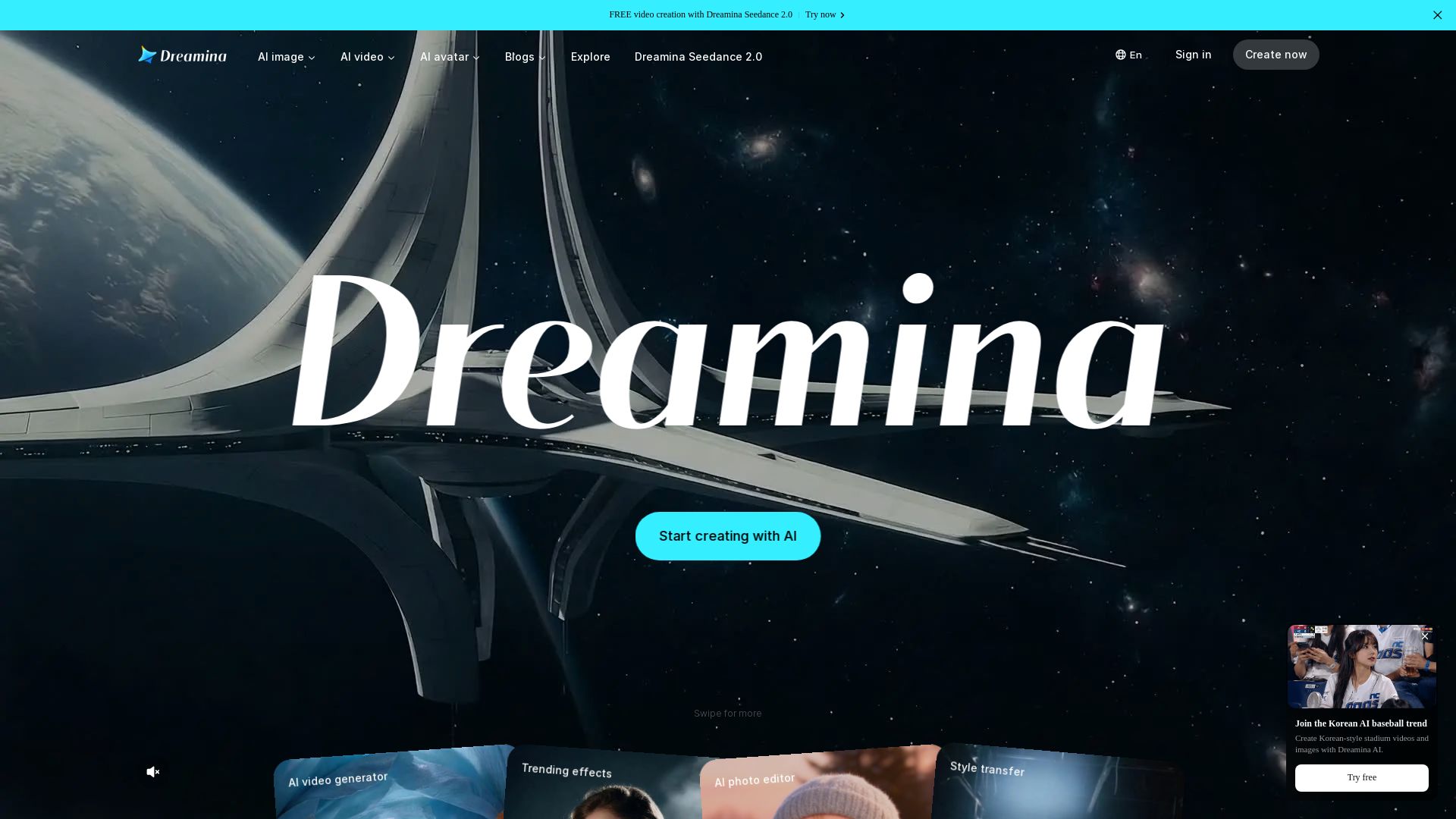
Dreamina
Generate stunning AI images, cinematic videos, and realistic avatars for free. Dreamina's advanced models (Seedance 2.0, Seedream 5.0) bring your ideas to life.

ℹ️ Curation Disclosure: The overview and features of SuperMaker AI were synthesized using AI and fact-checked by our curation team to ensure accuracy.
