
SeaArt AI

Turn ideas into stunning images and cinematic videos with SeaArt AI. Free tools, community, and advanced models like Seedance 2.0.
Editor's Verdict
Key Takeaways
- AI Video Generator
- Image Generation & Editing
- Face Dance & Lip Sync
- Motion Control
In-Depth Review: What is SeaArt AI?
SeaArt AI is an all-in-one platform for creating images, videos, and characters using advanced AI models like Seedance 2.0 and GPT Image 2. It offers a wide range of tools including AI video generator, face swap, image upscaler, filters, and more. Users can remix creations and share with a vibrant community. Featured by leading platforms, SeaArt provides a user-friendly interface for both beginners and professionals. Download the app for mobile access.
Core Features
AI Video Generator
Create cinematic stories and movie-quality videos in minutes using advanced AI models like Seedance 2.0.
Image Generation & Editing
Generate and edit images with powerful tools, templates, and one-click effects such as filters, background removal, and upscaling.
Face Dance & Lip Sync
Animate faces with dance movements or synchronize lips to audio for engaging video content.
Motion Control
Apply pre-defined camera movements like 360° orbit, dynamic pullback, and epic drone rise to videos.
Community & Remixing
Explore a vast library of user-generated creations, remix them, and share your own work with the community.
Multi-Angle Camera Movement Video
Generate videos with dynamic multi-angle shots for professional-looking results.
Pros and Cons
Pros
- User-Friendly InterfaceThe platform is intuitive and easy to navigate, making AI creation accessible to beginners and professionals alike.
- High-Quality OutputsGenerates movie-quality videos and stunning images with advanced models like Seedance 2.0 and GPT Image 2.
- Wide Range of ToolsOffers comprehensive tools for video, image, and character creation, including filters, effects, and face swapping.
- Free to UseMany features are available for free, with generous free workflows praised by users.
- Active Community & SupportA large, creative community and responsive support team help users get the most out of the platform.
Cons
- Limited Free TierWhile free, some advanced features or higher resolutions may require a paid subscription, which is not clearly listed on the homepage.
- Learning Curve for Complex FeaturesNew users may need time to master advanced tools like motion control and multi-angle video generation.
- Dependence on InternetThe platform is cloud-based, requiring a stable internet connection for creation and sharing.
Use Cases & Recommended Professions
Content Creator→ View Toolkit
Needs fast, AI-powered video and image generation for social media posts, YouTube shorts, and engaging visual content.
Graphic Designer→ View Toolkit
Benefits from AI image generation, editing tools, and style filters to speed up design workflows and explore creative ideas.
Social Media Manager→ View Toolkit
Requires regular creation of eye-catching visuals and short videos to maintain brand presence across platforms.
Video Editor→ View Toolkit
Uses AI video generation, face dance, and lip sync to automate parts of video production and add effects.
Digital Marketer→ View Toolkit
Leverages AI to create promotional videos, ads, and personalized content quickly without heavy production costs.
Artist/Illustrator→ View Toolkit
Explores AI as a creativity tool to generate inspiration, remix styles, and produce unique artworks.
Frequently Asked Questions
Alternative AI Tools
View Detailed Comparison →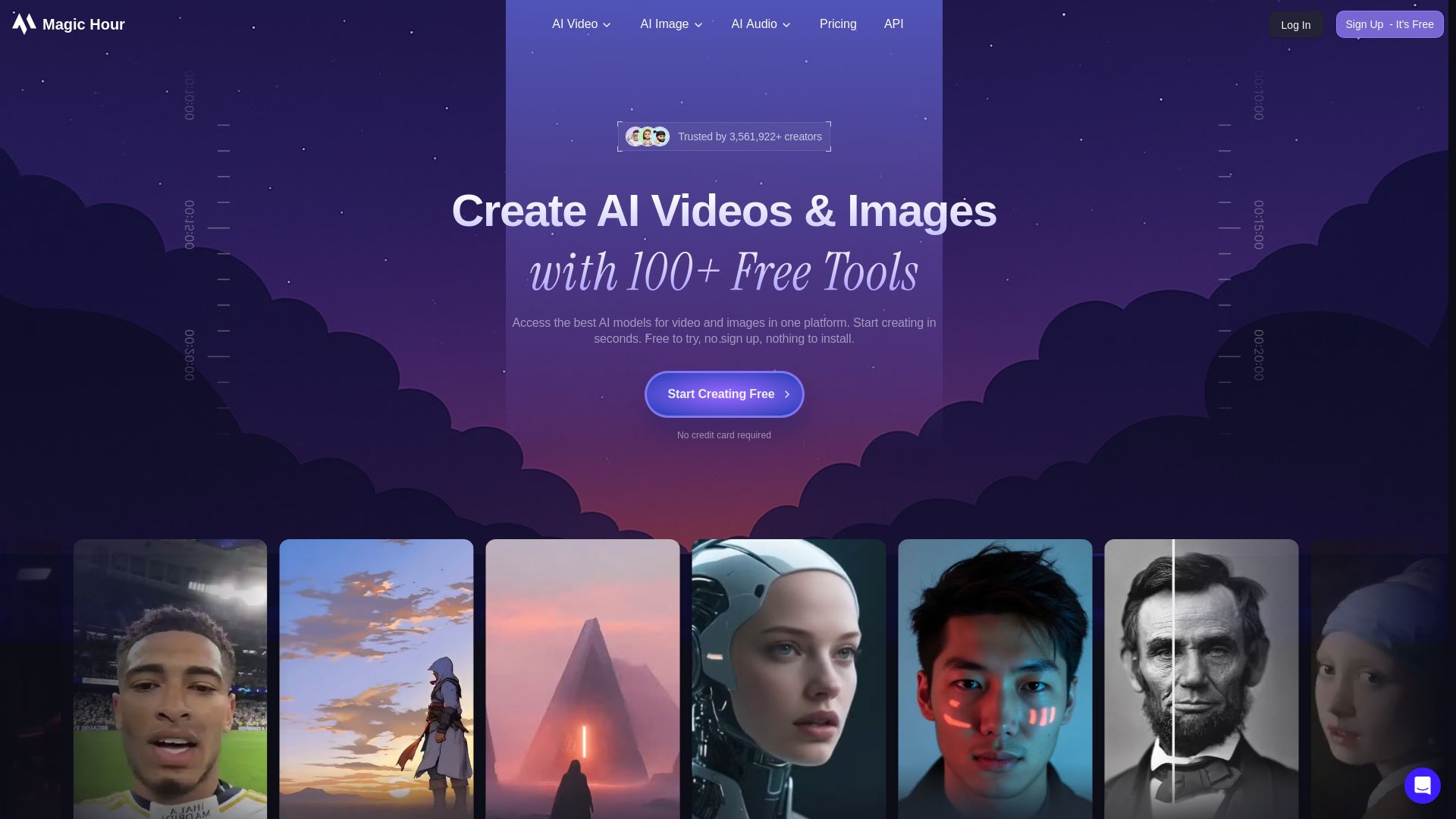
Magic Hour
Create stunning AI videos and images with 100+ free tools including face swap, lip sync, text-to-video, and more. Trusted by 3M+ creators. No sign-up required.

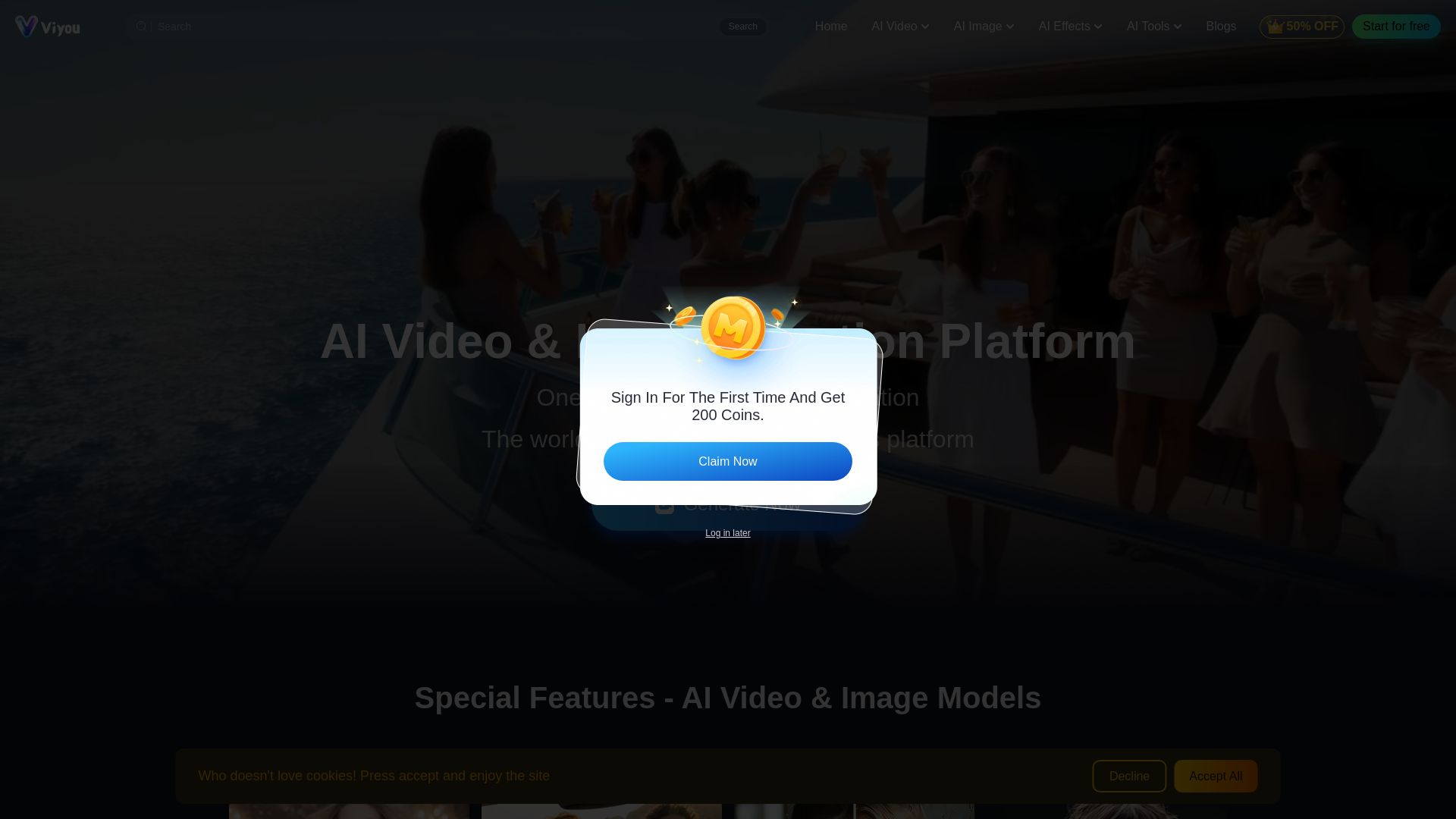
Viyou
Create stunning AI videos and images for free. Generate avatars, romantic kisses, dance videos, and more - all on one platform with full access.


AI Video - AI Video Generator
Create animated videos from text or images with AI. Drag-and-drop editing, lip-sync, HD export. No skills needed. Download free!

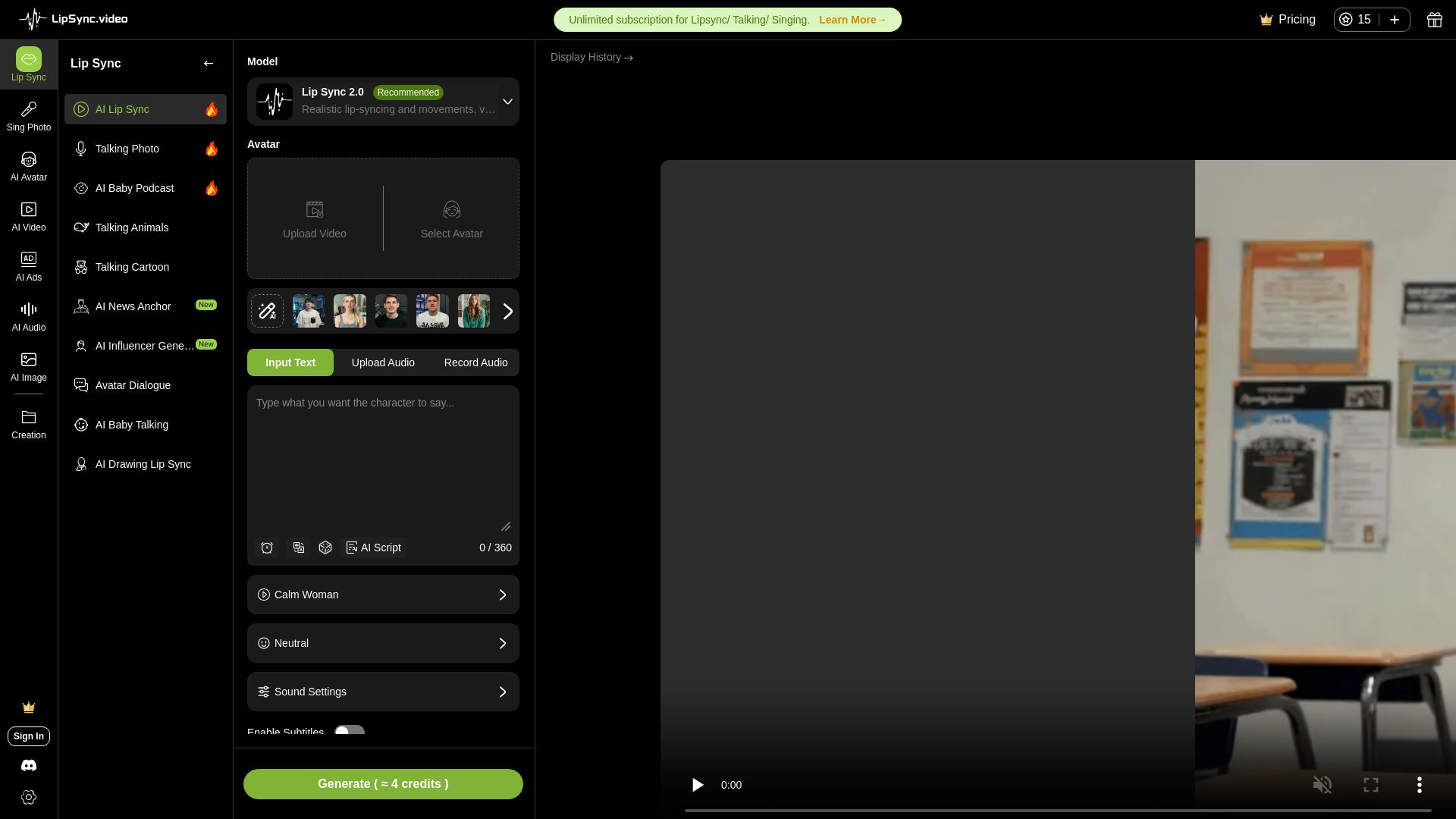
LipSync
Create realistic lip-synced videos for free with no watermark. Supports multiple languages, avatars, and content types. Perfect for marketing, social media, and more.
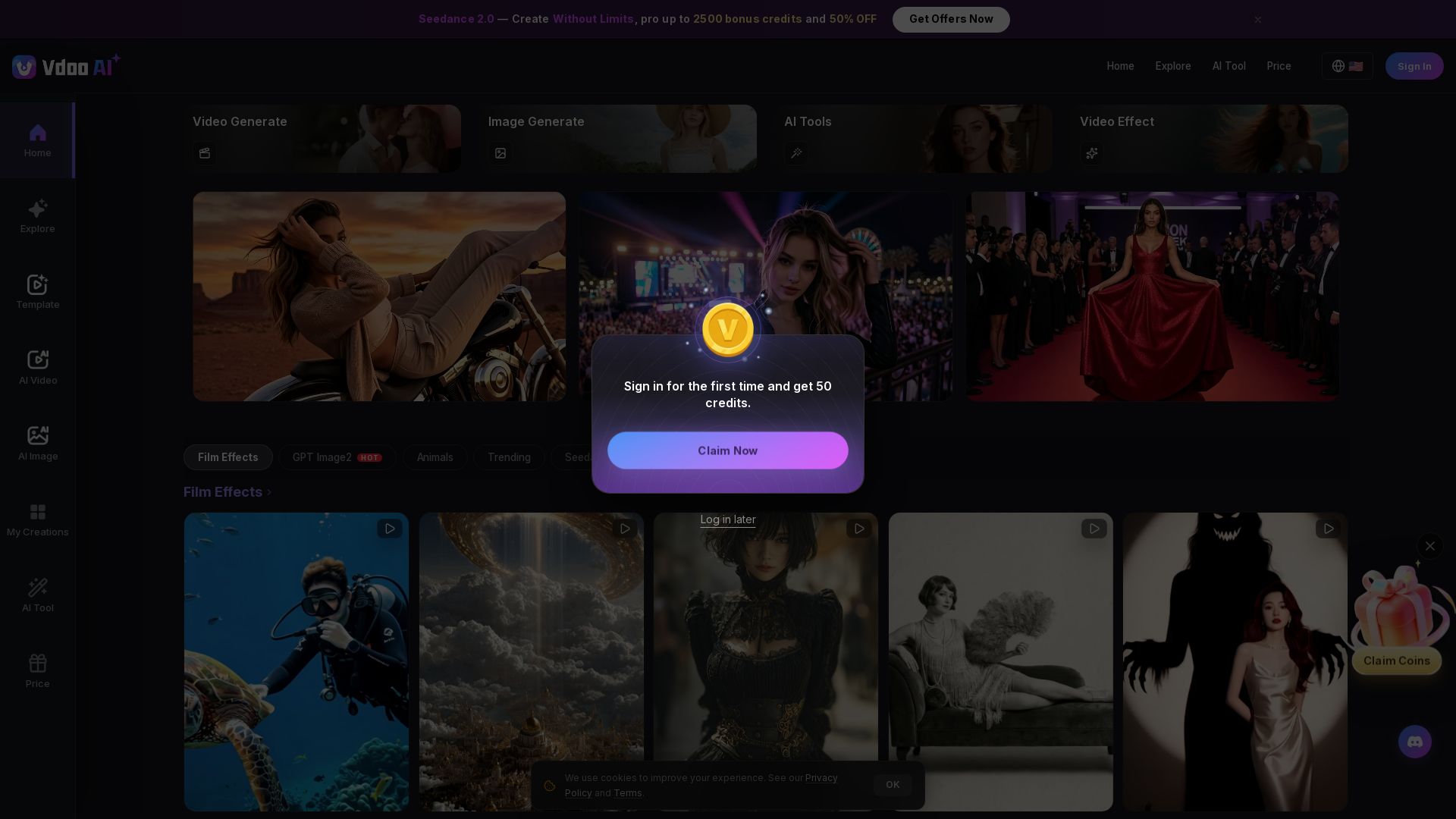
Vdoo AI
Create stunning AI videos and images with cutting-edge models. Easy-to-use platform for professional-quality content. Try free tools today!

Digen AI
Create stunning AI videos in seconds. Generate from text, images, lip sync, and more. Explore tools like video upscaler, watermark remover, and FPS booster.

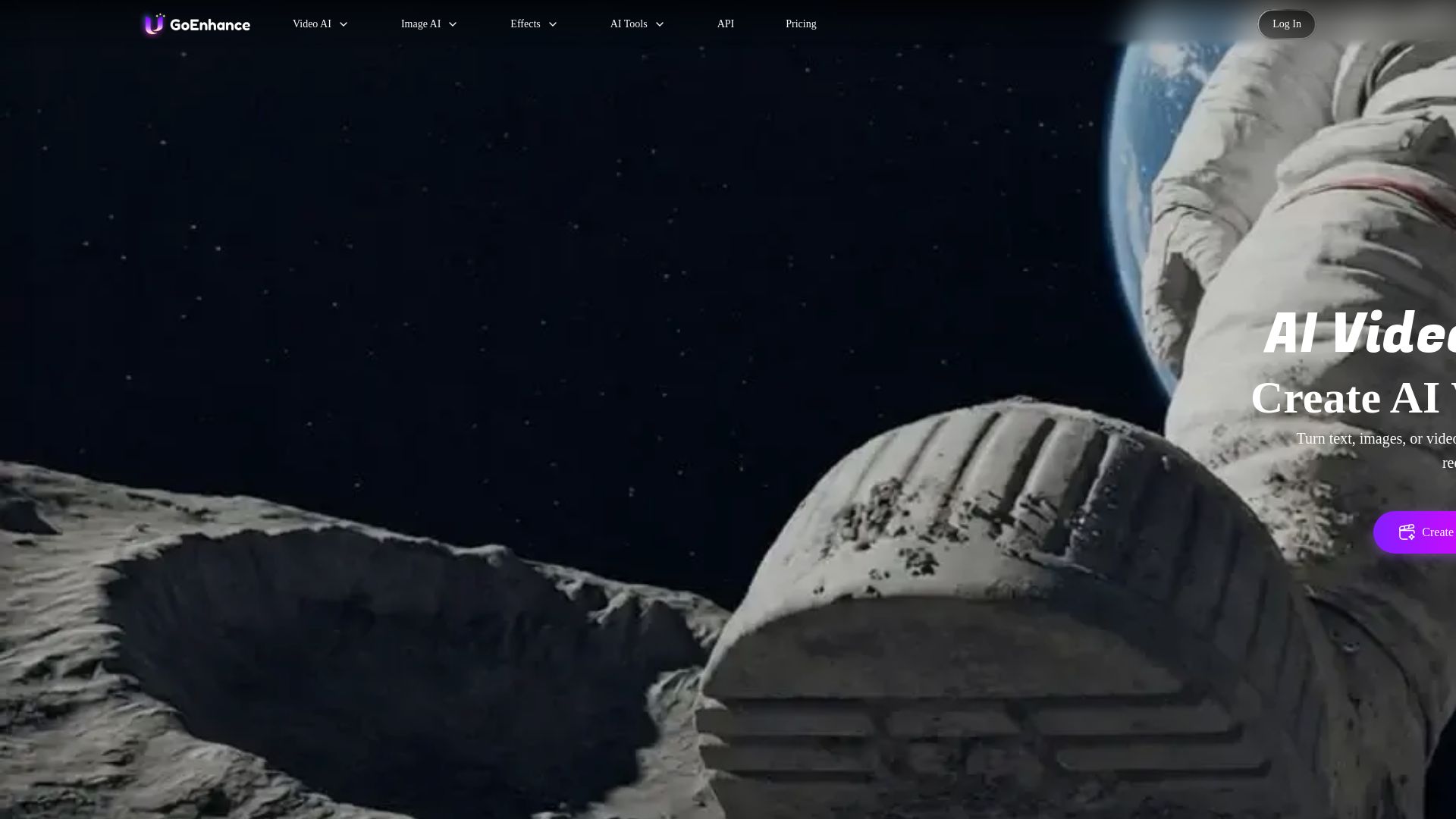
GoEnhance AI
Turn text, images, or videos into stunning AI videos and images. Access 50+ models like Sora, Runway, and Flux. Free to start!


Pixlr
Edit, generate, and design with Pixlr's free AI photo editor. Transform photos, create images from text, and more – all in your browser. No download needed.


Gen AI Video Generator
Create stunning AI videos and images with 90+ models including Google VEO 3, Sora 2, Seedance 2.0. Text-to-video, image-to-video, photo editing on iOS.

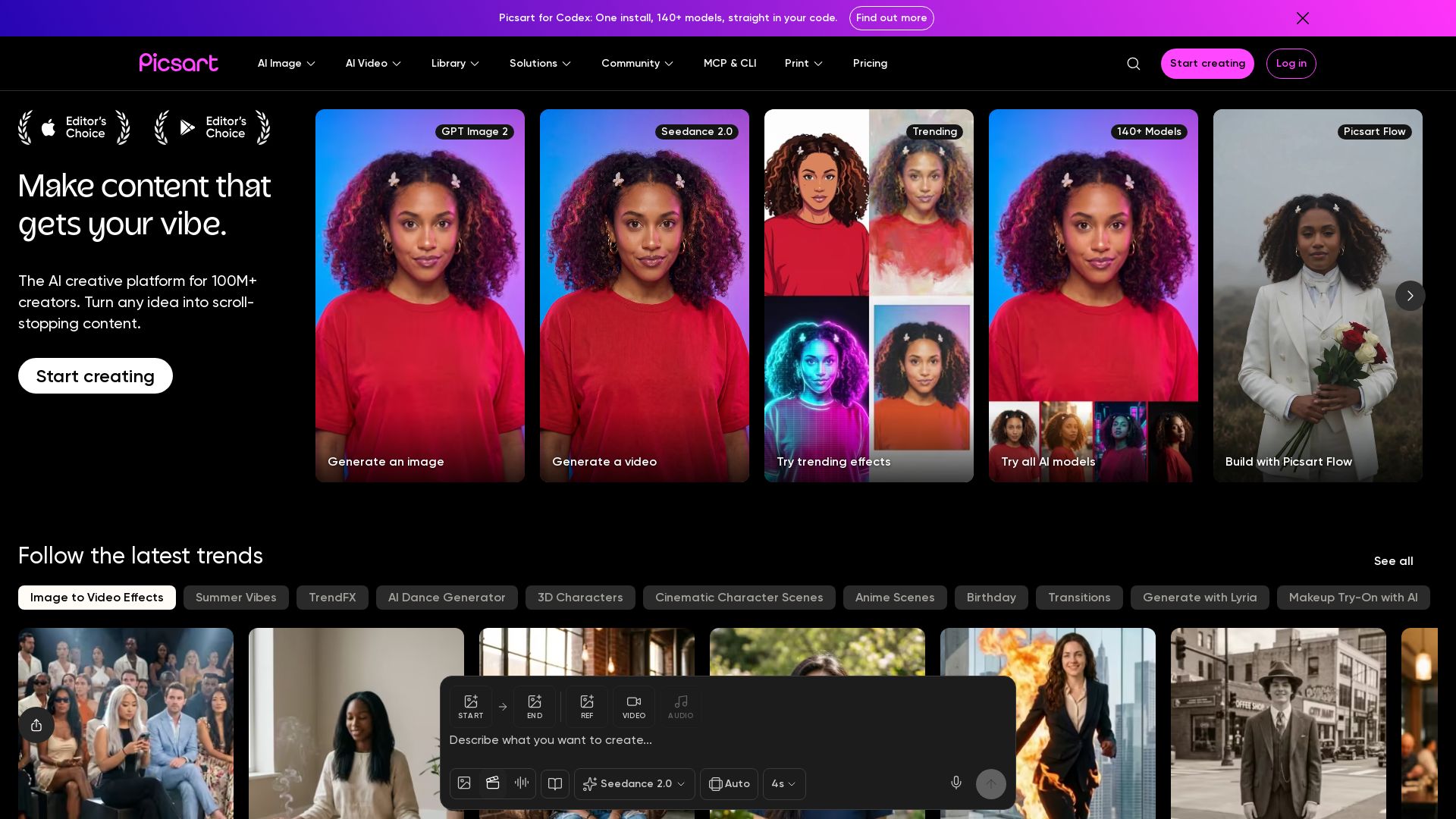
Picsart
Generate AI images & videos, edit photos, and access 140+ models. Picsart's AI creative platform for 100M+ creators. Start for free!

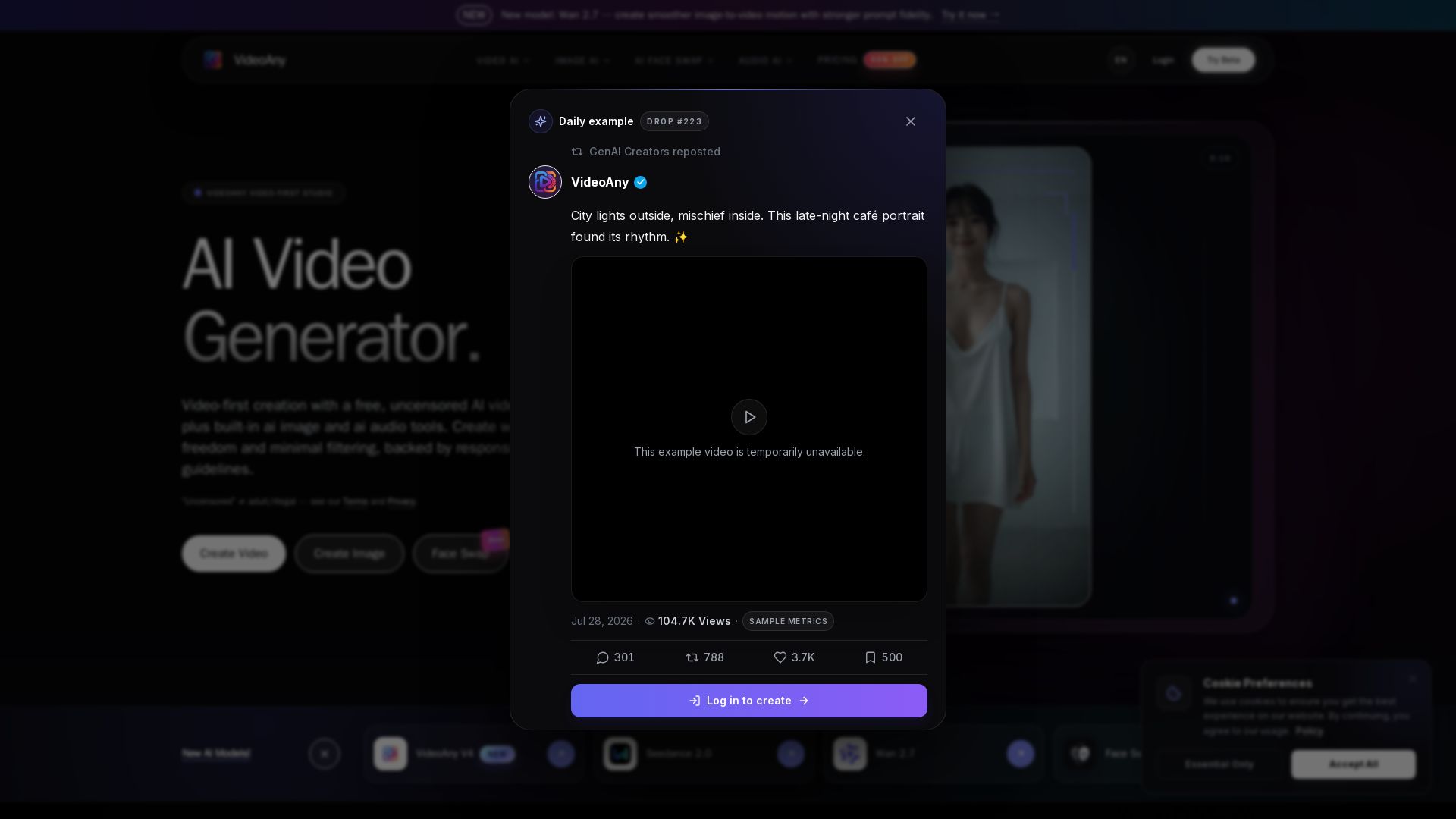
VideoAny
Generate cinematic AI videos, images, and audio with uncensored models. No filters, full creative freedom. Try Seedance 2.0, Wan 2.7 & more.

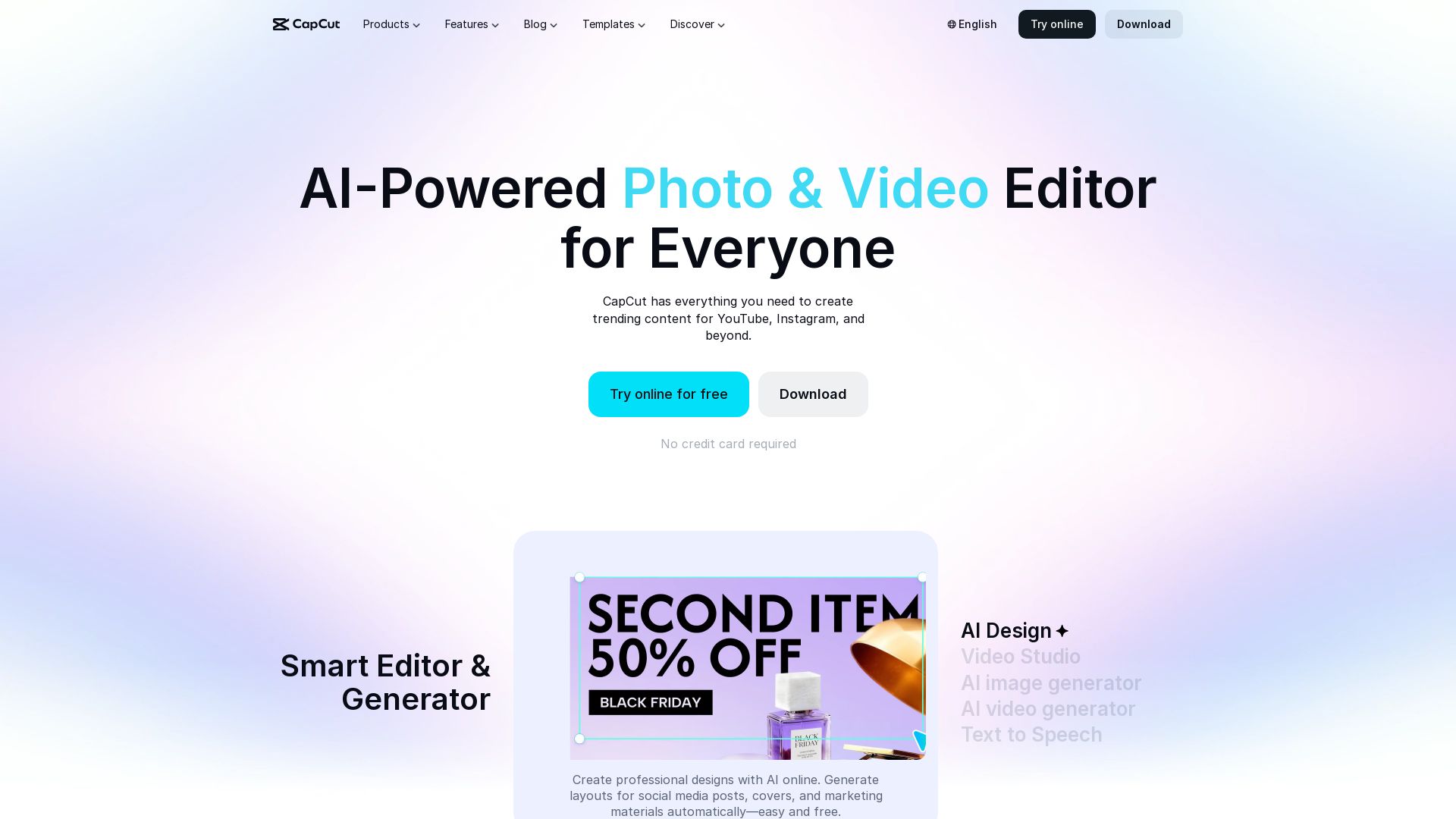
CapCut AI Video Editor
Create stunning videos and photos with CapCut's AI tools. Free online editor, background remover, text to speech, templates. No watermark. Try now!

ℹ️ Curation Disclosure: The overview and features of SeaArt AI were synthesized using AI and fact-checked by our curation team to ensure accuracy.
