
CapCut AI Video Editor
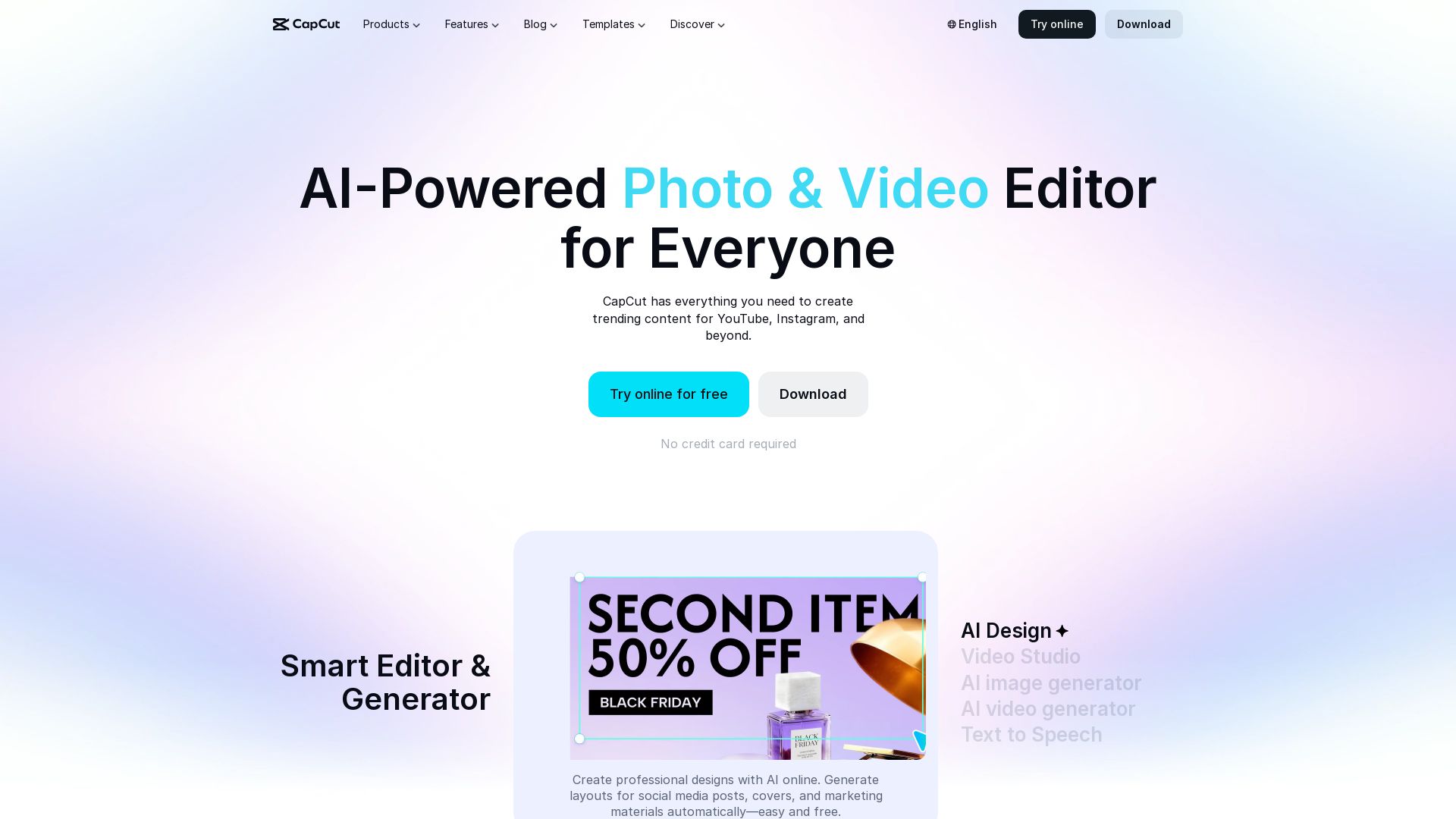
Create stunning videos and photos with CapCut's AI tools. Free online editor, background remover, text to speech, templates. No watermark. Try now!


Editor's Verdict
Key Takeaways
- AI Video Generator
- AI Image Generator
- Text to Speech
- Background Remover
In-Depth Review: What is CapCut AI Video Editor?
CapCut is the ultimate AI-powered photo and video editor for everyone. With free online tools for background removal, image enhancement, video editing, text-to-speech, and thousands of templates, you can create professional content for social media, marketing, and more. No credit card required, no watermark. Available on desktop, mobile, and online.
Core Features
AI Video Generator
Turn text, images, or keyframes into videos with the smartest online video editor you've ever used.
AI Image Generator
Turn text or reference images into custom, stunning visuals with CapCut's powerful online photo editor.
Text to Speech
Convert text to speech with AI using natural-sounding voices. Perfect for narration, videos, podcasts, and professional content.
Background Remover
Remove image or video backgrounds instantly with AI in one click. No watermark required.
Auto Captions
Add accurate automatic captions to videos in multiple languages effortlessly.
Creative Templates
Access thousands of customizable templates for social media, business, holidays, and more.
AI Effects Templates
Turn photos and clips into dynamic videos with smart transitions, music, and auto effects instantly.
Image Enhancer
Enhance photo quality and resolution with AI to create sharp, high-quality visuals.
Video Editor
Free online video editor with AI – cut, trim, add transitions & subtitles, export HD without watermark.
Voice Enhancement
Enhance voice online with AI to improve clarity, boost volume, and refine vocal quality instantly.
Pricing
Free
- AI-powered video and image editing
- Access to thousands of templates
- Basic AI tools (background remover, text to speech)
- Online editor with no watermark on exports
- Download desktop and mobile apps for free
Pros and Cons
Pros
- AI-Powered AutomationAuto editing feature that compiles clips into a summary video with music, saving time.
- Extensive Template LibraryThousands of templates including AI-generated ones, avoiding starting from scratch.
- Stable PerformanceApp is super stable, rarely crashes mid-edit, ensuring smooth workflow.
- Intuitive ControlsBasic tools are easy to find, trimming is simple, and controls make sense.
- Multilingual SupportSupports 20 languages, making it accessible worldwide.
Cons
- Limited Advanced Features FreeSome advanced AI features may require future payment or are not available in free version.
- Online-Only for Some ToolsCertain AI tools work only online, requiring internet connection.
- Export Watermark on Some PlansFree version may include CapCut watermark on certain exports if not using online editor.
- No Detailed Pricing InfoNo clear paid plans listed, which may confuse users wanting premium features.
- Dependency on AI QualityAI-generated content quality may vary depending on input and context.
Use Cases & Recommended Professions
Social Media Manager→ View Toolkit
Create engaging videos and graphics for platforms like Instagram, TikTok, and YouTube quickly using AI tools and templates.
Content Creator→ View Toolkit
Produce high-quality video content with auto-captions, background removal, and AI effects without professional editing skills.
Marketer→ View Toolkit
Design promotional materials, ads, and social media posts with AI image generator and video editor.
Small Business Owner→ View Toolkit
Create professional-looking videos for product demos, testimonials, and social media marketing on a budget.
Educator→ View Toolkit
Produce educational videos with text-to-speech, captions, and easy editing for online courses or presentations.
Video Editor→ View Toolkit
Leverage AI tools to speed up repetitive tasks like background removal, noise reduction, and subtitle generation.
Frequently Asked Questions
Alternative AI Tools
View Detailed Comparison →
Marketing Mary
Unify research, creation, publishing & optimization with one AI Co-Pilot. Works in your existing stack. Join 500+ leaders on the waitlist.


Marketing Titan
Replace HubSpot, ZoomInfo, Hootsuite & Jasper with 180+ AI agents & Darwin AI. Save $50K+/yr. Start free trial.

Marketing Copilot
Boost AI visibility, engage buyers, and manage data with expert-led marketing. Trusted by tech companies. Claim your AI Visibility Assessment.


Later
Unforgettable campaigns start with insight. Later combines influencer marketing, social media management, and AI-driven data to drive results for enterprise brands, social media managers, and creators.

FounderPal
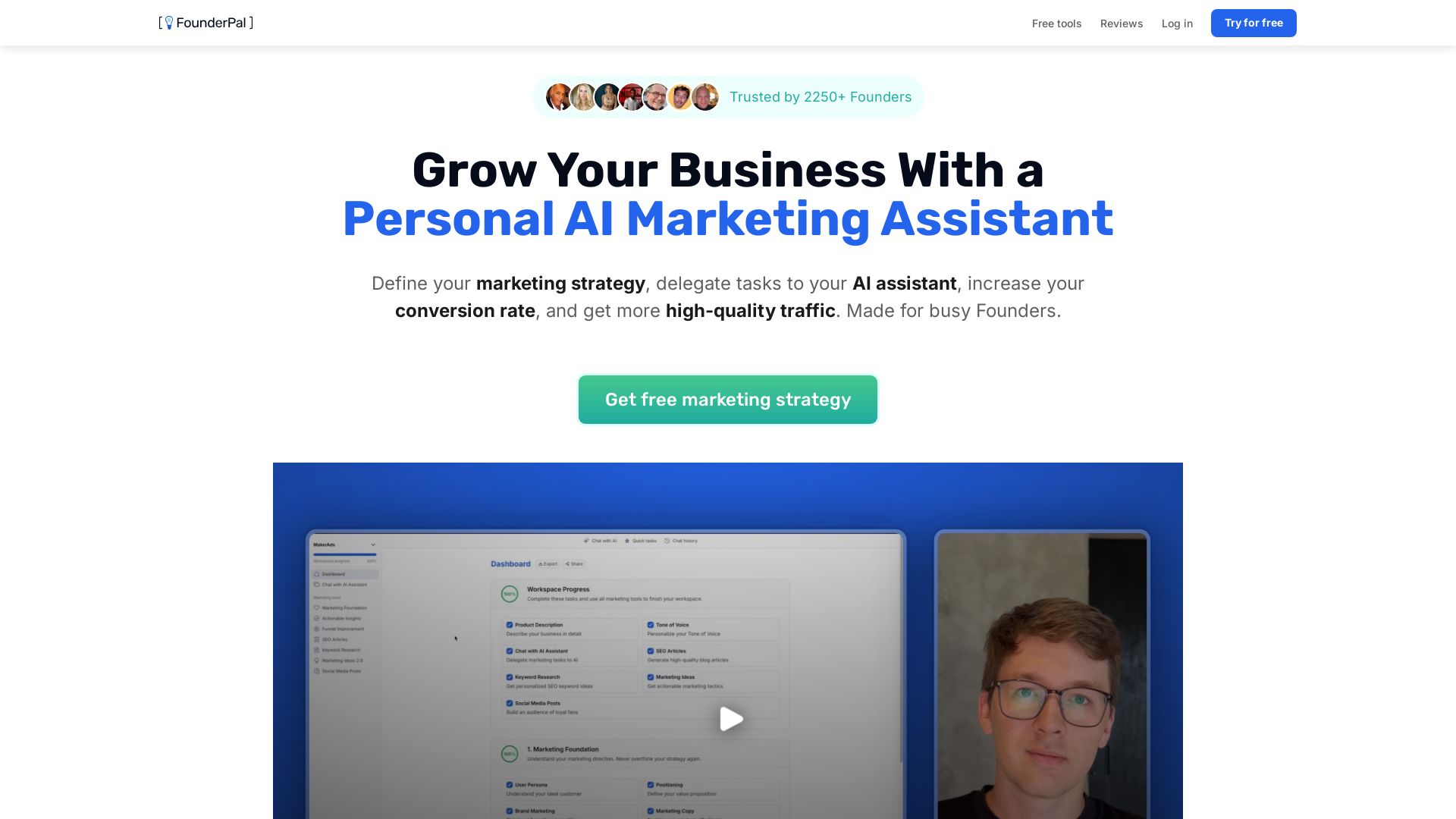
Trusted by 2250+ founders. Get a personal AI marketing assistant to define strategy, delegate tasks, boost conversions. Save 100+ hours/month. Try free.

quso
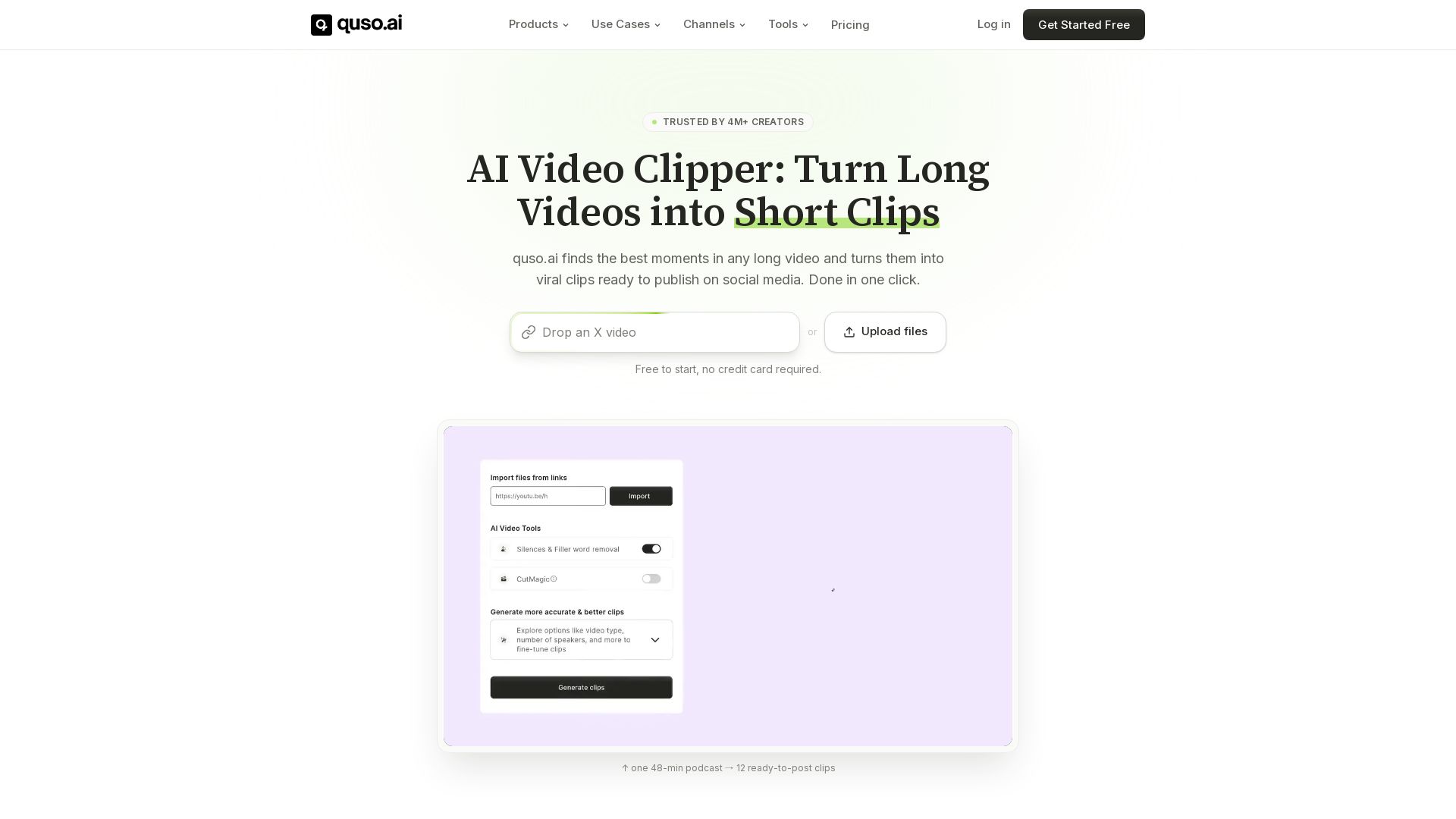
Quso.ai automatically finds viral moments in any video, creates clips with captions, and schedules posts. One click, no editing needed.

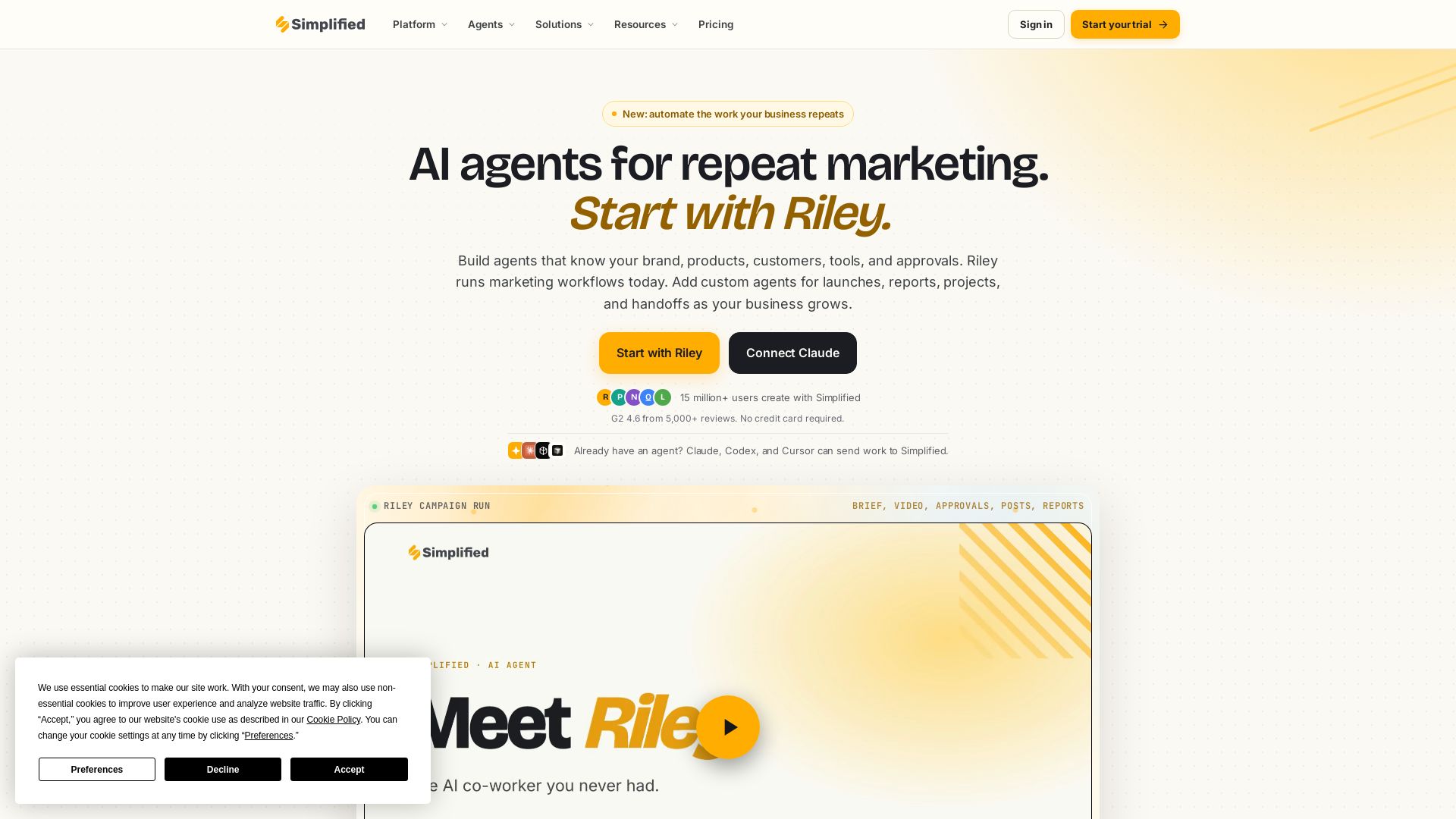
Simplified
Automate end-to-end marketing campaigns with Riley AI. Plan, create, approve, publish, and report. Trusted by 15M+ users. Start free.

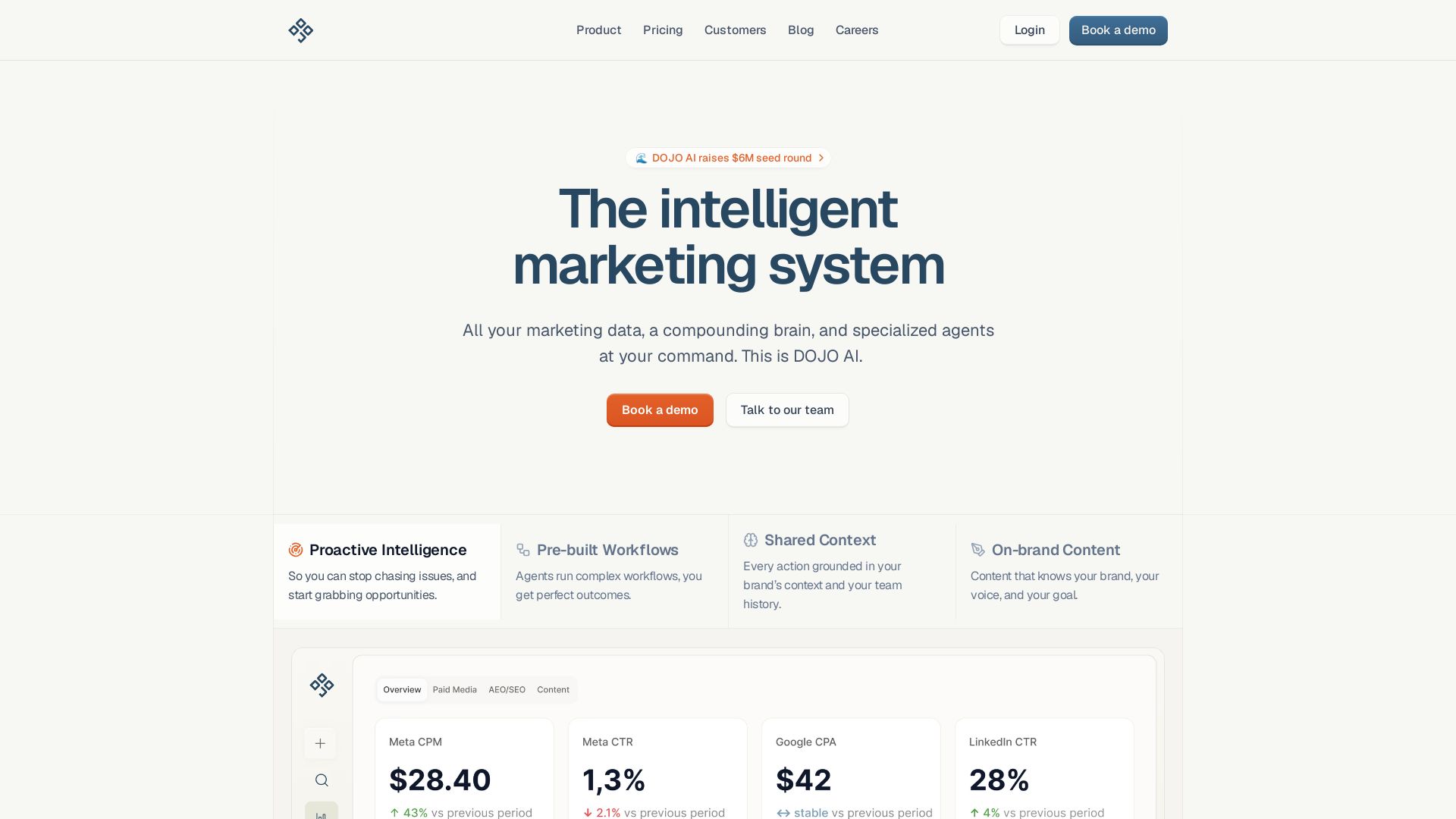
DOJO AI
All your marketing data, a compounding brain, and specialized agents at your command. Reduce CPA, boost efficiency. Book a demo.

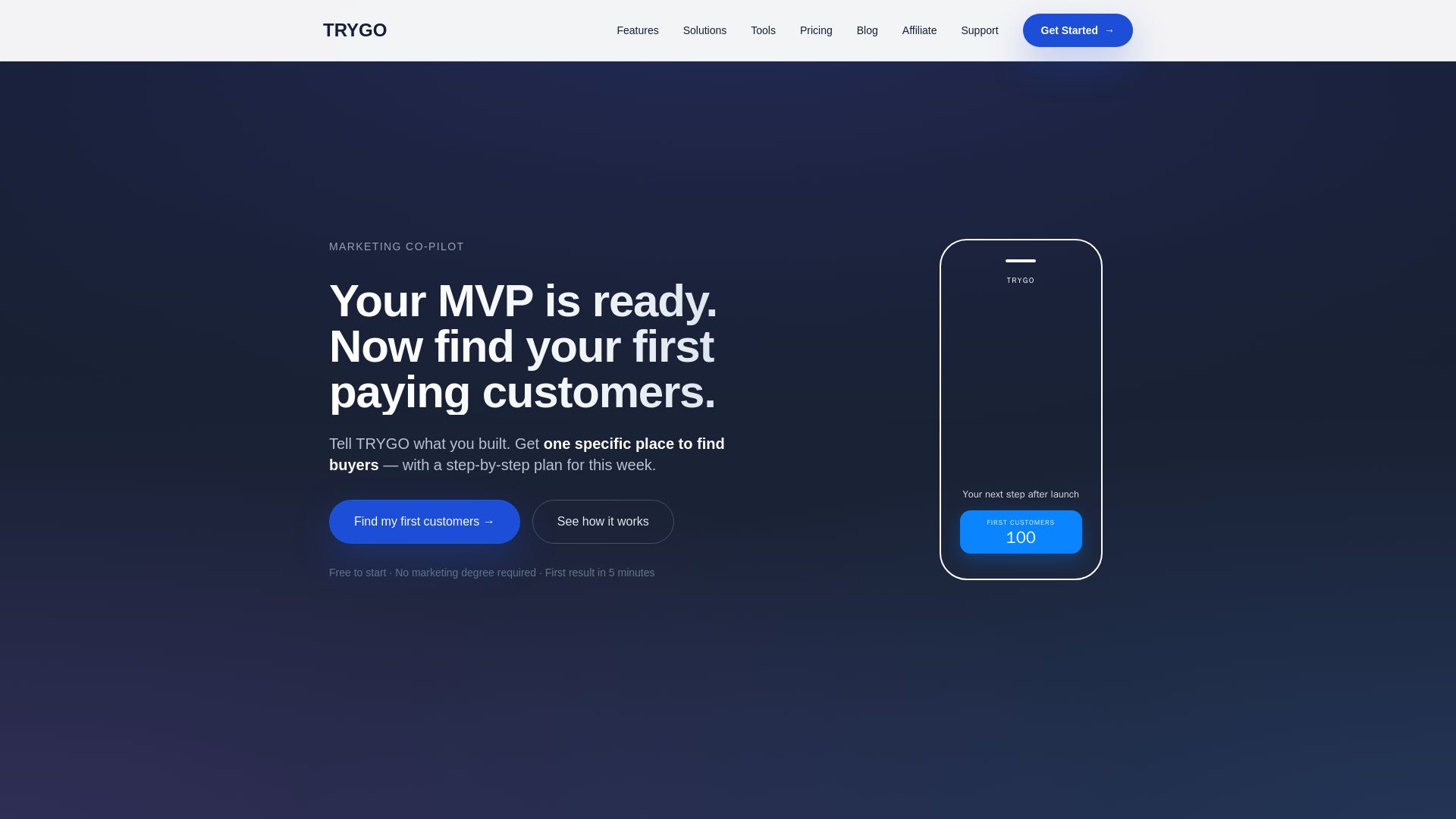
TRYGO
Find your first paying customers with AI-driven marketing strategy, channel recommendations, and GTM plans. Free to start.

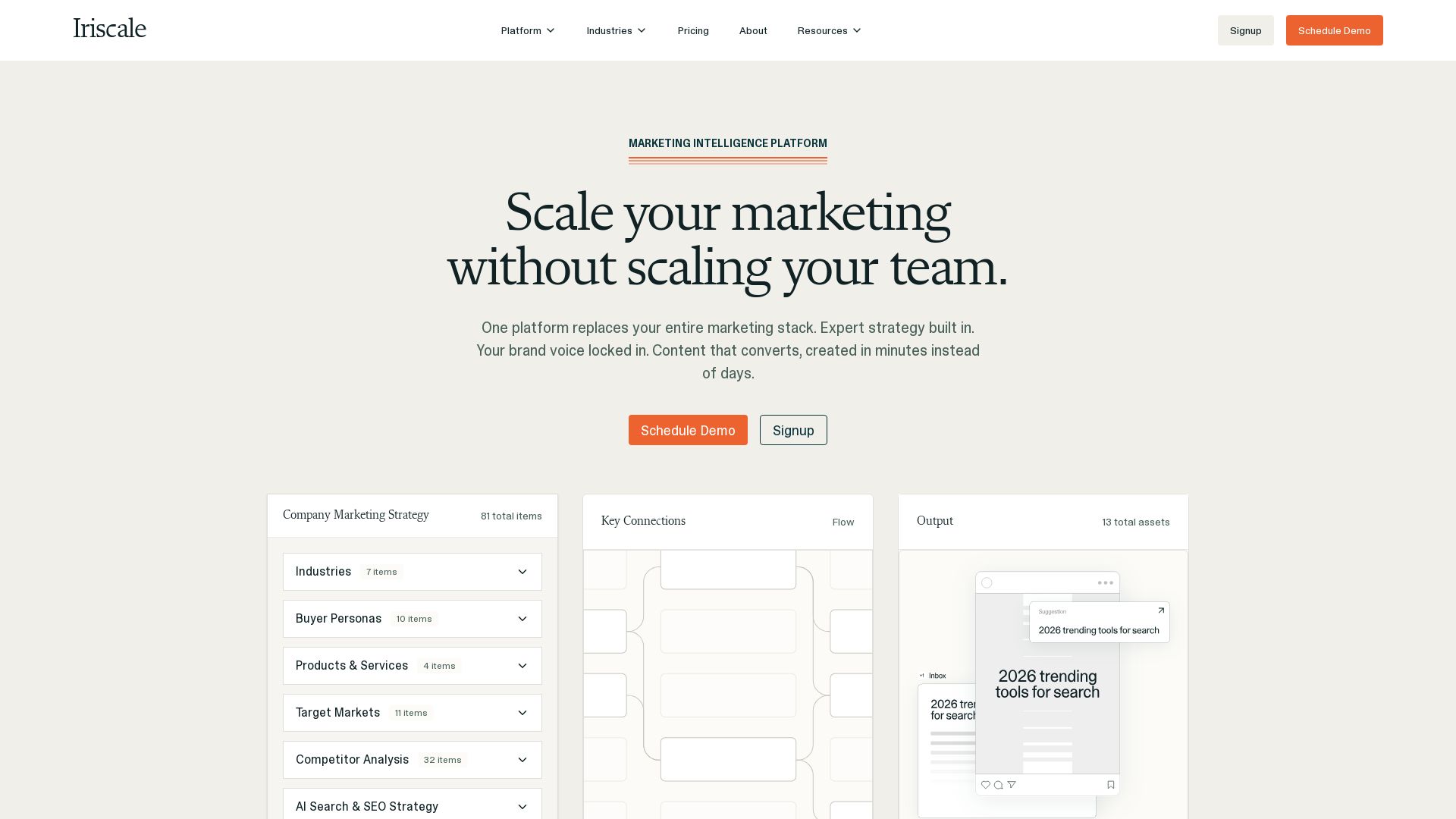

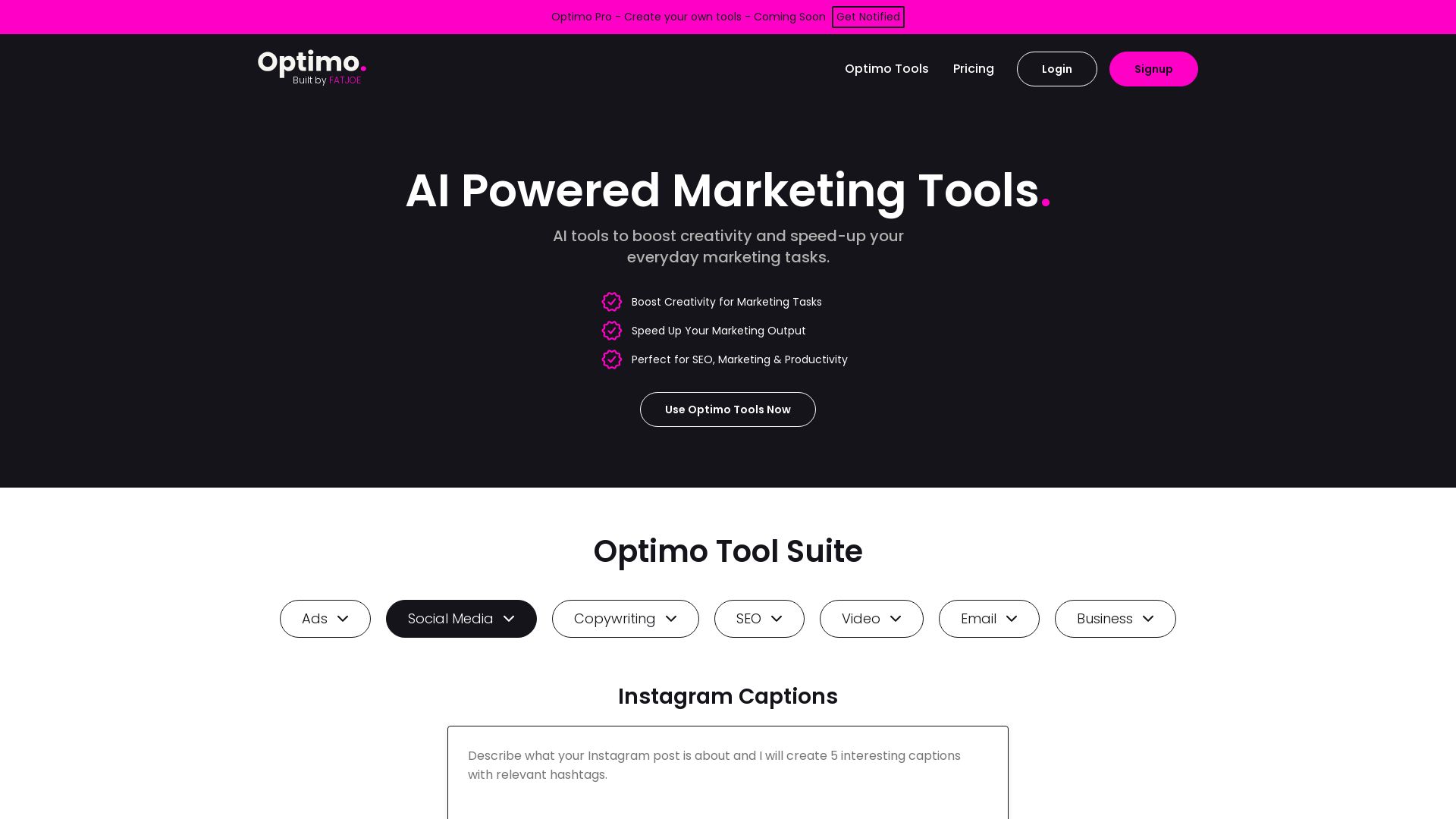
Optimo
Boost creativity and speed up marketing tasks with AI tools for SEO, copywriting, social media, ads, email, video. Trusted by 2.5k+ users, 1M+ generations.

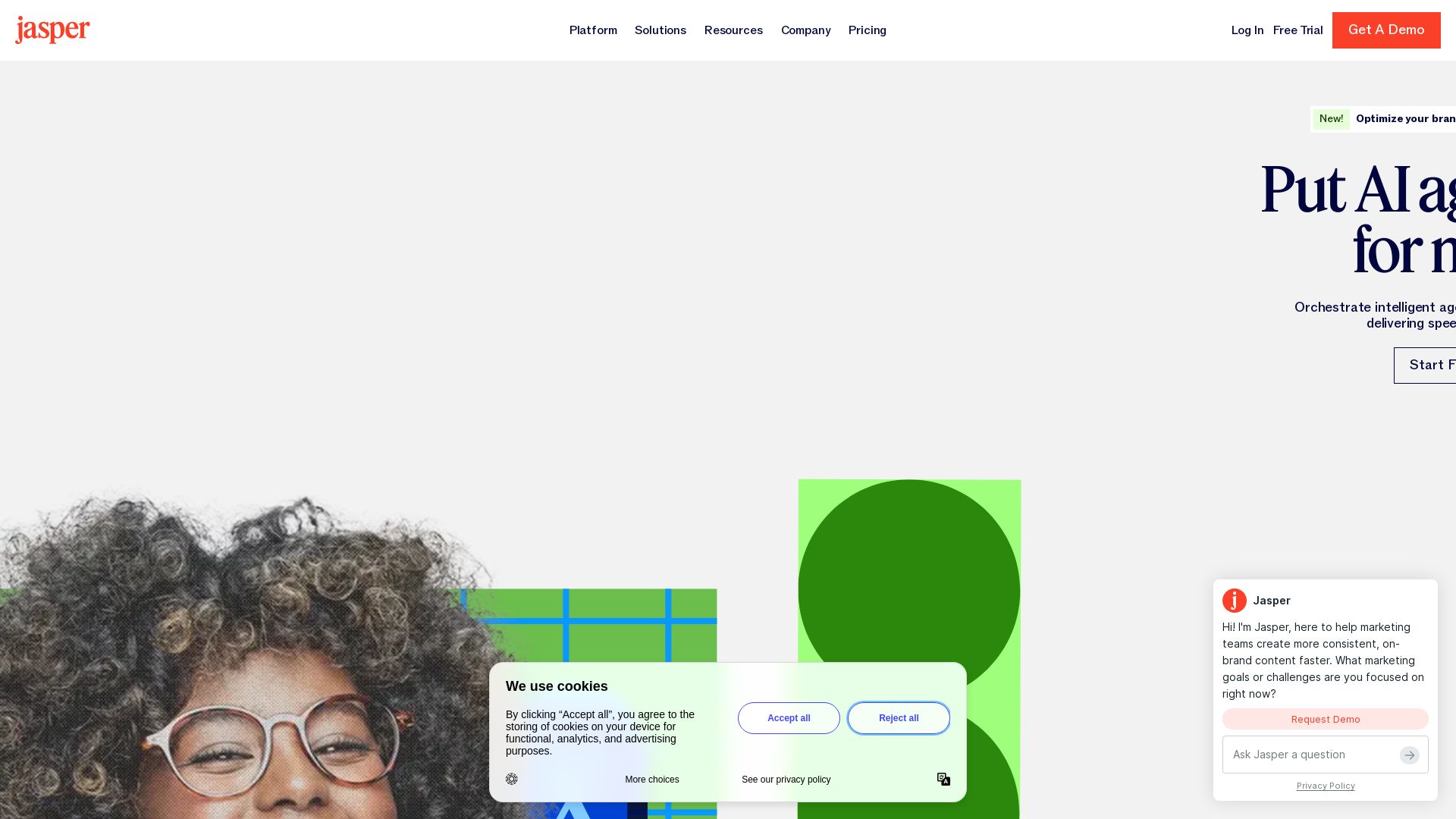
Jasper
Jasper is the AI-powered execution platform for marketing teams. Orchestrate 100+ agents to automate campaigns, scale content, and maintain brand voice. Get cited by AI search.

ℹ️ Curation Disclosure: The overview and features of CapCut AI Video Editor were synthesized using AI and fact-checked by our curation team to ensure accuracy.
