
quso
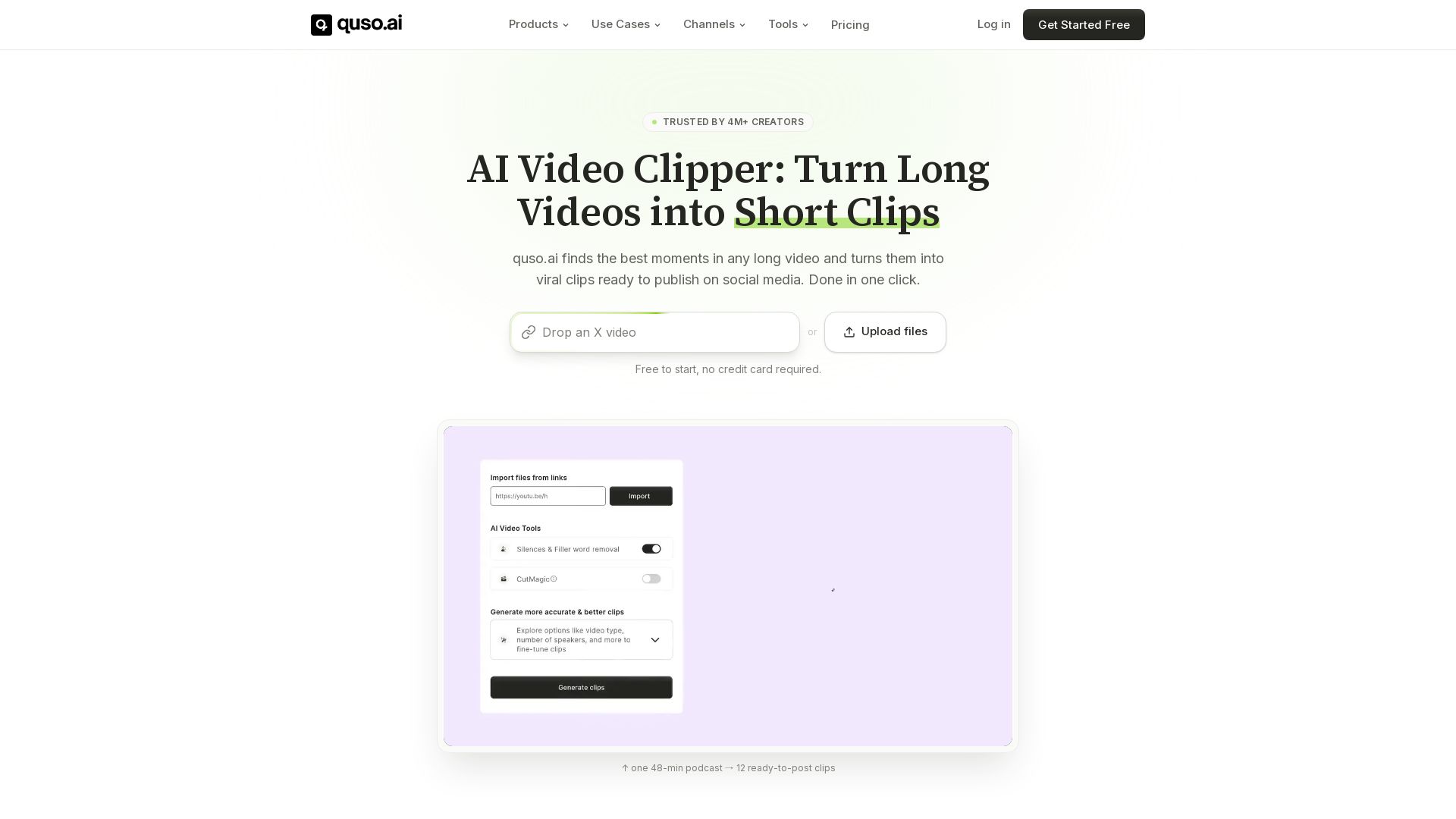
Quso.ai automatically finds viral moments in any video, creates clips with captions, and schedules posts. One click, no editing needed.

Editor's Verdict
Key Takeaways
- AI Clips Generator
- AI Subtitle Generator
- Social Media Scheduler
- Brand Kit
In-Depth Review: What is quso?
Quso.ai is an all-in-one AI-powered platform for content repurposing. It automatically detects the best moments from long-form videos, creates short clips with animated subtitles, removes filler words, and allows scheduling across multiple social media platforms. Trusted by 4M+ creators, it replaces tools like Opus Clip, Descript, and Hootsuite. Start for free, no credit card required.
Core Features
AI Clips Generator
Automatically detects the most viral moments in long videos and generates short clips with virality scoring.
AI Subtitle Generator
Adds word-level animated captions in 50+ languages with filler word removal.
Social Media Scheduler
Plan, schedule, and auto-publish content to multiple social media platforms from one calendar.
Brand Kit
Lock your fonts, colors, and logo to ensure every clip looks on-brand.
AI Content Planner
Plan and organize a month of content across every platform in one place.
Social Media Analytics
Track performance and optimize your posts with AI-powered insights.
AI Text Based Video Editor
Edit video like a document: delete words, remove silences, and add B-roll.
CutMagic
Automatically reframe videos to vertical format with face and speaker tracking for flawless Reels, Shorts, and TikToks.
Intelliclips
AI finds your most viral moments and scores them with a Virality rating.
AI Filler Word Removal
Automatically removes filler words like 'um' and 'ah' from your videos.
Pricing
Free
- 75 credits / month
- 720p render quality
- Chapters & short videos
- TikTok publishing
- CutMagic
- 7 days data retention
Lite
- Unlimited 1080p clips
- Advanced video editor (desktop)
- Publish & schedule to 6 platforms
- Export in 16:9, 9:16 & 1:1
- 10GB storage
Essential
- Everything in Lite
- AI filler & silence removal
- External content support
- Content Planner
- 25GB storage
Growth
- Everything in Essential
- Custom Brand Kit & templates
- Viddy AI content assistant
- Priority access to new AI features
- Unlimited branded video templates
- Brand logos, colors & fonts
- Social media analytics
- Priority support
- 75GB storage
Pros and Cons
Pros
- Saves Time with AI AutomationAutomatically detects viral moments and generates clips, captions, and schedules, reducing manual editing time significantly.
- All-in-One ToolReplaces multiple tools like Opus Clip, Descript, CapCut, Hootsuite, and Buffer, saving money and streamlining workflow.
- Multi-Language CaptionsSupports word-level animated captions in over 50 languages with filler word removal, making content accessible globally.
- Easy Social Media ManagementPlan, schedule, and auto-publish content to major platforms from one calendar, with built-in analytics to optimize performance.
- User-Friendly for BeginnersNo video editing skills required; AI handles clipping, reframing, and captioning, making it accessible to non-editors.
Cons
- Limited Free Plan CreditsThe free plan only offers 75 credits per month, which may be insufficient for heavy users.
- Advanced Features Locked Behind Higher TiersFeatures like Brand Kit, analytics, and priority support are only available on the Growth plan.
- No Team Collaboration FeaturesThere is no mention of multi-user or team collaboration features, which may be a drawback for agencies.
- Storage Limits on Lower PlansThe Lite plan offers only 10GB storage, which may fill up quickly for users with many videos.
- Focus on Short-Form Video OnlyThe tool primarily repurposes long videos into short clips, which may not suit users needing long-form editing capabilities.
Use Cases & Recommended Professions
Podcaster→ View Toolkit
Podcasters can quickly turn long episodes into multiple short clips for social media, expanding reach and engagement with minimal effort.
Social Media Manager→ View Toolkit
Social media managers can plan, schedule, and publish content across platforms from one place, saving time and maintaining consistency.
Content Creator→ View Toolkit
Content creators can repurpose existing long-form videos into multiple short-form clips with AI-generated captions and optimal formatting.
Marketing Agency→ View Toolkit
Agencies can manage multiple clients' content, using Brand Kit and analytics to ensure brand consistency and track performance.
Video Editor→ View Toolkit
Video editors can speed up their workflow by using AI clipping and captioning, then fine-tune with the text-based editor.
Small Business Owner→ View Toolkit
Small business owners can create professional social media content without dedicated video editing skills, saving time and money.
Frequently Asked Questions
Alternative AI Tools
View Detailed Comparison →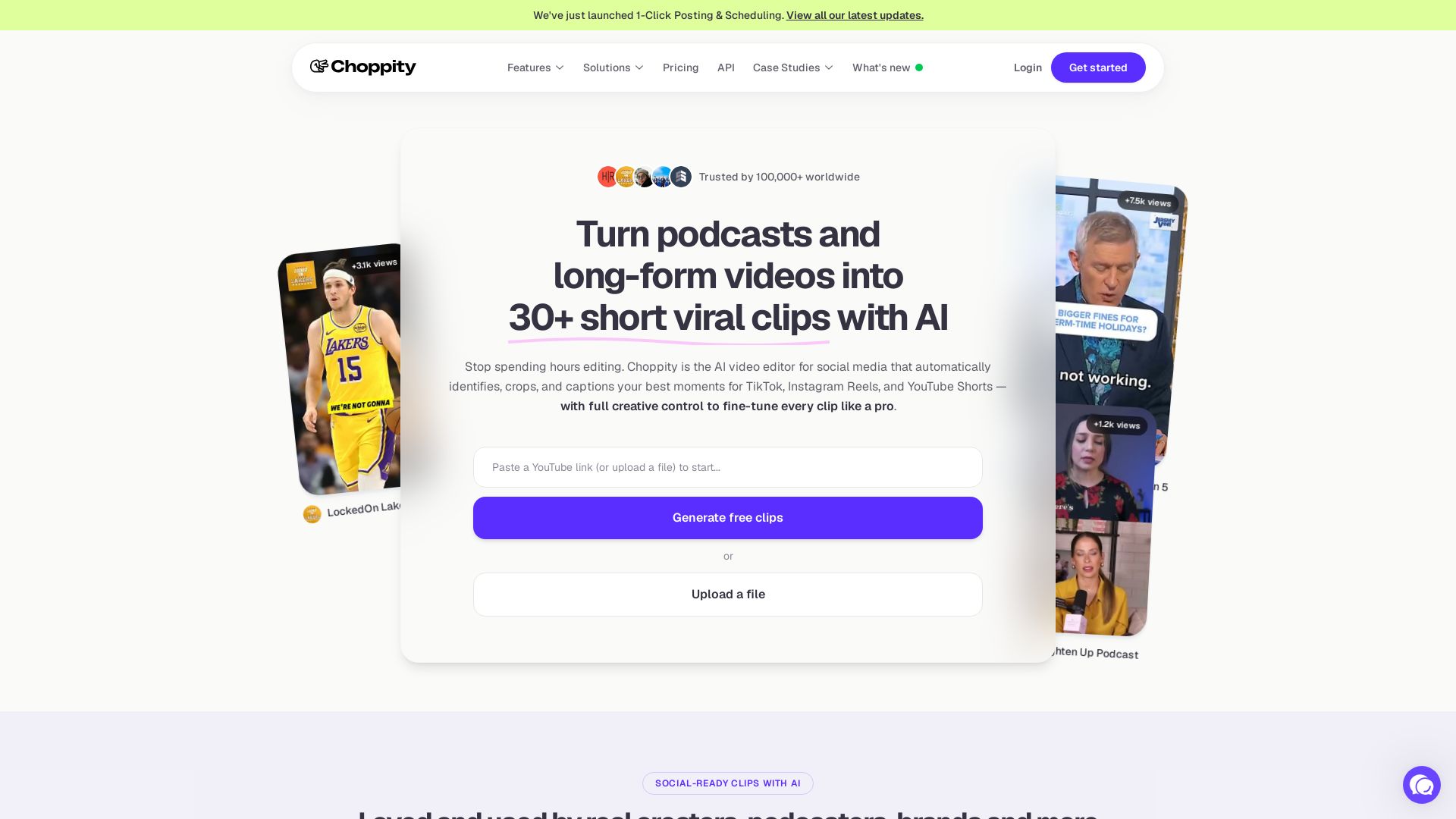
Choppity
Automatically turn podcasts & long videos into 30+ short clips for TikTok, Instagram Reels, YouTube Shorts with AI. Full creative control. Trusted by 100k+.


Marketing Mary
Unify research, creation, publishing & optimization with one AI Co-Pilot. Works in your existing stack. Join 500+ leaders on the waitlist.

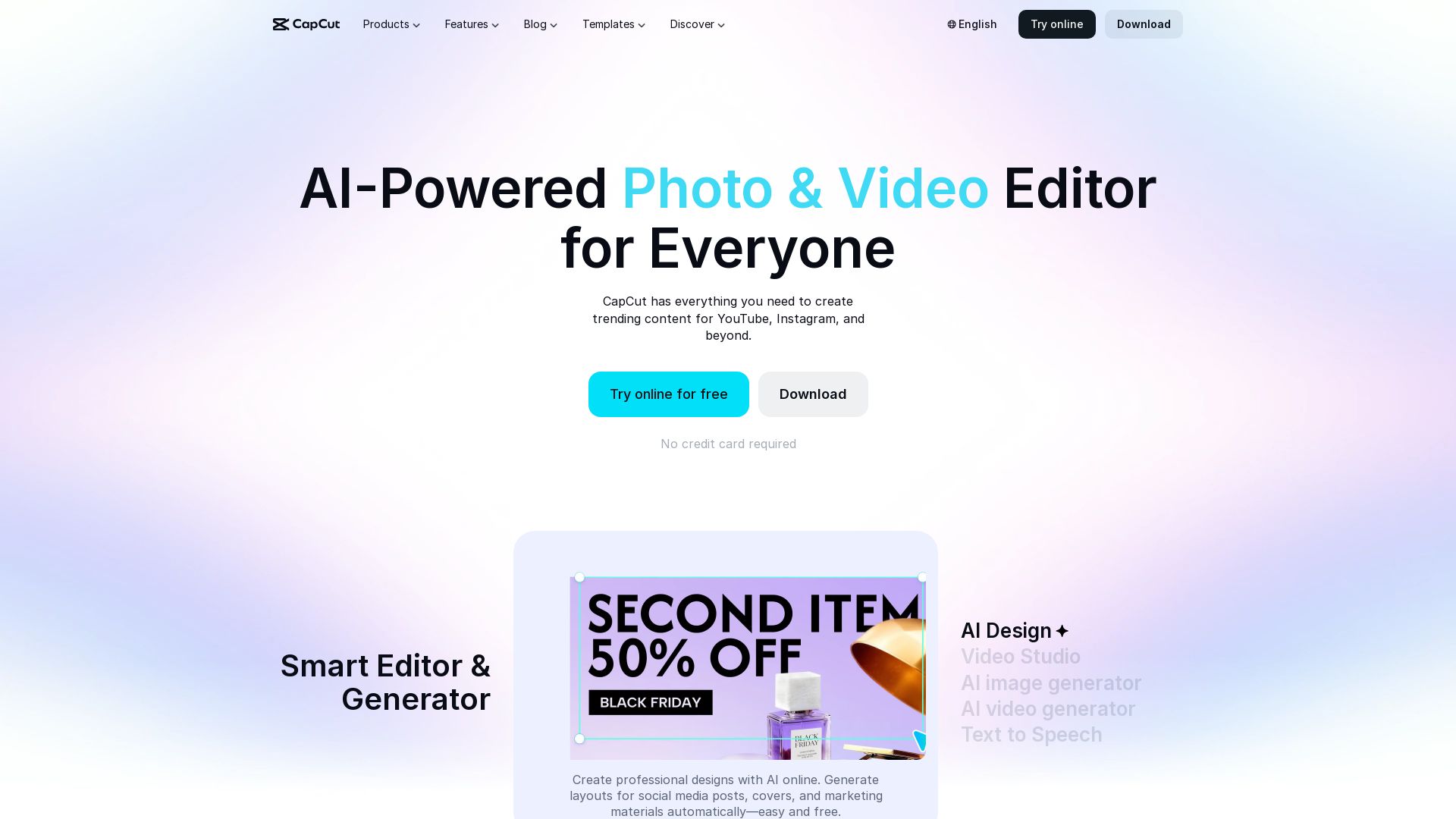
CapCut AI Video Editor
Create stunning videos and photos with CapCut's AI tools. Free online editor, background remover, text to speech, templates. No watermark. Try now!

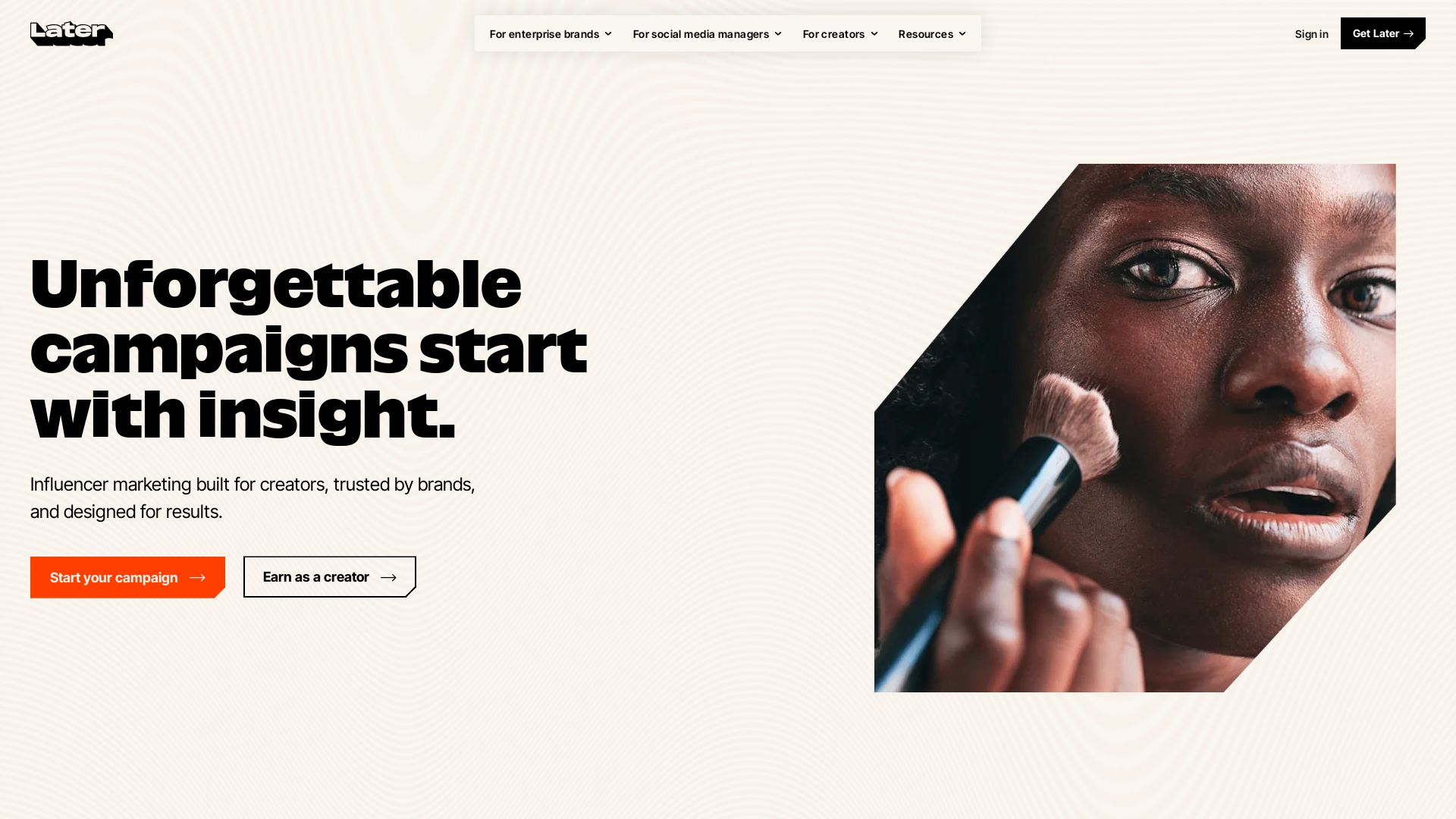
Later
Unforgettable campaigns start with insight. Later combines influencer marketing, social media management, and AI-driven data to drive results for enterprise brands, social media managers, and creators.


Marketing Titan
Replace HubSpot, ZoomInfo, Hootsuite & Jasper with 180+ AI agents & Darwin AI. Save $50K+/yr. Start free trial.

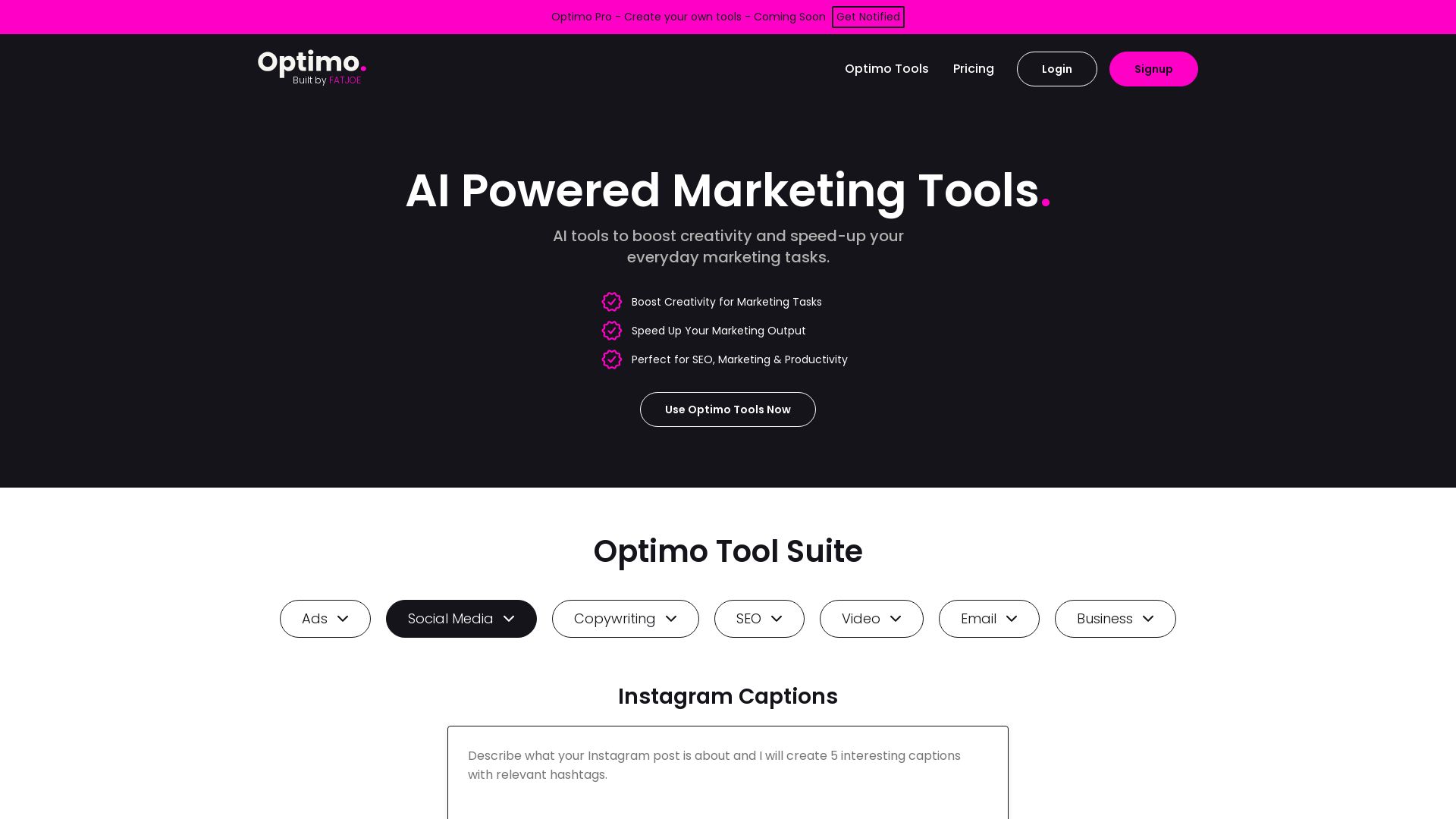
Optimo
Boost creativity and speed up marketing tasks with AI tools for SEO, copywriting, social media, ads, email, video. Trusted by 2.5k+ users, 1M+ generations.

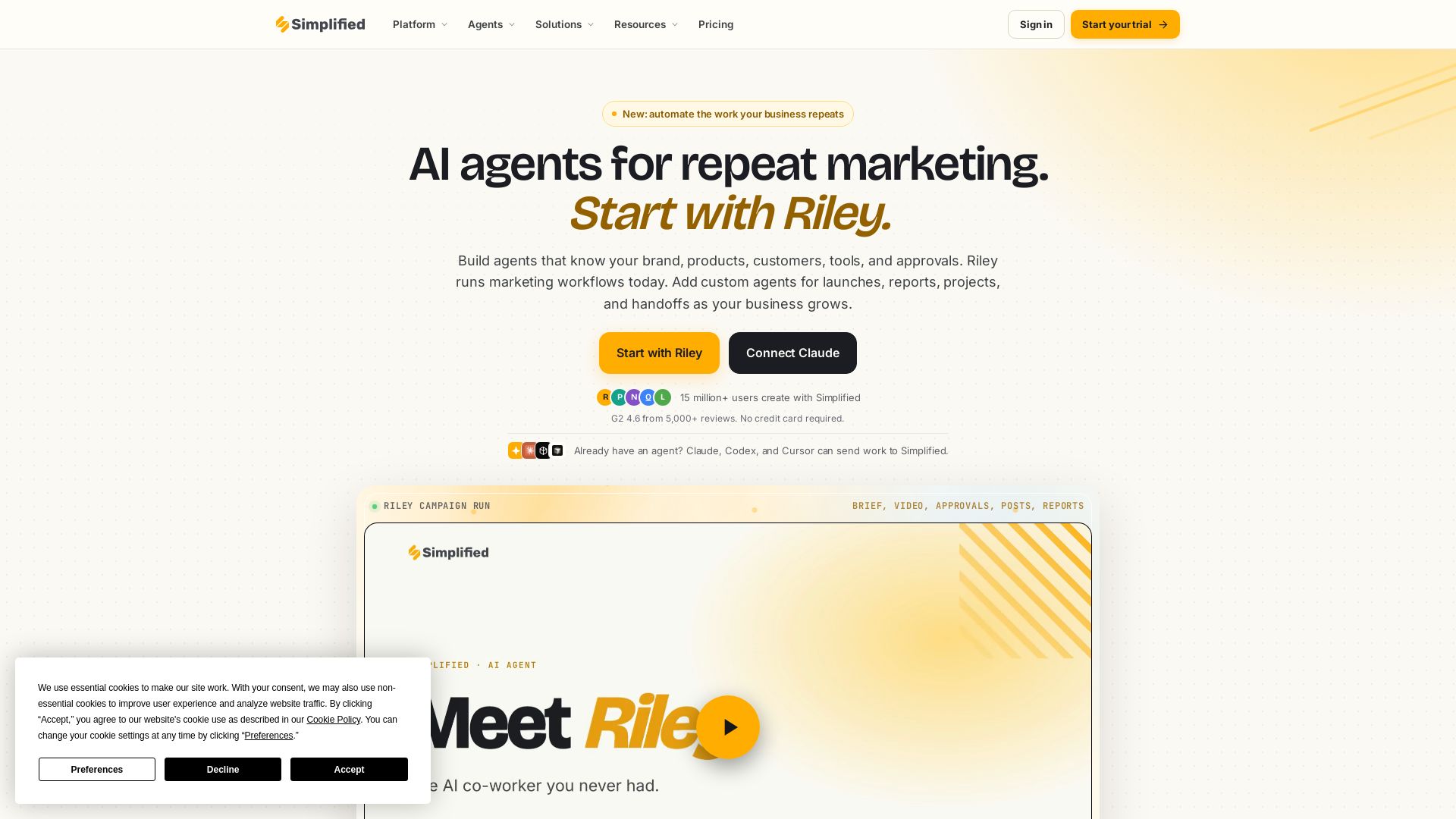
Simplified
Automate end-to-end marketing campaigns with Riley AI. Plan, create, approve, publish, and report. Trusted by 15M+ users. Start free.

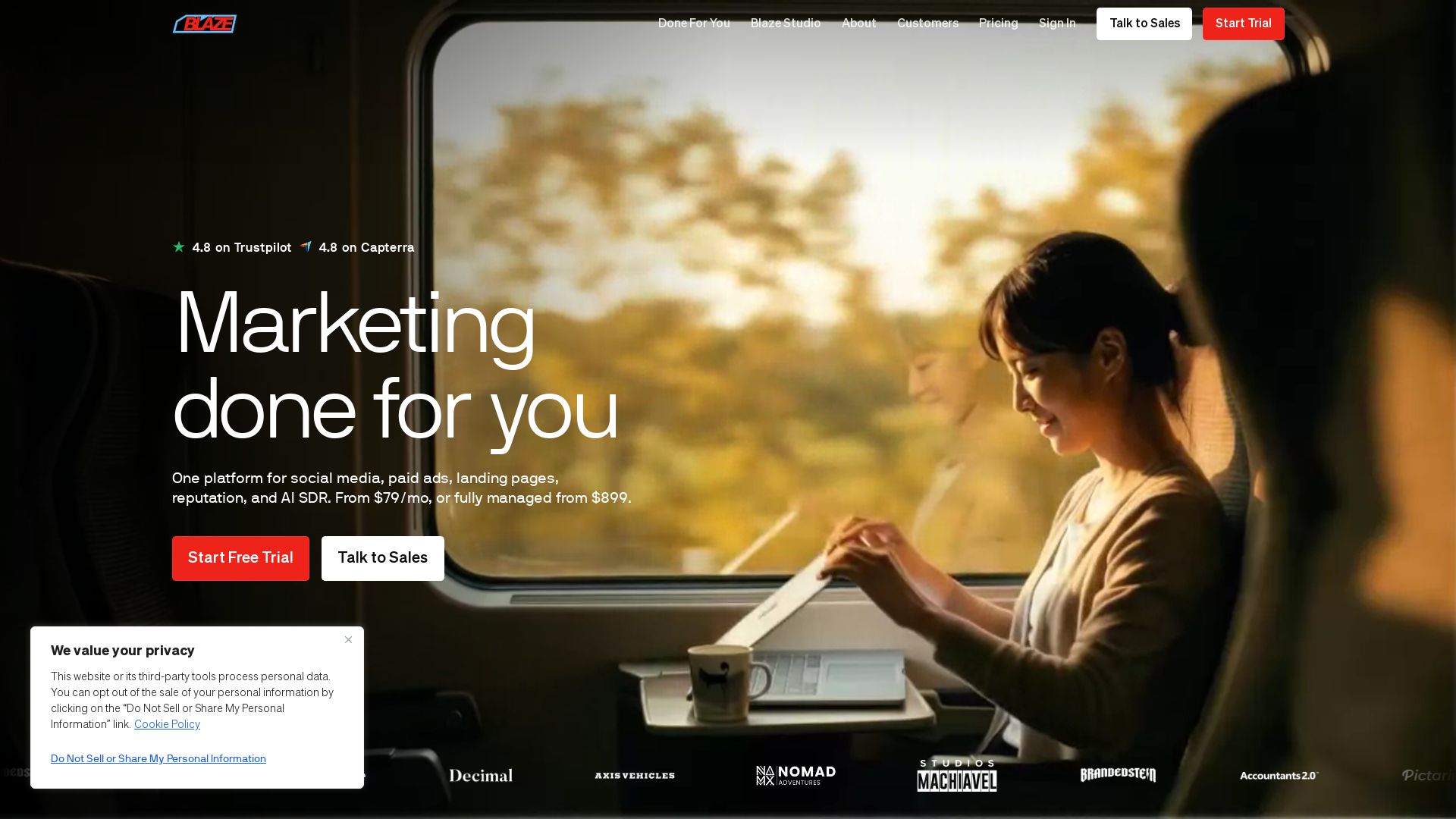
Blaze
Automate your marketing with Blaze: social media, paid ads, landing pages, reputation, and AI SDR. From $79/mo or fully managed. Start free trial.

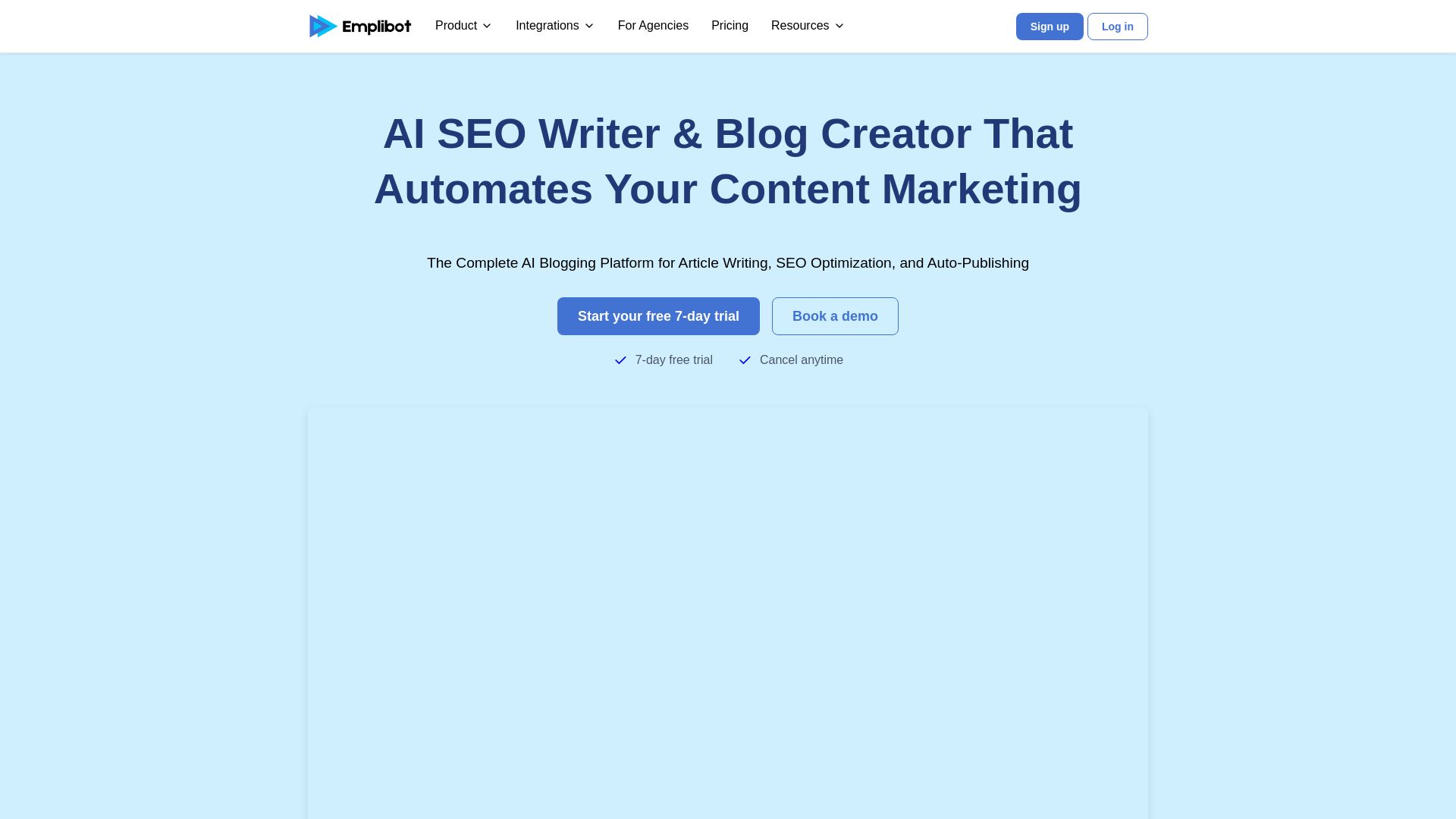
Emplibot
Automate your content marketing with AI blog writing, SEO optimization, keyword research, and auto-publishing. Start your free 7-day trial.

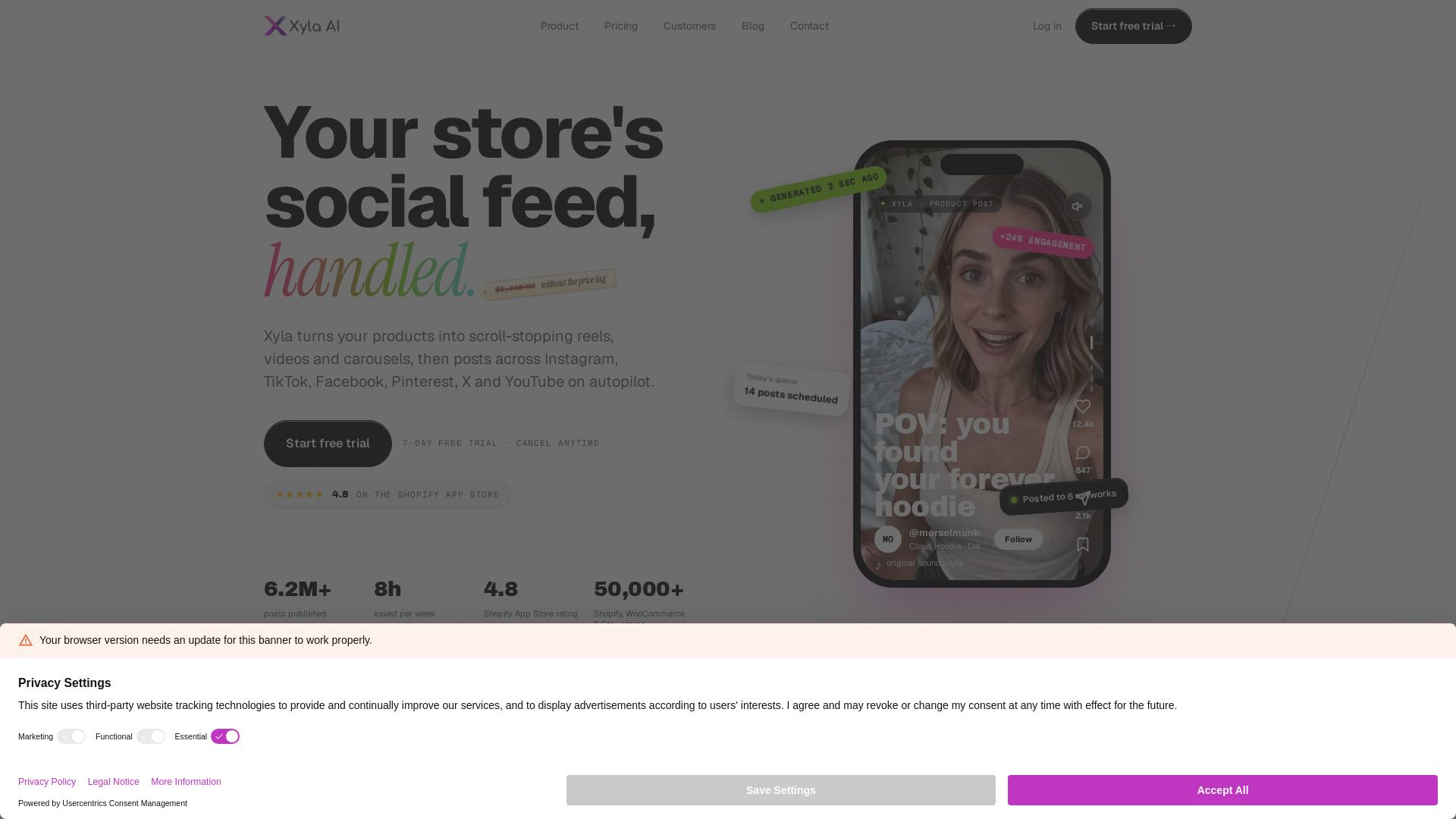
Xyla
Turn products into scroll-stopping reels, videos & carousels. Auto-post to Instagram, TikTok, Facebook, Pinterest, X & YouTube. Save 8 hrs/week. Start free trial.

Nebula
India's leading AI digital marketing agency since 2010. We boost ROI with AI SEO, social media, and LLM content strategy for B2B and global brands.
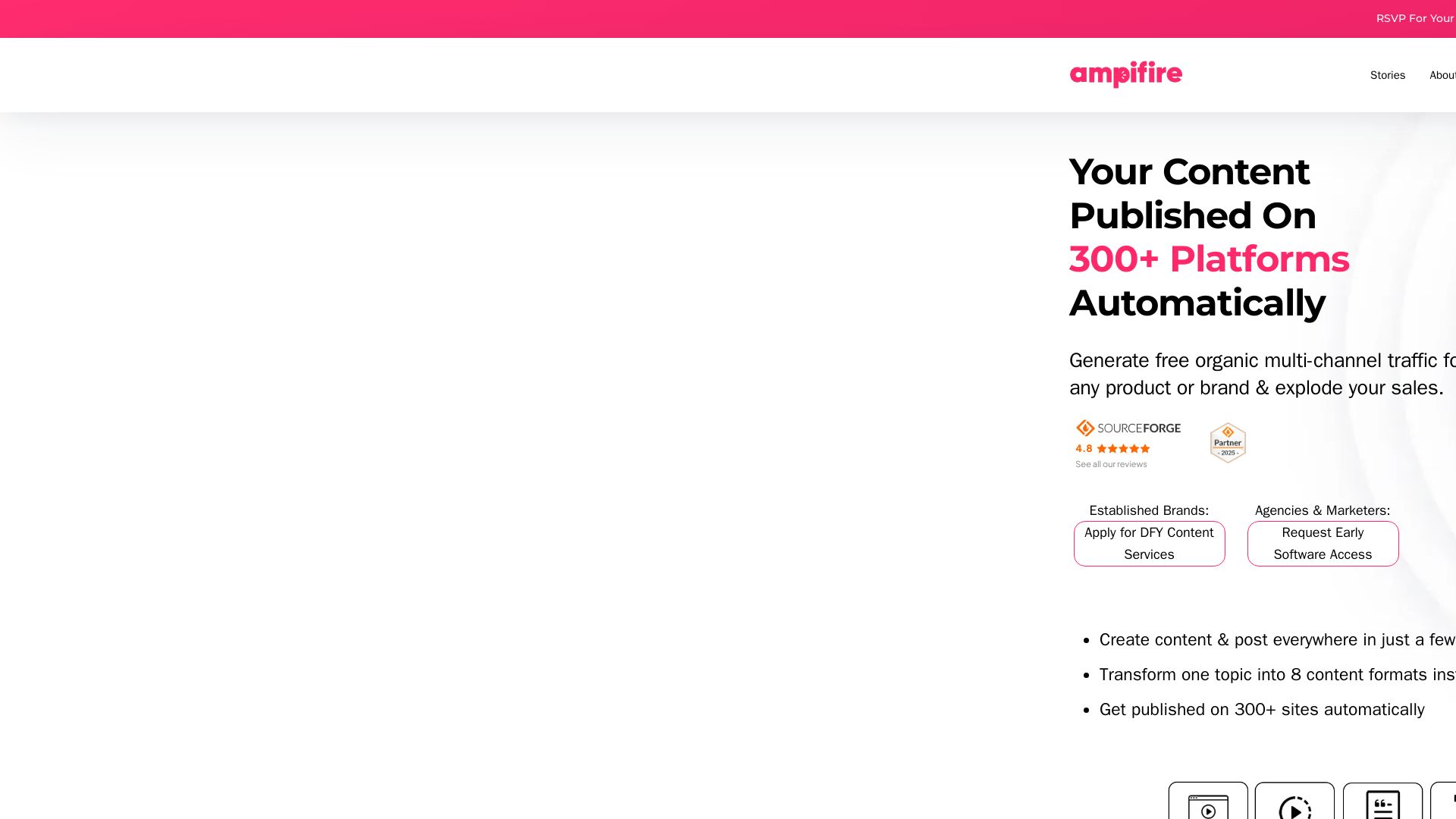
AmpiFire
Generate free organic traffic with AI. Transform one topic into 8 formats, publish to 300+ sites automatically. For brands, agencies & marketers.

ℹ️ Curation Disclosure: The overview and features of quso were synthesized using AI and fact-checked by our curation team to ensure accuracy.
