
Choppity
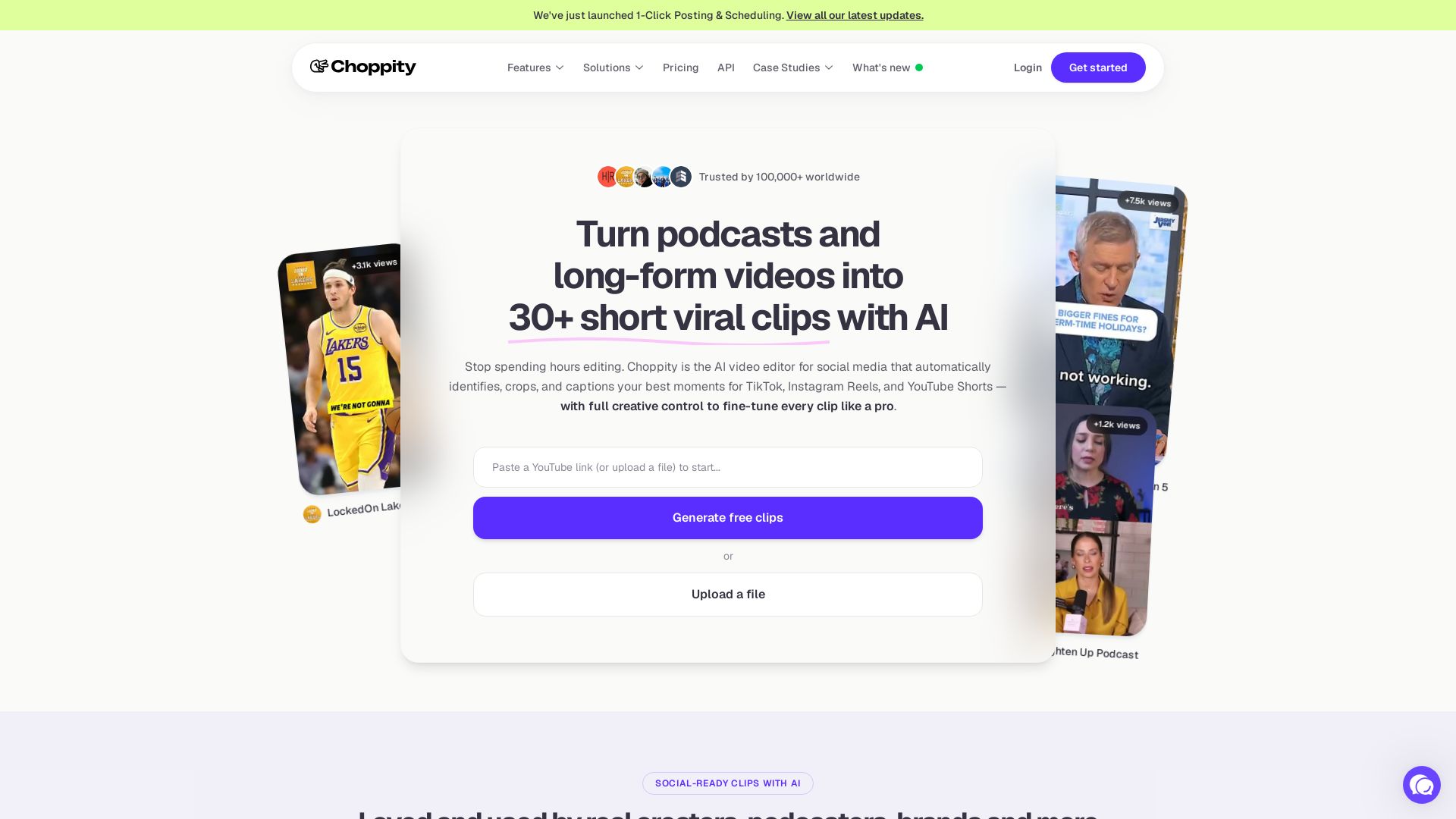
Automatically turn podcasts & long videos into 30+ short clips for TikTok, Instagram Reels, YouTube Shorts with AI. Full creative control. Trusted by 100k+.


Editor's Verdict
Key Takeaways
- 1-click posting to social platforms
- Short clips generator
- Find specific moments
- Automated captions
In-Depth Review: What is Choppity?
Choppity is an AI-powered video editor that automatically identifies, crops, and captions the best moments from long-form videos and podcasts, generating over 30 short clips ready for social media. It offers features like automated captions, subject tracking, profanity censoring, text-based editing, and 1-click posting to platforms like TikTok, Instagram Reels, and YouTube Shorts. Designed for creators, podcasters, and media agencies, Choppity saves hours of manual editing while providing full creative control to fine-tune every detail.
Core Features
1-click posting to social platforms
Post or schedule short clips directly to TikTok, Instagram Reels, YouTube Shorts, and more with one click.
Short clips generator
Automatically turn long-form videos or podcasts into viral short clips for social media with zero manual editing.
Find specific moments
AI instantly detects key moments, quotes, and highlights in your video to create high-impact clips effortlessly.
Automated captions
Generate 97%+ accurate subtitles in seconds and customize animations to mimic top creator styles.
Automated framing
Automatically crop landscape video into vertical formats with AI keeping the subject centered, eliminating manual keyframing.
Automated tracking
AI detects who is talking and switches focus instantly, perfect for multi-speaker podcasts and interviews.
Auto-censor profanity
Automatically detect and bleep or mute swear words with one toggle to keep content monetizable and brand-safe.
Text-based video editing
Edit video by editing the transcript text—delete a word and the video cuts automatically.
Keyword search and clip
Search the transcript for keywords and instantly turn that segment into a standalone clip.
AI video editor
Edit videos automatically with AI that handles transcription, clipping, framing, captions, and formatting—no experience needed.
Pricing
Free
- 1 seat
- 1 hour of AI video analysis
- 2GB of cloud storage
- 3 day project storage
- Chat support
- Advanced video editor
- AI video clipper
- Captions generator
- Transcription generator
Starter Monthly
- 1 seat
- 3 hours of AI video analysis
- 40GB of cloud storage
- 30 day project storage
- Chat support
- Includes everything in Free
- Exports/downloads: 1080p HD
- Schedule social posts
- Manage 1 social account
Starter Yearly
- 1 seat
- 3 hours of AI video analysis
- 40GB of cloud storage
- 30 day project storage
- Chat support
- Includes everything in Free
- Exports/downloads: 1080p HD
- Schedule social posts
- Manage 1 social account
Creator Monthly
- 1 seat
- 5 hours of AI video analysis
- 100GB of cloud storage
- Forever project storage
- Chat support
- Includes everything in Starter
- Manage 3 social accounts
- Custom fonts
- 1 brand template
- Saved brand assets
- API access
Creator Yearly
- 1 seat
- 5 hours of AI video analysis
- 100GB of cloud storage
- Forever project storage
- Chat support
- Includes everything in Starter
- Manage 3 social accounts
- Custom fonts
- 1 brand template
- Saved brand assets
- API access
Team Monthly
- Unlimited seats
- 5 hours of AI video analysis
- 200GB of cloud storage
- Forever project storage
- Chat support
- Includes everything in Creator
- Manage 10 social accounts
- 5 brand templates
- Invite members
- Shared workspace
- Extra seats
- User roles
- Team billing
- Team usage reporting
Team Yearly
- Unlimited seats
- 5 hours of AI video analysis
- 200GB of cloud storage
- Forever project storage
- Chat support
- Includes everything in Creator
- Manage 10 social accounts
- 5 brand templates
- Invite members
- Shared workspace
- Extra seats
- User roles
- Team billing
- Team usage reporting
Enterprise
- Custom AI video analysis
- Custom cloud storage
- Forever project storage
- Custom seats
- Advanced video editor
- AI video clipper: Custom
- Captions generator: Custom
- Transcription generator: Custom
- Exports/downloads: 1080p HD
- Manage unlimited social accounts
- Custom fonts
- Unlimited brand templates
- Saved brand assets
- Ideas board
- Invite members
- Shared workspace
- Extra seats: Custom
- User roles: Advanced/custom
- Team billing
- Team usage reporting: Advanced/custom
- Sub-teams/workspaces
- Contract/MSA
Pros and Cons
Pros
- AI-Powered AutomationAutomatically identifies best moments, adds captions, and creates multiple clips from long-form content, saving hours of manual editing.
- Easy to UseDesigned for creators with no video editing experience; text-based editing and one-click posting simplify the workflow.
- Social Media IntegrationDirectly post or schedule clips to TikTok, Instagram Reels, YouTube Shorts, and more, with support for multiple accounts.
- Team CollaborationTeam workspaces, roles, and shared resources enable efficient collaboration for agencies and businesses.
- Custom BrandingCustom fonts, logos, colors, and brand templates ensure consistent visual identity across all clips.
Cons
- Limited Free PlanFree plan includes only 1 hour of AI video analysis, 2GB storage, and 3-day project storage, which may not be sufficient for heavy users.
- No Offline EditingChoppity is a cloud-based tool; no offline editing capability for users with limited internet access.
- Learning Curve for Advanced FeaturesWhile basic features are easy, advanced options like custom AI analysis or team management may require some learning.
- AI Accuracy DependencyAutomatic clipping and captioning may occasionally miss context or require manual adjustments for perfect results.
- Limited to Short-Form ContentPrimarily designed for creating short clips; not suitable for editing long-form videos in detail.
Use Cases & Recommended Professions
Podcaster→ View Toolkit
Repurpose podcast episodes into multiple short clips for social media, increasing reach and engagement without manual editing.
Content Creator→ View Toolkit
Quickly generate viral short-form videos from long-form content for platforms like TikTok, Instagram, and YouTube Shorts.
Social Media Marketer→ View Toolkit
Scale content production by automatically creating and scheduling clips across multiple social accounts with brand consistency.
YouTuber→ View Toolkit
Turn YouTube videos into shorts and highlights to attract new subscribers and boost views on multiple platforms.
Marketing Agency→ View Toolkit
Manage client content at scale with team workspaces, user roles, and bulk clip generation for efficient social media management.
Church Pastor→ View Toolkit
Transform sermon recordings into shareable short clips to engage the community on social media and expand reach.
Frequently Asked Questions
Alternative AI Tools
View Detailed Comparison →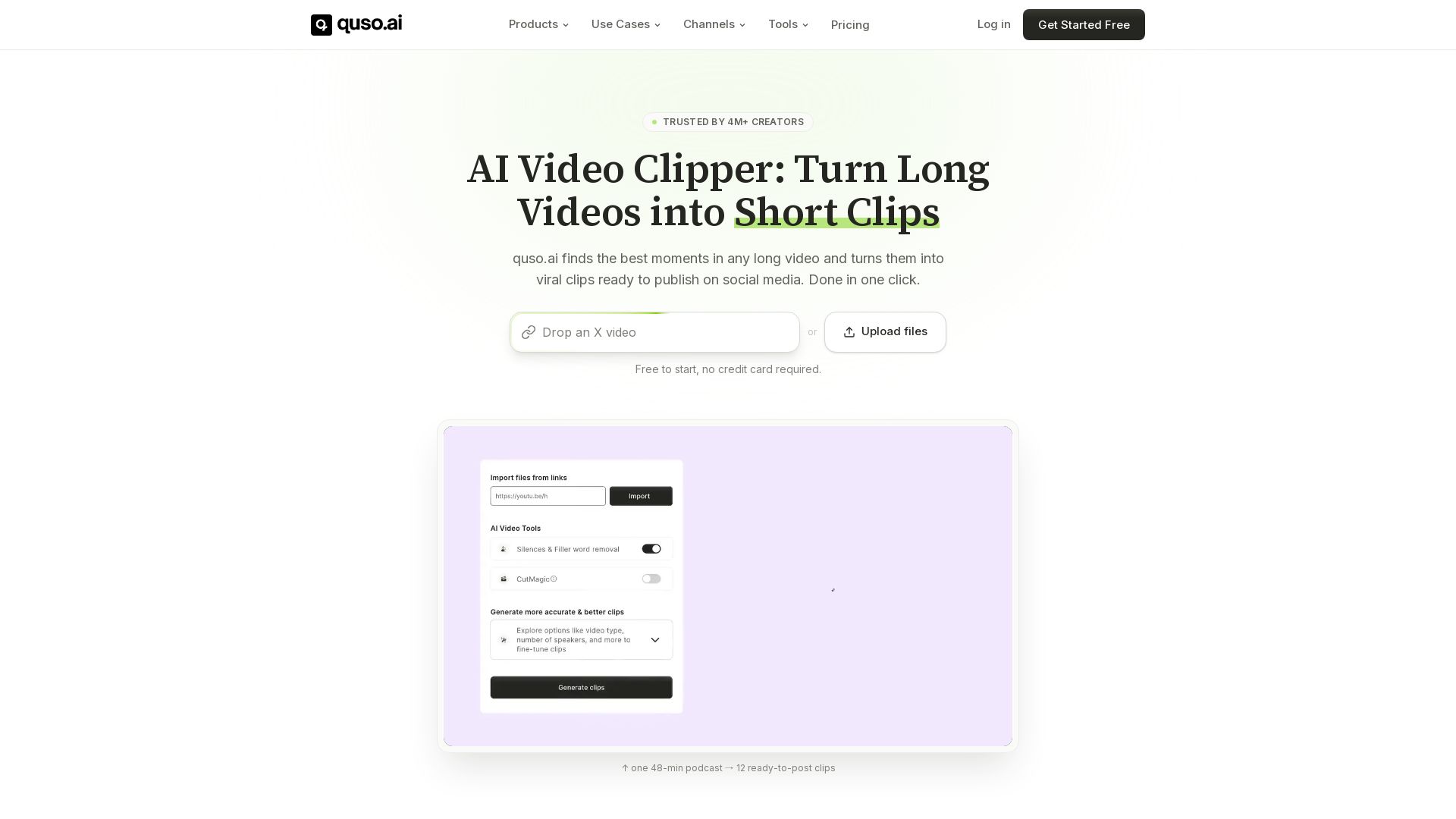
quso
Quso.ai automatically finds viral moments in any video, creates clips with captions, and schedules posts. One click, no editing needed.

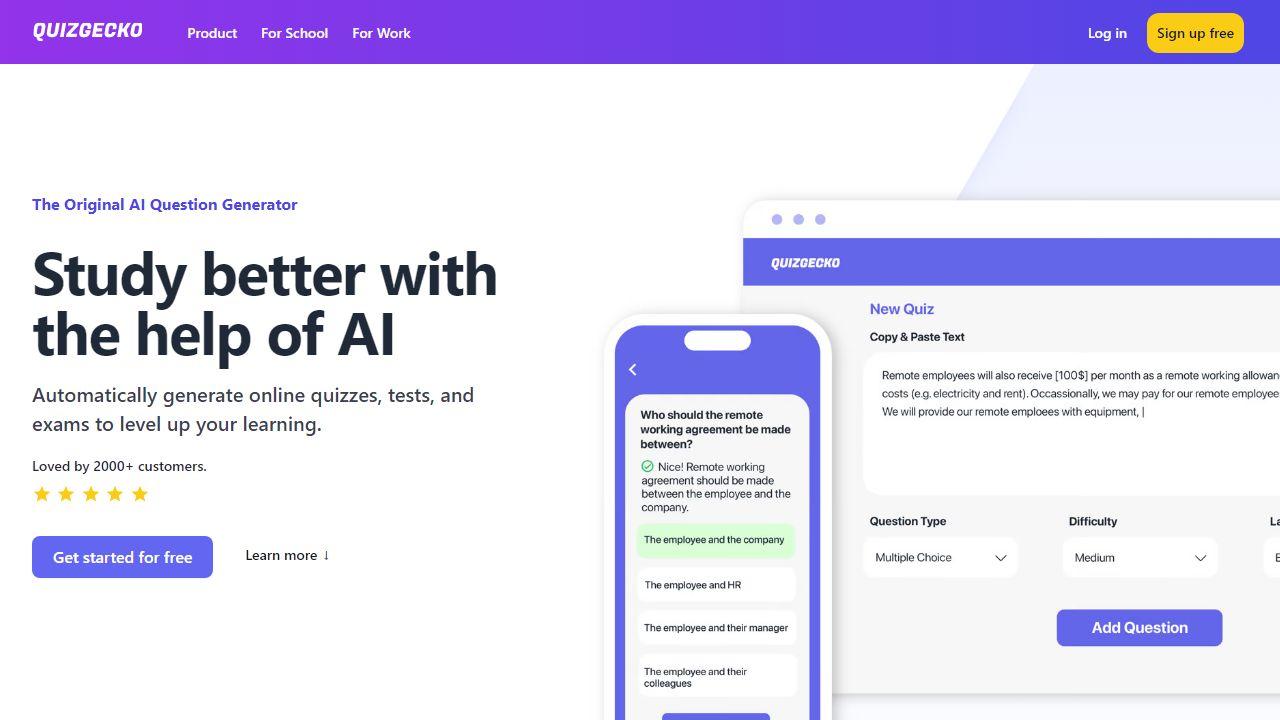
Vizard.ai
Create 30+ social-ready clips from one upload with AI. Auto-captions, resizing, and more. Trusted by 10M+ creators. Try free.

OpusClip
Create 10 viral clips from 1 long video in minutes. AI-powered clipping, captioning, reframing, and B-Roll. Used by 16M+ creators. Supports YouTube, Google Drive, Vimeo, Zoom, and more. Try free!

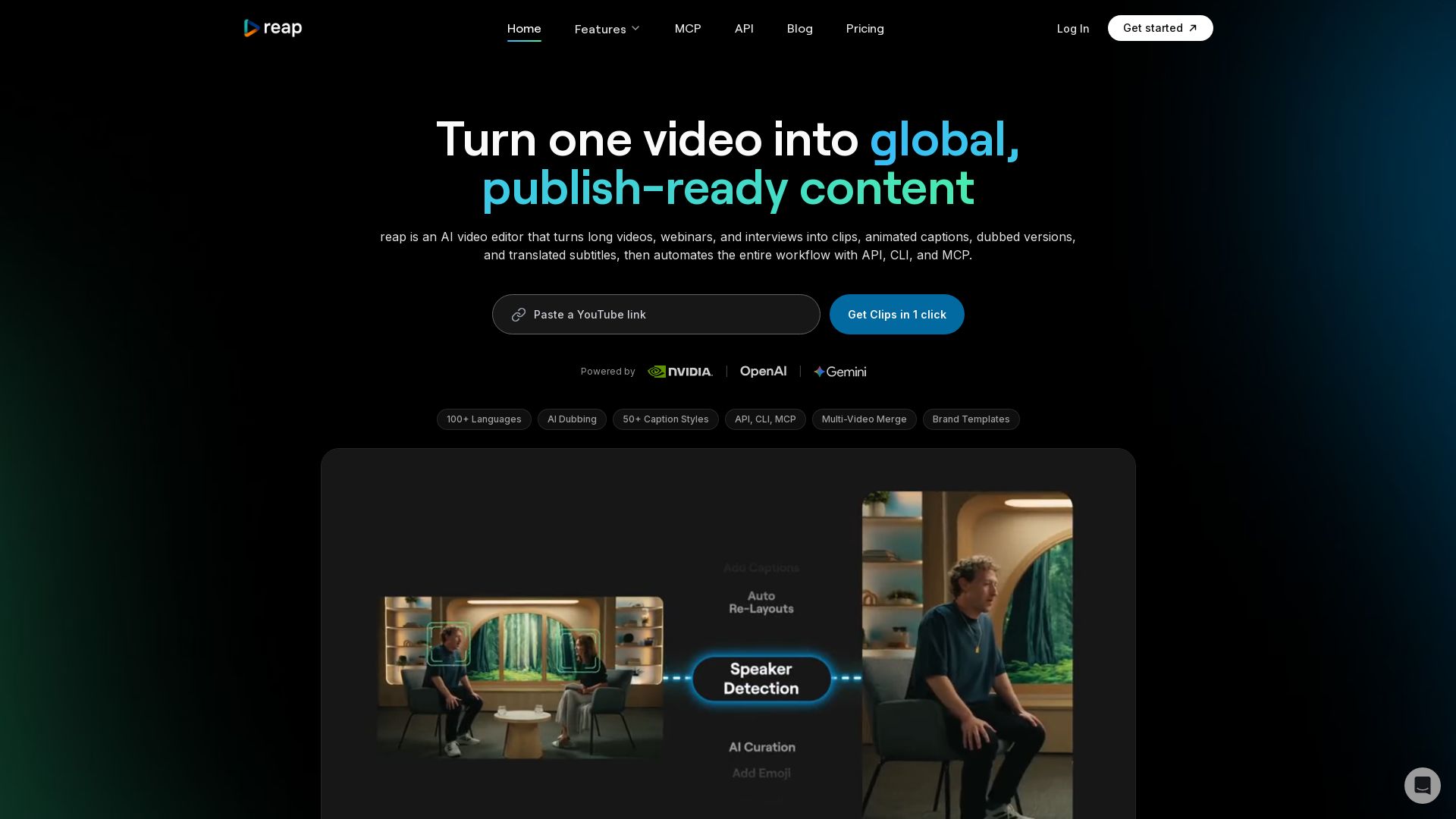
reap
Turn long videos into clips, captions, and dubbed versions in 100+ languages. Automate with API, CLI, MCP. Start free.

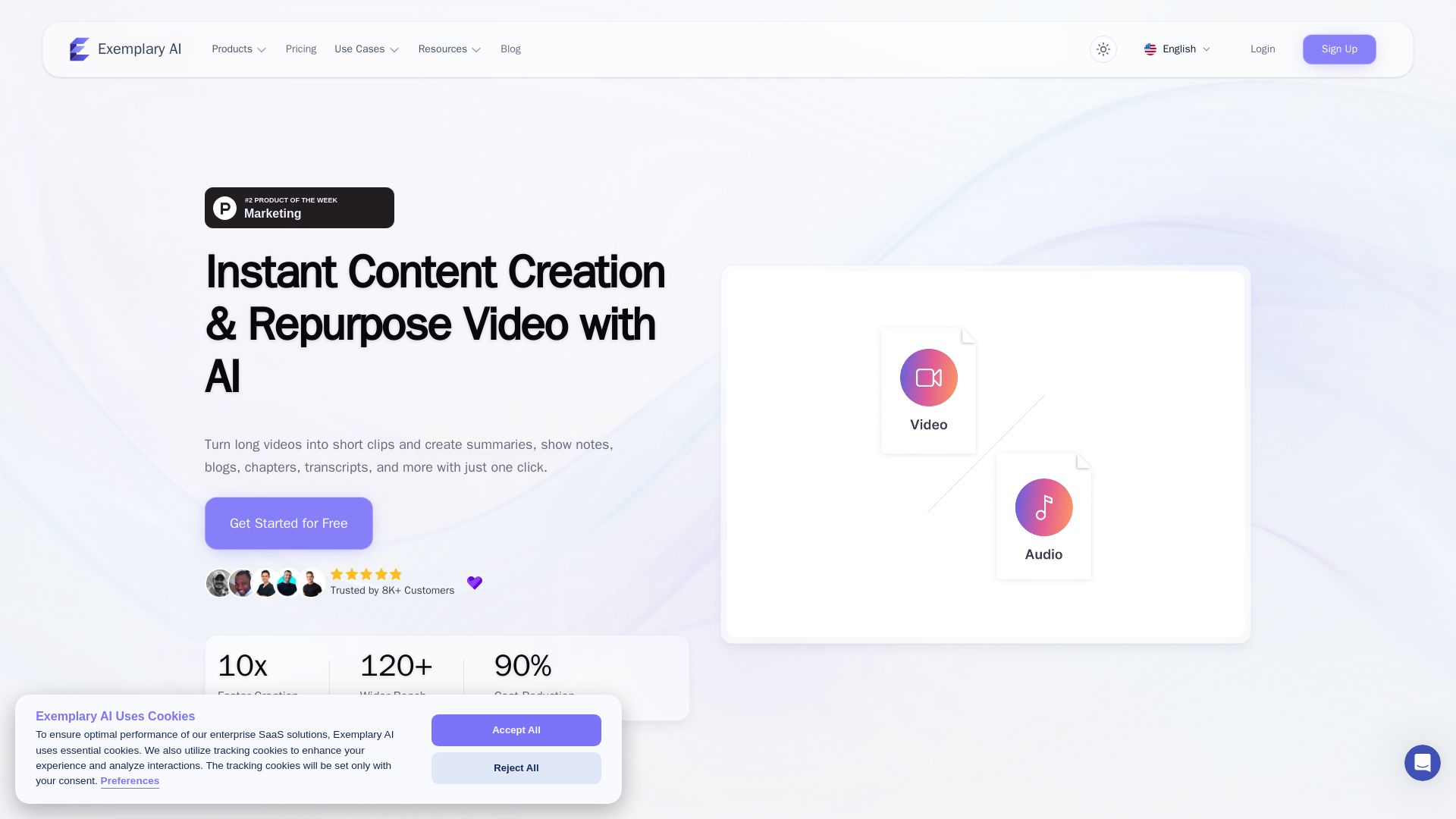
AI translation for audio and video - Exemplary AI
Turn long videos into short clips, summaries, blogs, transcripts & subtitles in 120+ languages with AI. Get started free.

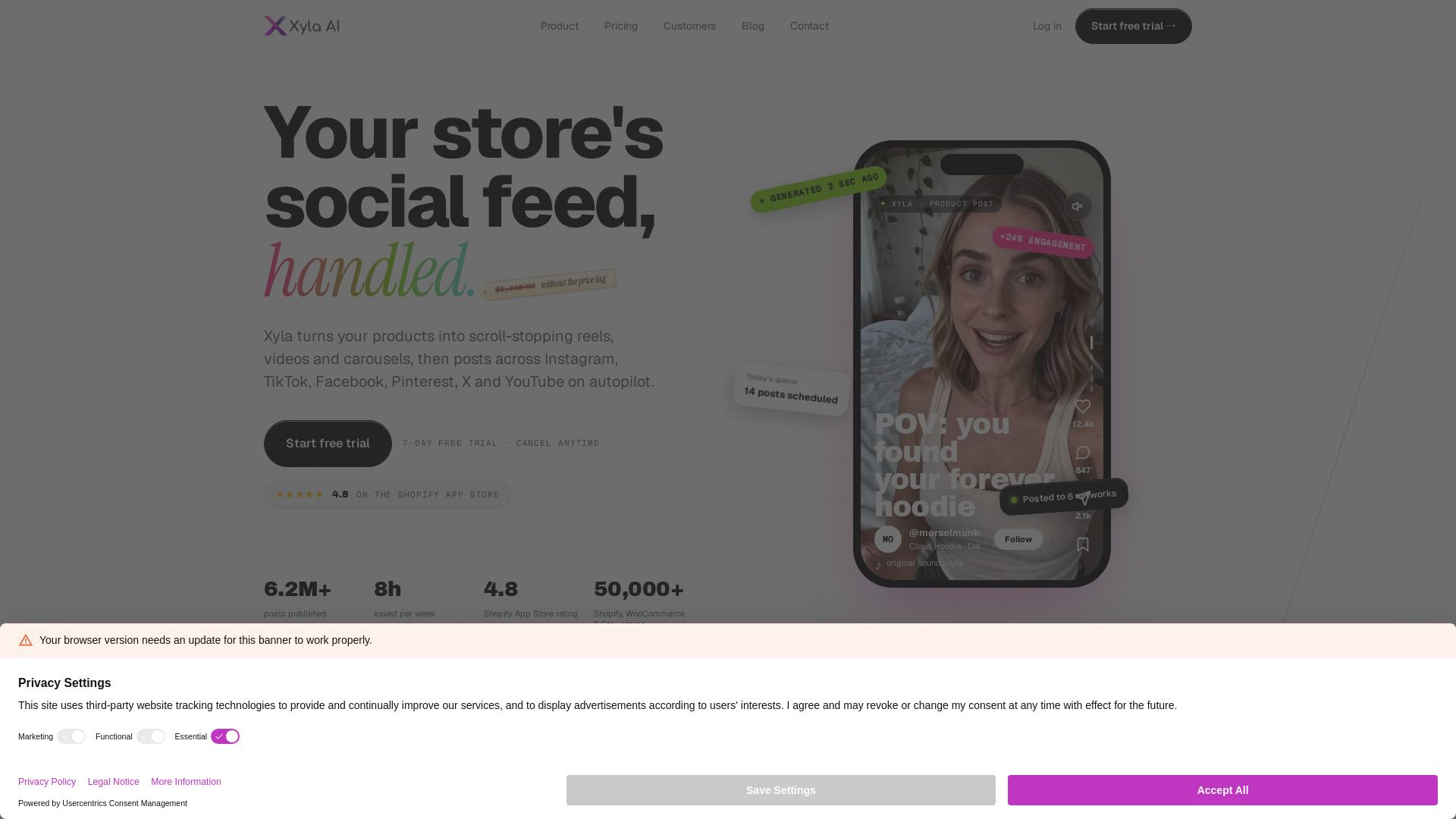
Xyla
Turn products into scroll-stopping reels, videos & carousels. Auto-post to Instagram, TikTok, Facebook, Pinterest, X & YouTube. Save 8 hrs/week. Start free trial.

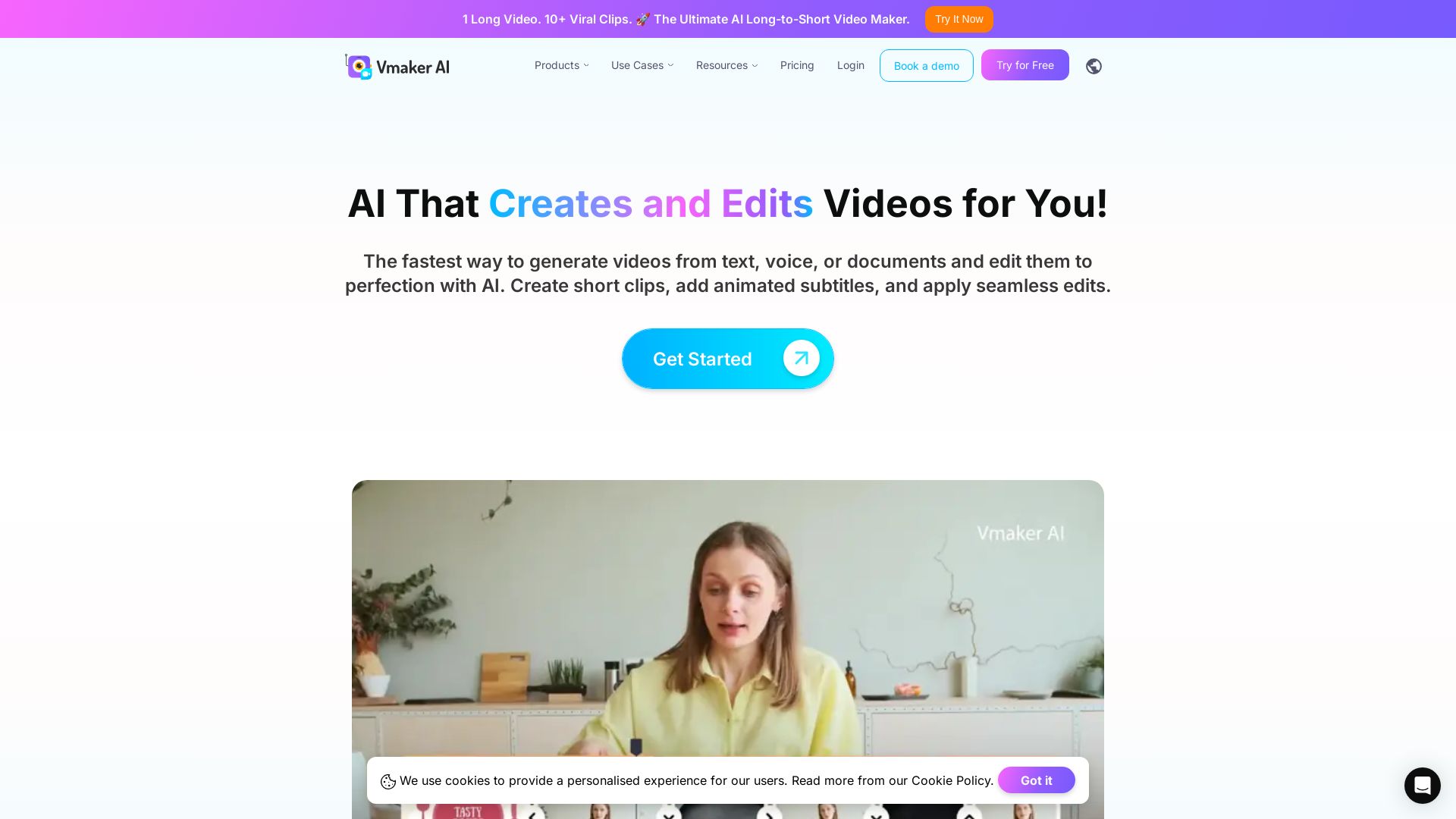
Vmaker AI
AI video editor & long-to-short clip maker. Convert text, audio, or documents to video. Auto subtitles, screen recording. Used by 2M+ creators.

Riverside
Record, edit, repurpose, and distribute studio-quality content with AI. Trusted by top creators. Start for free.

Gling
Upload raw footage, get a clean cut. AI removes silences, bad takes, filler words. Save time with captions, zoom, titles.

Cleanvoice AI
Remove background noise, filler words, and mouth sounds from your podcast using AI. Edit in minutes, not hours. Try for free, no sign-up required.

Subscribr
AI-powered YouTube assistant finds winning video ideas, writes scripts in your voice, generates thumbnails. Trusted by 4,593 creators. Save 10+ hours weekly. Start for $7.

AmpiFire
Generate free organic traffic with AI. Transform one topic into 8 formats, publish to 300+ sites automatically. For brands, agencies & marketers.

ℹ️ Curation Disclosure: The overview and features of Choppity were synthesized using AI and fact-checked by our curation team to ensure accuracy.
