
Riverside
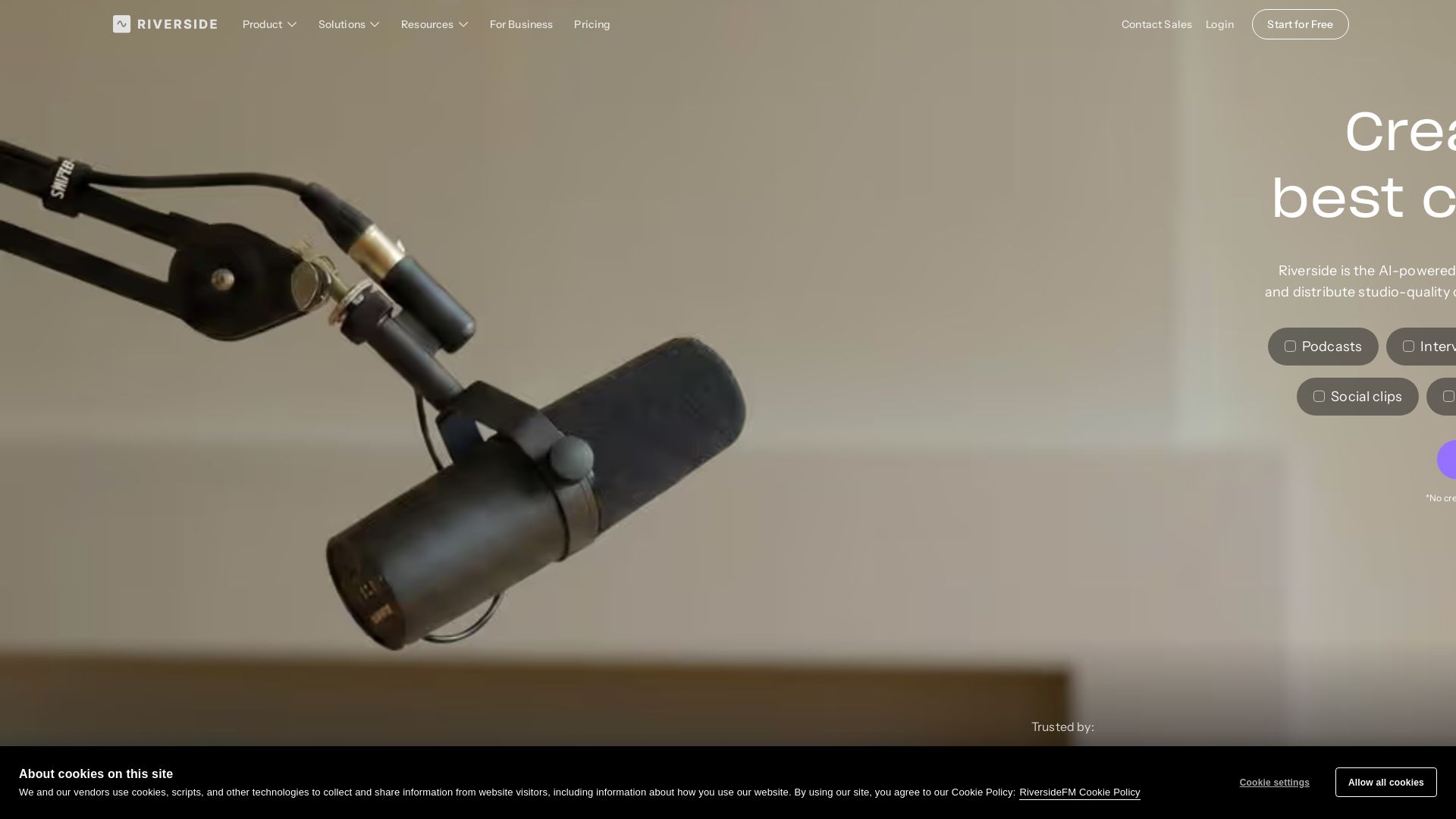
Record, edit, repurpose, and distribute studio-quality content with AI. Trusted by top creators. Start for free.


Editor's Verdict
Key Takeaways
- 4K Video and Audio Recorder
- AI-Powered Text-Based Editor
- Live Streaming
- Webinars
In-Depth Review: What is Riverside?
Riverside is an all-in-one AI-powered platform for creating professional podcasts, videos, webinars, and live streams. It captures 4K video and uncompressed audio locally, ensuring high quality regardless of internet. AI enhances audio, removes noise, and corrects speech. The text-based editor simplifies editing, and AI generates transcripts, show notes, clips, and promotional assets. Easily stream to multiple platforms, distribute to major podcast apps, and analyze performance. Trusted by creators like Ali Abdaal and Colin & Samir. Start free, no credit card needed.
Core Features
4K Video and Audio Recorder
Record up to 4K video and uncompressed audio in separate tracks, unaffected by internet connection, ensuring studio-quality output.
AI-Powered Text-Based Editor
Edit videos by searching, cutting, copying, and pasting in the transcript; AI syncs voice and lips for corrections.
Live Streaming
Stream in full HD to multiple destinations like YouTube, Facebook, LinkedIn, Twitter, and Twitch simultaneously.
Webinars
Host, record, and repurpose webinars with registration, Q&A, polls, and automated follow-ups.
Podcast Hosting
Publish and distribute podcasts to major platforms (Spotify, Apple, YouTube) with built-in analytics.
Magic Clips
AI automatically identifies and creates shareable clips, teasers, and highlights from your recordings.
AI Co-Creator
An AI agent that generates promotional assets like social captions, blog posts, thumbnails, and show notes in your voice.
AI Translation
Translate videos into 30+ languages with your own voice and lip-sync preservation.
Captions
Add customizable animated captions in one click, optimized for social media reels and TikToks.
Async Recording
Record solo or with guests at different times, with automatic synchronization and cloud backups.
Pricing
Free
- 1 studio
- 2 hours separate track downloads (one-off)
- Up to 720P video
- 44.1 kHz audio
- 24 FPS
- 10 people per session
- Standard virtual backgrounds
- Noise reduction
- Screen-share recording
Pro (Monthly)
- 1 studio
- 15 hours/month separate track downloads
- Up to 4K video
- 48 kHz audio
- No watermark
- Teleprompter for host
- In-person multi-cam recording
- Unlimited text-based editing
- AI editing & repurposing agent
- AI B-roll, eye contact, remove silences & filler words
- Unlimited transcriptions
- Magic clips & show notes
- Audio enhancement
- Podcast hosting & analytics
- Publish to YouTube, Spotify, Apple, Instagram, LinkedIn & more
Pro (Yearly)
- Same as Pro Monthly
- Billed annually at $288/year
Grow (Monthly)
- Everything in Pro
- 2 studios
- 20 hours/month separate track downloads
- Social media scheduling
- Newsletter
- Creator website
- Podcast hosting for 2 shows
- Publish video to Apple Podcasts
- Video hosting
- AI thumbnails
- Full HD 1080p live streaming
- Multistream to unlimited destinations
- Custom RTMP
- Omnichat
- Custom studio overlays & lower thirds
- Backstage speaker management
Grow (Yearly)
- Same as Grow Monthly
- Billed annually at $408/year
Webinar (Monthly)
- Everything in Grow
- 3 studios
- 25 hours/month separate track downloads
- Host webinars with up to 100 registrants
- Pre-record & stream as live
- Recurring webinars
- No time limits
- Unlimited sessions
- Lead capture tool
- Custom branded registration form
- Embed webinars on your site
- Branded email reminders & follow-ups
- Q&A, live call-ins, polls & reactions
- Webinar analytics
- HubSpot integration
Webinar (Yearly)
- Same as Webinar Monthly
- Billed annually at $948/year
Business
- Unlimited studios
- Unlimited separate track downloads
- Everything in Webinar
- Up to 10,000 webinar registrants
- Unlimited video storage
- Custom branding
- Async recording
- Simultaneous recording
- Podcast hosting for unlimited shows
- Producer mode
- Control guest input & output
- Teleprompter for host & guests
- Presentation recorder
- Custom frame rates: 24, 25, 29.97 FPS
- Production workspaces & custom roles
- Collaborative editing
- Non-destructive timeline exports
- Producer on demand
- Salesforce & Marketo integrations
- API access
- SSO (Okta, Azure)
- SOC2 & ISO27001 compliance
- Dedicated CSM
- 24/7 live priority chat support
Pros and Cons
Pros
- All-in-One PlatformRecord, edit, stream, host, and repurpose content in one seamless workflow, eliminating the need for multiple tools.
- AI-Powered EfficiencyAI features like text-based editing, magic clips, and auto-translation save hours of manual work.
- Studio-Quality OutputLocal recording ensures up to 4K video and uncompressed audio, unaffected by internet issues.
- Easy CollaborationProducer mode, separate tracks, and cloud backups make remote teamwork simple and reliable.
- Flexible PricingFree tier available, with scalable plans for individuals, professionals, and enterprises.
Cons
- Limited Free PlanFree plan restricts video to 720p and only 2 hours of separate track downloads.
- AI Credits RequiredSome advanced AI features (e.g., AI Translation, AI B-roll) consume credits that may need to be purchased.
- Download Caps on Lower PlansPro and Grow plans have monthly limits on separate track downloads, which may be restrictive for heavy users.
- Pricey for Individual CreatorsPlans with full features start at $29/month, which may be high for hobbyists.
- Live Streaming Only on Higher PlansLive streaming and multistream capabilities are only available from the Grow plan and above.
Use Cases & Recommended Professions
Podcaster→ View Toolkit
Record high-quality remote interviews, edit with AI tools, and publish directly to major platforms with analytics.
Content Creator / YouTuber→ View Toolkit
Create polished videos with AI editing, captions, and repurposing into shorts and social clips.
Marketing Manager→ View Toolkit
Produce webinars and video marketing content, capture leads, and repurpose content for multiple channels.
Video Producer→ View Toolkit
Manage multi-track recordings, collaborate with teams, and streamline post-production with AI.
Corporate Trainer→ View Toolkit
Develop and host training webinars, record tutorials, and reuse content for internal learning programs.
Public Relations Specialist→ View Toolkit
Conduct remote interviews and create press-friendly clips, transcripts, and show notes quickly.
Frequently Asked Questions
Alternative AI Tools
View Detailed Comparison →
Marketing Mary
Unify research, creation, publishing & optimization with one AI Co-Pilot. Works in your existing stack. Join 500+ leaders on the waitlist.


Marketing Titan
Replace HubSpot, ZoomInfo, Hootsuite & Jasper with 180+ AI agents & Darwin AI. Save $50K+/yr. Start free trial.

Marketing Copilot
Boost AI visibility, engage buyers, and manage data with expert-led marketing. Trusted by tech companies. Claim your AI Visibility Assessment.

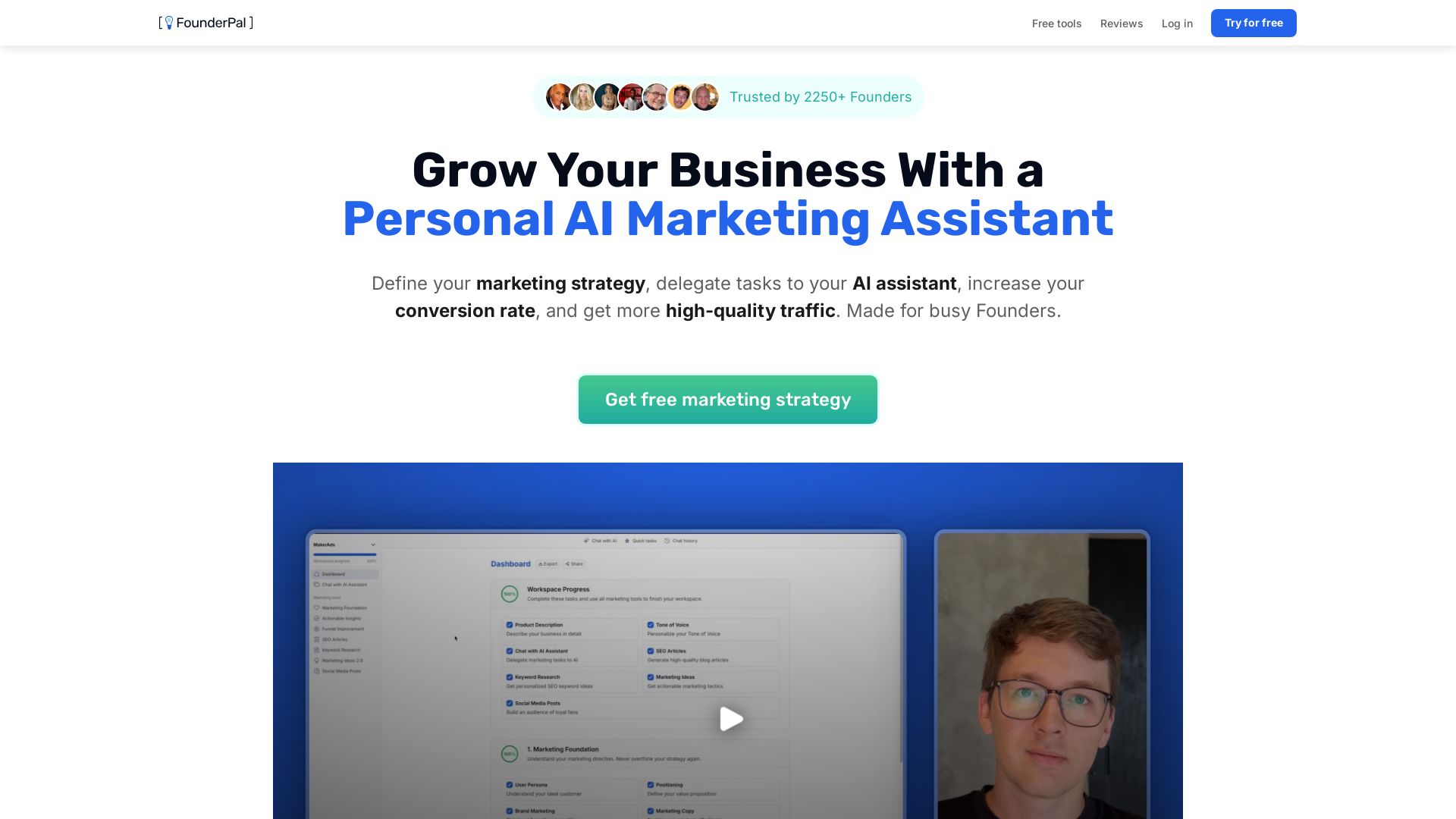
FounderPal
Trusted by 2250+ founders. Get a personal AI marketing assistant to define strategy, delegate tasks, boost conversions. Save 100+ hours/month. Try free.

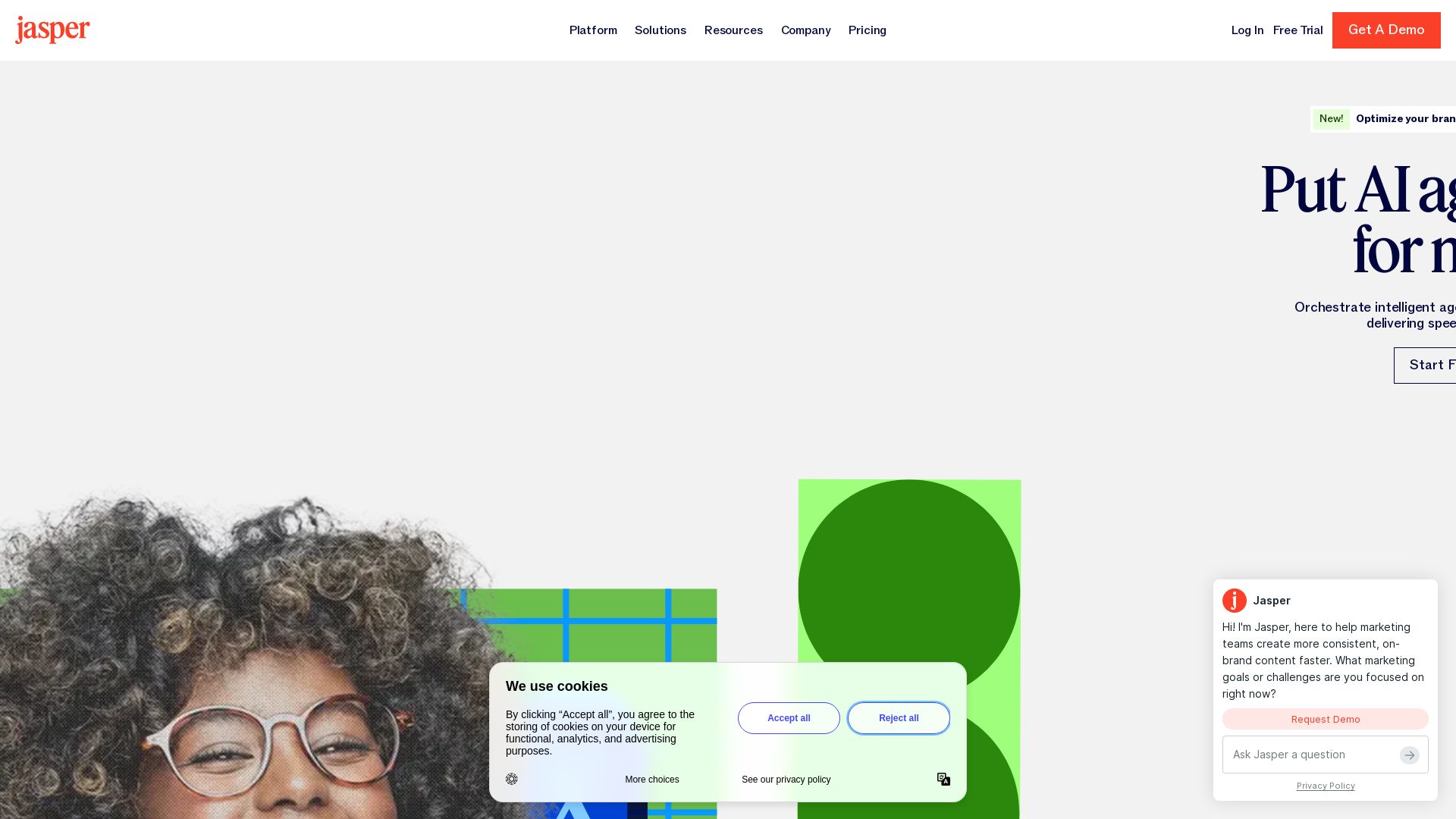
Jasper
Jasper is the AI-powered execution platform for marketing teams. Orchestrate 100+ agents to automate campaigns, scale content, and maintain brand voice. Get cited by AI search.

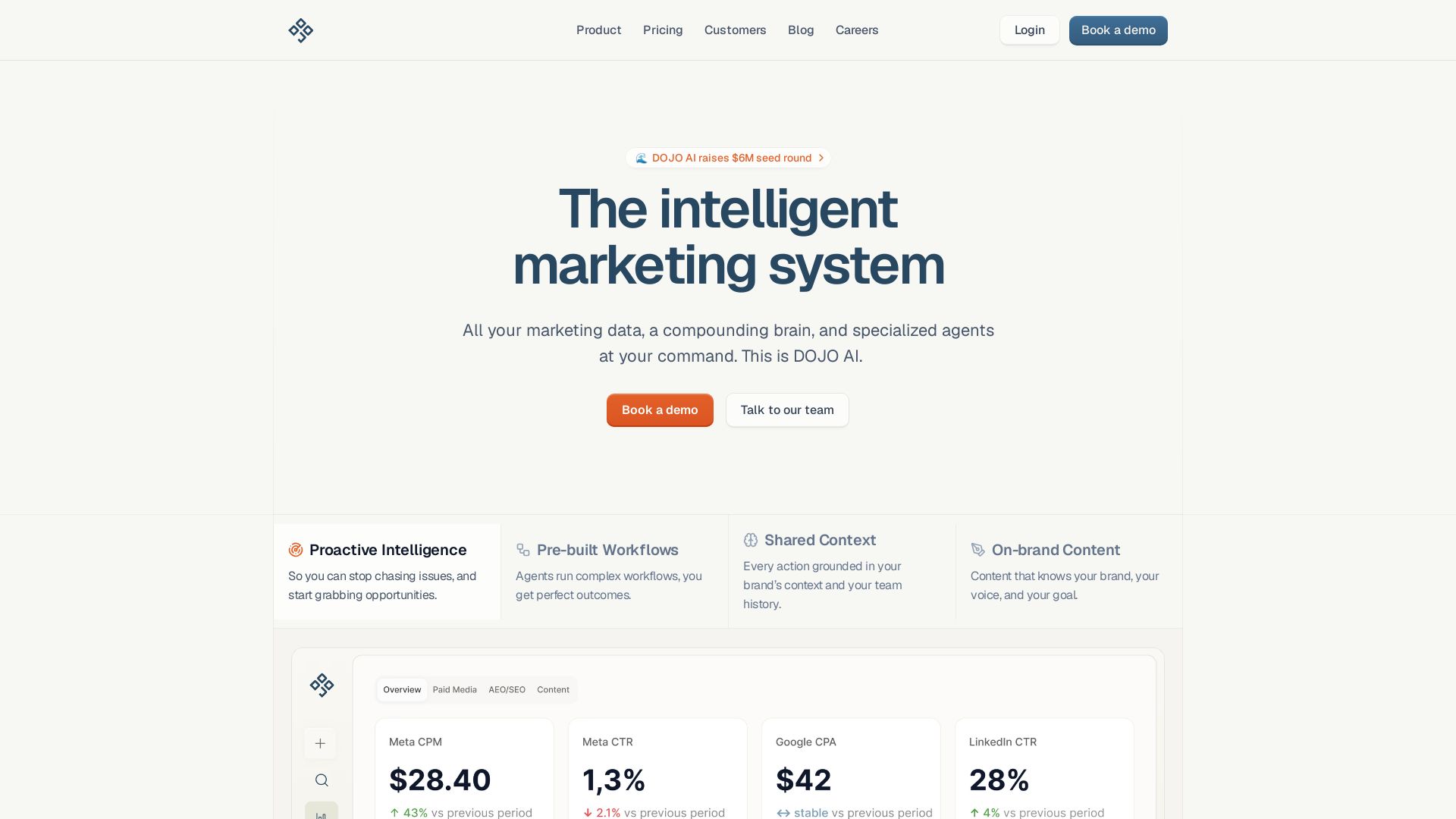
DOJO AI
All your marketing data, a compounding brain, and specialized agents at your command. Reduce CPA, boost efficiency. Book a demo.

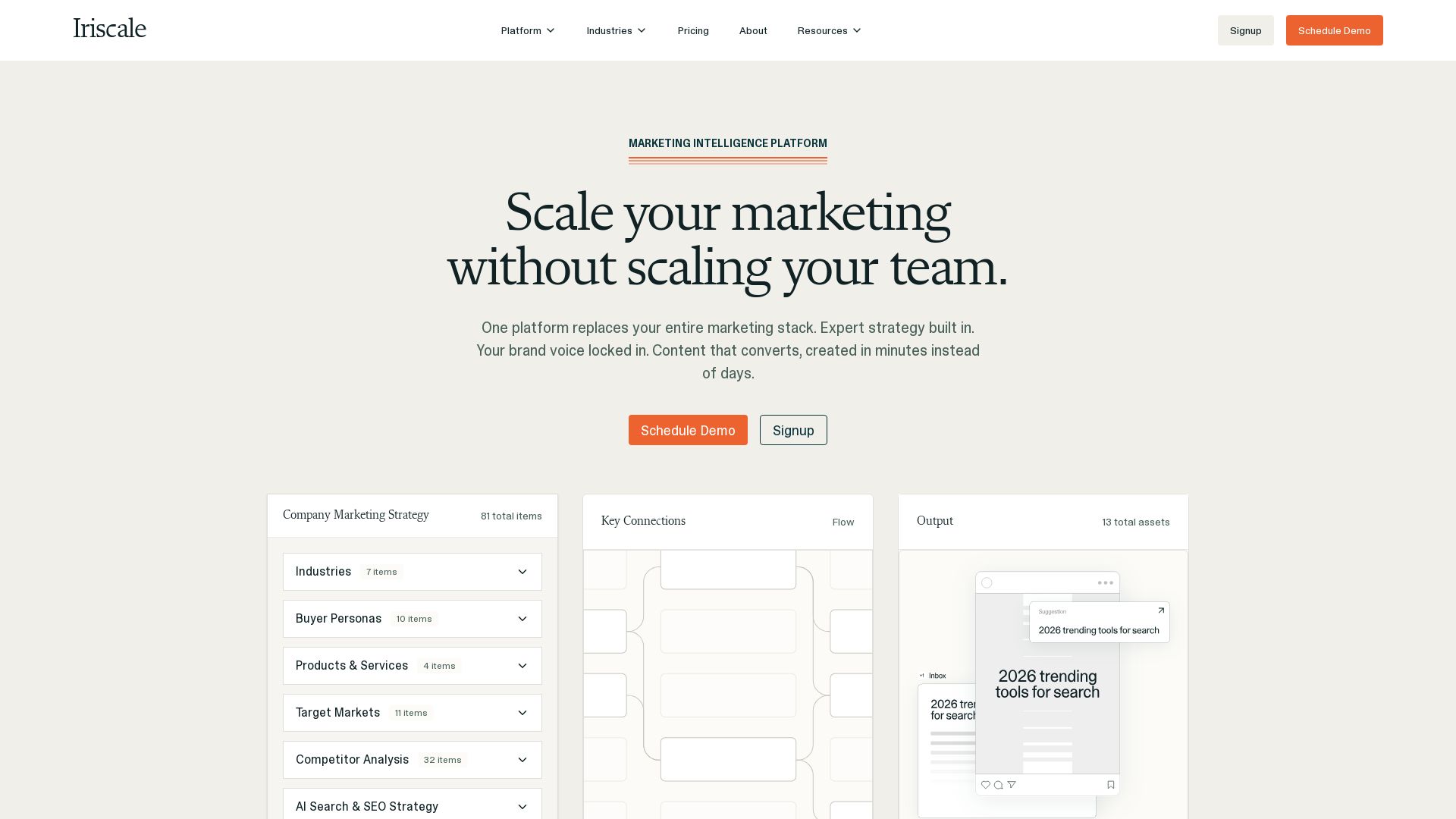

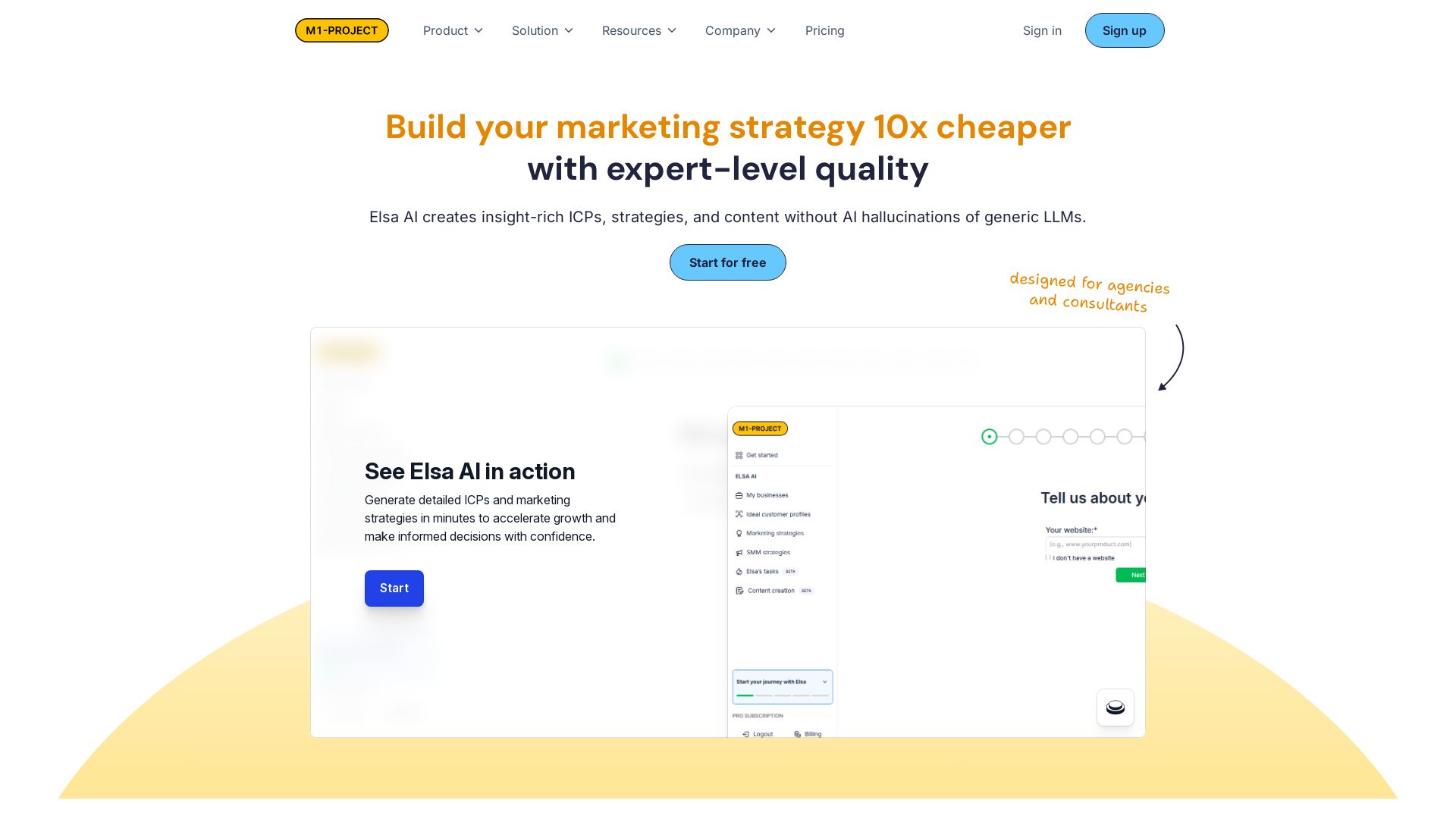
Elsa AI
Create insight-rich ICPs, marketing strategies, and content 10x cheaper than generic LLMs. Trusted by agencies and consultants. Start for free.

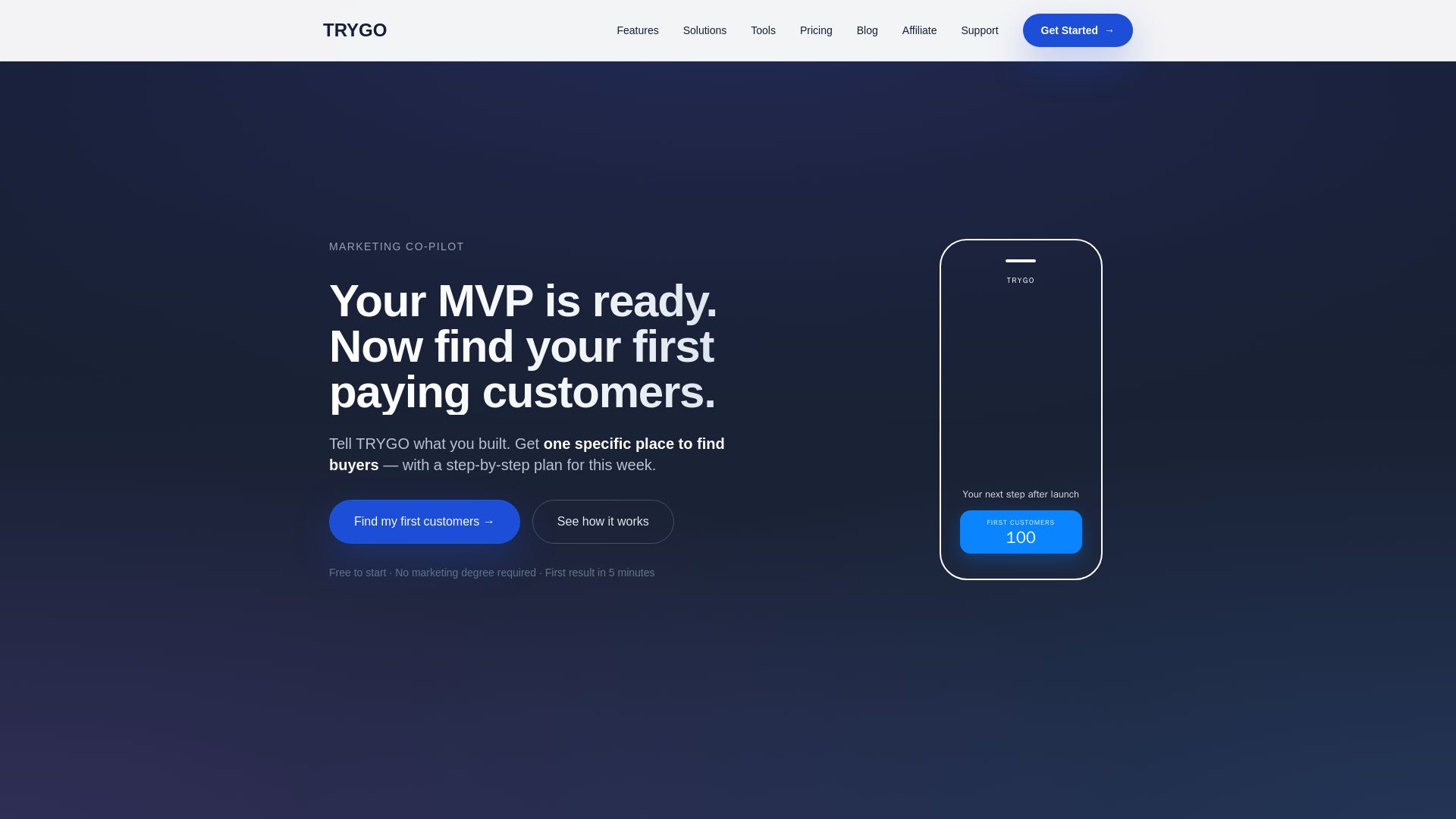
TRYGO
Find your first paying customers with AI-driven marketing strategy, channel recommendations, and GTM plans. Free to start.

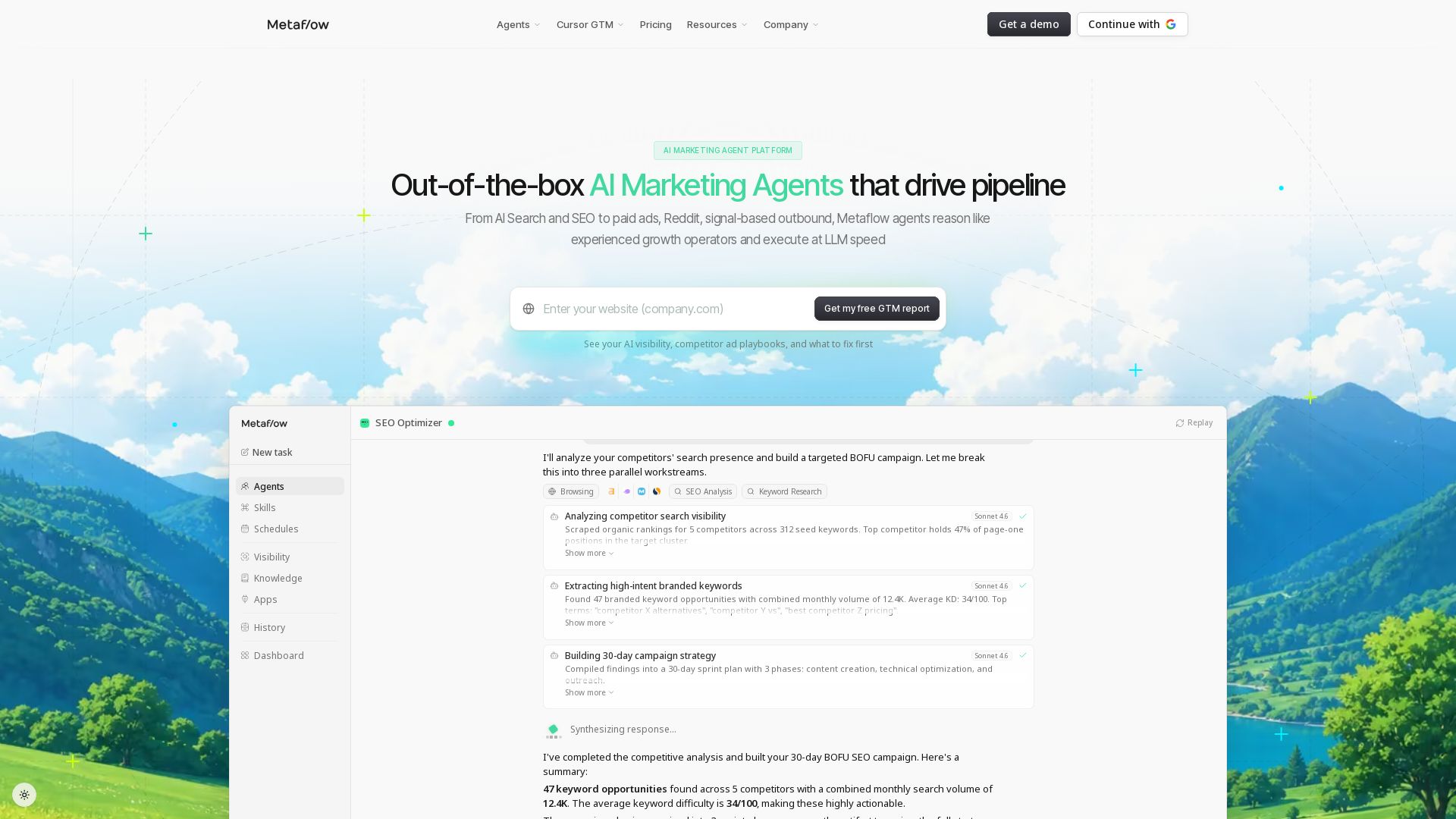
Metaflow AI
Out-of-the-box AI marketing agents for SEO, paid ads, outbound & more. Drive pipeline with autonomous GTM execution. Free trial available.

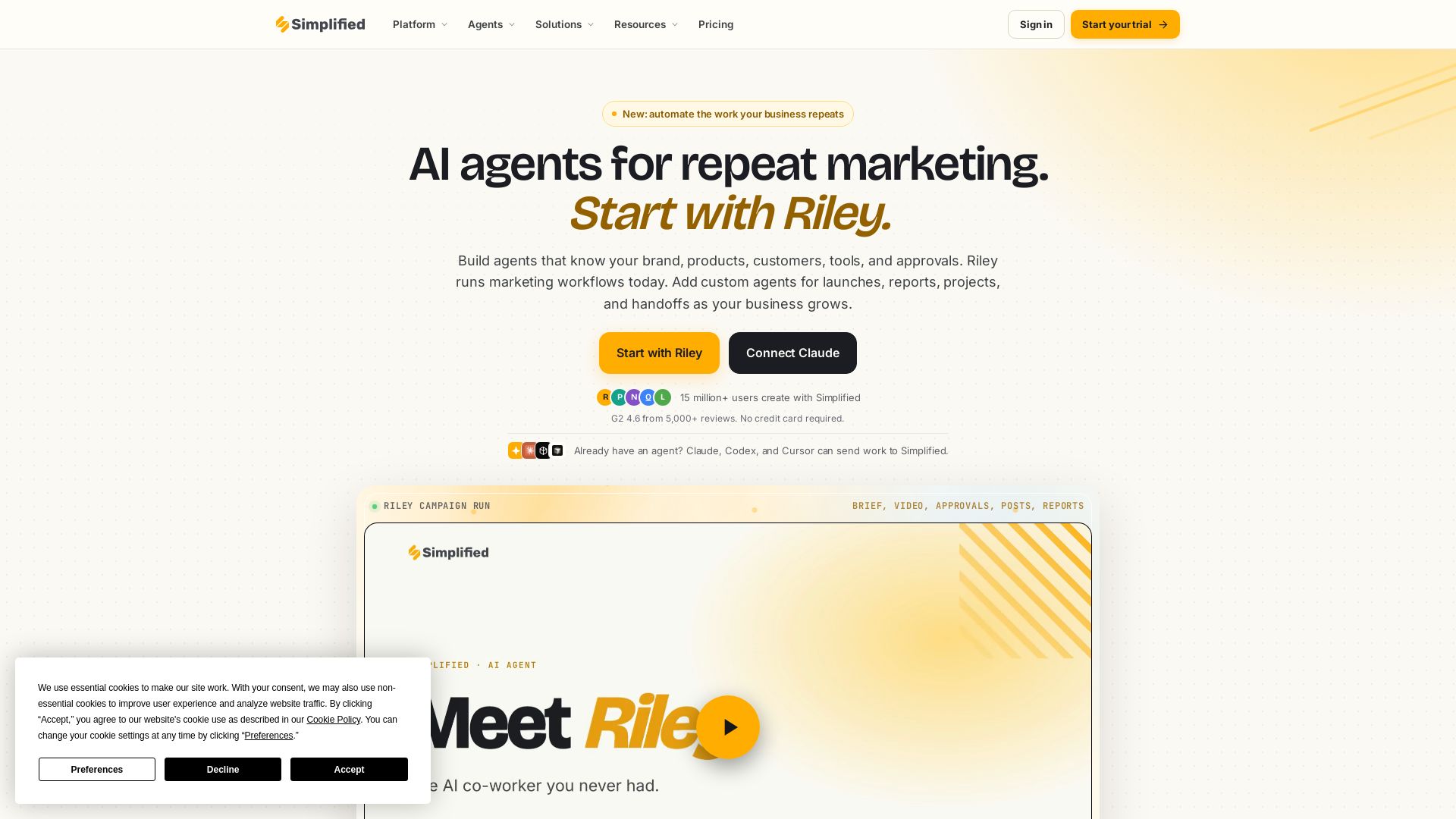
Simplified
Automate end-to-end marketing campaigns with Riley AI. Plan, create, approve, publish, and report. Trusted by 15M+ users. Start free.

Nebula
India's leading AI digital marketing agency since 2010. We boost ROI with AI SEO, social media, and LLM content strategy for B2B and global brands.
ℹ️ Curation Disclosure: The overview and features of Riverside were synthesized using AI and fact-checked by our curation team to ensure accuracy.
