
Vizard.ai

Create 30+ social-ready clips from one upload with AI. Auto-captions, resizing, and more. Trusted by 10M+ creators. Try free.
Editor's Verdict
Key Takeaways
- AI Clipping
- Auto Subtitling
- Subtitle Translation
- Edit by Text
In-Depth Review: What is Vizard.ai?
Vizard uses AI to automatically identify highlights in long-form videos and generate multiple short clips optimized for TikTok, Instagram, YouTube Shorts, etc. It offers text-based editing, caption translation, brand templates, and team collaboration. Users report 90% cost savings and 10x faster editing. Get started for free.
Core Features
AI Clipping
Automatically identify engaging moments and clip them into vertical videos for TikTok, Instagram, and YouTube Shorts.
Auto Subtitling
Generate accurate subtitles for your videos automatically.
Subtitle Translation
Translate captions into over 100 languages to reach a global audience.
Edit by Text
Trim videos by deleting text transcription, making editing as easy as editing a document.
Change Ratio
Resize videos to fit different social platforms with one click.
Brand Templates
Use custom templates to keep your videos on brand.
Link Sharing
Share videos as links for easy collaboration.
Direct Publishing
Publish clips directly to social media platforms like TikTok, Instagram, and YouTube.
Team Workspace
Collaborate with team members in a shared workspace with project management features.
AI Emojis & Keywords
Automatically add emojis and highlight keywords to enhance engagement.
Pricing
Free
- 60 credits/month
- Private workspace
- Manage 1 social media account
- AI-generated clips
- Export videos in 720p
- Full access to video editor
- 3-day storage
Creator Monthly
- Private workspace
- Manage 6 social media accounts
- No watermark
- Export videos in 4K
- Schedule social posts
- 50 GB space storage
- 600 credits/month
- Upload video length 600 mins
- Upload video size 15GB
- Upload quality 4K
- Export length any length
- Video storage as long as subscribing
- API rate limit 3/min, 20/hour
- Auto subtitling
- Subtitle translation
- Download transcript TXT, SRT
- Custom outros
- Custom templates
- Brand templates
- AI clipping
- AI processing speed Faster
- Auto reframe
- AI emojis
- AI highlight keywords
- AI B-rolls
- AI post suggestions
- Link sharing
- Direct publishing
- Schedule post
- Save to Google Drive
- Live chat support
- Priority support
Creator Yearly
- Same as Creator Monthly but billed yearly at $174
- 50% OFF compared to monthly
Business Monthly
- Shared workspace
- Manage 20 social media accounts
- Invite team members + $5/mo/seat
- Share project
- Brand kit
- Unlimited space storage
- 600 credits/month
- Upload video length 600 mins
- Upload video size 15GB
- Upload quality 4K
- Export length any length
- Video storage as long as subscribing
- API rate limit 10/min, 60/hour
- All Creator features
Business Yearly
- Same as Business Monthly but billed yearly at $234
- 50% OFF compared to monthly
Pros and Cons
Pros
- Cost-effective90% cheaper than hiring an editor, saving significant costs for content creators.
- Time-saving10x faster than manual clipping, turning hours of footage into clips in minutes.
- High-quality outputAI generates shareable posts with no manual tweaks needed, delivering solid content.
- Increased viewsUsers report up to 5x increase in views after using Vizard's viral clip generation.
- User-friendlyIntuitive interface with real human customer support, making editing accessible to all skill levels.
Cons
- Watermark on free planFree plan adds a watermark to exported videos, which is only removed on paid plans.
- Credit system limitationsMonthly credits cap the amount of video processing; heavy users may need to upgrade.
- Storage limits on free planFree plan only stores videos for 3 days, requiring timely download or upgrade.
- Limited export quality on freeFree plan exports only in 720p, while professional use may require 4K.
- Advanced features require subscriptionAI features like custom templates and priority support are only available on paid plans.
Use Cases & Recommended Professions
Content Creator→ View Toolkit
Turn long-form videos into multiple short clips for social media, increasing reach and engagement.
Podcaster→ View Toolkit
Easily clip podcast episodes into shareable moments for platforms like TikTok and YouTube Shorts.
Coach / Business Owner→ View Toolkit
Clip webinars, client calls, and interviews to build personal brand and attract clients.
Marketer→ View Toolkit
Convert one webinar into a month's worth of social media content, streamlining content marketing.
Agency Owner→ View Toolkit
Increase output tenfold at lower cost, using Vizard as an editing co-pilot for multiple clients.
Freelancer→ View Toolkit
Save time and money on video editing, allowing focus on creative and strategic tasks.
Frequently Asked Questions
Alternative AI Tools
View Detailed Comparison →
Marketing Mary
Unify research, creation, publishing & optimization with one AI Co-Pilot. Works in your existing stack. Join 500+ leaders on the waitlist.
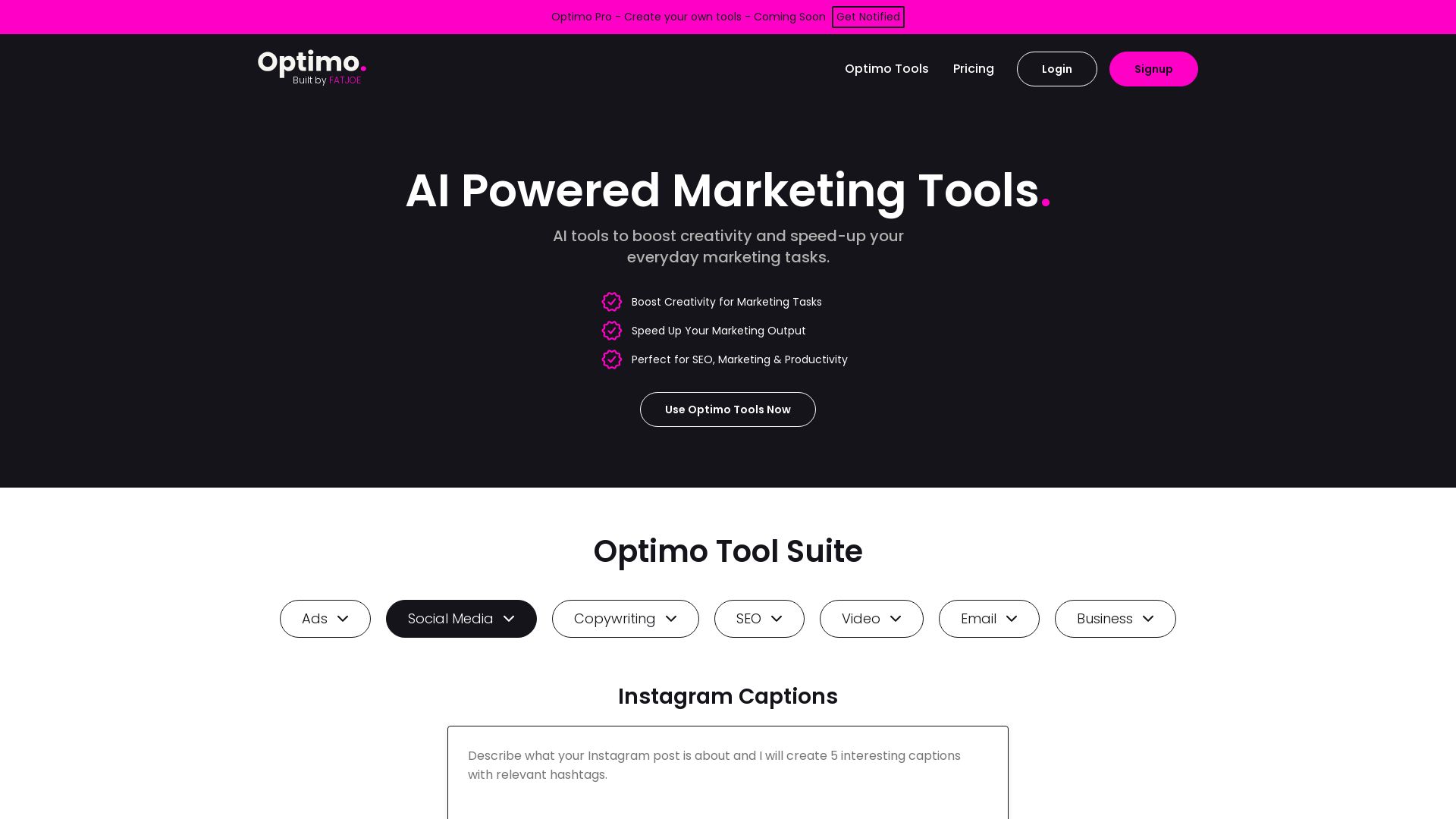
Optimo
Boost creativity and speed up marketing tasks with AI tools for SEO, copywriting, social media, ads, email, video. Trusted by 2.5k+ users, 1M+ generations.

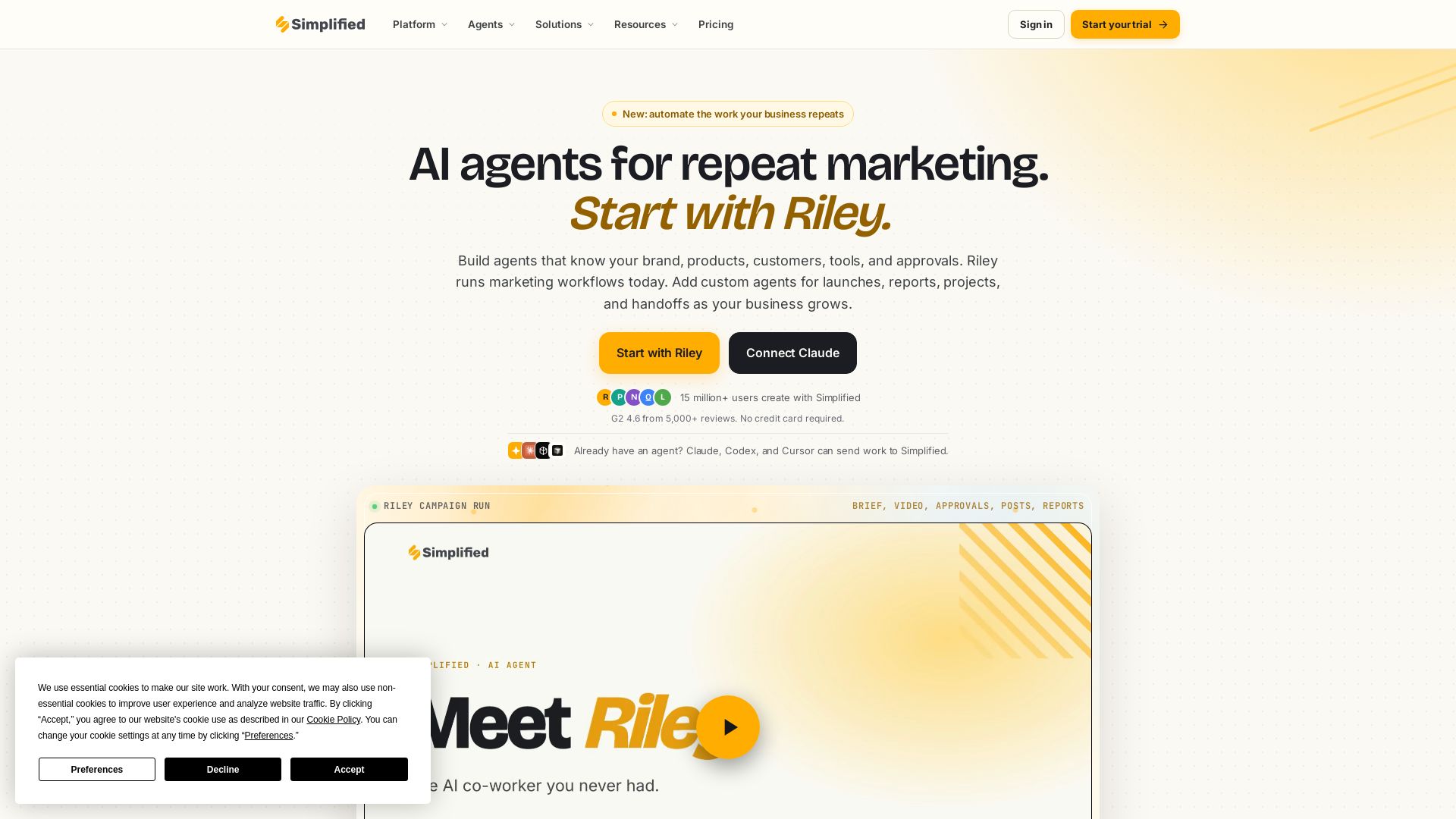
Simplified
Automate end-to-end marketing campaigns with Riley AI. Plan, create, approve, publish, and report. Trusted by 15M+ users. Start free.

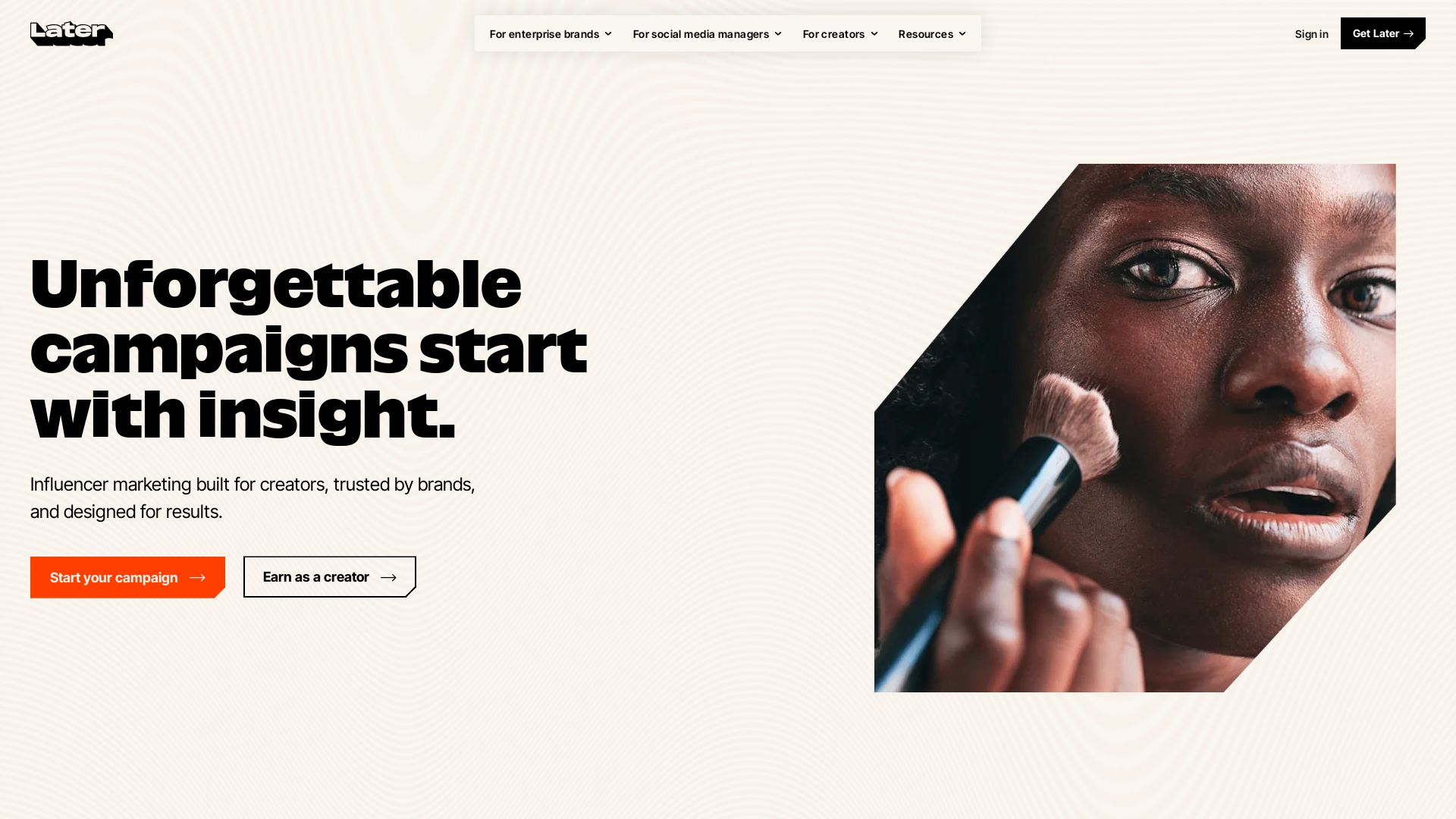
Later
Unforgettable campaigns start with insight. Later combines influencer marketing, social media management, and AI-driven data to drive results for enterprise brands, social media managers, and creators.

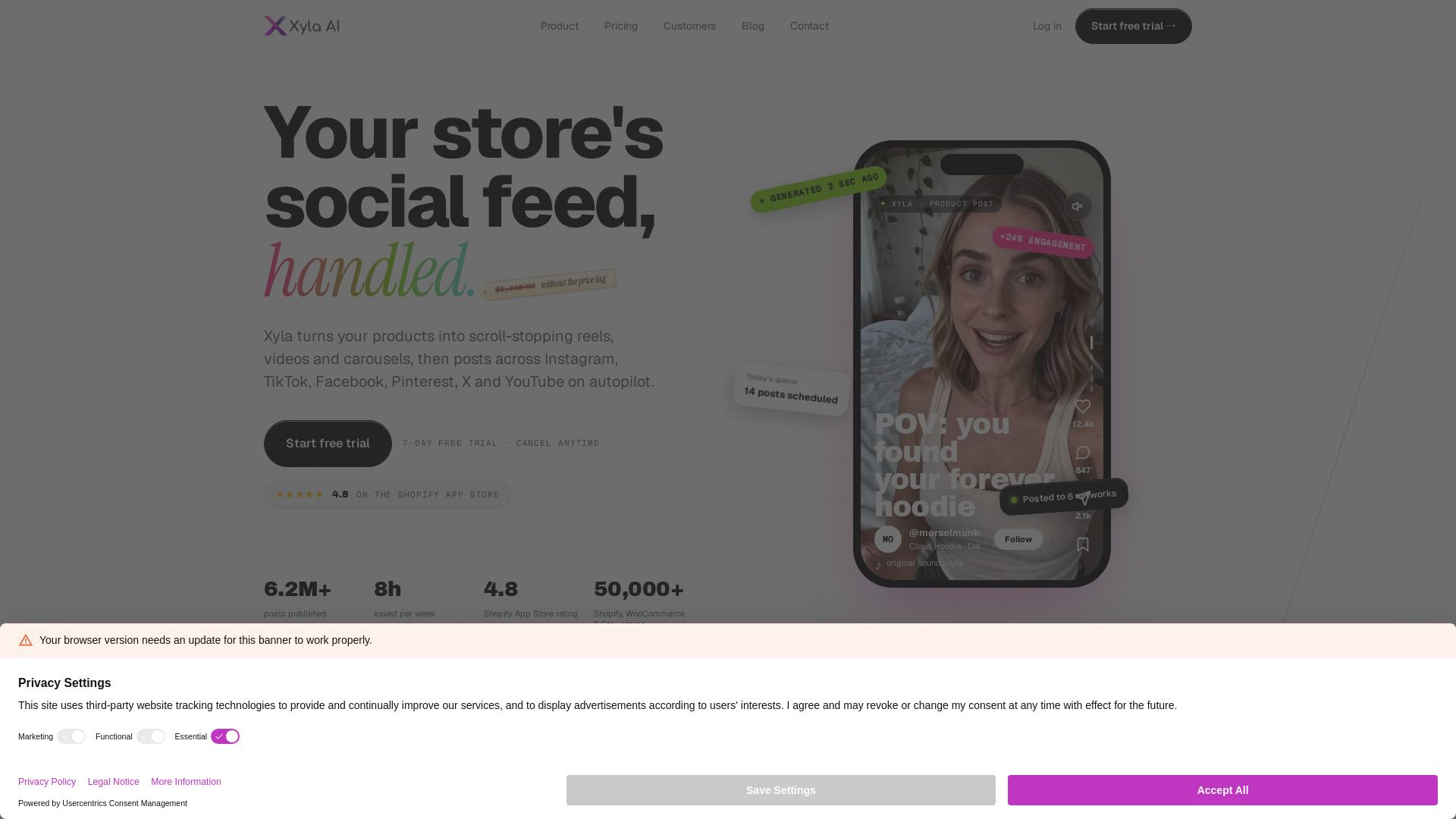
Xyla
Turn products into scroll-stopping reels, videos & carousels. Auto-post to Instagram, TikTok, Facebook, Pinterest, X & YouTube. Save 8 hrs/week. Start free trial.


Marketing Titan
Replace HubSpot, ZoomInfo, Hootsuite & Jasper with 180+ AI agents & Darwin AI. Save $50K+/yr. Start free trial.

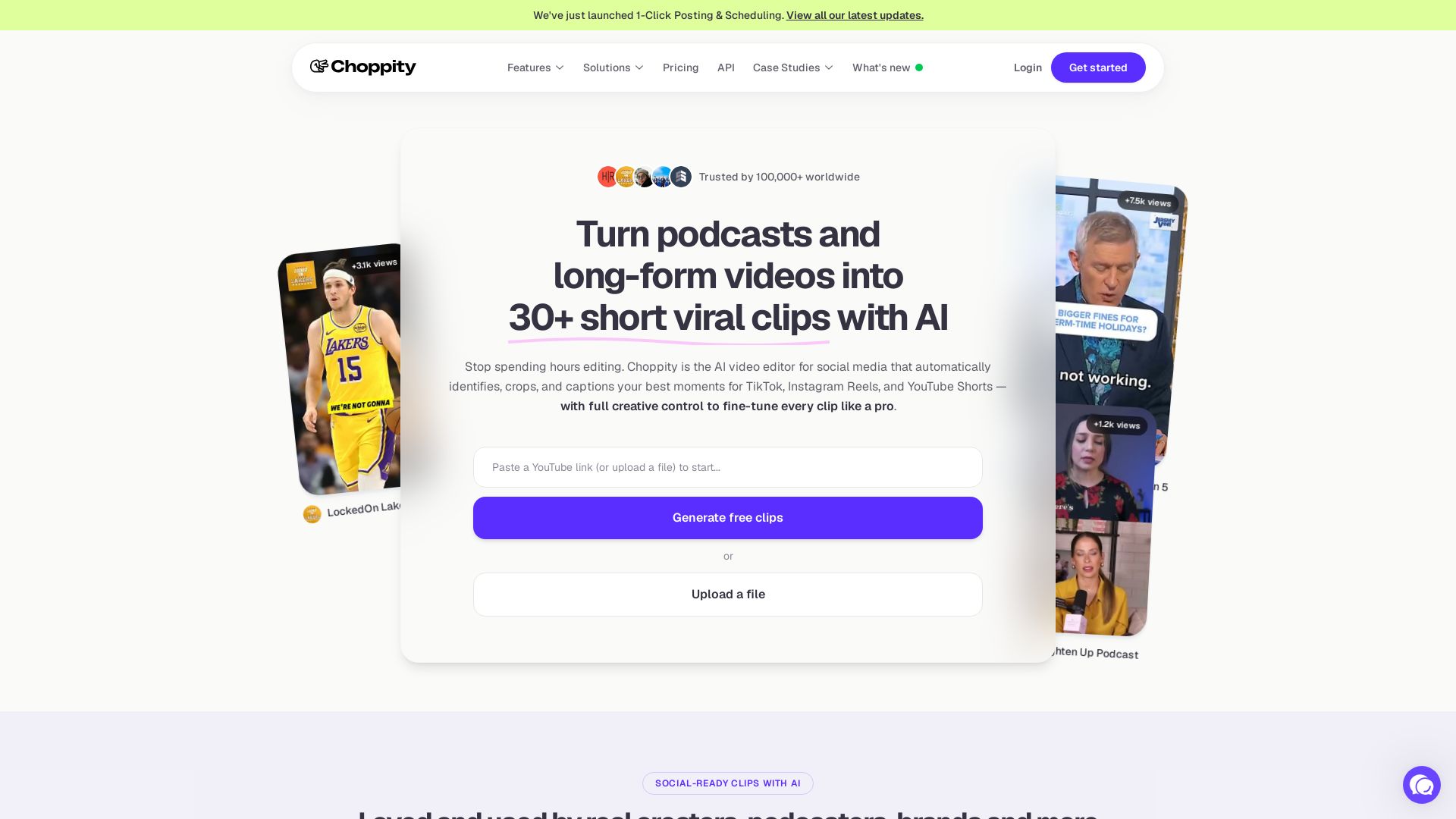
Choppity
Automatically turn podcasts & long videos into 30+ short clips for TikTok, Instagram Reels, YouTube Shorts with AI. Full creative control. Trusted by 100k+.

Blaze
Automate your marketing with Blaze: social media, paid ads, landing pages, reputation, and AI SDR. From $79/mo or fully managed. Start free trial.

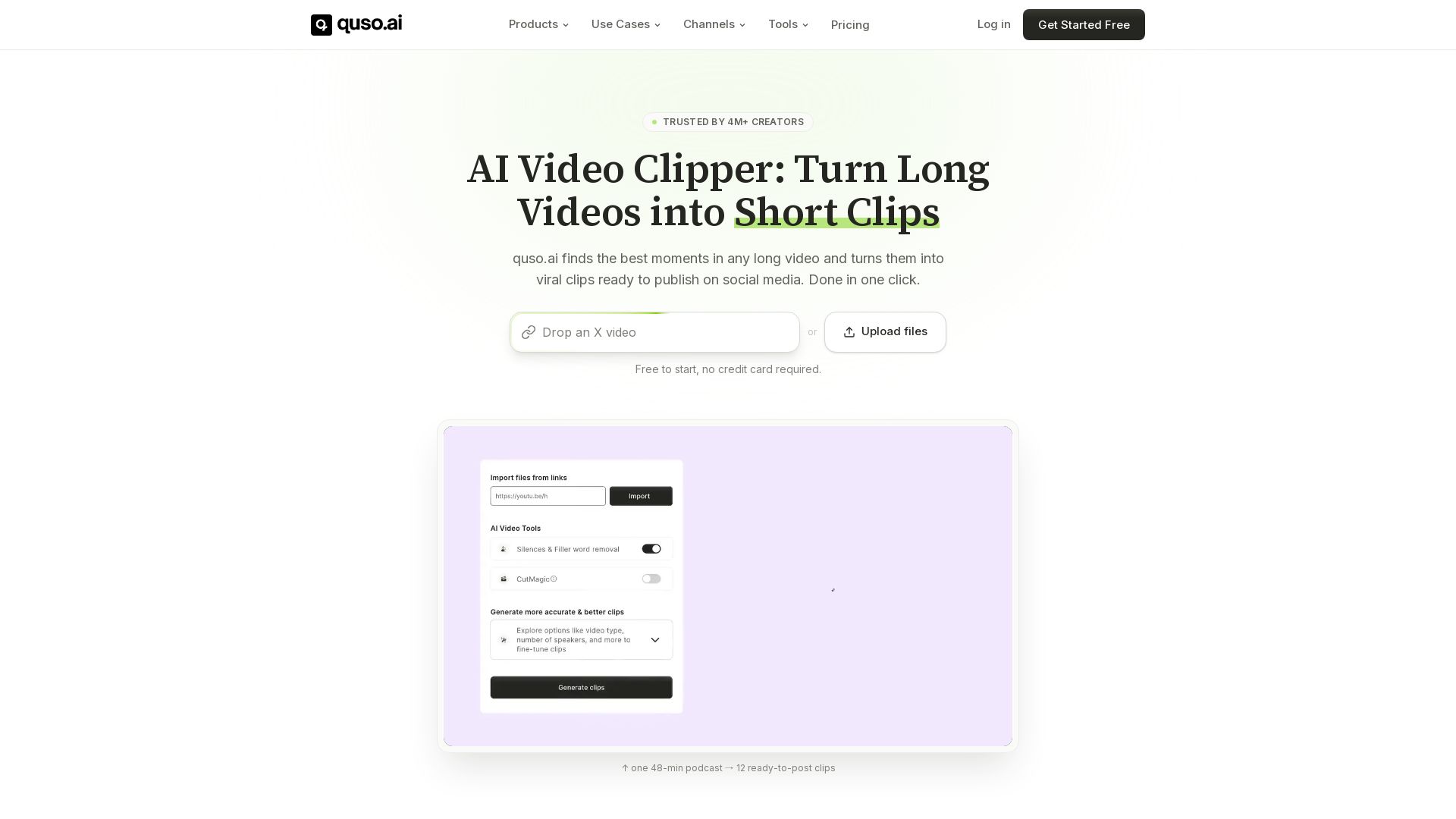
quso
Quso.ai automatically finds viral moments in any video, creates clips with captions, and schedules posts. One click, no editing needed.

AmpiFire
Generate free organic traffic with AI. Transform one topic into 8 formats, publish to 300+ sites automatically. For brands, agencies & marketers.

Nebula
India's leading AI digital marketing agency since 2010. We boost ROI with AI SEO, social media, and LLM content strategy for B2B and global brands.
FounderPal
Trusted by 2250+ founders. Get a personal AI marketing assistant to define strategy, delegate tasks, boost conversions. Save 100+ hours/month. Try free.

ℹ️ Curation Disclosure: The overview and features of Vizard.ai were synthesized using AI and fact-checked by our curation team to ensure accuracy.
