
Gling
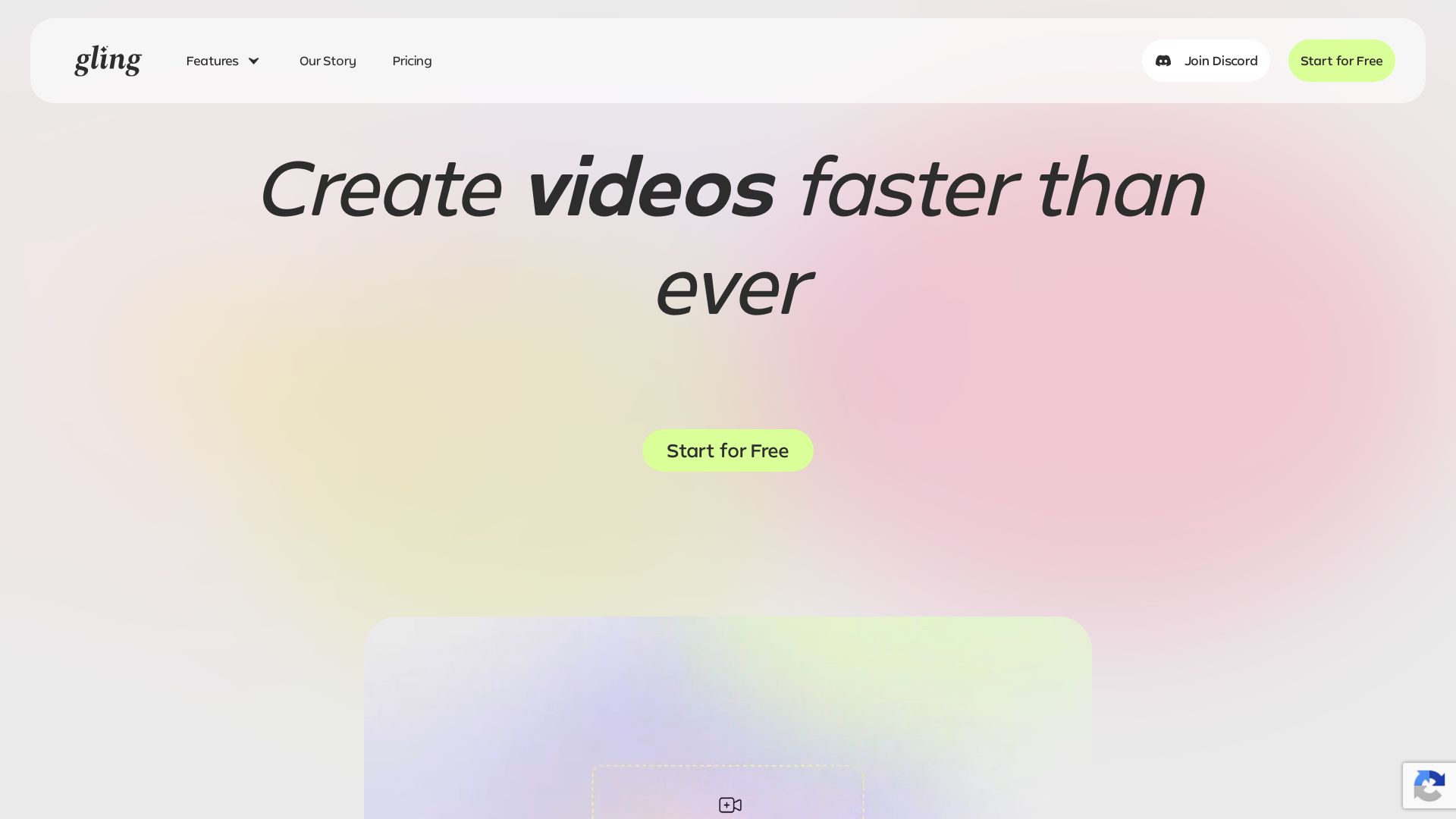
Upload raw footage, get a clean cut. AI removes silences, bad takes, filler words. Save time with captions, zoom, titles.

Editor's Verdict
Key Takeaways
- Auto Remove Bad Takes
- Remove Silence & Filler Words
- AI Text-Based Trimmer
- Noise Removal
In-Depth Review: What is Gling?
Gling is an AI-powered video editor designed specifically for YouTube creators. It streamlines editing by automatically removing silences, bad takes, and filler words from your raw footage. With features like AI captioning, auto zoom, noise removal, and YouTube title generation, Gling helps you produce professional, engaging content faster. Simply upload, review, and export to your favorite editing software or as MP4/MP3 with captions.
Core Features
Auto Remove Bad Takes
Automatically detects and cuts bad takes from your raw footage, saving hours of manual editing.
Remove Silence & Filler Words
Automatically eliminates silences, umms, ahhs, and other filler words to produce a clean cut.
AI Text-Based Trimmer
Edit video by deleting text in the transcript; the corresponding video clips are removed automatically.
Noise Removal
Reduces background noise to enhance audio clarity and professionalism.
Auto Captions & Subtitles
AI generates accurate captions and subtitles in SRT format automatically.
Auto Framing (Zoom In/Out)
Intelligent zoom and pan to keep the speaker centered and visually engaging.
YouTube Title Generator
Generates SEO-optimized, click-worthy titles tailored for YouTube discoverability.
Automated Video Chapters
AI analyzes transcript to create chapter markers, improving viewer engagement and retention.
Next Video Suggestions
Recommends follow-up videos based on content and channel performance to keep audiences hooked.
Multicam Editing
Supports editing footage from multiple camera angles seamlessly.
AI B-Rolls
Automatically suggests and inserts B-roll clips to enhance visual storytelling.
Speech Audio Enhancement
Improves spoken audio clarity, reduces echoes, and normalizes volume levels.
Export to NLEs
Export timelines as XML for Final Cut Pro, Premiere Pro, and DaVinci Resolve.
Pricing
Free
- 1 hour of AI edited media per month
- Unlimited video export with watermark
- No Premium support
- Remove bad takes
- Auto remove silences
- Auto remove filler words
- YouTube Title Generator
- YouTube Chapters Generator
- Next Video suggestions
- AI Captions
- Generate subtitles (Export as .SRT)
- Auto framing (Zoom in/out)
- Multicam editing
- AI B-rolls
- Speech audio enhancement
- Export as MP4 (with watermark)/MP3
Plus
- 10 hours of AI edited media or 300 words of generated video from link per month
- Unlimited video export (no watermark)
- No Premium support
- Remove bad takes
- Auto remove silences
- Auto remove filler words
- YouTube Title Generator
- YouTube Chapters Generator
- Next Video suggestions
- AI Captions
- Generate subtitles (Export as .SRT)
- Auto framing (Zoom in/out)
- Multicam editing
- AI B-rolls
- Speech audio enhancement
- Export as MP4/MP3
- XML to Premiere/Final Cut Pro/Resolve
Pro
- 30 hours of AI edited media or 900 words of generated video from link per month
- Unlimited video export (no watermark)
- Including Premium support
- Remove bad takes
- Auto remove silences
- Auto remove filler words
- YouTube Title Generator
- YouTube Chapters Generator
- Next Video suggestions
- AI Captions
- Generate subtitles (Export as .SRT)
- Auto framing (Zoom in/out)
- Multicam editing
- AI B-rolls
- Speech audio enhancement
- Export as MP4/MP3
- XML to Premiere/Final Cut Pro/Resolve
Elite
- 100 hours of AI edited media or 2700 words of generated video from link per month
- Unlimited video export (no watermark)
- Including Premium support
- Remove bad takes
- Auto remove silences
- Auto remove filler words
- YouTube Title Generator
- YouTube Chapters Generator
- Next Video suggestions
- AI Captions
- Generate subtitles (Export as .SRT)
- Auto framing (Zoom in/out)
- Multicam editing
- AI B-rolls
- Speech audio enhancement
- Export as MP4/MP3
- XML to Premiere/Final Cut Pro/Resolve
Pros and Cons
Pros
- Massive Time SavingsAutomatically cuts silences, bad takes, and filler words, reducing hours of tedious editing to minutes.
- High AccuracyAI detection of pauses and mistakes is remarkably precise, as praised by top YouTubers like Shelby Church and DamiLee.
- User-Friendly WorkflowThree simple steps: upload, edit via text, and export. Intuitive timeline and text-based trimming make it easy for beginners.
- Comprehensive Feature SetIncludes captions, auto-framing, noise removal, title generation, chapters, and next video suggestions – all in one tool.
- Export FlexibilitySupports export to Final Cut Pro, Premiere Pro, DaVinci Resolve, and standard MP4/MP3 formats with subtitles.
Cons
- Free Version WatermarkExported videos from the free plan include a watermark, which may be unprofessional for publication.
- Limited Monthly Usage on Free PlanOnly 1 hour of AI-edited media per month, insufficient for heavy or frequent editing needs.
- No Premium Support on Free and PlusUsers on Free and Plus plans do not have access to priority customer support.
- No Offline Desktop App MentionedThe tool appears to be primarily online, which may require stable internet and limit offline productivity.
- Focus on YouTube ContentFeatures are heavily tailored for YouTube creators; might not suit all video editing use cases (e.g., corporate or event videos).
Use Cases & Recommended Professions
YouTuber→ View Toolkit
Eliminate manual editing of talking-head videos, generate SEO titles and chapters, and keep audiences engaged with next video suggestions.
Content Creator→ View Toolkit
Streamline video production for social media platforms, quickly remove mistakes and add captions to improve accessibility.
Video Editor→ View Toolkit
Save hours on rough cuts and cleanup, then export to professional NLEs for final polish, increasing productivity.
Podcaster→ View Toolkit
Automatically remove silences and filler words from audio recordings, generate transcripts and chapters for show notes.
Online Educator→ View Toolkit
Create polished lecture videos with auto-captions, chapters, and noise removal to enhance student learning experience.
Digital Marketer→ View Toolkit
Produce promotional videos faster with automatic bad-take removal and title optimization for better campaign performance.
Frequently Asked Questions
Alternative AI Tools
View Detailed Comparison →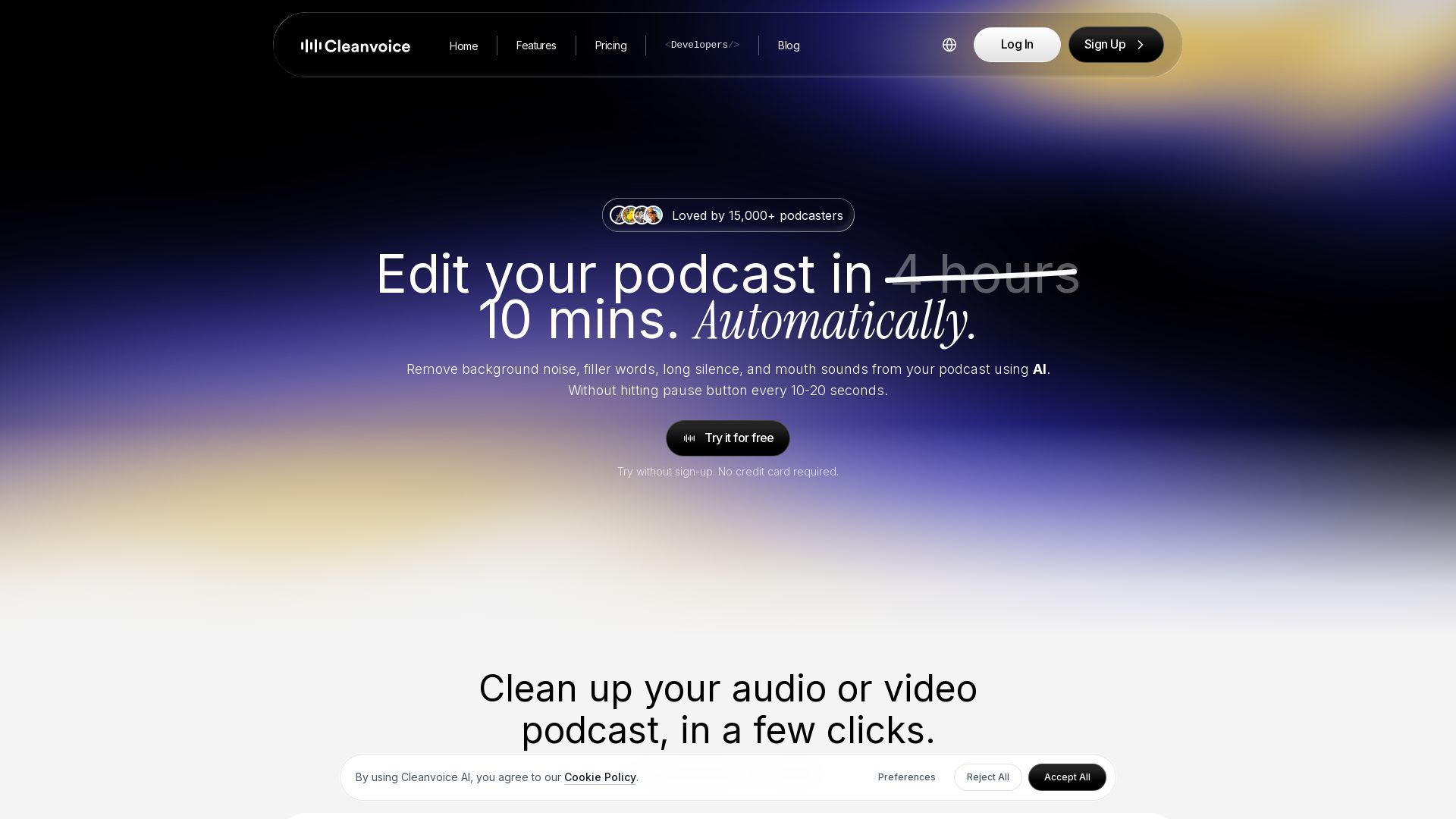
Cleanvoice AI
Remove background noise, filler words, and mouth sounds from your podcast using AI. Edit in minutes, not hours. Try for free, no sign-up required.

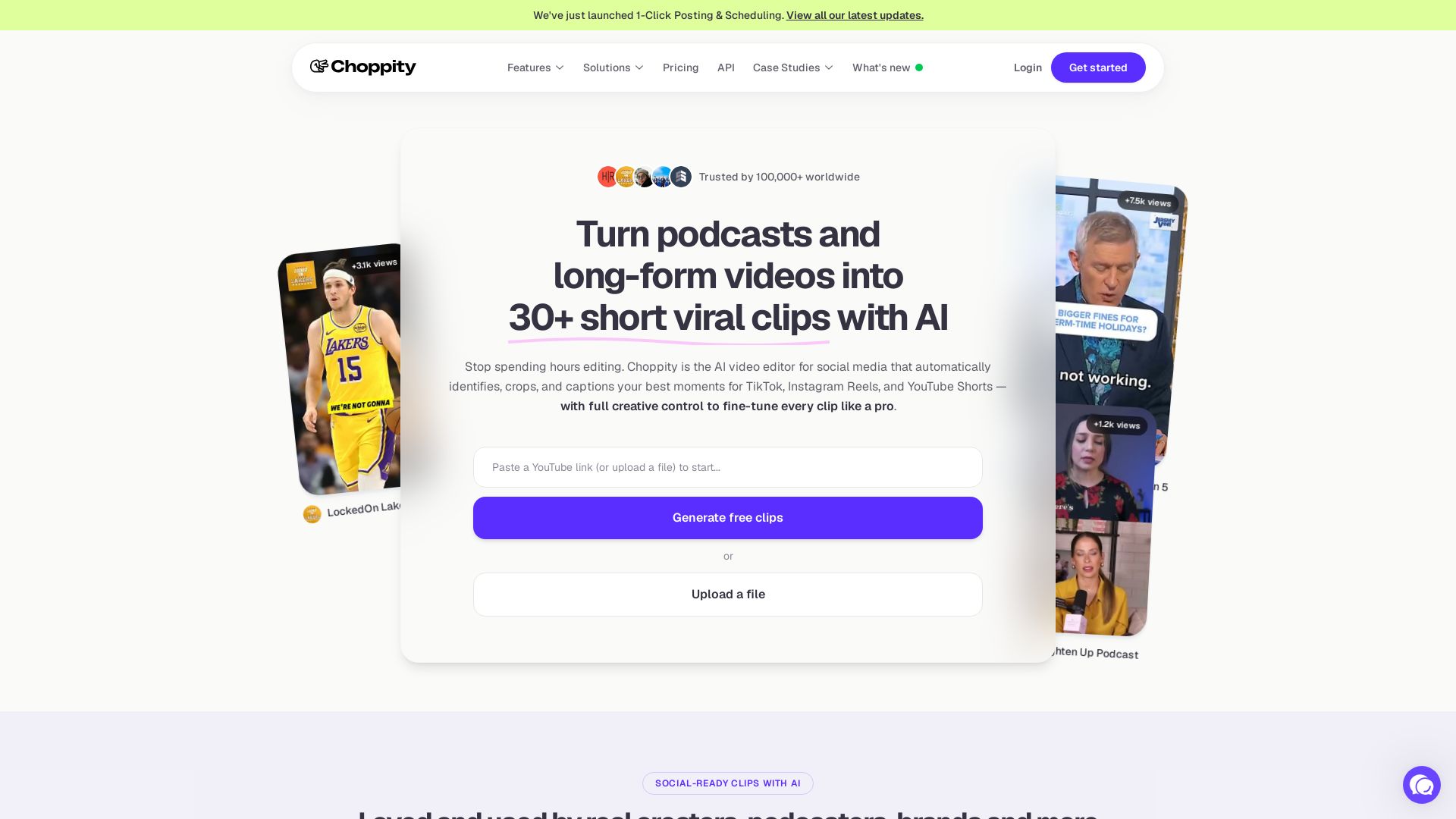
Choppity
Automatically turn podcasts & long videos into 30+ short clips for TikTok, Instagram Reels, YouTube Shorts with AI. Full creative control. Trusted by 100k+.

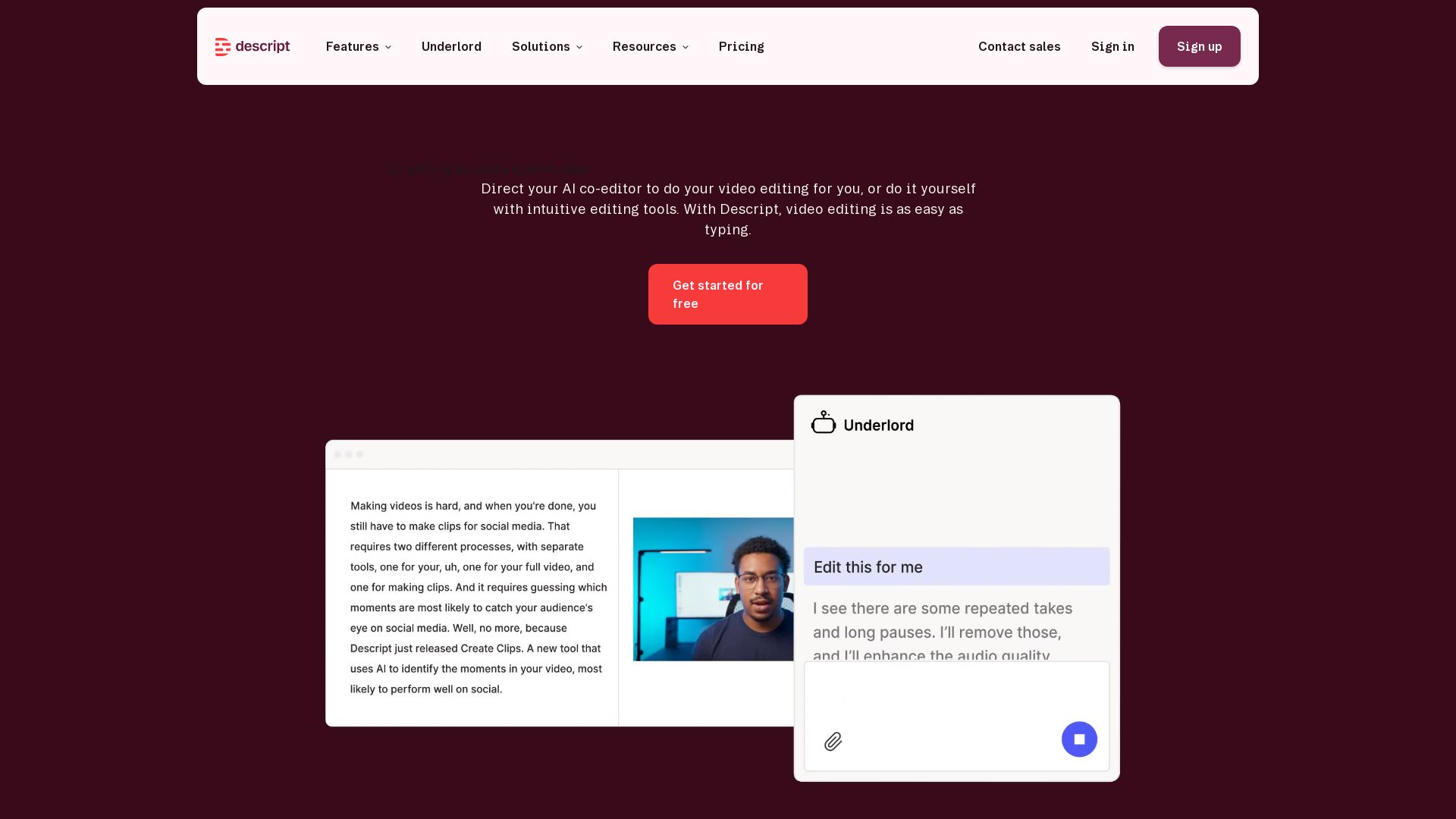
Descript
Descript is the AI video editor that lets you edit video by editing text. Transcribe, remove filler words, add captions, and more. Get started free.

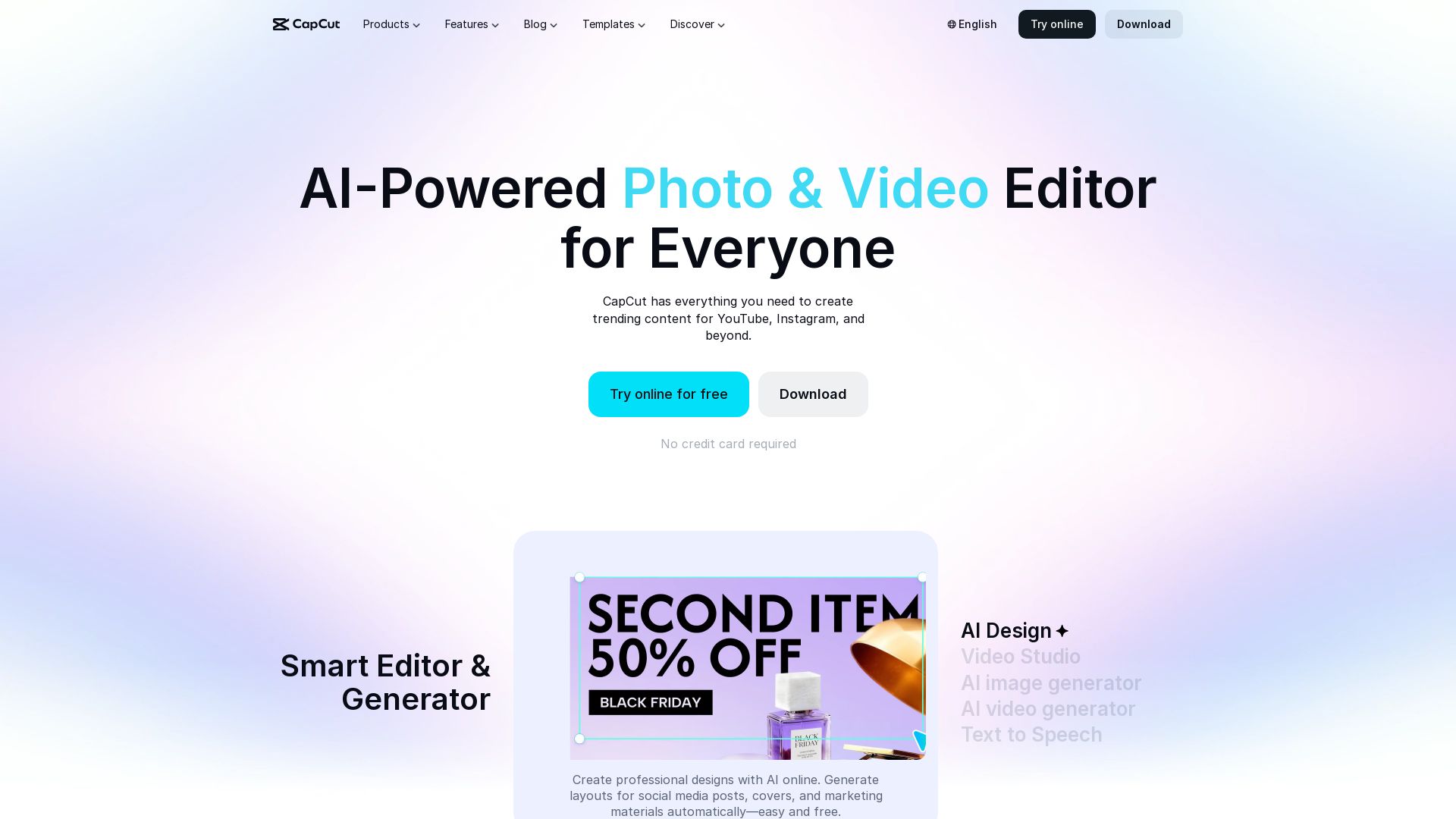
CapCut AI Video Editor
Create stunning videos and photos with CapCut's AI tools. Free online editor, background remover, text to speech, templates. No watermark. Try now!

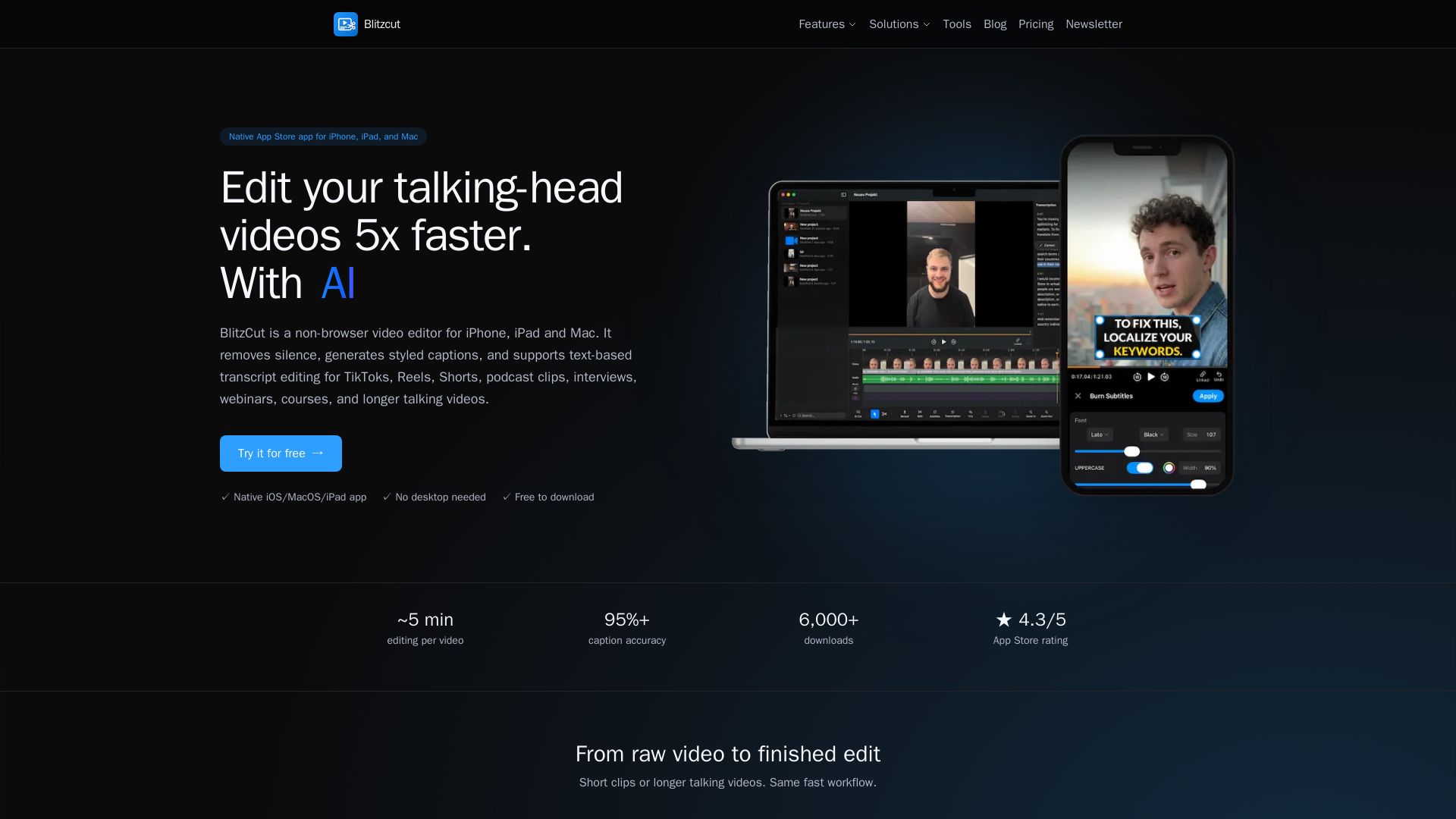
Blitzcut
Edit talking-head videos 5x faster with AI silence removal, auto captions, and text-based editing. Native app for iOS/macOS. Free download.

Riverside
Record, edit, repurpose, and distribute studio-quality content with AI. Trusted by top creators. Start for free.

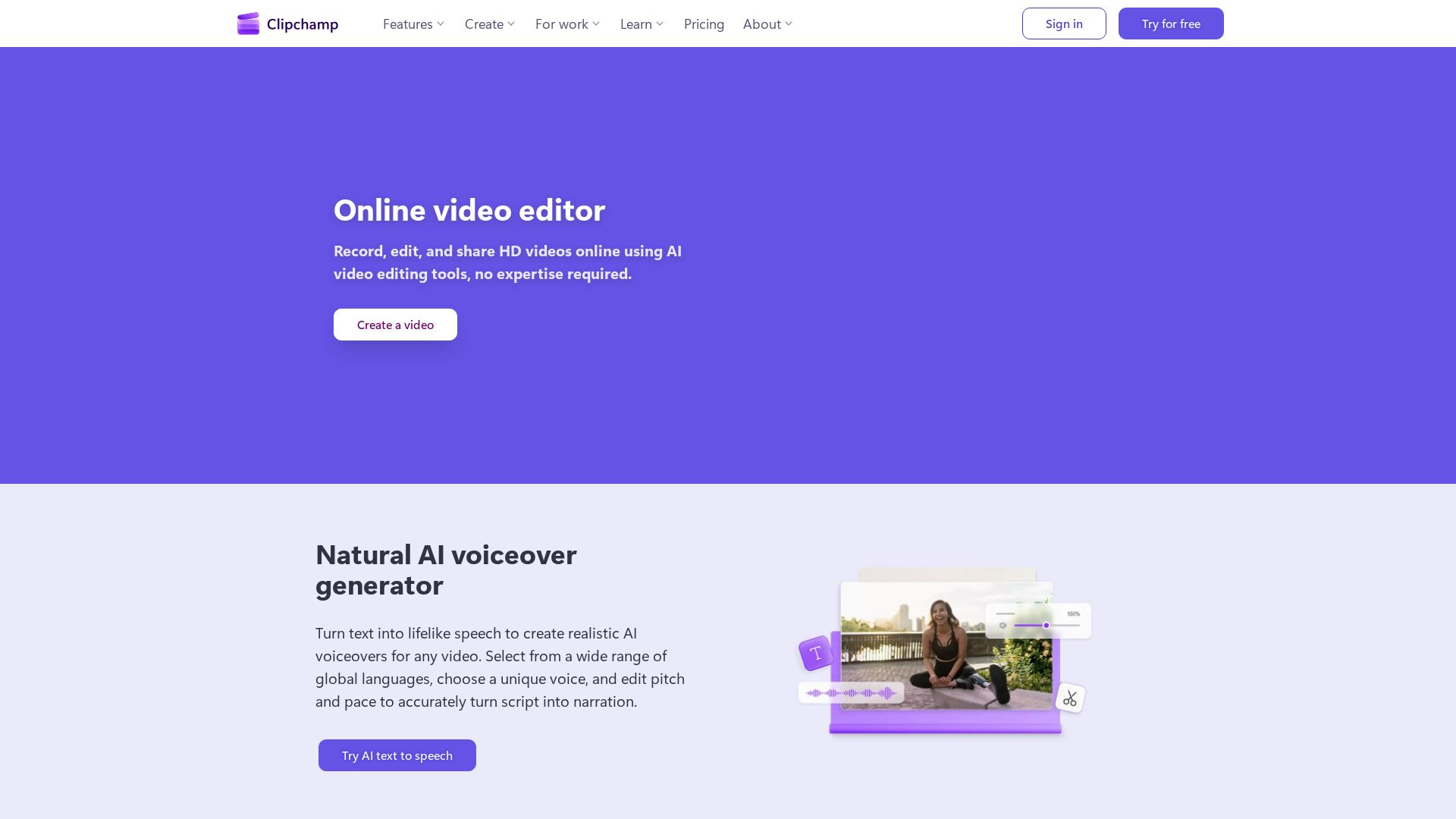
Clipchamp
Clipchamp is a free online video editor with AI tools like voiceover, subtitles, and recording. Create HD videos easily.

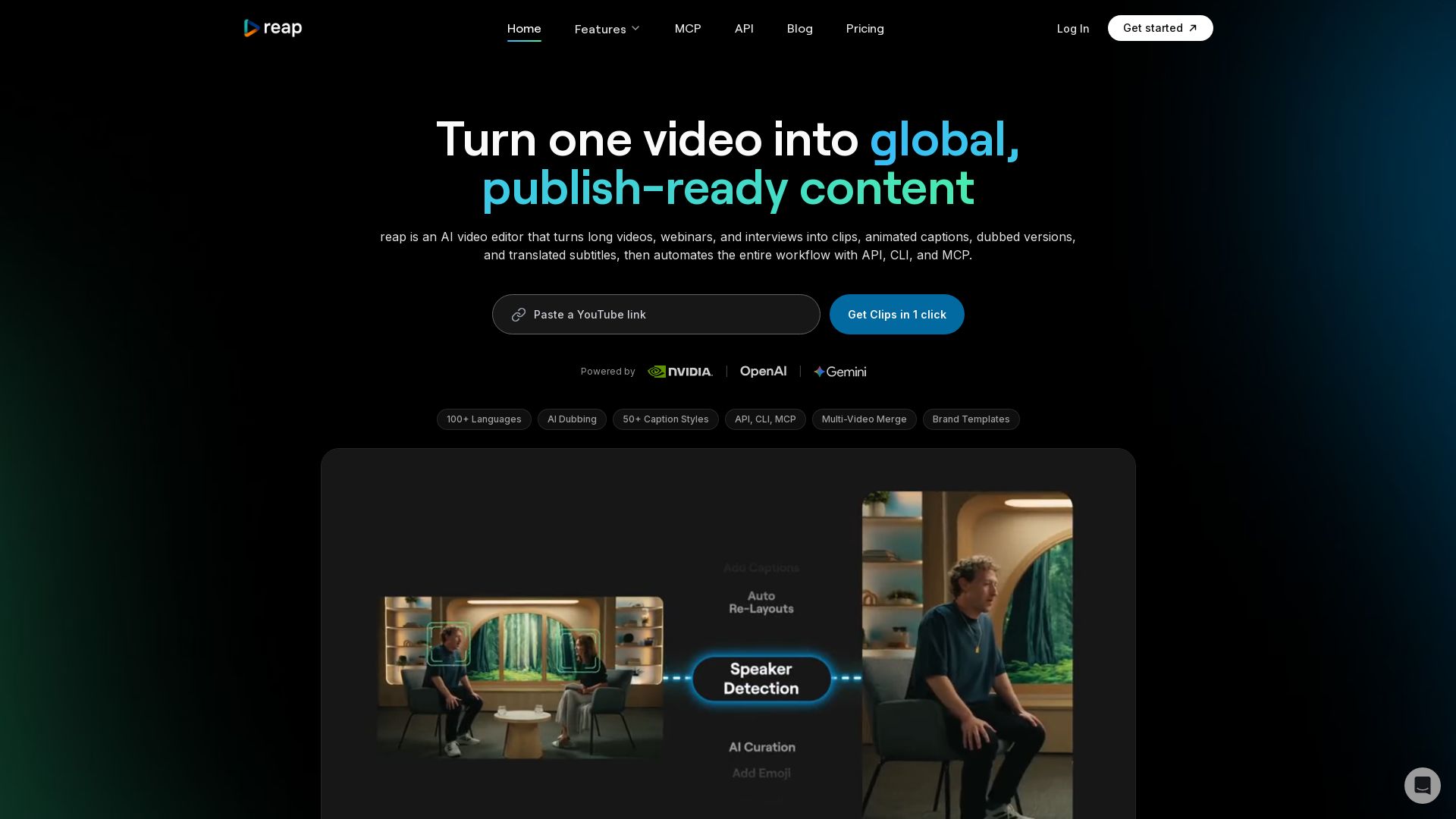
reap
Turn long videos into clips, captions, and dubbed versions in 100+ languages. Automate with API, CLI, MCP. Start free.

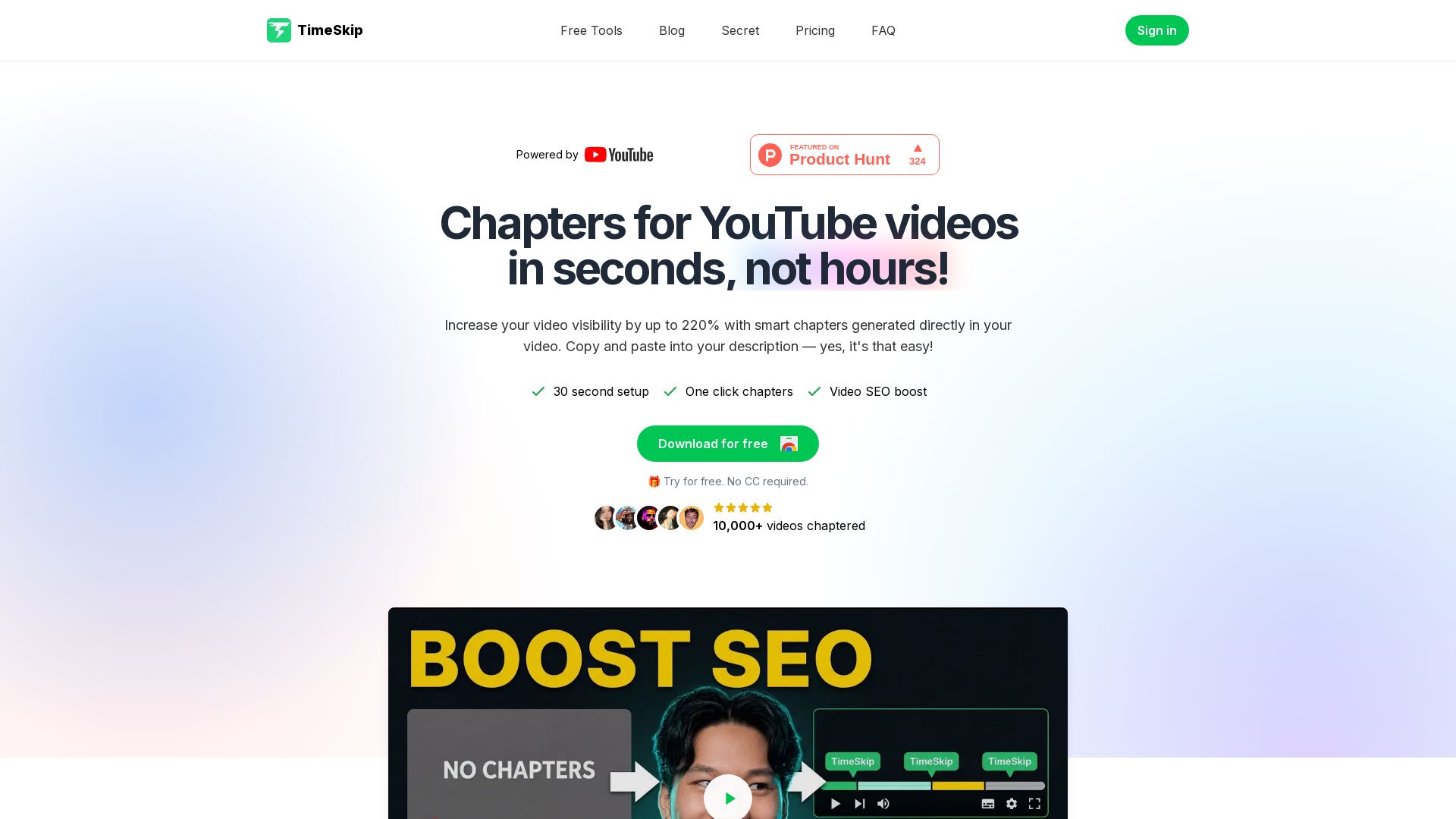

AiVOOV
Convert text to natural-sounding AI voiceovers in seconds. Over 2300+ voices, 155+ languages. Free trial. For videos, podcasts, e-learning.

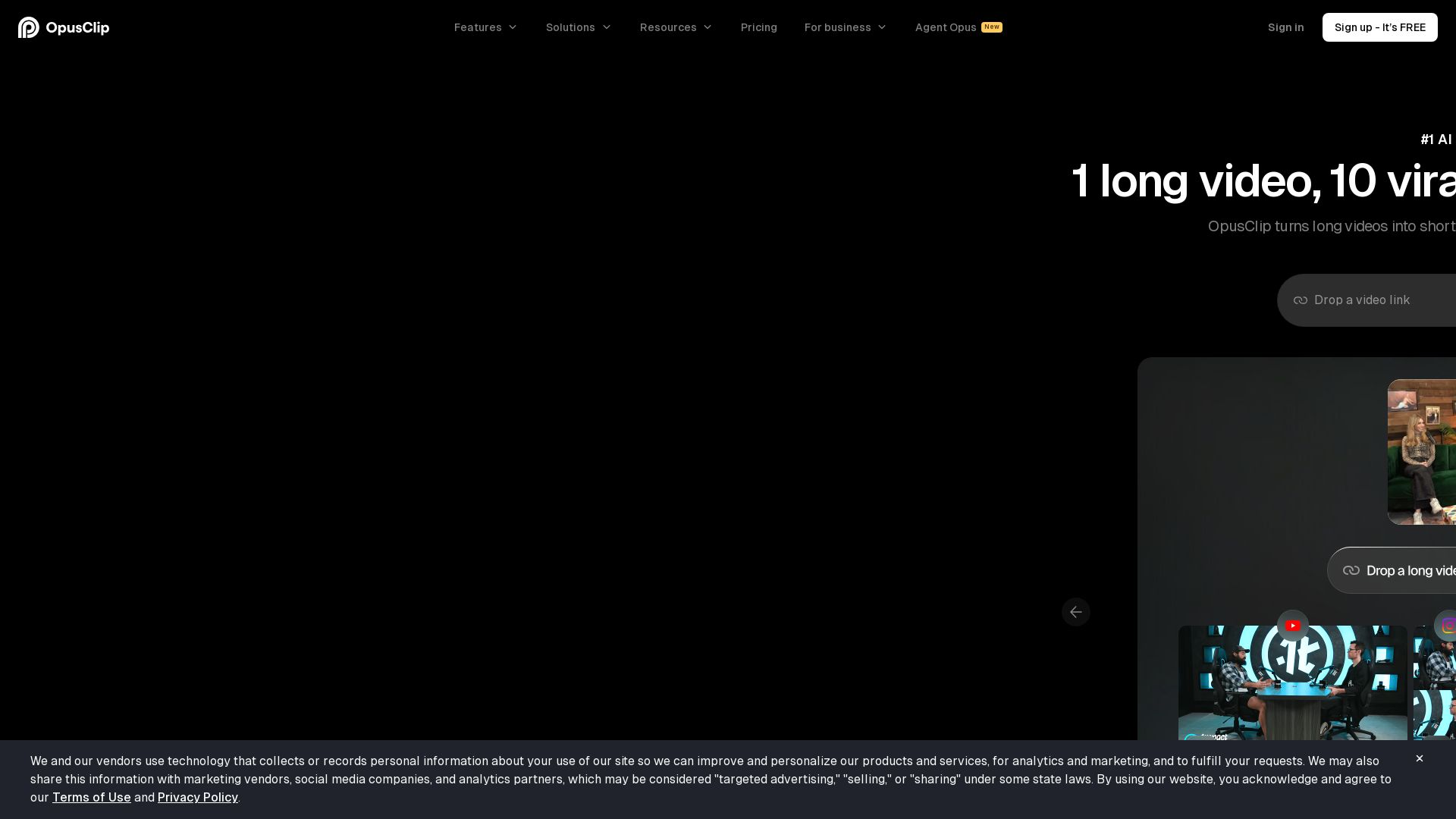
OpusClip
Create 10 viral clips from 1 long video in minutes. AI-powered clipping, captioning, reframing, and B-Roll. Used by 16M+ creators. Supports YouTube, Google Drive, Vimeo, Zoom, and more. Try free!


Listnr
Create natural-sounding voiceovers with 1000+ AI voices, clone your own voice, and generate audio in 142 languages. Trusted by 3.5M users.

ℹ️ Curation Disclosure: The overview and features of Gling were synthesized using AI and fact-checked by our curation team to ensure accuracy.
