
Clipchamp
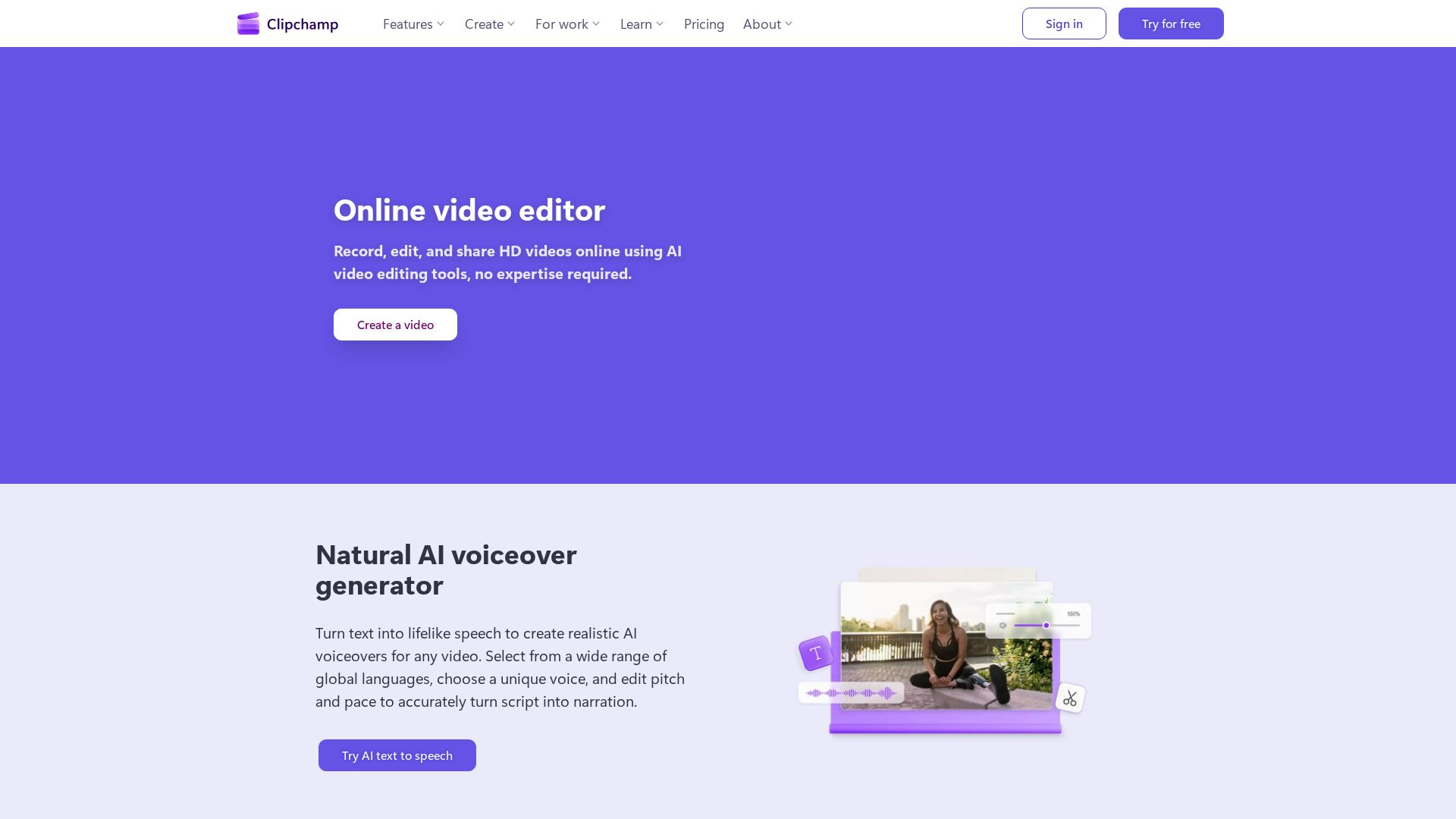
Clipchamp is a free online video editor with AI tools like voiceover, subtitles, and recording. Create HD videos easily.



Editor's Verdict
Key Takeaways
- Online Video Editor
- AI Voiceover Generator
- AI Subtitle Generator
- Screen, Camera & Voice Recorder
In-Depth Review: What is Clipchamp?
Clipchamp is a free online video editor that lets you record, edit, and share HD videos with ease. It offers powerful AI features such as a natural voiceover generator, smart subtitle generator, and audio editing tools to enhance clarity. You can record screen, webcam, and audio, and access royalty-free stock assets. Whether you're a beginner or pro, Clipchamp's browser and desktop apps make video creation accessible for social media, work, or school.
Core Features
Online Video Editor
Record, edit, and share HD videos online using AI video editing tools, no expertise required.
AI Voiceover Generator
Turn text into lifelike speech in multiple languages and voices, with adjustable pitch and pace.
AI Subtitle Generator
Automatically transcribe video audio in over 80 languages, edit style and colors, and export high-quality videos.
Screen, Camera & Voice Recorder
Record audio, screen, and webcam securely with unlimited retakes and AI quality enhancements.
AI Audio Editing Tools
Enhance voice clarity by removing background noise, pauses, and filler words without quality loss.
Royalty-Free Stock Assets
Access a library of videos, images, music, stickers, GIFs, and sound effects for any project.
In-Browser App
Create professional videos directly from your web browser without downloading any software.
Desktop App for Windows
Available in Windows Start menu or Microsoft Store for offline use, with premium features via Microsoft 365.
Pricing
Free
- Watermark-free video exports
- Up to 1080p HD video resolution
- AI video and audio editing tools
- Trim, crop, resize, rotate assets
- Screen, camera, and voice recorder
- Animated text and titles
- Export audio only
- Content backup on OneDrive
- Free stock assets, filters, and effects
Premium (Microsoft 365)
- All Free features
- Up to 4K UHD video resolution
- Premium stock assets
- Premium filters and effects
- Brand kit tool (logos, colors, fonts)
- AI video creation (with Copilot license)
Pros and Cons
Pros
- Feature-rich free versionThe free plan includes AI editing tools, screen recording, subtitles, and no watermarks, surprising many users.
- User-friendly interfaceDesigned for beginners and experts, with easy drag-and-drop and one-click AI features.
- No software download requiredEdit videos entirely in the browser, with a desktop app available as an alternative.
- AI-powered editingAutomatic subtitle generation, voiceovers, and audio cleanup save time and effort.
- Royalty-free content libraryAccess millions of stock assets to enhance videos without additional cost or licensing issues.
Cons
- Premium features require Microsoft 365Advanced features like 4K export and premium assets are only available with a paid Microsoft 365 subscription.
- Free version limited to 1080pVideo exports in the free plan are capped at full HD, which may not suit professional 4K needs.
- No standalone premium planUsers cannot purchase Clipchamp premium separately; it is bundled with Microsoft 365.
- Desktop app limited to WindowsThe dedicated desktop app is only available for Windows 10/11, excluding macOS and Linux.
- No mobile app mentionedClipchamp does not offer a dedicated mobile video editor app for iOS/Android.
Use Cases & Recommended Professions
Social Media Manager→ View Toolkit
Create engaging video content for platforms like Instagram, TikTok, and Facebook using AI-powered tools and stock assets.
YouTuber / Content Creator→ View Toolkit
Edit vlogs, tutorials, and reviews with easy-to-use editing, subtitles, and voiceovers to grow a channel.
Teacher / Educator→ View Toolkit
Produce instructional videos, presentations, and screen recordings for classroom or remote learning.
Small Business Owner→ View Toolkit
Make promotional videos, demos, and ads without hiring a professional video editor.
Marketing Professional→ View Toolkit
Quickly produce video campaigns, webinars, and social media ads with branding tools and AI features.
Non-profit Communicator→ View Toolkit
Tell stories and share missions through video using royalty-free assets and accessible editing.
Frequently Asked Questions
Alternative AI Tools
View Detailed Comparison →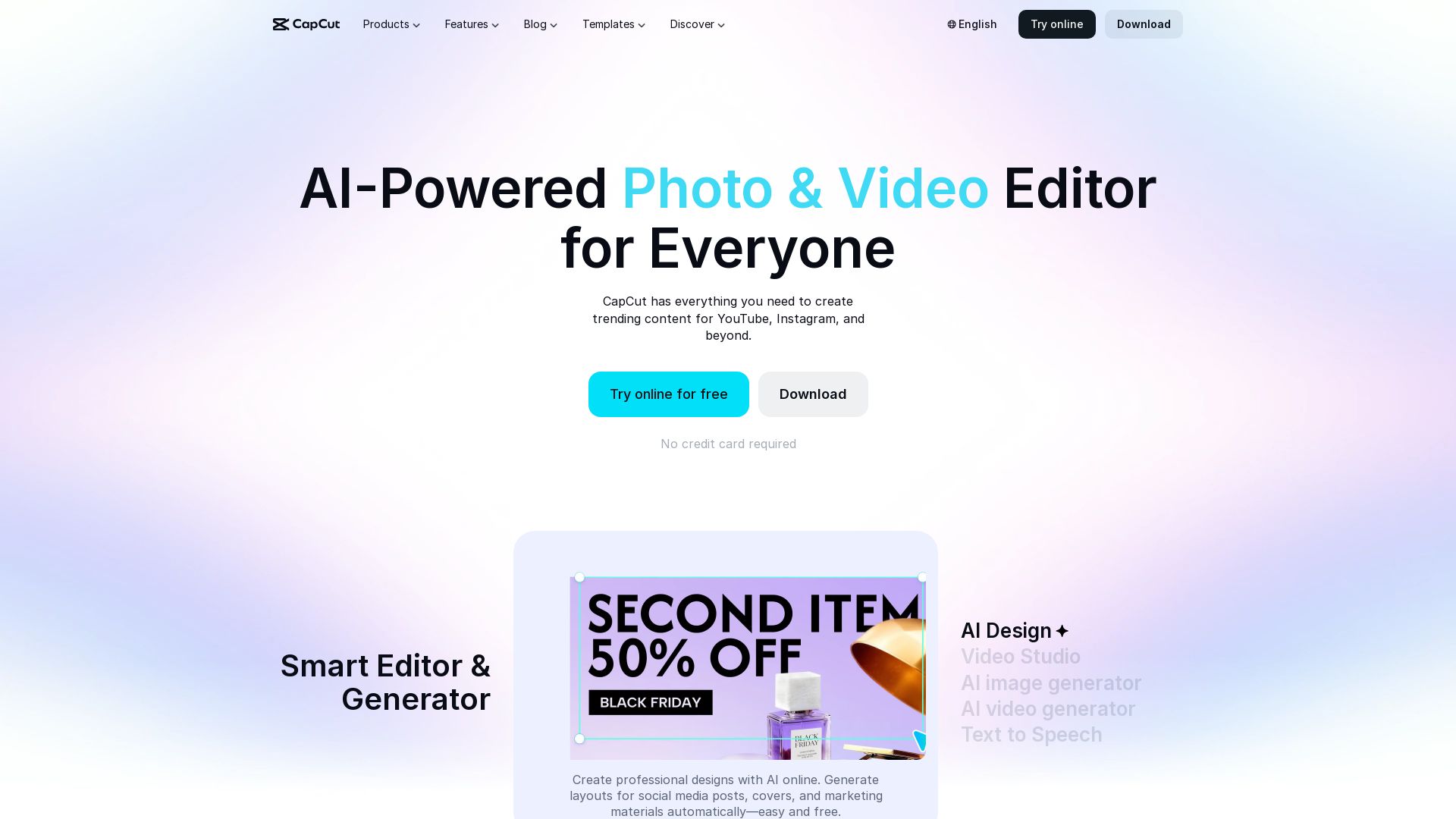
CapCut AI Video Editor
Create stunning videos and photos with CapCut's AI tools. Free online editor, background remover, text to speech, templates. No watermark. Try now!


Gen AI Video Generator
Create stunning AI videos and images with 90+ models including Google VEO 3, Sora 2, Seedance 2.0. Text-to-video, image-to-video, photo editing on iOS.

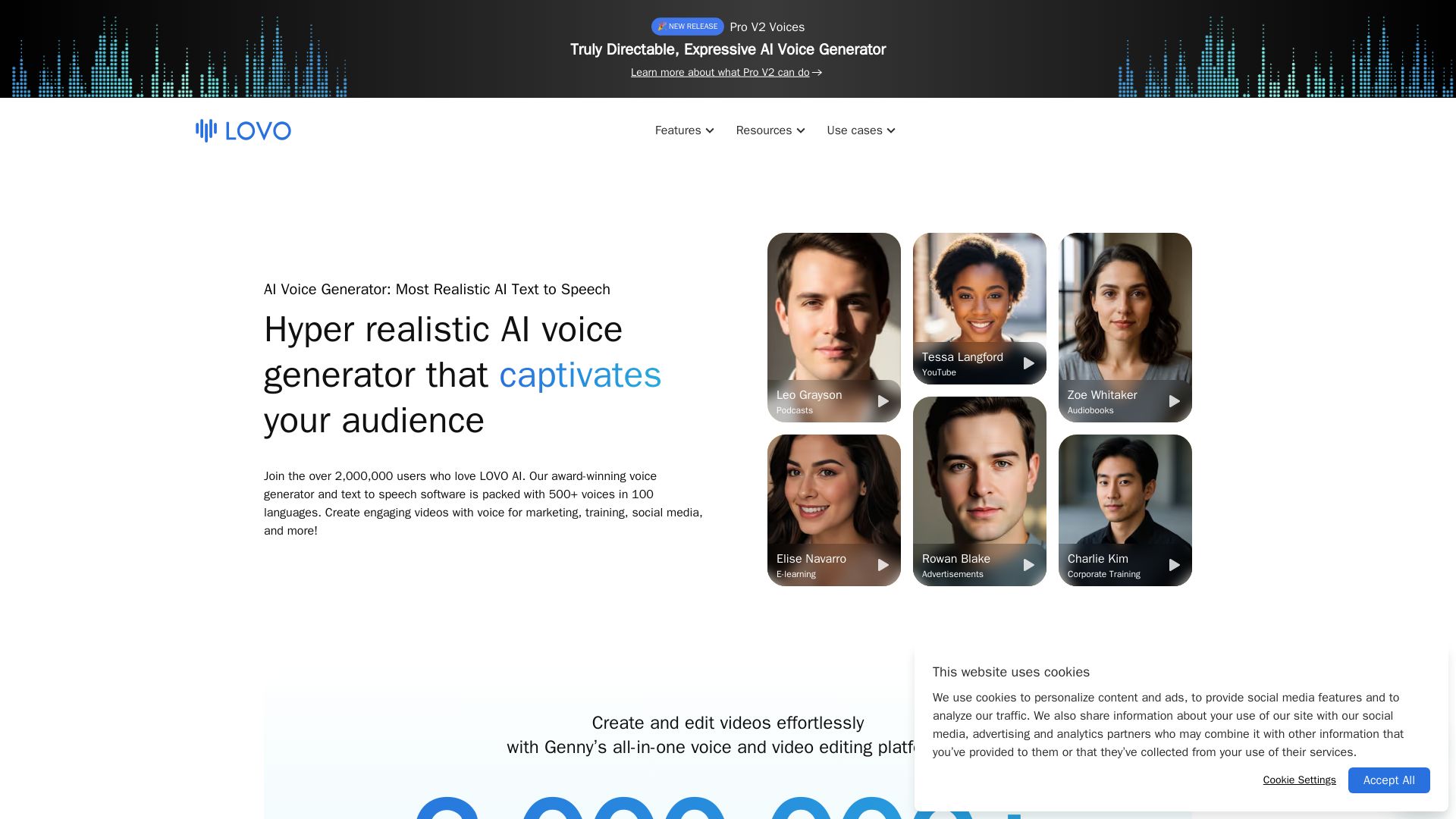
LOVO
Create engaging videos with the most natural AI voices. 500+ voices in 100 languages. Voice cloning, video editor, and more. Trusted by 2M+ users.

VideoGen
Create stunning AI videos fast with VideoGen. AI voiceovers, templates, and team collaboration. Trusted by millions. Start free.

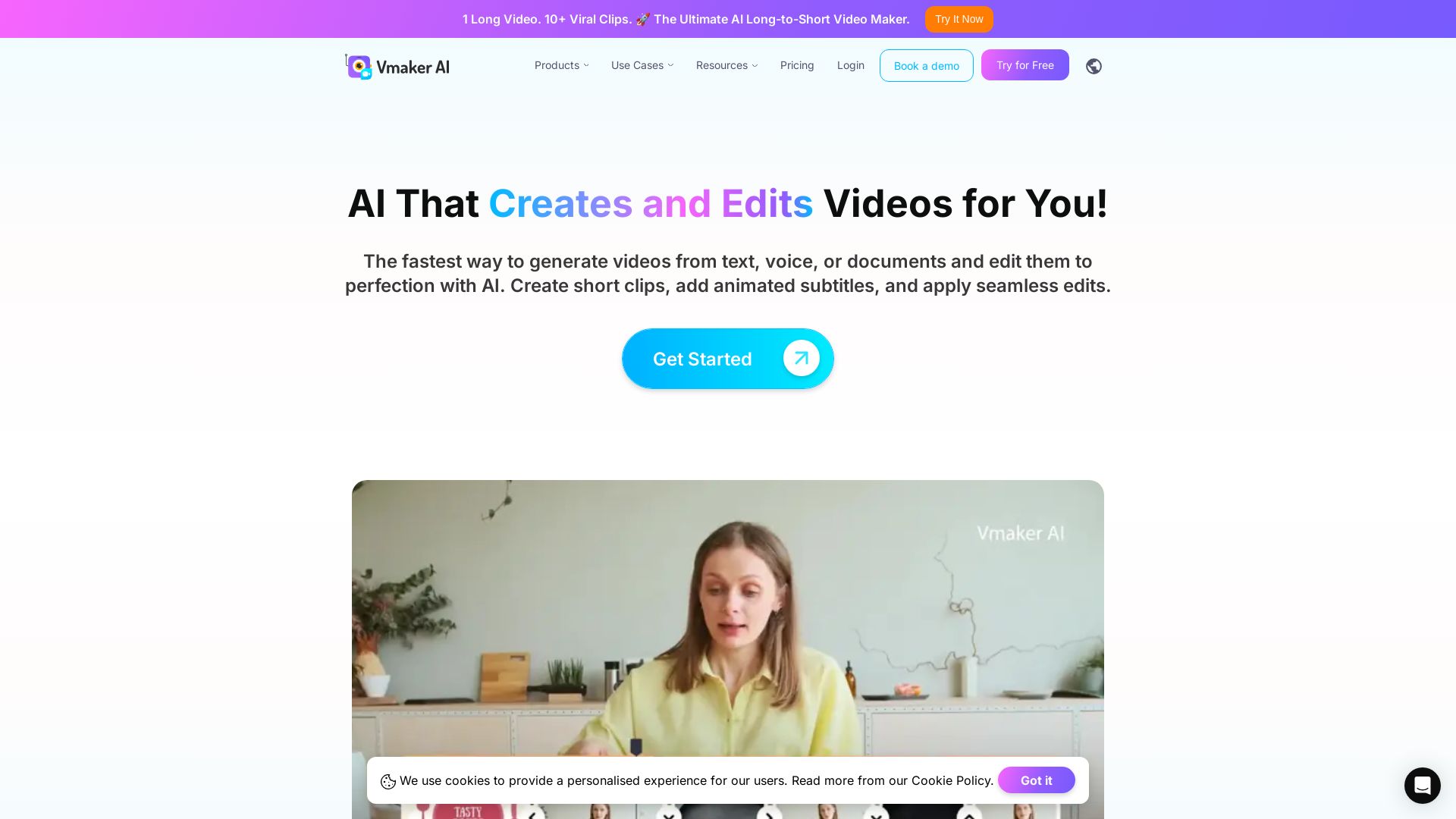
Vmaker AI
AI video editor & long-to-short clip maker. Convert text, audio, or documents to video. Auto subtitles, screen recording. Used by 2M+ creators.

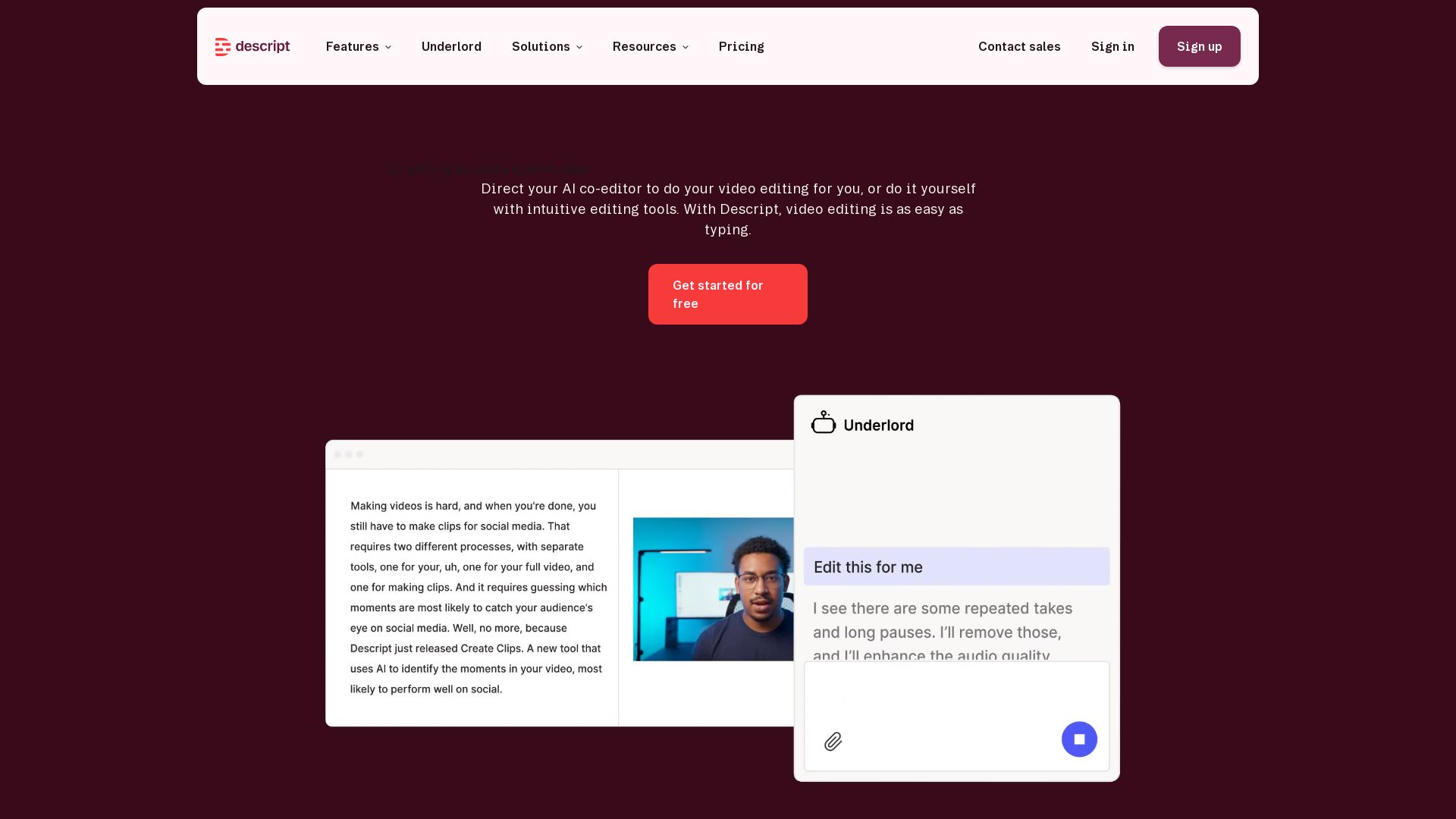
Descript
Descript is the AI video editor that lets you edit video by editing text. Transcribe, remove filler words, add captions, and more. Get started free.


Flow AI Video Generator
Create stunning 4K AI videos with Flow AI Video. Text-to-video, image-to-video, multi-shot storytelling. Get 50% OFF now!

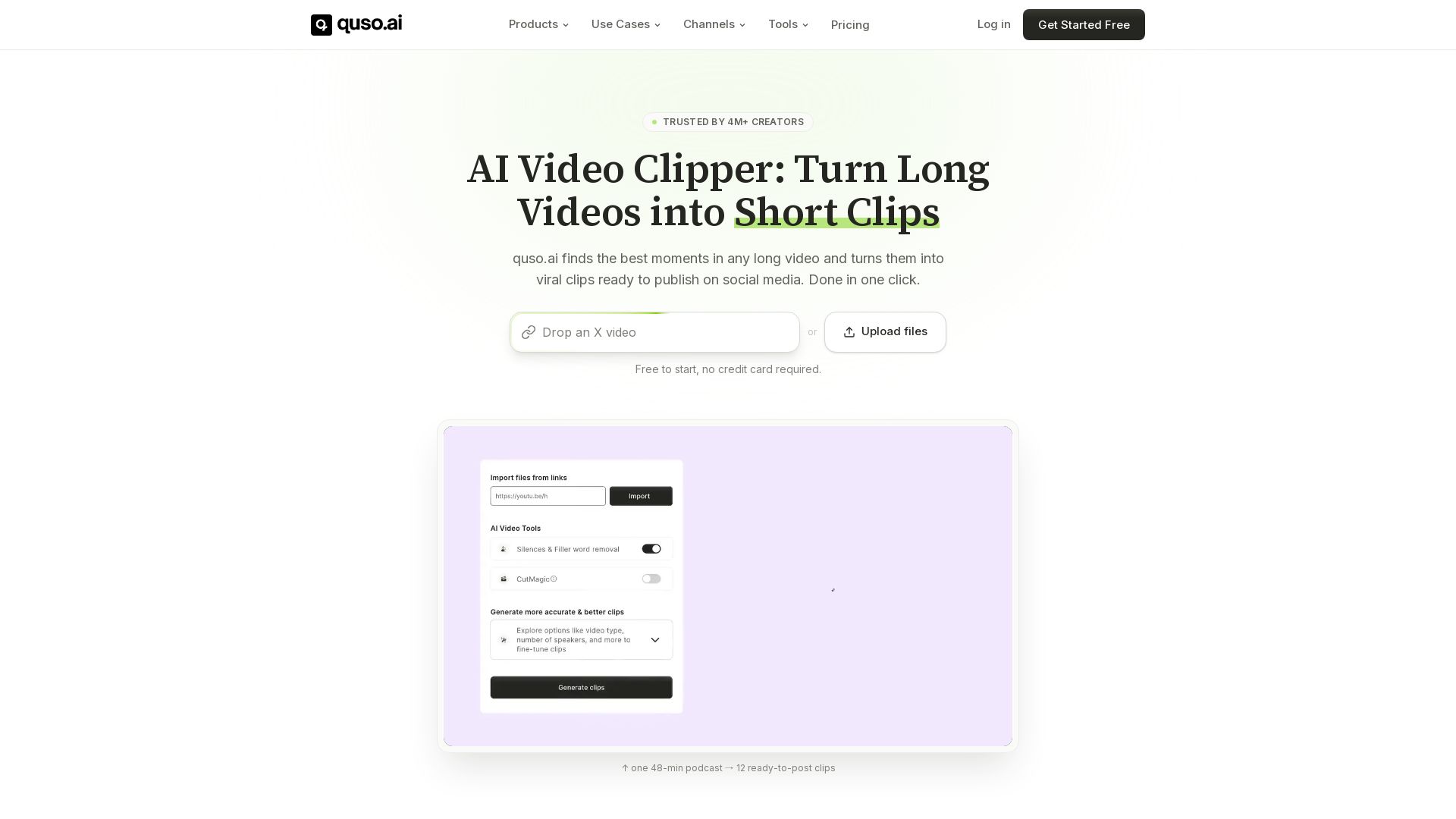
quso
Quso.ai automatically finds viral moments in any video, creates clips with captions, and schedules posts. One click, no editing needed.

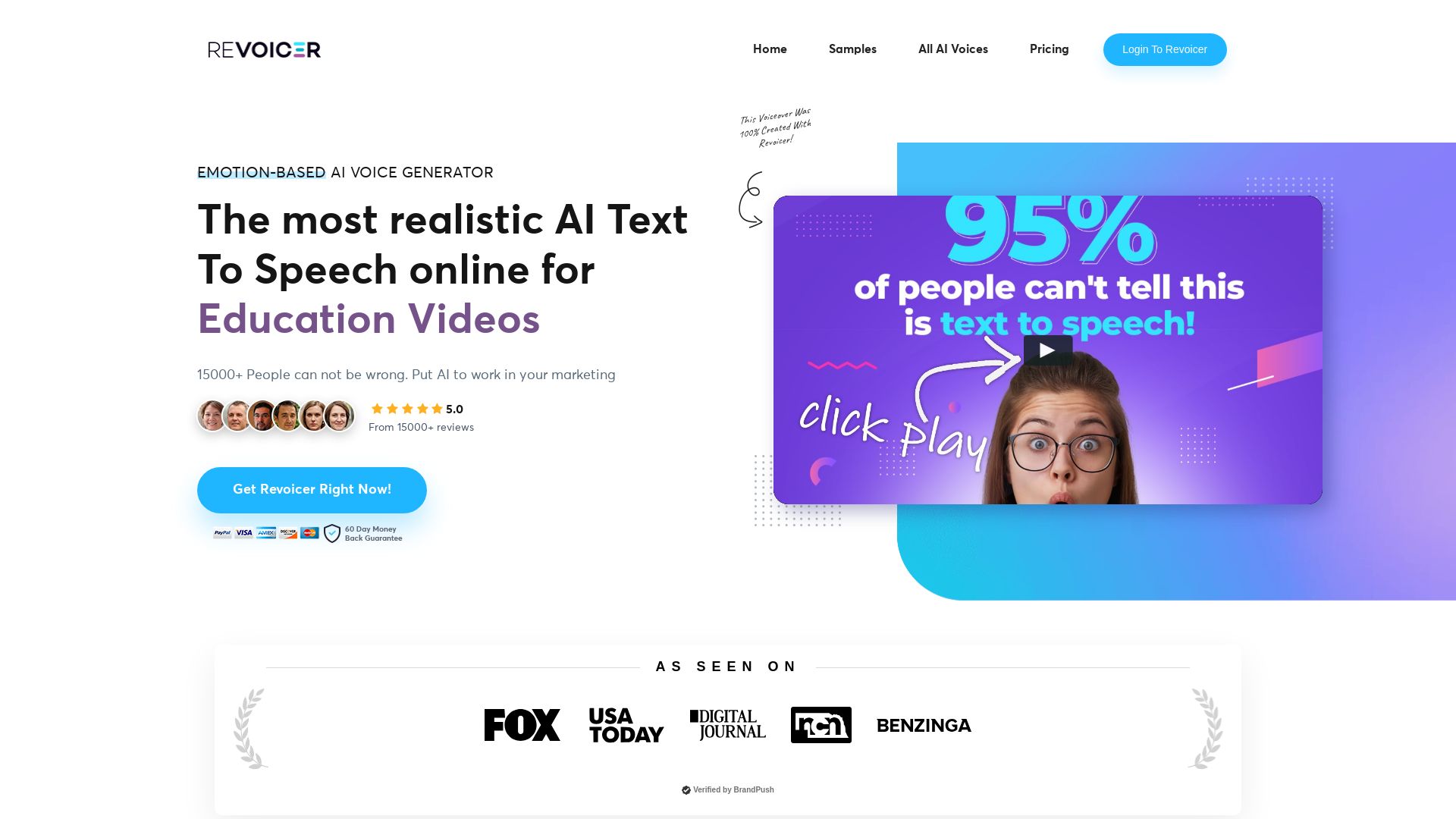
Revoicer
Create ultra-realistic AI voiceovers with emotion-based text-to-speech. 250+ voices, 50+ languages, no install. Perfect for videos, ads, podcasts, and more.

Kling AI
Experience Kling 3.0 – advanced AI video and image generation with native audio, multi-scene consistency, and precise storyboard control. Create now!

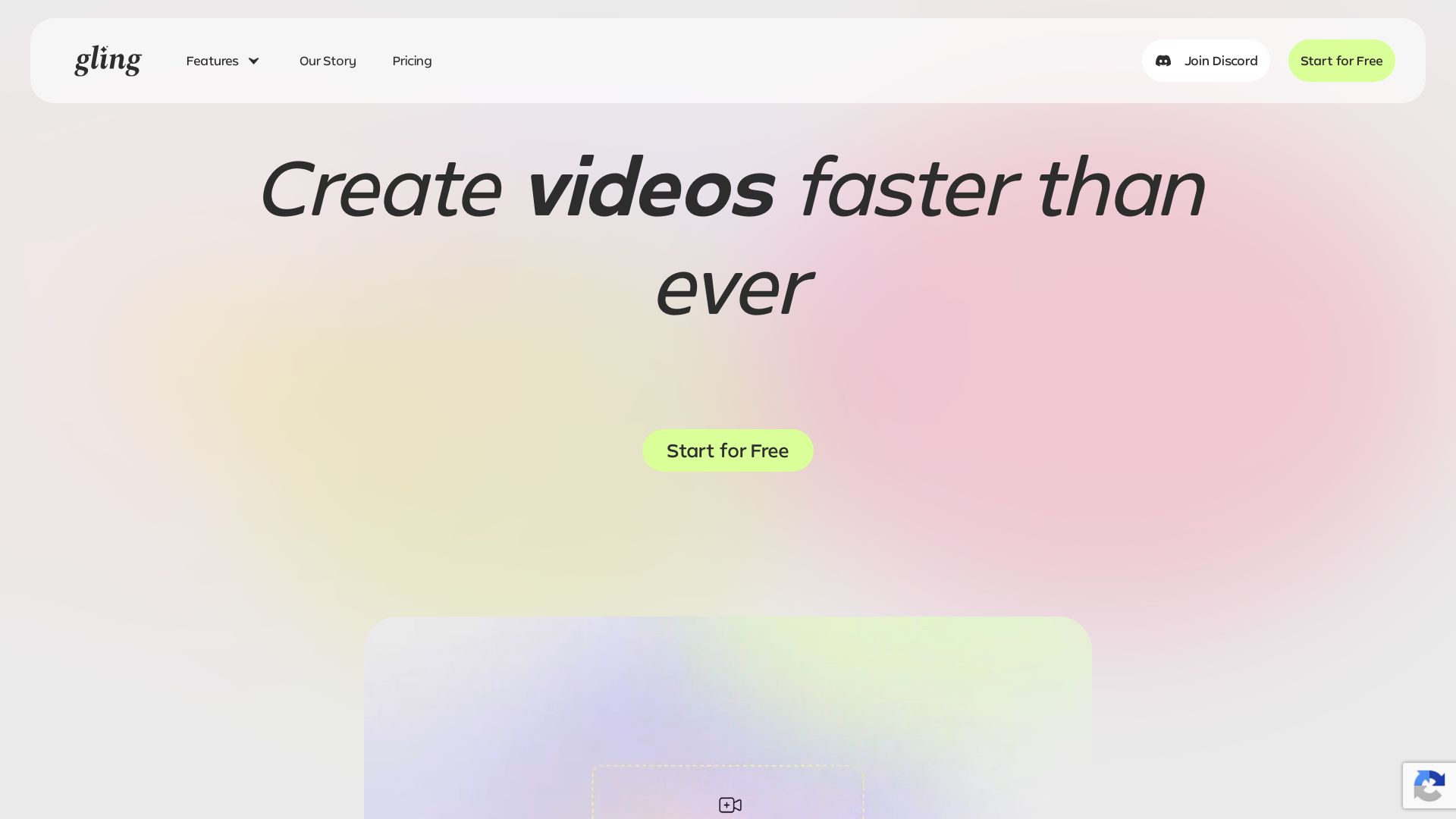
Gling
Upload raw footage, get a clean cut. AI removes silences, bad takes, filler words. Save time with captions, zoom, titles.

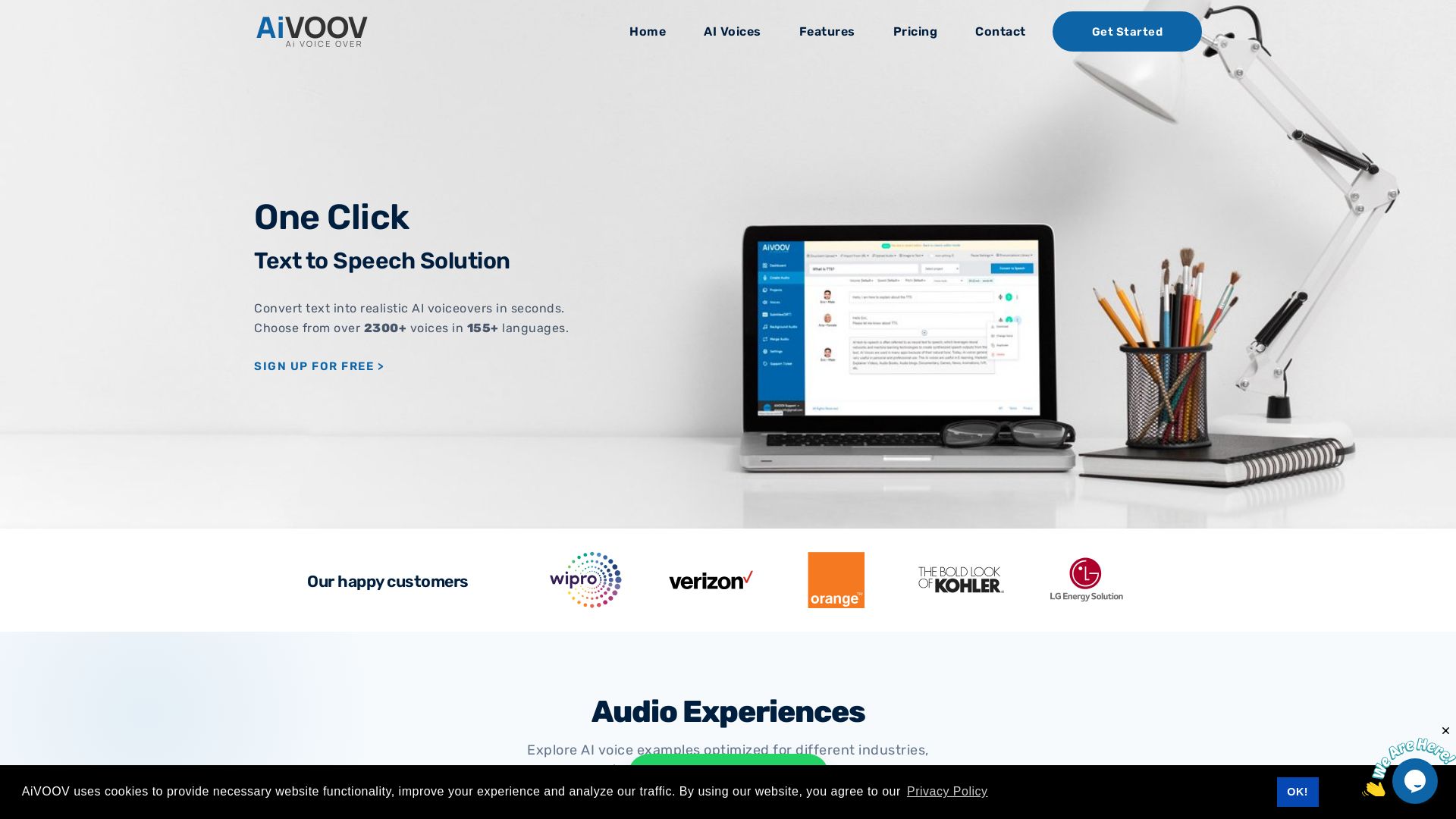
AiVOOV
Convert text to natural-sounding AI voiceovers in seconds. Over 2300+ voices, 155+ languages. Free trial. For videos, podcasts, e-learning.

ℹ️ Curation Disclosure: The overview and features of Clipchamp were synthesized using AI and fact-checked by our curation team to ensure accuracy.