
Descript
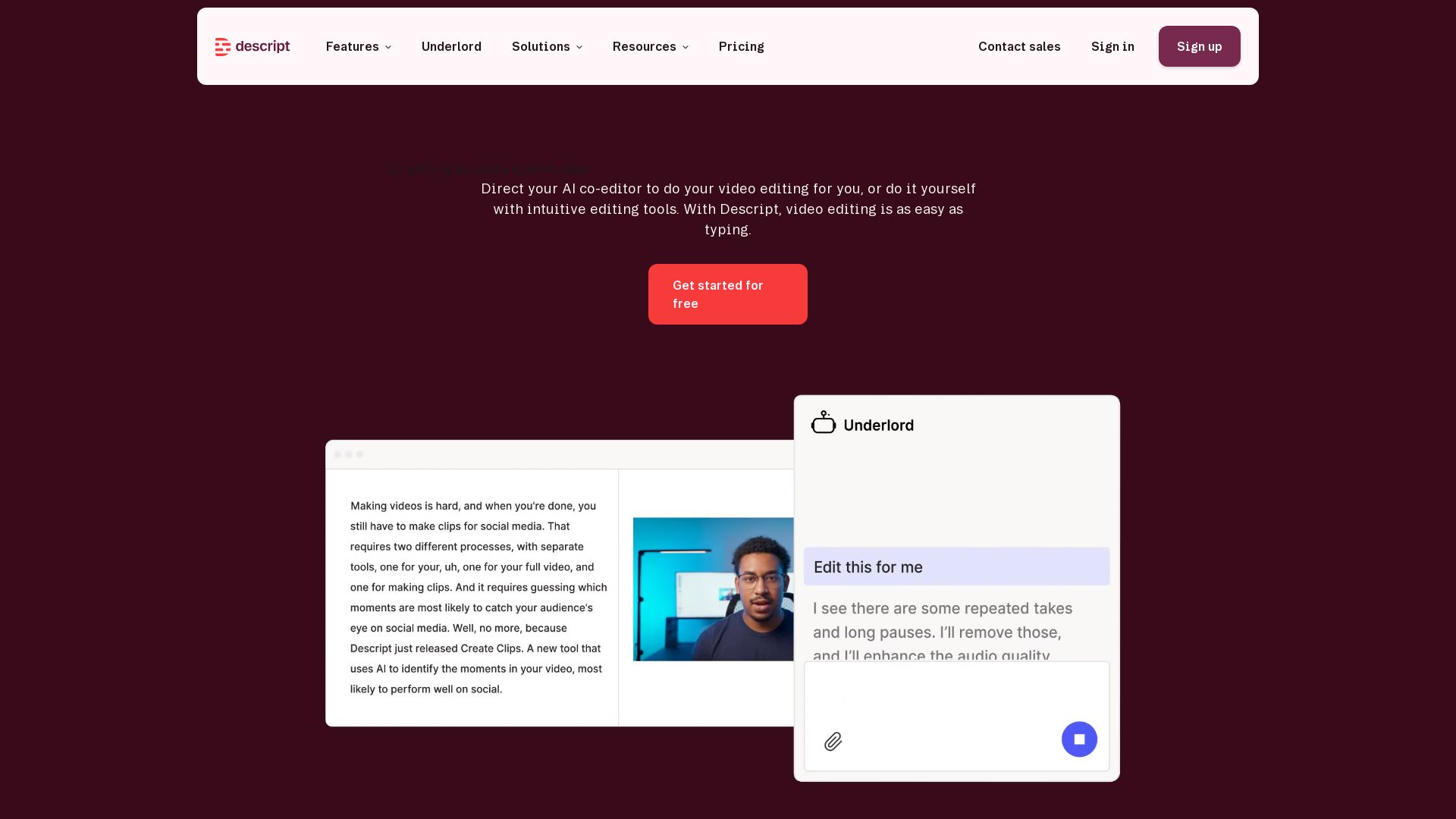
Descript is the AI video editor that lets you edit video by editing text. Transcribe, remove filler words, add captions, and more. Get started free.

Editor's Verdict
Key Takeaways
- Green Screen
- Eye Contact
- Studio Sound
- Remove Filler Words
In-Depth Review: What is Descript?
Descript redefines video editing with AI. Simply drag in your audio or video, get an instant transcript, and edit by typing. Remove filler words, apply studio sound, generate eye contact, change backgrounds, translate, and more. Create professional videos without a video team. Ideal for marketers, creators, sales, support, and L&D. Free plan available.
Core Features
Green Screen
AI scrubs out your background and replaces it with a new one, no setup required.
Eye Contact
AI adjusts your gaze to make it appear you are looking at the camera, even when reading a script.
Studio Sound
Regenerative AI removes background noise and enhances voice quality without expensive equipment.
Remove Filler Words
Instantly cuts out 'ums', 'uhs', 'likes' and other filler words to save editing time.
Translation
Translate your video content into multiple languages for a global audience.
Transcription
Upload audio or video and AI transcribes it quickly, enabling text-based editing.
Captions
Add captions with a couple of clicks to improve accessibility and engagement.
Avatars
Choose from a gallery or create custom avatars to deliver scripts without being on camera.
Quick Design
Automatically formats and adds B-roll to your video with one click.
Generate Video
Create custom B-roll using AI based on your content and prompts.
Regenerate
Correct a word or fix audio by typing; AI clones your voice and adjusts mouth movements to match.
Underlord
AI co-editor that helps you edit video by directing it with simple commands.
Pricing
Free
- 1 media hour/month
- 100 AI credits/month
- Export 720p, watermark-free
- Limited use of Underlord and AI tools
- Limited trial of AI Speech
Hobbyist
- 10 media hours/month
- 400 AI credits/month
- Export 1080p, watermark-free
- Access to Underlord
- AI tools: Studio Sound, Remove Filler Words, Create Clips, and more
- AI Speech with custom voice clones and video regenerate
Creator
- 30 media hours/month
- 800 AI credits/month
- Export 4k, watermark-free
- Full access to Underlord and 20+ AI tools
- Generate video with latest AI models
- Unlimited royalty-free stock media library
- Access to top ups
Business
- 40 media hours/month
- 1500 AI credits/month
- Team-wide access to Brand Studio
- Translate and dub video in 30+ languages with proofread
- Generate custom avatars from photo upload or text
- Priority support with SLA
- Access to top ups
Enterprise
- Custom AI credits and media hours
- Brand Studio with shared templates and guardrails
- AI and data controls, opt-out of training
- SOC 2 Type II, SSO, SCIM, audit logs
- Custom MSA, legal terms, flexible billing
- Dedicated CSM, onboarding, priority response
Pros and Cons
Pros
- AI-Powered EditingEdit video by editing text, saving time and effort with features like Regenerate and Remove Filler Words.
- Comprehensive ToolsetIncludes transcription, captions, screen recording, green screen, eye contact, and more in one platform.
- Team CollaborationSupports multiple users with commenting, live collaboration, and shared brand assets (Business and Enterprise plans).
- High-Quality OutputExports up to 4k resolution watermark-free across paid plans.
- User-Friendly InterfaceDesigned for non-professionals, making video creation accessible to all team members.
Cons
- Limited Free PlanFree plan has only 1 media hour/month and limited AI credits, restricting heavy usage.
- Learning Curve for Advanced FeaturesSome AI features like Underlord and custom avatars may require time to master.
- Cost for Larger TeamsBusiness and Enterprise plans are priced per person, which can add up for larger organizations.
- Dependence on InternetCloud-based; requires stable internet connection for uploading and processing.
Use Cases & Recommended Professions
Content Creator→ View Toolkit
Needs efficient video editing tools to produce high-quality content quickly without professional video editing skills.
Marketer→ View Toolkit
Relies on video for campaigns; Descript's AI features enable rapid creation of marketing videos with consistent branding.
Podcaster→ View Toolkit
Benefits from transcription, audio enhancement, and removal of filler words to produce polished episodes.
Sales Enablement Specialist→ View Toolkit
Uses video to communicate product value and train sales teams; Descript simplifies creation and personalization.
Customer Support Manager→ View Toolkit
Creates video tutorials and responses to reduce support tickets; Descript's translation and captions help reach global customers.
Learning & Development Professional→ View Toolkit
Develops training videos; Descript's avatars and quick design features streamline the process.
Frequently Asked Questions
Alternative AI Tools
View Detailed Comparison →
Marketing Mary
Unify research, creation, publishing & optimization with one AI Co-Pilot. Works in your existing stack. Join 500+ leaders on the waitlist.

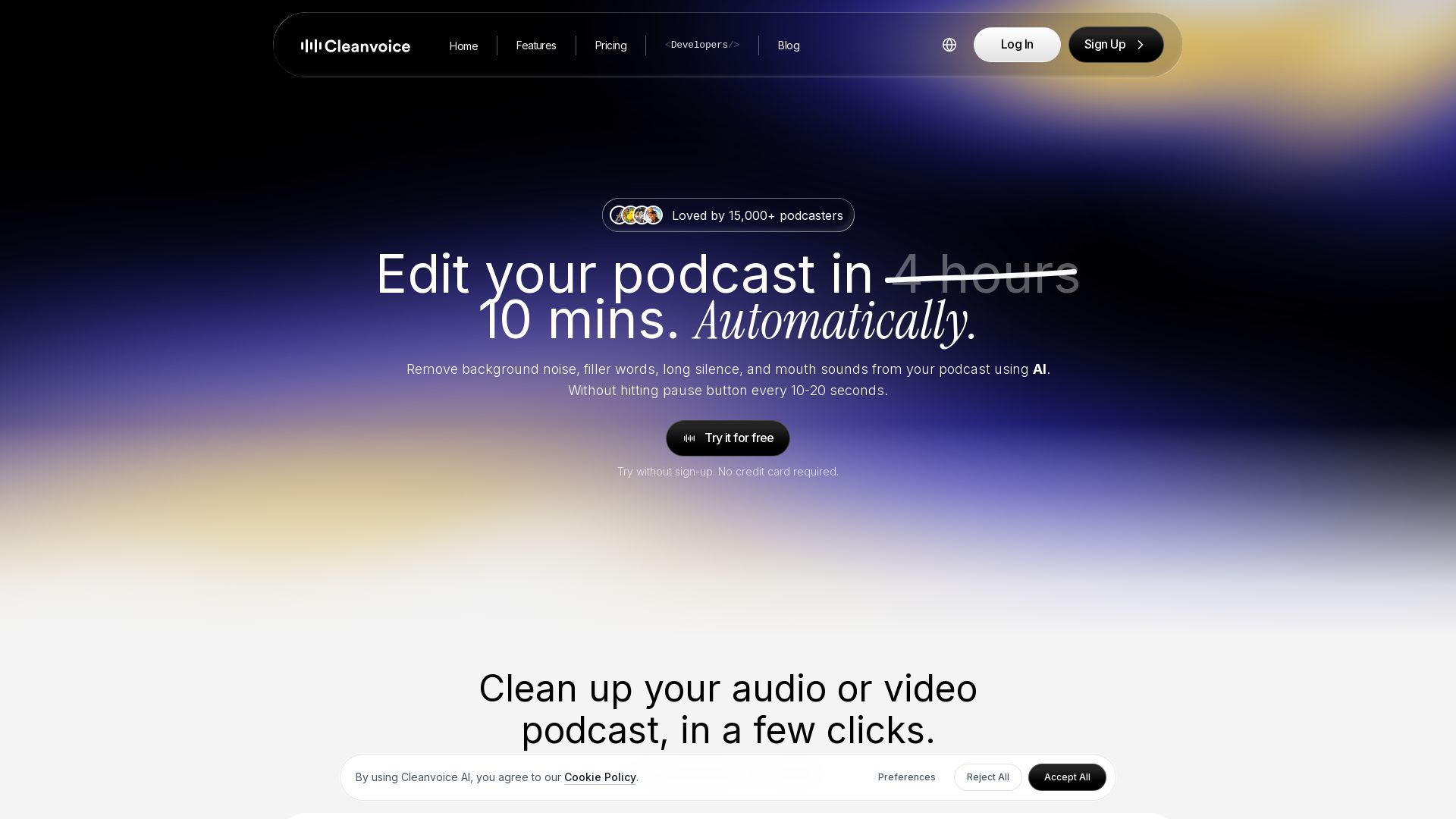
Cleanvoice AI
Remove background noise, filler words, and mouth sounds from your podcast using AI. Edit in minutes, not hours. Try for free, no sign-up required.


Marketing Titan
Replace HubSpot, ZoomInfo, Hootsuite & Jasper with 180+ AI agents & Darwin AI. Save $50K+/yr. Start free trial.

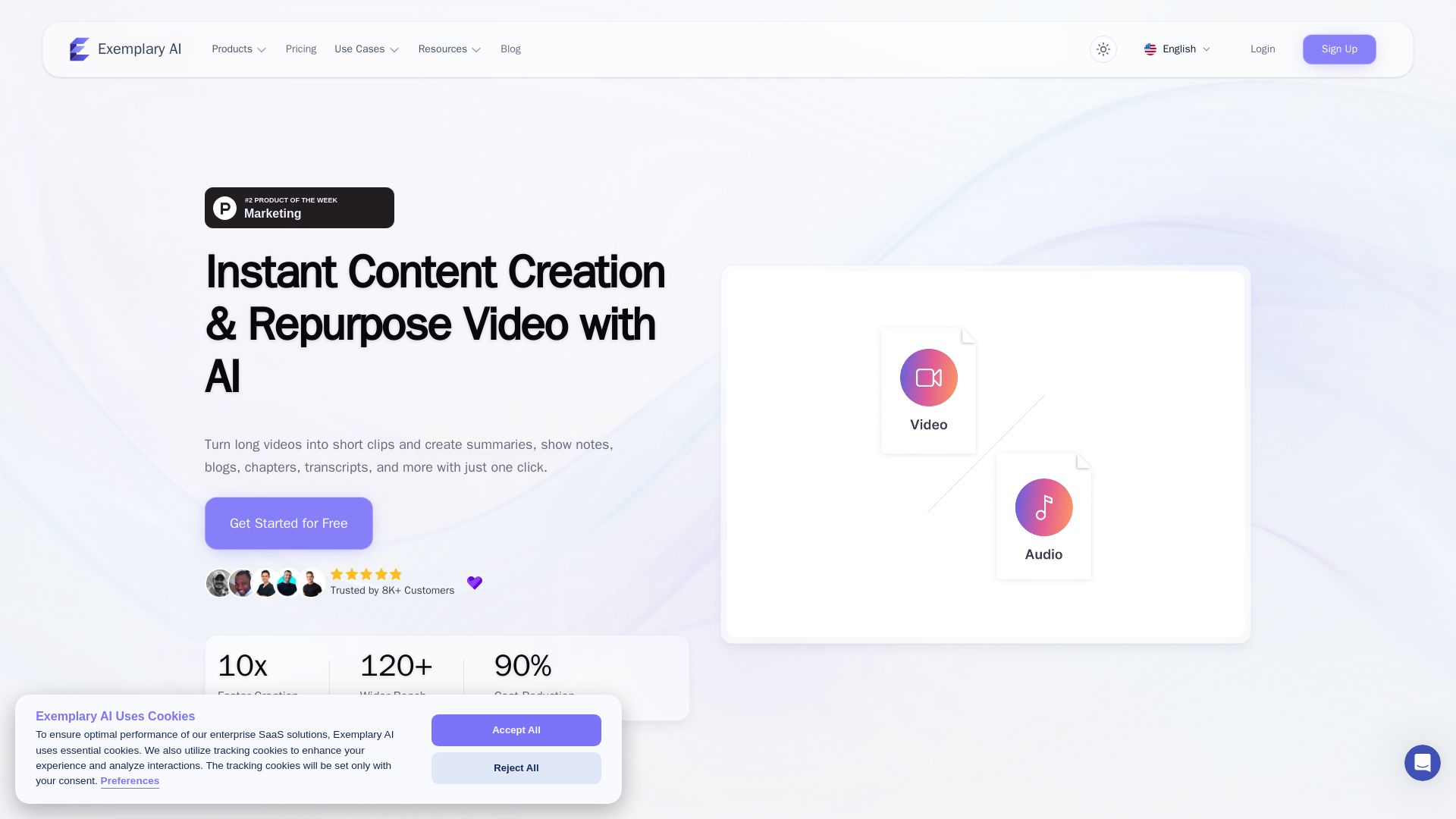
AI translation for audio and video - Exemplary AI
Turn long videos into short clips, summaries, blogs, transcripts & subtitles in 120+ languages with AI. Get started free.

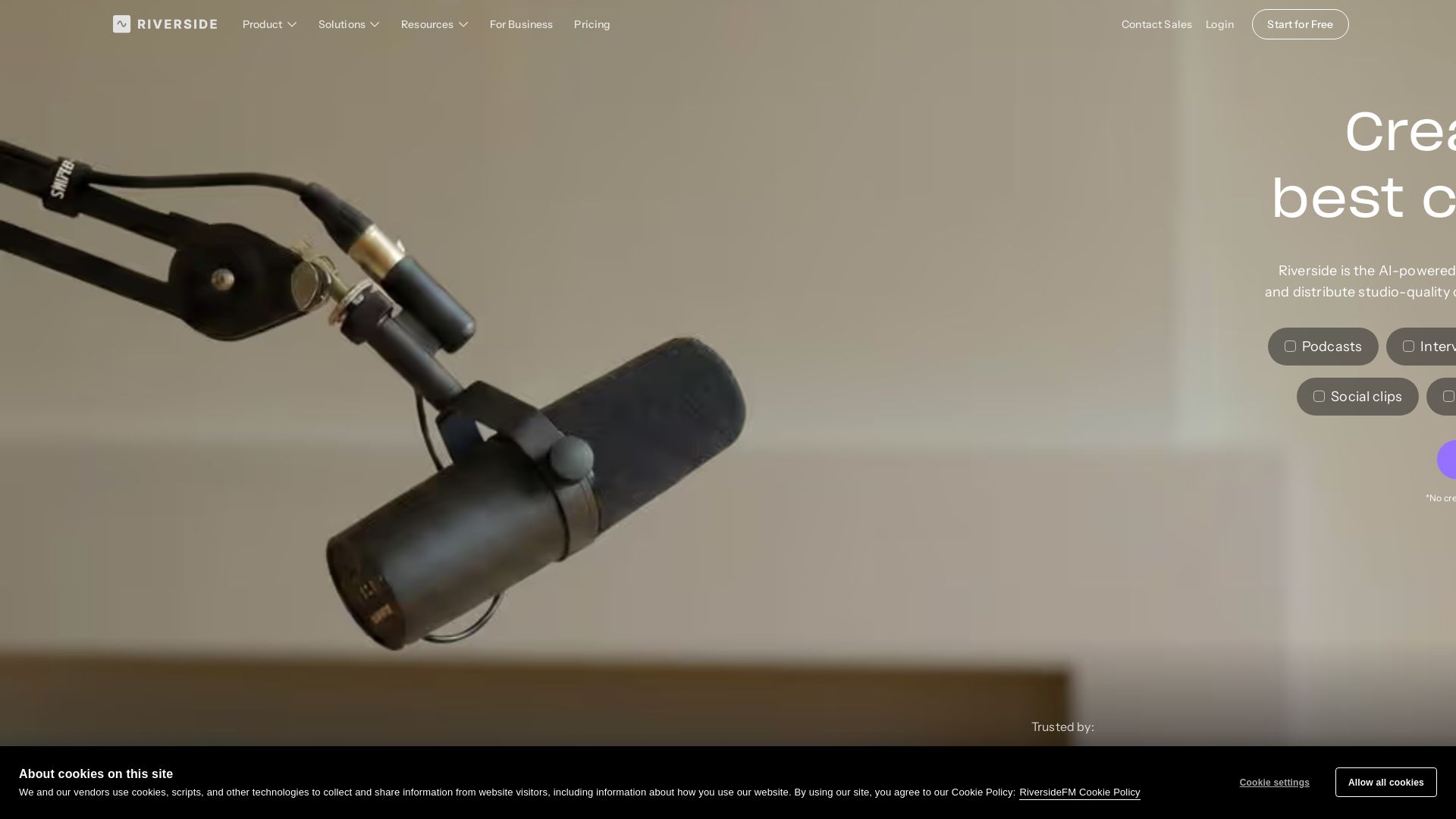
Riverside
Record, edit, repurpose, and distribute studio-quality content with AI. Trusted by top creators. Start for free.


Marketing Copilot
Boost AI visibility, engage buyers, and manage data with expert-led marketing. Trusted by tech companies. Claim your AI Visibility Assessment.

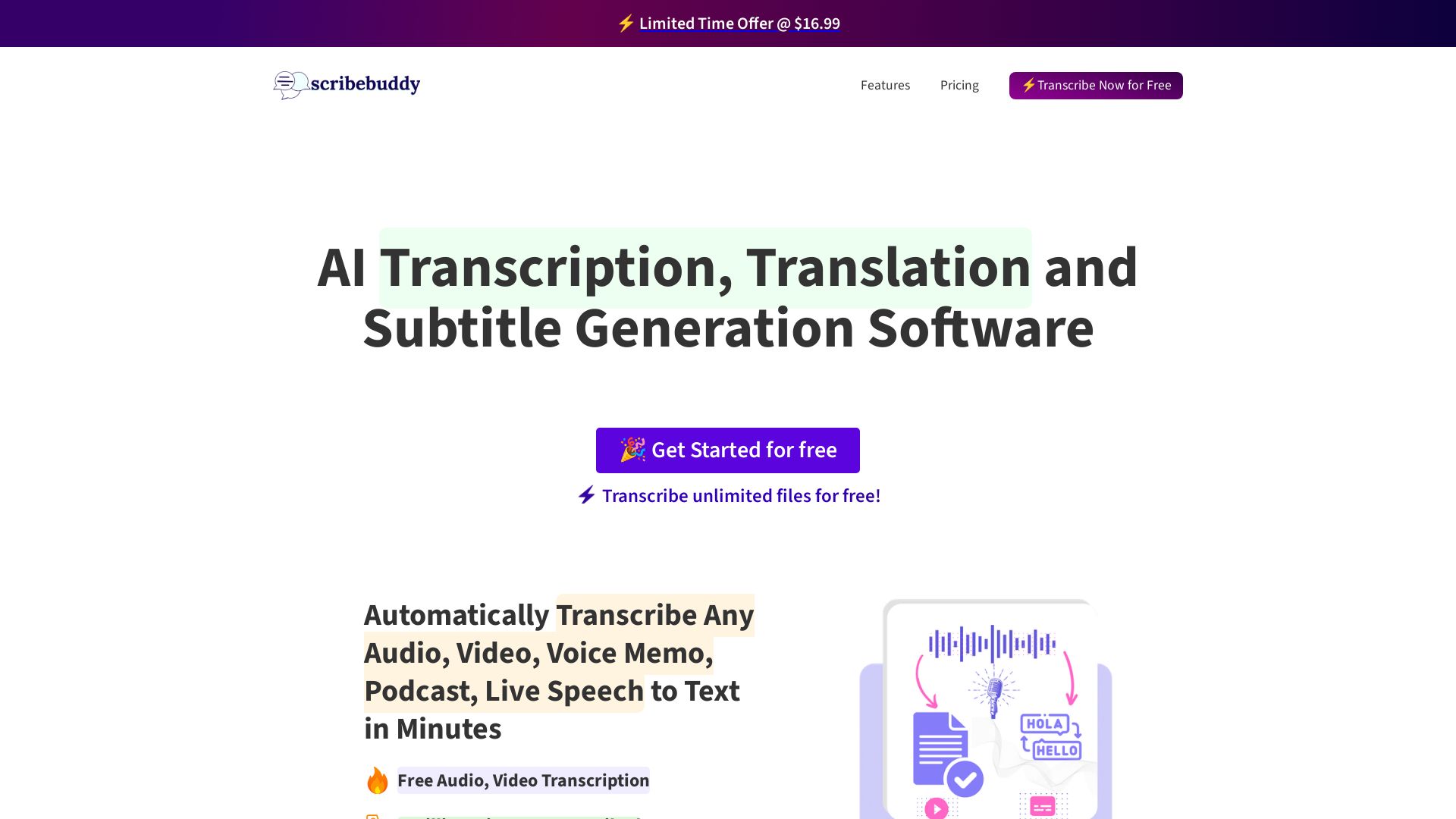
ScribeBuddy
Transcribe audio/video to text with 98% accuracy. Supports 100+ languages. Free unlimited files up to 5 min. Pay-as-you-go available.


FounderPal
Trusted by 2250+ founders. Get a personal AI marketing assistant to define strategy, delegate tasks, boost conversions. Save 100+ hours/month. Try free.

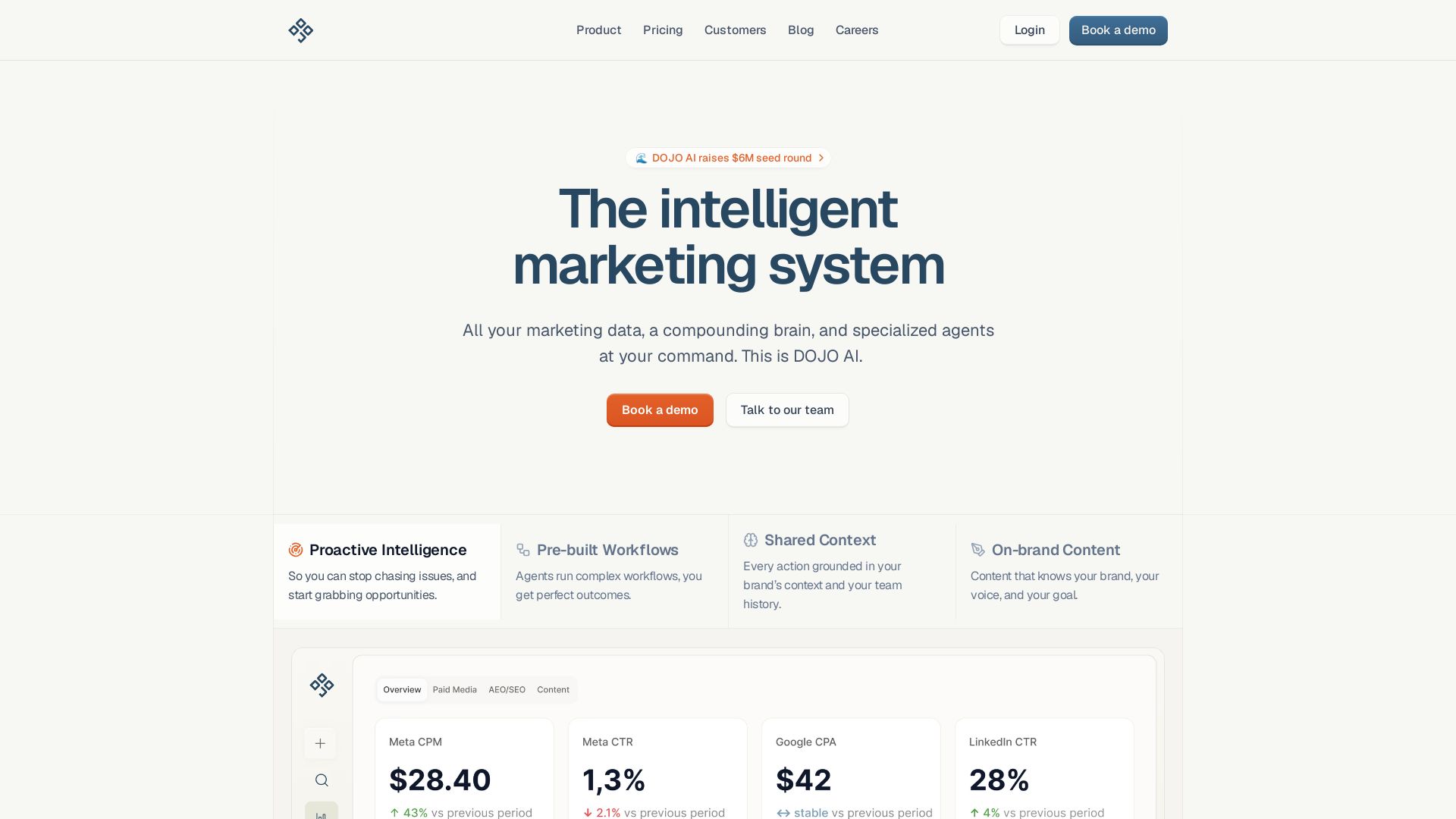
DOJO AI
All your marketing data, a compounding brain, and specialized agents at your command. Reduce CPA, boost efficiency. Book a demo.

Jasper
Jasper is the AI-powered execution platform for marketing teams. Orchestrate 100+ agents to automate campaigns, scale content, and maintain brand voice. Get cited by AI search.

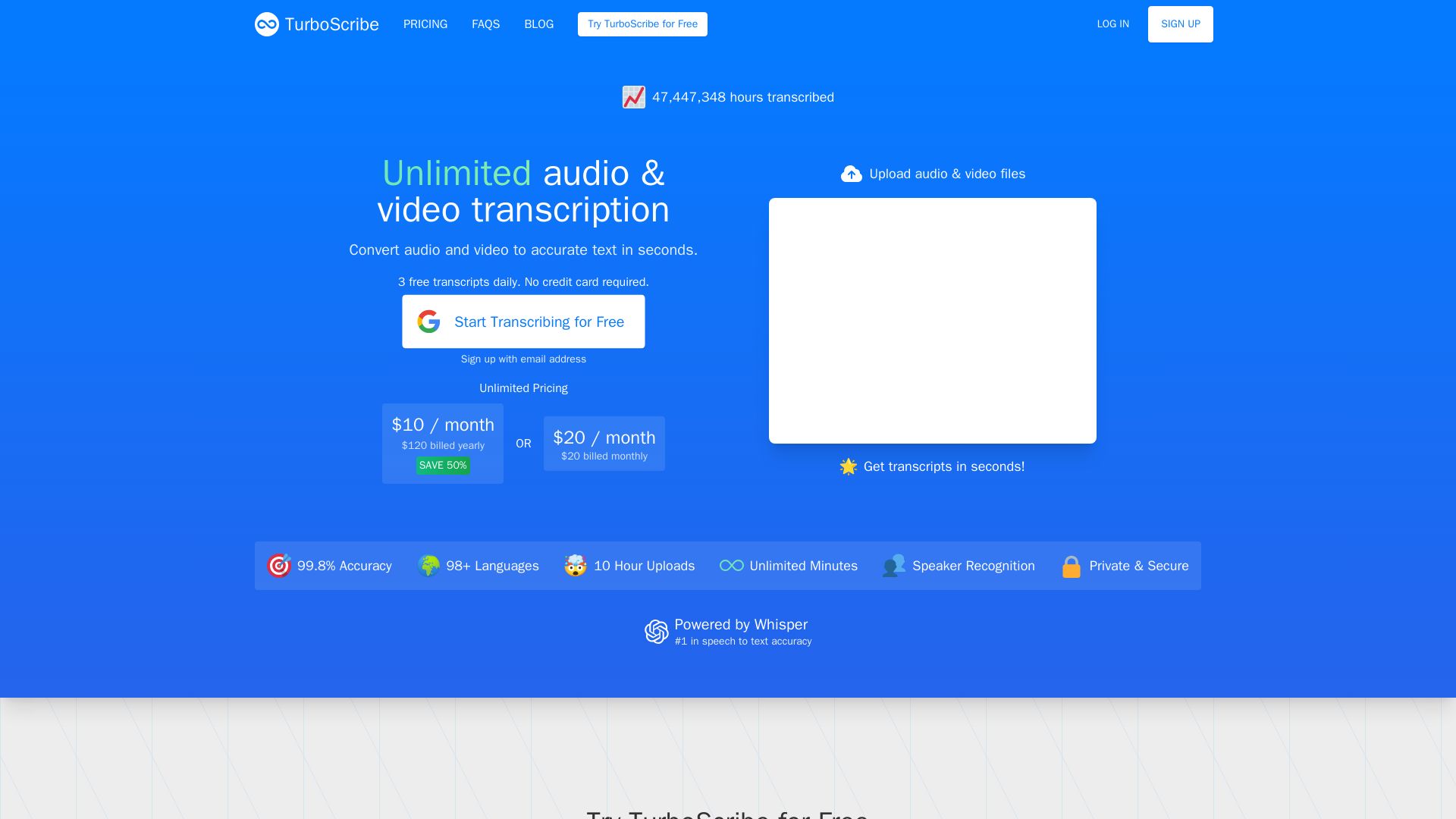
TurboScribe
Convert audio & video to text with 99.8% accuracy. Unlimited minutes, 98+ languages. Free daily transcripts. No credit card needed.

TRYGO
Find your first paying customers with AI-driven marketing strategy, channel recommendations, and GTM plans. Free to start.

ℹ️ Curation Disclosure: The overview and features of Descript were synthesized using AI and fact-checked by our curation team to ensure accuracy.
