
Cleanvoice AI
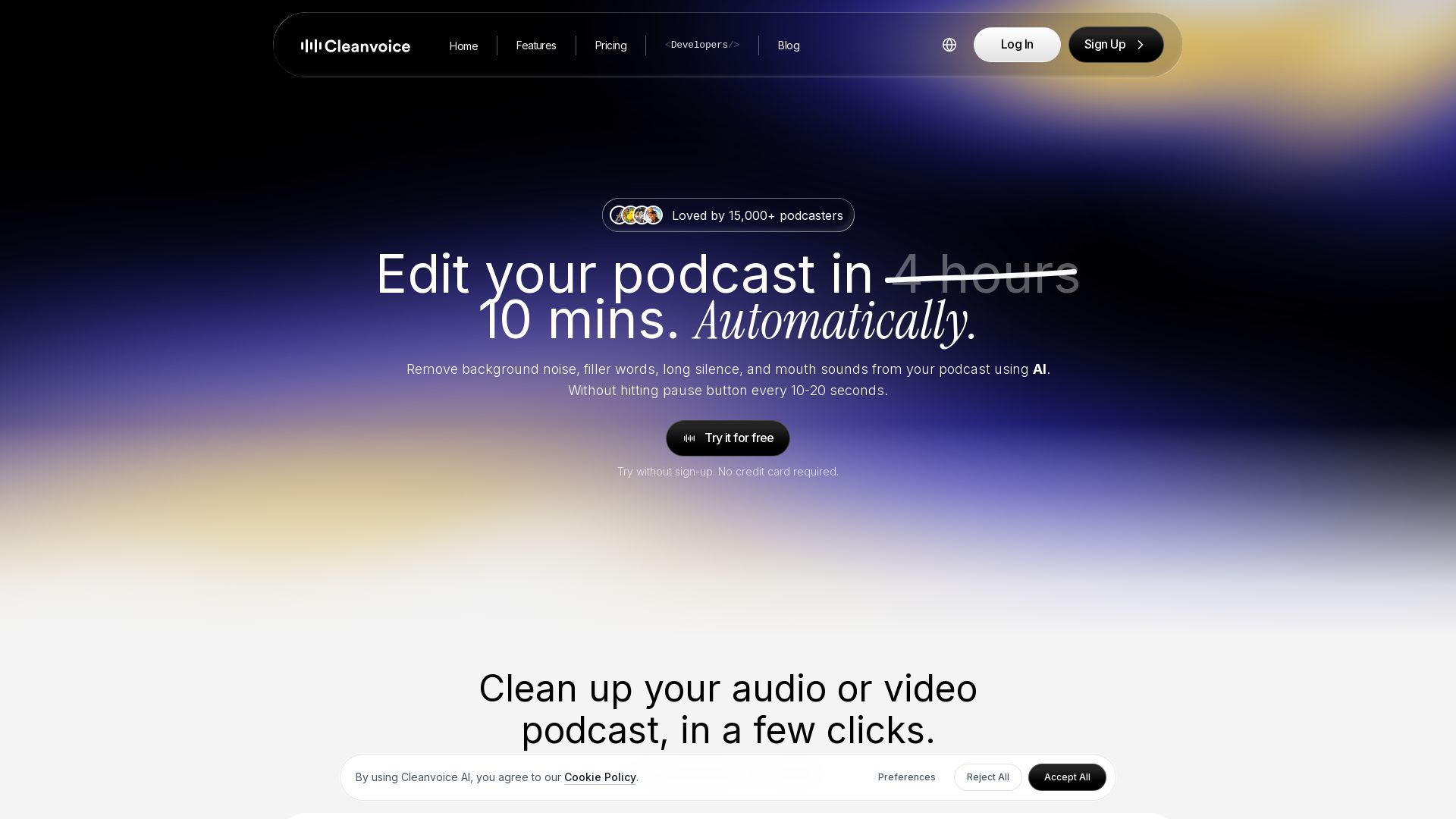
Remove background noise, filler words, and mouth sounds from your podcast using AI. Edit in minutes, not hours. Try for free, no sign-up required.

Editor's Verdict
Key Takeaways
- Filler Words Remover
- Background Noise Remover
- Silence Remover
- Studio Sound (Audio Enhancer)
In-Depth Review: What is Cleanvoice AI?
Cleanvoice AI is an automatic podcast editing tool that uses artificial intelligence to remove background noise, filler words, long silences, mouth sounds, and stutters from audio and video podcasts. It also offers transcription, summary generation, show notes, and multitrack editing. Trusted by over 15,000 podcasters, it saves 5x more time compared to manual editing. Supports 20+ languages for filler word removal. Try it for free without signing up or providing a credit card.
Core Features
Filler Words Remover
Automatically remove filler words like 'um', 'uh', and 'like' in 20+ languages, making your speech more professional.
Background Noise Remover
Eliminate background noises such as traffic, crying babies, barking dogs, and door slams without needing to re-record.
Silence Remover
Remove long pauses and dead air to keep your podcast tight and engaging.
Studio Sound (Audio Enhancer)
Enhance audio quality to studio-level clarity with a single click.
Mouth Sounds & Breath Remover
Automatically detect and remove mouth clicks, breaths, and other unwanted vocal sounds.
Podcast Transcription
Get accurate transcriptions of your podcast in multiple formats, regardless of accent.
Podcast Summary & Shownotes
Generate concise summaries and show notes with chapter markers to boost social media content.
Multitrack Editing
Edit multiple audio tracks simultaneously and sync them into a single seamless podcast.
Timeline Export
Export a timeline of removed segments for manual reference or further editing in external software.
Pricing
Free Trial
- Clean 30 minutes of audio/video
- No credit card required
Pay as You Go 5h
- 5 hours processed audio
- All features included
- Credits valid for 2 years
Pay as You Go 10h
- 10 hours processed audio
- All features included
- Credits valid for 2 years
Pay as You Go 30h
- 30 hours processed audio
- All features included
- Credits valid for 2 years
Subscription 10h
- 10 hours processed audio per month
- All features included
- Unused credits roll over up to 3x limit
Subscription 30h
- 30 hours processed audio per month
- All features included
- Unused credits roll over up to 3x limit
Subscription 100h
- 100 hours processed audio per month
- All features included
- Unused credits roll over up to 3x limit
Custom Plan
- 200+ hours processed audio per month
- Custom API endpoints
- Priority support
- Custom pricing and billing
Pros and Cons
Pros
- Time-saving automationReduces editing time from hours to minutes with AI that automatically removes noise, filler words, and silences.
- Easy to useSimple drag-and-drop interface, no learning curve for editing jargon or complex UI.
- Multi-language supportFiller word removal works in 20+ languages, suitable for global podcasters.
- Free trial availableTry without sign-up or credit card for up to 30 minutes of cleaning.
- Comprehensive feature setIncludes transcription, summary, multitrack editing, and timeline export, reducing need for multiple tools.
Cons
- Limited free tierFree trial only covers 30 minutes; more extensive use requires paid plans.
- Credit expirationPay-as-you-go credits expire after 2 years, and subscription credits may have rollover limits.
- No offline modeRequires internet connection for processing; no downloadable software.
- Potential over-processingAutomatic removal might sometimes remove desired speech or natural pauses; manual review may be needed.
- Dependency on AI accuracyEffectiveness depends on audio quality and accent; less control compared to manual editing.
Use Cases & Recommended Professions
Podcaster→ View Toolkit
Podcasters need to save time on editing, remove background noise and filler words, and create show notes and summaries efficiently.
Video Editor→ View Toolkit
Video editors can automate audio cleanup for interviews and multi-track projects, speeding up post-production.
Audio Engineer→ View Toolkit
Audio engineers can use the AI to pre-clean tracks before detailed mixing, reducing manual labor.
Media Agency→ View Toolkit
Agencies handling multiple clients' podcasts can scale editing with batch processing and API integration.
Content Creator→ View Toolkit
Content creators producing videos, online courses, or live streams can enhance audio quality without complex software.
Business Professional→ View Toolkit
Businesses can clean internal meeting recordings, webinars, and voiceovers for professional presentations.
Frequently Asked Questions
Alternative AI Tools
View Detailed Comparison →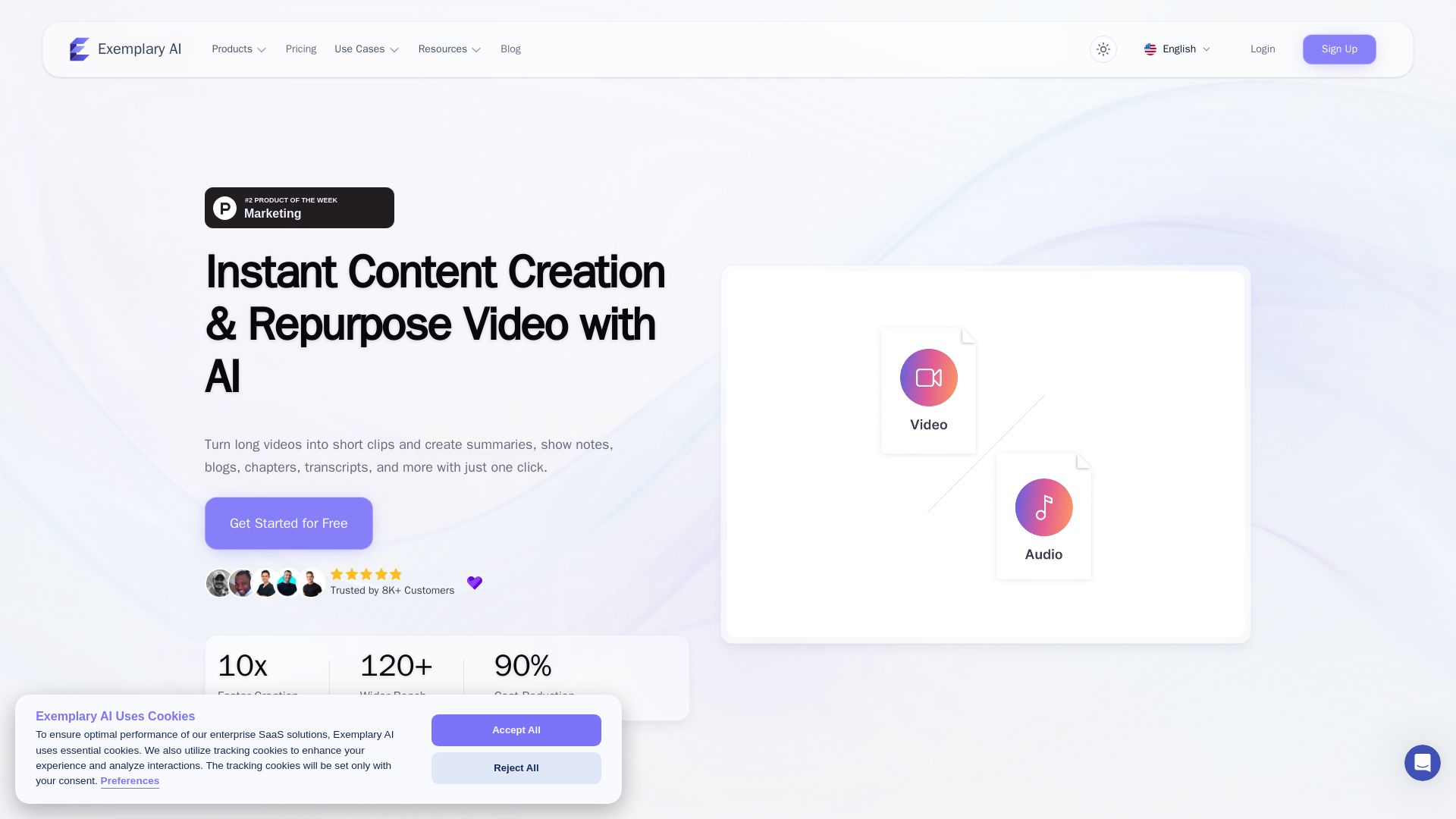
AI translation for audio and video - Exemplary AI
Turn long videos into short clips, summaries, blogs, transcripts & subtitles in 120+ languages with AI. Get started free.

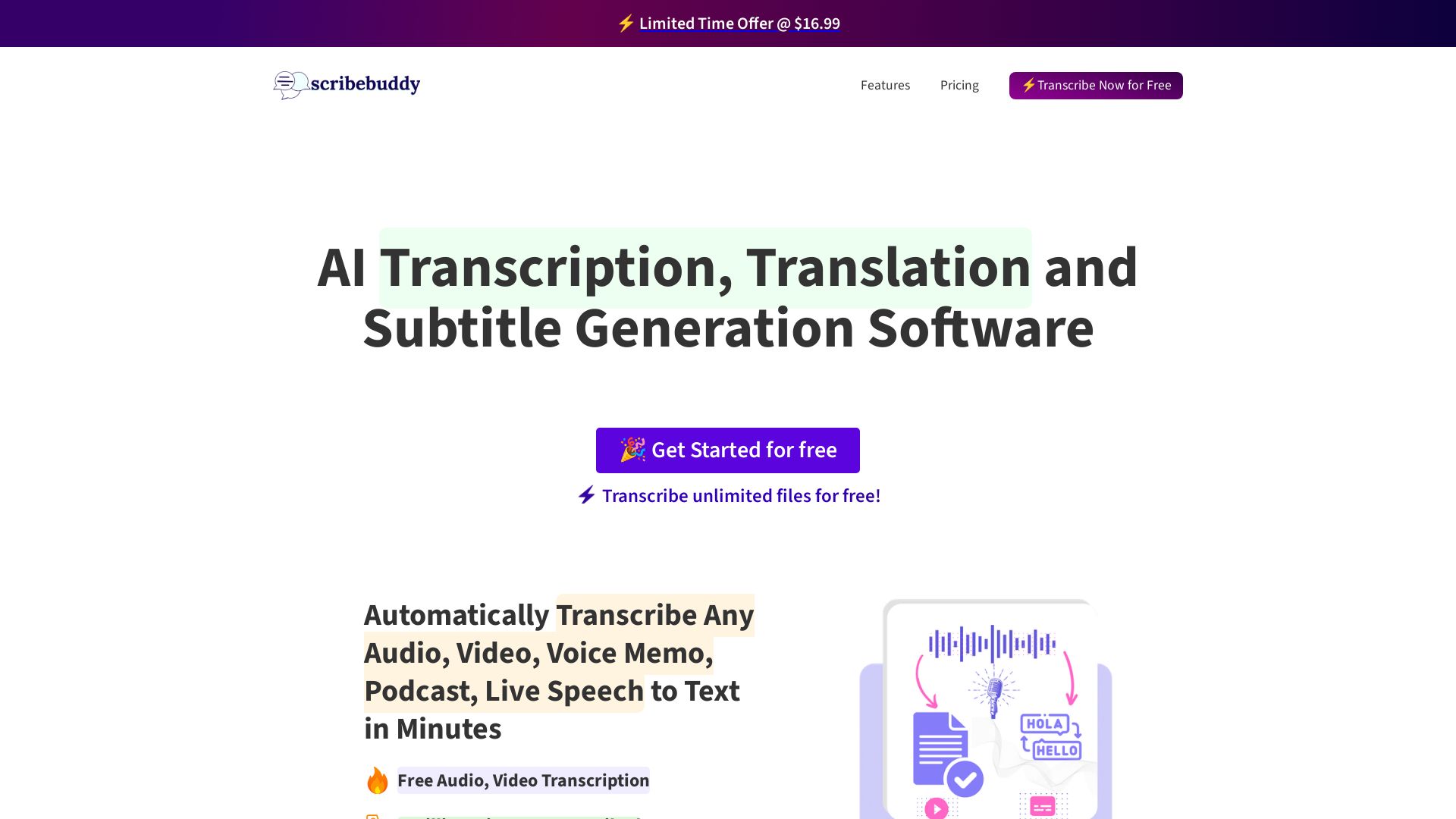
ScribeBuddy
Transcribe audio/video to text with 98% accuracy. Supports 100+ languages. Free unlimited files up to 5 min. Pay-as-you-go available.

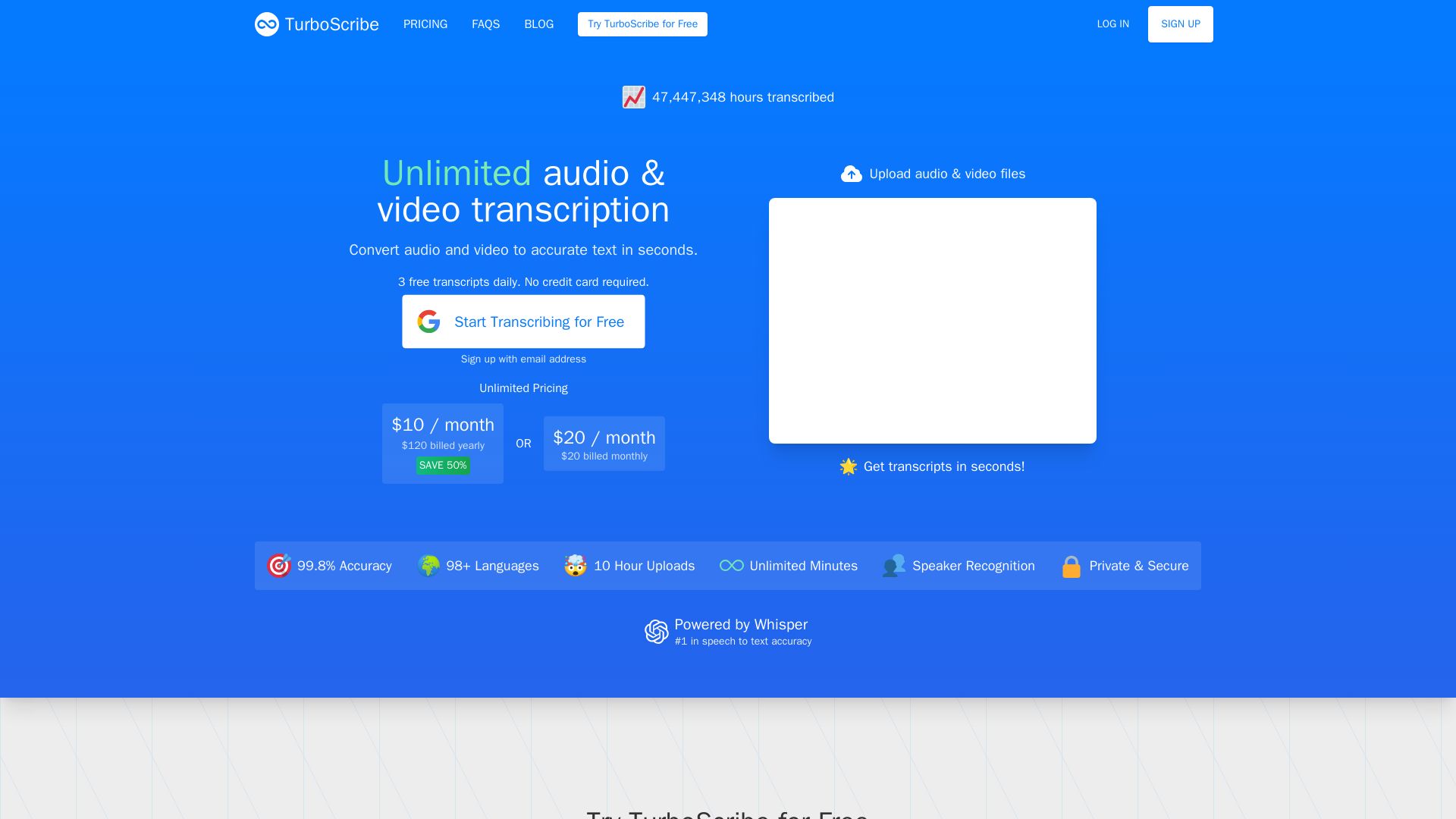
TurboScribe
Convert audio & video to text with 99.8% accuracy. Unlimited minutes, 98+ languages. Free daily transcripts. No credit card needed.

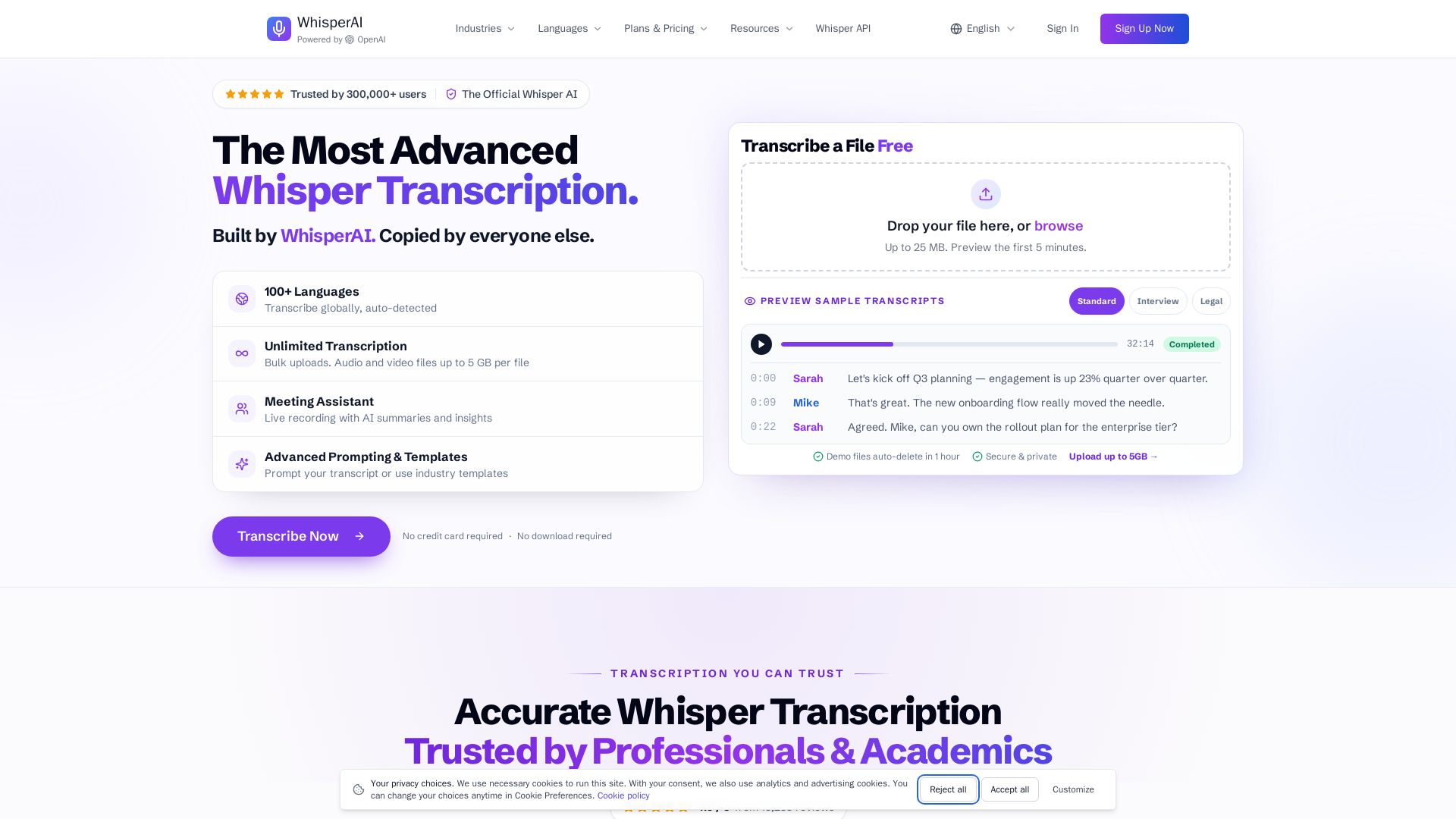
Whisper AI
Transcribe audio & video to text in 100+ languages. Unlimited transcription, live recording, speaker labels, and 5GB uploads. No credit card required.

Gling
Upload raw footage, get a clean cut. AI removes silences, bad takes, filler words. Save time with captions, zoom, titles.

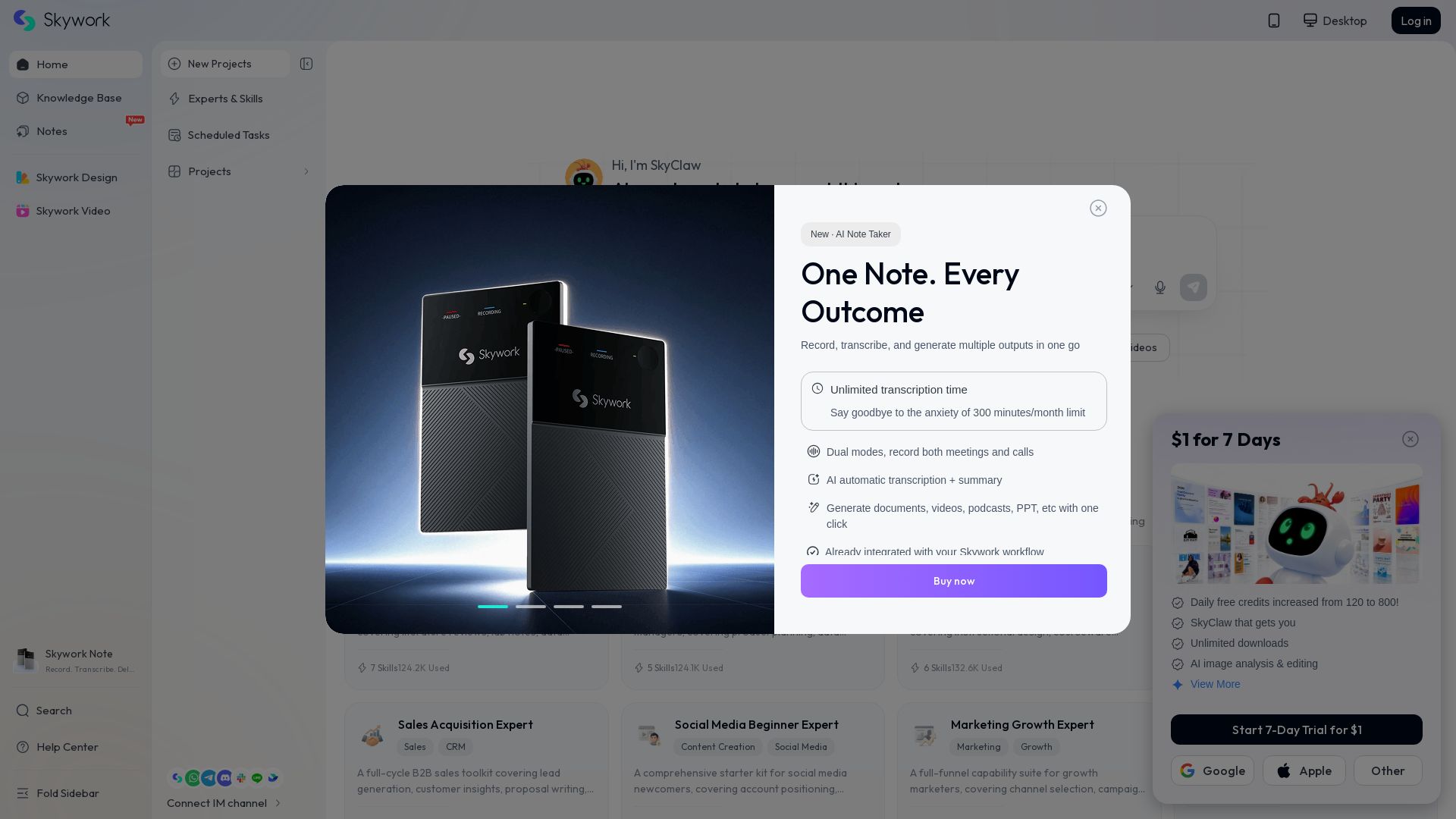
Skywork
Record, transcribe, and generate documents, videos, PPTs with AI. Unlimited transcription time. Free 800 credits daily. Start $1 trial.

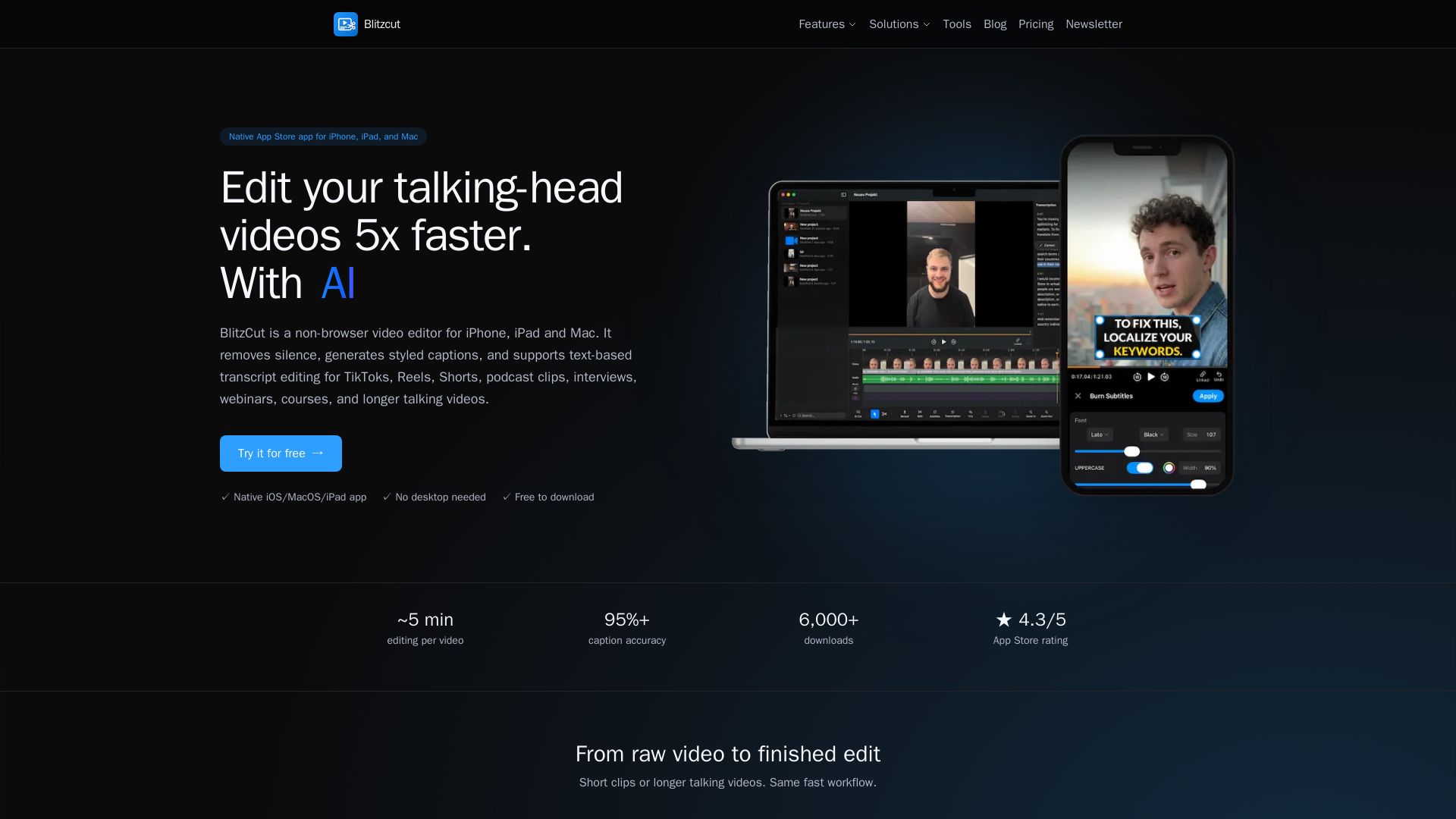
Blitzcut
Edit talking-head videos 5x faster with AI silence removal, auto captions, and text-based editing. Native app for iOS/macOS. Free download.

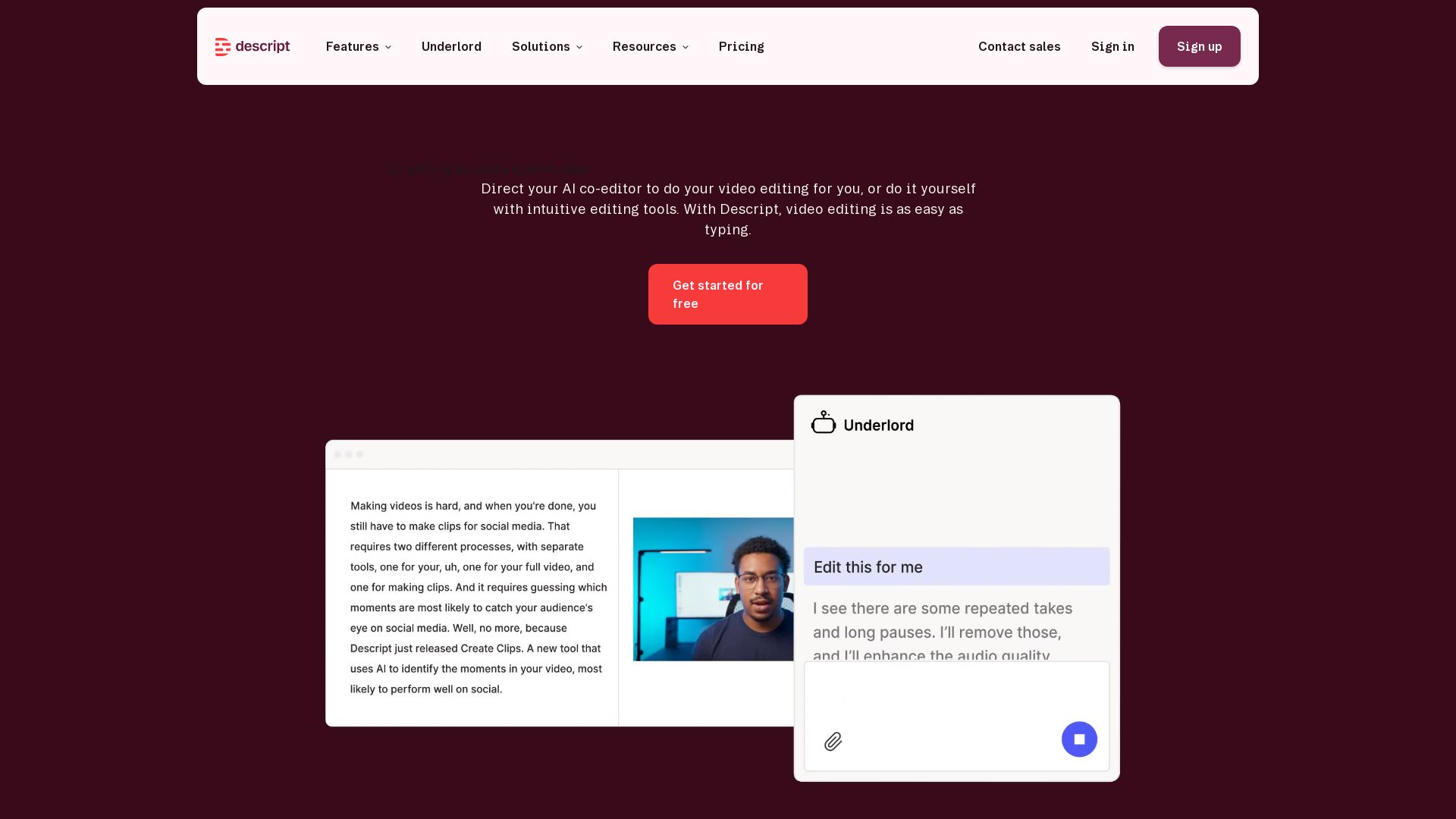
Descript
Descript is the AI video editor that lets you edit video by editing text. Transcribe, remove filler words, add captions, and more. Get started free.

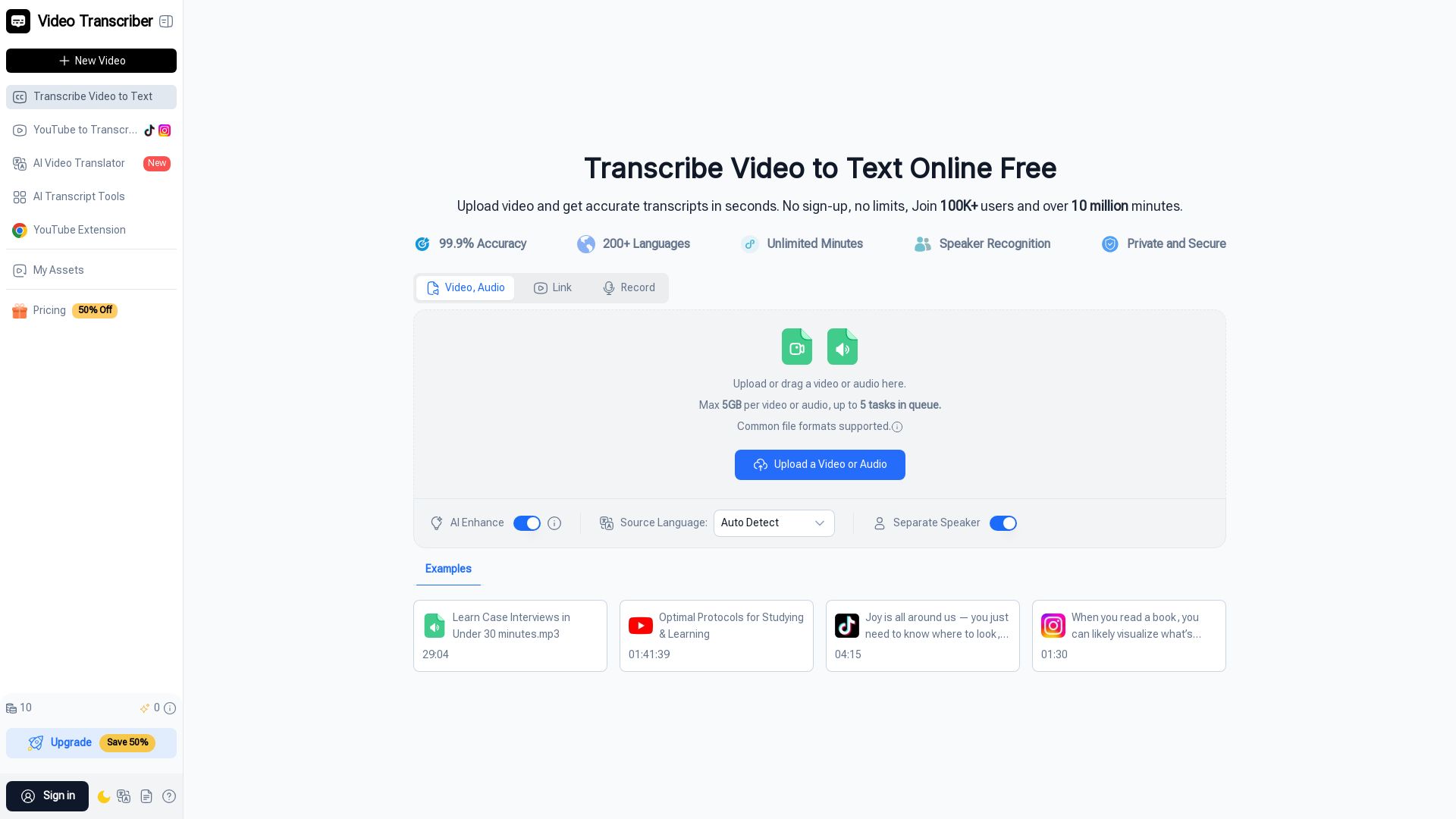
Video Transcriber AI
Transcribe video to text online for free. 99.9% accuracy, 200+ languages, unlimited minutes. No sign-up required. Upload MP4, YouTube, Zoom, and more.

Riverside
Record, edit, repurpose, and distribute studio-quality content with AI. Trusted by top creators. Start for free.

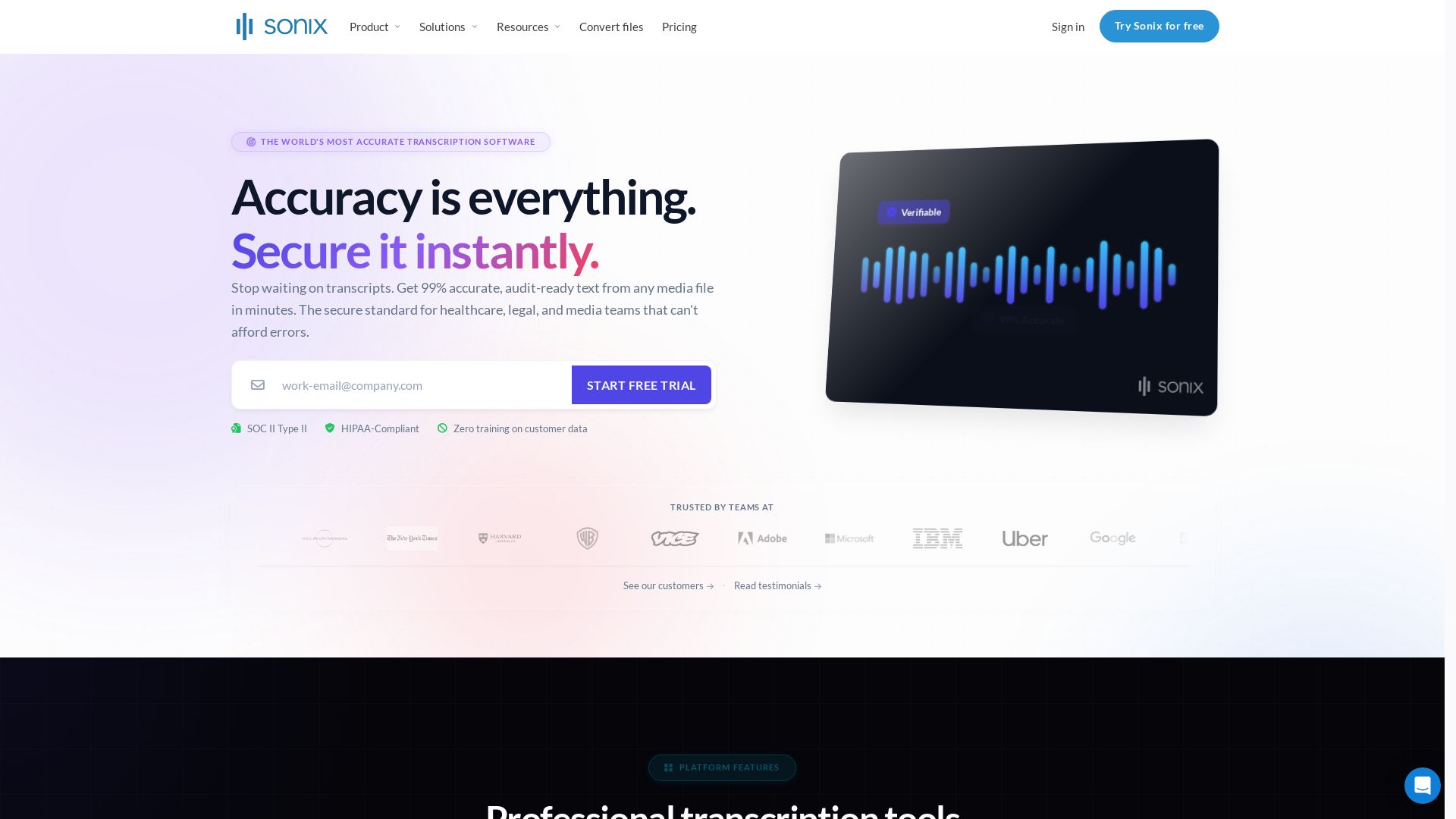
Sonix
Get 99% accurate transcripts from audio/video in minutes. Trusted by 6.2M+ users. HIPAA & SOC 2 compliant. Start free trial.

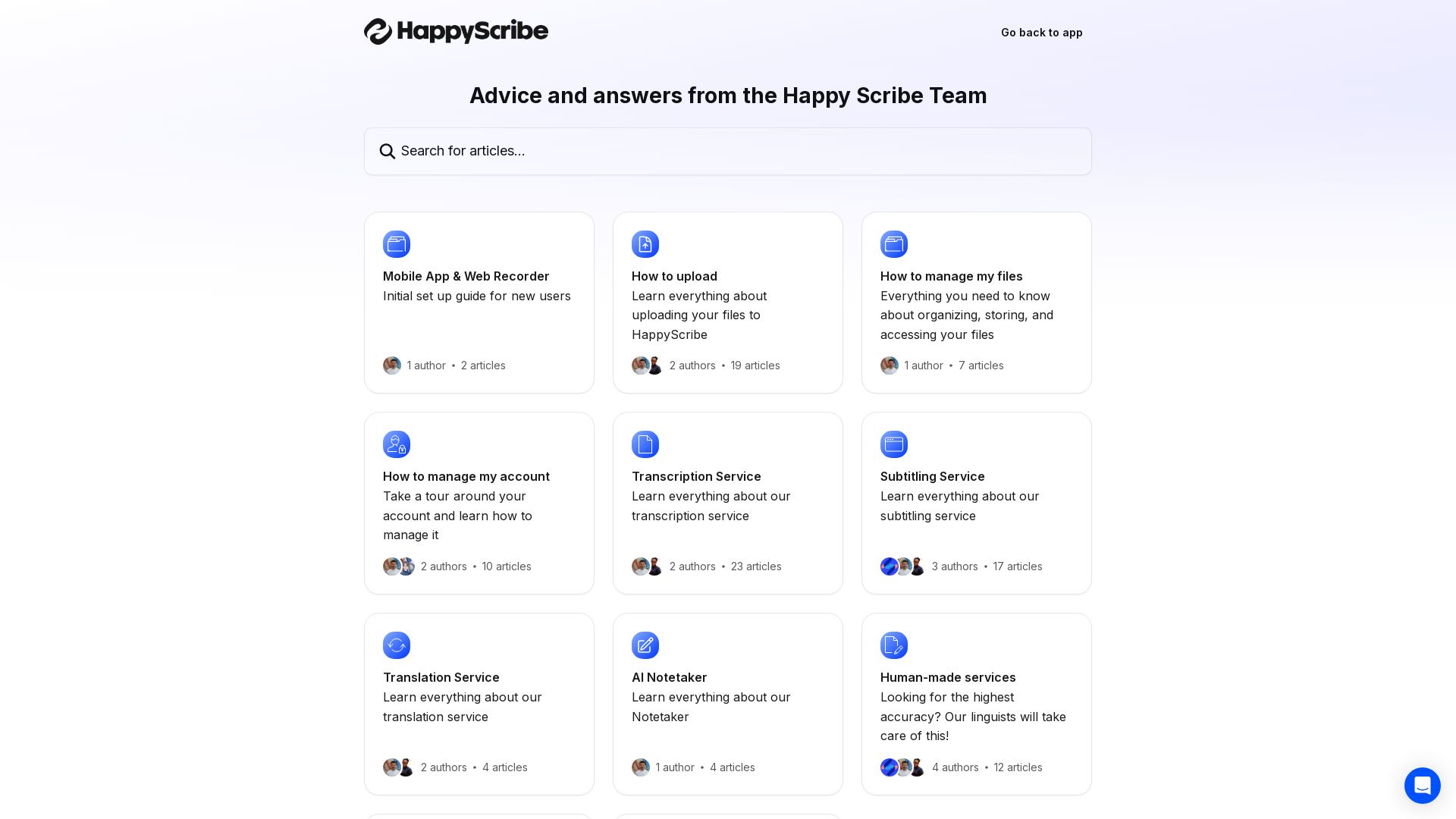
Happy Scribe
AI transcription, subtitling, translation, and note-taking. Upload files, manage your account, and use human services for top accuracy.

ℹ️ Curation Disclosure: The overview and features of Cleanvoice AI were synthesized using AI and fact-checked by our curation team to ensure accuracy.