
Blitzcut
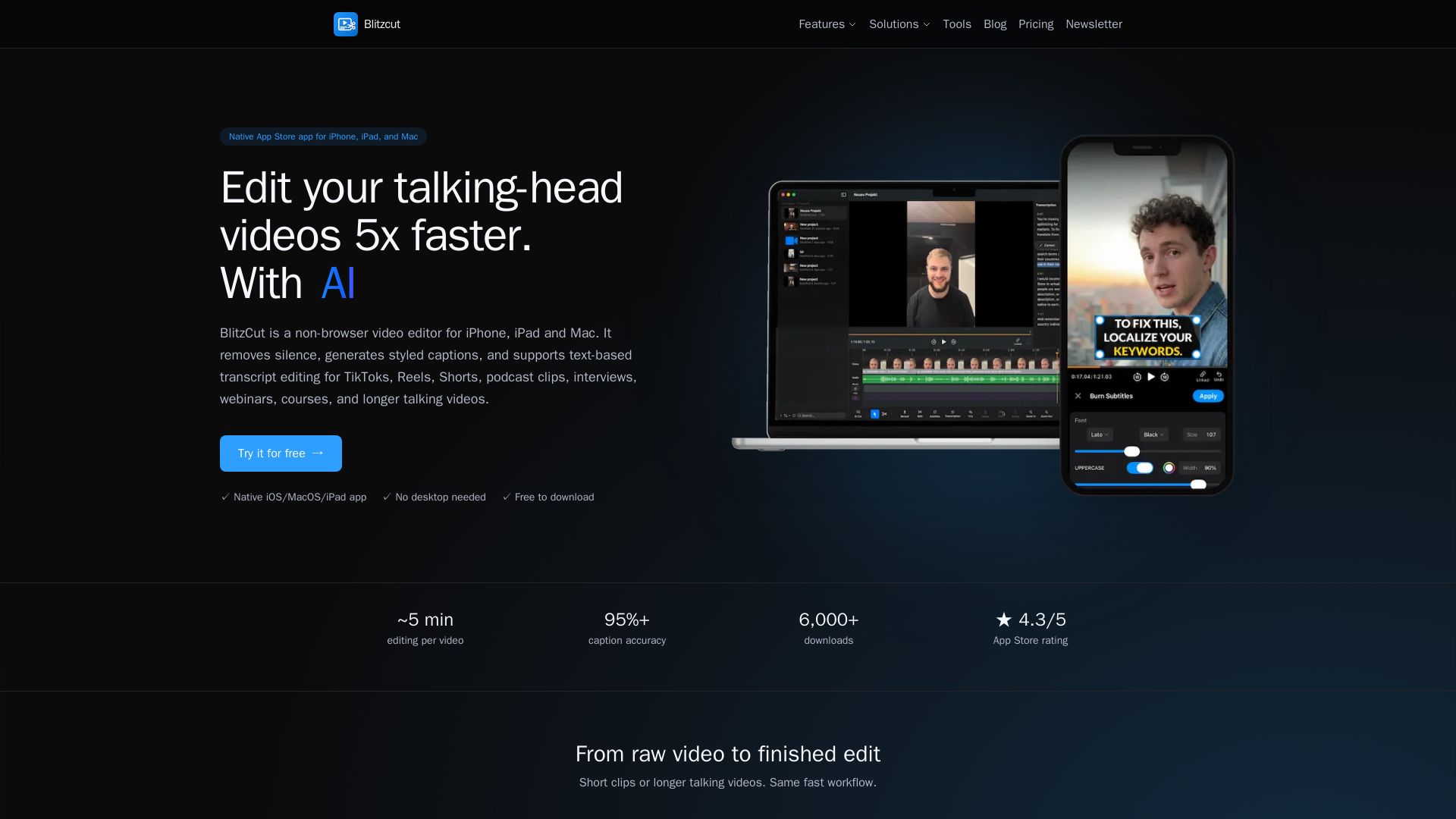
Edit talking-head videos 5x faster with AI silence removal, auto captions, and text-based editing. Native app for iOS/macOS. Free download.
Editor's Verdict
Key Takeaways
- Silence Removal
- Auto Captions
- Text to Speech
- AI Chat Editing
In-Depth Review: What is Blitzcut?
BlitzCut is a powerful AI video editor designed specifically for iPhone, iPad, and Mac users. It accelerates the editing process for talking-head videos by automatically removing silence, generating styled captions with 95%+ accuracy, and enabling text-based editing where you edit the transcript to cut video. Ideal for TikTok, Reels, Shorts, podcast clips, interviews, and webinars. With a 4.3 App Store rating and over 6,000 downloads, it offers a native experience without browser uploads or render queues. Free to download with a 3-day trial.
Core Features
Silence Removal
Automatically cuts dead air from your video, frame-accurate, on-device.
Auto Captions
AI transcription generates styled, on-brand subtitles with high accuracy.
Text to Speech
Generate realistic AI voiceovers from text directly in the app.
AI Chat Editing
Edit your video by chatting with an AI agent.
Timeline Editing
Multi-clip timeline with drag, speed, and split capabilities.
Overlays & Text
Add image, text, and layout overlays to your video.
Cross-Device Sync
Start editing on iPhone and finish on Mac seamlessly.
Text-Based Editing
Edit video by editing the transcript; delete text and matching footage is cut automatically.
Voice-over Recording
Record voice-overs directly within the app.
Caption Style Customization
Customize caption appearance to match your brand.
Word-by-Word Karaoke Captions
Captions highlight word by word for engaging viewing.
Manual Trim & Cut
Precise manual trimming and cutting tools.
4K Export
Export videos in up to 4K resolution.
All Aspect Ratios
Support for 9:16, 16:9, 1:1 and more.
No Watermark
Exports without watermarks on any plan.
Pricing
Weekly
- Silence removal
- AI caption generation
- Transcription generation
- Text-based editing
- Text-to-speech
- Voice-over recording
- Caption style customization
- Word-by-word karaoke captions
- Manual trim & cut
- Up to 4K export
- All aspect ratios
- No watermark
Monthly
- Silence removal
- AI caption generation
- Transcription generation
- Text-based editing
- Text-to-speech
- Voice-over recording
- Caption style customization
- Word-by-word karaoke captions
- Manual trim & cut
- Up to 4K export
- All aspect ratios
- No watermark
Yearly
- Silence removal
- AI caption generation
- Transcription generation
- Text-based editing
- Text-to-speech
- Voice-over recording
- Caption style customization
- Word-by-word karaoke captions
- Manual trim & cut
- Up to 4K export
- All aspect ratios
- No watermark
Pros and Cons
Pros
- Native Apple EcosystemBuilt specifically for iPhone, iPad, and Mac, providing a seamless and optimized experience.
- Fast Editing WorkflowSilence removal, captions, and transcript-based edits are automated, reducing editing time to minutes.
- High Caption AccuracyAI transcription boasts over 95% caption accuracy, reducing manual corrections.
- Cross-Device SyncStart a project on iPhone and continue on Mac without losing progress.
- All-in-One SolutionCombines silence removal, captions, text-to-speech, and more in a single app, eliminating multiple tools.
Cons
- Apple-Only AvailabilityNot available on Android or Windows, limiting the user base to Apple device owners.
- Requires Recent OS VersionsRequires iOS 18+, iPadOS 18+, or macOS 15.6+, which may exclude users with older devices.
- Limited to Talking-Head VideosPrimarily designed for talking-head content; may lack advanced effects for other video types.
- No Desktop Browser VersionOnly available as a native app, not via browser, which may inconvenience some users.
- Pricing ComplexityDifferent regional prices and multiple billing options may confuse potential customers.
Use Cases & Recommended Professions
TikTok Creator→ View Toolkit
Needs fast editing for short-form videos with captions to boost engagement and watch time.
Podcast Editor→ View Toolkit
Requires efficient silence removal and transcript-based editing for podcast clips and episodes.
Social Media Manager→ View Toolkit
Manages multiple platforms and needs quick turnaround on captioned videos for Reels, Shorts, and stories.
Content Creator→ View Toolkit
Produces talking-head content for YouTube, courses, or webinars and wants to streamline editing.
Online Course Instructor→ View Toolkit
Edits lecture recordings with automated silence removal and captions to improve learning experience.
Interviewer/Journalist→ View Toolkit
Edits interview footage efficiently using text-based editing to highlight key quotes.
Frequently Asked Questions
Alternative AI Tools
View Detailed Comparison →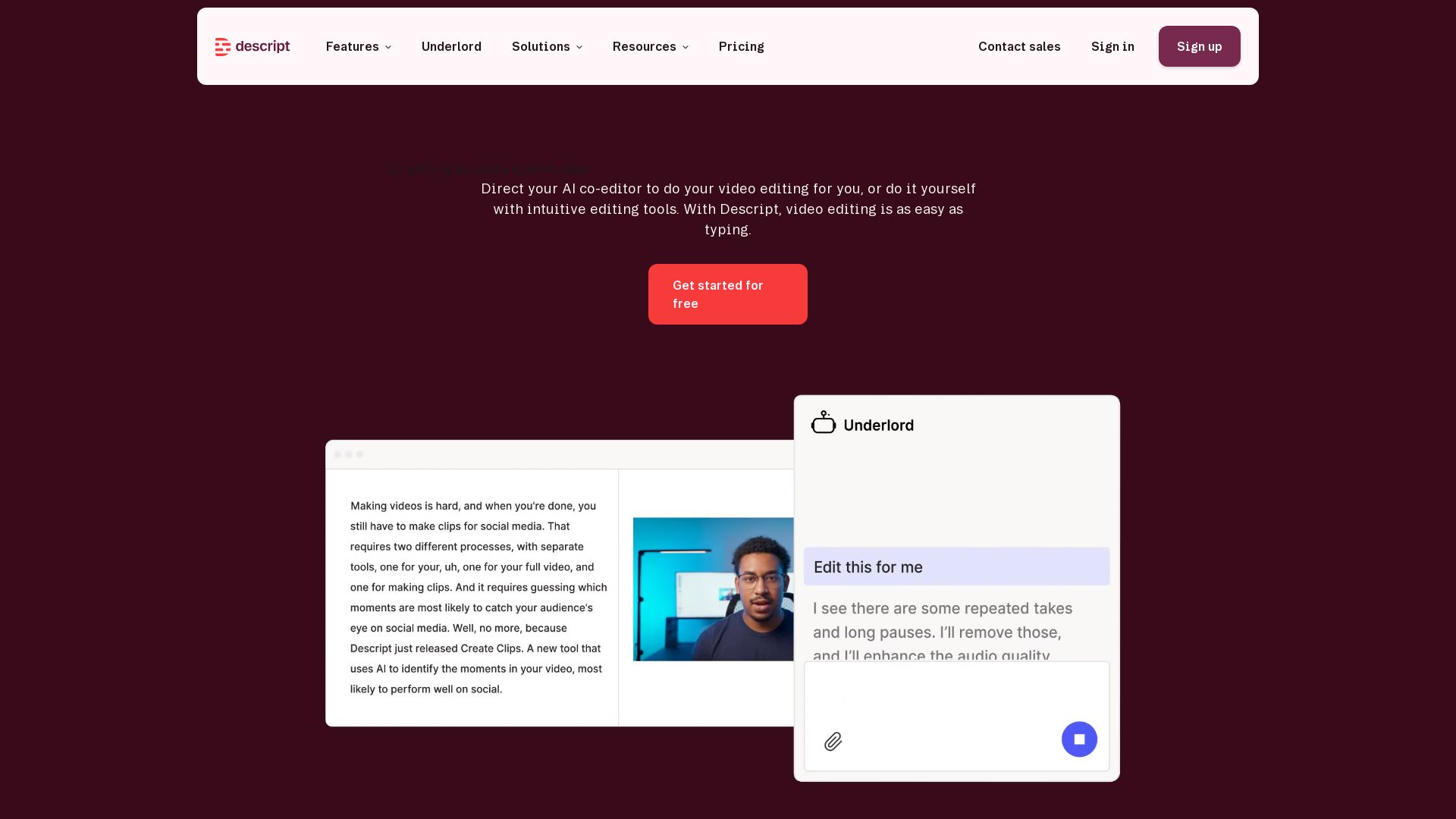
Descript
Descript is the AI video editor that lets you edit video by editing text. Transcribe, remove filler words, add captions, and more. Get started free.

CapCut AI Video Editor
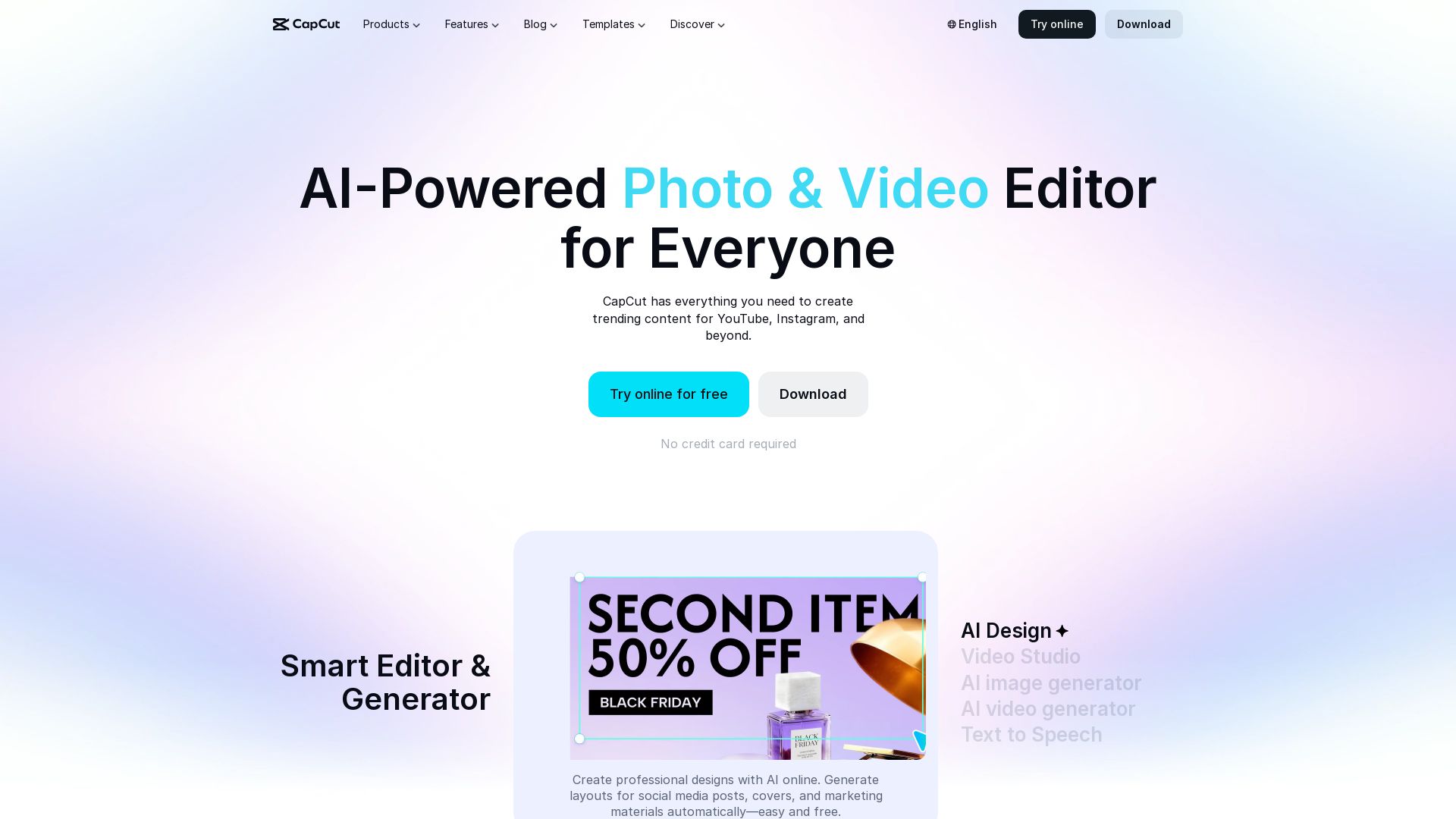
Create stunning videos and photos with CapCut's AI tools. Free online editor, background remover, text to speech, templates. No watermark. Try now!

reap
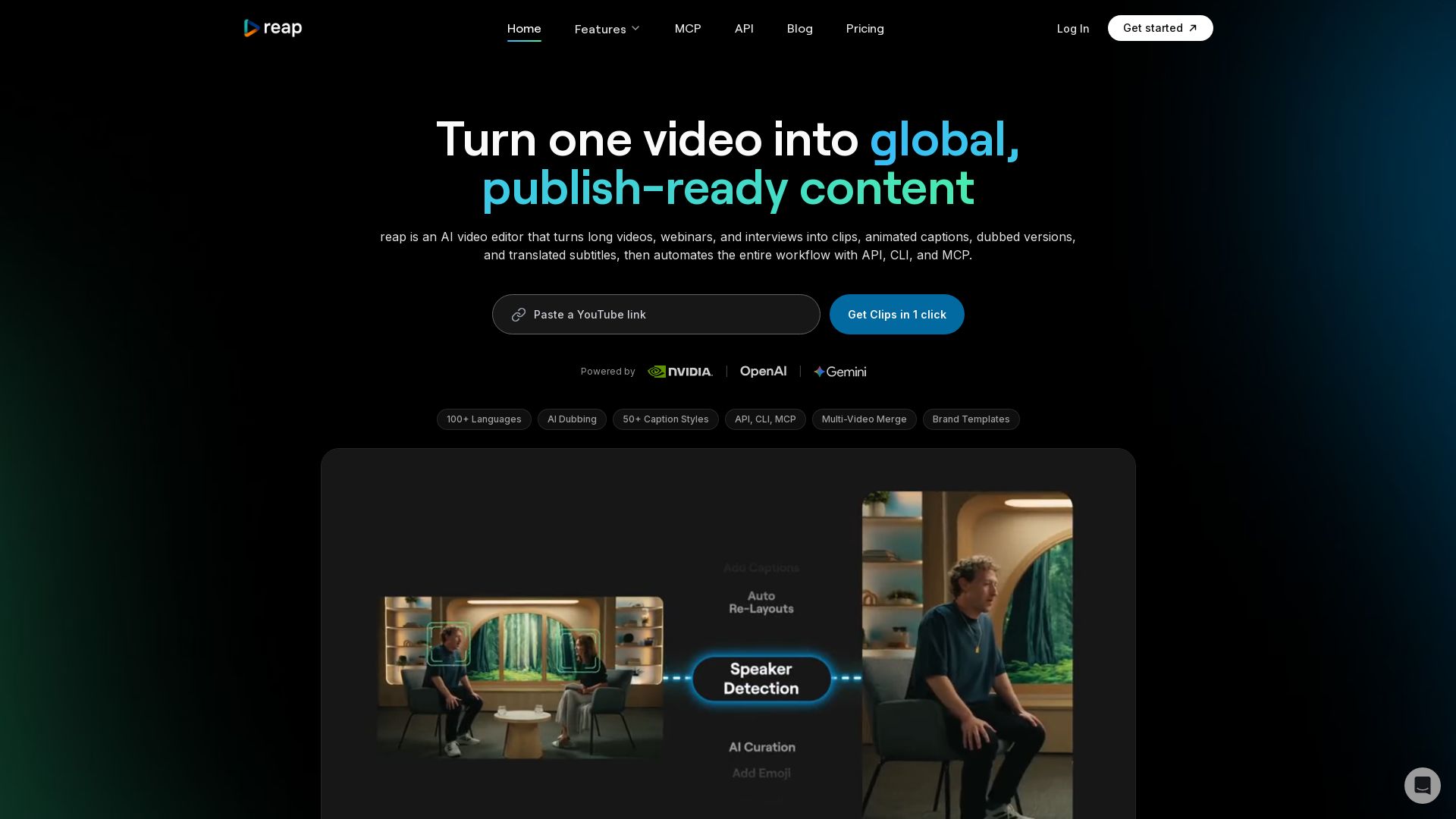
Turn long videos into clips, captions, and dubbed versions in 100+ languages. Automate with API, CLI, MCP. Start free.

Gling
Upload raw footage, get a clean cut. AI removes silences, bad takes, filler words. Save time with captions, zoom, titles.

quso
Quso.ai automatically finds viral moments in any video, creates clips with captions, and schedules posts. One click, no editing needed.

Choppity
Automatically turn podcasts & long videos into 30+ short clips for TikTok, Instagram Reels, YouTube Shorts with AI. Full creative control. Trusted by 100k+.

NemoVideo
Chat your way to virality. Describe your idea or upload media. Nemo Agent creates viral videos with smart captions, audio, and templates. Free to start.

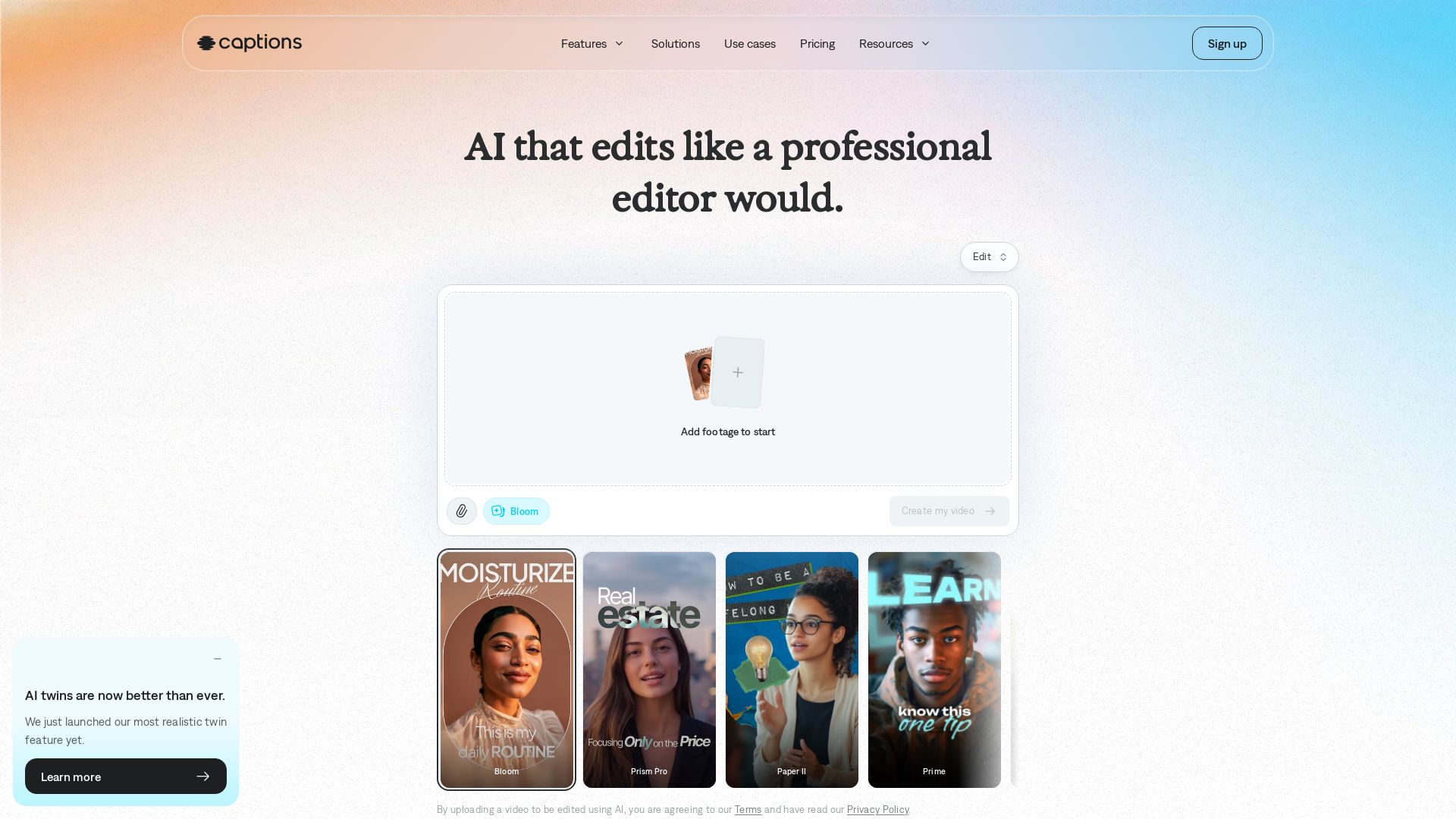
Captions
Transform your footage into polished videos in minutes. AI edits automatically with professional taste. No experience required. Add captions, translate, generate avatars. Try free!

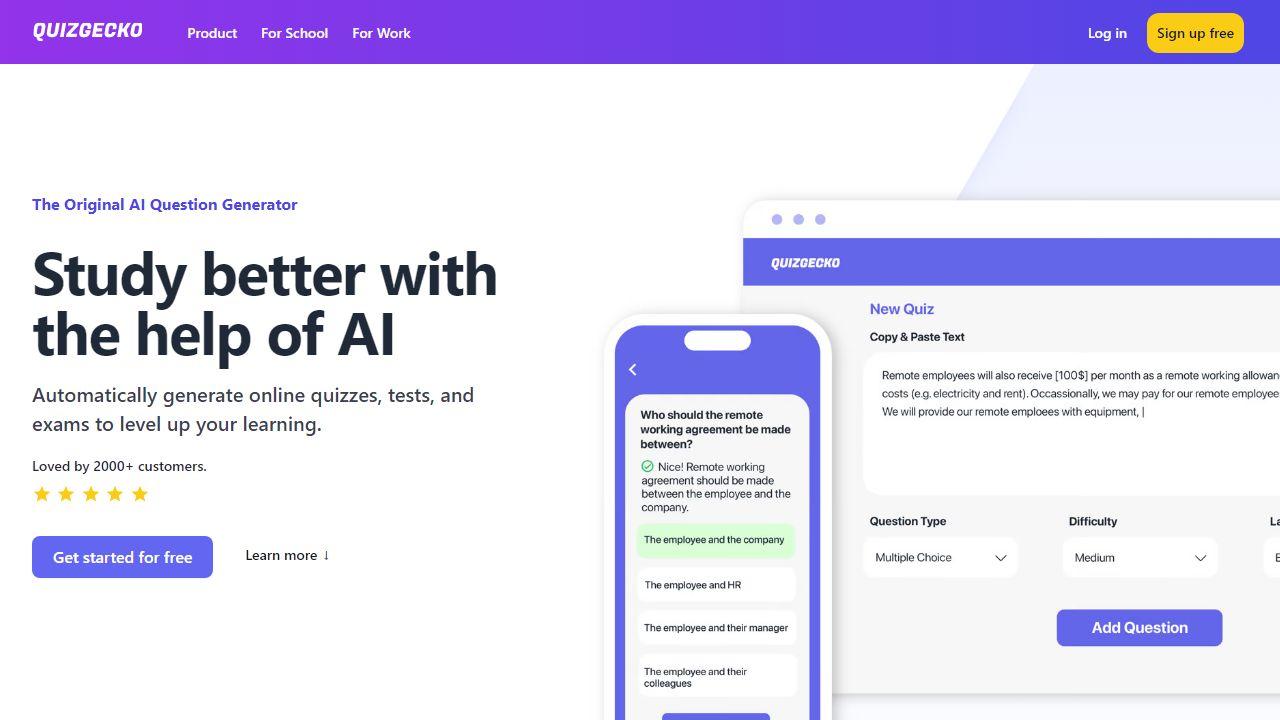
Vizard.ai
Create 30+ social-ready clips from one upload with AI. Auto-captions, resizing, and more. Trusted by 10M+ creators. Try free.

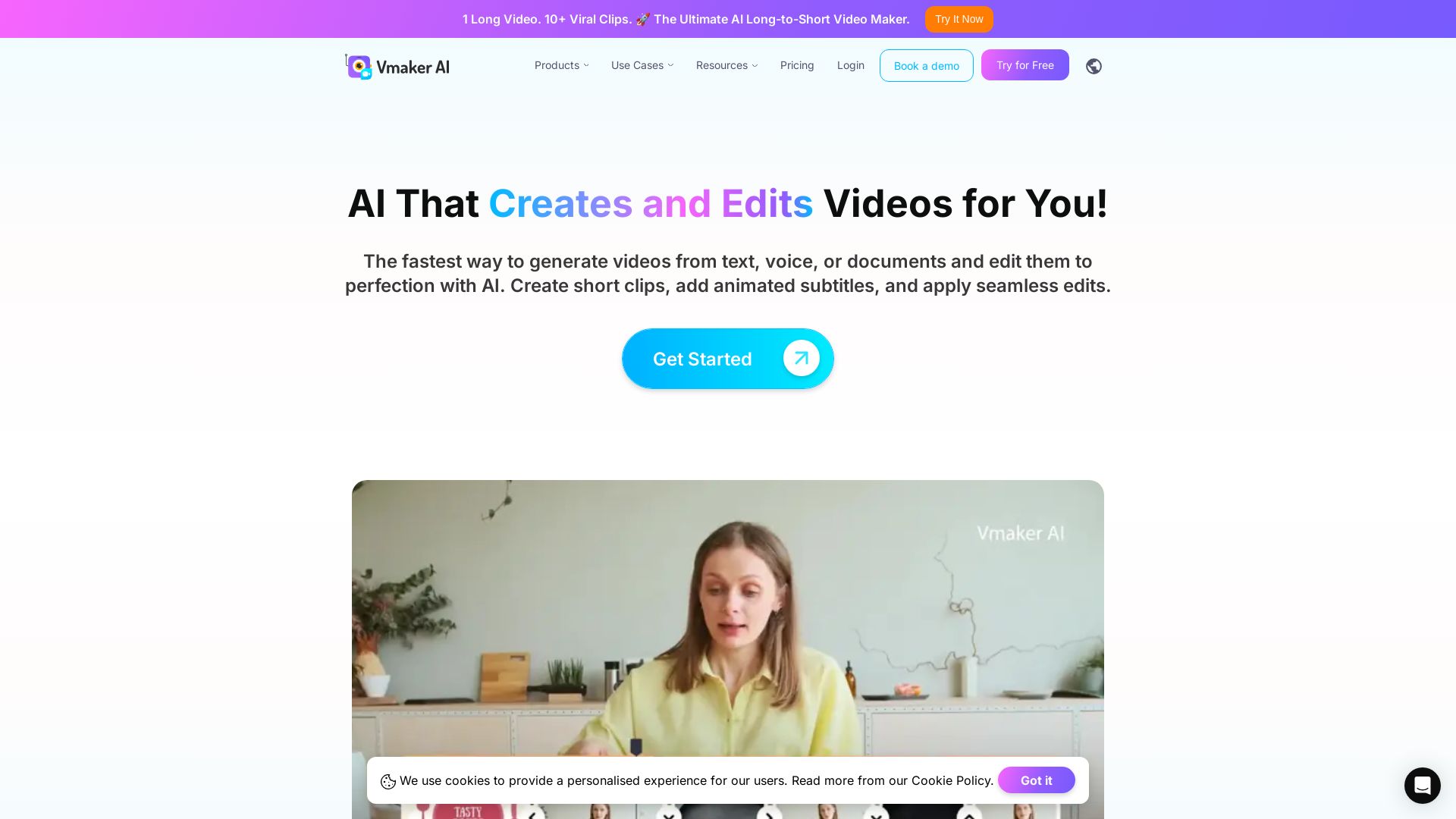
Vmaker AI
AI video editor & long-to-short clip maker. Convert text, audio, or documents to video. Auto subtitles, screen recording. Used by 2M+ creators.

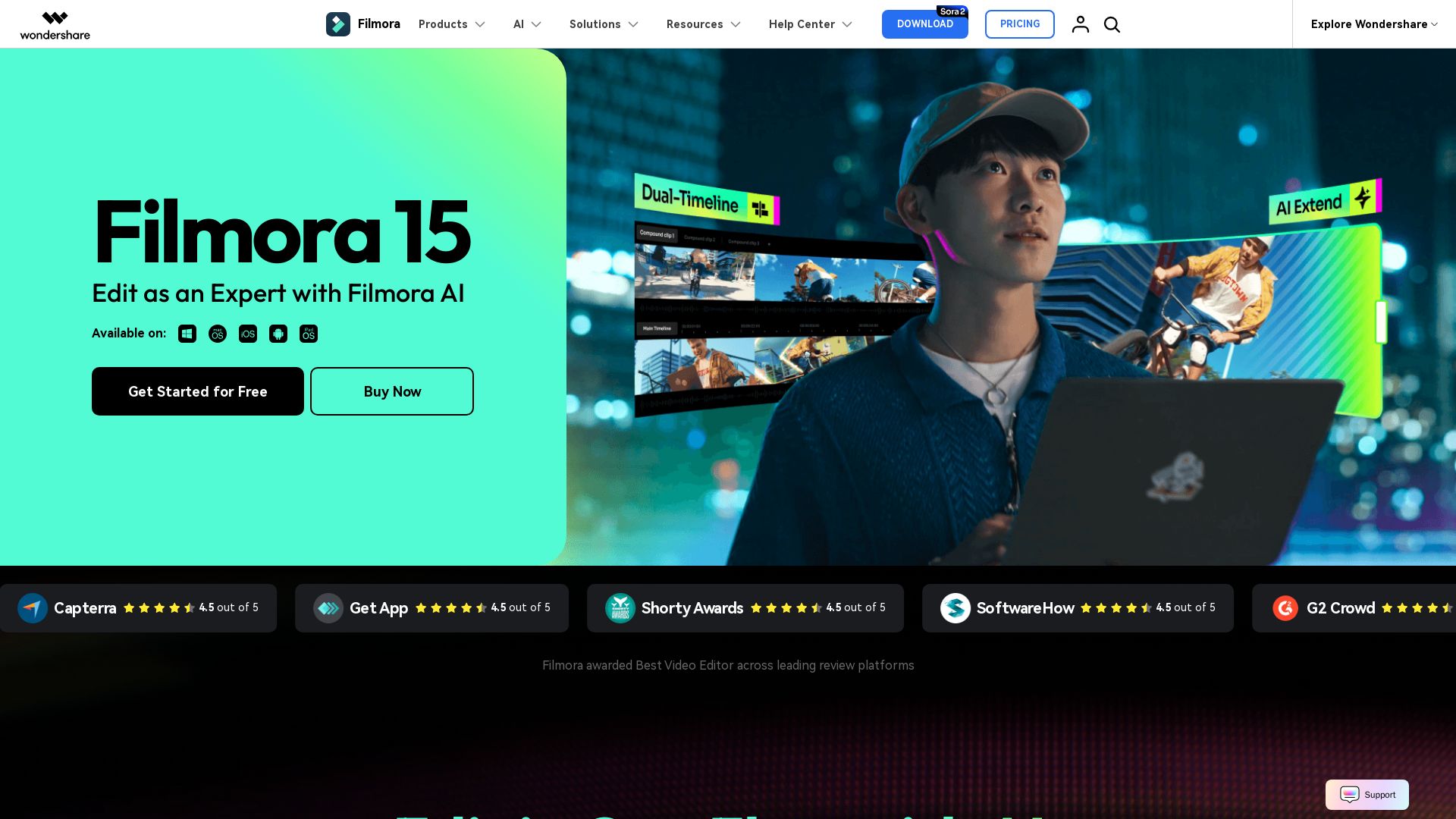
Wondershare Filmora
Create stunning videos with Filmora's AI tools, 2.9M+ assets, and intuitive timeline. Perfect for beginners and pros.

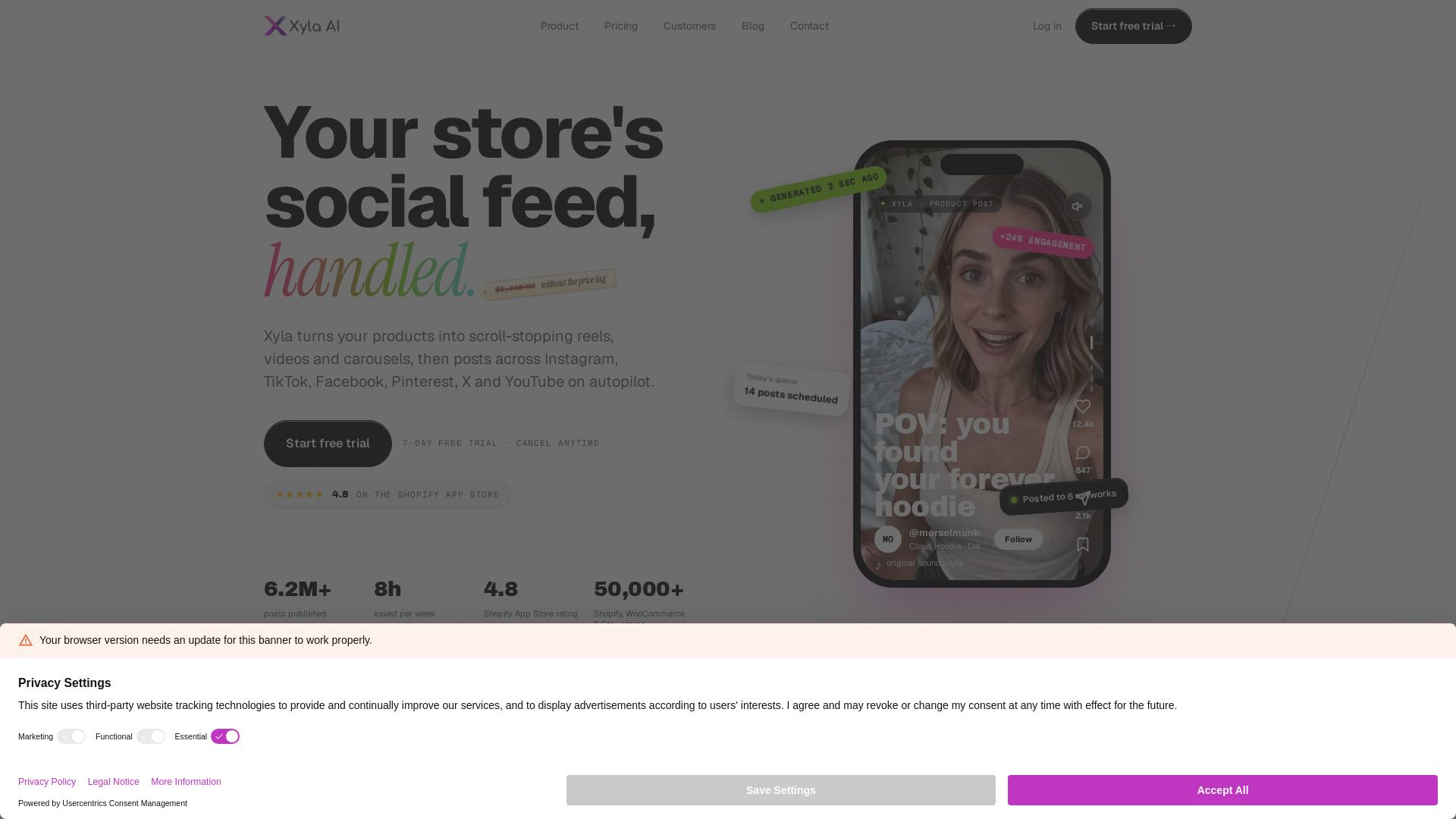
Xyla
Turn products into scroll-stopping reels, videos & carousels. Auto-post to Instagram, TikTok, Facebook, Pinterest, X & YouTube. Save 8 hrs/week. Start free trial.

ℹ️ Curation Disclosure: The overview and features of Blitzcut were synthesized using AI and fact-checked by our curation team to ensure accuracy.
